
Share Point Project Management EPM Live provides MicrosoftBase
Share. Point Project Management
EPM Live provides Microsoft-Base Project Management solutions that allow individuals, teams, workgroups, and organizations to connect and collaborate on projects and work Fast: Pre-built templates so you can get started today Low Risk: Pay-as-you-go online services Proven: Built using 100% Microsoft Based Software
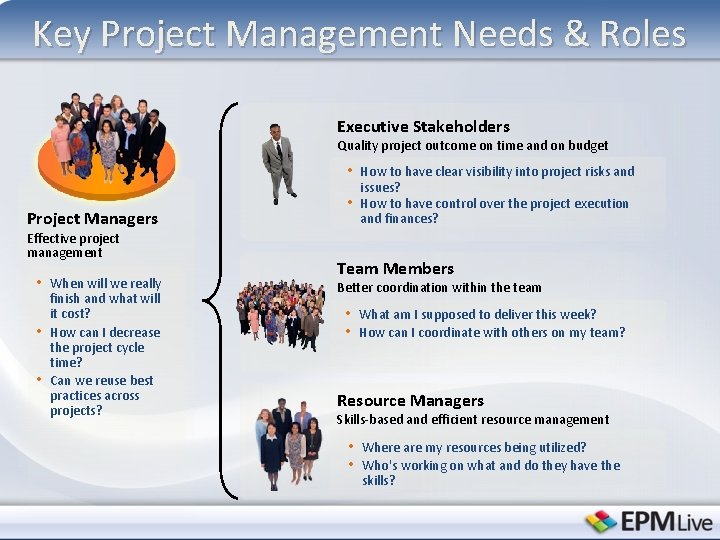
Key Project Management Needs & Roles Executive Stakeholders Quality project outcome on time and on budget • How to have clear visibility into project risks and Project Managers Effective project management • When will we really • • finish and what will it cost? How can I decrease the project cycle time? Can we reuse best practices across projects? • issues? How to have control over the project execution and finances? Team Members Better coordination within the team • What am I supposed to deliver this week? • How can I coordinate with others on my team? Resource Managers Skills-based and efficient resource management • Where are my resources being utilized? • Who's working on what and do they have the skills?
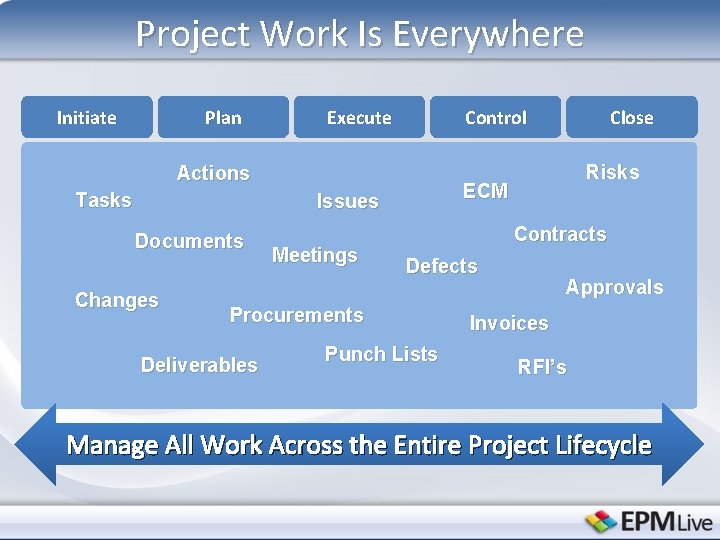
Project Work Is Everywhere Initiate Plan Execute Control Actions Tasks Changes Meetings Contracts Defects Procurements Deliverables Risks ECM Issues Documents Close Punch Lists Approvals Invoices RFI’s Manage All Work Across the Entire Project Lifecycle
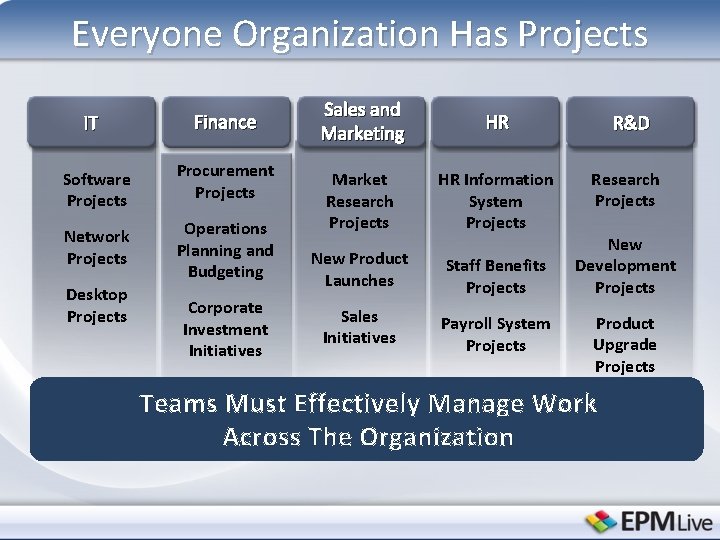
Everyone Organization Has Projects IT Finance Software Projects Procurement Projects Network Projects Operations Planning and Budgeting Desktop Projects Corporate Investment Initiatives Sales and Marketing HR Market Research Projects HR Information System Projects New Product Launches Staff Benefits Projects Sales Initiatives Payroll System Projects R&D Research Projects New Development Projects Product Upgrade Projects Teams Must Effectively Manage Work Across The Organization
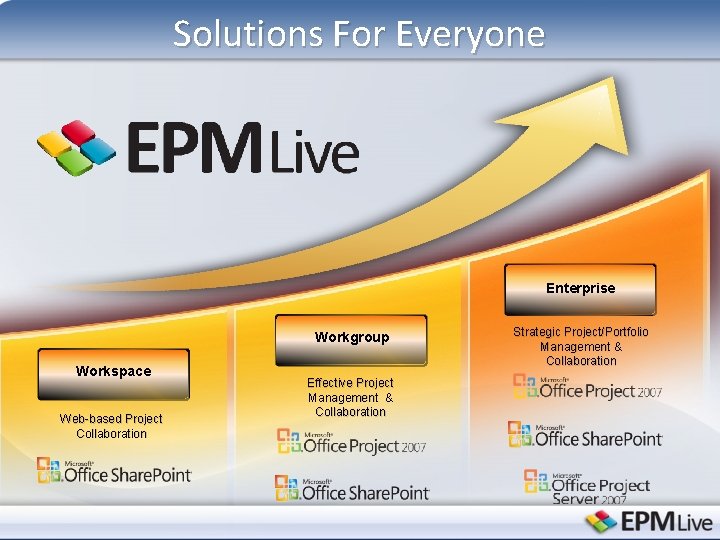
Solutions For Everyone Enterprise Workgroup Workspace Web-based Project Collaboration Effective Project Management & Collaboration Strategic Project/Portfolio Management & Collaboration
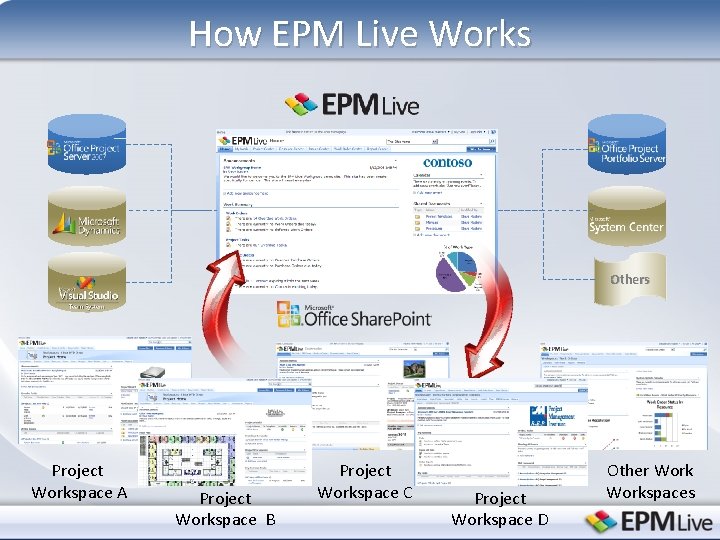
How EPM Live Works Others Project Workspace A Project Workspace B Project Workspace C Project Workspace D Other Workspaces
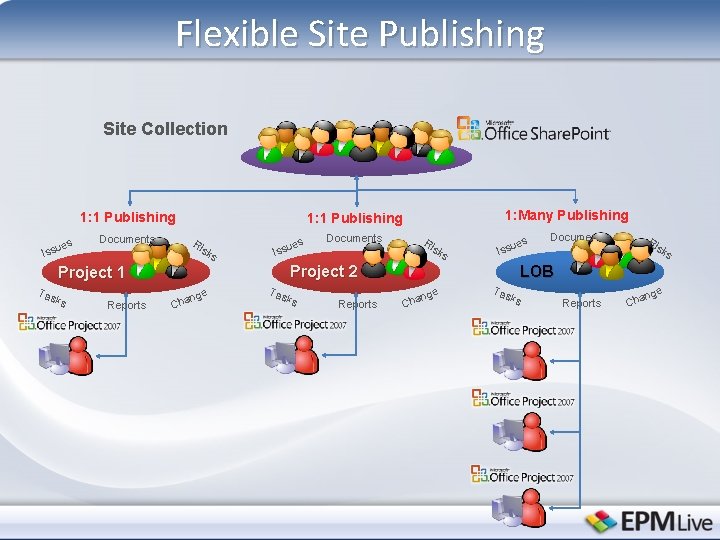
Flexible Site Publishing Site Collection 1: 1 Publishing es Issu Documents Ri sk s ks Reports es Issu Documents Ri sk s es Issu Project 2 Project 1 Tas 1: Many Publishing 1: 1 Publishing ge n Cha Tas ks Reports Documents Ri sk LOB ge n Cha Tas ks Reports Cha nge s
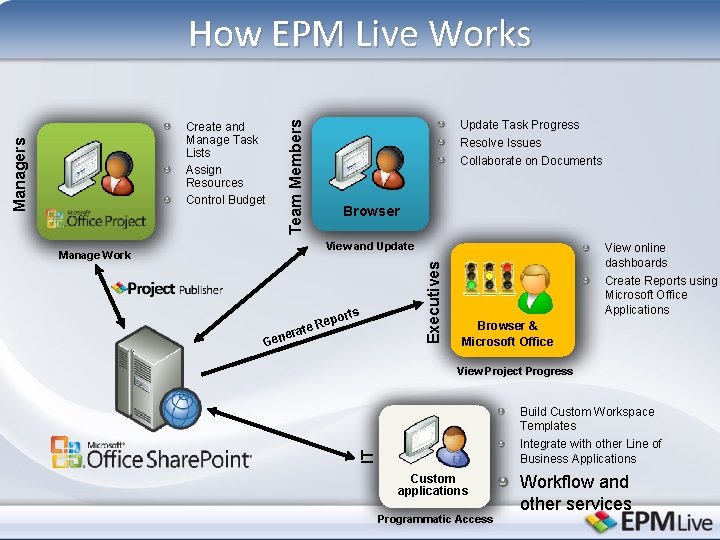
How EPM Live Works Update Task Progress Resolve Issues Team Members Collaborate on Documents Browser p e Re erat orts Gen Executives View and Update Manage Work View online dashboards Create Reports using Microsoft Office Applications Browser & Microsoft Office View Project Progress Build Custom Workspace Templates Integrate with other Line of Business Applications IT Managers Create and Manage Task Lists Assign Resources Control Budget Custom applications Programmatic Access Workflow and other services
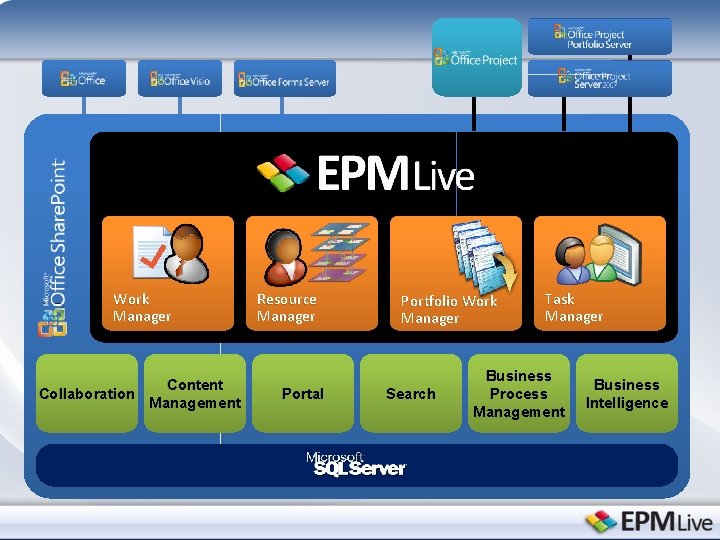
Work Manager Content Collaboration Management Resource Manager Portal Portfolio Work Manager Search Task Manager Business Process Management Business Intelligence
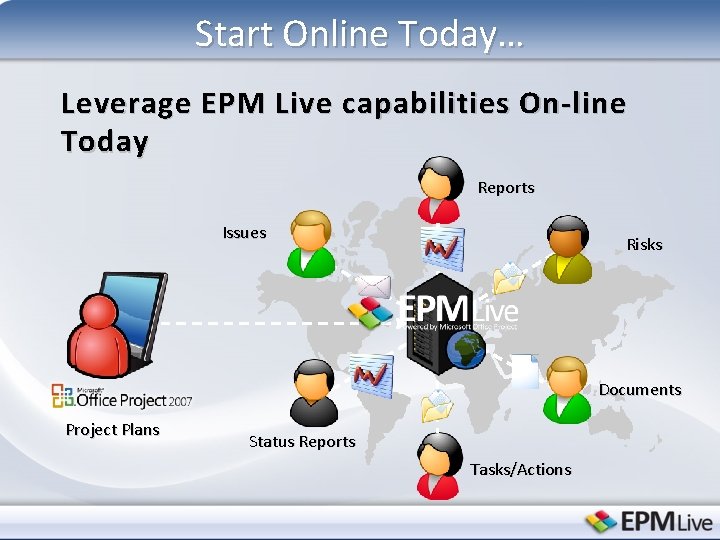
Start Online Today… Leverage EPM Live capabilities On-line Today Reports Issues Risks Documents Project Plans Status Reports Tasks/Actions
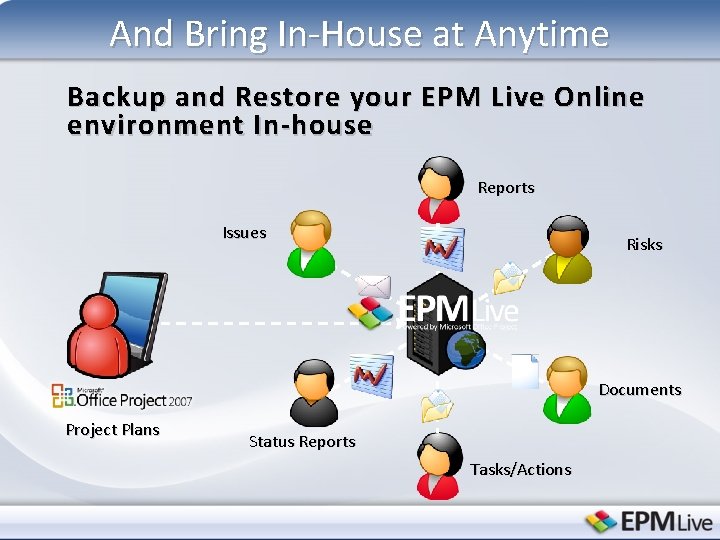
And Bring In-House at Anytime Backup and Restore your EPM Live Online environment In-house Reports Issues Risks Documents Project Plans Status Reports Tasks/Actions
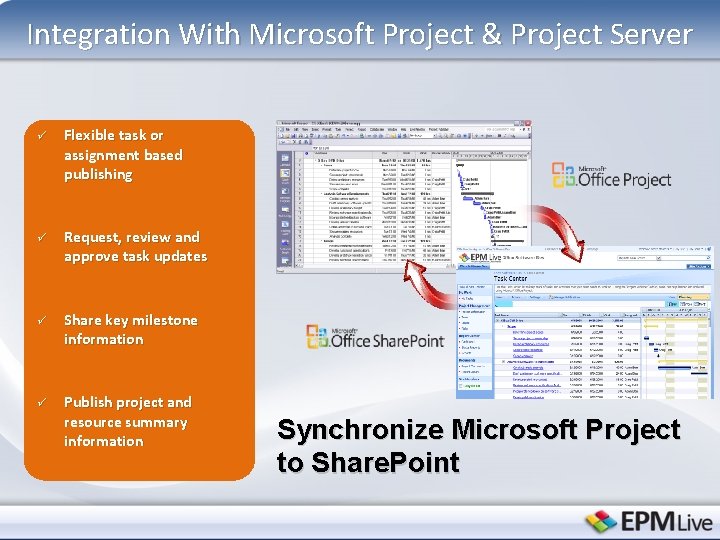
Integration With Microsoft Project & Project Server ü Flexible task or assignment based publishing ü Request, review and approve task updates ü Share key milestone information ü Publish project and resource summary information Synchronize Microsoft Project to Share. Point
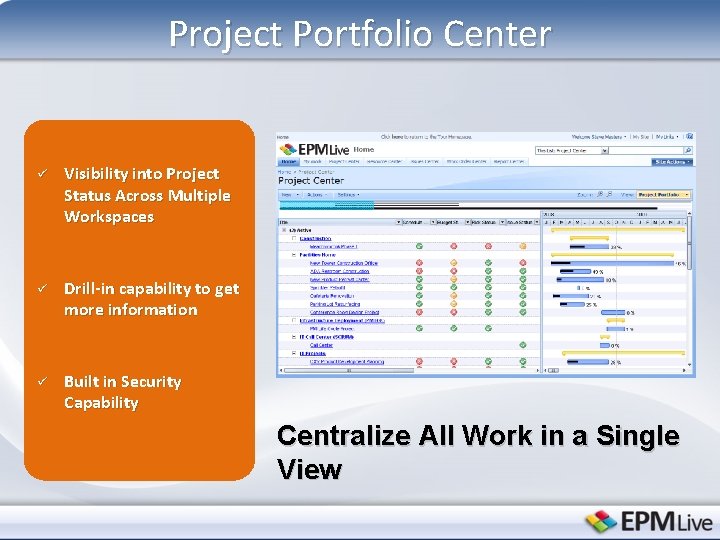
Project Portfolio Center ü Visibility into Project Status Across Multiple Workspaces ü Drill-in capability to get more information ü Built in Security Capability Centralize All Work in a Single View
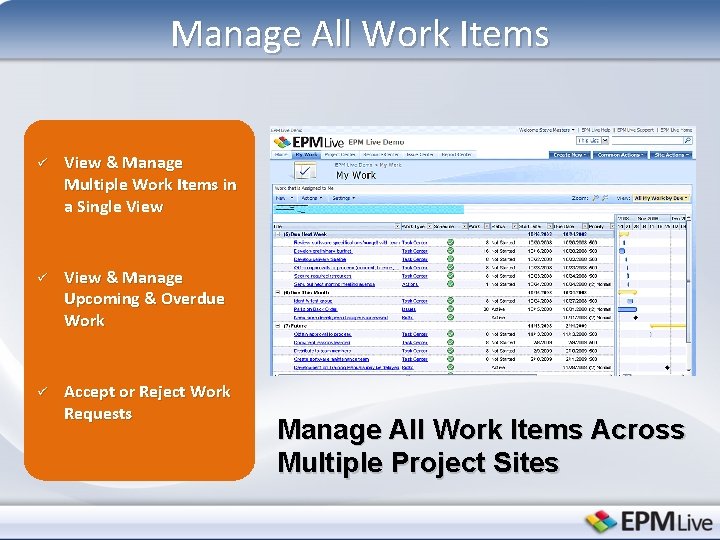
Manage All Work Items ü View & Manage Multiple Work Items in a Single View ü View & Manage Upcoming & Overdue Work ü Accept or Reject Work Requests Manage All Work Items Across Multiple Project Sites
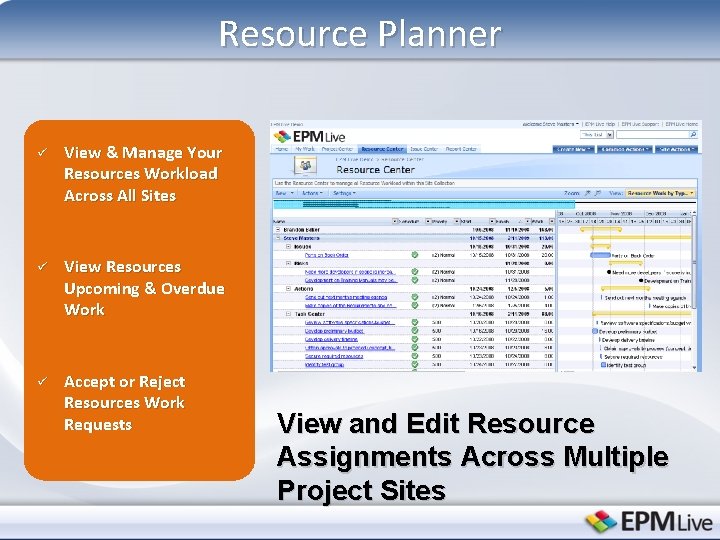
Resource Planner ü View & Manage Your Resources Workload Across All Sites ü View Resources Upcoming & Overdue Work ü Accept or Reject Resources Work Requests View and Edit Resource Assignments Across Multiple Project Sites
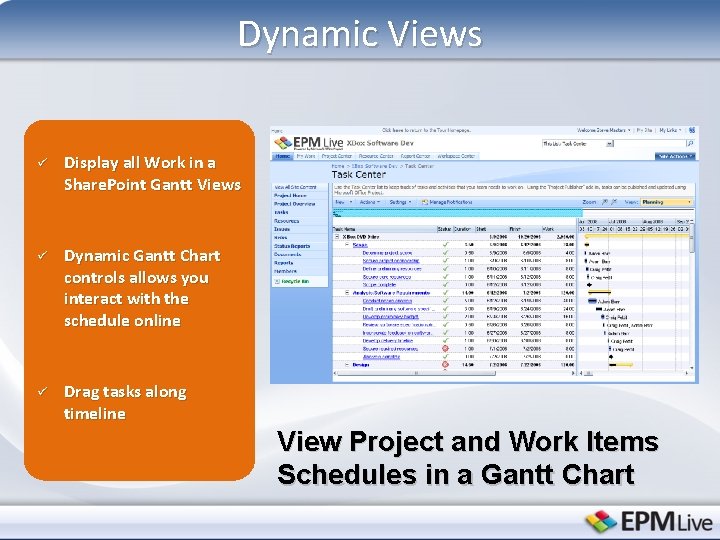
Dynamic Views ü Display all Work in a Share. Point Gantt Views ü Dynamic Gantt Chart controls allows you interact with the schedule online ü Drag tasks along timeline View Project and Work Items Schedules in a Gantt Chart
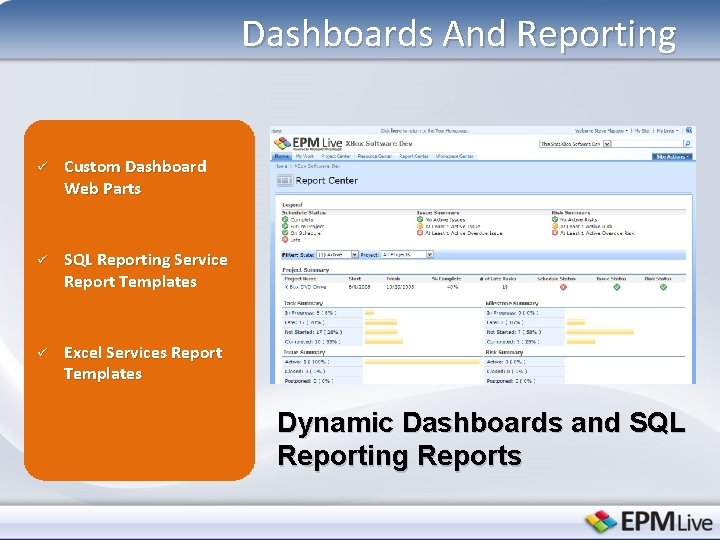
Dashboards And Reporting ü Custom Dashboard Web Parts ü SQL Reporting Service Report Templates ü Excel Services Report Templates Dynamic Dashboards and SQL Reporting Reports
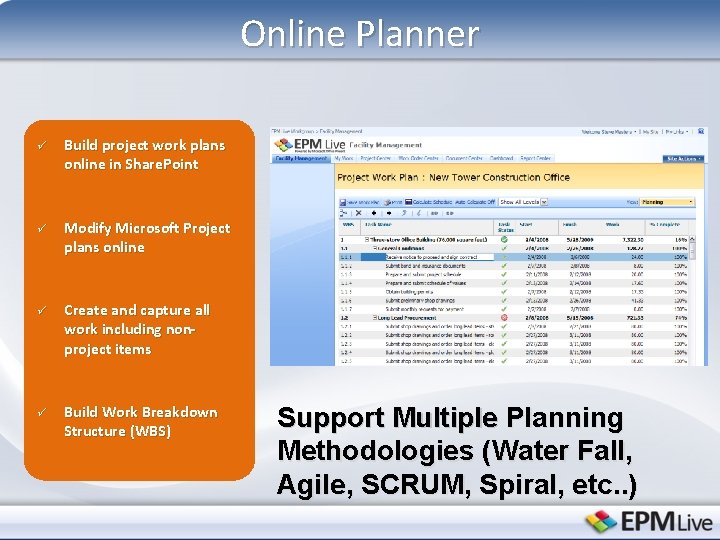
Online Planner ü Build project work plans online in Share. Point ü Modify Microsoft Project plans online ü Create and capture all work including nonproject items ü Build Work Breakdown Structure (WBS) Support Multiple Planning Methodologies (Water Fall, Agile, SCRUM, Spiral, etc. . )
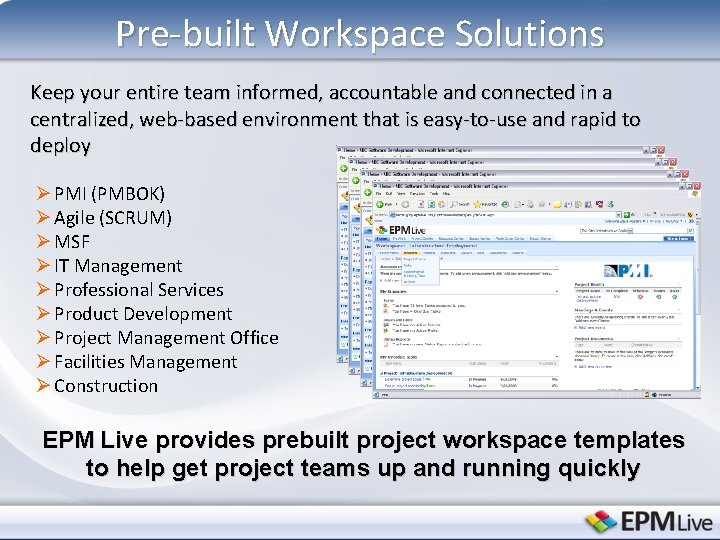
Pre-built Workspace Solutions Keep your entire team informed, accountable and connected in a centralized, web-based environment that is easy-to-use and rapid to deploy Ø PMI (PMBOK) Ø Agile (SCRUM) Ø MSF Ø IT Management Ø Professional Services Ø Product Development Ø Project Management Office Ø Facilities Management Ø Construction EPM Live provides prebuilt project workspace templates to help get project teams up and running quickly
Next Steps 30 day Pilot Proof of Concept – Instant online access to your solution – Solution configuration Business Strategy Workshop – Identify business objectives – Key requirements – Map solution capabilities to priorities – Establish deployment and on boarding plan
Contact Information Matt Wilson mwilson@epmlive. com 1 (866) 391 -3700 www. epmlive. com
- Slides: 22