
Share Ideas Lync click to call and collaborate
Share Ideas Lync: click to call and collaborate Pawel Grzywaczewski IT/OIS October 2014 11/1/2020 1

Copyright: Alan Chapman, http: //www. businessballs. com 11/1/2020 Document reference 2

Overview • Lync general features • Strengthen the collaboration • Demo • Lync phone features • • New ways of calling Demo 11/1/2020 3
Lync 11/1/2020 4

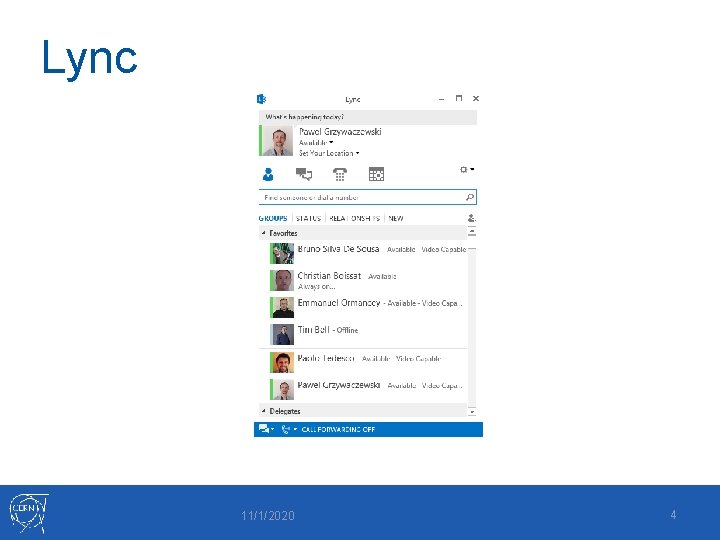
Collaboration - Advantages of using Lync Softphone benefits List of contacts CERN Phone book, Contacts in Exchange Presence indicator Clear message Instant messaging Phone calls from abroad (no roaming charges) Wifi 11/1/2020 5
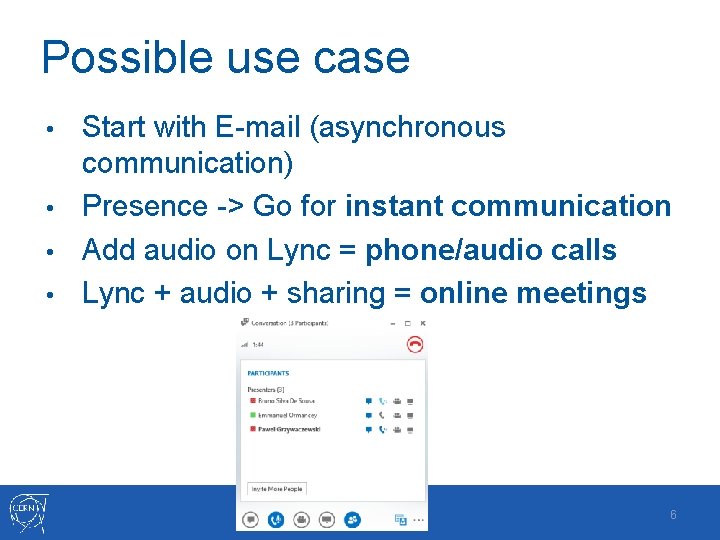
Possible use case Start with E-mail (asynchronous communication) • Presence -> Go for instant communication • Add audio on Lync = phone/audio calls • Lync + audio + sharing = online meetings • 11/1/2020 6
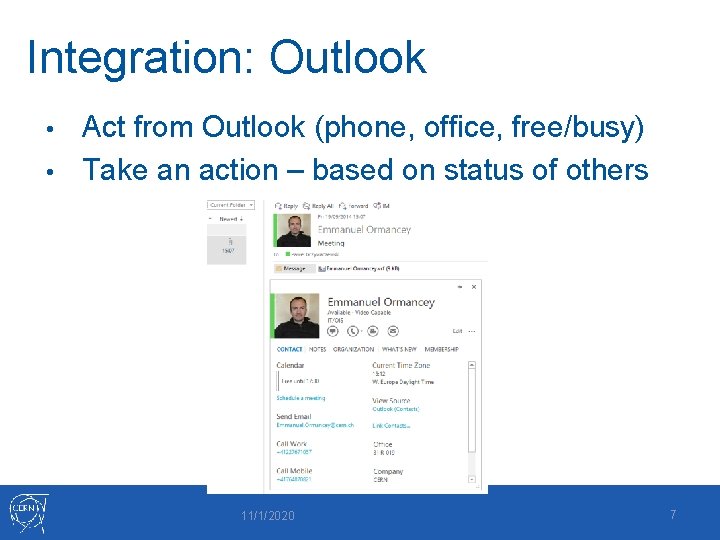
Integration: Outlook Act from Outlook (phone, office, free/busy) • Take an action – based on status of others • 11/1/2020 7
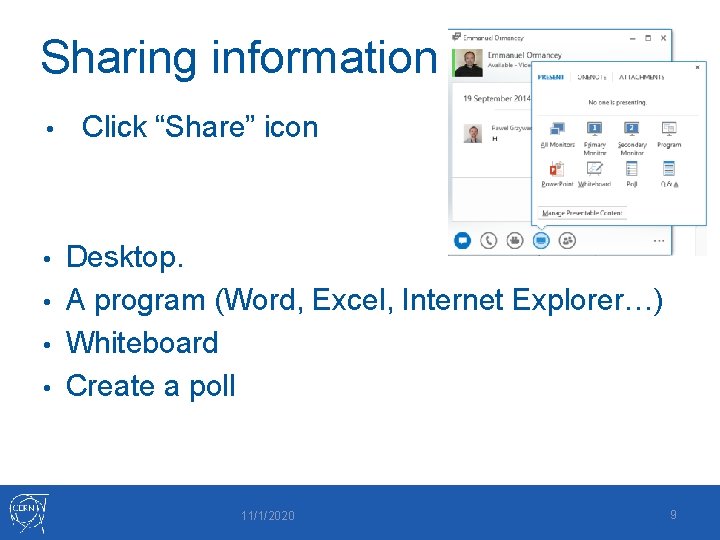
Sharing information • Click “Share” icon Desktop. • A program (Word, Excel, Internet Explorer…) • Whiteboard • Create a poll • 11/1/2020 9
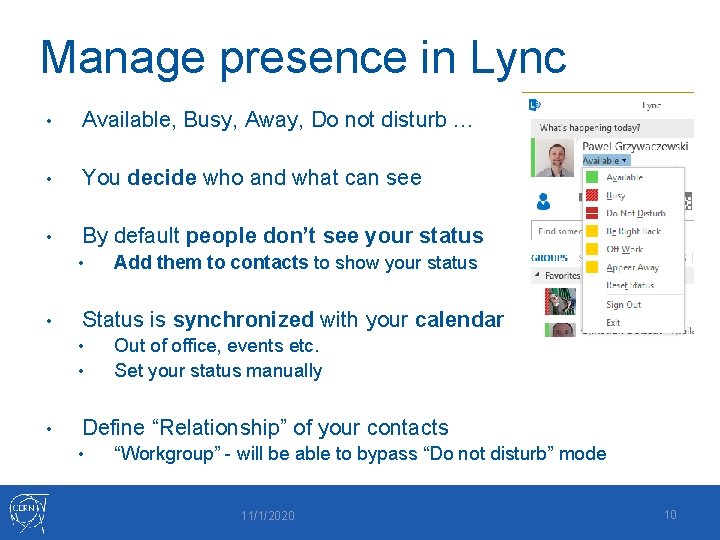
Manage presence in Lync • Available, Busy, Away, Do not disturb … • You decide who and what can see • By default people don’t see your status • • Status is synchronized with your calendar • • • Add them to contacts to show your status Out of office, events etc. Set your status manually Define “Relationship” of your contacts • “Workgroup” - will be able to bypass “Do not disturb” mode 11/1/2020 10
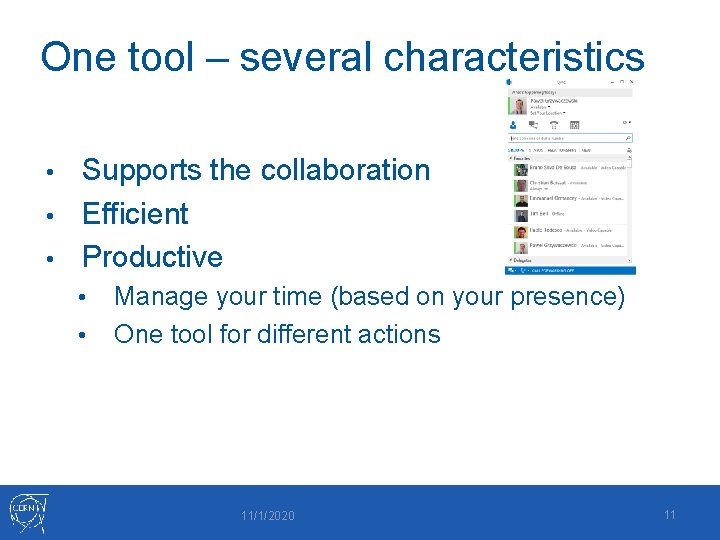
One tool – several characteristics Supports the collaboration • Efficient • Productive • • • Manage your time (based on your presence) One tool for different actions 11/1/2020 11

Demo 11/1/2020 Document reference 12

Lync clients • Lync 2010/2013 on Windows • Lync on MAC Lync on smartphones • Lync IP Phone • Pidgin (Linux client) • 11/1/2020 Document reference 13
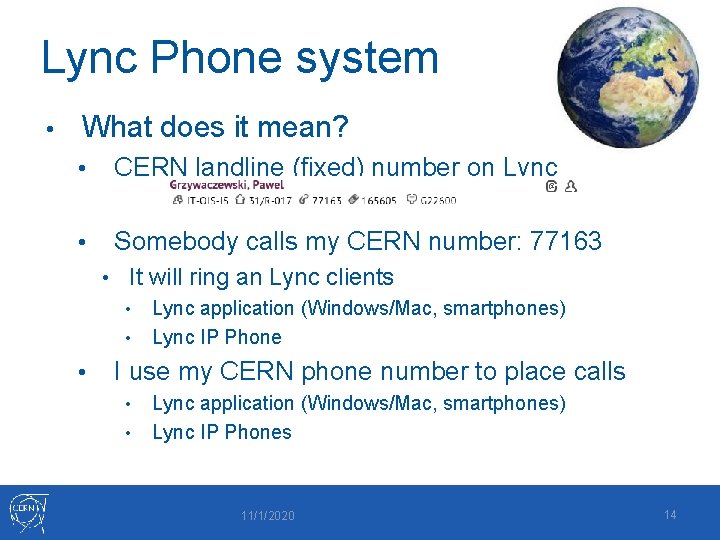
Lync Phone system • What does it mean? • CERN landline (fixed) number on Lync • Somebody calls my CERN number: 77163 • It will ring an Lync clients • Lync application (Windows/Mac, smartphones) • Lync IP Phone • I use my CERN phone number to place calls • • Lync application (Windows/Mac, smartphones) Lync IP Phones 11/1/2020 14
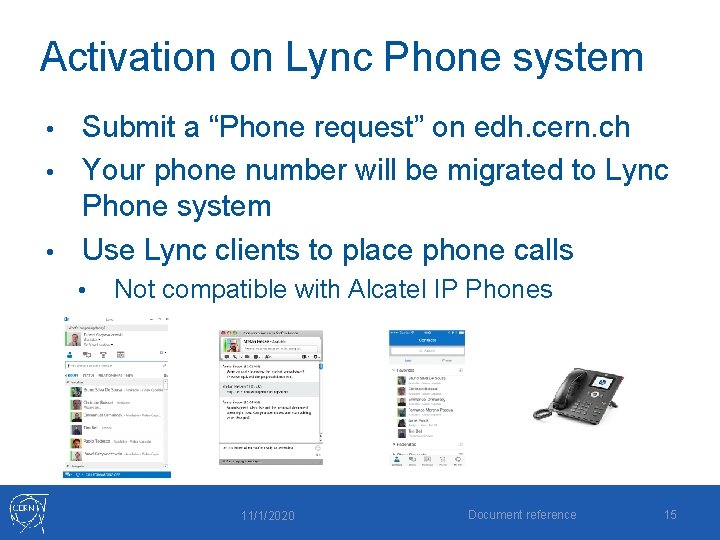
Activation on Lync Phone system Submit a “Phone request” on edh. cern. ch • Your phone number will be migrated to Lync Phone system • Use Lync clients to place phone calls • • Not compatible with Alcatel IP Phones 11/1/2020 Document reference 15
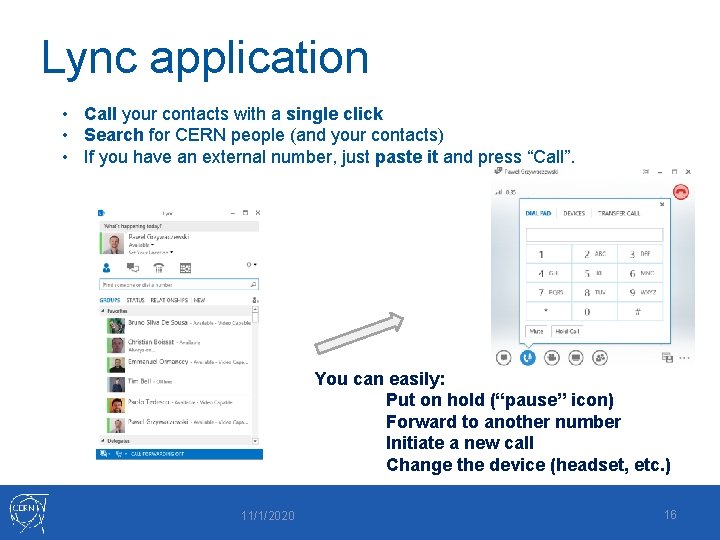
Lync application • Call your contacts with a single click • Search for CERN people (and your contacts) • If you have an external number, just paste it and press “Call”. You can easily: Put on hold (“pause” icon) Forward to another number Initiate a new call Change the device (headset, etc. ) 11/1/2020 16
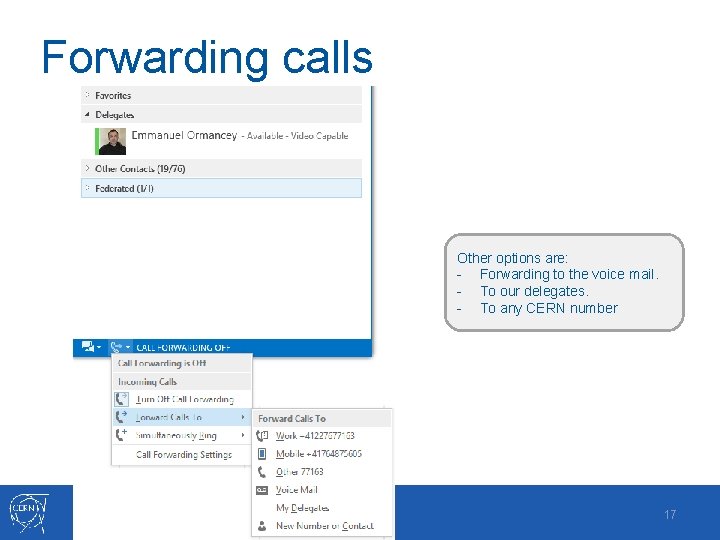
Forwarding calls Other options are: - Forwarding to the voice mail. - To our delegates. - To any CERN number 11/1/2020 17
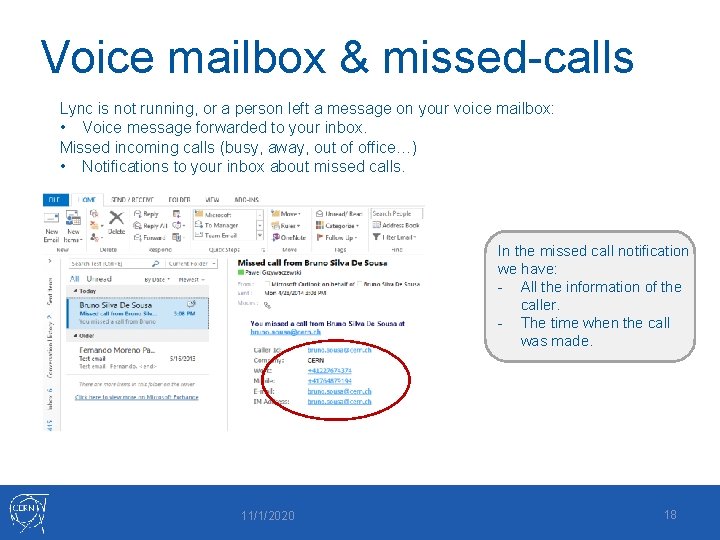
Voice mailbox & missed-calls Lync is not running, or a person left a message on your voice mailbox: • Voice message forwarded to your inbox. Missed incoming calls (busy, away, out of office…) • Notifications to your inbox about missed calls. In the missed call notification we have: - All the information of the caller. - The time when the call was made. 11/1/2020 18
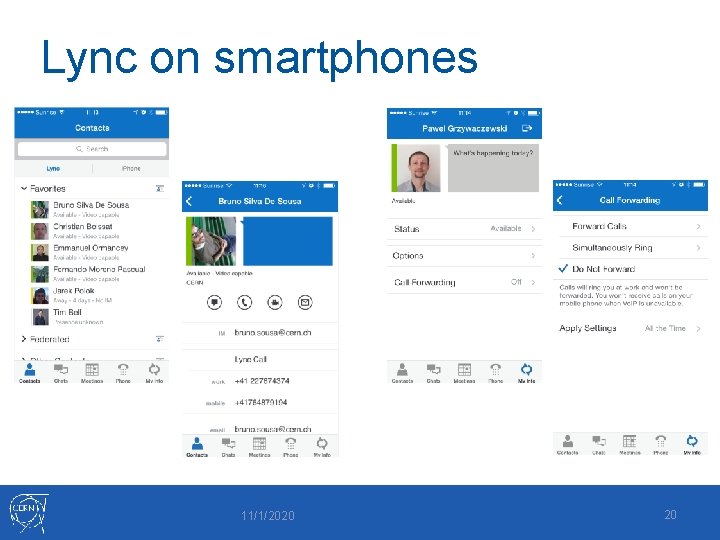
Lync on smartphones 11/1/2020 20
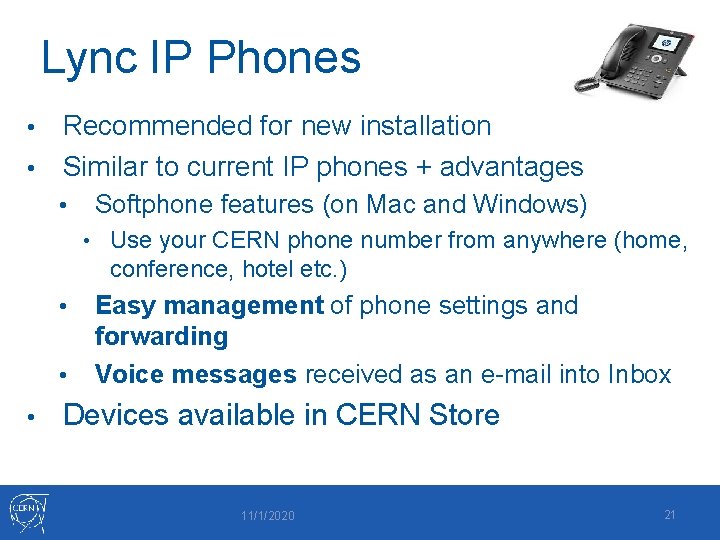
Lync IP Phones Recommended for new installation • Similar to current IP phones + advantages • • Softphone features (on Mac and Windows) • Use your CERN phone number from anywhere (home, conference, hotel etc. ) • • • Easy management of phone settings and forwarding Voice messages received as an e-mail into Inbox Devices available in CERN Store 11/1/2020 21

Demo 11/1/2020 Document reference 22
Start using it … • All CERN people have Lync account • Instant Messaging, presence etc. • Lync on Windows/Mac, and Pidgin in Linux Add photo to Lync/mail system on http: //social. cern. ch • Lync Phone • • Save costs on roaming Collaborate from any place around the world Communicate with external contacts • • • Other companies/institutes having Lync (federation needed) Gtalk Skype (Microsoft Live account needed) 11/1/2020 23
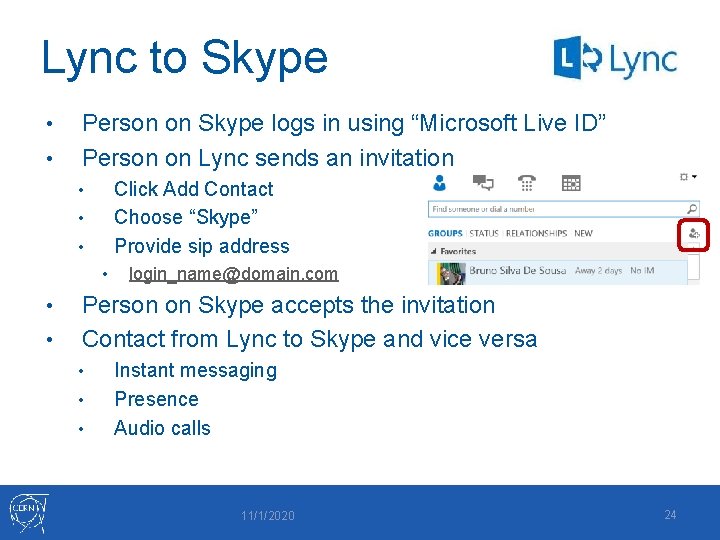
Lync to Skype • • Person on Skype logs in using “Microsoft Live ID” Person on Lync sends an invitation Click Add Contact Choose “Skype” Provide sip address • • • login_name@domain. com Person on Skype accepts the invitation Contact from Lync to Skype and vice versa • • • Instant messaging Presence Audio calls 11/1/2020 24

Summary Lync, https: //cern. ch/lync • Find the best approach for your working environment • Share your thoughts on social https: //cern. ch/lync-community Lync provides you: • Different ways to collaborate • Easy way to make phone calls • Easy way to configure forwarding • No roaming charges - Use your CERN number from anywhere (hotel, home etc. ) • Voice mail on your e-mail client • Support: contact service-desk@cern. ch 11/1/2020 25

Thank you for your attention Questions?
- Slides: 24