
Shaheen Khurana RESET Program Director COMPUTER SCIENCE PROGRAM
- Slides: 29
Shaheen Khurana RESET Program Director COMPUTER SCIENCE PROGRAM OVERVIEW
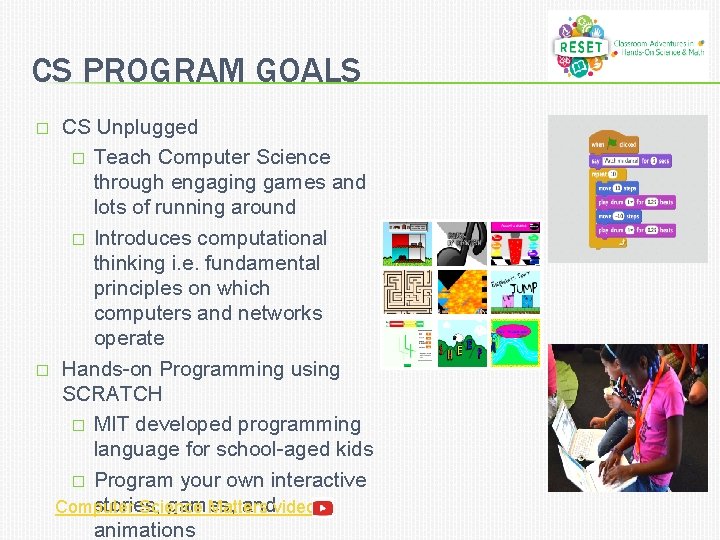
CS PROGRAM GOALS CS Unplugged � Teach Computer Science through engaging games and lots of running around � Introduces computational thinking i. e. fundamental principles on which computers and networks operate � Hands-on Programming using SCRATCH � MIT developed programming language for school-aged kids � Program your own interactive stories, games, and Computer Science Matters video animations �
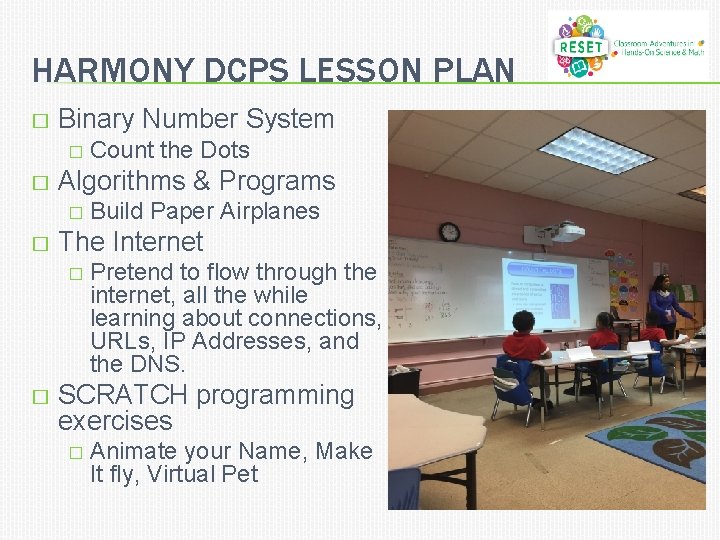
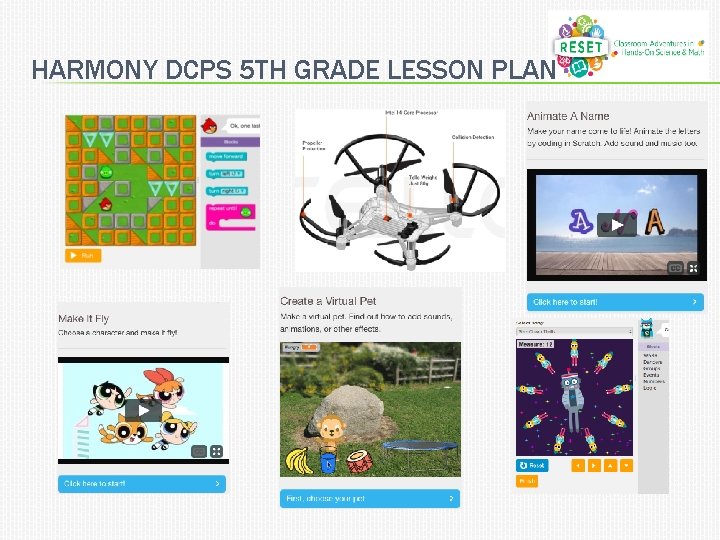
HARMONY DCPS LESSON PLAN � Binary Number System � � Algorithms & Programs � � Build Paper Airplanes The Internet � � Count the Dots Pretend to flow through the internet, all the while learning about connections, URLs, IP Addresses, and the DNS. SCRATCH programming exercises � Animate your Name, Make It fly, Virtual Pet
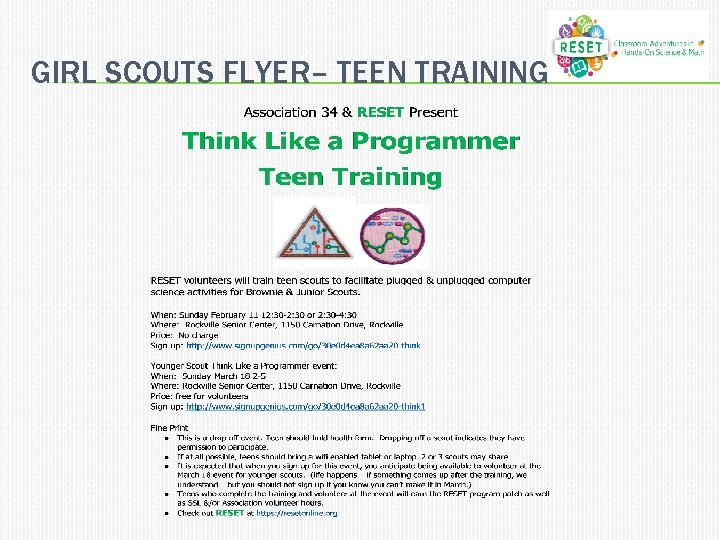
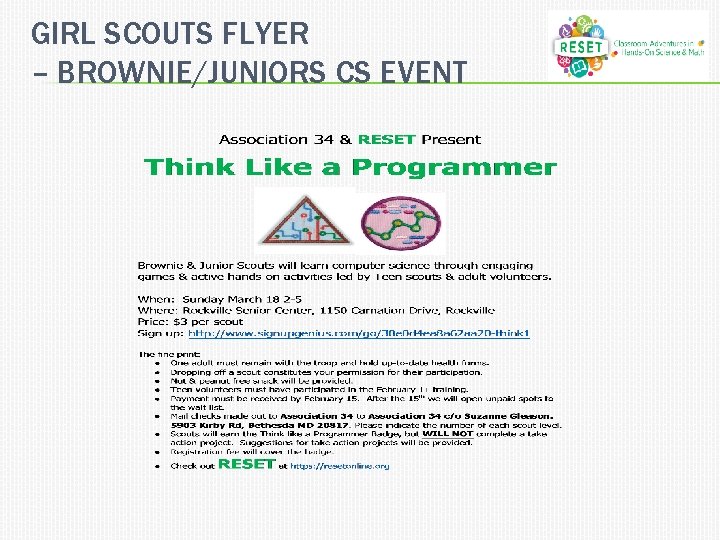
GIRL SCOUTS PROGRAM � CS Teen Training � Two 2 -hour sessions with 20 teens each � Train the trainers � Larger Brownie/Junior 2 nd-6 th grade event � 3 -4 stations with CS Activities � Teen Girl Scouts teach the younger girls scouts � Everyone receives a “Think Like A Programmer” badge and a RESET Girl Scout badge
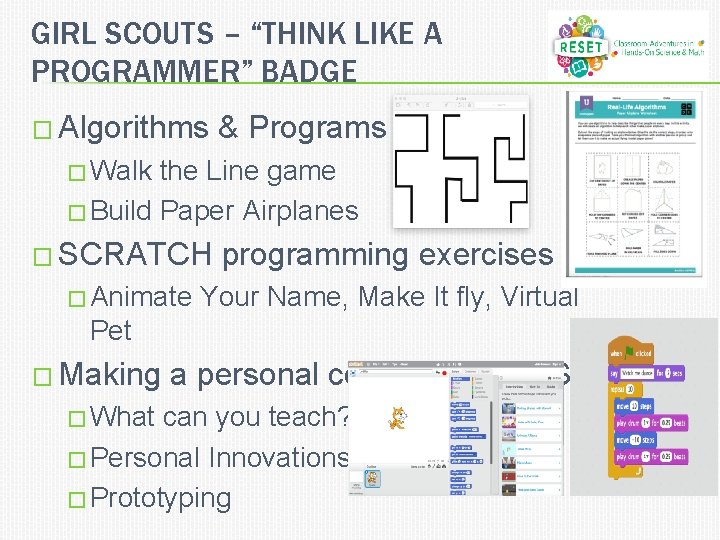
GIRL SCOUTS – “THINK LIKE A PROGRAMMER” BADGE � Algorithms & Programs � Walk the Line game � Build Paper Airplanes � SCRATCH programming exercises � Animate Your Name, Make It fly, Virtual Pet � Making a personal connection to CS � What can you teach? � Personal Innovations � Prototyping
GIRL SCOUTS FLYER– TEEN TRAINING
GIRL SCOUTS FLYER – BROWNIE/JUNIORS CS EVENT
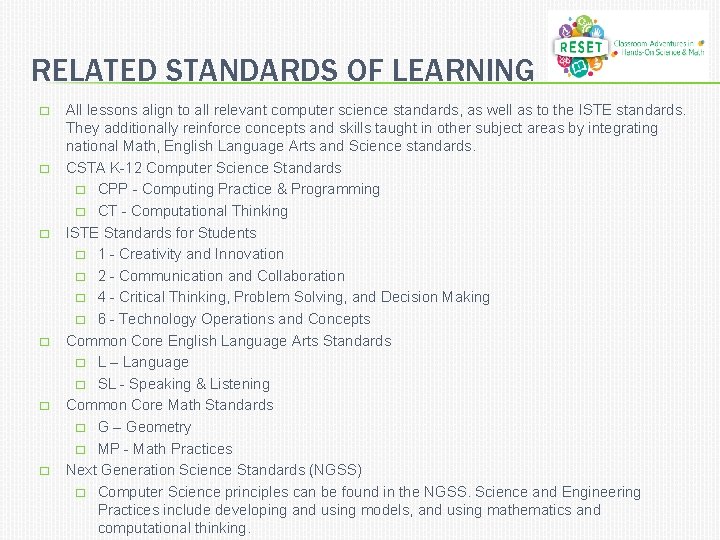
RELATED STANDARDS OF LEARNING � � � All lessons align to all relevant computer science standards, as well as to the ISTE standards. They additionally reinforce concepts and skills taught in other subject areas by integrating national Math, English Language Arts and Science standards. CSTA K-12 Computer Science Standards � CPP - Computing Practice & Programming � CT - Computational Thinking ISTE Standards for Students � 1 - Creativity and Innovation � 2 - Communication and Collaboration � 4 - Critical Thinking, Problem Solving, and Decision Making � 6 - Technology Operations and Concepts Common Core English Language Arts Standards � L – Language � SL - Speaking & Listening Common Core Math Standards � G – Geometry � MP - Math Practices Next Generation Science Standards (NGSS) � Computer Science principles can be found in the NGSS. Science and Engineering Practices include developing and using models, and using mathematics and computational thinking.
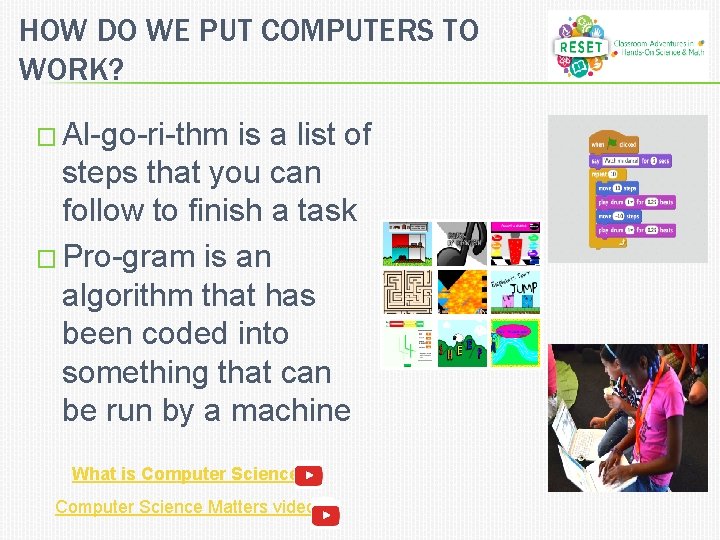
HOW DO WE PUT COMPUTERS TO WORK? � Al-go-ri-thm is a list of steps that you can follow to finish a task � Pro-gram is an algorithm that has been coded into something that can be run by a machine What is Computer Science? Computer Science Matters video
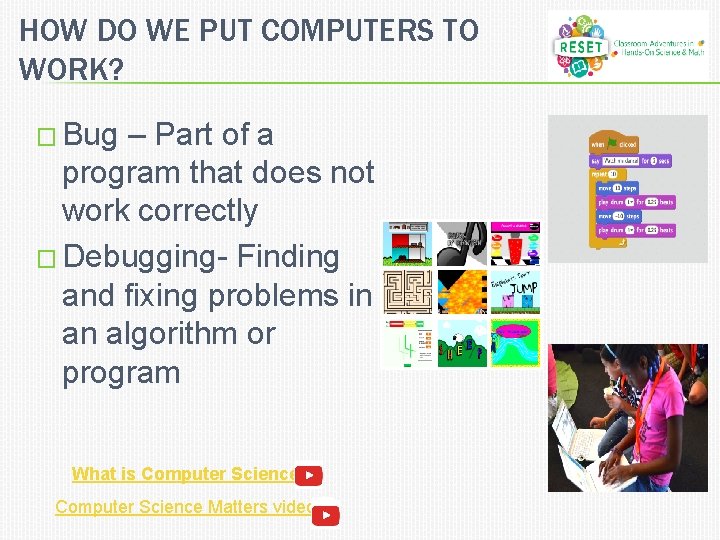
HOW DO WE PUT COMPUTERS TO WORK? � Bug – Part of a program that does not work correctly � Debugging- Finding and fixing problems in an algorithm or program What is Computer Science? Computer Science Matters video
CS LESSON 1: BINARY NUMBERS � Data in computers is stored and transmitted as a series of zeros and ones. � How can we represent words and numbers using just these two symbols? � What is the difference between data and information? � What is Computer Science?
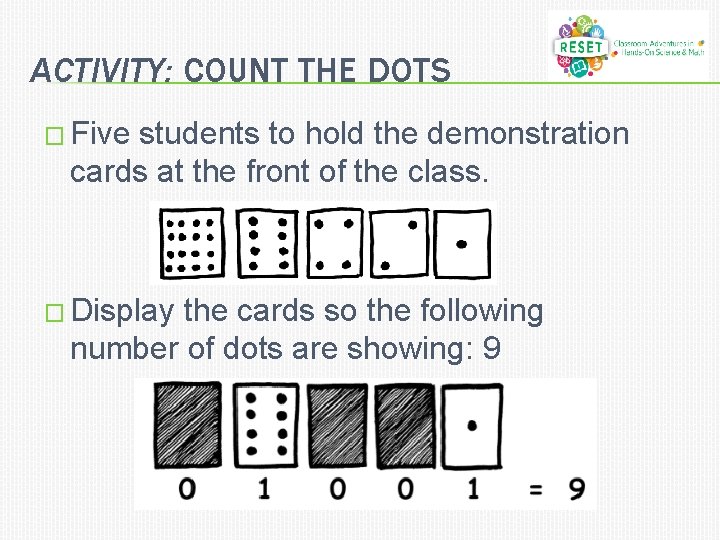
ACTIVITY: COUNT THE DOTS � Five students to hold the demonstration cards at the front of the class. � Display the cards so the following number of dots are showing: 9
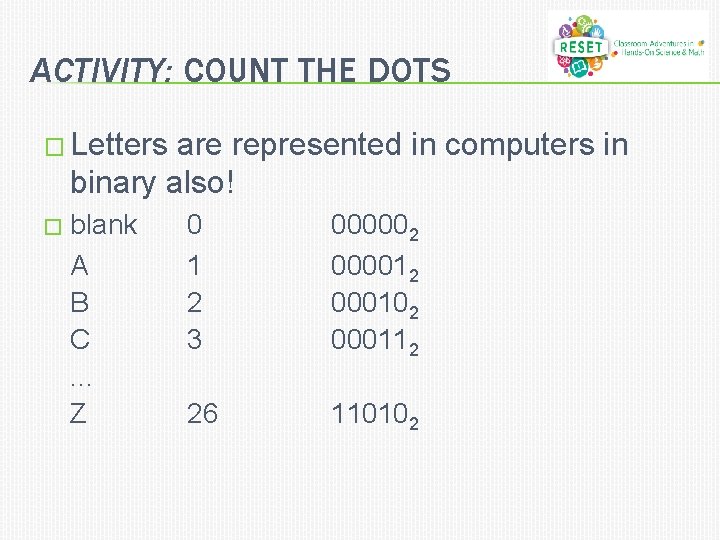
ACTIVITY: COUNT THE DOTS � Letters are represented in computers in binary also! � blank A B C. . . Z 0 1 2 3 000002 000012 000102 000112 26 110102
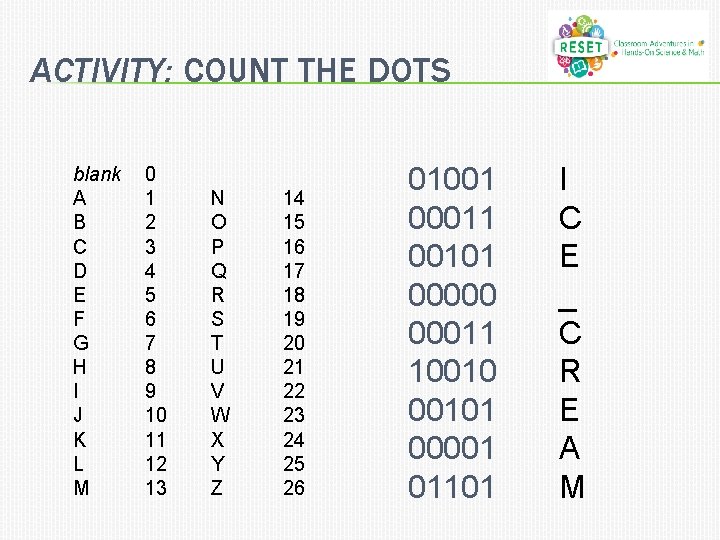
ACTIVITY: COUNT THE DOTS blank A B C D E F G H I J K L M 0 1 2 3 4 5 6 7 8 9 10 11 12 13 N O P Q R S T U V W X Y Z 14 15 16 17 18 19 20 21 22 23 24 25 26 01001 00011 00101 00000 00011 100101 00001 01101 I C E _ C R E A M
ACTIVITY: PUT COMPUTERS TO WORK � Even though computers are fast, there is a limit to how quickly they can solve problems. Sorting networks is a strategy that computers use to sort random numbers into order. � Students are led into an activity to turn themselves into a simple sorting network where they compared the number cards they were holding and sorted themselves into ascending order. � Sorting Networks video
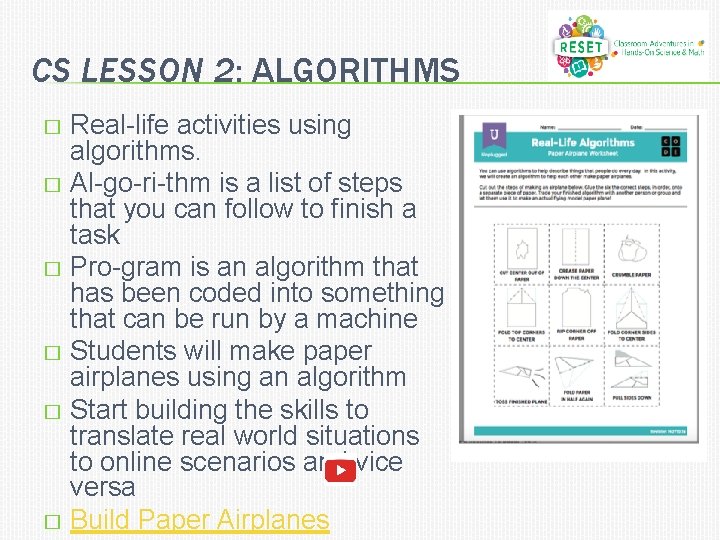
CS LESSON 2: ALGORITHMS Real-life activities using algorithms. � Al-go-ri-thm is a list of steps that you can follow to finish a task � Pro-gram is an algorithm that has been coded into something that can be run by a machine � Students will make paper airplanes using an algorithm � Start building the skills to translate real world situations to online scenarios and vice versa � Build Paper Airplanes �
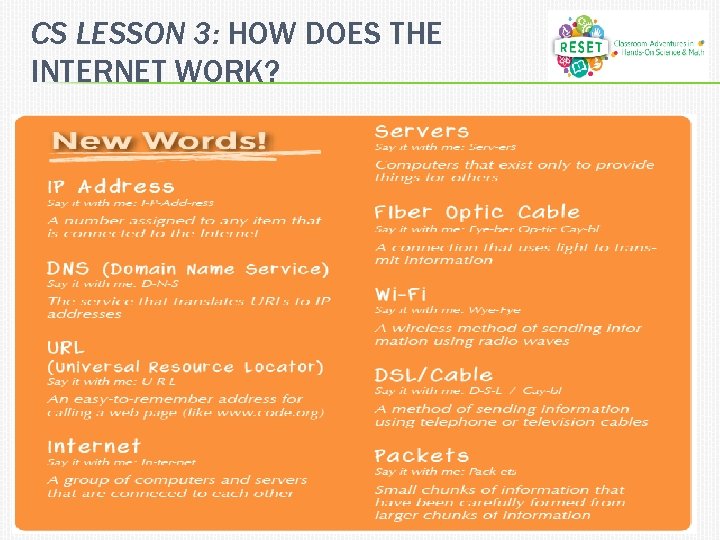
CS LESSON 3: HOW DOES THE INTERNET WORK?
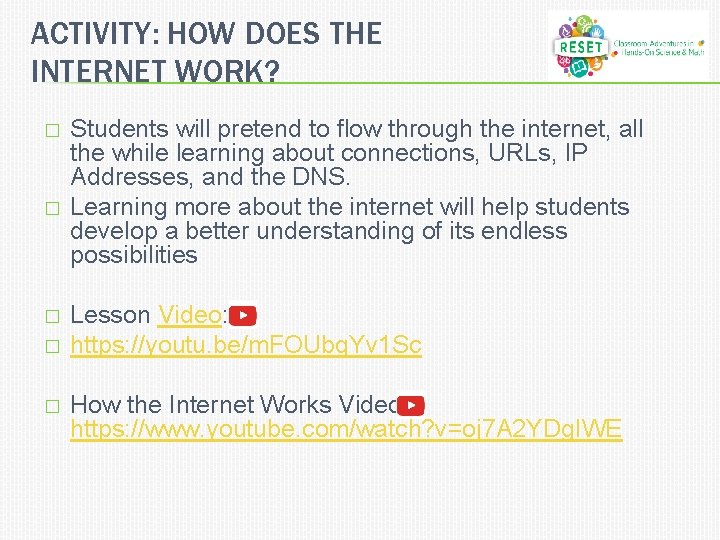
ACTIVITY: HOW DOES THE INTERNET WORK? � � � Students will pretend to flow through the internet, all the while learning about connections, URLs, IP Addresses, and the DNS. Learning more about the internet will help students develop a better understanding of its endless possibilities Lesson Video: https: //youtu. be/m. FOUbq. Yv 1 Sc How the Internet Works Video: https: //www. youtube. com/watch? v=oj 7 A 2 YDg. IWE
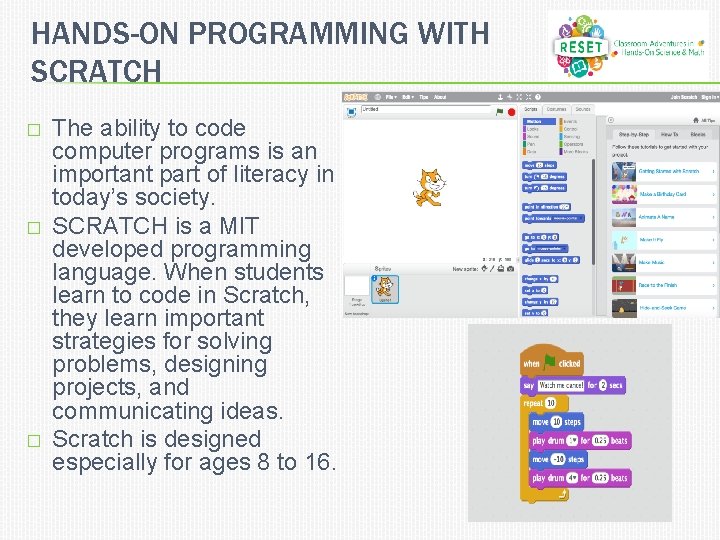
HANDS-ON PROGRAMMING WITH SCRATCH � � � The ability to code computer programs is an important part of literacy in today’s society. SCRATCH is a MIT developed programming language. When students learn to code in Scratch, they learn important strategies for solving problems, designing projects, and communicating ideas. Scratch is designed especially for ages 8 to 16.
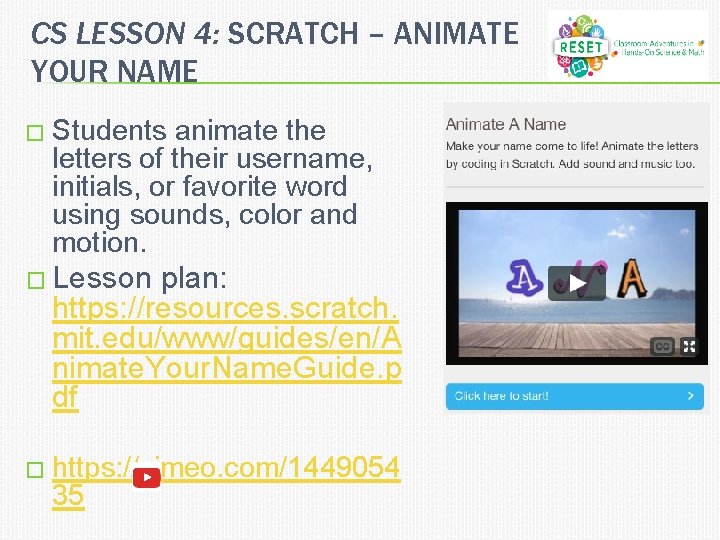
CS LESSON 4: SCRATCH – ANIMATE YOUR NAME � Students animate the letters of their username, initials, or favorite word using sounds, color and motion. � Lesson plan: https: //resources. scratch. mit. edu/www/guides/en/A nimate. Your. Name. Guide. p df � https: //vimeo. com/1449054 35
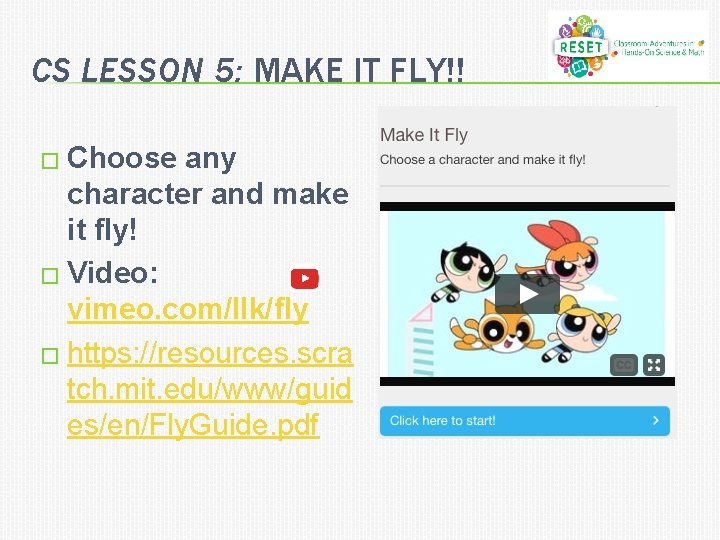
CS LESSON 5: MAKE IT FLY!! � Choose any character and make it fly! � Video: vimeo. com/llk/fly � https: //resources. scra tch. mit. edu/www/guid es/en/Fly. Guide. pdf
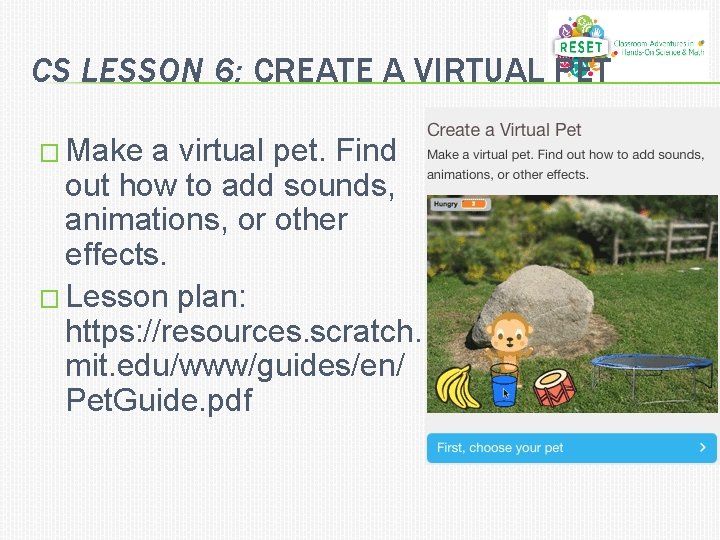
CS LESSON 6: CREATE A VIRTUAL PET � Make a virtual pet. Find out how to add sounds, animations, or other effects. � Lesson plan: https: //resources. scratch. mit. edu/www/guides/en/ Pet. Guide. pdf
HARMONY DCPS 5 TH GRADE LESSON PLAN
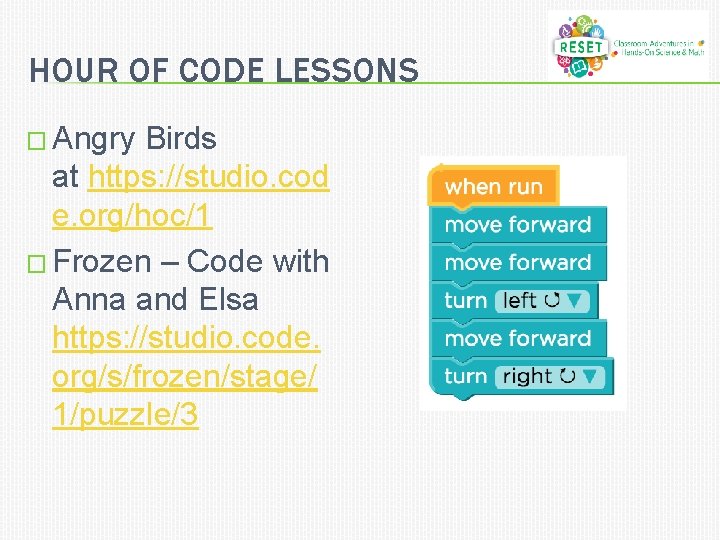
HOUR OF CODE LESSONS � Angry Birds at https: //studio. cod e. org/hoc/1 � Frozen – Code with Anna and Elsa https: //studio. code. org/s/frozen/stage/ 1/puzzle/3
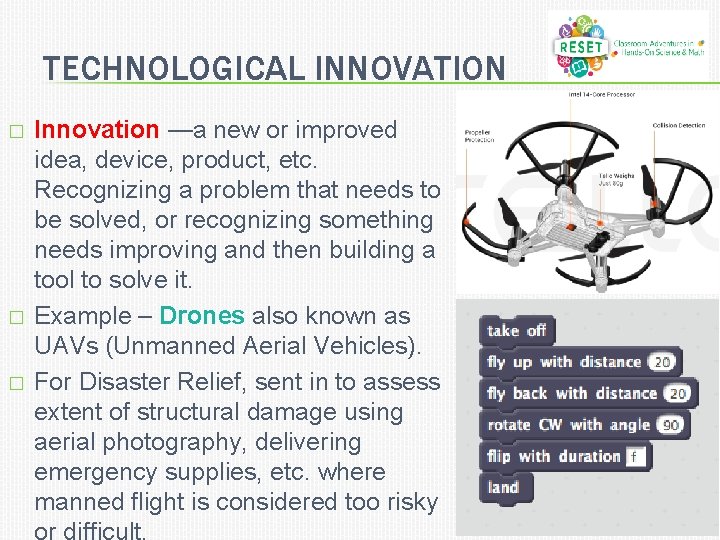
TECHNOLOGICAL INNOVATION � � � Innovation —a new or improved idea, device, product, etc. Recognizing a problem that needs to be solved, or recognizing something needs improving and then building a tool to solve it. Example – Drones also known as UAVs (Unmanned Aerial Vehicles). For Disaster Relief, sent in to assess extent of structural damage using aerial photography, delivering emergency supplies, etc. where manned flight is considered too risky or difficult.
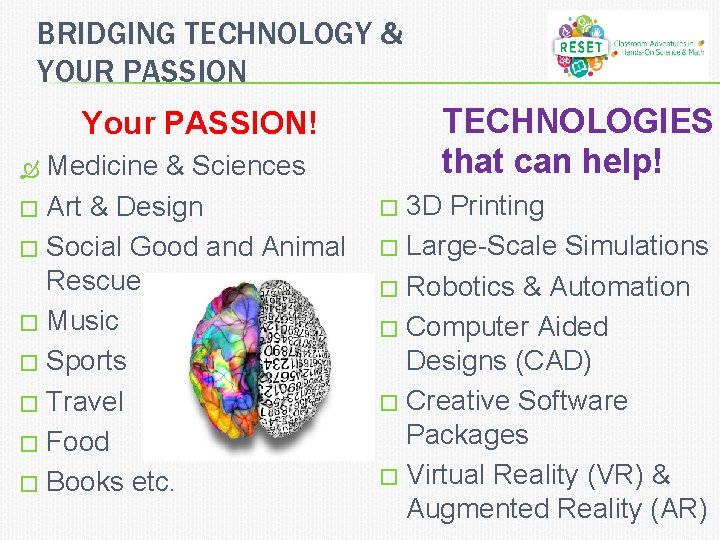
BRIDGING TECHNOLOGY & YOUR PASSION TECHNOLOGIES that can help! Your PASSION! Medicine & Sciences � Art & Design � Social Good and Animal Rescue � Music � Sports � Travel � Food � Books etc. 3 D Printing � Large-Scale Simulations � Robotics & Automation � Computer Aided Designs (CAD) � Creative Software Packages � Virtual Reality (VR) & Augmented Reality (AR) �
INTEREST/HOBBY SURVEY � � � � Which of the following best describes your interest or hobby? * Check all that apply. � Art & Design � Music � Science & Technology � Sports � Food � Social Good & Animal Rescue � Travel � Other: If you can, please describe your interest or hobby a bit more. For example, if you answered 'food', do you like cooking? Or baking or interested in nutrition? Or just like eating in general? Can you identify some way that technology is used with, or affects your interests Can you make a suggestion for either: i) a way that technology might be improved to make it better, faster, easier to use ii) a creative or innovative new technology might help solve some problem within that area, or at least make better?
RELATED DOCUMENTS � Lesson Plans � � � https: //resetonline. org/learning-resources/sample-experiments/ Under Computer Science & Math category Reference Websites � � � � https: //scratch. mit. edu/about https: //resources. scratch. mit. edu/www/guides/en/Animate. Your. N ame. Guide. pdf http: //csunplugged. org/binary-numbers/. https: //resources. scratch. mit. edu/www/guides/en/Fly. Guide. pdf https: //curriculum. code. org/csf/coursee/16/ https: //curriculum. code. org/csf/coursec/4/ https: //resources. scratch. mit. edu/www/guides/en/Pet. Guide. pdf
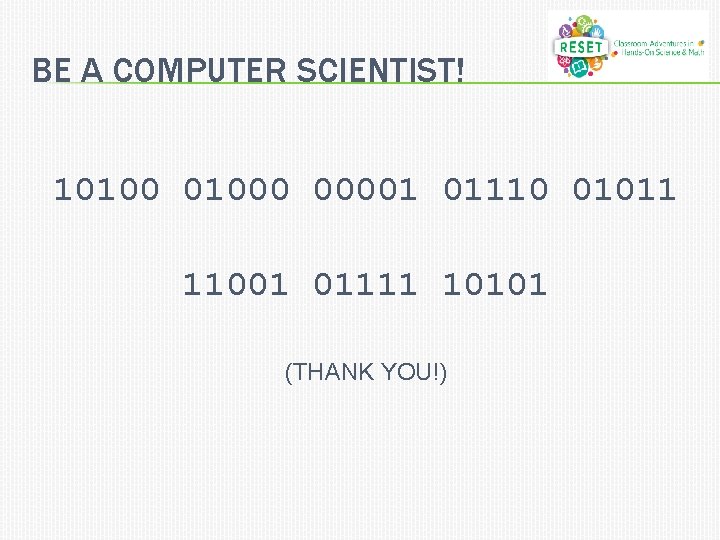
BE A COMPUTER SCIENTIST! 101000 00001 01110 01011 11001 01111 10101 (THANK YOU!)