
Shaft Replacement Standard Operating Procedure Disconnect EMAs X


- Slides: 21
Shaft Replacement Standard Operating Procedure
Disconnect EMAs § X Axis EMA § Tools Needed: Snap Ring Pliers, Computer, EMA Software § Step 1: Remove pin ring from EMA clevis and load cell § If using new joint: Just retract EMA with the software. § Y Axis § Tools Needed: 7/8 wrench, Computer, EMA Software § Step 1: Remove pin from EMA clevis and load cell § Step 2: Retract EMA using the software
Moving EMAs § Flip Breaker to turn on power to EMA controllers § Plug in cables to EMA-1 § Open Moog GUI § Go to motion tab and change position § Click download pointing arrow in top left to download setup to the controller § Open NI MAX § Reset the USB-6216 DAQ device § Set analog channel output to zero along with its minimum
Moving EMAs 2 § Plug in serial cable to EMA-2 (Repeat previous slide steps) § Open Moog GUI and select “Use current model” (883 -045) § Go to motion tab and change position § Click download pointing arrow in top left to download setup to the controller § Open NI MAX § Reset the USB-6216 DAQ device § Set analog channel output to zero along with its minimum
Outlet Flow Inlet Removal § Tools Needed: Adjustable wrench, bucket § Step 1: Using adjustable wrench, unscrew oil inlet hose, pour excess oil into bucket. § Step 2: Remove oil inlet adapter from bearing housing the adjustable wrench
LVDT and The § Tools needed: 3/8 allen key, 3/4 wrench § Step 1: Removal thermocouple from housing by hand. § Step 2: Remove LVDT’s from LVDT fixture § Step 3: Using the 3/8 Allen key and 3/4 wrench, unscrew the LVDT fixture from the rig
Oil Outlet Removal § Tools needed: 7/8 wrench, bucket § Step 1: Using the adjustable wrench, unscrew all outlet hoses, pour excess oil into bucket
Remove the Encoder § Tools needed: 3/32 Allen key, flathead screwdriver § Step 1: Using the flathead screwdriver, unscrew the encoder from the table § Step 2: Using the Allen key, unscrew the setscrews in the encoder, releasing it from the journal
Remove the V-Belt and the Pulley § Tools needed: 5/32 Allen key § Step 1: Remove v-belt safety cover from top of table § Step 2: Using the Allen key, unscrew the setscrew holding the V-belt pulley to the journal § Step 3: Pull back on the pulley to stretch the V-belt and simultaneously pull off the journal § Step 4: Set belt and pulley off to the side
Remove Pillow Bearing Tops § Tools needed: 9/16 Socket, Ratchet § Step 1: Using the socket and ratchet, loosen pillow block bearing bolts § Step 2: Finish unscrewing the bolts by hand
Remove Load Cells § Tools Needed: Adjustable wrench § Step 1: Using the adjustable wrench, loosen load cell, unscrew the rest by hand to avoid tangling the wires. § Step 2: Preferably with a partner, pick up and rotate housing so Y-load cell is now rotated 90 degrees. § Step 3: Using wrench, remove the Y-load cell
Remove Journal From Housing § Tools needed: 3/16 Allen key § Step 1: Using Allen key, loosen set screws § Step 2: Remove busing insert by pulling it away from the housing § Step 3: Slowly remove the journal from the bearing housing.
Replace Journal Shaft
Installing the Journal ***** § Tools needed: Oil § Step 1: Lubricate the journal shaft § Step 2: Check to make sure you are installing from the CORRECT SIDE. § Step 3: Insert shaft until it comes close to the other side. You should be able to support it from the other side § Step 4: Holding the journal shaft from both ends, twist it until you feel that it is centered with the journal bearing and push it the rest of the way into the housing.
Installing the Bushing Insert § Tools needed: Oil and 3/16 Allen Key § Step 1: Lubricate the journal and bearing insert. § Step 2: Check orientation of flat spots in the journal and orient the insert accordingly. § Step 3: Use the Allen key to tighten set screws, fixing the bearing insert to the journal.
Install Load Cells § Tools Needed: Adjustable wrench § Step 1: Locate the correct orientation for installment § Step 2: Hand tighten the X-load cell § Step 3: With help, rotate the housing to access the Y-load cell, and using the wrench, tighten the Y-mount § Step 4: Ensure the load cells are in the correct orientation for connection to EMAs
Reinstall Oil Hoses § Tools needed: 7/8 wrench, adjustable wrench, bucket § Step 1: Install oil inlet adapter § Step 2: Screw on oil inlet hose first § Step 3: Screw on both outlet hoses last
Install Sensors and V-Belt § Tools needed: 5/32, 3/8 Allen key, 3/4 wrench and flat head § Step 1: Place thermocouple in oil outlet adapter § Step 2: Place encoder on journal § Using the flat head screwdriver, screw in until washing has firmly pressed bracket to the sheet metal § Using the 3/32 Allen key, tighten the set screws § Step 3: Place pulley on the journal § Locate the flat of the journal § Orient V-belt pulley so set screw is in line with the journal’s flat § Using the 5/32 Allen key, tighten set screw § Step 4: replace LVDTs § Place mount so bottom tip is against the table top § Use 3/8 Allen key and the 3/4 wrench to tighten the mount against the table § Place the LVDTs back in the slots but them from touching the housing until after the EMAs are hooked up. § Tighten LVDTs down with 4 -40 screws
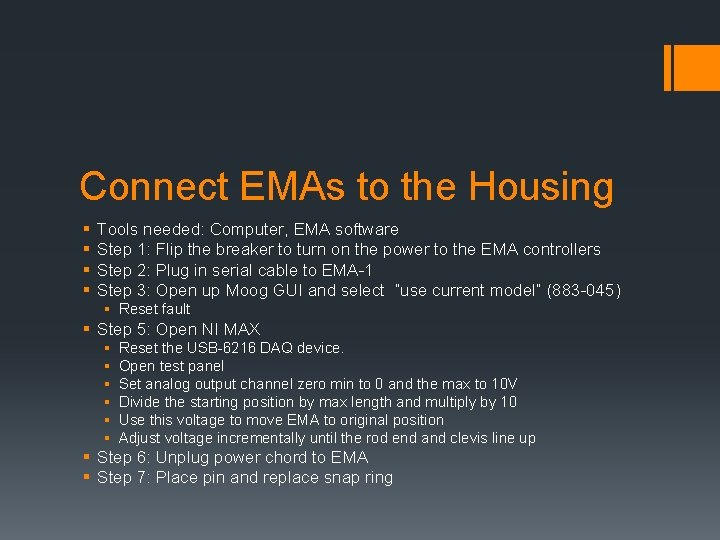
Connect EMAs to the Housing § § Tools needed: Computer, EMA software Step 1: Flip the breaker to turn on the power to the EMA controllers Step 2: Plug in serial cable to EMA-1 Step 3: Open up Moog GUI and select “use current model” (883 -045) § Reset fault § Step 5: Open NI MAX § § § Reset the USB-6216 DAQ device. Open test panel Set analog output channel zero min to 0 and the max to 10 V Divide the starting position by max length and multiply by 10 Use this voltage to move EMA to original position Adjust voltage incrementally until the rod end and clevis line up § Step 6: Unplug power chord to EMA § Step 7: Place pin and replace snap ring
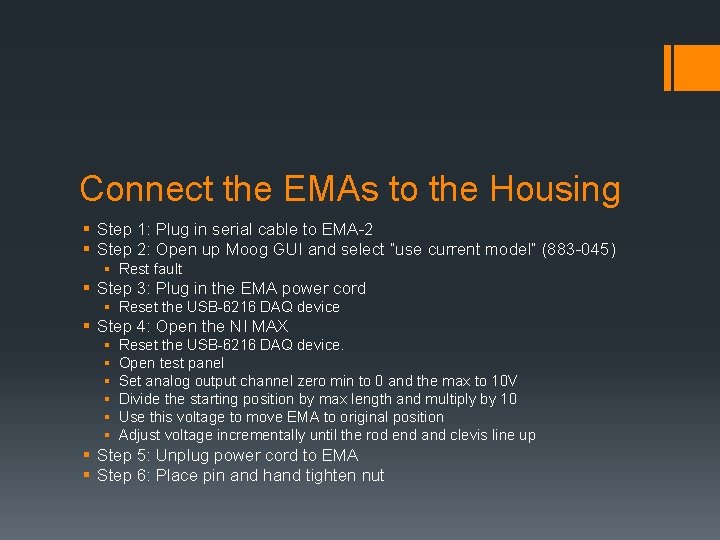
Connect the EMAs to the Housing § Step 1: Plug in serial cable to EMA-2 § Step 2: Open up Moog GUI and select “use current model” (883 -045) § Rest fault § Step 3: Plug in the EMA power cord § Reset the USB-6216 DAQ device § Step 4: Open the NI MAX § § § Reset the USB-6216 DAQ device. Open test panel Set analog output channel zero min to 0 and the max to 10 V Divide the starting position by max length and multiply by 10 Use this voltage to move EMA to original position Adjust voltage incrementally until the rod end and clevis line up § Step 5: Unplug power cord to EMA § Step 6: Place pin and hand tighten nut
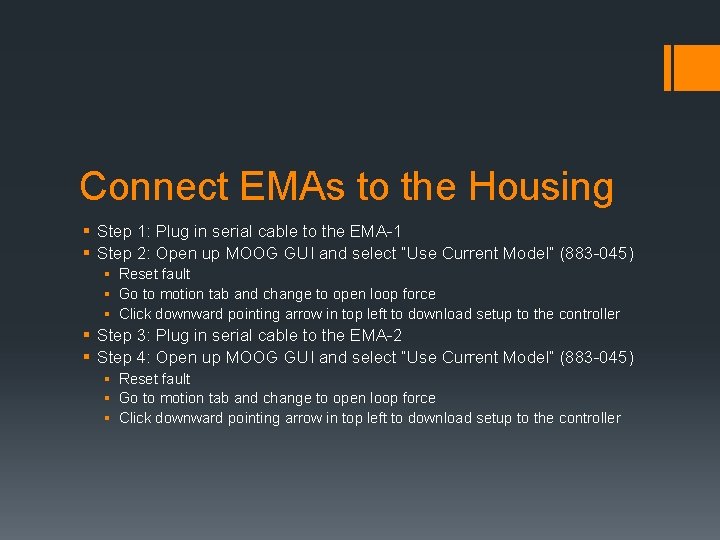
Connect EMAs to the Housing § Step 1: Plug in serial cable to the EMA-1 § Step 2: Open up MOOG GUI and select “Use Current Model” (883 -045) § Reset fault § Go to motion tab and change to open loop force § Click downward pointing arrow in top left to download setup to the controller § Step 3: Plug in serial cable to the EMA-2 § Step 4: Open up MOOG GUI and select “Use Current Model” (883 -045) § Reset fault § Go to motion tab and change to open loop force § Click downward pointing arrow in top left to download setup to the controller