
Shading II Angel Interactive Computer Graphics 5 E
- Slides: 16
Shading II Angel: Interactive Computer Graphics 5 E © Addison Wesley 2009 1
Objectives • Continue discussion of shading • Introduce modified Phong model • Consider computation of required vectors Angel: Interactive Computer Graphics 5 E © Addison Wesley 2009 2
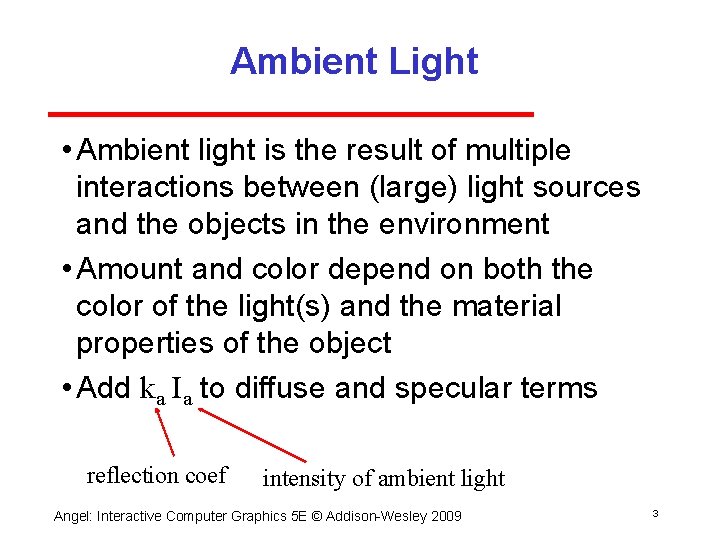
Ambient Light • Ambient light is the result of multiple interactions between (large) light sources and the objects in the environment • Amount and color depend on both the color of the light(s) and the material properties of the object • Add ka Ia to diffuse and specular terms reflection coef intensity of ambient light Angel: Interactive Computer Graphics 5 E © Addison Wesley 2009 3
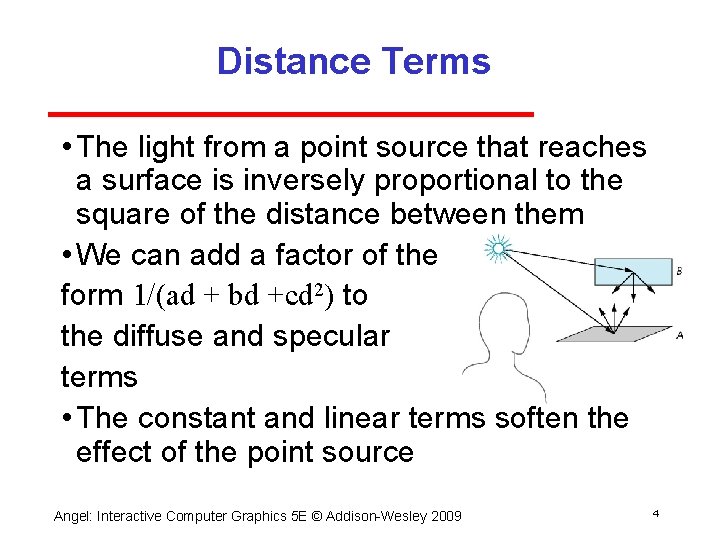
Distance Terms • The light from a point source that reaches a surface is inversely proportional to the square of the distance between them • We can add a factor of the form 1/(ad + bd +cd 2) to the diffuse and specular terms • The constant and linear terms soften the effect of the point source Angel: Interactive Computer Graphics 5 E © Addison Wesley 2009 4
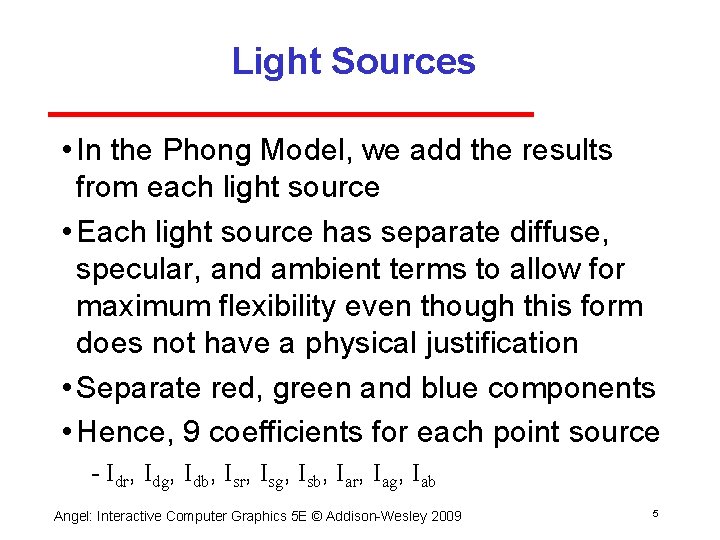
Light Sources • In the Phong Model, we add the results from each light source • Each light source has separate diffuse, specular, and ambient terms to allow for maximum flexibility even though this form does not have a physical justification • Separate red, green and blue components • Hence, 9 coefficients for each point source Idr, Idg, Idb, Isr, Isg, Isb, Iar, Iag, Iab Angel: Interactive Computer Graphics 5 E © Addison Wesley 2009 5
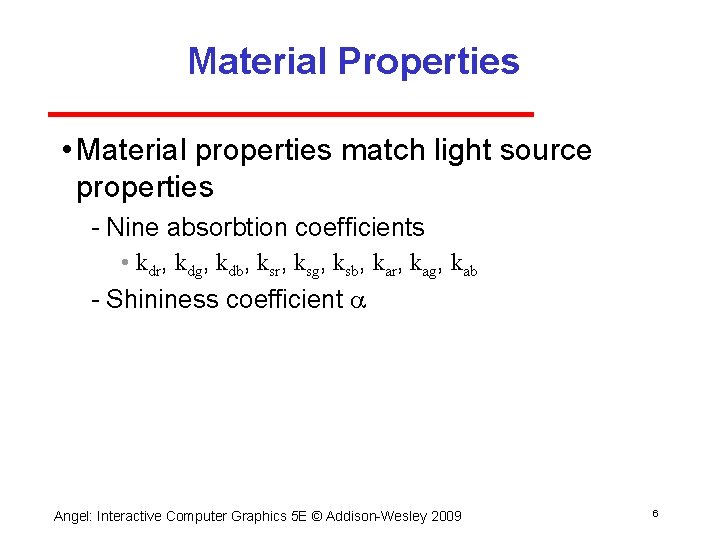
Material Properties • Material properties match light source properties Nine absorbtion coefficients • kdr, kdg, kdb, ksr, ksg, ksb, kar, kag, kab Shininess coefficient a Angel: Interactive Computer Graphics 5 E © Addison Wesley 2009 6
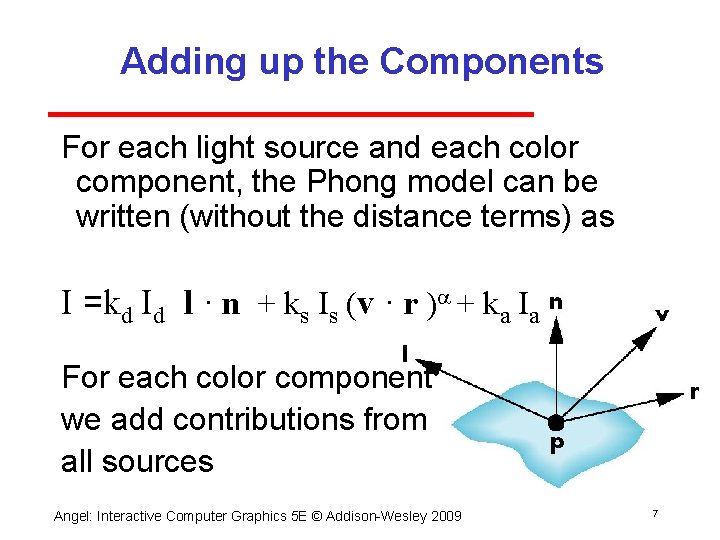
Adding up the Components For each light source and each color component, the Phong model can be written (without the distance terms) as I =kd Id l · n + ks Is (v · r )a + ka Ia For each color component we add contributions from all sources Angel: Interactive Computer Graphics 5 E © Addison Wesley 2009 7
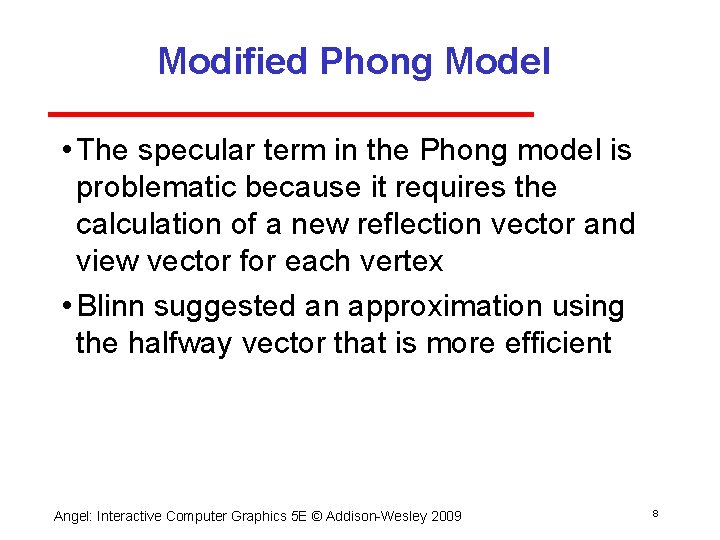
Modified Phong Model • The specular term in the Phong model is problematic because it requires the calculation of a new reflection vector and view vector for each vertex • Blinn suggested an approximation using the halfway vector that is more efficient Angel: Interactive Computer Graphics 5 E © Addison Wesley 2009 8
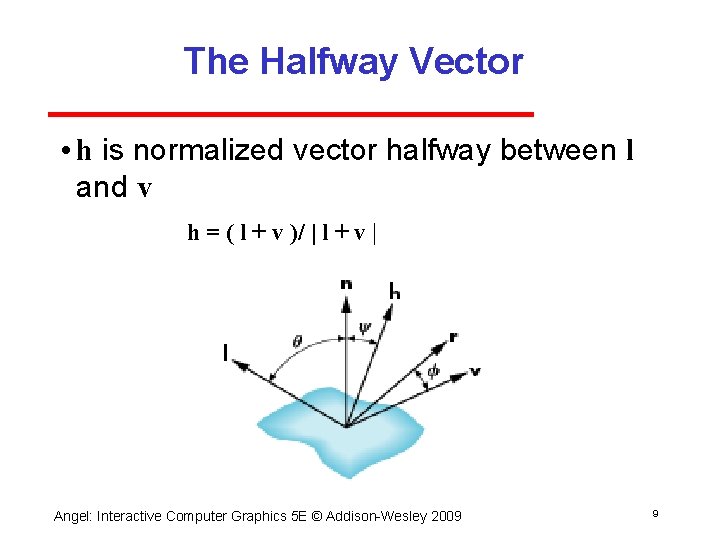
The Halfway Vector • h is normalized vector halfway between l and v h = ( l + v )/ | l + v | Angel: Interactive Computer Graphics 5 E © Addison Wesley 2009 9
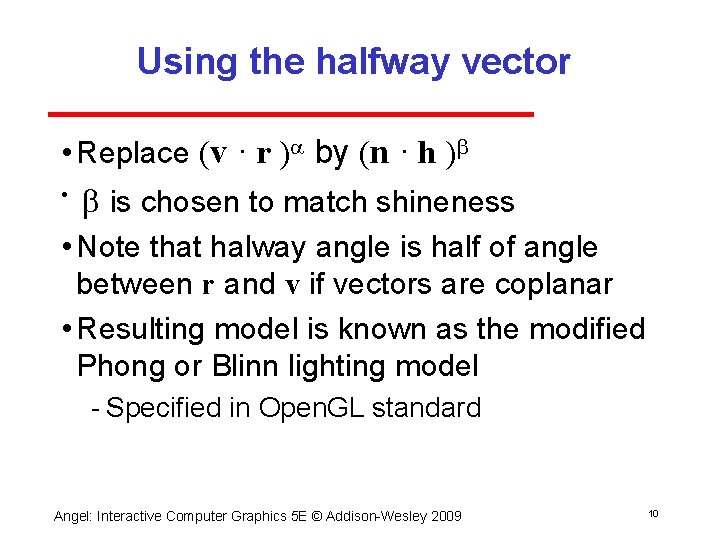
Using the halfway vector • Replace (v · r )a by (n · h )b • b is chosen to match shineness • Note that halway angle is half of angle between r and v if vectors are coplanar • Resulting model is known as the modified Phong or Blinn lighting model Specified in Open. GL standard Angel: Interactive Computer Graphics 5 E © Addison Wesley 2009 10
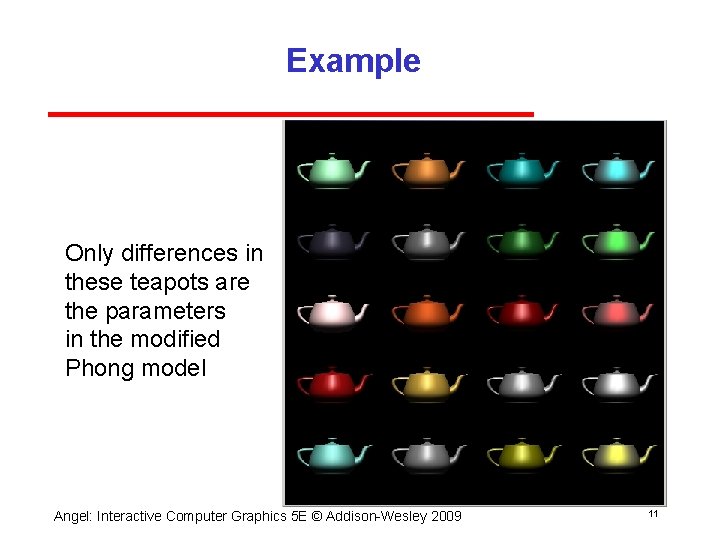
Example Only differences in these teapots are the parameters in the modified Phong model Angel: Interactive Computer Graphics 5 E © Addison Wesley 2009 11
Computation of Vectors • l and v are specified by the application • Can computer r from l and n • Problem is determining n • For simple surfaces n can be determined but how we determine n differs depending on underlying representation of surface • Open. GL leaves determination of normal to application Exception for GLU quadrics and Bezier surfaces (Chapter 11) Angel: Interactive Computer Graphics 5 E © Addison Wesley 2009 12
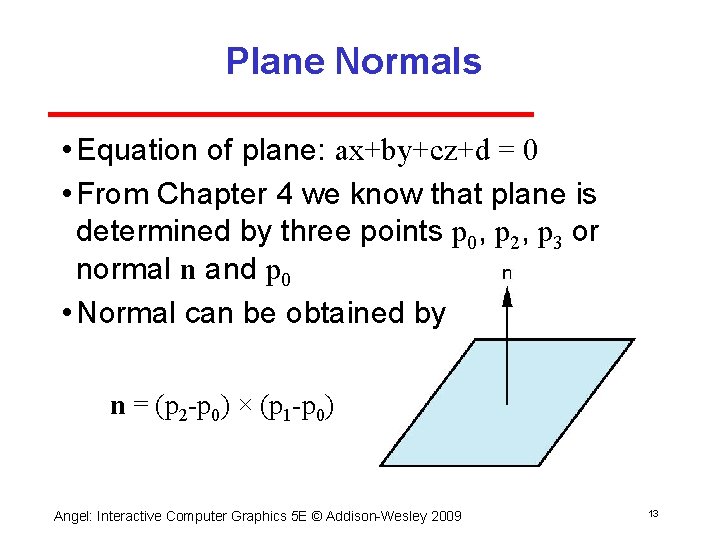
Plane Normals • Equation of plane: ax+by+cz+d = 0 • From Chapter 4 we know that plane is determined by three points p 0, p 2, p 3 or normal n and p 0 • Normal can be obtained by n = (p 2 p 0) × (p 1 p 0) Angel: Interactive Computer Graphics 5 E © Addison Wesley 2009 13
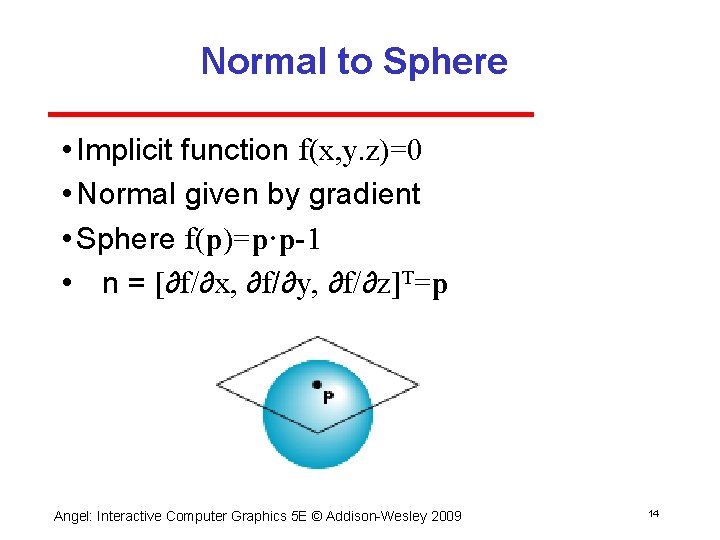
Normal to Sphere • Implicit function f(x, y. z)=0 • Normal given by gradient • Sphere f(p)=p·p 1 • n = [∂f/∂x, ∂f/∂y, ∂f/∂z]T=p Angel: Interactive Computer Graphics 5 E © Addison Wesley 2009 14
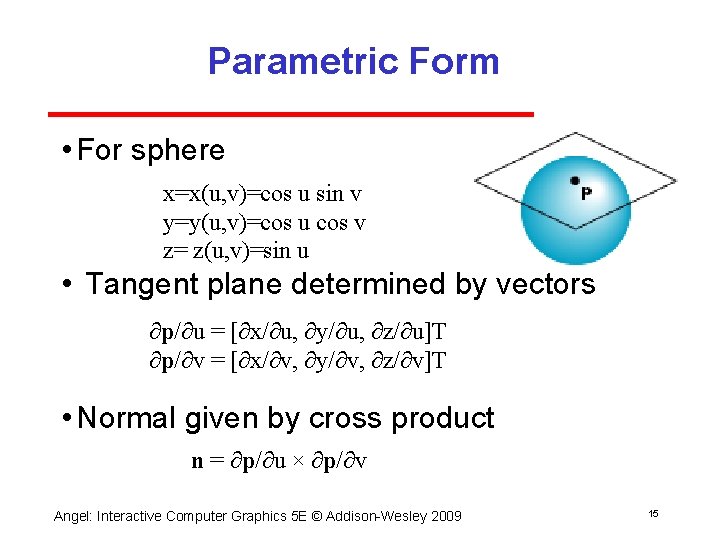
Parametric Form • For sphere x=x(u, v)=cos u sin v y=y(u, v)=cos u cos v z= z(u, v)=sin u • Tangent plane determined by vectors ∂p/∂u = [∂x/∂u, ∂y/∂u, ∂z/∂u]T ∂p/∂v = [∂x/∂v, ∂y/∂v, ∂z/∂v]T • Normal given by cross product n = ∂p/∂u × ∂p/∂v Angel: Interactive Computer Graphics 5 E © Addison Wesley 2009 15
General Case • We can compute parametric normals for other simple cases Quadrics Parameteric polynomial surfaces • Bezier surface patches (Chapter 11) Angel: Interactive Computer Graphics 5 E © Addison Wesley 2009 16