
SFDC Integration Basics Gerry Winning SFDC Starting point
SFDC Integration Basics Gerry Winning
SFDC • Starting point to hammer out your own framework • Ovid back office is fully integrated with SFDC (before REST was available) • Just getting starting was 90% of the frustration • Far more REST examples out there today
SFDC Web APIs • SOAP – Full Featured API for Full Application Integration – Progress Soap, Sax Parser/Reader • BULK (“REST-ish” Arbitrary Web. API) – Download large sets of data – Dot. Net client + Parsers • REST – JSON (Thin) – Dot. Net or Progress HTTP client, Progress JSON Object
Login Service for Authentication • Authenticate once, get back a token, pass that token for authorization in all other calls • Supports OAUTH 2 • Also supports username/password login (put garbage in the callback) • Allows you to define custom permissions • Returns your instance URL • There is also a SOAP login service
REST API • No Soap Structure Overkill • Make a Call to a URL - get back a bunch of JSON • You’ve already authenticated – session token lets you get to the data you are authorized to access • Small JSON return rather than “large” XML • <Instance>/services/data/<version>/sobjects/<object>
Bulk API • • • Arbitrary API (Call a URL like REST and get back stuff) Pass the session token in the header of each call Get MANY records as XML or CSV VERY quickly Asynchronous calls Supports Batching – Avoid timeouts and SFDC Limits – Speed it up with asynchronous batch calls – We pull over 500, 000 records without breaking it up (takes about 4 minutes)
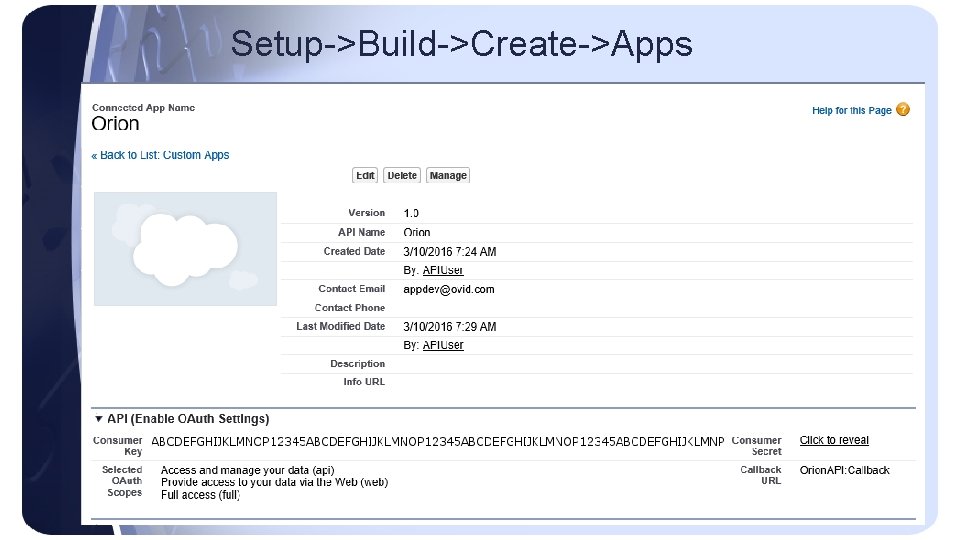
Setup->Build->Create->Apps
More Setup • Create a Service User • Make sure the user you are logging in as has “API Enabled” toggled on in the user setup - enabled by default for Unlimited, Enterprise, and Developer editions. • Get or reset your security token (not session token): From your personal settings, enter Reset in the Quick Find box, then select Reset My Security Token. The new security token is sent to the email address in your Salesforce personal settings. • Add assemblies entries described on the next slide.
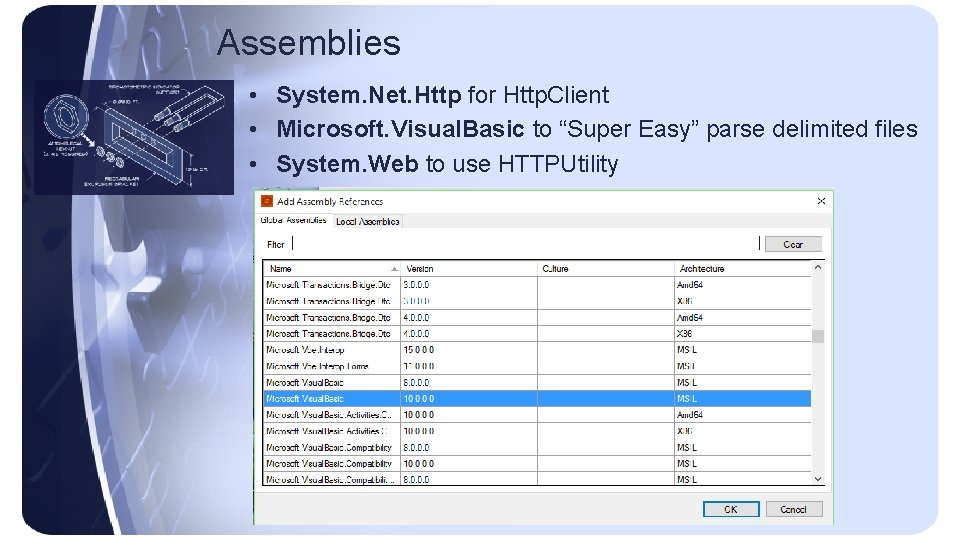
Assemblies • System. Net. Http for Http. Client • Microsoft. Visual. Basic to “Super Easy” parse delimited files • System. Web to use HTTPUtility
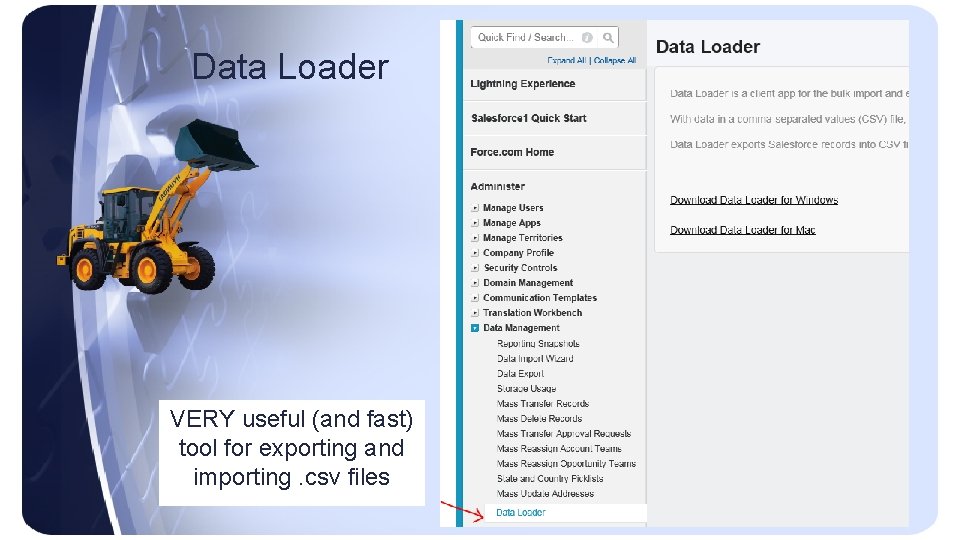
Data Loader VERY useful (and fast) tool for exporting and importing. csv files
Gotchas • If ANY session of your API user is logged out, ALL sessions are logged out (all tokens terminated). • Every account must have an owner and every owner must be an active user when inserting/updating a record. • You must have a user license eaten up for API access. • “It’s the little things” – “; ” Separated List Instead of “, ” – API errors on insert/update if email is not valid – Field size is enforced in SFDC DB
- Slides: 11