
SETTING UP YOUR ACCOUNT Setting Up an Account


- Slides: 12
SETTING UP YOUR ACCOUNT
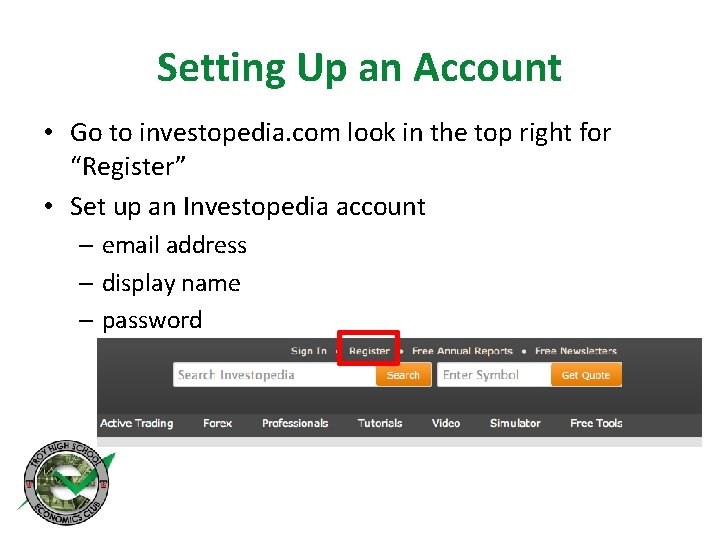
Setting Up an Account • Go to investopedia. com look in the top right for “Register” • Set up an Investopedia account – email address – display name – password
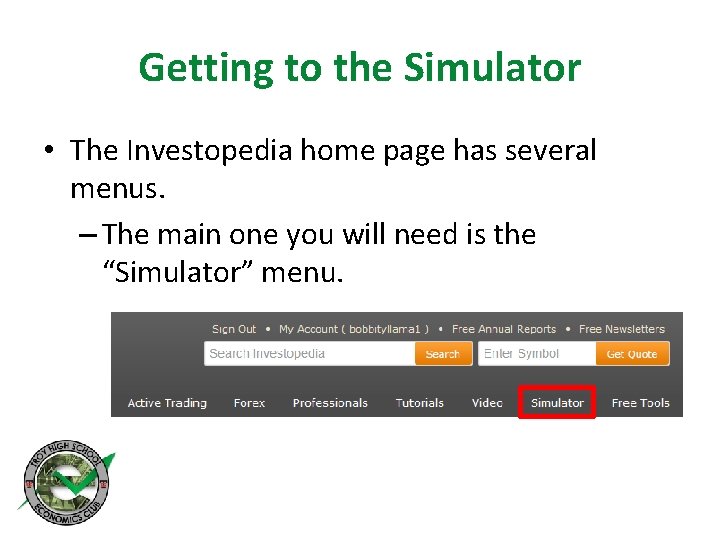
Getting to the Simulator • The Investopedia home page has several menus. – The main one you will need is the “Simulator” menu.
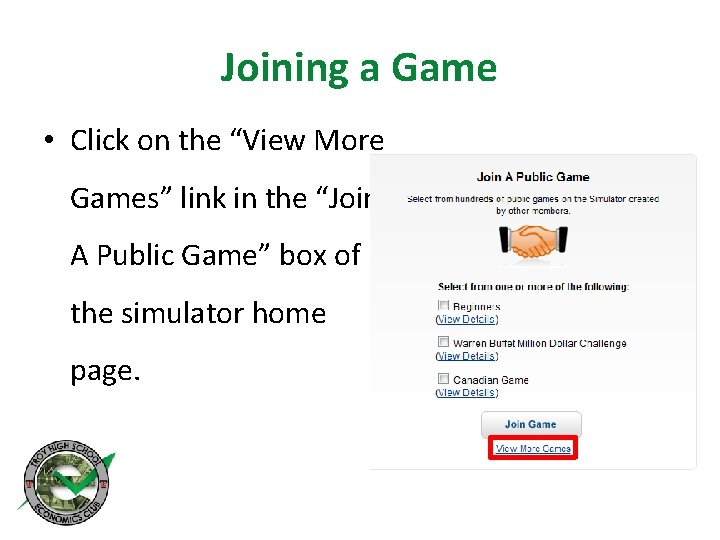
Joining a Game • Click on the “View More Games” link in the “Join A Public Game” box of the simulator home page.
Joining a Game • Under “Search Games: ” enter “THS Economics Club Challenge” to find our game. • Then hit “Search”
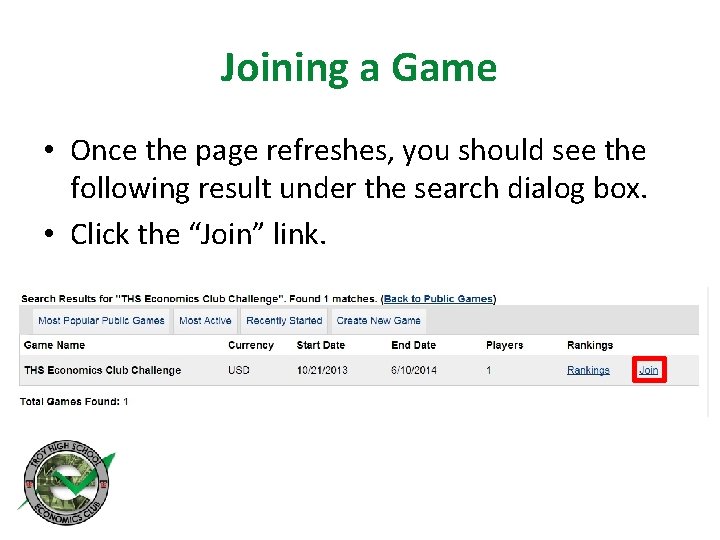
Joining a Game • Once the page refreshes, you should see the following result under the search dialog box. • Click the “Join” link.
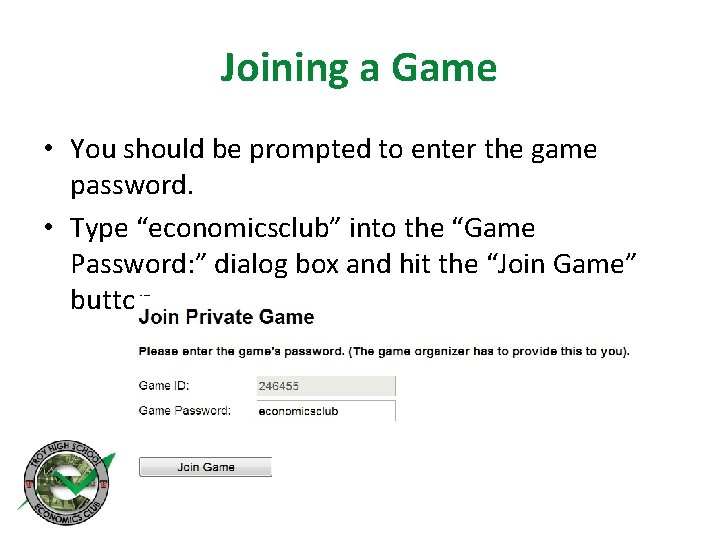
Joining a Game • You should be prompted to enter the game password. • Type “economicsclub” into the “Game Password: ” dialog box and hit the “Join Game” button
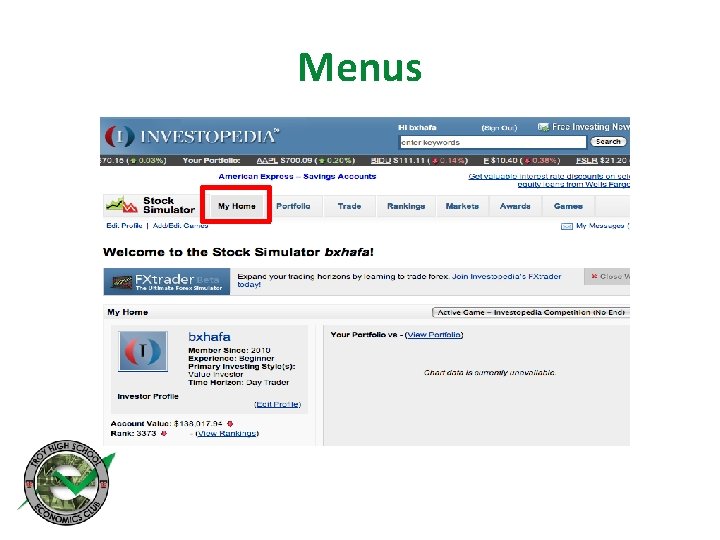
Menus • Congratulations, you have joined the Economics Club’s game! • Click on “My Home” in the Stock Simulator Menu to go to your home page. • This menu will become the basis of all your actions in the simulator. • The other menu is for the rest of Investopedia and has resources for stock research.
Menus
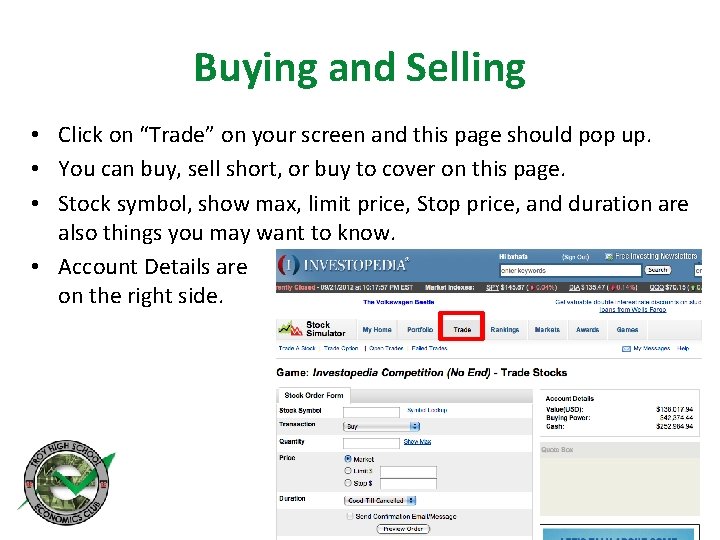
Buying and Selling • Click on “Trade” on your screen and this page should pop up. • You can buy, sell short, or buy to cover on this page. • Stock symbol, show max, limit price, Stop price, and duration are also things you may want to know. • Account Details are on the right side.
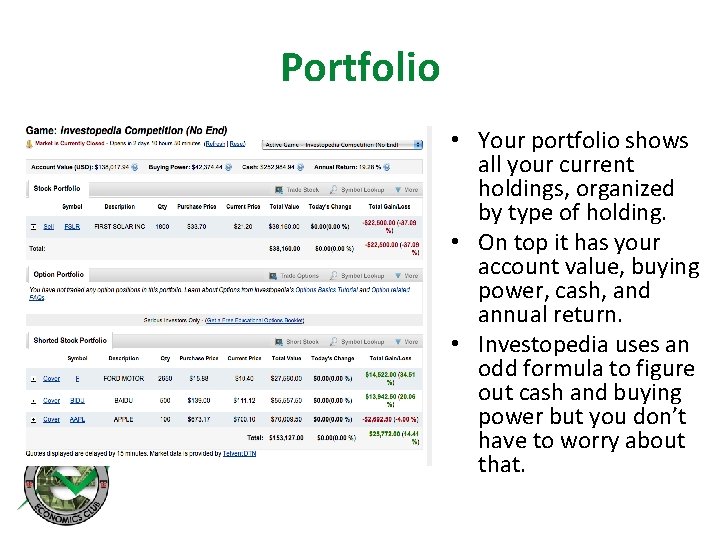
Portfolio • Your portfolio shows all your current holdings, organized by type of holding. • On top it has your account value, buying power, cash, and annual return. • Investopedia uses an odd formula to figure out cash and buying power but you don’t have to worry about that.
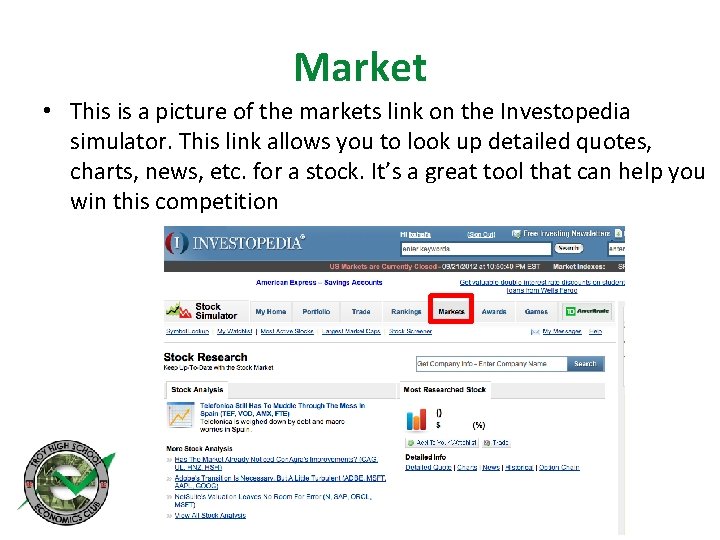
Market • This is a picture of the markets link on the Investopedia simulator. This link allows you to look up detailed quotes, charts, news, etc. for a stock. It’s a great tool that can help you win this competition