
Setting up an Io T Session 3 MQTT
- Slides: 56
Setting up an Io. T Session 3: MQTT and Cayenne Uli Raich (uli. raich@gmail. com) Formally CERN, Geneva, Switzerland
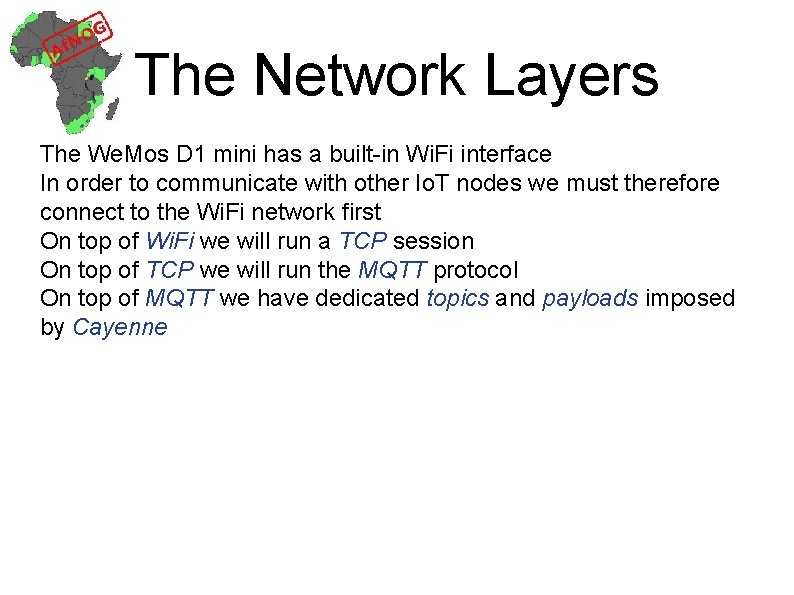
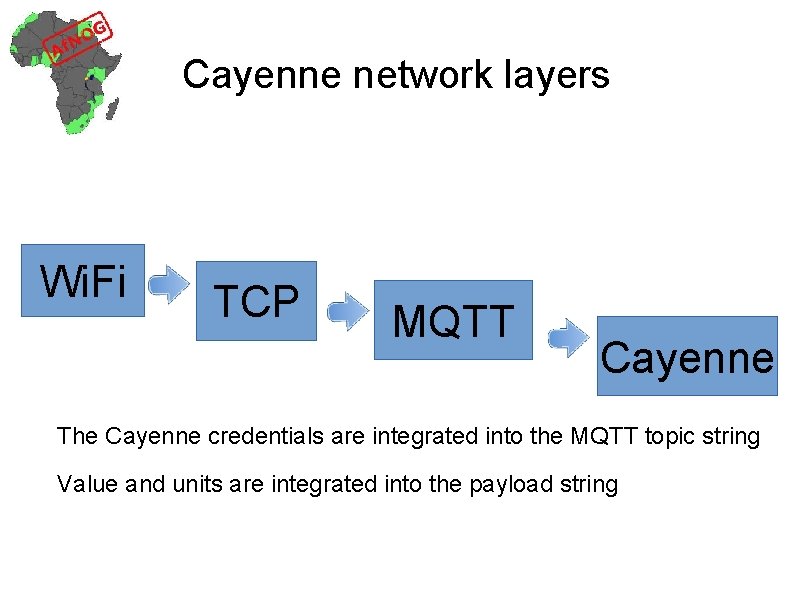
The Network Layers The We. Mos D 1 mini has a built-in Wi. Fi interface In order to communicate with other Io. T nodes we must therefore connect to the Wi. Fi network first On top of Wi. Fi we will run a TCP session On top of TCP we will run the MQTT protocol On top of MQTT we have dedicated topics and payloads imposed by Cayenne
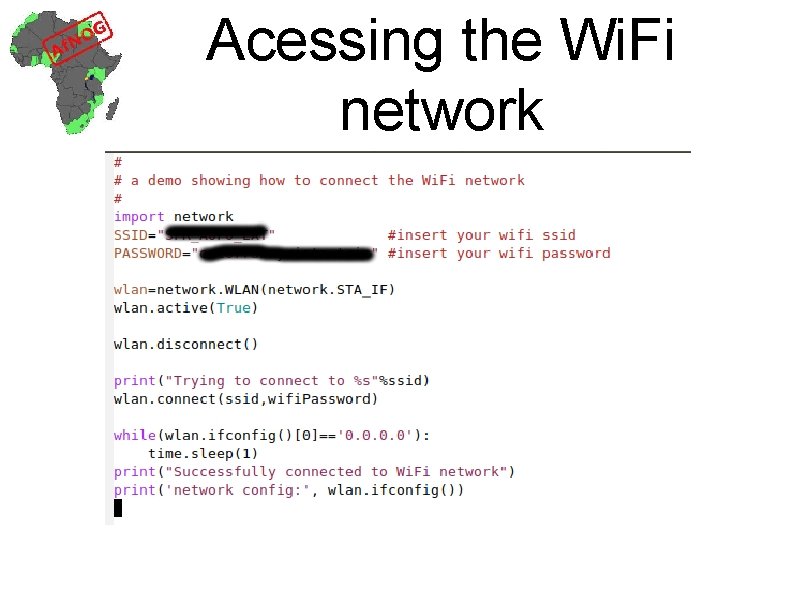
Acessing the Wi. Fi network
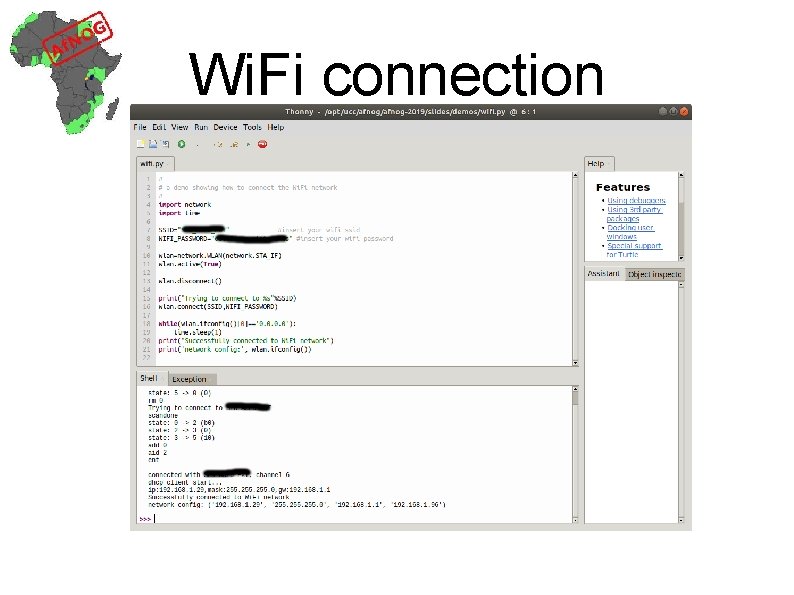
Wi. Fi connection
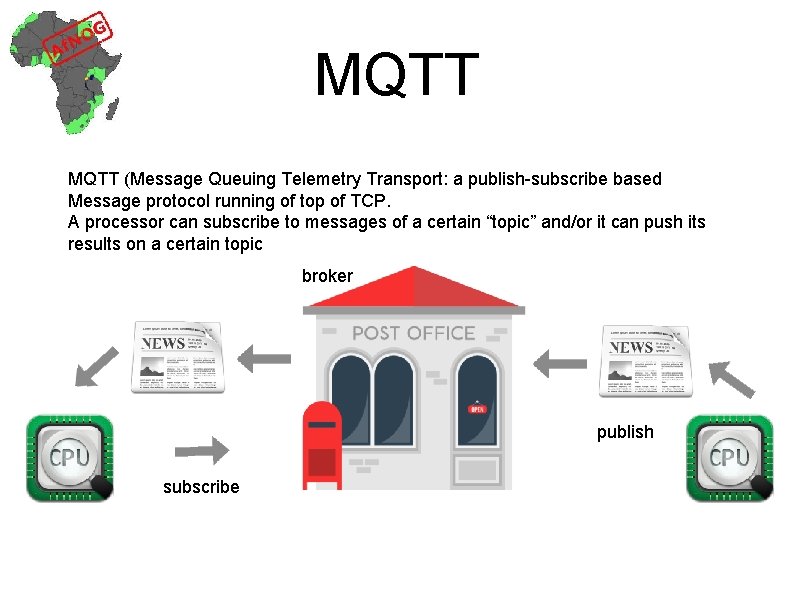
MQTT (Message Queuing Telemetry Transport: a publish-subscribe based Message protocol running of top of TCP. A processor can subscribe to messages of a certain “topic” and/or it can push its results on a certain topic broker publish subscribe
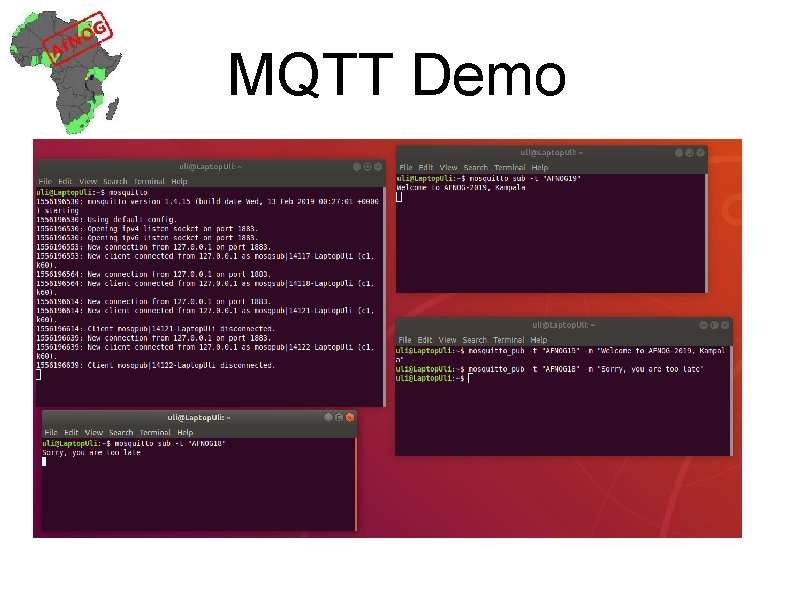
MQTT Demo
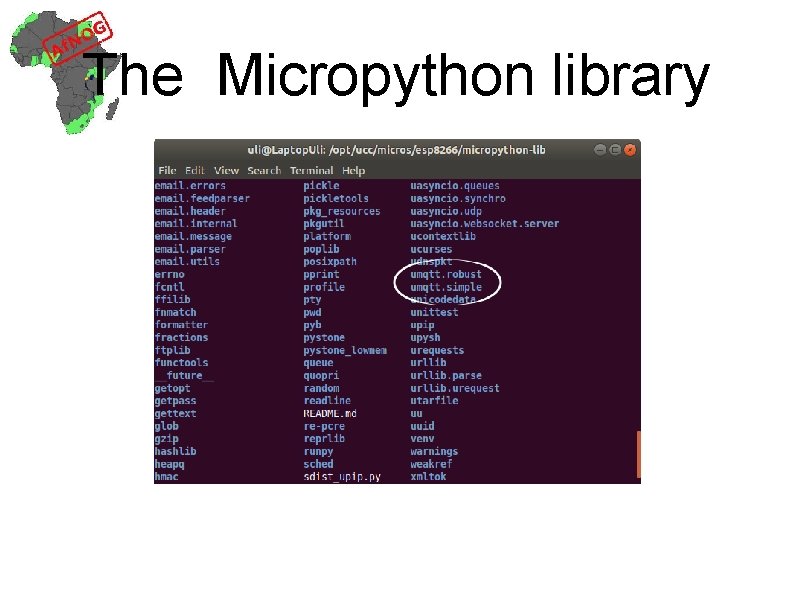
The Micropython library
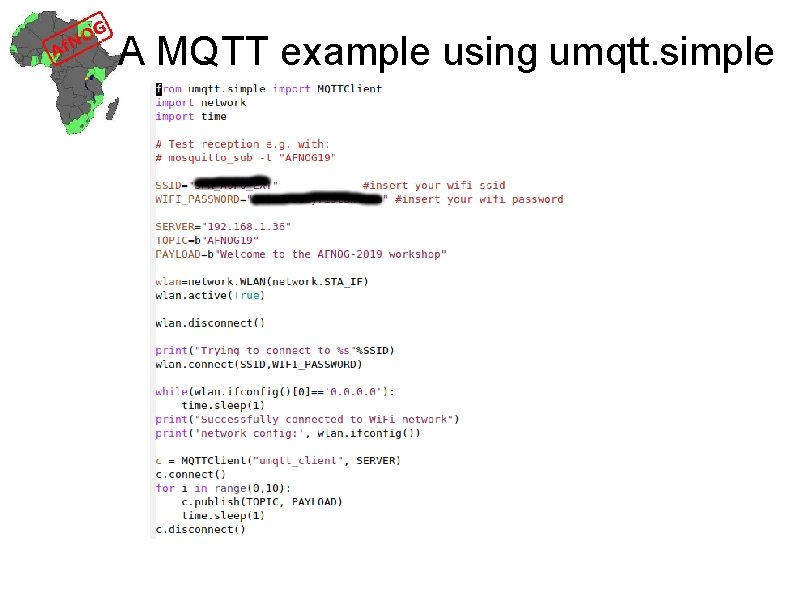
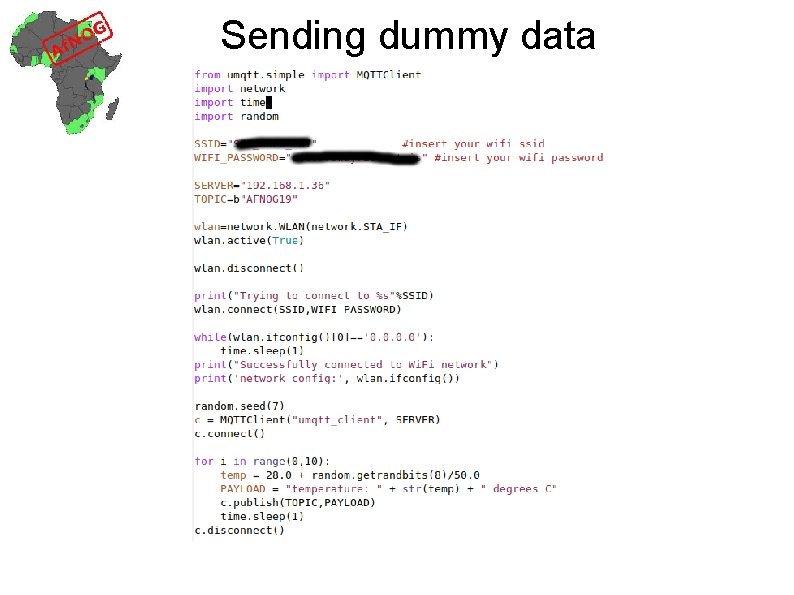
A MQTT example using umqtt. simple
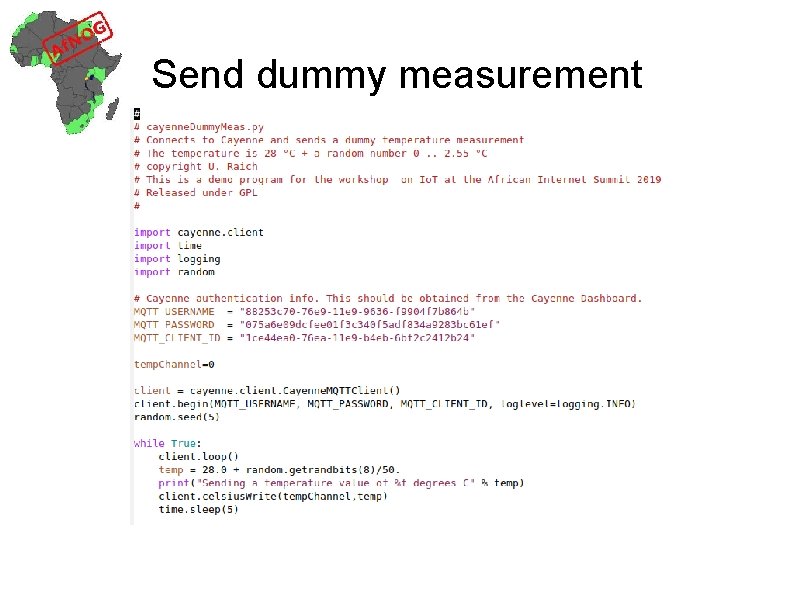
Sending dummy data
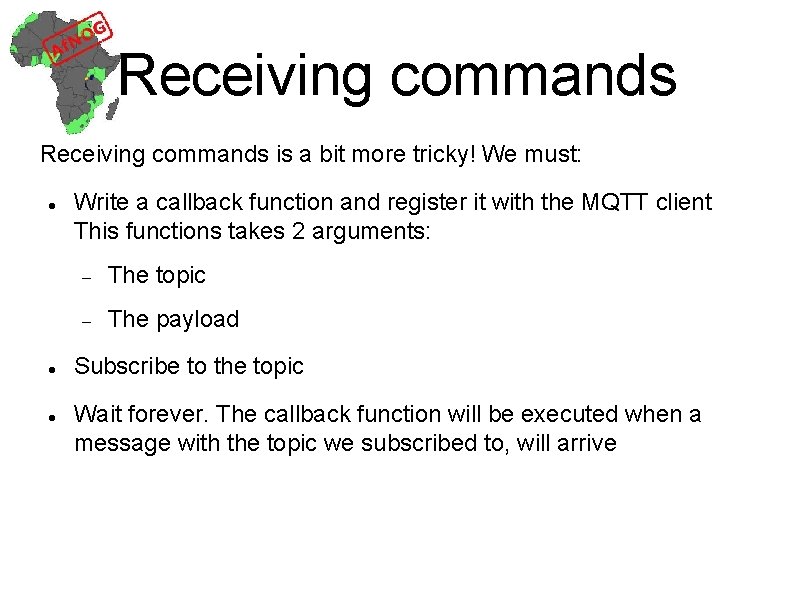
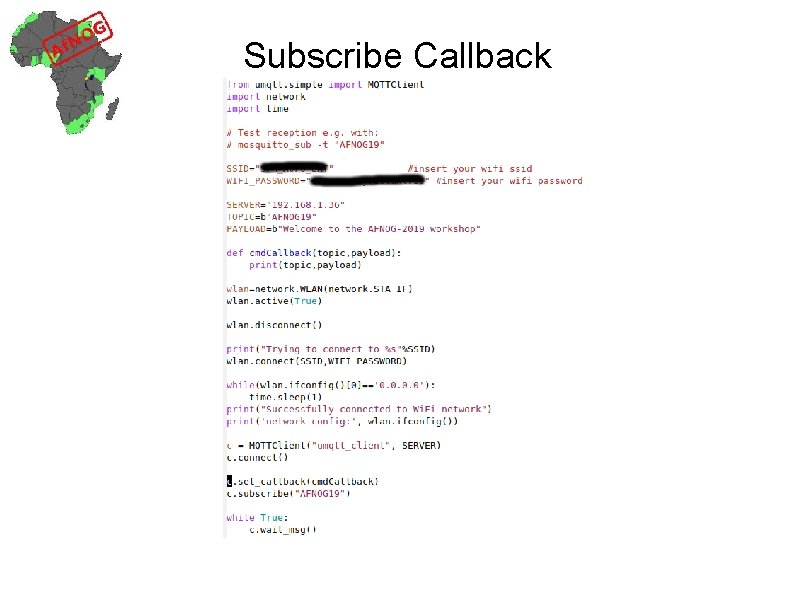
Receiving commands is a bit more tricky! We must: Write a callback function and register it with the MQTT client This functions takes 2 arguments: The topic The payload Subscribe to the topic Wait forever. The callback function will be executed when a message with the topic we subscribed to, will arrive
Subscribe Callback
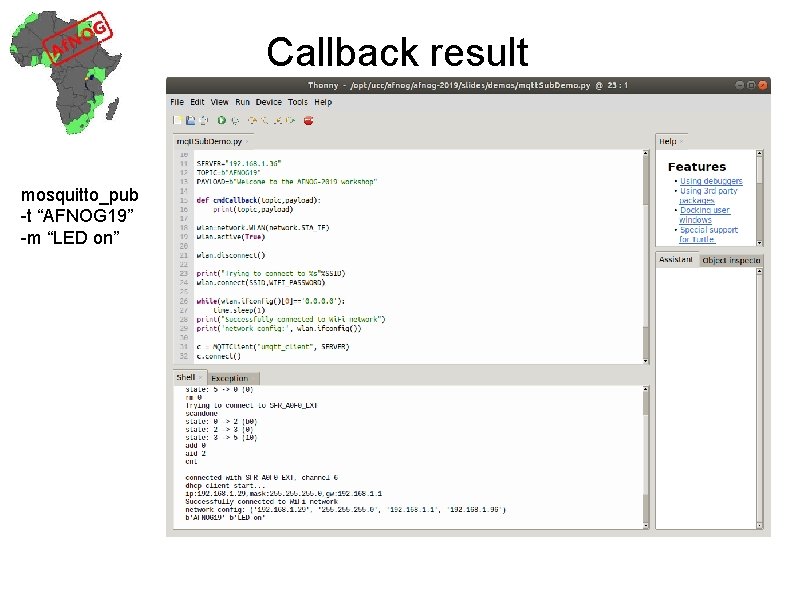
Callback result mosquitto_pub -t “AFNOG 19” -m “LED on”
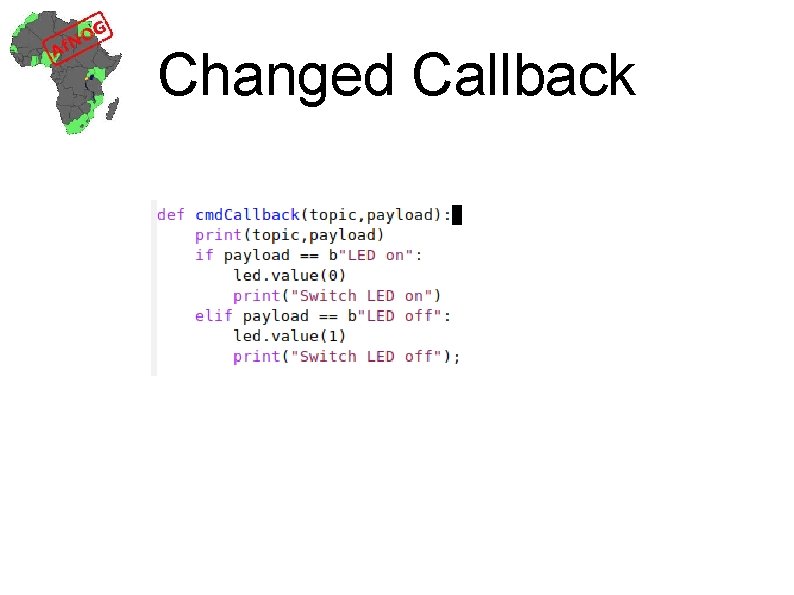
Controlling a LED In order to control a LED through MQTT we now simply interpret the payload: Message “LED on” Message “LED off”
Changed Callback
Missing functions in Io. T MQTT broker should be globally reachable GUI to easily visualize sensor measurements GUI elements to easily control actuators GUI should be accessible through a WEB interface GUI should be accessible through smart phone app This is what Cayenne supplies
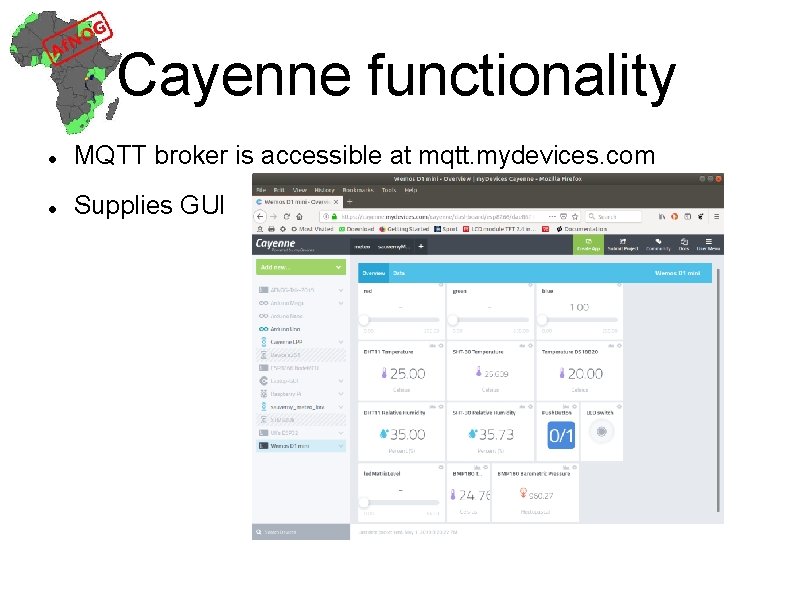
Cayenne functionality MQTT broker is accessible at mqtt. mydevices. com Supplies GUI
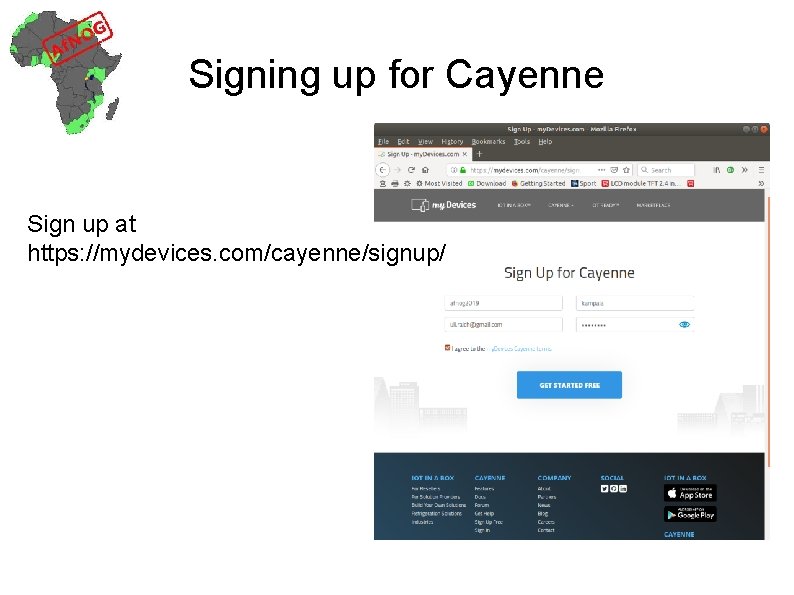
Signing up for Cayenne Sign up at https: //mydevices. com/cayenne/signup/
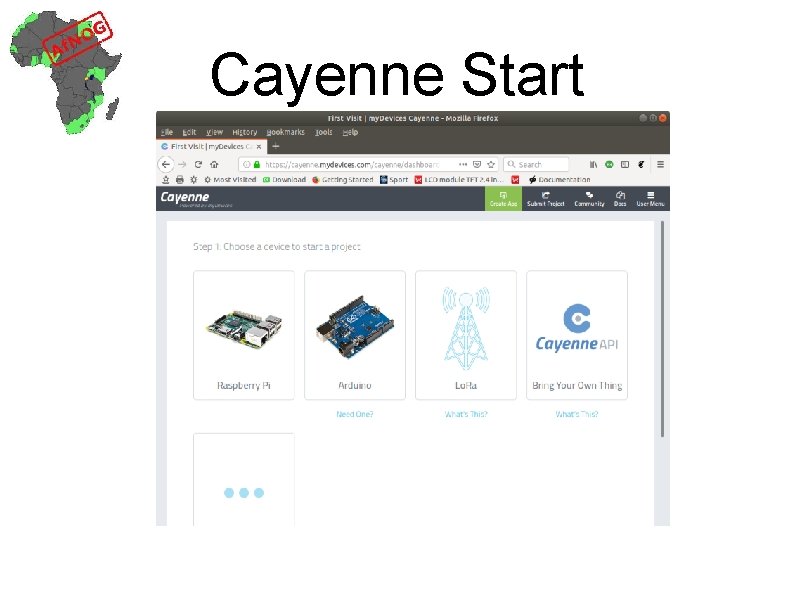
Cayenne Start
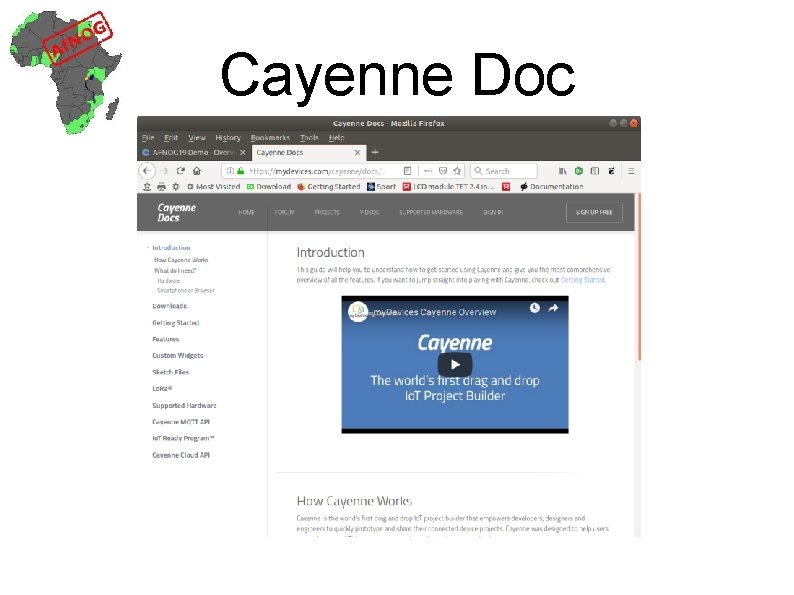
Cayenne Doc
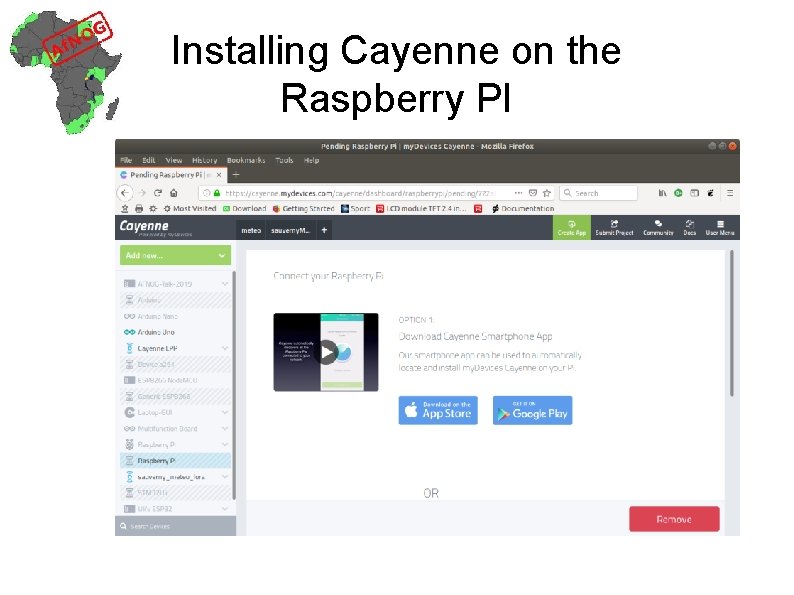
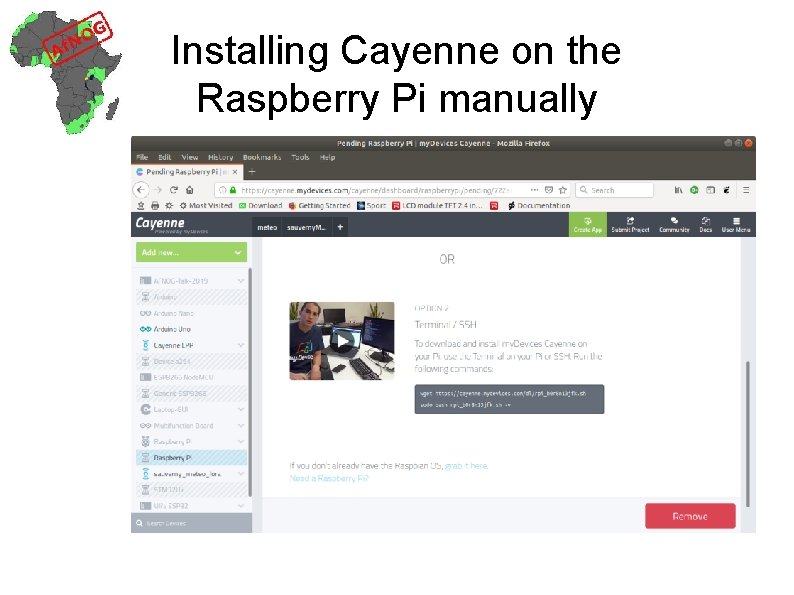
Installing Cayenne on the Raspberry PI
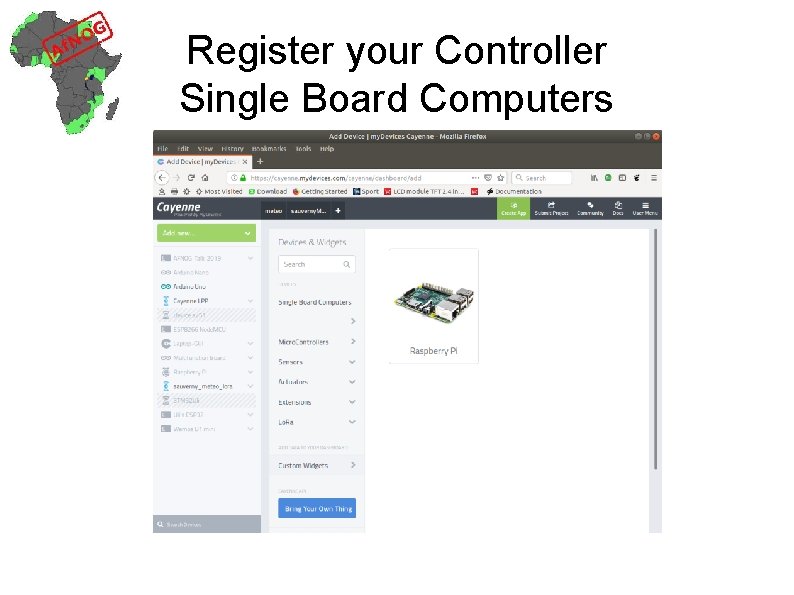
Register your Controller Single Board Computers
Installing Cayenne on the Raspberry Pi manually
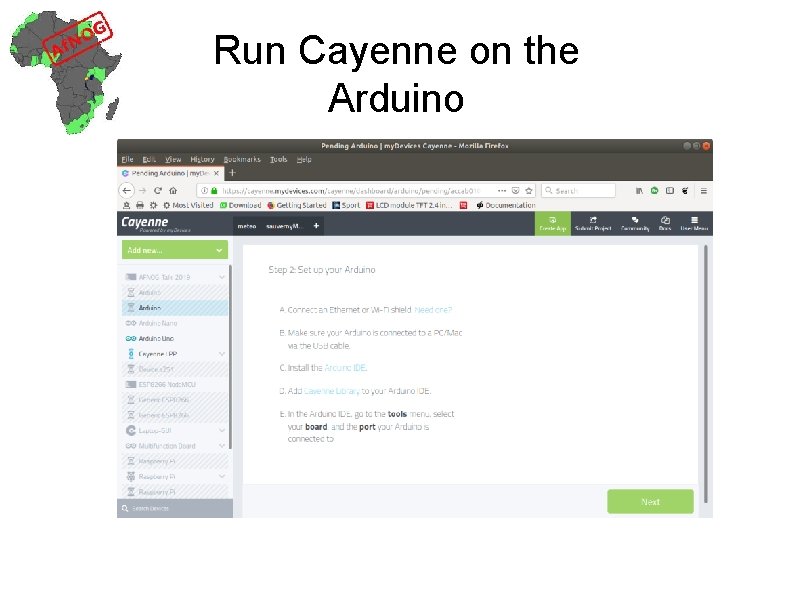
Run Cayenne on the Arduino
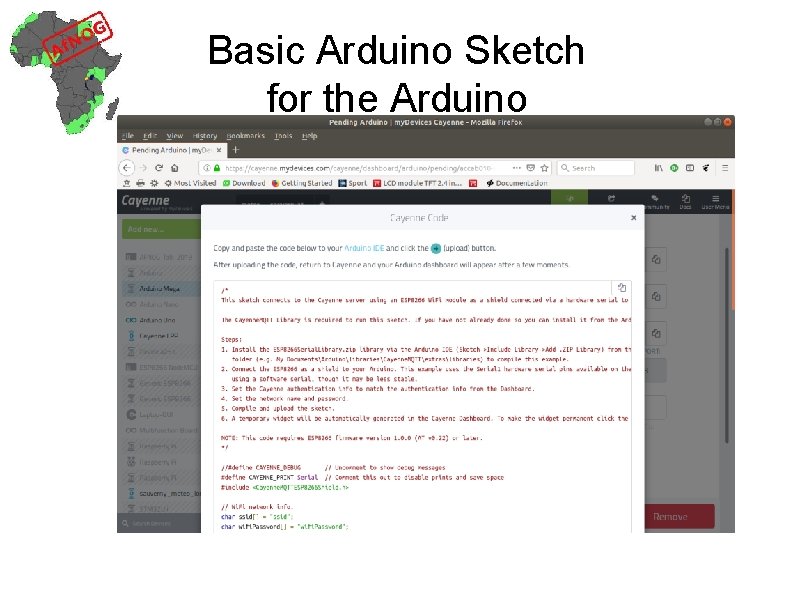
Basic Arduino Sketch for the Arduino
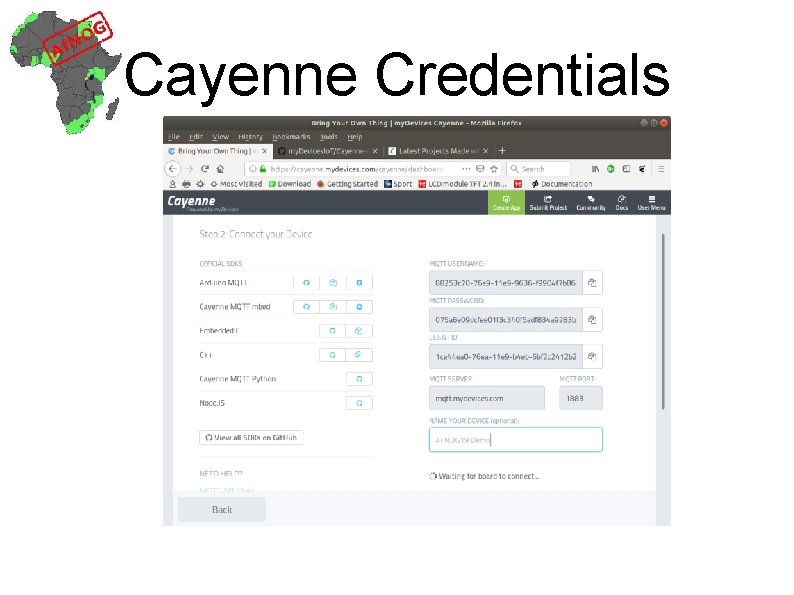
Cayenne Credentials
Cayenne network layers Wi. Fi TCP MQTT Cayenne The Cayenne credentials are integrated into the MQTT topic string Value and units are integrated into the payload string
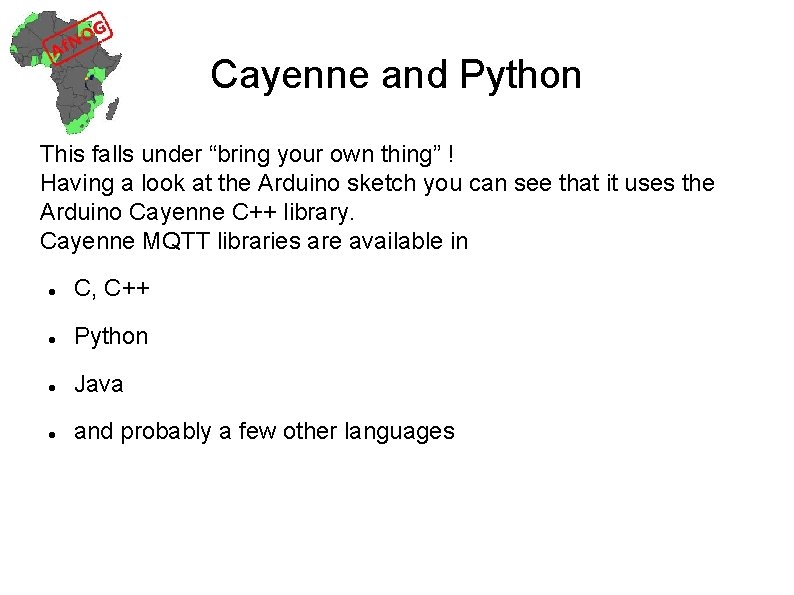
Cayenne and Python This falls under “bring your own thing” ! Having a look at the Arduino sketch you can see that it uses the Arduino Cayenne C++ library. Cayenne MQTT libraries are available in C, C++ Python Java and probably a few other languages
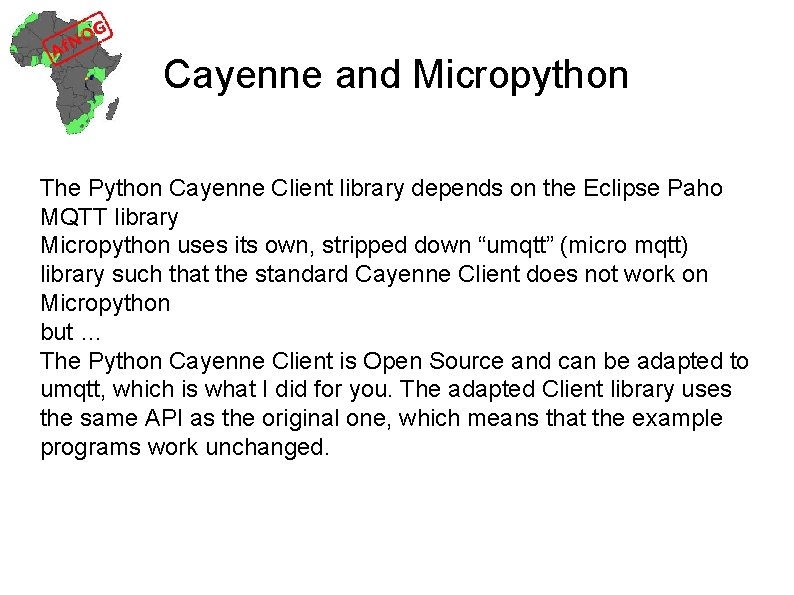
Cayenne and Micropython The Python Cayenne Client library depends on the Eclipse Paho MQTT library Micropython uses its own, stripped down “umqtt” (micro mqtt) library such that the standard Cayenne Client does not work on Micropython but … The Python Cayenne Client is Open Source and can be adapted to umqtt, which is what I did for you. The adapted Client library uses the same API as the original one, which means that the example programs work unchanged.
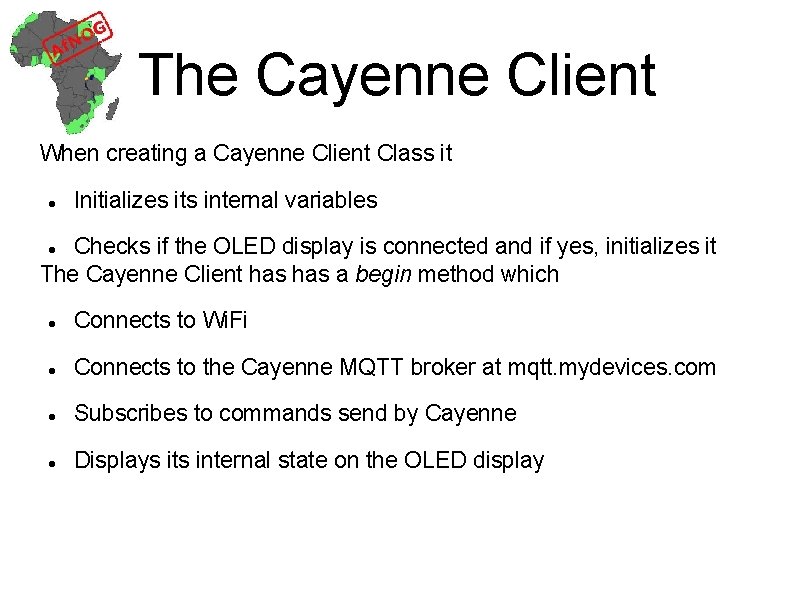
The Cayenne Client When creating a Cayenne Client Class it Initializes its internal variables Checks if the OLED display is connected and if yes, initializes it The Cayenne Client has a begin method which Connects to Wi. Fi Connects to the Cayenne MQTT broker at mqtt. mydevices. com Subscribes to commands send by Cayenne Displays its internal state on the OLED display
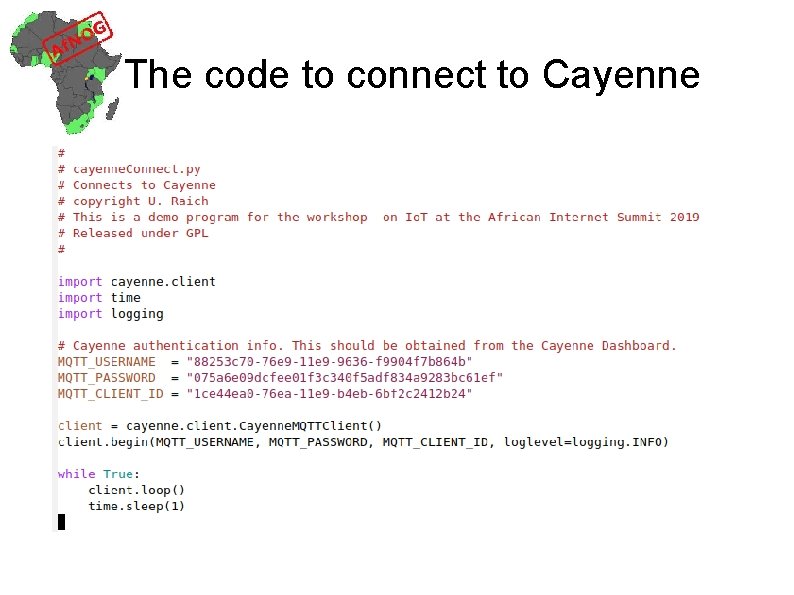
The code to connect to Cayenne
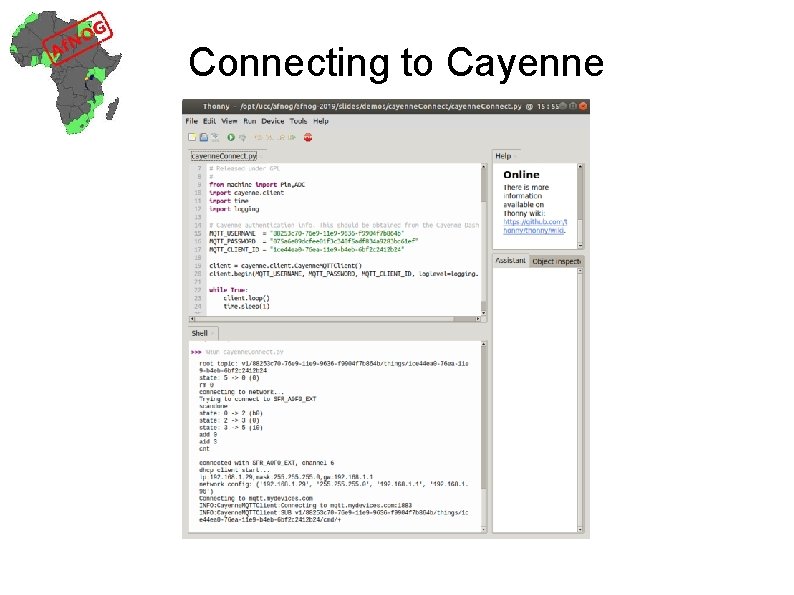
Connecting to Cayenne
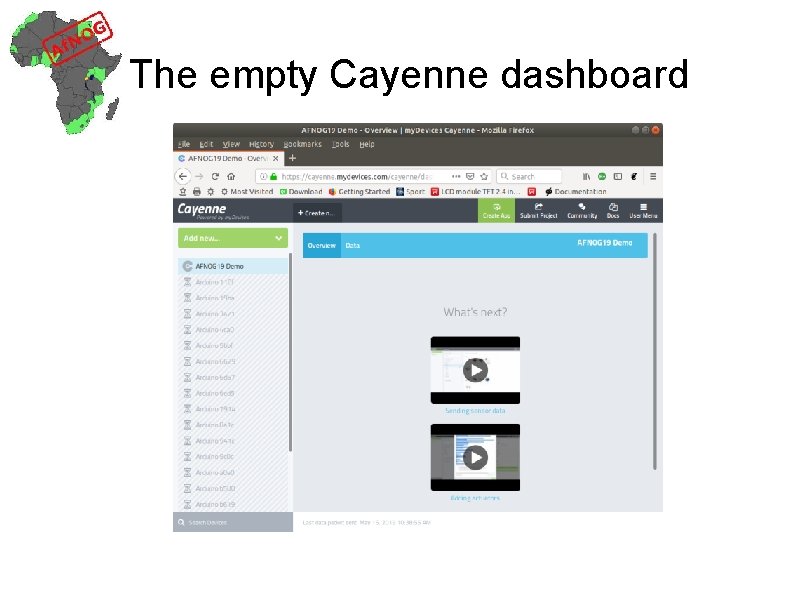
The empty Cayenne dashboard
Send dummy measurement
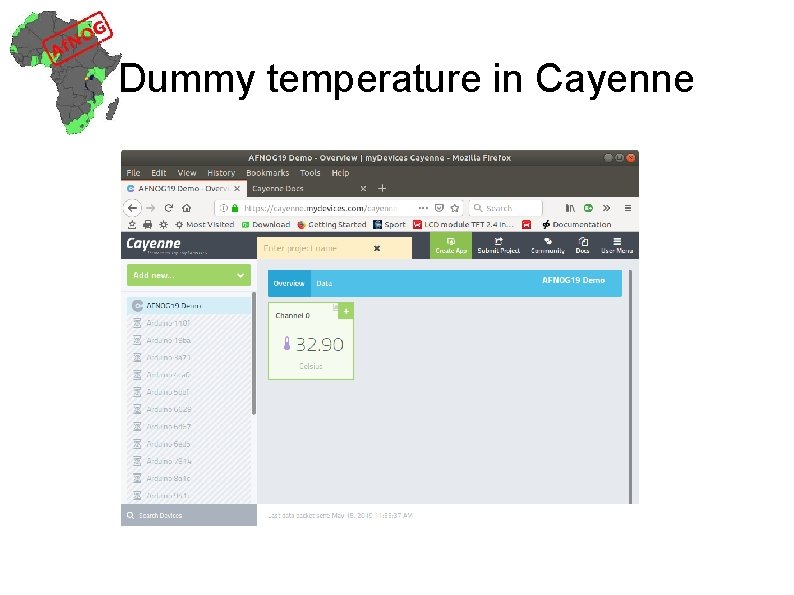
Dummy temperature in Cayenne
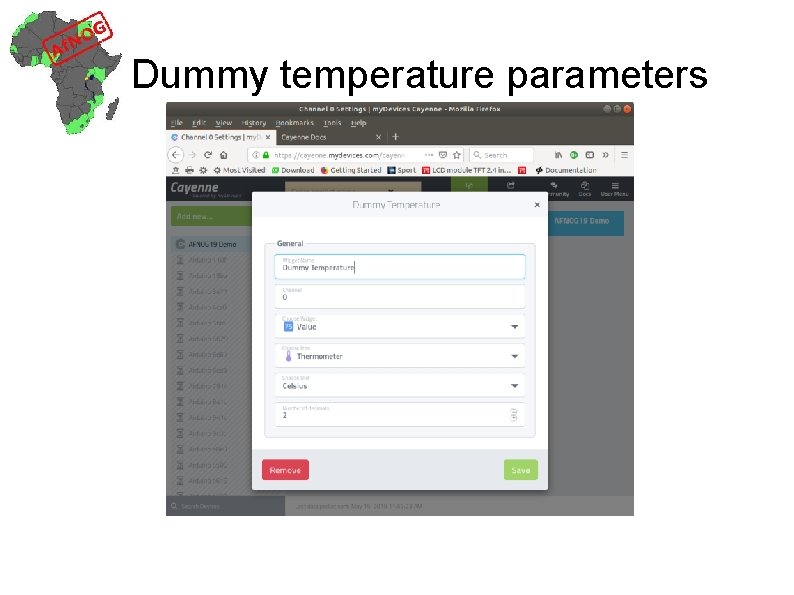
Dummy temperature parameters
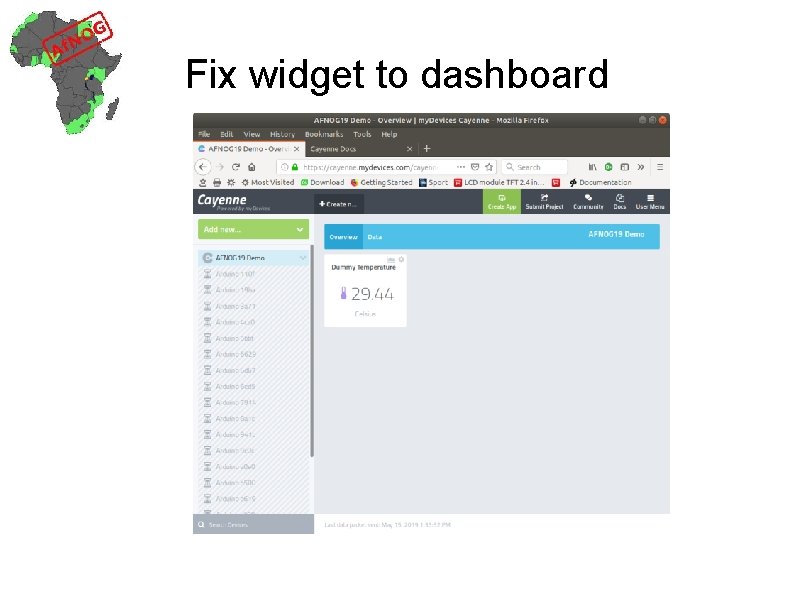
Fix widget to dashboard
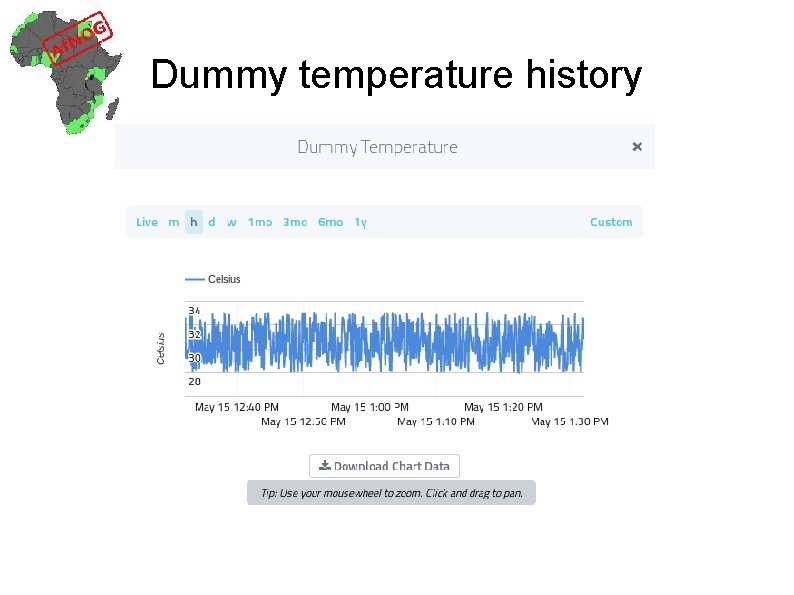
Dummy temperature history
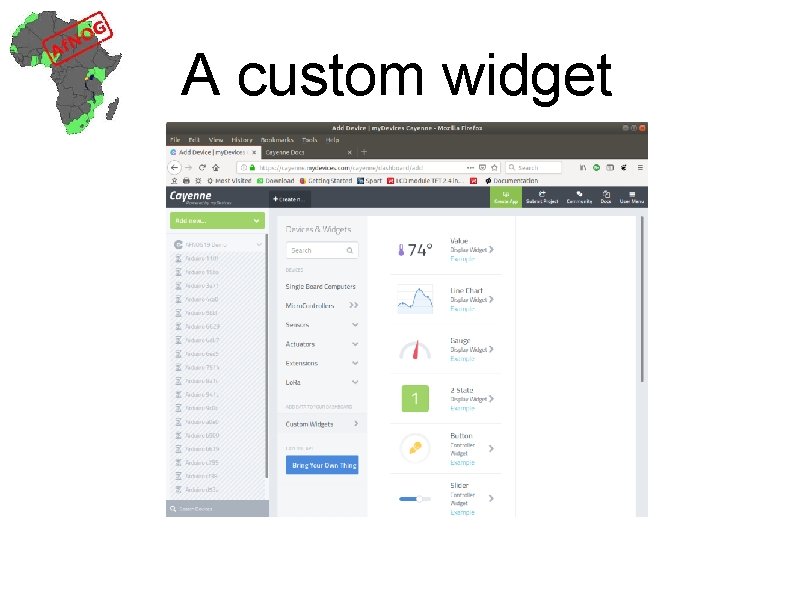
A custom widget
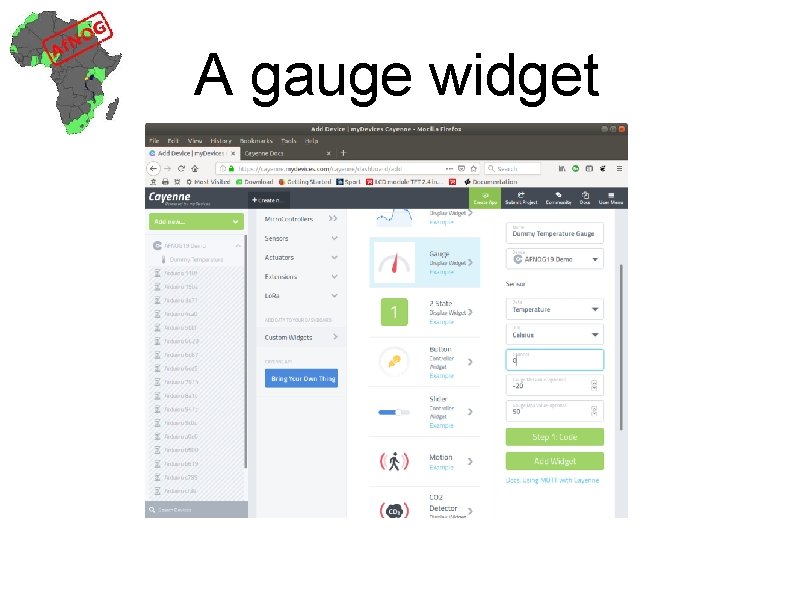
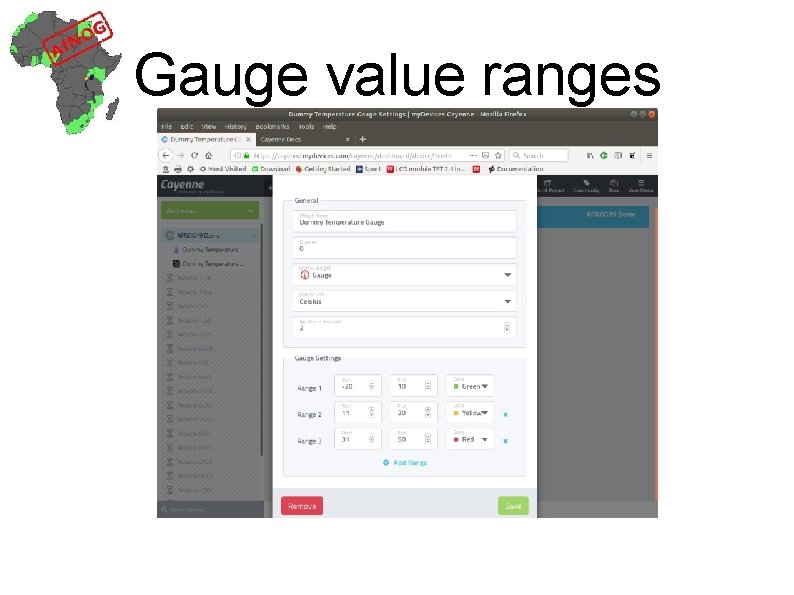
A gauge widget
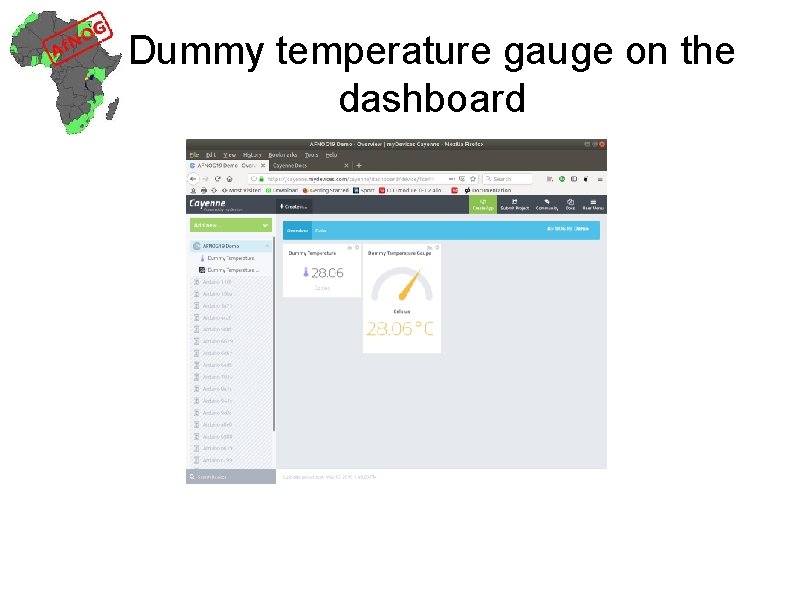
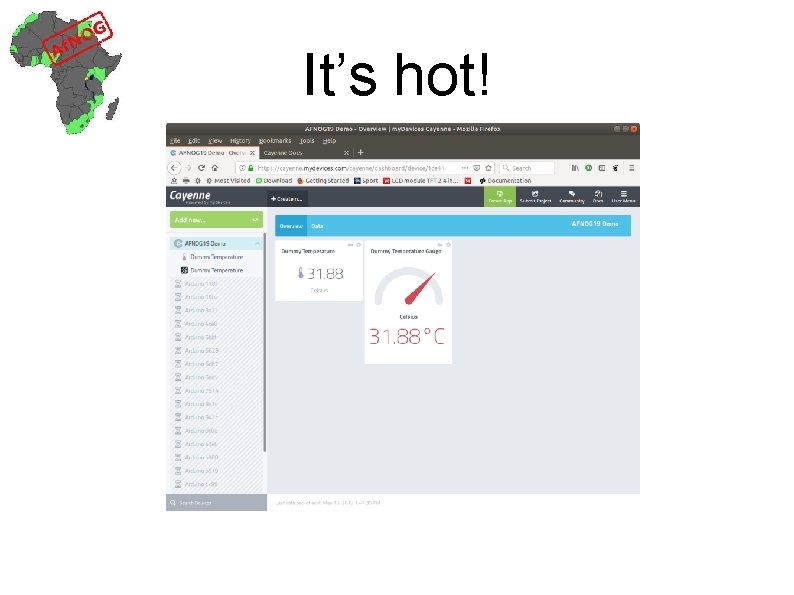
Dummy temperature gauge on the dashboard
Gauge value ranges
It’s hot!
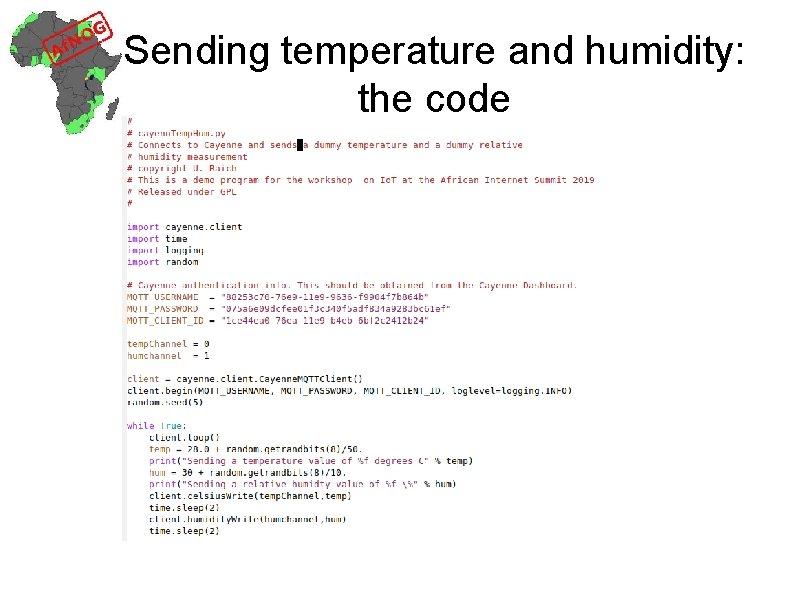
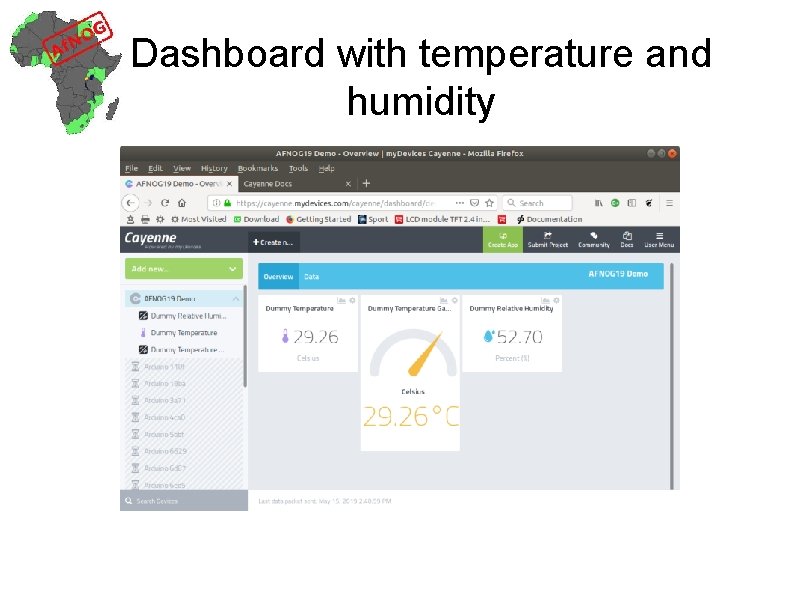
Several dummy measurements Now we want to send a dummy temperature and a dummy humidity value. How do we distinguish? They use different channels!
Sending temperature and humidity: the code
Dashboard with temperature and humidity
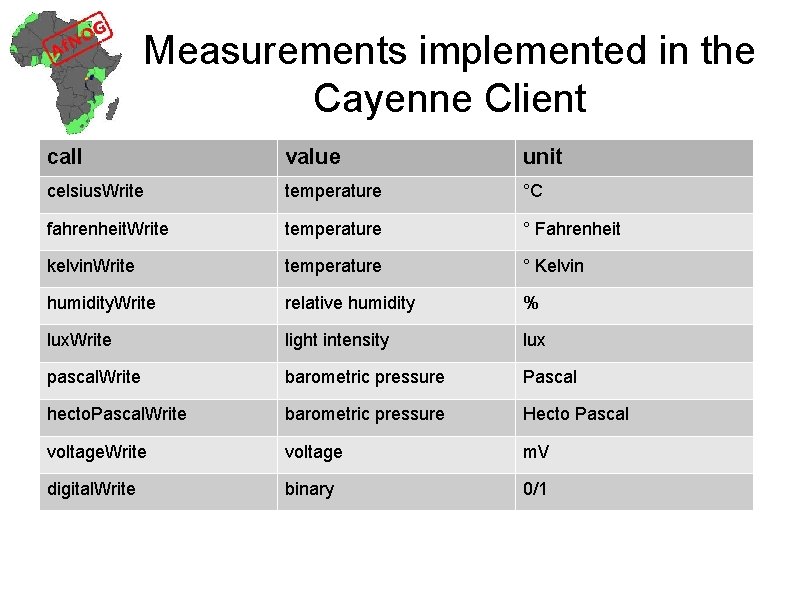
Other measurements We have seen that we can send temperature with client. celsius. Write(channel, temp) And relative humidity with Client. humidity. Write(channel, hum) Which other types of measurements can we send?
Measurements implemented in the Cayenne Client call value unit celsius. Write temperature °C fahrenheit. Write temperature ° Fahrenheit kelvin. Write temperature ° Kelvin humidity. Write relative humidity % lux. Write light intensity lux pascal. Write barometric pressure Pascal hecto. Pascal. Write barometric pressure Hecto Pascal voltage. Write voltage m. V digital. Write binary 0/1
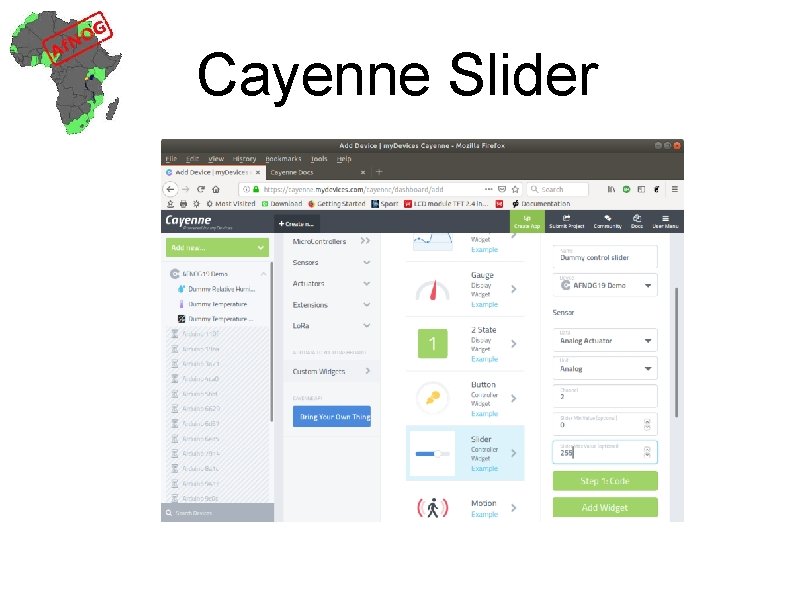
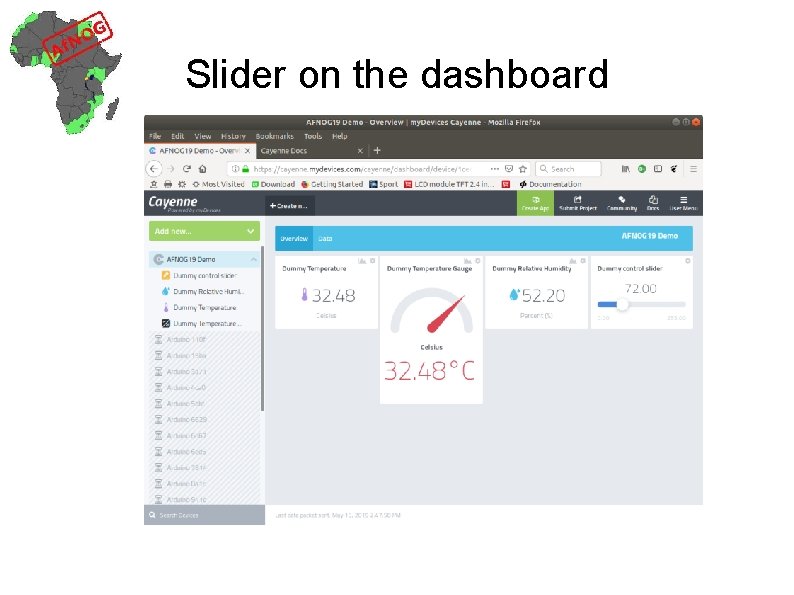
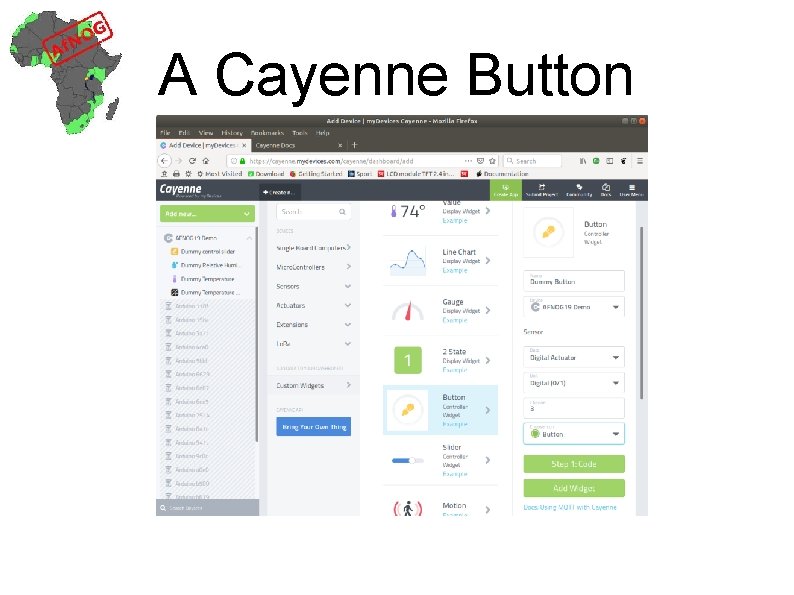
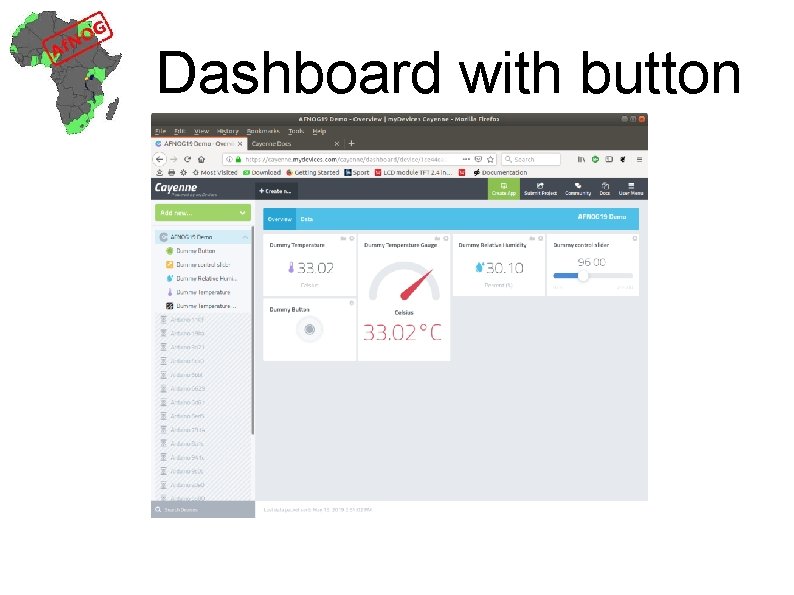
How to control a device? Cayenne supplies only 2 control widgets: a push button A slider
Cayenne Slider
Slider on the dashboard
A Cayenne Button
Dashboard with button
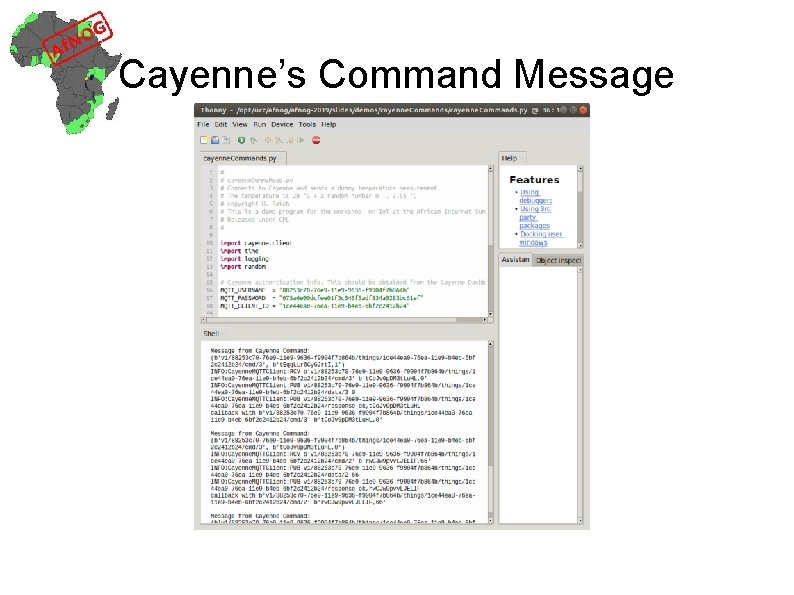
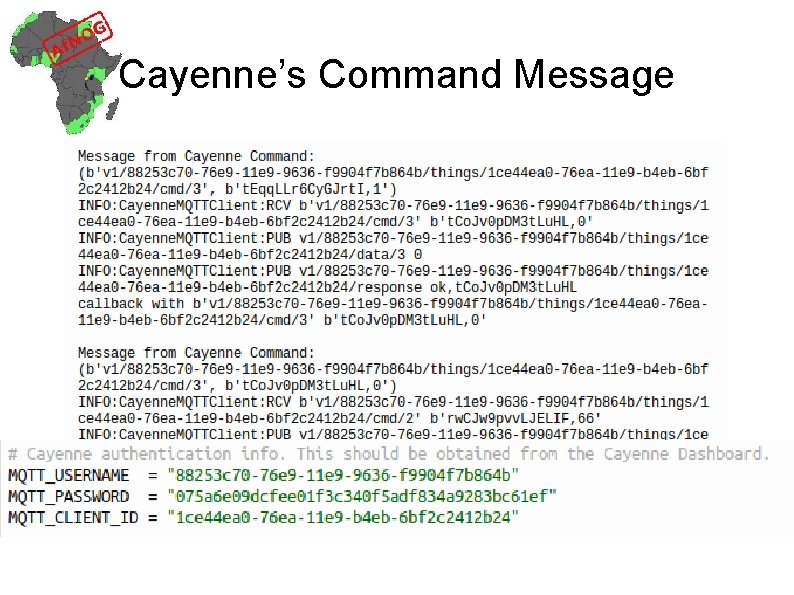
How to receive commands We must define a callback function, which is called whenever the user of the Cayenne dashboard changes a setting on the push button or slider The callback takes a message parameter which is a tuple of Cayenne topic Cayenne payload
Cayenne’s Command Message
Cayenne’s Command Message
Exercises! More on how to interpret this message in the next session