
Setting Up a New Site for GPS Operations



- Slides: 36
Setting Up a New Site for GPS Operations
Benefits of a well planned setup § Setting up the site right – the first time! – Reduces setup errors, which could result in rework – Reduces time wasted on multiple equipment setups and site visits – Increases productivity of machines and field crews – The project is completed faster! § You save time and make more money!
Setting Up a Site for GPS -Topics § Preliminary preparation § Site reconnaissance § Setting up the site § Site Calibration § Conclusion
Preliminary preparations § Digital data – What do you have? – CAD data – 3 D Model § Who is responsible for control? – Owner or you? – Resources to perform in-house or contract § Trimble Connected Site preparedness – Internet connectivity (Land Line vs Cellular) – IBSS – 2 -Way data
Digital Data § CAD data must always be verified § CAD data often must be corrected and/or enhanced – Trimble Business Center – Heavy Construction Edition (HCE) data prep module can provide you with the tools to perform this task § You should understand the needs of office systems vs field systems and learn what formats are needed
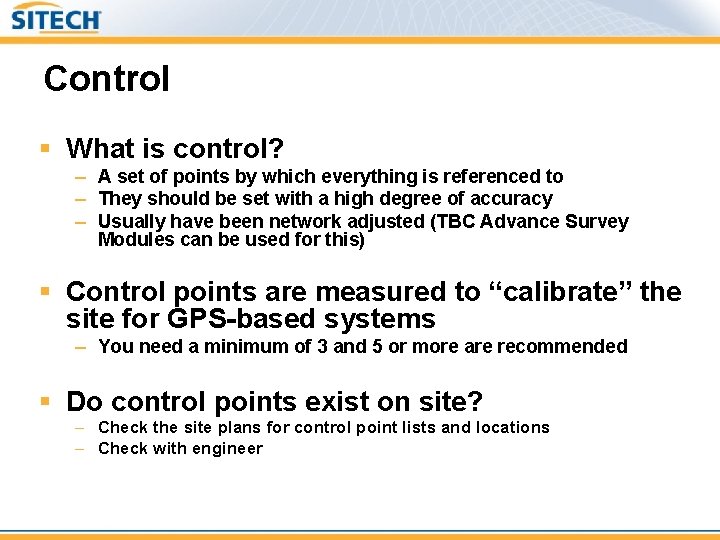
Control § What is control? – A set of points by which everything is referenced to – They should be set with a high degree of accuracy – Usually have been network adjusted (TBC Advance Survey Modules can be used for this) § Control points are measured to “calibrate” the site for GPS-based systems – You need a minimum of 3 and 5 or more are recommended § Do control points exist on site? – Check the site plans for control point lists and locations – Check with engineer
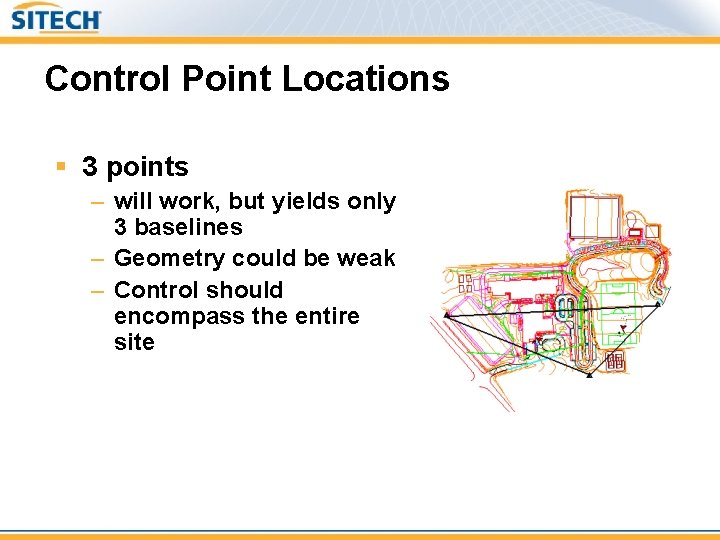
Control Point Locations § 3 points – will work, but yields only 3 baselines – Geometry could be weak – Control should encompass the entire site
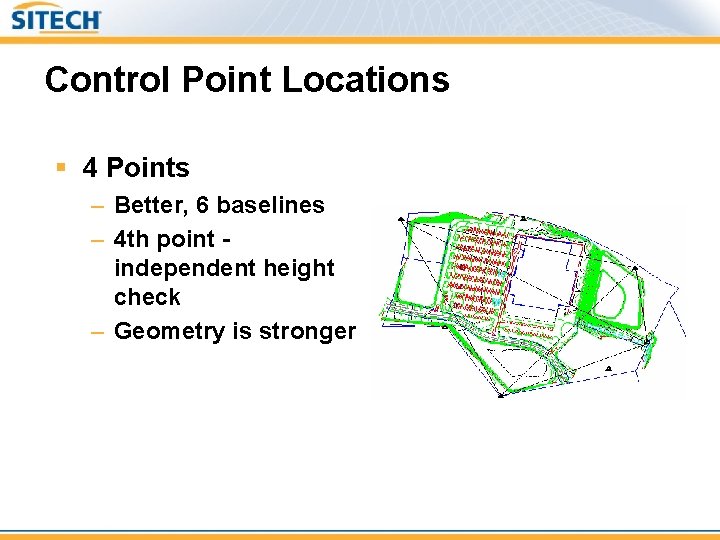
Control Point Locations § 4 Points – Better, 6 baselines – 4 th point independent height check – Geometry is stronger
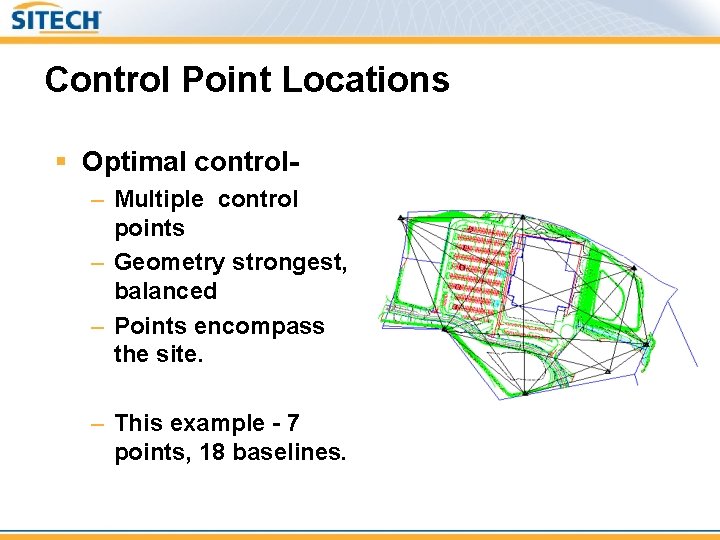
Control Point Locations § Optimal control– Multiple control points – Geometry strongest, balanced – Points encompass the site. – This example - 7 points, 18 baselines.
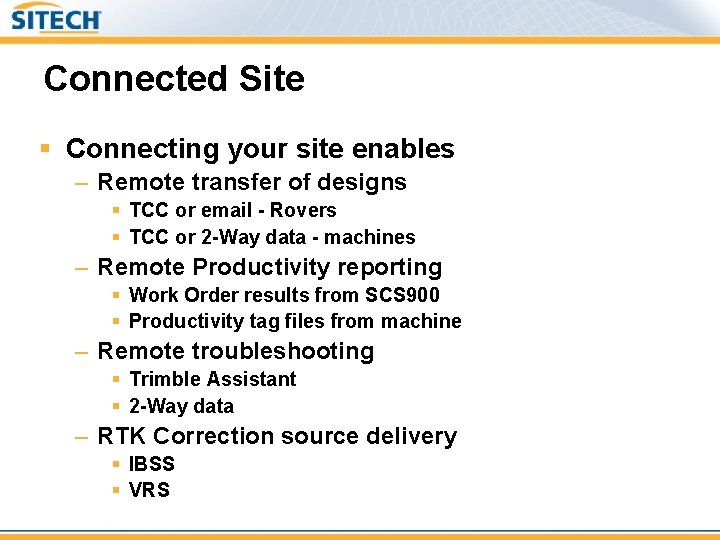
Connected Site § Connecting your site enables – Remote transfer of designs § TCC or email - Rovers § TCC or 2 -Way data - machines – Remote Productivity reporting § Work Order results from SCS 900 § Productivity tag files from machine – Remote troubleshooting § Trimble Assistant § 2 -Way data – RTK Correction source delivery § IBSS § VRS
Connected Site Things to be aware of – Internet Connectivity § LAN – Comcast, Cox, etc. § Stable & faster transfer rate § Cellular – At&t, Verizon, T-Mobile, etc. § Peak use outages – Will you be using remote correction source? § VRS § Private or government § IBSS § Managed or Unmanaged – Remember - these are things beyond contractor control
Site reconnaissance § Size, duration, and environmental considerations § Control verification § GPS base station locations § Correction source delivery
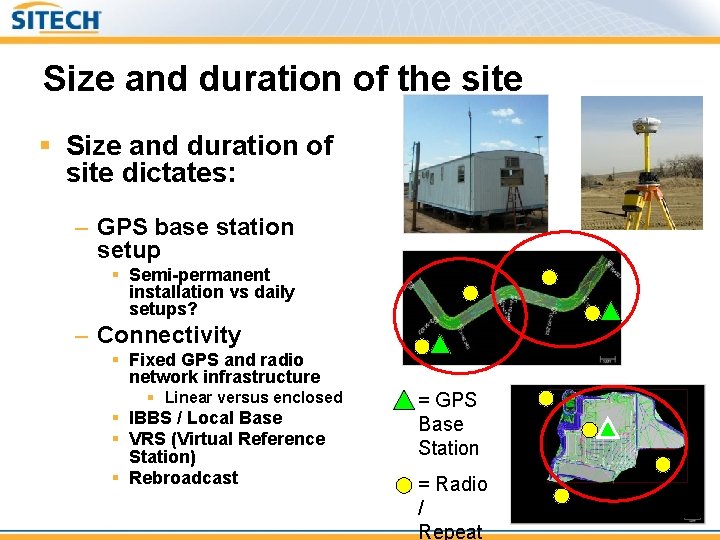
Size and duration of the site § Size and duration of site dictates: – GPS base station setup § Semi-permanent installation vs daily setups? – Connectivity § Fixed GPS and radio network infrastructure § Linear versus enclosed § IBBS / Local Base § VRS (Virtual Reference Station) § Rebroadcast = GPS Base Station = Radio / Repeat
Environmental considerations § Undulating versus flat terrain § Urban canyons and dense foliage § Radio Interference – Airport radio towers – Microwave towers
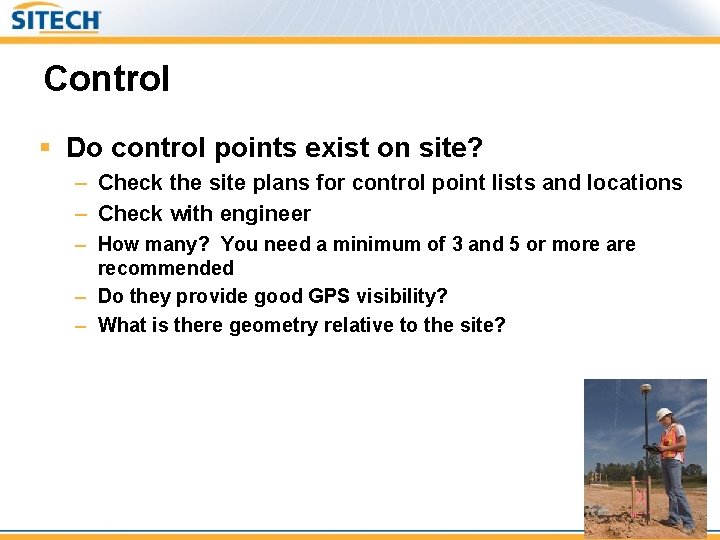
Control § Do control points exist on site? – Check the site plans for control point lists and locations – Check with engineer – How many? You need a minimum of 3 and 5 or more are recommended – Do they provide good GPS visibility? – What is there geometry relative to the site?
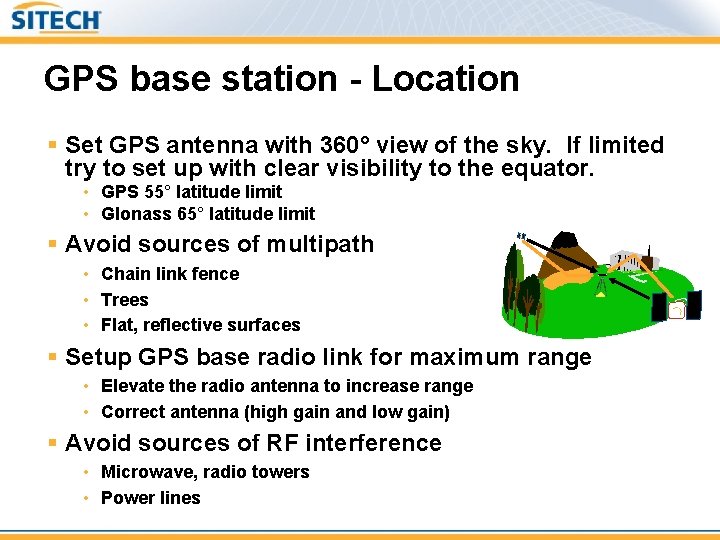
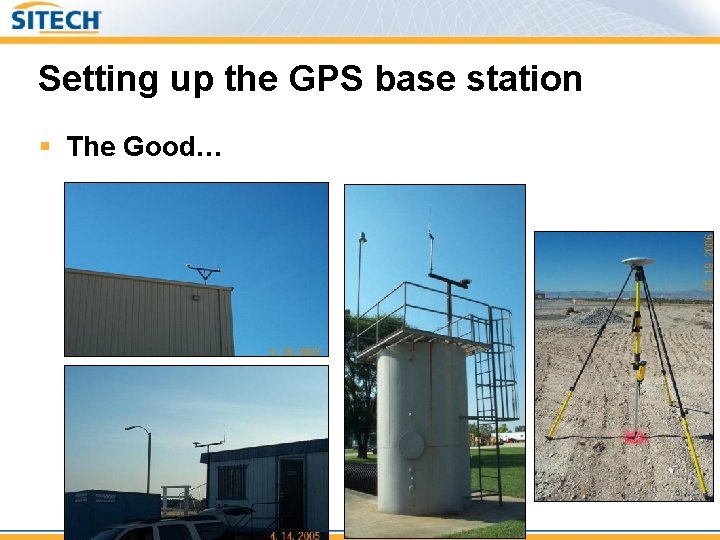
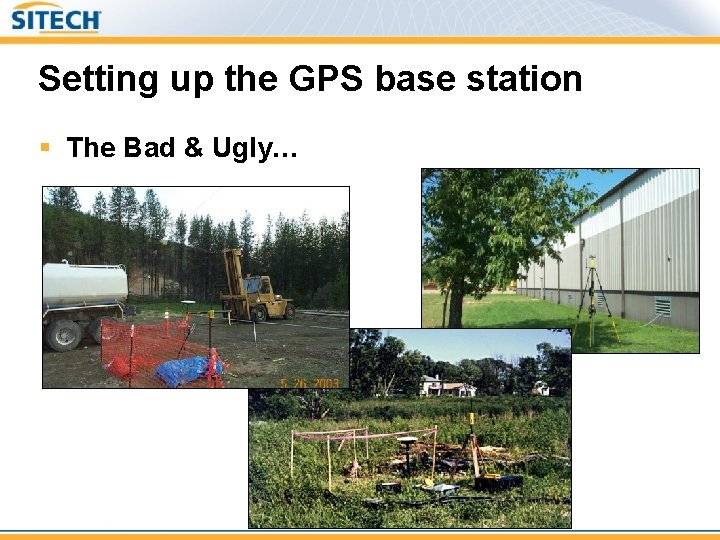
GPS base station - Location § Set GPS antenna with 360° view of the sky. If limited try to set up with clear visibility to the equator. • GPS 55° latitude limit • Glonass 65° latitude limit § Avoid sources of multipath • Chain link fence • Trees • Flat, reflective surfaces § Setup GPS base radio link for maximum range • Elevate the radio antenna to increase range • Correct antenna (high gain and low gain) § Avoid sources of RF interference • Microwave, radio towers • Power lines
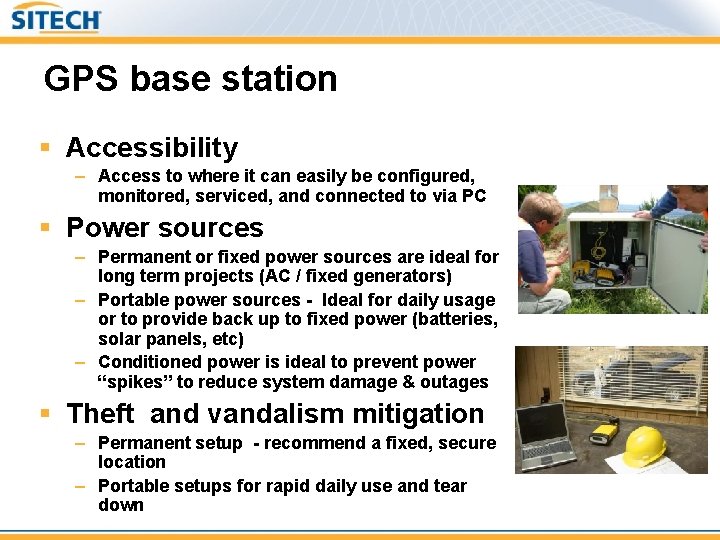
GPS base station § Accessibility – Access to where it can easily be configured, monitored, serviced, and connected to via PC § Power sources – Permanent or fixed power sources are ideal for long term projects (AC / fixed generators) – Portable power sources - Ideal for daily usage or to provide back up to fixed power (batteries, solar panels, etc) – Conditioned power is ideal to prevent power “spikes” to reduce system damage & outages § Theft and vandalism mitigation – Permanent setup - recommend a fixed, secure location – Portable setups for rapid daily use and tear down
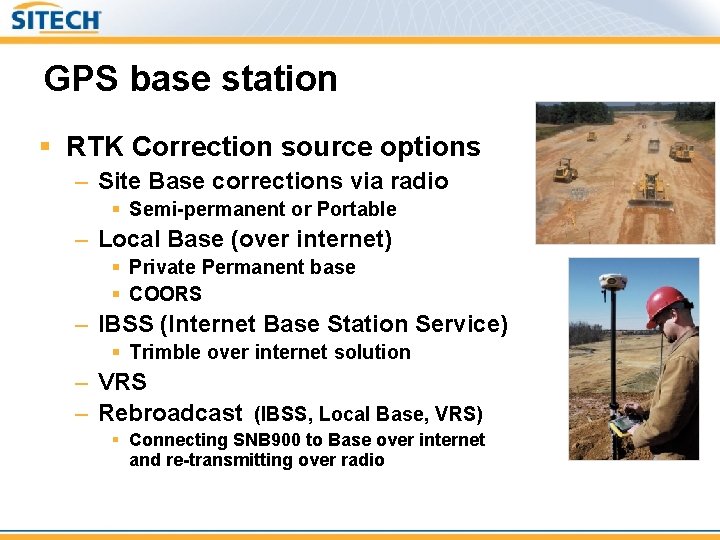
GPS base station § RTK Correction source options – Site Base corrections via radio § Semi-permanent or Portable – Local Base (over internet) § Private Permanent base § COORS – IBSS (Internet Base Station Service) § Trimble over internet solution – VRS – Rebroadcast (IBSS, Local Base, VRS) § Connecting SNB 900 to Base over internet and re-transmitting over radio
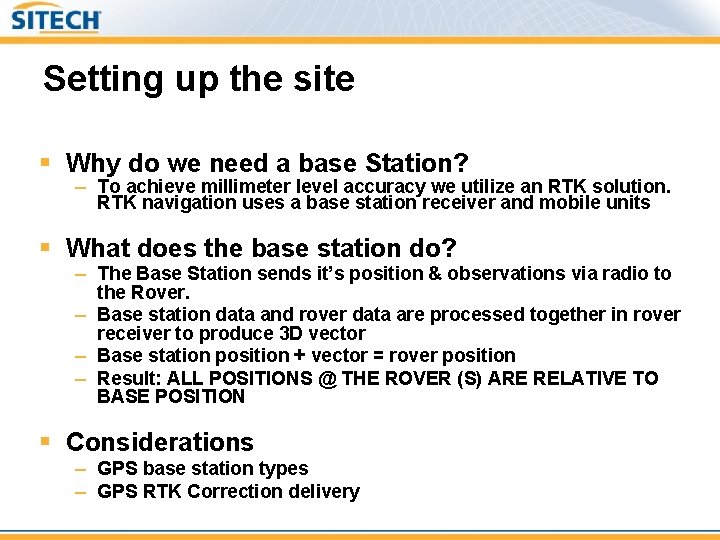
Setting up the site § Why do we need a base Station? – To achieve millimeter level accuracy we utilize an RTK solution. RTK navigation uses a base station receiver and mobile units § What does the base station do? – The Base Station sends it’s position & observations via radio to the Rover. – Base station data and rover data are processed together in rover receiver to produce 3 D vector – Base station position + vector = rover position – Result: ALL POSITIONS @ THE ROVER (S) ARE RELATIVE TO BASE POSITION § Considerations – GPS base station types – GPS RTK Correction delivery
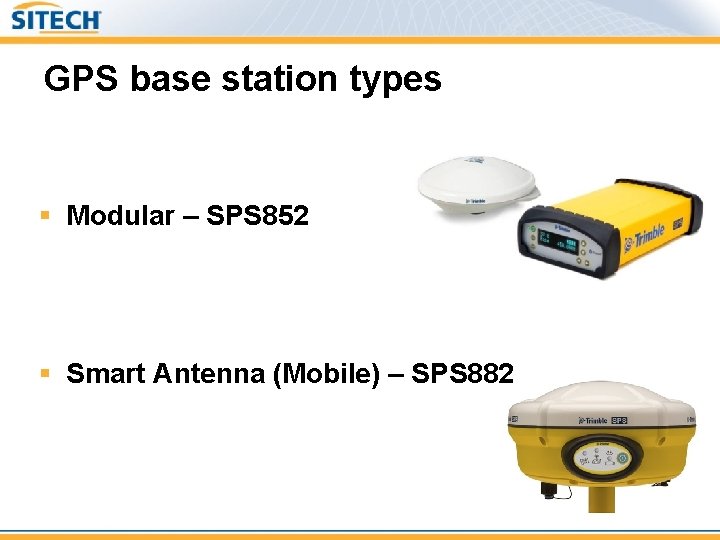
GPS base station types § Modular – SPS 852 § Smart Antenna (Mobile) – SPS 882
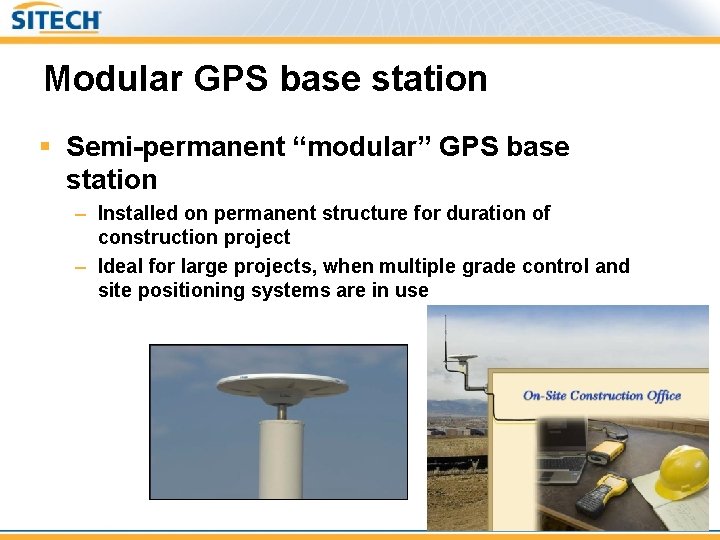
Modular GPS base station § Semi-permanent “modular” GPS base station – Installed on permanent structure for duration of construction project – Ideal for large projects, when multiple grade control and site positioning systems are in use
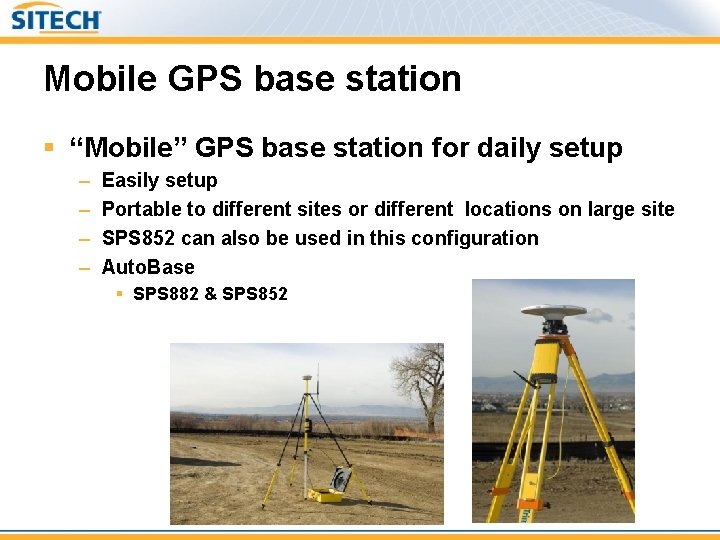
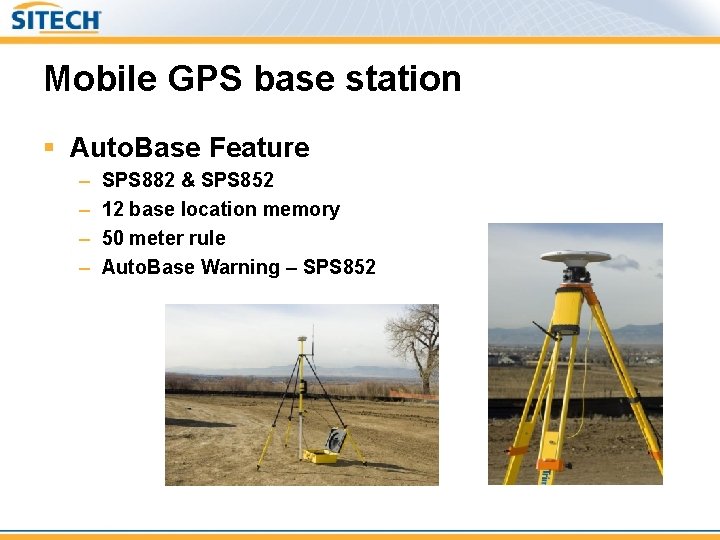
Mobile GPS base station § “Mobile” GPS base station for daily setup – – Easily setup Portable to different sites or different locations on large site SPS 852 can also be used in this configuration Auto. Base § SPS 882 & SPS 852
Mobile GPS base station § Auto. Base Feature – – SPS 882 & SPS 852 12 base location memory 50 meter rule Auto. Base Warning – SPS 852
GPS RTK Delivery Method § Internal radio or External radio § 450 MHz and 900 MHz –. 5 W, 1. 0 W, 2. 0 W, High Power TM 3/HPB/TDL § Internet Base Station(IBS) – Increased range limited to PPM error deemed acceptable § Cellular § Ethernet LAN
Setting up the GPS base station § The Good…
Setting up the GPS base station § The Bad & Ugly…
Moving the GPS base station § Before calibration – no problem § After calibration – location requirement – Must be moved to point used in calibration or control point measured while using calibration – Same rules for calibration obtained under VRS
Setting up the GPS base station § Common mistakes – Antenna height errors – Switching antennas § Changing type, APC difference – Moving base to unknown point – Moving base to point measured in different reference frame
GPS site calibration § What is it… § Requirements
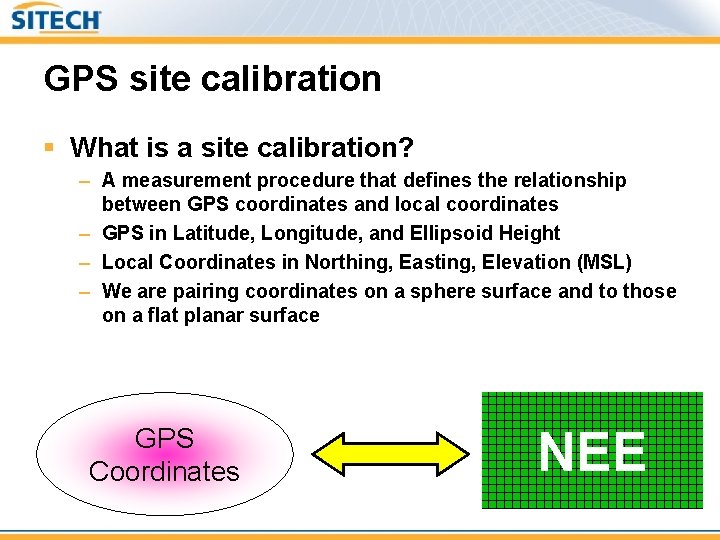
GPS site calibration § What is a site calibration? – A measurement procedure that defines the relationship between GPS coordinates and local coordinates – GPS in Latitude, Longitude, and Ellipsoid Height – Local Coordinates in Northing, Easting, Elevation (MSL) – We are pairing coordinates on a sphere surface and to those on a flat planar surface GPS Coordinates NEE
GPS site calibration § Residuals – Best effort translation between pairs (Control & WGS-84) – SCS 900 has a Tolerance for Calibration § Value should be 50% of acceptable project tolerance § Tolerance used to test calibration result worst residual
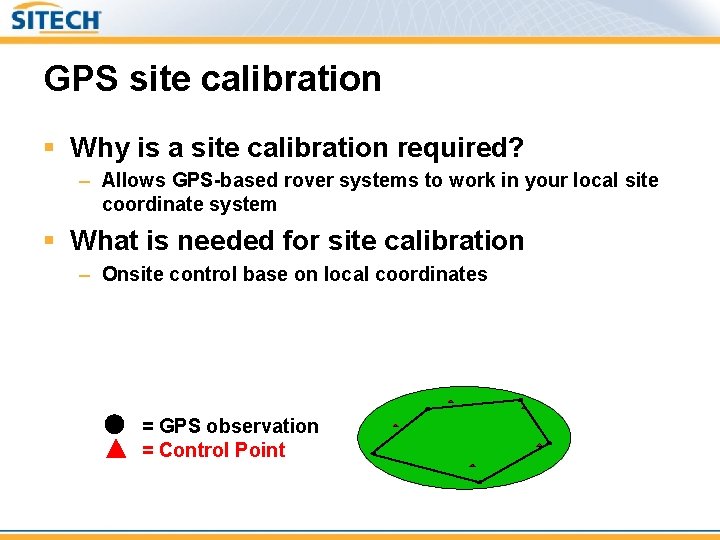
GPS site calibration § Why is a site calibration required? – Allows GPS-based rover systems to work in your local site coordinate system § What is needed for site calibration – Onsite control base on local coordinates = GPS observation = Control Point
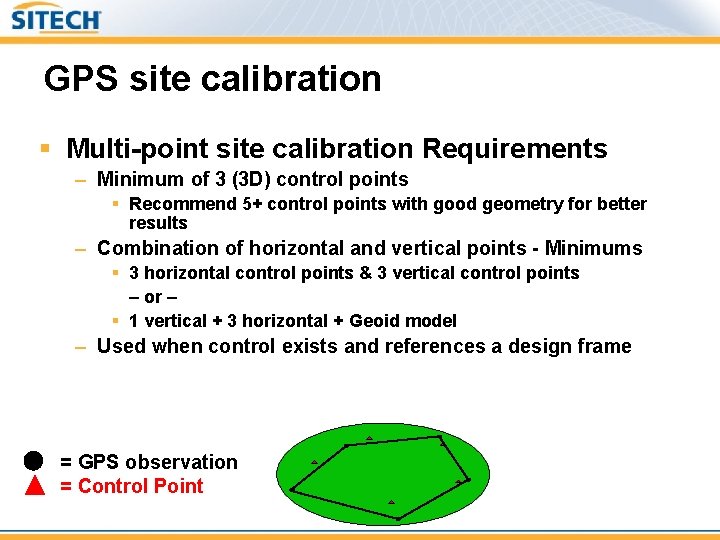
GPS site calibration § Multi-point site calibration Requirements – Minimum of 3 (3 D) control points § Recommend 5+ control points with good geometry for better results – Combination of horizontal and vertical points - Minimums § 3 horizontal control points & 3 vertical control points – or – § 1 vertical + 3 horizontal + Geoid model – Used when control exists and references a design frame = GPS observation = Control Point
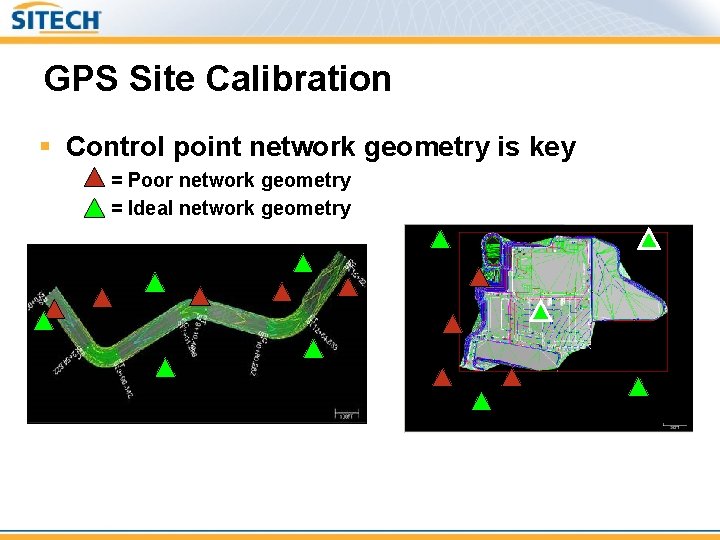
GPS Site Calibration § Control point network geometry is key = Poor network geometry = Ideal network geometry • • Enclose the project area with control More control points and good network geometry can improve site calibration results and identify problems early
Conclusion § In conclusion, remember the key site setup steps – Site reconnaissance § Size, duration, and environmental considerations § GPS base station location – Setting up the site § GPS base station setup § Site calibration
Questions?