
Session Name Performance Improvements with SQL Server 2016

- Slides: 24
Session Name Performance Improvements with SQL Server 2016 Pelin ATICI SQL Premier Field Engineer
Sponsors Main Sponsor Media Sponsor Swag Sponsor #sqlsatistanbul
What do we need ? § Just a quick blog post, update on Linked. In, or a tweet on Twitter is all we need. #sqlsatistanbul
Session Evaluations § Evaluate sessions and get a chance for the raffle: http: //spoke. at/sqlsat 451 #sqlsatistanbul
Meet the Trainer Pelin ATICI § Premier Field Engineer § Customer Service & Support – Istanbul (EMEA), Microsoft Services § ~2 yrs. @ Microsoft § BS at Computer Engineering, Middle East Technical University § MS at Computer Engineering, Koç University #sqlsatistanbul
Agenda § Performance Enhancements − In-Memory OLTP § Performance New Features − Live Query Statistics − Query Store #sqlsatistanbul
Session Objectives and Takeaways § Introduce new features and improvements about performance with the release of SQL Server 2016 ! There are many other new features and enhancements (temporal tables, stretch database, always encrypted, row level security, dynamic data masking, Always. On, CCI, temp. DB) but this session only focuses on performance. #sqlsatistanbul
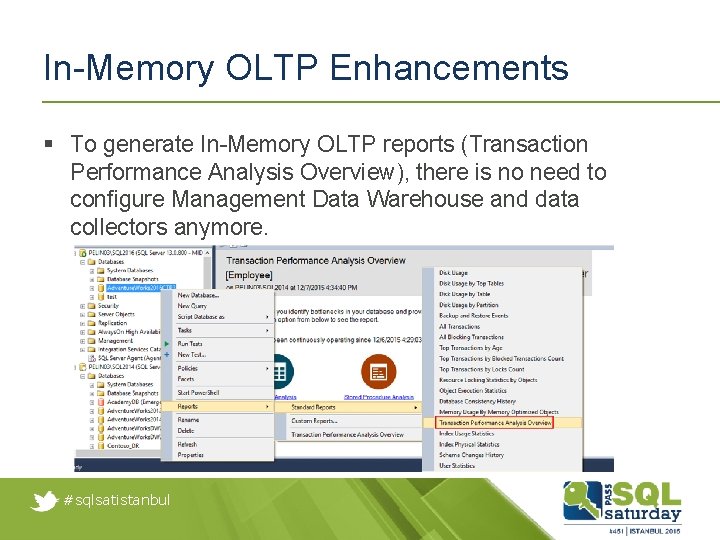
In-Memory OLTP Enhancements § To generate In-Memory OLTP reports (Transaction Performance Analysis Overview), there is no need to configure Management Data Warehouse and data collectors anymore. #sqlsatistanbul
In-Memory OLTP Enhancements § § ALTER TABLE support for schema and index changes ALTER PROCEDURE and sp_recompile support Maximum memory for memory-optimized tables (2 TB) Collation (now non-BIN 2 collations are supported for tables and native compiled store procedures) § Parallel plans (certain operations can create parallel plans unlike SQL Server 2014) § Transparent Data Encryption (memory-optimized tables data on disk will be encrypted) #sqlsatistanbul
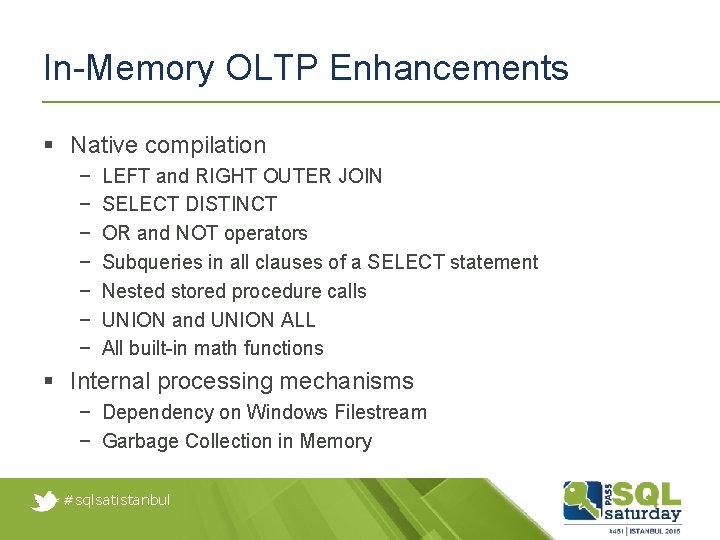
In-Memory OLTP Enhancements § Native compilation − − − − LEFT and RIGHT OUTER JOIN SELECT DISTINCT OR and NOT operators Subqueries in all clauses of a SELECT statement Nested stored procedure calls UNION and UNION ALL All built-in math functions § Internal processing mechanisms − Dependency on Windows Filestream − Garbage Collection in Memory #sqlsatistanbul
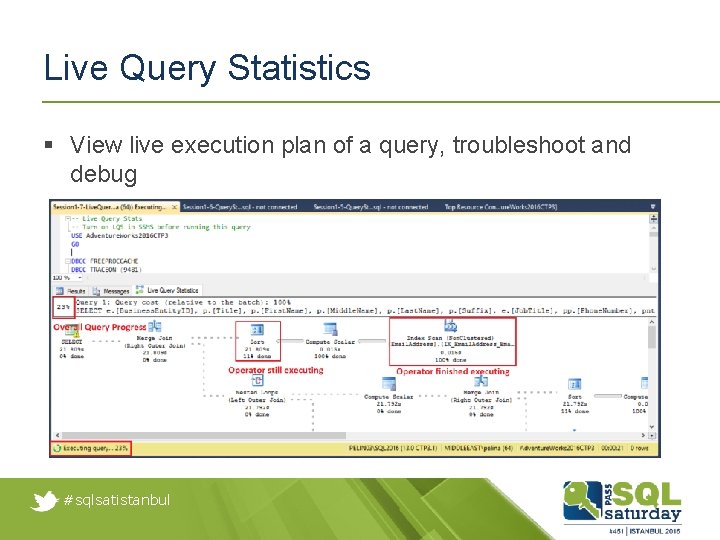
Live Query Statistics § View live execution plan of a query, troubleshoot and debug #sqlsatistanbul
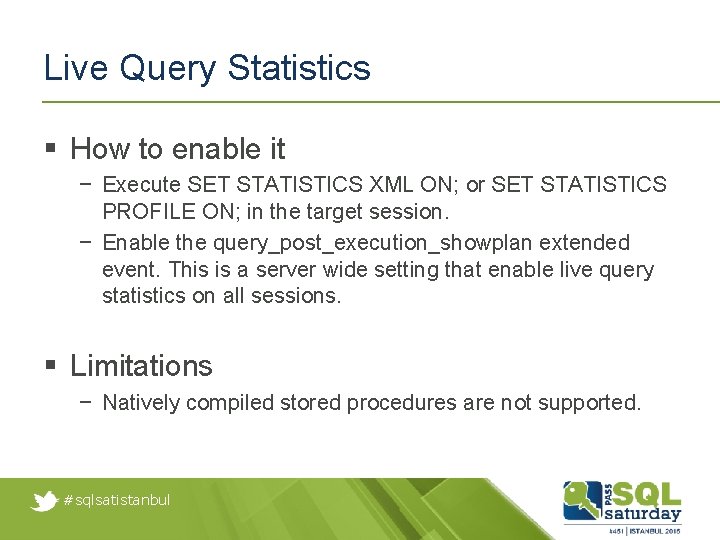
Live Query Statistics § How to enable it − Execute SET STATISTICS XML ON; or SET STATISTICS PROFILE ON; in the target session. − Enable the query_post_execution_showplan extended event. This is a server wide setting that enable live query statistics on all sessions. § Limitations − Natively compiled stored procedures are not supported. #sqlsatistanbul
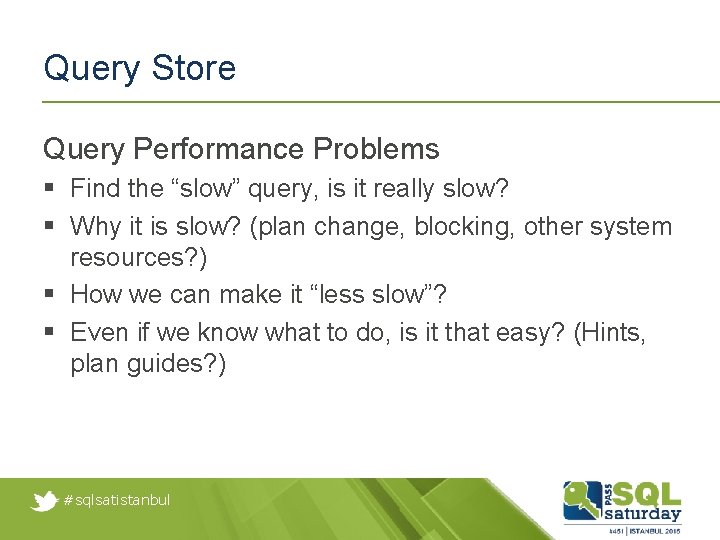
Query Store Query Performance Problems § Find the “slow” query, is it really slow? § Why it is slow? (plan change, blocking, other system resources? ) § How we can make it “less slow”? § Even if we know what to do, is it that easy? (Hints, plan guides? ) #sqlsatistanbul
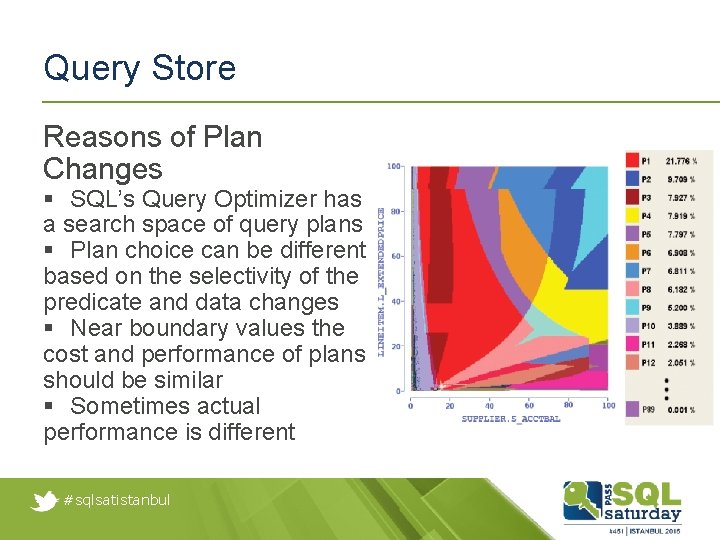
Query Store Reasons of Plan Changes § SQL’s Query Optimizer has a search space of query plans § Plan choice can be different based on the selectivity of the predicate and data changes § Near boundary values the cost and performance of plans should be similar § Sometimes actual performance is different #sqlsatistanbul
Query Store Idea behind Query Store: 1. Store the history of query plans in the system 2. Capture the performance of each query plan over time 3. Identify queries that have “gotten slower recently” 4. Allow you to force plans easily 5. Make sure this works across server restarts, upgrades, and query recompiles #sqlsatistanbul
Query Store What Gets Captured with Query Store? 1. Queries 2. Query plans 3. Runtime statistics (per unit of time, default 60 minutes) − Count of executions of each captured query plan − Data is recorded when query execution ends 4. Other workload history § Performance troubleshooting § Identifying regressed workloads § Identifying issues with upgrades #sqlsatistanbul
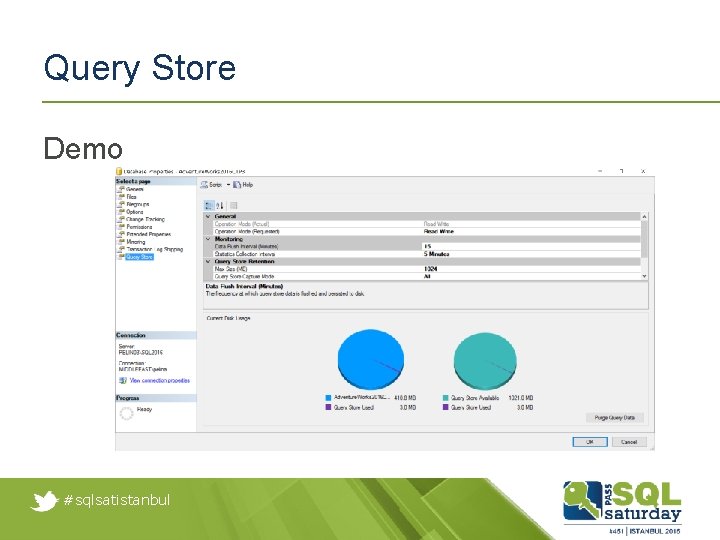
Query Store Demo #sqlsatistanbul
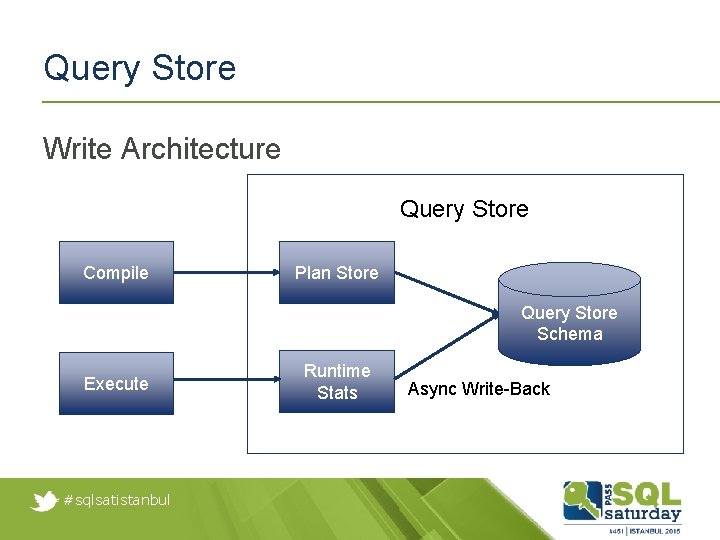
Query Store Write Architecture Query Store Compile Plan Store Query Store Schema Execute #sqlsatistanbul Runtime Stats Async Write-Back
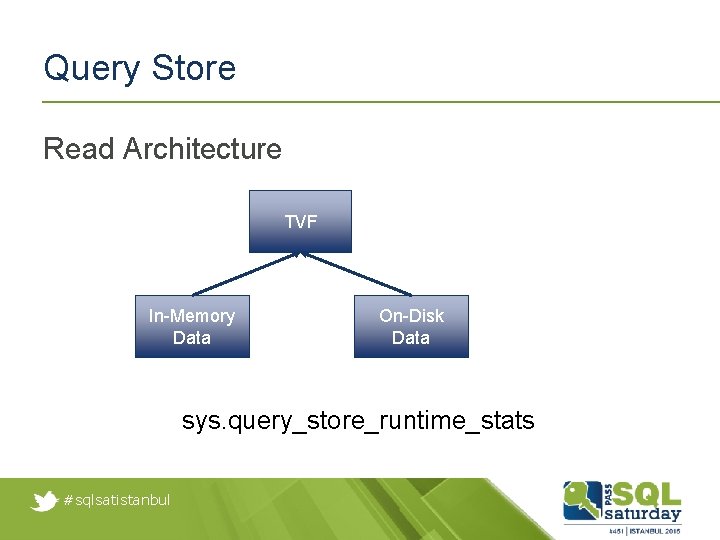
Query Store Read Architecture TVF In-Memory Data On-Disk Data sys. query_store_runtime_stats #sqlsatistanbul
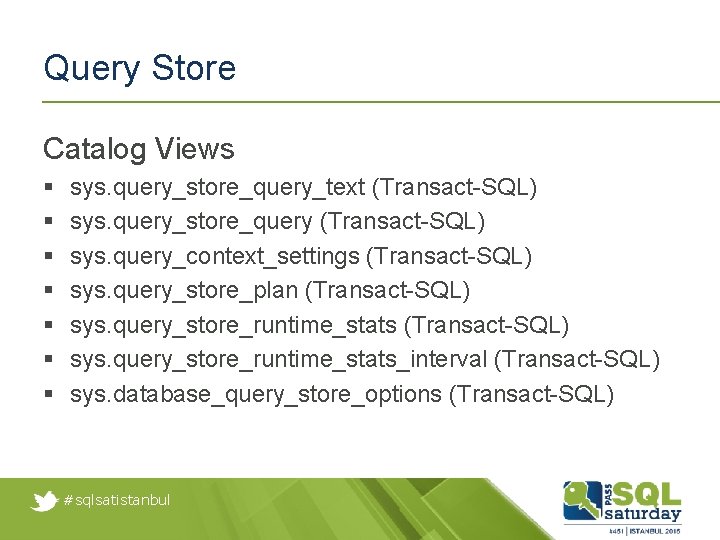
Query Store Catalog Views § § § § sys. query_store_query_text (Transact-SQL) sys. query_store_query (Transact-SQL) sys. query_context_settings (Transact-SQL) sys. query_store_plan (Transact-SQL) sys. query_store_runtime_stats_interval (Transact-SQL) sys. database_query_store_options (Transact-SQL) #sqlsatistanbul
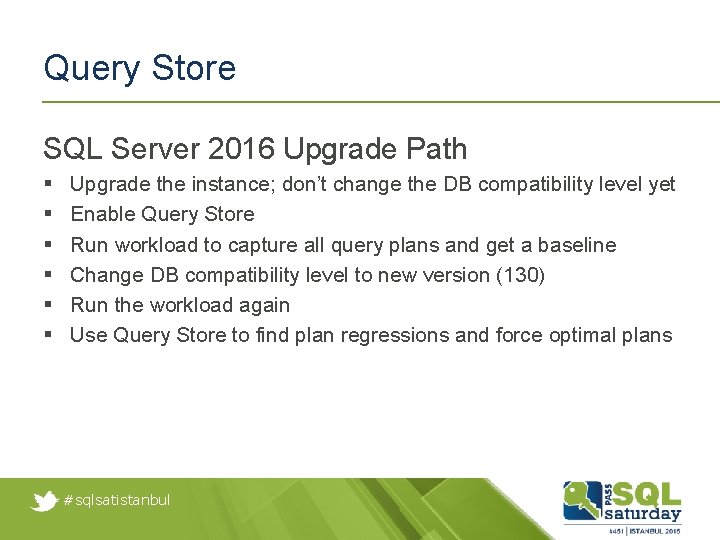
Query Store SQL Server 2016 Upgrade Path § § § Upgrade the instance; don’t change the DB compatibility level yet Enable Query Store Run workload to capture all query plans and get a baseline Change DB compatibility level to new version (130) Run the workload again Use Query Store to find plan regressions and force optimal plans #sqlsatistanbul
Query Store Overhead and Schema Changes § Memory cost, small CPU cost and I/O cost § According to the workload and how much data you want to track, overhead will change § Average overhead should be between 2 -5% § If the forced query plan can not be used (ex: drop an index which forced query plan uses), Query Store will use the non-forcing query plan instead of failing the query and breaking the application #sqlsatistanbul
Questions pelina@microsoft. com #sqlsatistanbul
Thank you #sqlsatistanbul