
Session learning objectives State of Skype for Business

Session learning objectives

State of Skype for Business meetings Some users, customers start to look for more recent solutions
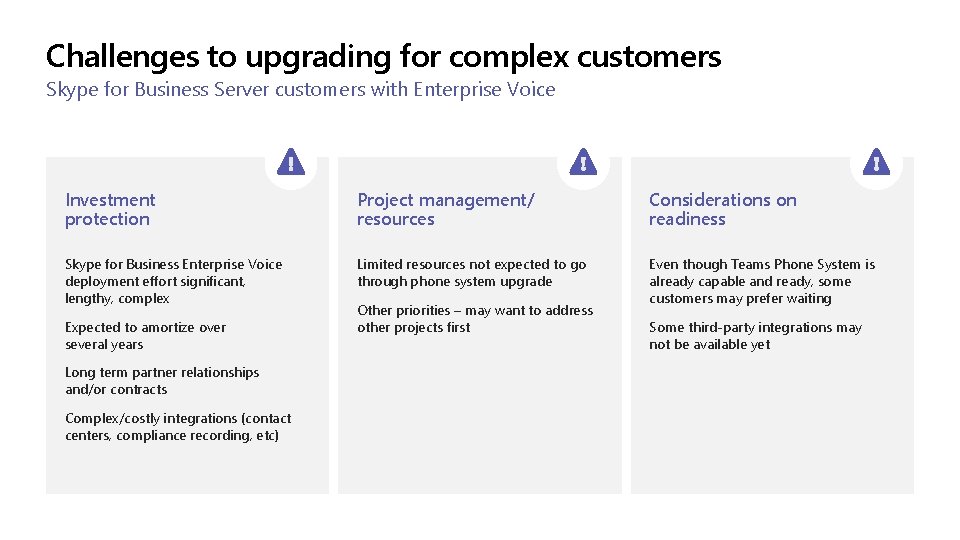
Challenges to upgrading for complex customers Skype for Business Server customers with Enterprise Voice Investment protection Project management/ resources Considerations on readiness Skype for Business Enterprise Voice deployment effort significant, lengthy, complex Limited resources not expected to go through phone system upgrade Even though Teams Phone System is already capable and ready, some customers may prefer waiting Expected to amortize over several years Long term partner relationships and/or contracts Complex/costly integrations (contact centers, compliance recording, etc) Other priorities – may want to address other projects first Some third-party integrations may not be available yet
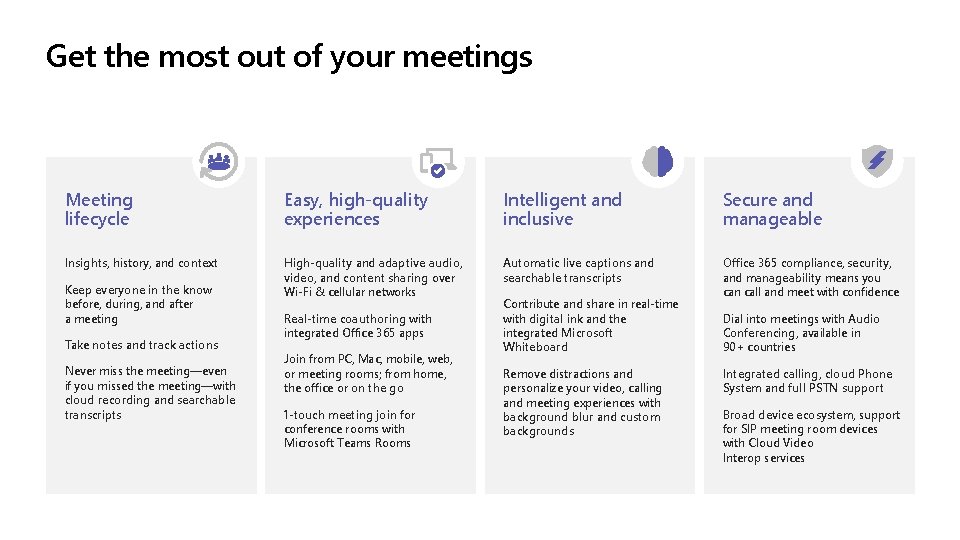
Get the most out of your meetings Meeting lifecycle Easy, high-quality experiences Intelligent and inclusive Secure and manageable Insights, history, and context High-quality and adaptive audio, video, and content sharing over Wi-Fi & cellular networks Automatic live captions and searchable transcripts Office 365 compliance, security, and manageability means you can call and meet with confidence Keep everyone in the know before, during, and after a meeting Take notes and track actions Never miss the meeting—even if you missed the meeting—with cloud recording and searchable transcripts Real-time coauthoring with integrated Office 365 apps Join from PC, Mac, mobile, web, or meeting rooms; from home, the office or on the go 1 -touch meeting join for conference rooms with Microsoft Teams Rooms Contribute and share in real-time with digital ink and the integrated Microsoft Whiteboard Remove distractions and personalize your video, calling and meeting experiences with background blur and custom backgrounds Dial into meetings with Audio Conferencing, available in 90+ countries Integrated calling, cloud Phone System and full PSTN support Broad device ecosystem, support for SIP meeting room devices with Cloud Video Interop services
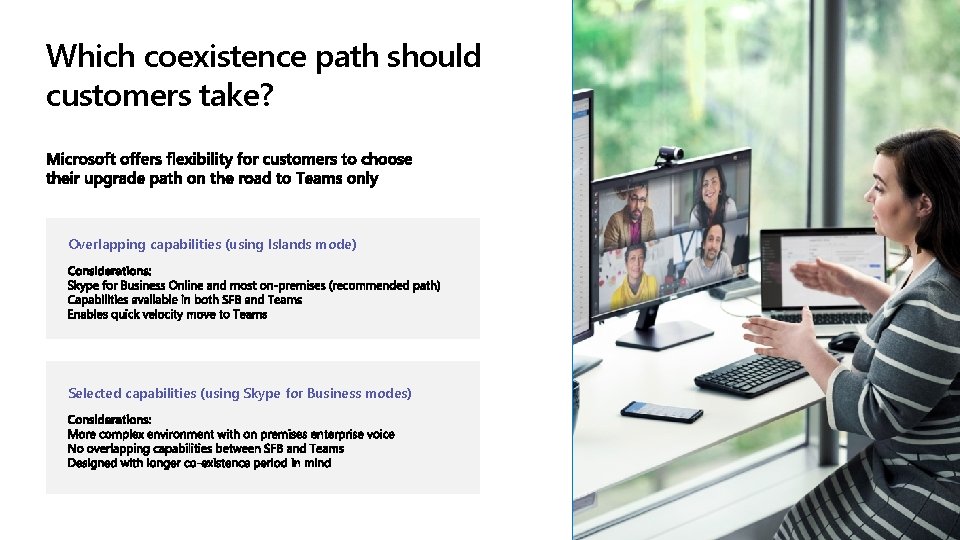
Which coexistence path should customers take? Overlapping capabilities (using Islands mode) Selected capabilities (using Skype for Business modes)
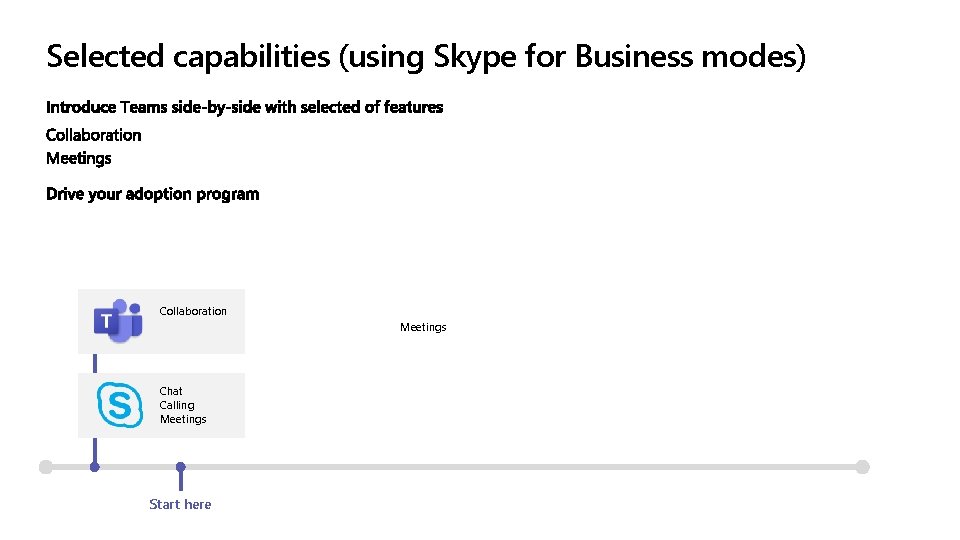
Selected capabilities (using Skype for Business modes) Collaboration Meetings Chat Calling Meetings Start here
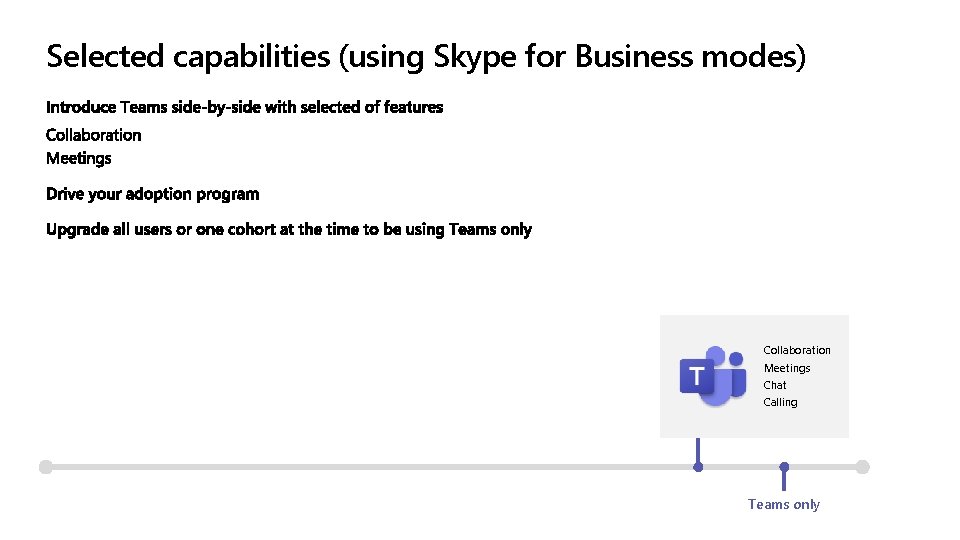
Selected capabilities (using Skype for Business modes) Collaboration Meetings Chat Calling Teams only
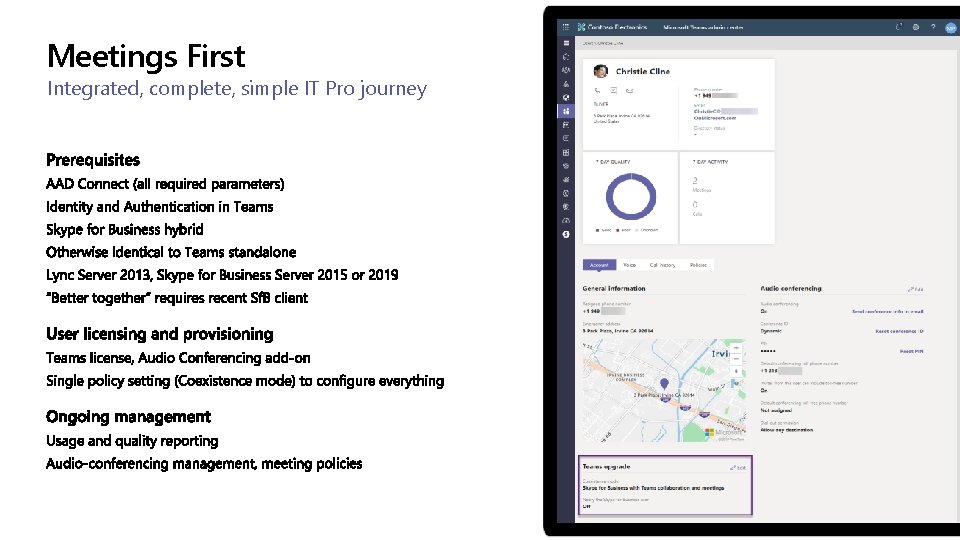
Meetings First Integrated, complete, simple IT Pro journey
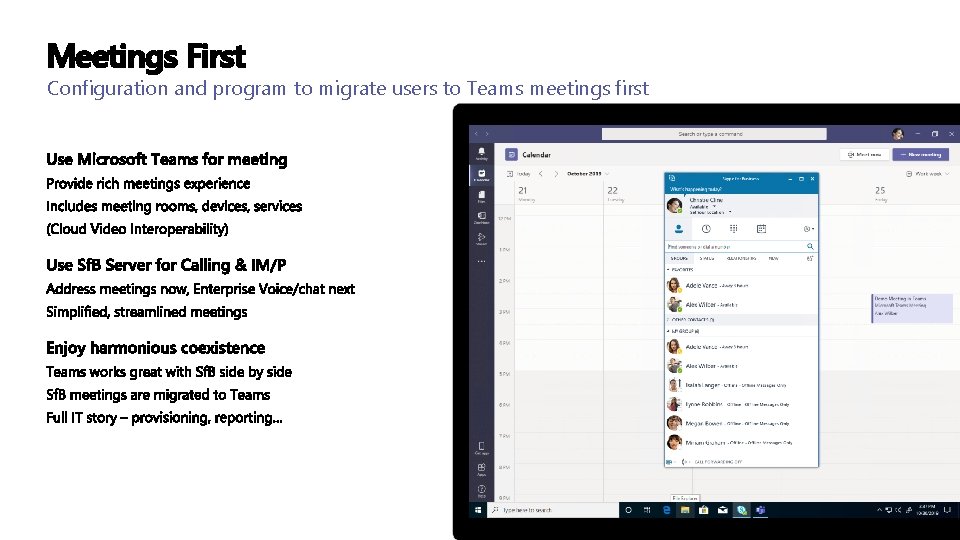
Meetings First Configuration and program to migrate users to Teams meetings first
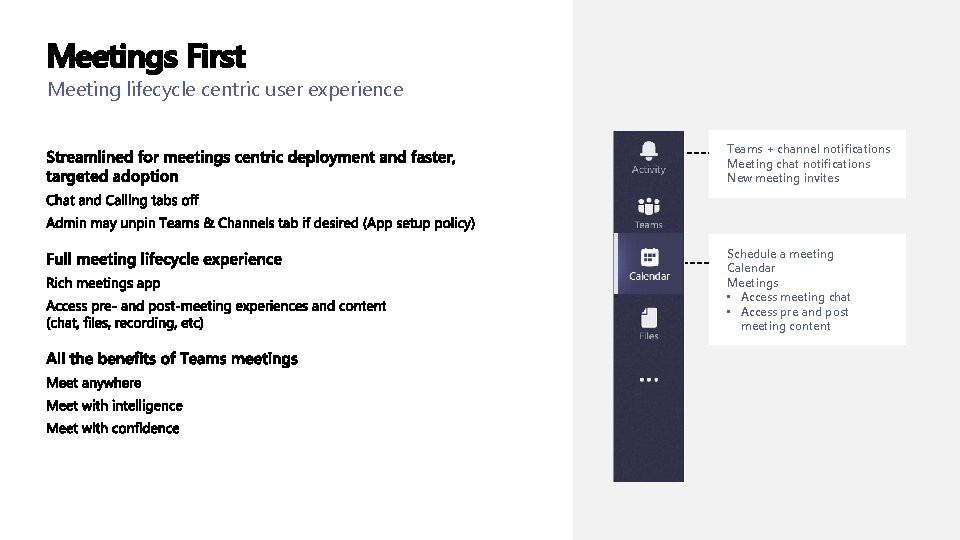
Meetings First Meeting lifecycle centric user experience Teams + channel notifications Meeting chat notifications New meeting invites Schedule a meeting Calendar Meetings • Access meeting chat • Access pre and post meeting content
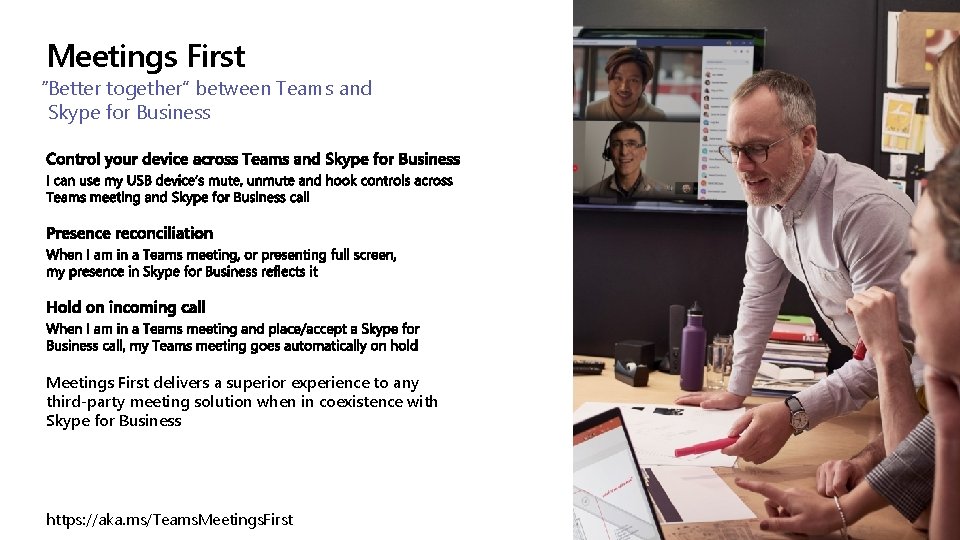
Meetings First “Better together” between Teams and Skype for Business Meetings First delivers a superior experience to any third-party meeting solution when in coexistence with Skype for Business https: //aka. ms/Teams. Meetings. First
Presence and Chat stay with Voice Skype for Business for Enterprise Voice requires presence and chat for great experience
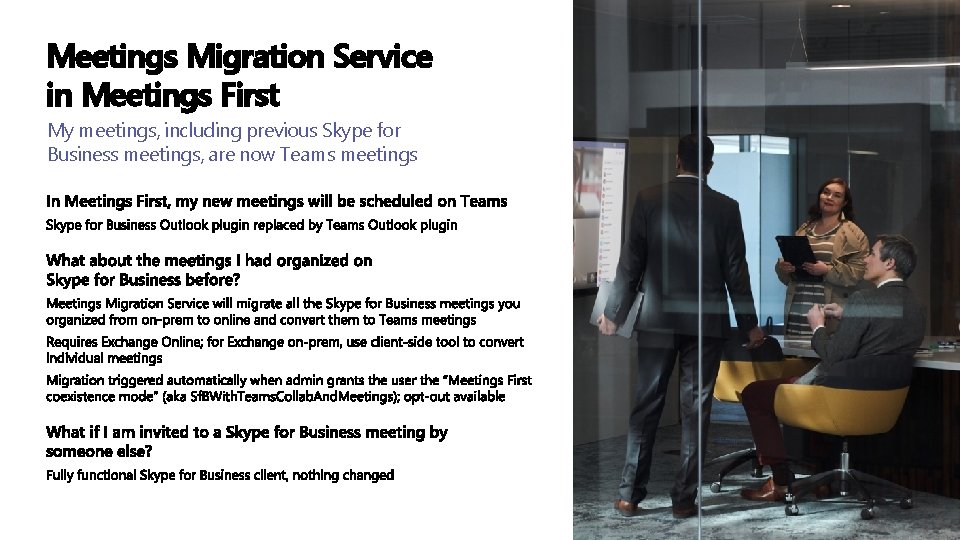
Meetings Migration Service in Meetings First My meetings, including previous Skype for Business meetings, are now Teams meetings
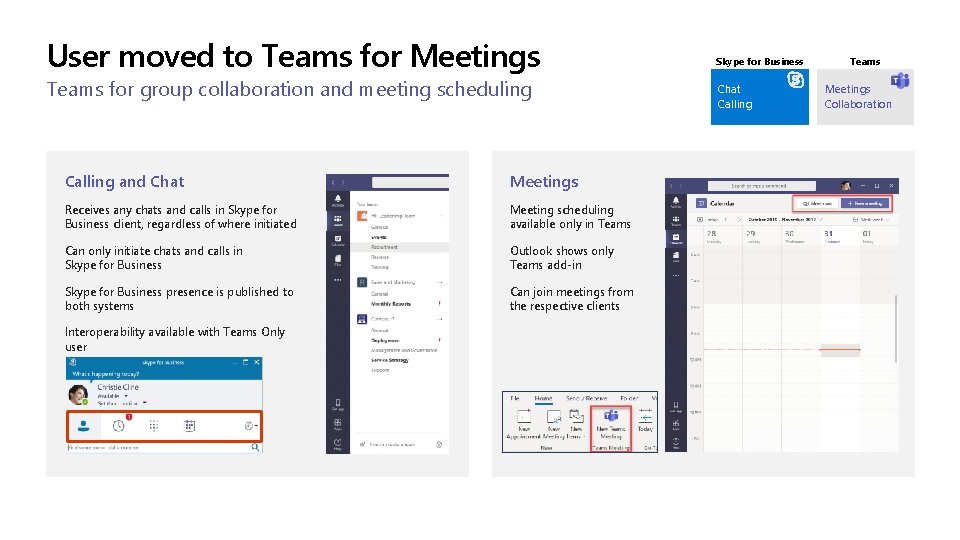
User moved to Teams for Meetings Teams for group collaboration and meeting scheduling Calling and Chat Meetings Receives any chats and calls in Skype for Business client, regardless of where initiated Meeting scheduling available only in Teams Can only initiate chats and calls in Skype for Business Outlook shows only Teams add-in Skype for Business presence is published to both systems Can join meetings from the respective clients Interoperability available with Teams Only user Skype for Business Chat Calling Teams Meetings Collaboration
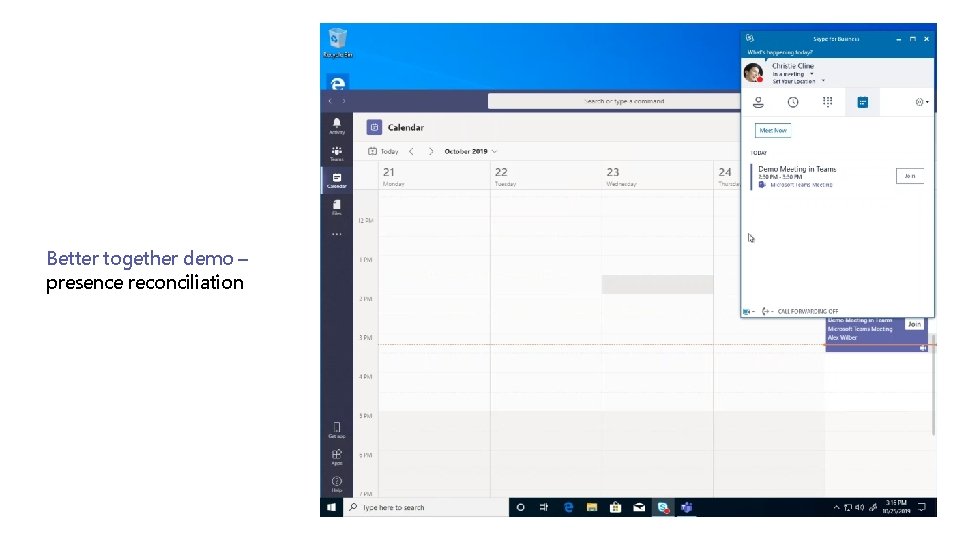
Better together demo – presence reconciliation
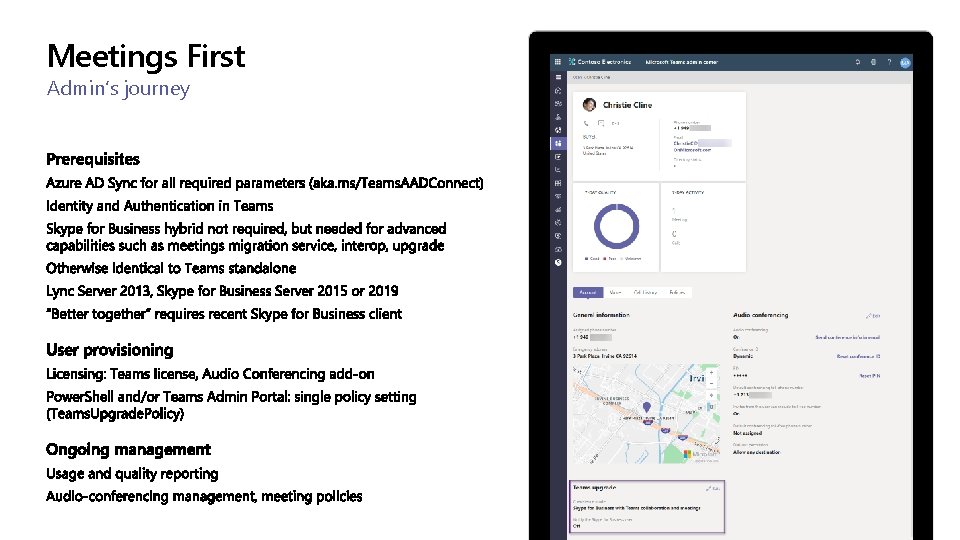
Meetings First Admin’s journey

Demo
Session Takeaways Enjoy meetings in Microsoft Teams and Calling, Chat/Presence in Skype for Business
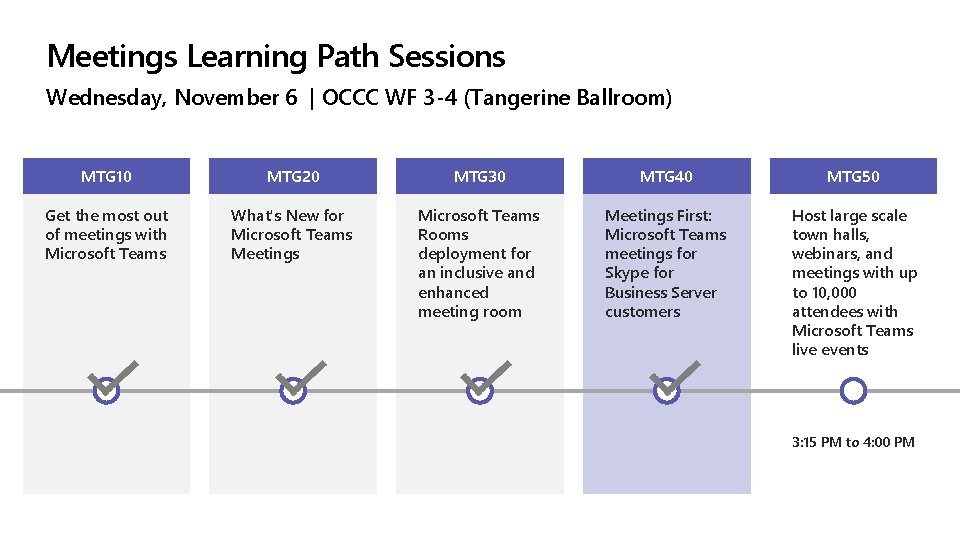
Meetings Learning Path Sessions Wednesday, November 6 | OCCC WF 3 -4 (Tangerine Ballroom) MTG 10 MTG 20 MTG 30 MTG 40 MTG 50 Get the most out of meetings with Microsoft Teams What's New for Microsoft Teams Meetings Microsoft Teams Rooms deployment for an inclusive and enhanced meeting room Meetings First: Microsoft Teams meetings for Skype for Business Server customers Host large scale town halls, webinars, and meetings with up to 10, 000 attendees with Microsoft Teams live events 3: 15 PM to 4: 00 PM

Questions?
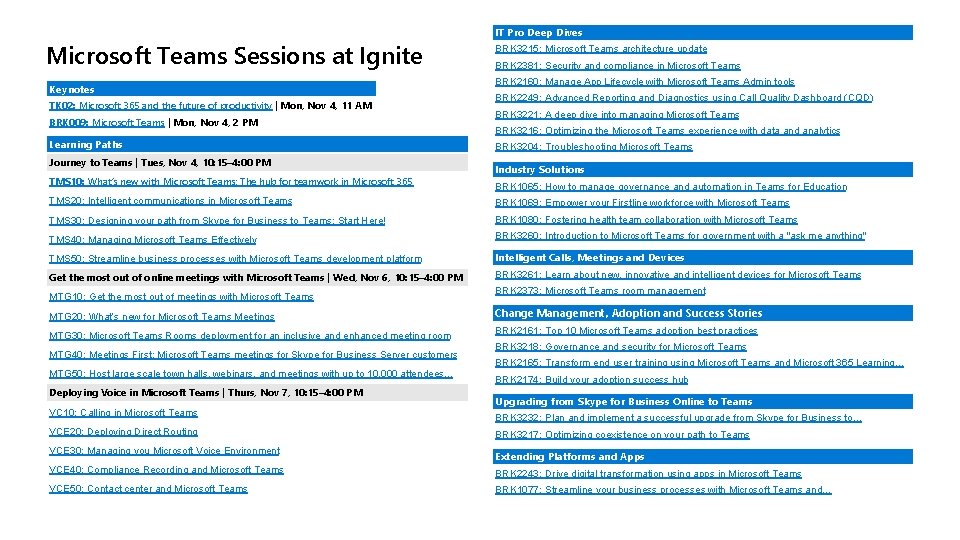
Microsoft Teams Sessions at Ignite Keynotes TK 02: Microsoft 365 and the future of productivity | Mon, Nov 4, 11 AM BRK 009: Microsoft Teams | Mon, Nov 4, 2 PM Learning Paths Journey to Teams | Tues, Nov 4, 10: 15– 4: 00 PM TMS 10: What’s new with Microsoft Teams: The hub for teamwork in Microsoft 365 IT Pro Deep Dives BRK 3215: Microsoft Teams architecture update BRK 2381: Security and compliance in Microsoft Teams BRK 2160: Manage App Lifecycle with Microsoft Teams Admin tools BRK 2249: Advanced Reporting and Diagnostics using Call Quality Dashboard (CQD) BRK 3221: A deep dive into managing Microsoft Teams BRK 3216: Optimizing the Microsoft Teams experience with data and analytics BRK 3204: Troubleshooting Microsoft Teams Industry Solutions BRK 1065: How to manage governance and automation in Teams for Education TMS 20: Intelligent communications in Microsoft Teams BRK 1069: Empower your Firstline workforce with Microsoft Teams TMS 30: Designing your path from Skype for Business to Teams: Start Here! BRK 1080: Fostering health team collaboration with Microsoft Teams TMS 40: Managing Microsoft Teams Effectively BRK 3260: Introduction to Microsoft Teams for government with a "ask me anything" TMS 50: Streamline business processes with Microsoft Teams development platform Intelligent Calls, Meetings and Devices Get the most out of online meetings with Microsoft Teams | Wed, Nov 6, 10: 15– 4: 00 PM BRK 3261: Learn about new, innovative and intelligent devices for Microsoft Teams MTG 10: Get the most out of meetings with Microsoft Teams MTG 20: What’s new for Microsoft Teams Meetings MTG 30: Microsoft Teams Rooms deployment for an inclusive and enhanced meeting room MTG 40: Meetings First: Microsoft Teams meetings for Skype for Business Server customers MTG 50: Host large scale town halls, webinars, and meetings with up to 10, 000 attendees… Deploying Voice in Microsoft Teams | Thurs, Nov 7, 10: 15– 4: 00 PM VC 10: Calling in Microsoft Teams BRK 2373: Microsoft Teams room management Change Management, Adoption and Success Stories BRK 2161: Top 10 Microsoft Teams adoption best practices BRK 3218: Governance and security for Microsoft Teams BRK 2165: Transform end user training using Microsoft Teams and Microsoft 365 Learning… BRK 2174: Build your adoption success hub Upgrading from Skype for Business Online to Teams BRK 3232: Plan and implement a successful upgrade from Skype for Business to… VCE 20: Deploying Direct Routing BRK 3217: Optimizing coexistence on your path to Teams VCE 30: Managing you Microsoft Voice Environment Extending Platforms and Apps VCE 40: Compliance Recording and Microsoft Teams BRK 2243: Drive digital transformation using apps in Microsoft Teams VCE 50: Contact center and Microsoft Teams BRK 1077: Streamline your business processes with Microsoft Teams and…
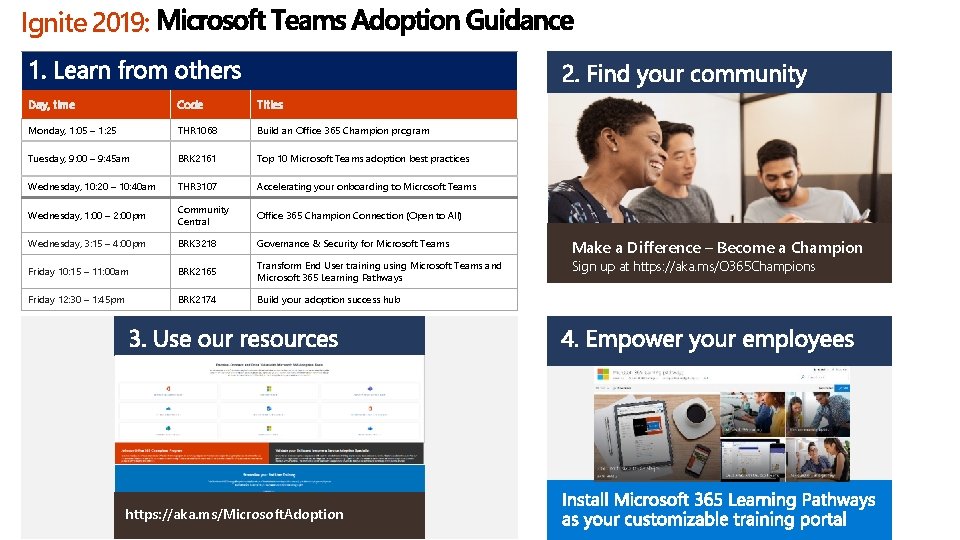
Ignite 2019: Day, time Code Titles Monday, 1: 05 – 1: 25 THR 1068 Build an Office 365 Champion program Tuesday, 9: 00 – 9: 45 am BRK 2161 Top 10 Microsoft Teams adoption best practices Wednesday, 10: 20 – 10: 40 am THR 3107 Accelerating your onboarding to Microsoft Teams Wednesday, 1: 00 – 2: 00 pm Community Central Office 365 Champion Connection (Open to All) Wednesday, 3: 15 – 4: 00 pm BRK 3218 Governance & Security for Microsoft Teams Friday 10: 15 – 11: 00 am BRK 2165 Transform End User training using Microsoft Teams and Microsoft 365 Learning Pathways Friday 12: 30 – 1: 45 pm BRK 2174 Build your adoption success hub https: //aka. ms/Microsoft. Adoption Make a Difference – Become a Champion Sign up at https: //aka. ms/O 365 Champions
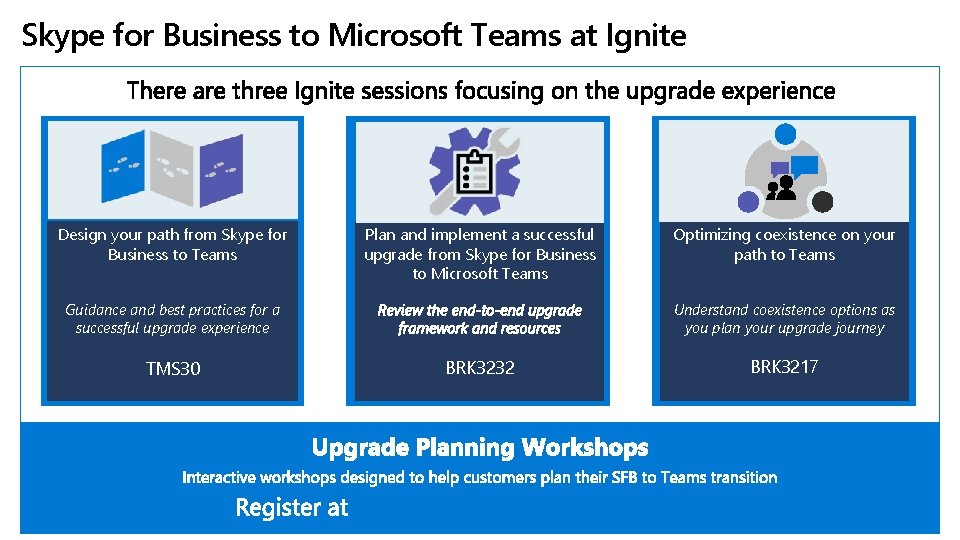
Skype for Business to Microsoft Teams at Ignite Design your path from Skype for Business to Teams Plan and implement a successful upgrade from Skype for Business to Microsoft Teams Guidance and best practices for a successful upgrade experience TMS 30 Optimizing coexistence on your path to Teams Understand coexistence options as you plan your upgrade journey BRK 3232 https: //aka. ms/Upgrade. Workshops BRK 3217
Find this session in Microsoft Tech Community
Please evaluate this session Your feedback is important to us! https: //aka. ms/ignite. mobileapp https: //myignite. techcommunity. microsoft. com/evaluations

- Slides: 28