
Session id 40081 Using Oracle Workspace Manager to


- Slides: 35
Session id: 40081 Using Oracle Workspace Manager to Cut Costs: Case Studies Bill Beauregard Principal Product Manager Oracle Corporation
Agenda Ÿ Workspace Manager Overview Ÿ Case Studies – – City of Edmonton Operational Data Store for a Major HMO
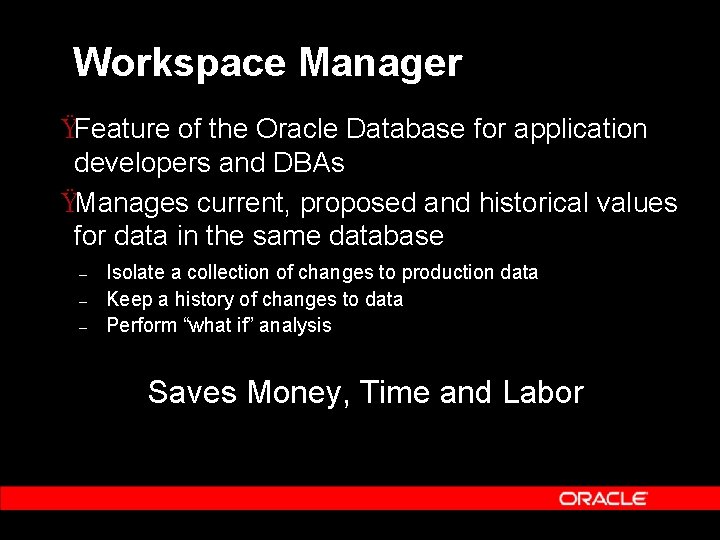
Workspace Manager ŸFeature of the Oracle Database for application developers and DBAs ŸManages current, proposed and historical values for data in the same database – – – Isolate a collection of changes to production data Keep a history of changes to data Perform “what if” analysis Saves Money, Time and Labor
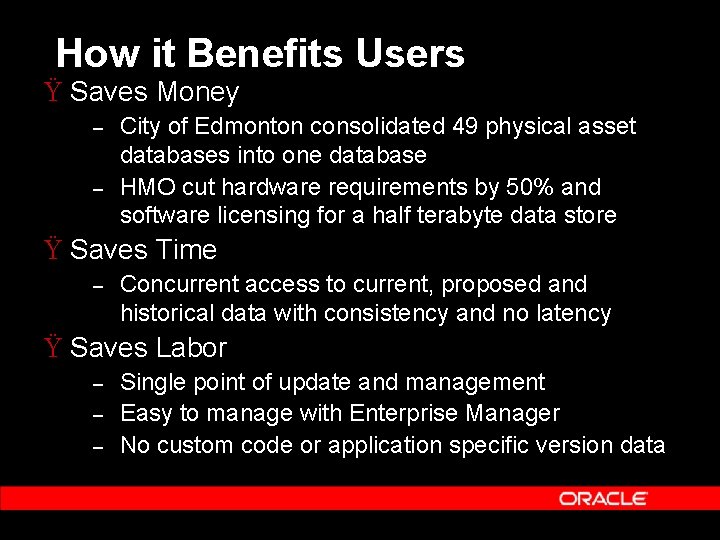
How it Benefits Users Ÿ Saves Money – – City of Edmonton consolidated 49 physical asset databases into one database HMO cut hardware requirements by 50% and software licensing for a half terabyte data store Ÿ Saves Time – Concurrent access to current, proposed and historical data with consistency and no latency Ÿ Saves Labor – – – Single point of update and management Easy to manage with Enterprise Manager No custom code or application specific version data
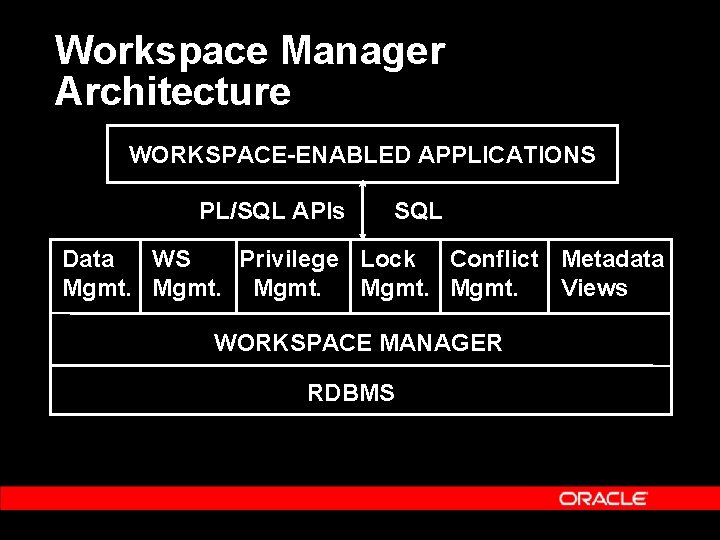
Workspace Manager Architecture WORKSPACE-ENABLED APPLICATIONS PL/SQL APIs SQL Data WS Privilege Lock Conflict Metadata Mgmt. Views WORKSPACE MANAGER RDBMS
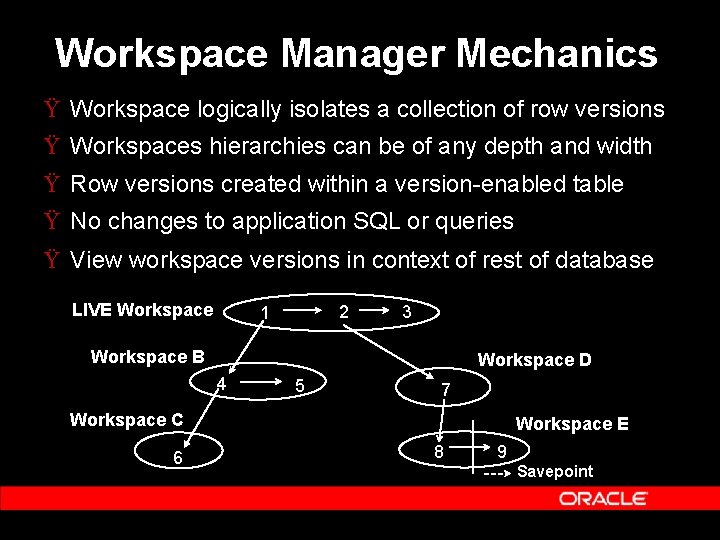
Workspace Manager Mechanics Ÿ Workspace logically isolates a collection of row versions Ÿ Workspaces hierarchies can be of any depth and width Ÿ Row versions created within a version-enabled table Ÿ No changes to application SQL or queries Ÿ View workspace versions in context of rest of database LIVE Workspace 2 1 3 Workspace B Workspace D 4 5 7 Workspace C 6 Workspace E 8 9 Savepoint
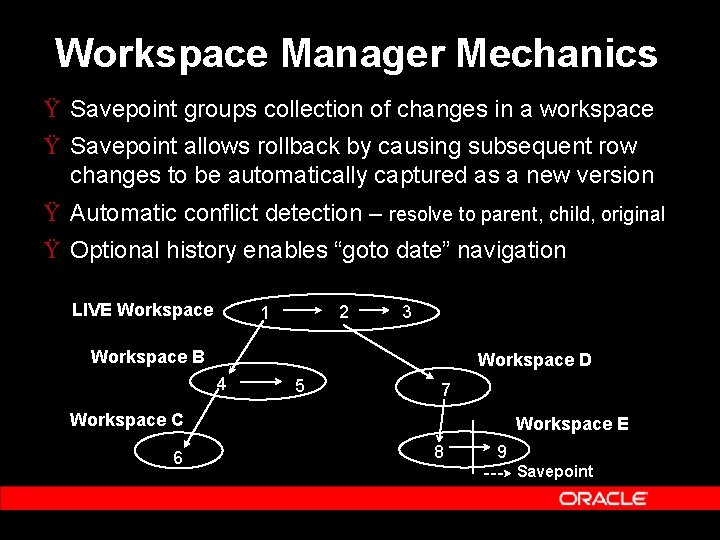
Workspace Manager Mechanics Ÿ Savepoint groups collection of changes in a workspace Ÿ Savepoint allows rollback by causing subsequent row changes to be automatically captured as a new version Ÿ Automatic conflict detection – resolve to parent, child, original Ÿ Optional history enables “goto date” navigation LIVE Workspace 2 1 3 Workspace B Workspace D 4 5 7 Workspace C 6 Workspace E 8 9 Savepoint
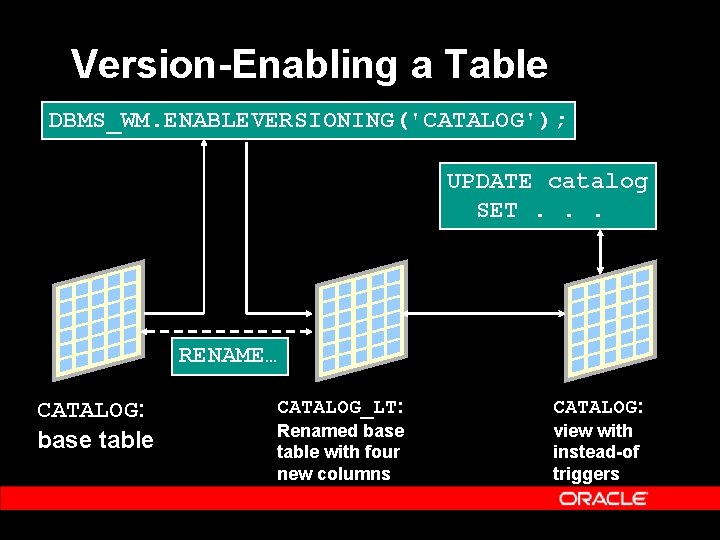
Version-Enabling a Table DBMS_WM. ENABLEVERSIONING('CATALOG'); UPDATE catalog SET. . . RENAME… CATALOG: base table CATALOG_LT: CATALOG: Renamed base table with four new columns view with instead-of triggers
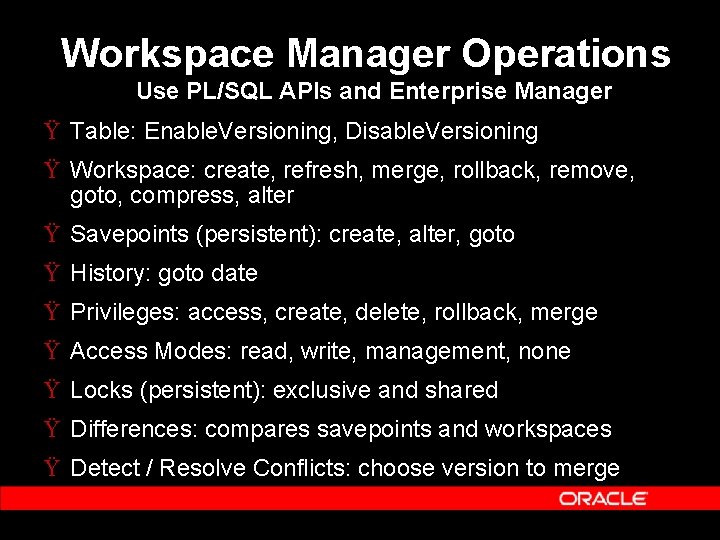
Workspace Manager Operations Use PL/SQL APIs and Enterprise Manager Ÿ Table: Enable. Versioning, Disable. Versioning Ÿ Workspace: create, refresh, merge, rollback, remove, goto, compress, alter Ÿ Savepoints (persistent): create, alter, goto Ÿ History: goto date Ÿ Privileges: access, create, delete, rollback, merge Ÿ Access Modes: read, write, management, none Ÿ Locks (persistent): exclusive and shared Ÿ Differences: compares savepoints and workspaces Ÿ Detect / Resolve Conflicts: choose version to merge
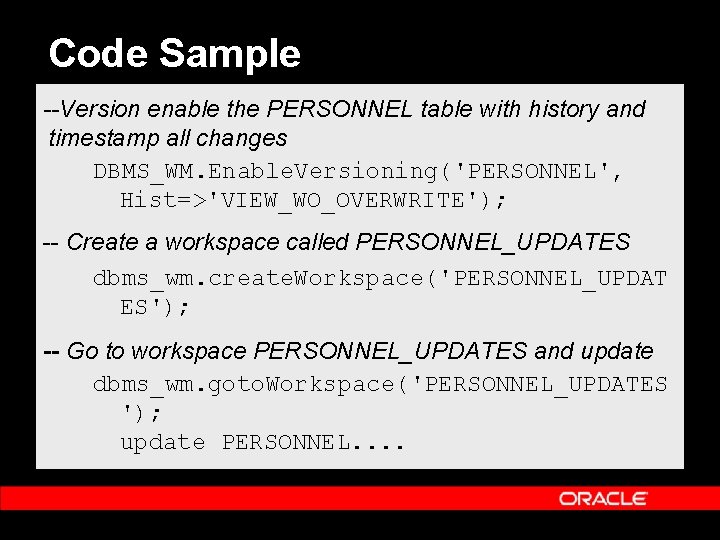
Code Sample --Version enable the PERSONNEL table with history and timestamp all changes DBMS_WM. Enable. Versioning('PERSONNEL', Hist=>'VIEW_WO_OVERWRITE'); -- Create a workspace called PERSONNEL_UPDATES dbms_wm. create. Workspace('PERSONNEL_UPDAT ES'); -- Go to workspace PERSONNEL_UPDATES and update dbms_wm. goto. Workspace('PERSONNEL_UPDATES '); update PERSONNEL. .
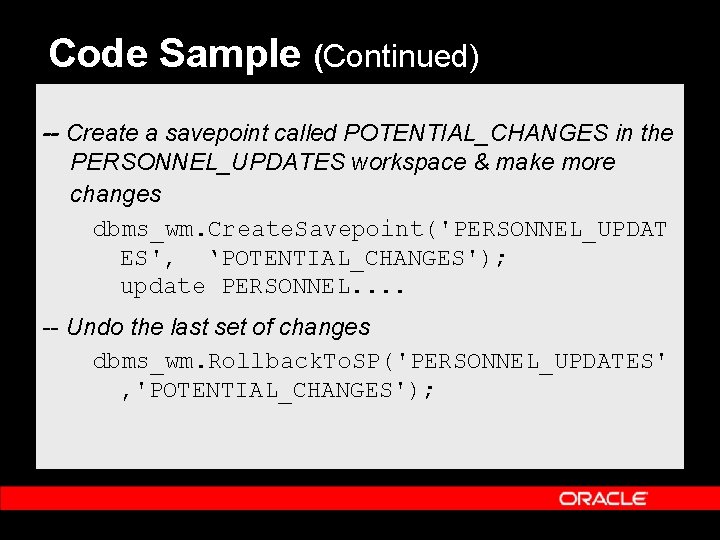
Code Sample (Continued) -- Create a savepoint called POTENTIAL_CHANGES in the PERSONNEL_UPDATES workspace & make more changes dbms_wm. Create. Savepoint('PERSONNEL_UPDAT ES', ‘POTENTIAL_CHANGES'); update PERSONNEL. . -- Undo the last set of changes dbms_wm. Rollback. To. SP('PERSONNEL_UPDATES' , 'POTENTIAL_CHANGES');
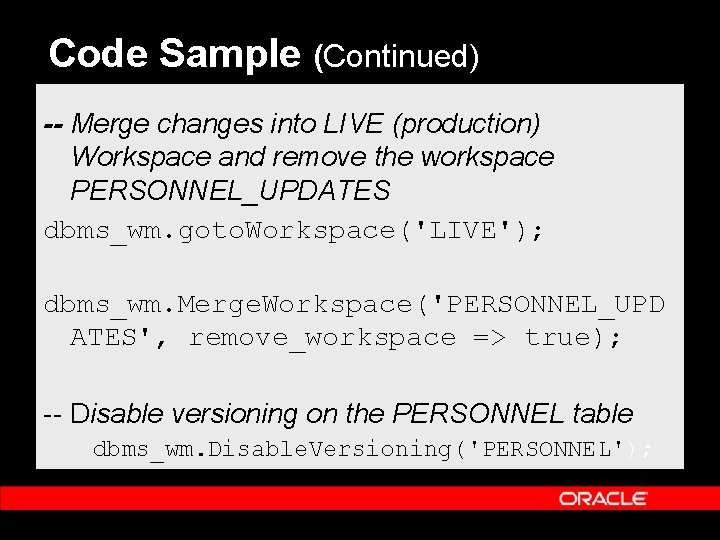
Code Sample (Continued) -- Merge changes into LIVE (production) Workspace and remove the workspace PERSONNEL_UPDATES dbms_wm. goto. Workspace('LIVE'); dbms_wm. Merge. Workspace('PERSONNEL_UPD ATES', remove_workspace => true); -- Disable versioning on the PERSONNEL table dbms_wm. Disable. Versioning('PERSONNEL');
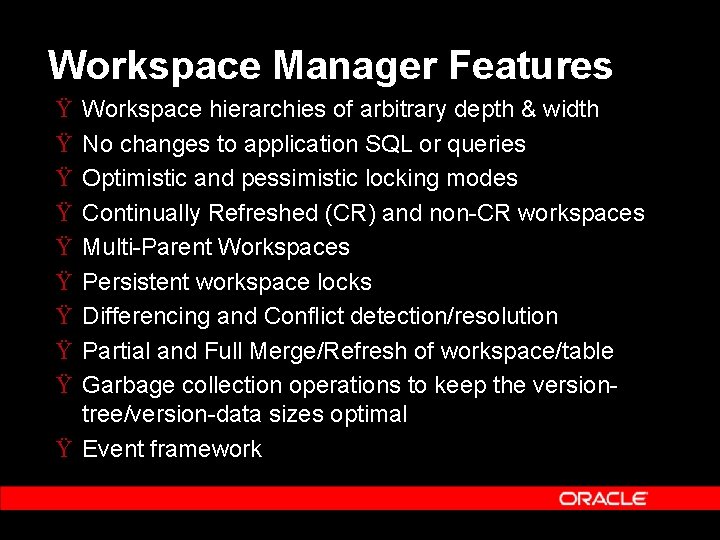
Workspace Manager Features Ÿ Ÿ Ÿ Ÿ Ÿ Workspace hierarchies of arbitrary depth & width No changes to application SQL or queries Optimistic and pessimistic locking modes Continually Refreshed (CR) and non-CR workspaces Multi-Parent Workspaces Persistent workspace locks Differencing and Conflict detection/resolution Partial and Full Merge/Refresh of workspace/table Garbage collection operations to keep the versiontree/version-data sizes optimal Ÿ Event framework
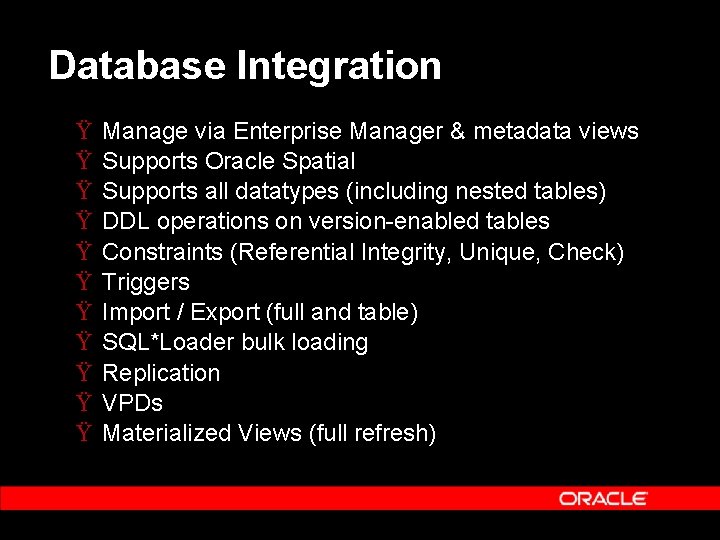
Database Integration Ÿ Ÿ Ÿ Manage via Enterprise Manager & metadata views Supports Oracle Spatial Supports all datatypes (including nested tables) DDL operations on version-enabled tables Constraints (Referential Integrity, Unique, Check) Triggers Import / Export (full and table) SQL*Loader bulk loading Replication VPDs Materialized Views (full refresh)
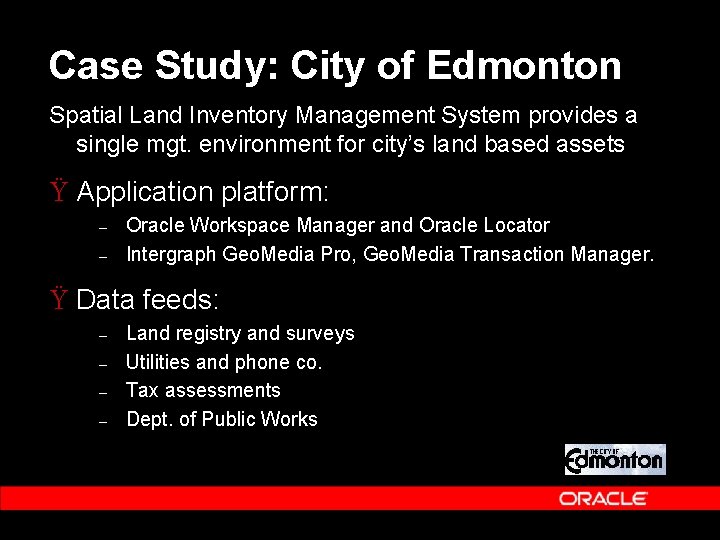
Case Study: City of Edmonton Spatial Land Inventory Management System provides a single mgt. environment for city’s land based assets Ÿ Application platform: – – Oracle Workspace Manager and Oracle Locator Intergraph Geo. Media Pro, Geo. Media Transaction Manager. Ÿ Data feeds: – – Land registry and surveys Utilities and phone co. Tax assessments Dept. of Public Works
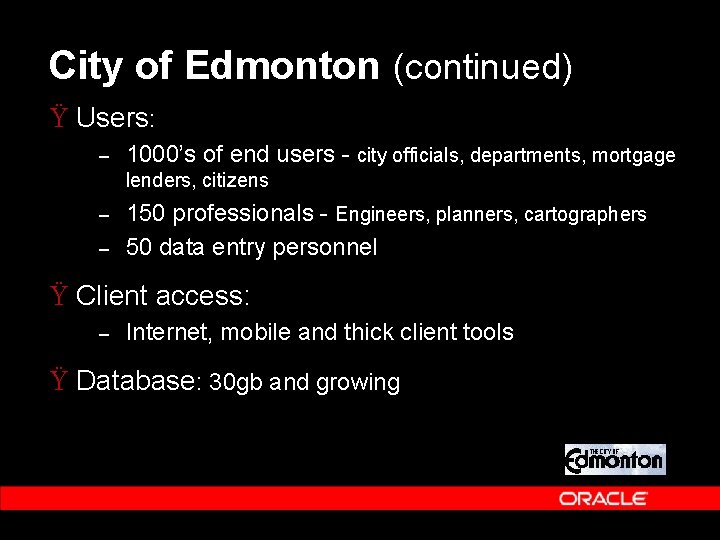
City of Edmonton (continued) Ÿ Users: – 1000’s of end users - city officials, departments, mortgage lenders, citizens – – 150 professionals - Engineers, planners, cartographers 50 data entry personnel Ÿ Client access: – Internet, mobile and thick client tools Ÿ Database: 30 gb and growing
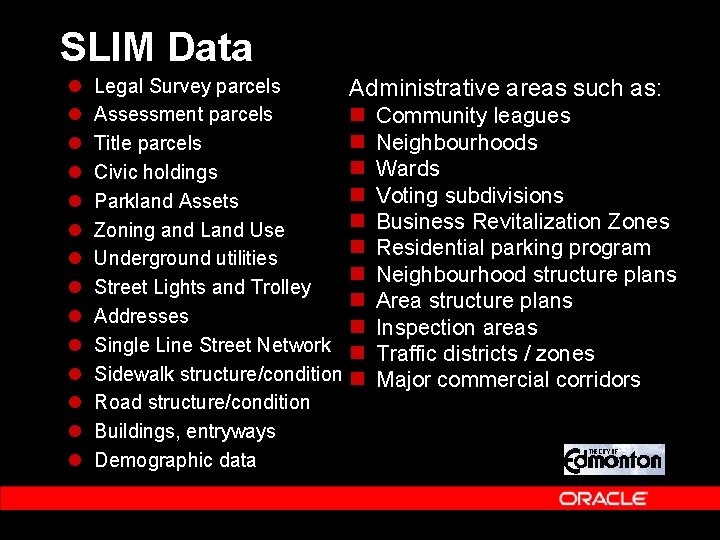
SLIM Data l l l l Legal Survey parcels Assessment parcels Title parcels Civic holdings Parkland Assets Zoning and Land Use Underground utilities Street Lights and Trolley Addresses Single Line Street Network Sidewalk structure/condition Road structure/condition Buildings, entryways Demographic data Administrative areas such as: n n n Community leagues Neighbourhoods Wards Voting subdivisions Business Revitalization Zones Residential parking program Neighbourhood structure plans Area structure plans Inspection areas Traffic districts / zones Major commercial corridors
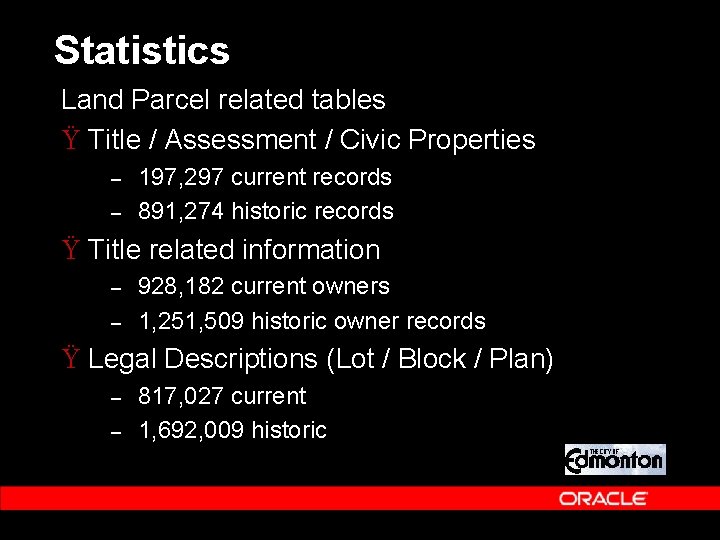
Statistics Land Parcel related tables Ÿ Title / Assessment / Civic Properties – – 197, 297 current records 891, 274 historic records Ÿ Title related information – – 928, 182 current owners 1, 251, 509 historic owner records Ÿ Legal Descriptions (Lot / Block / Plan) – – 817, 027 current 1, 692, 009 historic
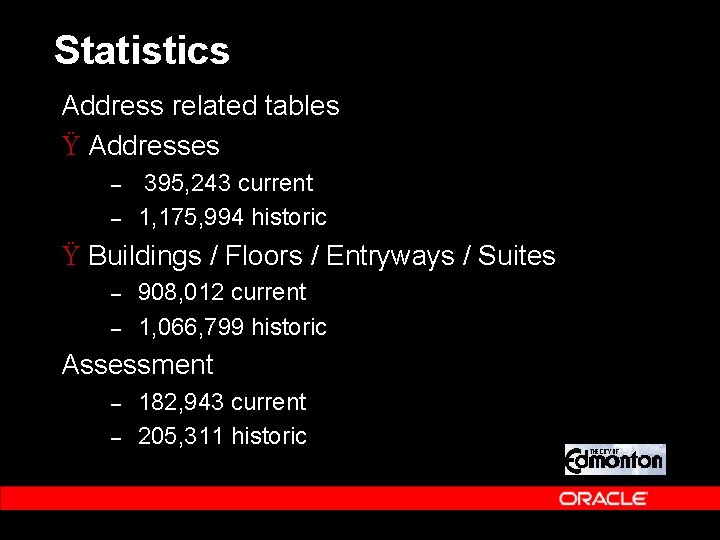
Statistics Address related tables Ÿ Addresses – – 395, 243 current 1, 175, 994 historic Ÿ Buildings / Floors / Entryways / Suites – – 908, 012 current 1, 066, 799 historic Assessment – – 182, 943 current 205, 311 historic
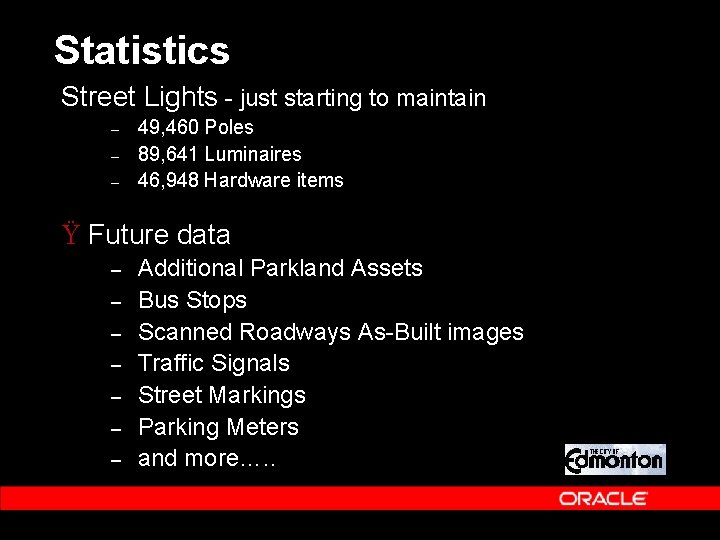
Statistics Street Lights - just starting to maintain – – – 49, 460 Poles 89, 641 Luminaires 46, 948 Hardware items Ÿ Future data – – – – Additional Parkland Assets Bus Stops Scanned Roadways As-Built images Traffic Signals Street Markings Parking Meters and more…. .
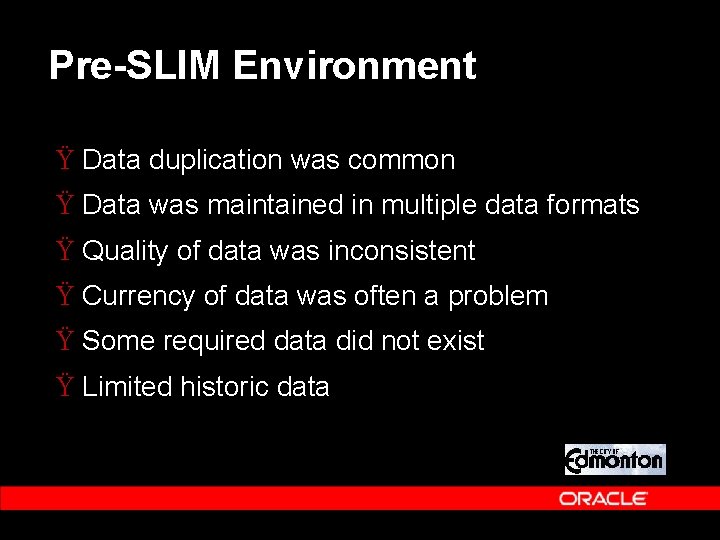
Pre-SLIM Environment Ÿ Data duplication was common Ÿ Data was maintained in multiple data formats Ÿ Quality of data was inconsistent Ÿ Currency of data was often a problem Ÿ Some required data did not exist Ÿ Limited historic data
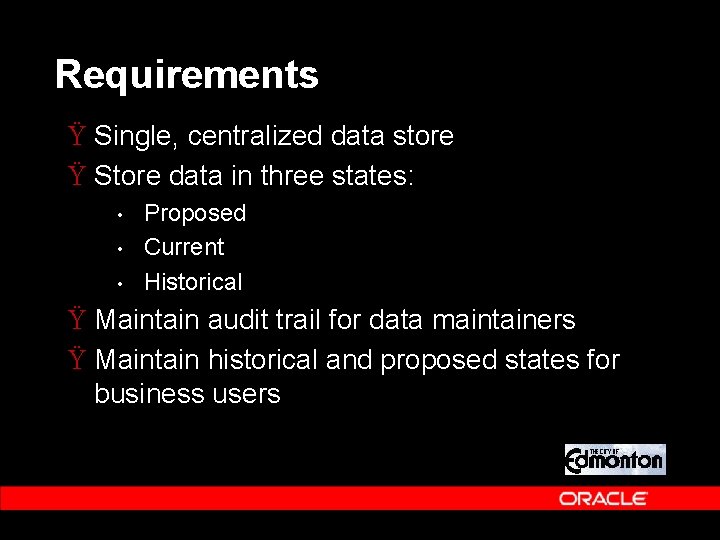
Requirements Ÿ Single, centralized data store Ÿ Store data in three states: • • • Proposed Current Historical Ÿ Maintain audit trail for data maintainers Ÿ Maintain historical and proposed states for business users
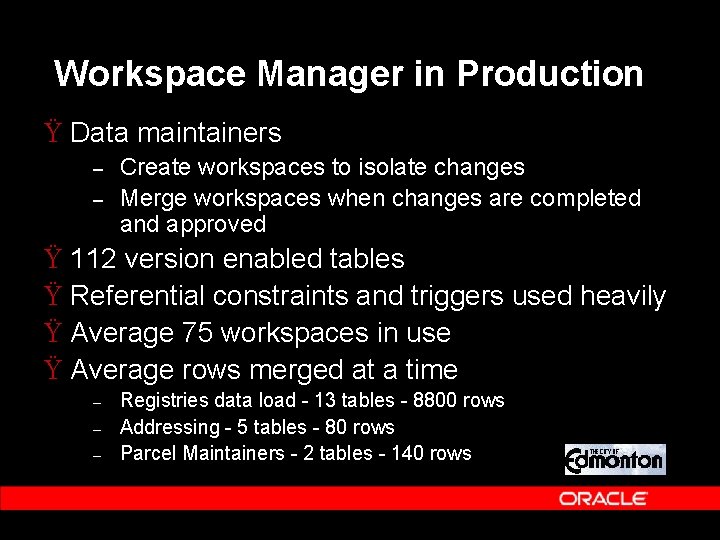
Workspace Manager in Production Ÿ Data maintainers – – Create workspaces to isolate changes Merge workspaces when changes are completed and approved Ÿ 112 version enabled tables Ÿ Referential constraints and triggers used heavily Ÿ Average 75 workspaces in use Ÿ Average rows merged at a time – – – Registries data load - 13 tables - 8800 rows Addressing - 5 tables - 80 rows Parcel Maintainers - 2 tables - 140 rows
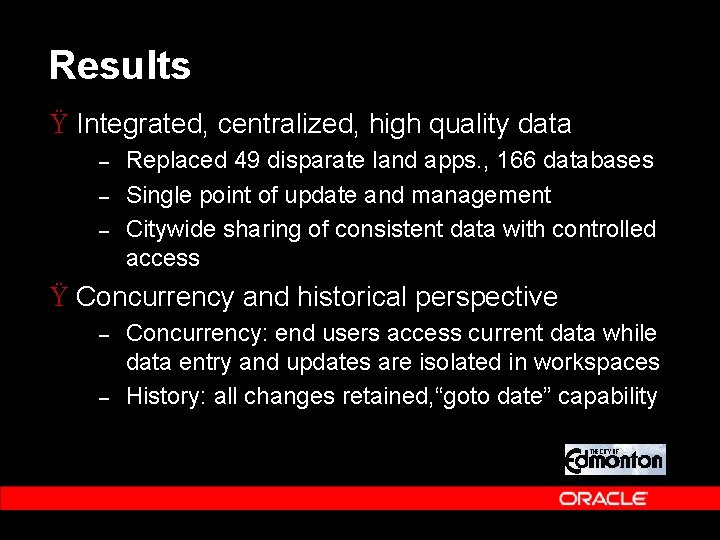
Results Ÿ Integrated, centralized, high quality data – – – Replaced 49 disparate land apps. , 166 databases Single point of update and management Citywide sharing of consistent data with controlled access Ÿ Concurrency and historical perspective – – Concurrency: end users access current data while data entry and updates are isolated in workspaces History: all changes retained, “goto date” capability
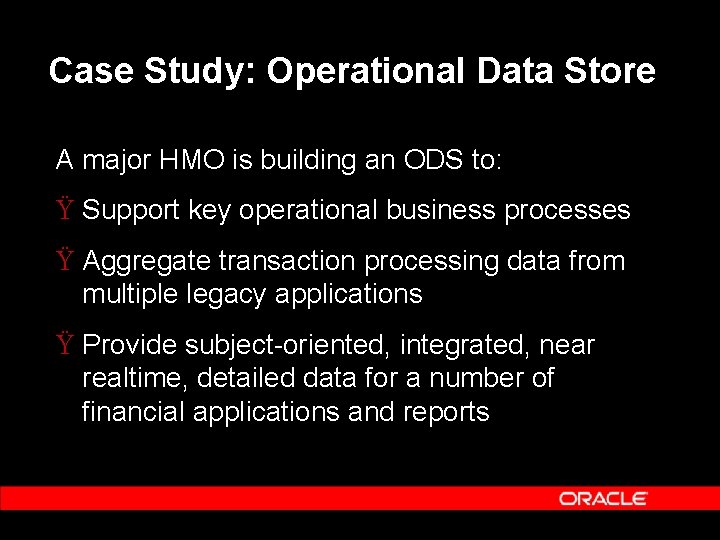
Case Study: Operational Data Store A major HMO is building an ODS to: Ÿ Support key operational business processes Ÿ Aggregate transaction processing data from multiple legacy applications Ÿ Provide subject-oriented, integrated, near realtime, detailed data for a number of financial applications and reports
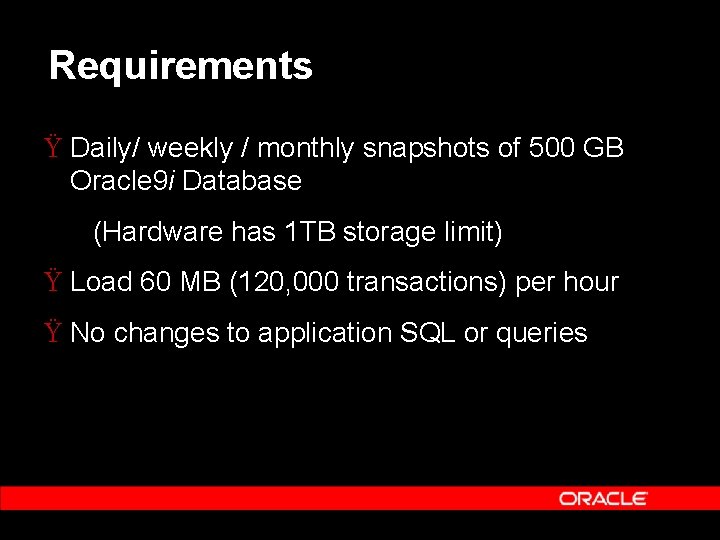
Requirements Ÿ Daily/ weekly / monthly snapshots of 500 GB Oracle 9 i Database (Hardware has 1 TB storage limit) Ÿ Load 60 MB (120, 000 transactions) per hour Ÿ No changes to application SQL or queries
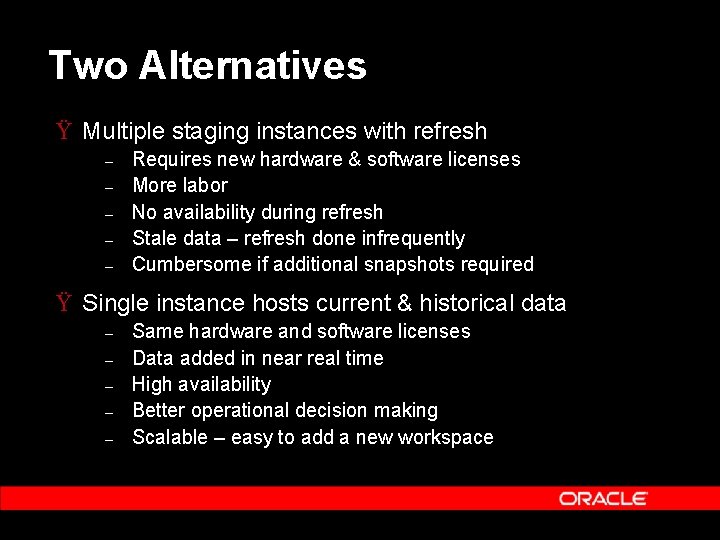
Two Alternatives Ÿ Multiple staging instances with refresh – – – Requires new hardware & software licenses More labor No availability during refresh Stale data – refresh done infrequently Cumbersome if additional snapshots required Ÿ Single instance hosts current & historical data – – – Same hardware and software licenses Data added in near real time High availability Better operational decision making Scalable – easy to add a new workspace
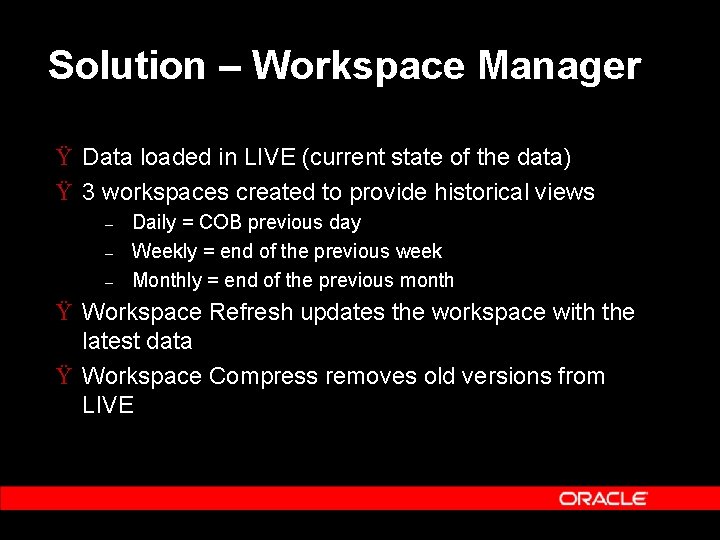
Solution – Workspace Manager Ÿ Data loaded in LIVE (current state of the data) Ÿ 3 workspaces created to provide historical views – – – Daily = COB previous day Weekly = end of the previous week Monthly = end of the previous month Ÿ Workspace Refresh updates the workspace with the latest data Ÿ Workspace Compress removes old versions from LIVE
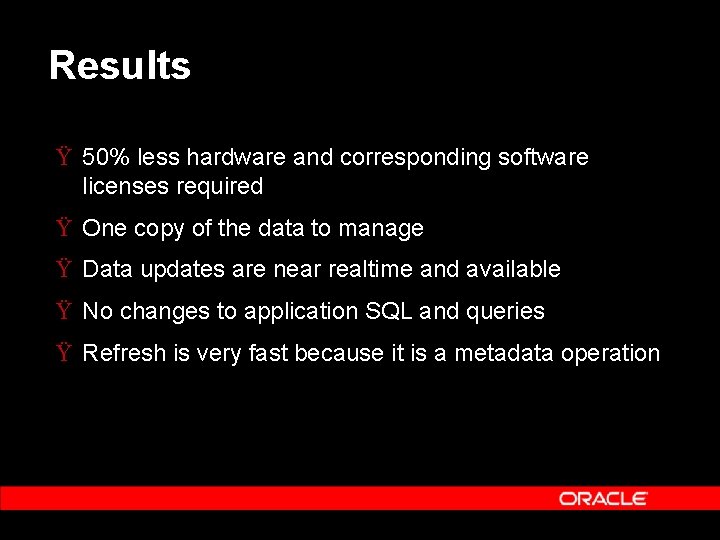
Results Ÿ 50% less hardware and corresponding software licenses required Ÿ One copy of the data to manage Ÿ Data updates are near realtime and available Ÿ No changes to application SQL and queries Ÿ Refresh is very fast because it is a metadata operation
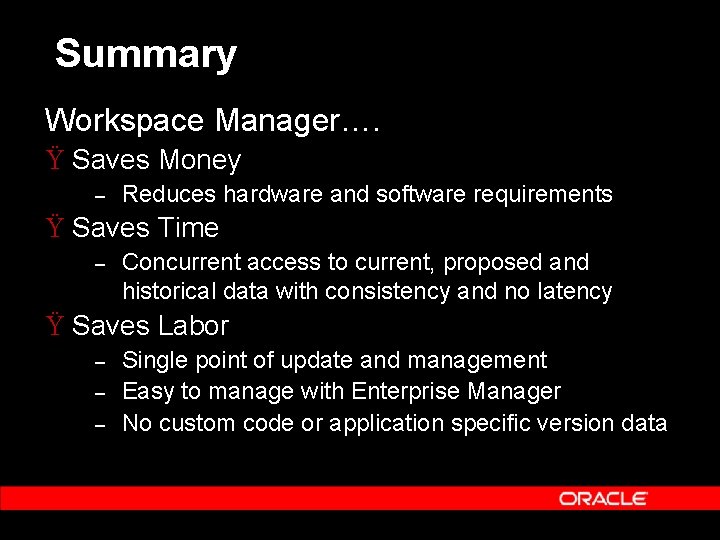
Summary Workspace Manager…. Ÿ Saves Money – Reduces hardware and software requirements Ÿ Saves Time – Concurrent access to current, proposed and historical data with consistency and no latency Ÿ Saves Labor – – – Single point of update and management Easy to manage with Enterprise Manager No custom code or application specific version data
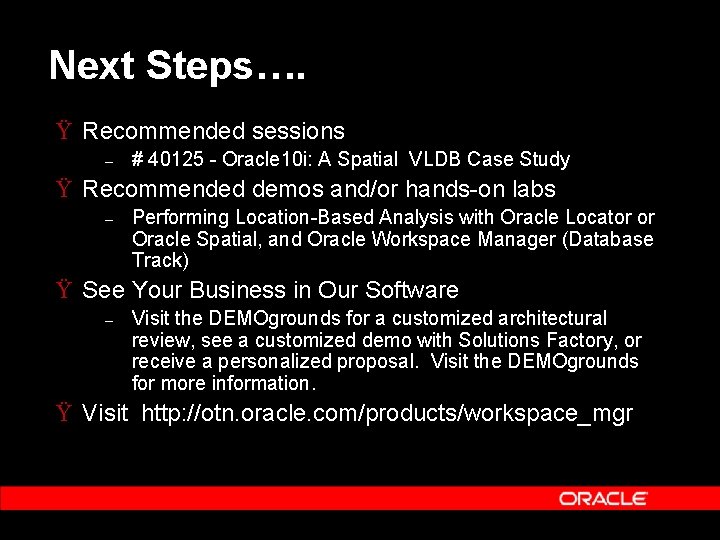
Next Steps…. Ÿ Recommended sessions – # 40125 - Oracle 10 i: A Spatial VLDB Case Study Ÿ Recommended demos and/or hands-on labs – Performing Location-Based Analysis with Oracle Locator or Oracle Spatial, and Oracle Workspace Manager (Database Track) Ÿ See Your Business in Our Software – Visit the DEMOgrounds for a customized architectural review, see a customized demo with Solutions Factory, or receive a personalized proposal. Visit the DEMOgrounds for more information. Ÿ Visit http: //otn. oracle. com/products/workspace_mgr
Reminder – please complete the Oracle. World online session survey Thank you.
Q& A QUESTIONS ANSWERS