
Session id 36487 Compelling Reasons to Use Oracle

- Slides: 45
Session id 36487: Compelling Reasons to Use Oracle 9 i R 2 RMAN Wayne Linton Oracle Database Administrator Shell Canada Limited Session: 36487
whoami Wayne Linton, I. S. P. 30+ years Shell Canada Limited 30+ year industry, 10+ years Oracle OCP certified from 7. 3 through 9 i past president Calgary Oracle Users Group published in Select, Oracle magazines part time Oracle DBA instructor at Southern Alberta Institute of Technology Shell Canada Limited Session: 36487
Agenda brief introduction to server managed backup/recovery and compelling reasons to start using RMAN for users of 3 rd Party backup tools, THE compelling reason to switch to RMAN for pre-9 i R 2 users of RMAN, compelling reasons to upgrade! 9 i. R 2 RMAN backup demo 9 i. R 2 RMAN block recovery demo Shell Canada Limited Session: 36487
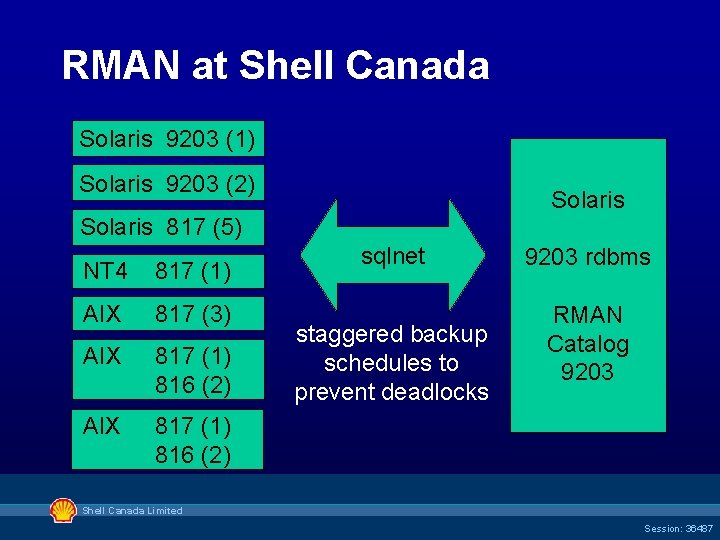
RMAN at Shell Canada Solaris 9203 (1) Solaris 9203 (2) Solaris 817 (5) NT 4 817 (1) AIX 817 (3) AIX 817 (1) 816 (2) sqlnet staggered backup schedules to prevent deadlocks 9203 rdbms RMAN Catalog 9203 Shell Canada Limited Session: 36487
Backup for Recovery one day you WILL have to recover do you know what backups are needed ? do you know where they are located ? are you certain that the backups are good ? do you have all the required archive logs ? are your recovery skills a little rusty? Shell Canada Limited Session: 36487
Shell Canada Limited Session: 36487
A Matter of Trust ? You Trust the Management of your Data to Oracle. . . Why not Trust the Management of your Backup and Recovery to Oracle? Shell Canada Limited Session: 36487
What Is RMAN? Recovery Manager Oracle utility to backup, restore, recover databases from Oracle 8+ invoked from command line or Enterprise Manager GUI is aware of Oracle database internals tracks location of all backup files needed for recovery (in controlfile or separate catalog) “server managed” backup and recovery Shell Canada Limited Session: 36487
RMAN - Server Managed RMAN uses Oracle-aware server processes to perform backup and recovery operations fully integrated with database, fully supported knows what backups to take, have been taken, and where they are located (cfile or catalog) knows what backups are needed for recovery, and restores the required backup files to the right location automatically Shell Canada Limited Session: 36487
RMAN Answers the Questions: Which backups do I need? Where are they? Can I recover? Shell Canada Limited Session: 36487
#1 Fully Integrated with Database Fully Supported by Oracle – aware of internals so can optimize for performance • hot backup handling of fractured blocks • skips backup of unused / unchanged blocks – standby backups fully interchangeable with primary (can offload backup load to standby machine!) – can create clone and standby databases (duplicate command) – knows about RAC Shell Canada Limited Session: 36487
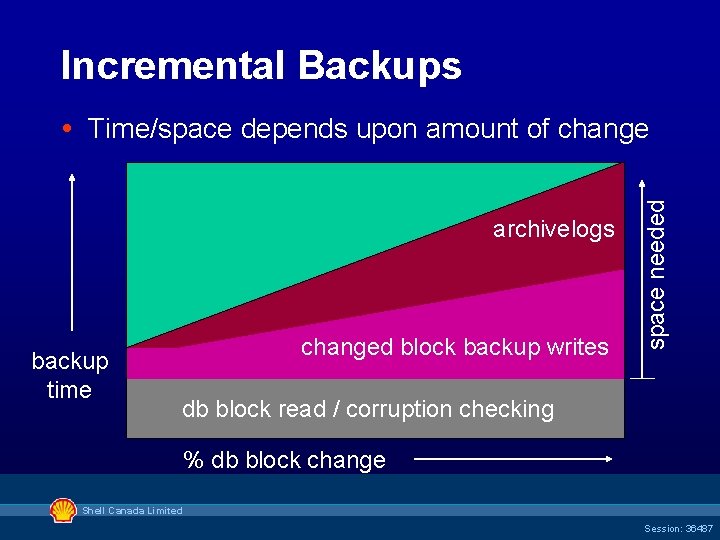
#2 Supports Incremental Backups – smaller backups and reduced backup/recovery time – reads every block and checks for corruption – multi-level incremental and cumulative backup schemes possible – backups to disk (faster restore) or tape directly – can even do ‘cold’ (mounted) incremental backups! Shell Canada Limited Session: 36487
Incremental Backups archivelogs backup time changed block backup writes space needed Time/space depends upon amount of change db block read / corruption checking % db block change Shell Canada Limited Session: 36487
#3 Online Backups Simply & Efficiently – no need for begin-end backup commands – fractured (changed) blocks re-read by RMAN during online backups – no additional redo generated – multiple output streams (channels) in parallel – multi-file read, block interleaving to one backupset Ø current redo log switched, archived, and backed up as part of backupset automatically Shell Canada Limited Session: 36487
#4 Capture and Reporting of Backup Metadata – controlfile contains relevant RMAN backup metadata (whether you use RMAN or not!) – controlfile size governed by parameter control_file_record_keep_time = #days – LIST datafile, archivelog backup information – REPORT unrecoverable, report obsolete, etc. – recommended (but optional) use RMAN Catalog to also store backup metadata for multiple databases Ø backup will use controlfile if catalog not reachable Shell Canada Limited Session: 36487
3 rd Party Users 3 rd party tools differ little from RMAN have nicer GUI than OEM ? BUT cost increases with size or number of databases or servers where software used why pay a lot of money for functionality you already have? Shell Canada Limited Session: 36487
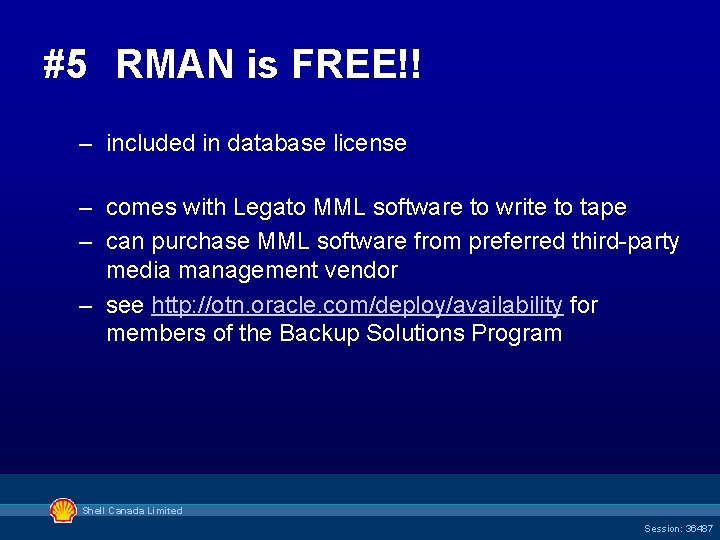
#5 RMAN is FREE!! – included in database license – comes with Legato MML software to write to tape – can purchase MML software from preferred third-party media management vendor – see http: //otn. oracle. com/deploy/availability for members of the Backup Solutions Program Shell Canada Limited Session: 36487
Pre-9 i users of RMAN early versions of RMAN were somewhat awkward to use verbose scripting and messages lacking in ‘basic’ functionality like deletion of obsolete O/S backup files 9 i and 9 i. R 2 have significantly improved usability and functionality Shell Canada Limited Session: 36487
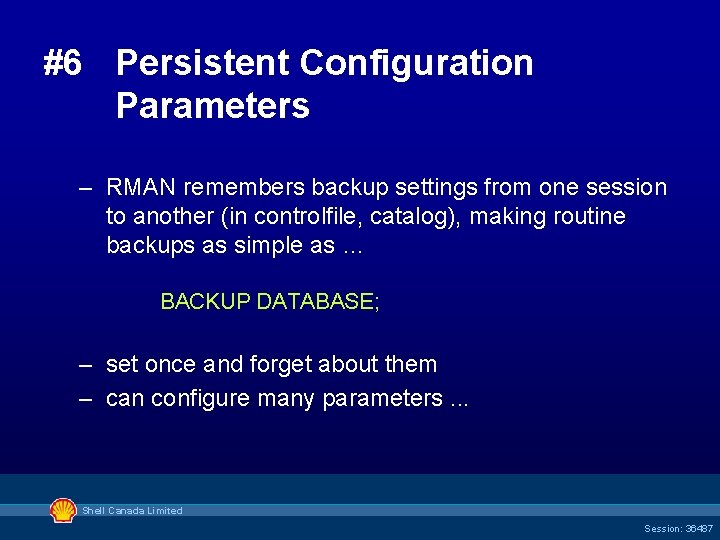
#6 Persistent Configuration Parameters – RMAN remembers backup settings from one session to another (in controlfile, catalog), making routine backups as simple as … BACKUP DATABASE; – set once and forget about them – can configure many parameters. . . Shell Canada Limited Session: 36487
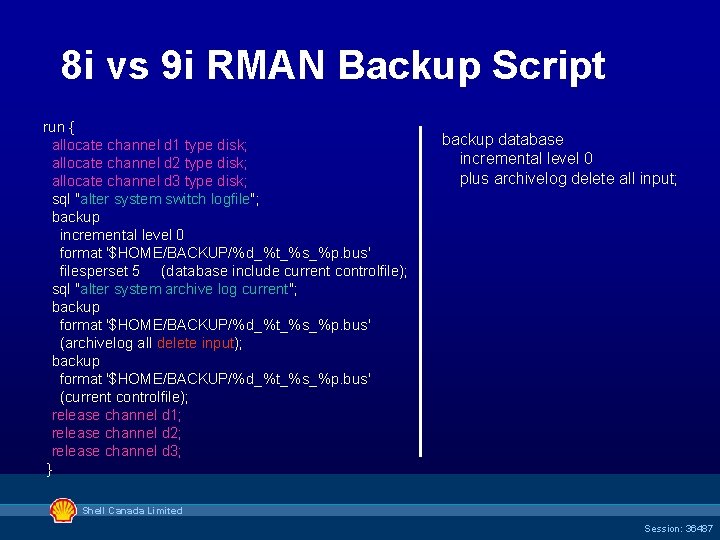
8 i vs 9 i RMAN Backup Script run { allocate channel d 1 type disk; allocate channel d 2 type disk; allocate channel d 3 type disk; sql "alter system switch logfile"; backup incremental level 0 format '$HOME/BACKUP/%d_%t_%s_%p. bus' filesperset 5 (database include current controlfile); sql "alter system archive log current"; backup format '$HOME/BACKUP/%d_%t_%s_%p. bus' (archivelog all delete input); backup format '$HOME/BACKUP/%d_%t_%s_%p. bus' (current controlfile); release channel d 1; release channel d 2; release channel d 3; } backup database incremental level 0 plus archivelog delete all input; Shell Canada Limited Session: 36487
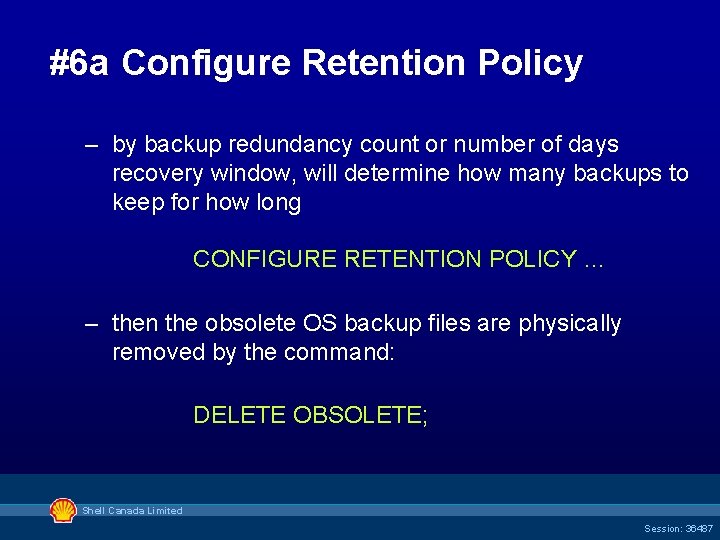
#6 a Configure Retention Policy – by backup redundancy count or number of days recovery window, will determine how many backups to keep for how long CONFIGURE RETENTION POLICY … – then the obsolete OS backup files are physically removed by the command: DELETE OBSOLETE; Shell Canada Limited Session: 36487
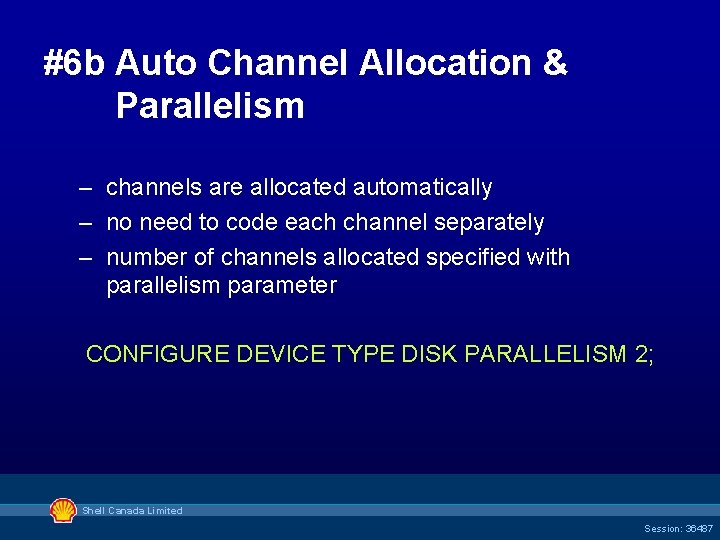
#6 b Auto Channel Allocation & Parallelism – channels are allocated automatically – no need to code each channel separately – number of channels allocated specified with parallelism parameter CONFIGURE DEVICE TYPE DISK PARALLELISM 2; Shell Canada Limited Session: 36487
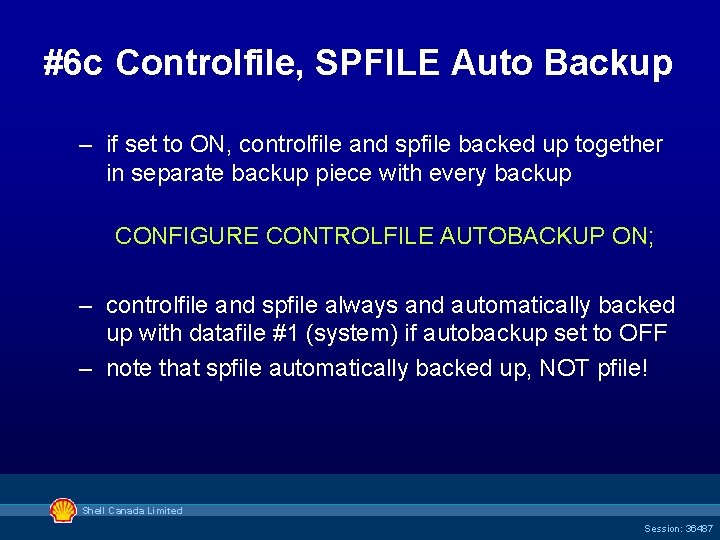
#6 c Controlfile, SPFILE Auto Backup – if set to ON, controlfile and spfile backed up together in separate backup piece with every backup CONFIGURE CONTROLFILE AUTOBACKUP ON; – controlfile and spfile always and automatically backed up with datafile #1 (system) if autobackup set to OFF – note that spfile automatically backed up, NOT pfile! Shell Canada Limited Session: 36487
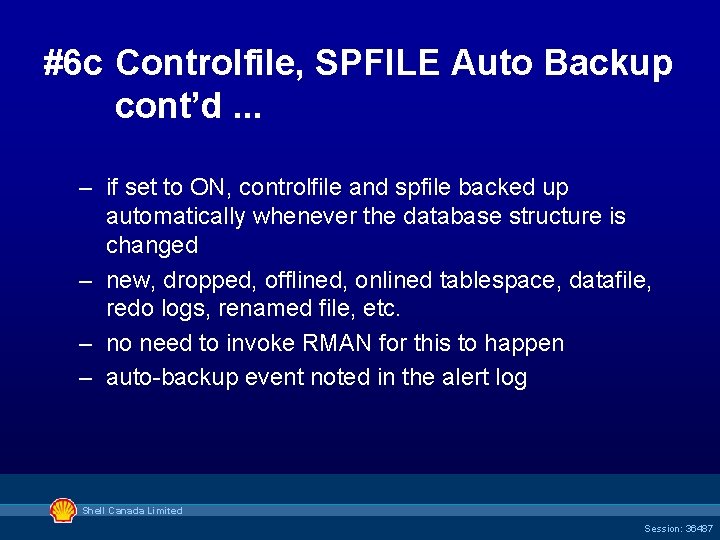
#6 c Controlfile, SPFILE Auto Backup cont’d. . . – if set to ON, controlfile and spfile backed up automatically whenever the database structure is changed – new, dropped, offlined, onlined tablespace, datafile, redo logs, renamed file, etc. – no need to invoke RMAN for this to happen – auto-backup event noted in the alert log Shell Canada Limited Session: 36487
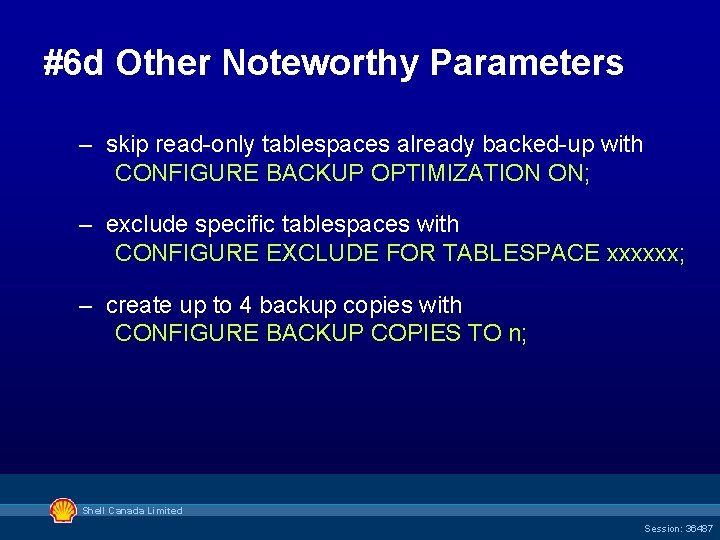
#6 d Other Noteworthy Parameters – skip read-only tablespaces already backed-up with CONFIGURE BACKUP OPTIMIZATION ON; – exclude specific tablespaces with CONFIGURE EXCLUDE FOR TABLESPACE xxxxxx; – create up to 4 backup copies with CONFIGURE BACKUP COPIES TO n; Shell Canada Limited Session: 36487
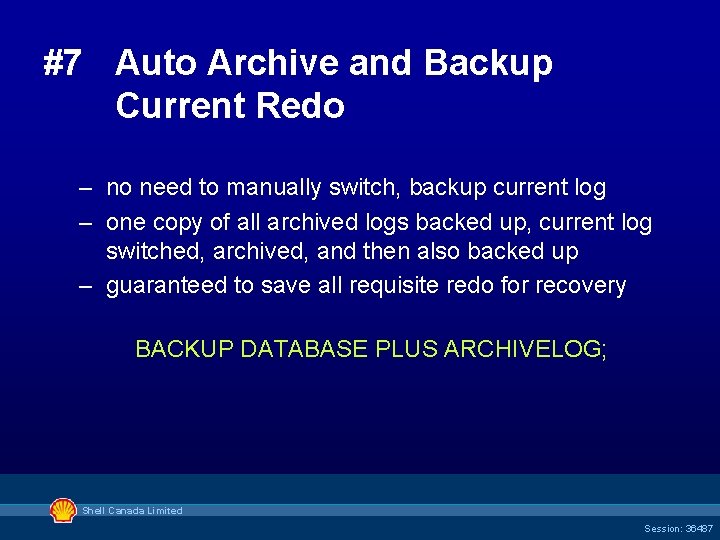
#7 Auto Archive and Backup Current Redo – no need to manually switch, backup current log – one copy of all archived logs backed up, current log switched, archived, and then also backed up – guaranteed to save all requisite redo for recovery BACKUP DATABASE PLUS ARCHIVELOG; Shell Canada Limited Session: 36487
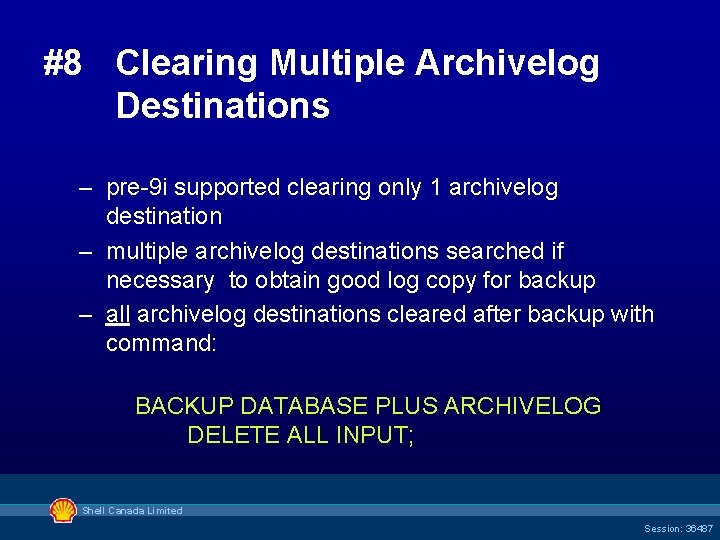
#8 Clearing Multiple Archivelog Destinations – pre-9 i supported clearing only 1 archivelog destination – multiple archivelog destinations searched if necessary to obtain good log copy for backup – all archivelog destinations cleared after backup with command: BACKUP DATABASE PLUS ARCHIVELOG DELETE ALL INPUT; Shell Canada Limited Session: 36487
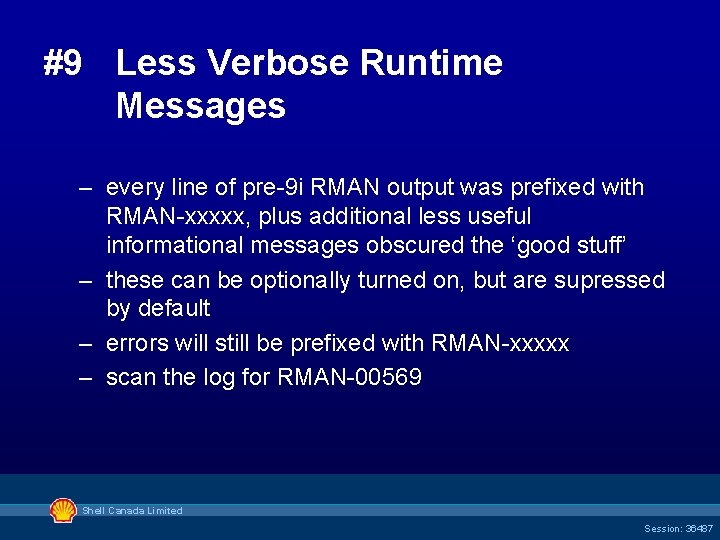
#9 Less Verbose Runtime Messages – every line of pre-9 i RMAN output was prefixed with RMAN-xxxxx, plus additional less useful informational messages obscured the ‘good stuff’ – these can be optionally turned on, but are supressed by default – errors will still be prefixed with RMAN-xxxxx – scan the log for RMAN-00569 Shell Canada Limited Session: 36487
D E M O N S T R A T I O N RMAN Incremental Backup … in progress Shell Canada Limited Session: 36487
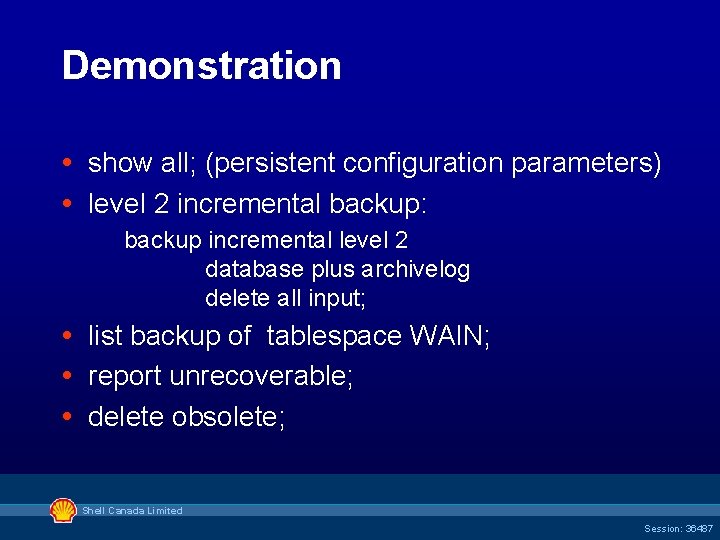
Demonstration show all; (persistent configuration parameters) level 2 incremental backup: backup incremental level 2 database plus archivelog delete all input; list backup of tablespace WAIN; report unrecoverable; delete obsolete; Shell Canada Limited Session: 36487
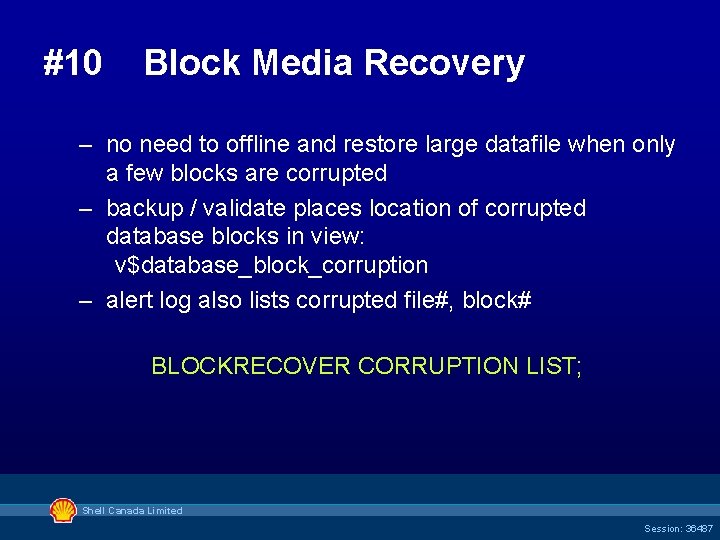
#10 Block Media Recovery – no need to offline and restore large datafile when only a few blocks are corrupted – backup / validate places location of corrupted database blocks in view: v$database_block_corruption – alert log also lists corrupted file#, block# BLOCKRECOVER CORRUPTION LIST; Shell Canada Limited Session: 36487
D E M O N S T R A T I O N RMAN blockrecover Shell Canada Limited Session: 36487
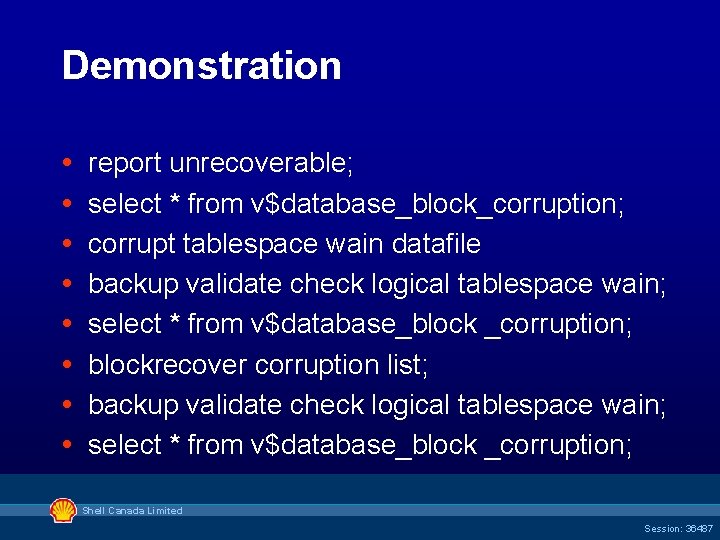
Demonstration report unrecoverable; select * from v$database_block_corruption; corrupt tablespace wain datafile backup validate check logical tablespace wain; select * from v$database_block _corruption; blockrecover corruption list; backup validate check logical tablespace wain; select * from v$database_block _corruption; Shell Canada Limited Session: 36487
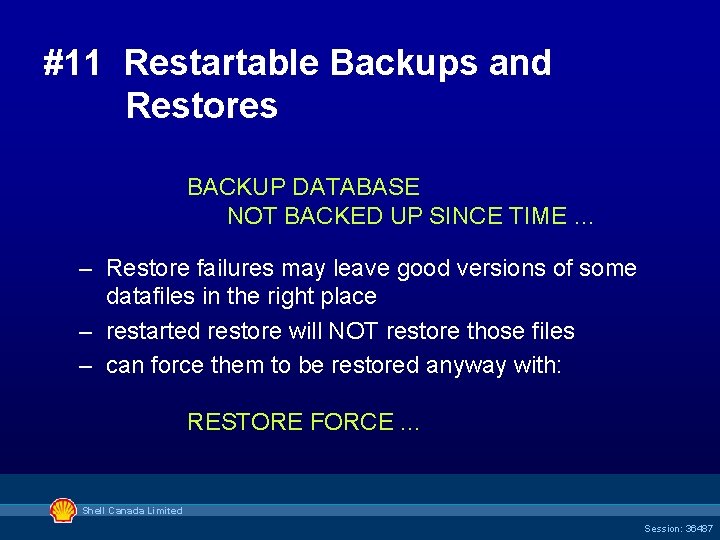
#11 Restartable Backups and Restores BACKUP DATABASE NOT BACKED UP SINCE TIME … – Restore failures may leave good versions of some datafiles in the right place – restarted restore will NOT restore those files – can force them to be restored anyway with: RESTORE FORCE. . . Shell Canada Limited Session: 36487
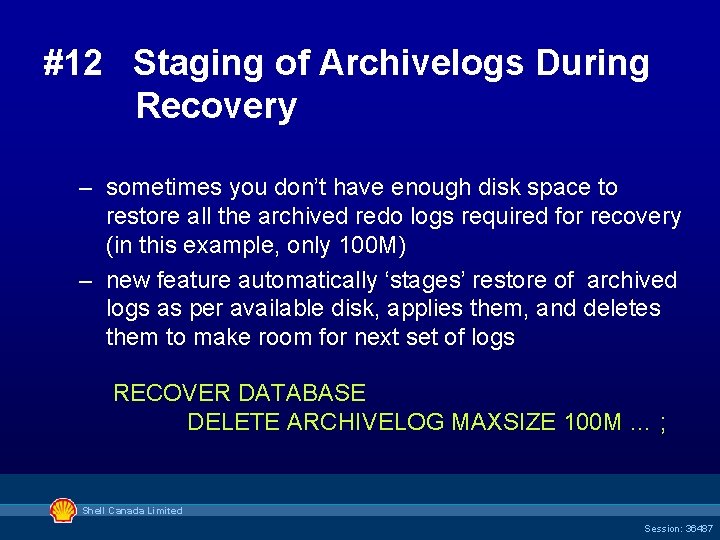
#12 Staging of Archivelogs During Recovery – sometimes you don’t have enough disk space to restore all the archived redo logs required for recovery (in this example, only 100 M) – new feature automatically ‘stages’ restore of archived logs as per available disk, applies them, and deletes them to make room for next set of logs RECOVER DATABASE DELETE ARCHIVELOG MAXSIZE 100 M … ; Shell Canada Limited Session: 36487
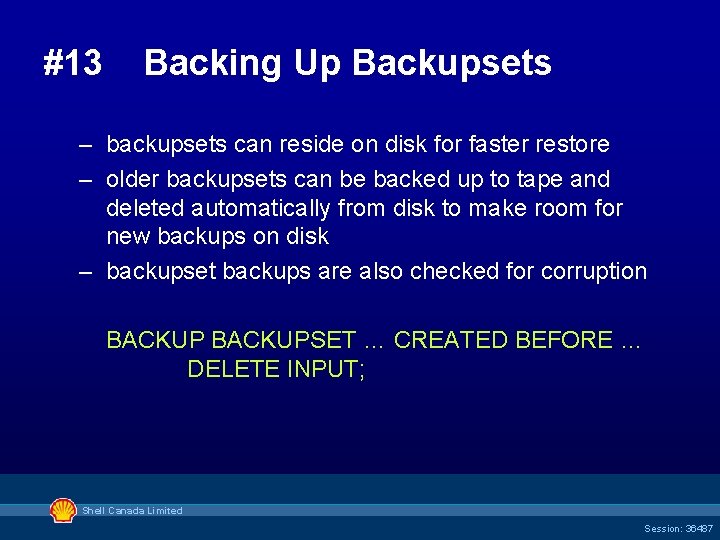
#13 Backing Up Backupsets – backupsets can reside on disk for faster restore – older backupsets can be backed up to tape and deleted automatically from disk to make room for new backups on disk – backupset backups are also checked for corruption BACKUPSET … CREATED BEFORE … DELETE INPUT; Shell Canada Limited Session: 36487
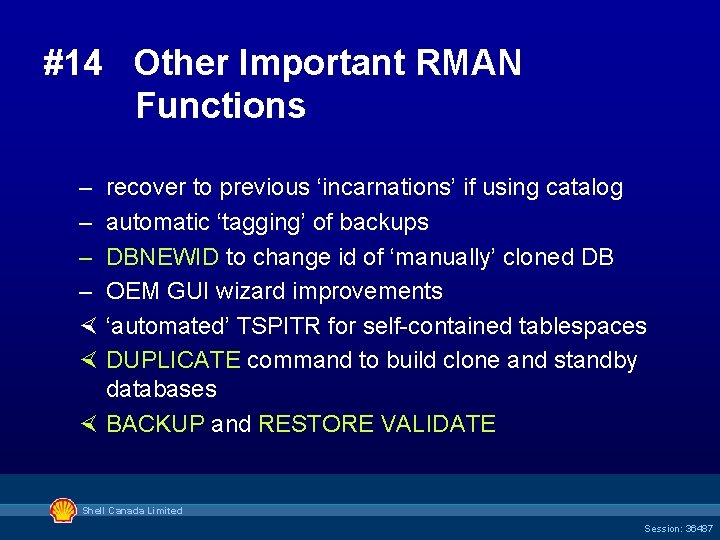
#14 Other Important RMAN Functions – recover to previous ‘incarnations’ if using catalog – automatic ‘tagging’ of backups – DBNEWID to change id of ‘manually’ cloned DB – OEM GUI wizard improvements × ‘automated’ TSPITR for self-contained tablespaces × DUPLICATE command to build clone and standby databases × BACKUP and RESTORE VALIDATE Shell Canada Limited Session: 36487
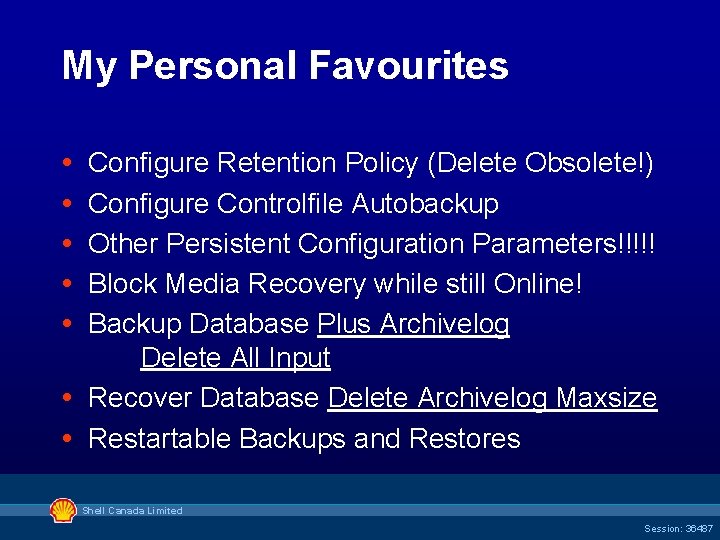
My Personal Favourites Configure Retention Policy (Delete Obsolete!) Configure Controlfile Autobackup Other Persistent Configuration Parameters!!!!! Block Media Recovery while still Online! Backup Database Plus Archivelog Delete All Input Recover Database Delete Archivelog Maxsize Restartable Backups and Restores Shell Canada Limited Session: 36487
Upon The Shoulders of. . . Tammy Bednar, Oracle Corporation Database Backup & Recovery Strategies and Best Practices - paper 213, OOW 2001 Tammy Bednar, Oracle Corporation Rich Bernat, Chevrontexaco Corporation Are You Using the Best Solution for Protecting Your Enterprise? - paper 32513, OOW 2002 Shell Canada Limited Session: 36487
Upon The Shoulders of. . . Dave Anderson, Skill. Builders, Inc. A Practical Introduction to Oracle 9 i RMAN Oratechs, 2003 Shell Canada Limited Session: 36487
Next Steps…. Recommended sessions – 40104 RMAN 10 g: Reloaded - Tammy Bednar Tues. 9 th, 3: 30 PM Moscone Room 304 – 36675 RMAN 10 g & ATA Storage in Action - Bob Ng Weds. 10 th, 8: 30 AM (not sure which room) Recommended hands-on labs – Manage the Database Environment, Lesson 6 Performing Backups and Recovering Your Database Demogrounds – 10 g RMAN (many!) New Features, new EM interface Shell Canada Limited Session: 36487
Next Steps…. Relevant web sites to visit for more information – Metalink - many technical notes, articles, papers – OTN & Oracle Documentation • Oracle 9 i Recovery Manager User’s Guide - A 96566 -01 • Oracle 9 i Recovery Manager Reference - A 96565 -01 • Oracle 9 i Recovery Manager Quick Reference - A 96564 -01 – Oracle 9 i RMAN Backup and Recovery, Freeman & Hart, ISBN 0 -07 -222662 -5 Shell Canada Limited Session: 36487
Reminder – please complete the Oracle. World online session survey Thank you. Shell Canada Limited Session: 36487
Q& A QUESTIONS ANSWERS Shell Canada Limited Session: 36487
Session id 36487: Compelling Reasons to Use Oracle 9 i R 2 RMAN Wayne Linton Oracle Database Administrator Shell Canada Limited wayne. linton@shell. ca Shell Canada Limited Session: 36487