
Session 15 CPSC 231 Tu02 Table of content
Session 15 CPSC 231 Tu#02
Table of content • Tetris, The game 2
Requirements • Configuration variables • Functions 3
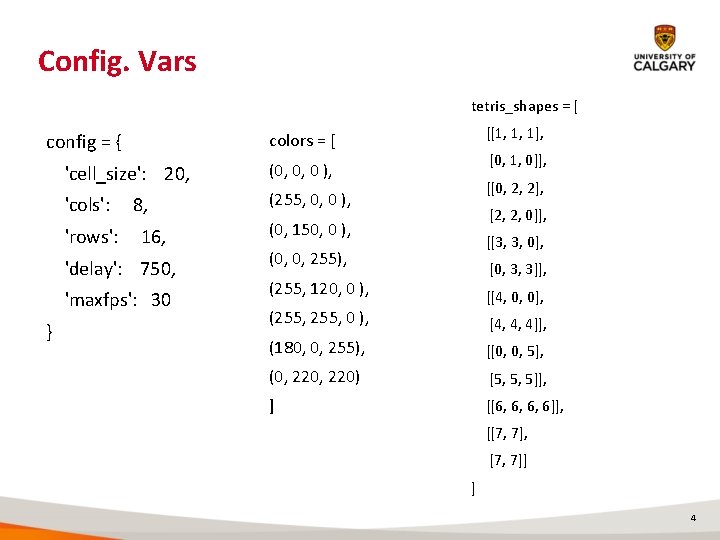
Config. Vars tetris_shapes = [ config = { 'cell_size': 20, (0, 0, 0 ), 'cols': (255, 0, 0 ), 'rows': 8, 16, 'delay': 750, 'maxfps': 30 } [[1, 1, 1], colors = [ [0, 1, 0]], [[0, 2, 2], [2, 2, 0]], (0, 150, 0 ), [[3, 3, 0], (0, 0, 255), [0, 3, 3]], (255, 120, 0 ), [[4, 0, 0], (255, 0 ), [4, 4, 4]], (180, 0, 255), [[0, 0, 5], (0, 220) [5, 5, 5]], ] [[6, 6, 6, 6]], [[7, 7], [7, 7]] ] 4
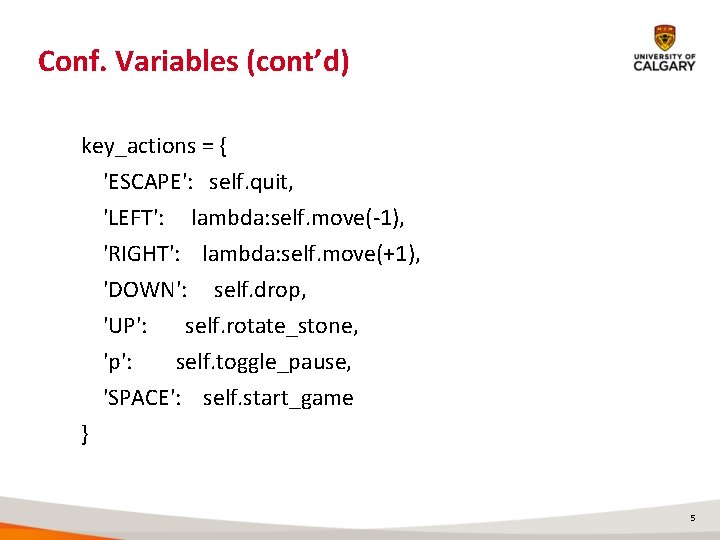
Conf. Variables (cont’d) key_actions = { 'ESCAPE': self. quit, 'LEFT': lambda: self. move(-1), 'RIGHT': lambda: self. move(+1), 'DOWN': self. drop, 'UP': self. rotate_stone, 'p': self. toggle_pause, 'SPACE': self. start_game } 5
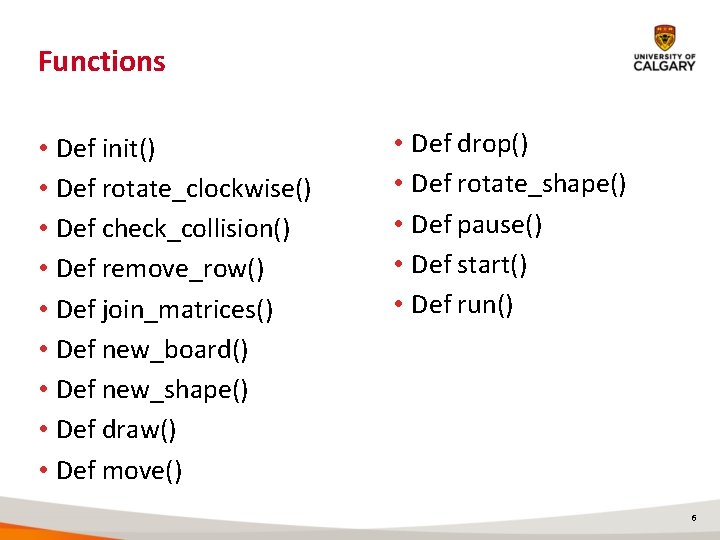
Functions • Def init() • Def rotate_clockwise() • Def check_collision() • Def remove_row() • Def join_matrices() • Def new_board() • Def new_shape() • Def draw() • Def move() • Def drop() • Def rotate_shape() • Def pause() • Def start() • Def run() 6
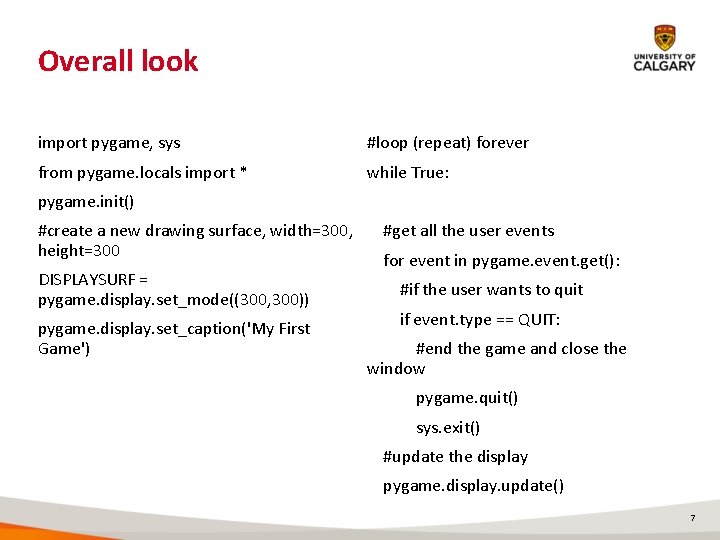
Overall look import pygame, sys #loop (repeat) forever from pygame. locals import * while True: pygame. init() #create a new drawing surface, width=300, height=300 DISPLAYSURF = pygame. display. set_mode((300, 300)) pygame. display. set_caption('My First Game') #get all the user events for event in pygame. event. get(): #if the user wants to quit if event. type == QUIT: #end the game and close the window pygame. quit() sys. exit() #update the display pygame. display. update() 7
![Init_() def init_(self): pygame. init() pygame. key. set_repeat(250, 25) self. width = config['cell_size']*config['cols'] self.](http://slidetodoc.com/presentation_image_h2/79cab4886ade9fd6bf4c7f716cbb9ab6/image-8.jpg "Init_() def init_(self): pygame. init() pygame. key. set_repeat(250, 25) self. width = config['cell_size']*config['cols'] self.")
Init_() def init_(self): pygame. init() pygame. key. set_repeat(250, 25) self. width = config['cell_size']*config['cols'] self. height = config['cell_size']*config['rows'] self. screen = pygame. display. set_mode((self. width, self. height)) self. board = new_board() self. new_stone() 8
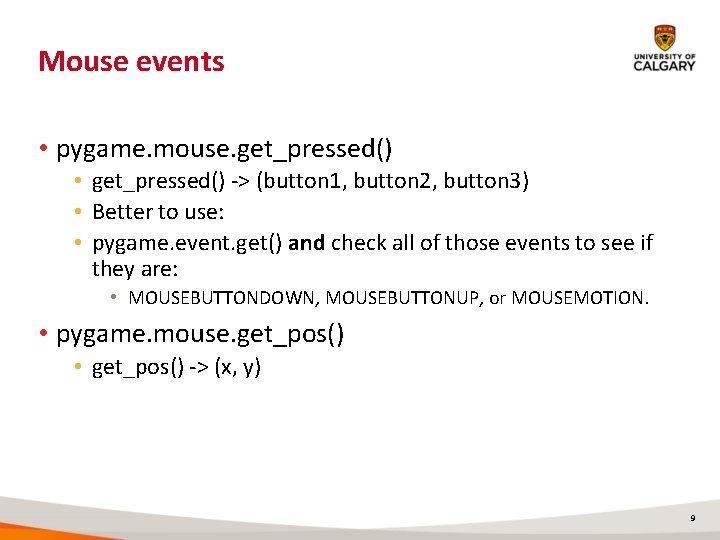
Mouse events • pygame. mouse. get_pressed() • get_pressed() -> (button 1, button 2, button 3) • Better to use: • pygame. event. get() and check all of those events to see if they are: • MOUSEBUTTONDOWN, MOUSEBUTTONUP, or MOUSEMOTION. • pygame. mouse. get_pos() • get_pos() -> (x, y) 9
Next • Classes • Object-oriented programming 10
- Slides: 10