
Service Desk 7 Preview IT Lifecycle Management 2

- Slides: 19
Service. Desk 7 Preview
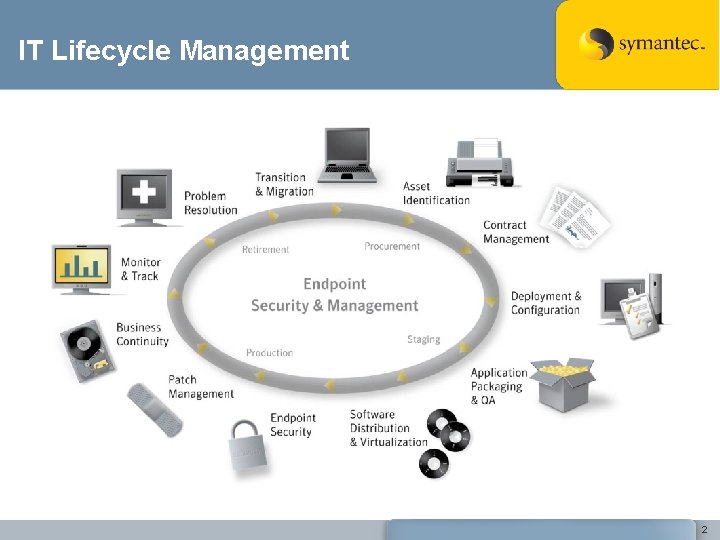
IT Lifecycle Management 2
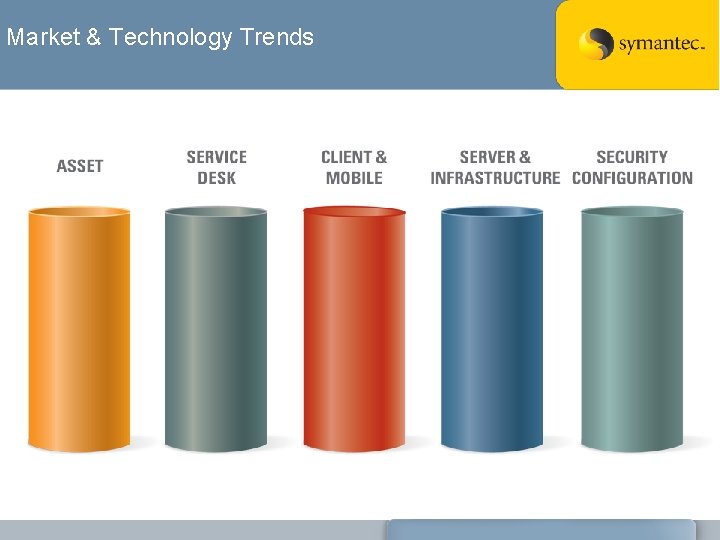
Market & Technology Trends
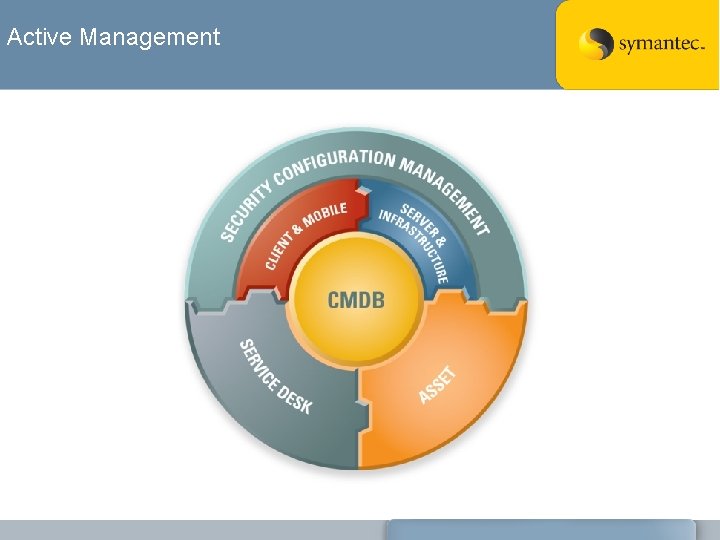
Active Management
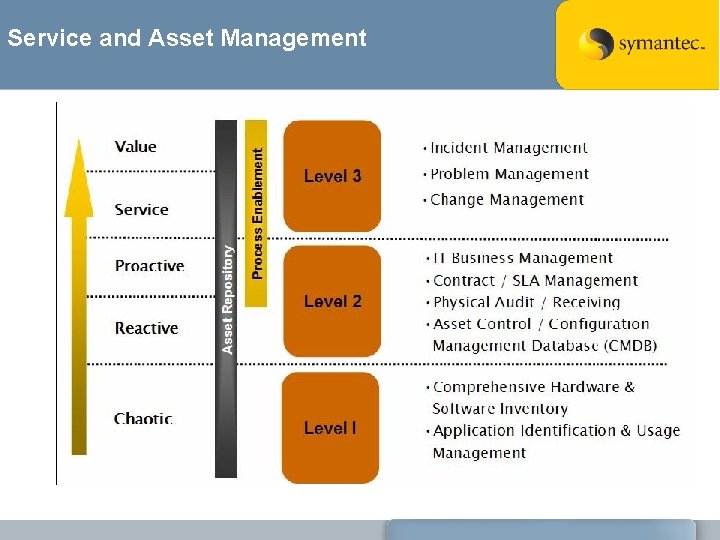
Service and Asset Management
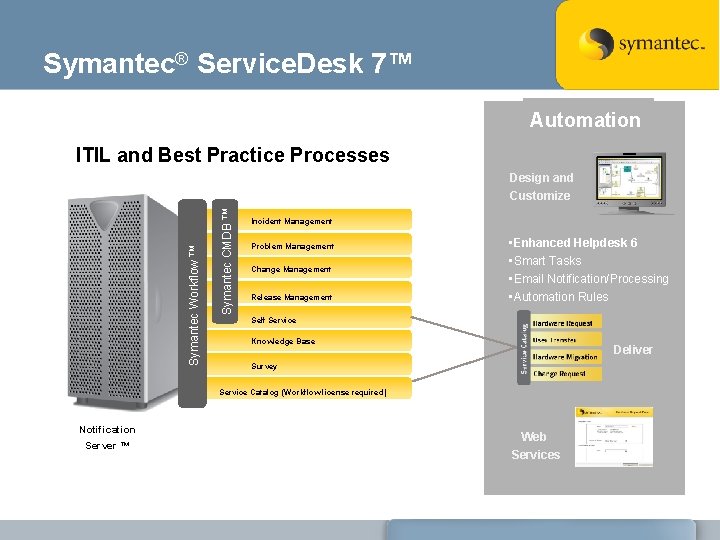
Symantec® Service. Desk 7™ Automation ITIL and Best Practice Processes Symantec CMDB ™ • Altiris™ SDK Symantec Workflow ™ Design and Customize Incident Management Problem Management Change Management Release Management • Enhanced Helpdesk 6 • Smart Tasks • Email Notification/Processing • Automation Rules Self Service Knowledge Base Deliver Survey Service Catalog (Workflow license required) Notification Server ™ Web Services
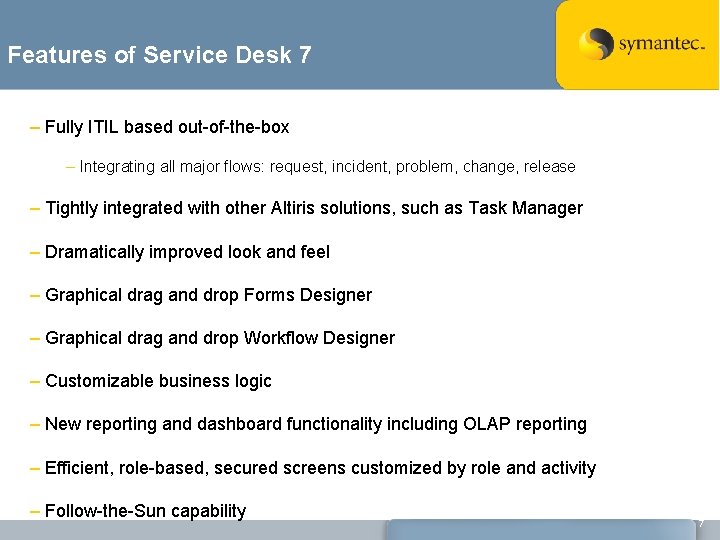
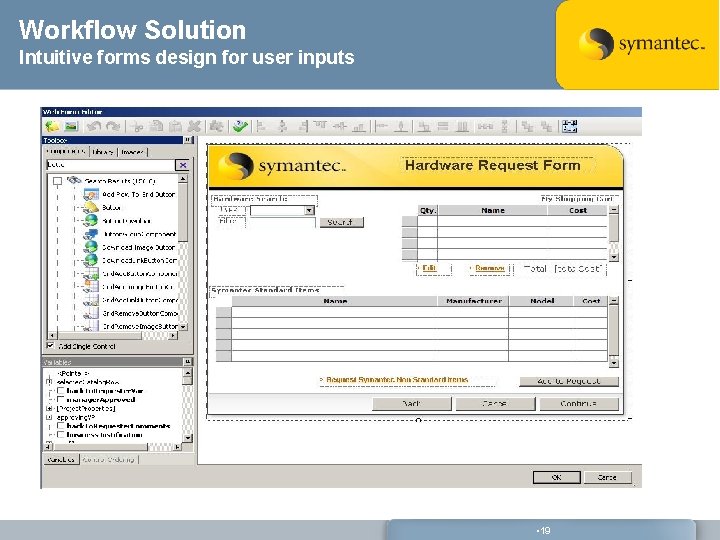
Features of Service Desk 7 – Fully ITIL based out-of-the-box – Integrating all major flows: request, incident, problem, change, release – Tightly integrated with other Altiris solutions, such as Task Manager – Dramatically improved look and feel – Graphical drag and drop Forms Designer – Graphical drag and drop Workflow Designer – Customizable business logic – New reporting and dashboard functionality including OLAP reporting – Efficient, role-based, secured screens customized by role and activity – Follow-the-Sun capability 7
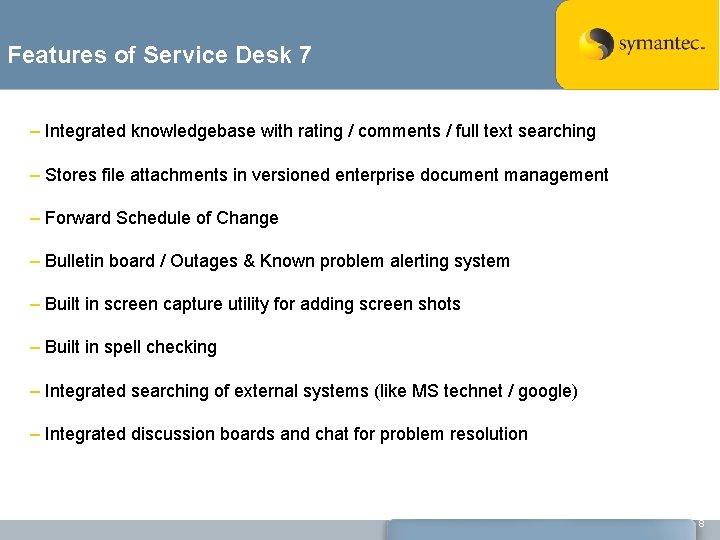
Features of Service Desk 7 – Integrated knowledgebase with rating / comments / full text searching – Stores file attachments in versioned enterprise document management – Forward Schedule of Change – Bulletin board / Outages & Known problem alerting system – Built in screen capture utility for adding screen shots – Built in spell checking – Integrated searching of external systems (like MS technet / google) – Integrated discussion boards and chat for problem resolution 8
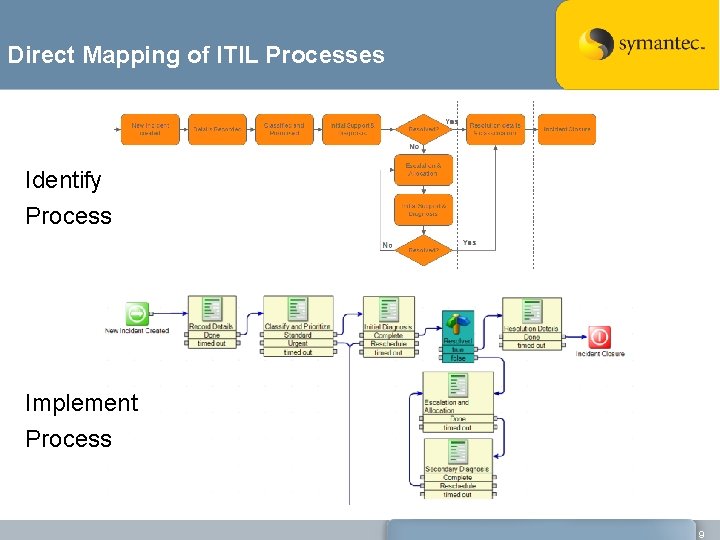
Direct Mapping of ITIL Processes Identify Process Implement Process 9
Goals of Incident Management – Restore ‘normal’ service operation as quickly as possible – Minimize adverse impact of outages on business operations – Deliver high quality of service within agreed upon service levels 10
Key Activities of Incident Management – Incident Identification – Incident Logging – Incident Categorization – Initial Diagnosis – Incident Escalation – Investigation and Diagnosis – Resolution and Recovery – Incident Closure 11
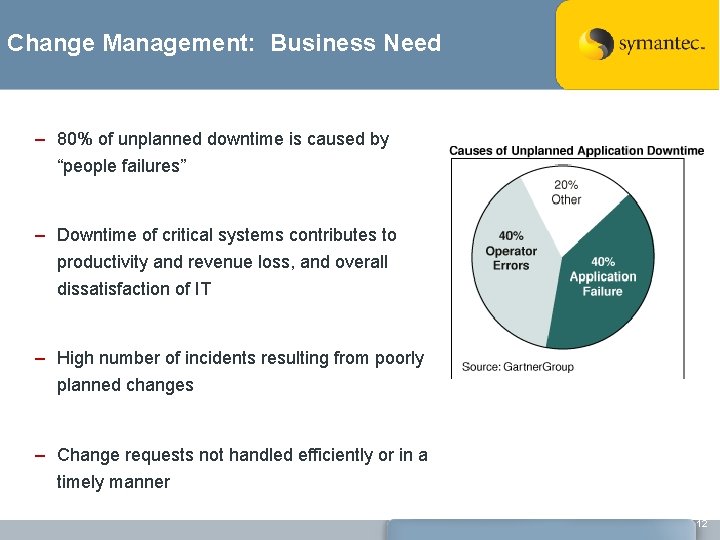
Change Management: Business Need – 80% of unplanned downtime is caused by “people failures” – Downtime of critical systems contributes to productivity and revenue loss, and overall dissatisfaction of IT – High number of incidents resulting from poorly planned changes – Change requests not handled efficiently or in a timely manner 12
Critical Questions of Change Management – Who RAISED the change? – What is the REASON for the change? – What is the RETURN required from the change? – What are the RISKS involved in the change? – What RESOURCES are required to deliver the change? – Who is RESPONSIBLE for the build, test, and implementation of the change? – What is the RELATIONSHIP between this change and other changes? Material provided from ITIL Foundations 13
Thank You Workflow Solution
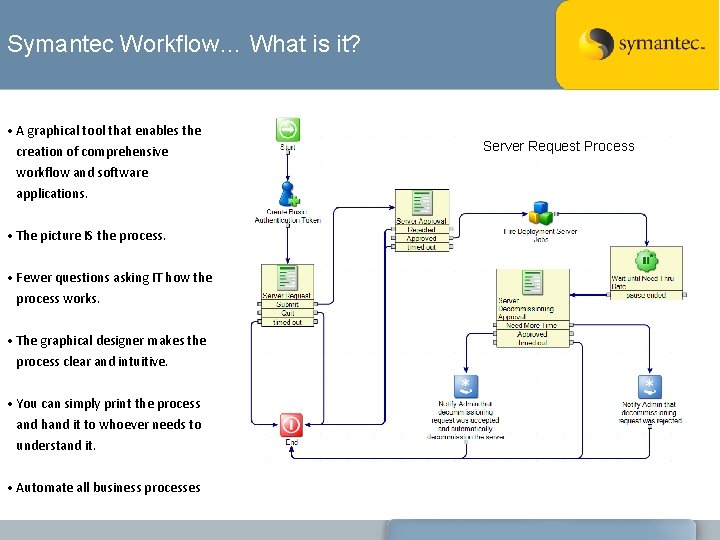
Symantec Workflow… What is it? • A graphical tool that enables the creation of comprehensive workflow and software applications. • The picture IS the process. • Fewer questions asking IT how the process works. • The graphical designer makes the process clear and intuitive. • You can simply print the process and hand it to whoever needs to understand it. • Automate all business processes Server Request Process
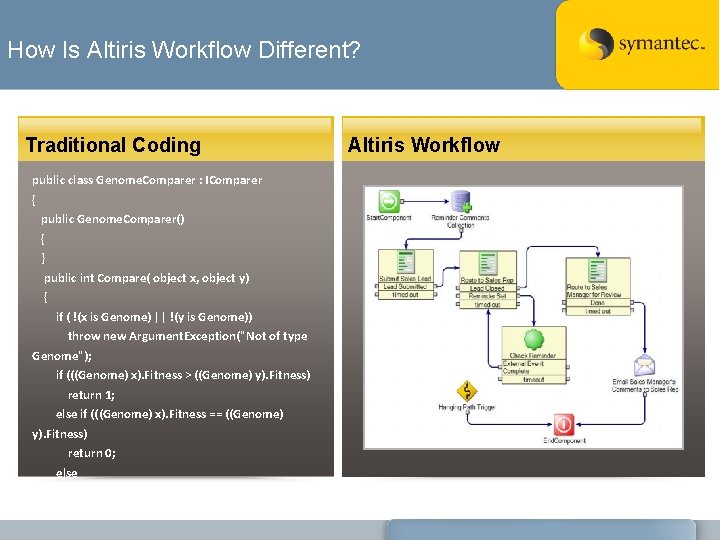
How Is Altiris Workflow Different? Traditional Coding Altiris Workflow public class Genome. Comparer : IComparer { public Genome. Comparer() { } public int Compare( object x, object y) { if ( !(x is Genome) || !(y is Genome)) throw new Argument. Exception("Not of type Genome"); if (((Genome) x). Fitness > ((Genome) y). Fitness) return 1; else if (((Genome) x). Fitness == ((Genome) y). Fitness) return 0; else • © Altiris Inc
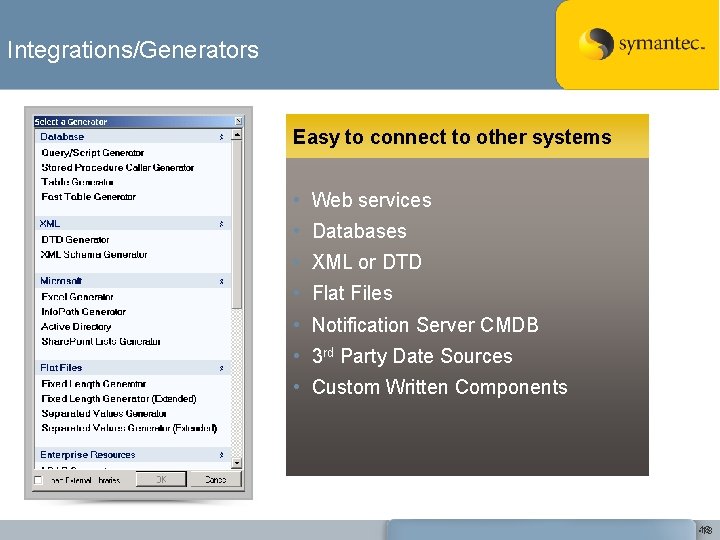
Integrations/Generators Easy to connect to other systems • Web services • Databases • XML or DTD • Flat Files • Notification Server CMDB • 3 rd Party Date Sources • Custom Written Components • 18 18
Workflow Solution Intuitive forms design for user inputs • 19
Thank You Thank you!