
Server Side Includes SSI are simply this files
- Slides: 9
Server Side Includes (SSI) are simply this: files that are snapped together at the server prior to any other processing. n Instead of one file making up an HTML page, several are snapped together, allowing us to reuse code and instantly change all pages that use the SSI.
SSI - Examples n Page Headers n n Page Footers n n Since the info is the same on most pages Navigation n n Since the info is the same on most pages Common programming functions
Server Side Includes n n Do not put any extra HTML. Just put the HTML you wish to be snapped in at that location. So, the files do NOT have their own head, title, and body, for instance. The main one will have head, title, body, and so on.
SSI – 2 parts n n A call to the SSI in the main file The SSI itself
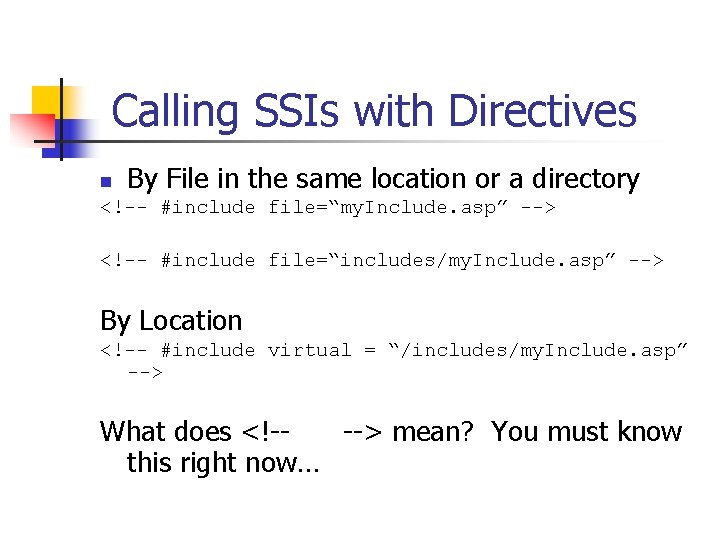
Calling SSIs with Directives n By File in the same location or a directory <!-- #include file=“my. Include. asp” --> <!-- #include file=“includes/my. Include. asp” --> By Location <!-- #include virtual = “/includes/my. Include. asp” --> What does <!---> mean? You must know this right now…
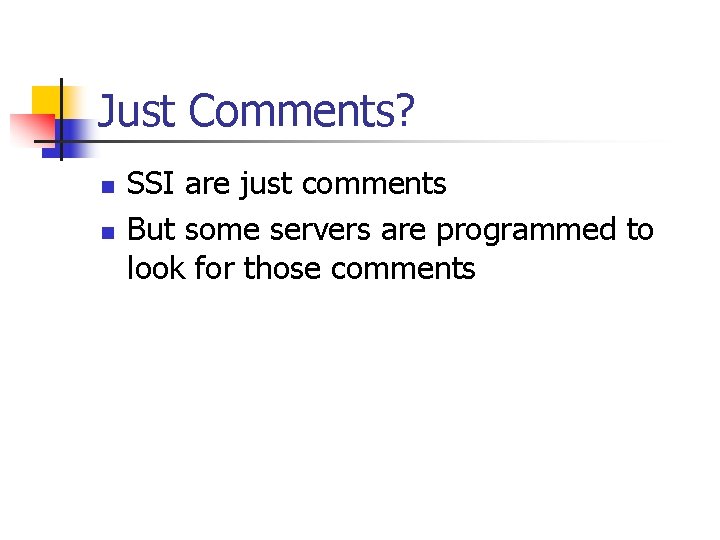
Just Comments? n n SSI are just comments But some servers are programmed to look for those comments
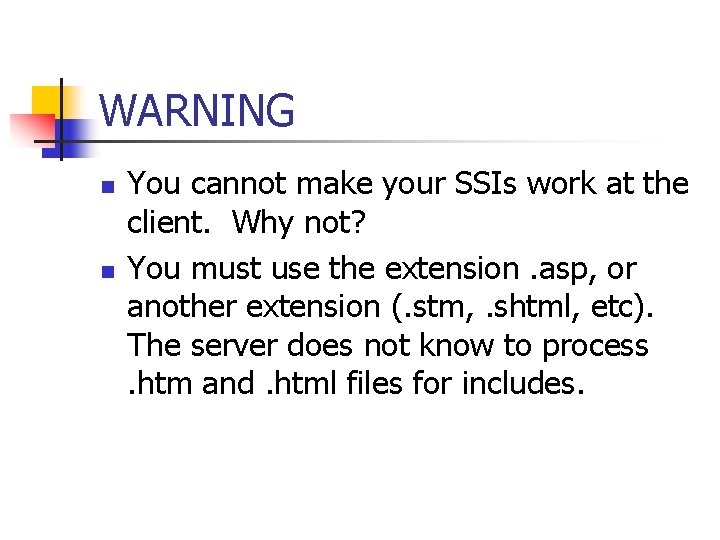
WARNING n n You cannot make your SSIs work at the client. Why not? You must use the extension. asp, or another extension (. stm, . shtml, etc). The server does not know to process. htm and. html files for includes.
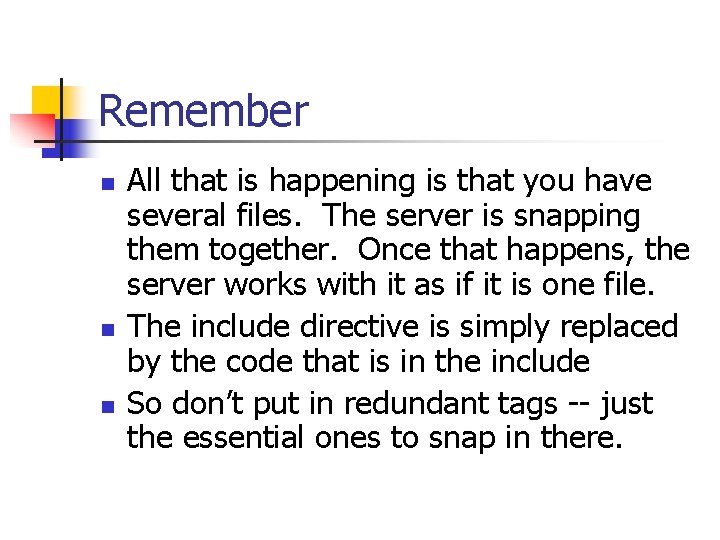
Remember n n n All that is happening is that you have several files. The server is snapping them together. Once that happens, the server works with it as if it is one file. The include directive is simply replaced by the code that is in the include So don’t put in redundant tags -- just the essential ones to snap in there.
Steps for your first SSI n n Take a file you wish to divide up into SSIs. Give it an. asp extension. Cut a part out that you wish to put in a SSI. Paste it into a brand new file. Give it an. asp extension. Put the SSI directive at the old position in the original file to call the other file. FTP it to a server that runs SSIs.