
Server Management Improvements in Windows Morn Blake Server

Server Management Improvements in Windows Mornè Blake Server 2008 R 2 Enterprise Architect i. Solve Business Solutions Session Code: WSV 308
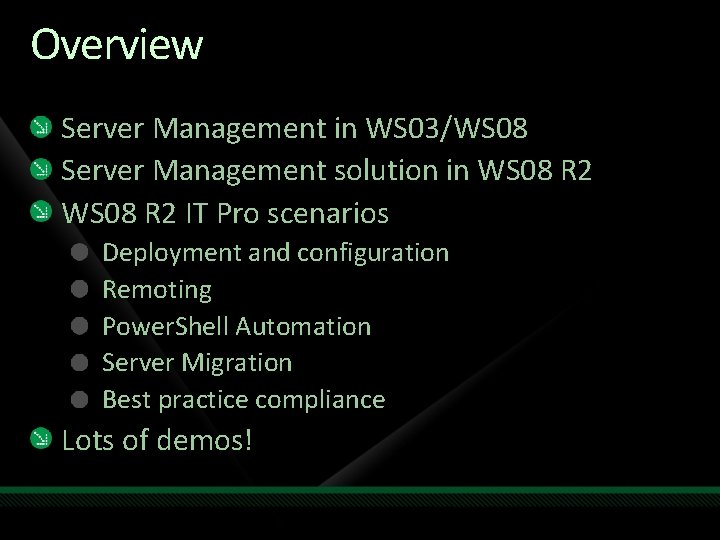
Overview Server Management in WS 03/WS 08 Server Management solution in WS 08 R 2 IT Pro scenarios Deployment and configuration Remoting Power. Shell Automation Server Migration Best practice compliance Lots of demos!
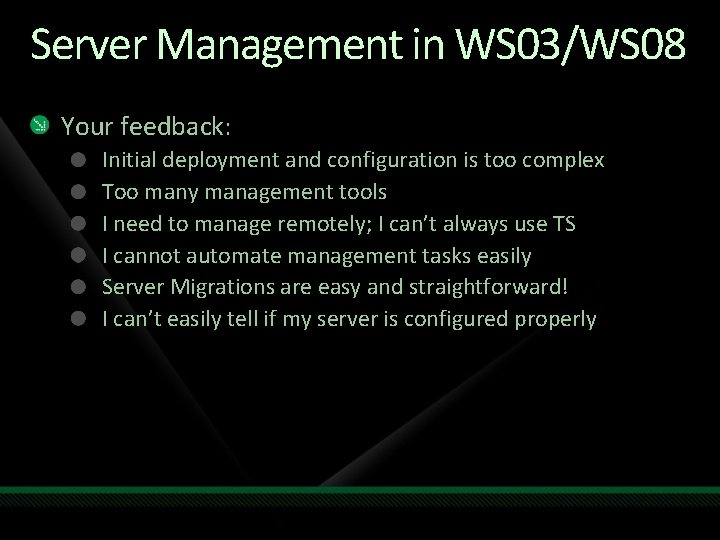
Server Management in WS 03/WS 08 Your feedback: Initial deployment and configuration is too complex Too many management tools I need to manage remotely; I can’t always use TS I cannot automate management tasks easily Server Migrations are easy and straightforward! I can’t easily tell if my server is configured properly
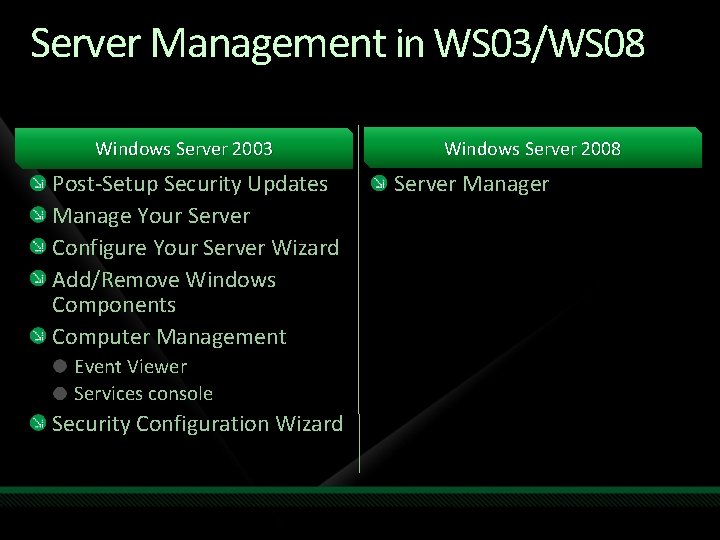
Server Management in WS 03/WS 08 Windows Server 2003 Post-Setup Security Updates Manage Your Server Configure Your Server Wizard Add/Remove Windows Components Computer Management Event Viewer Services console Security Configuration Wizard Windows Server 2008 Server Manager
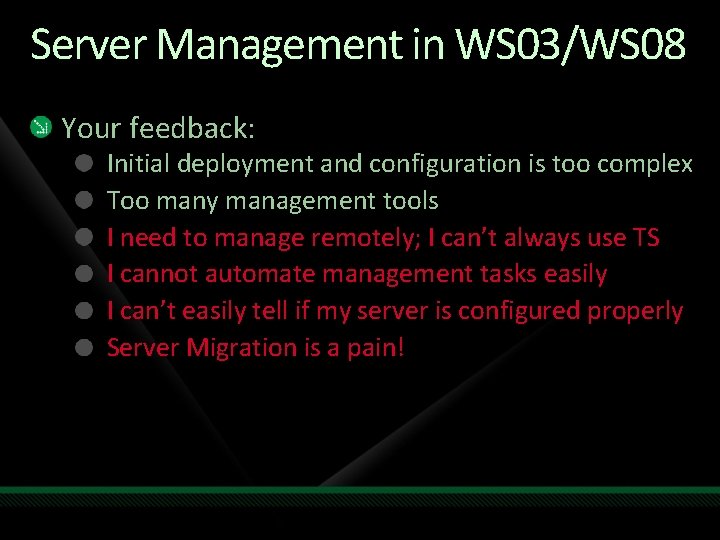
Server Management in WS 03/WS 08 Your feedback: Initial deployment and configuration is too complex Too many management tools I need to manage remotely; I can’t always use TS I cannot automate management tasks easily I can’t easily tell if my server is configured properly Server Migration is a pain!
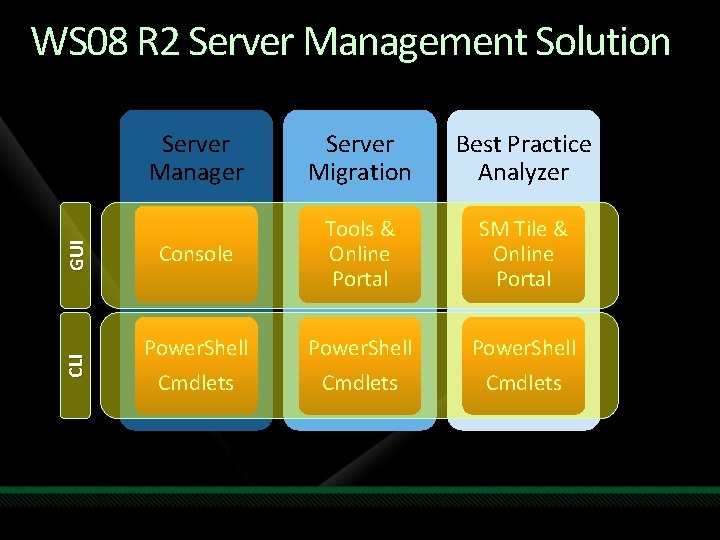
Server Manager Server Migration Best Practice Analyzer GUI Console Tools & Online Portal SM Tile & Online Portal CLI WS 08 R 2 Server Management Solution Power. Shell Cmdlets
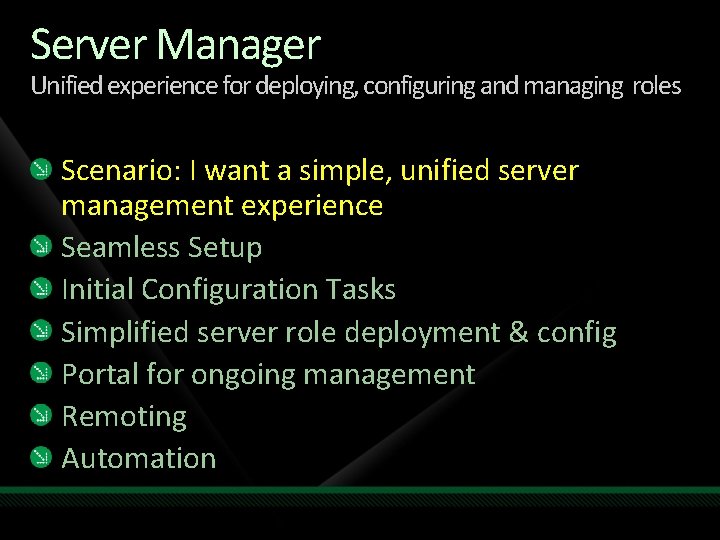
Server Manager Unified experience for deploying, configuring and managing roles Scenario: I want a simple, unified server management experience Seamless Setup Initial Configuration Tasks Simplified server role deployment & config Portal for ongoing management Remoting Automation
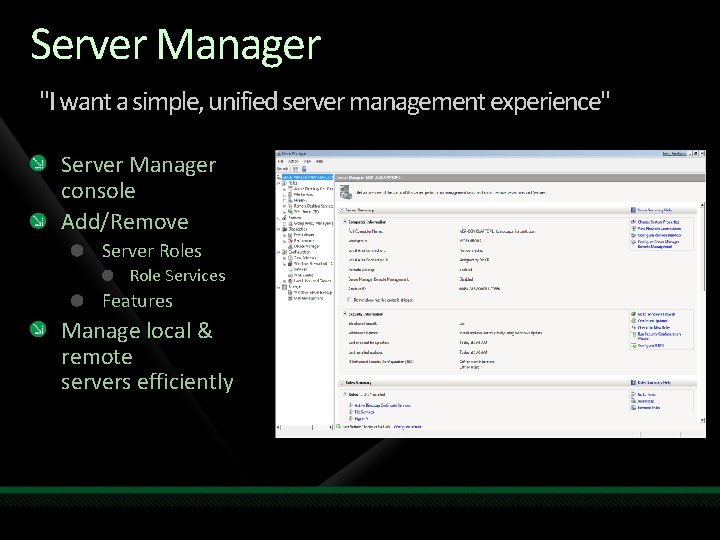
Server Manager "I want a simple, unified server management experience" Server Manager console Add/Remove Server Roles Role Services Features Manage local & remote servers efficiently
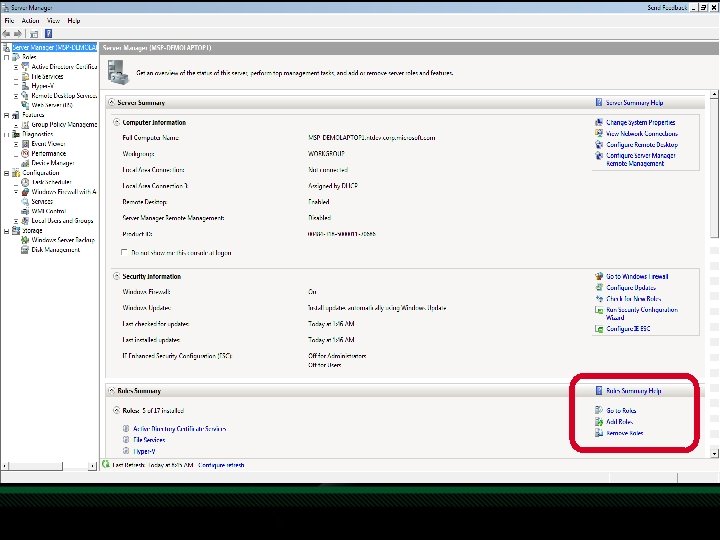
Server Manager "I want a simple, unified server management experience" Server Manager console Add/Remove Server Roles Role Services Features Manage local & remote servers efficiently
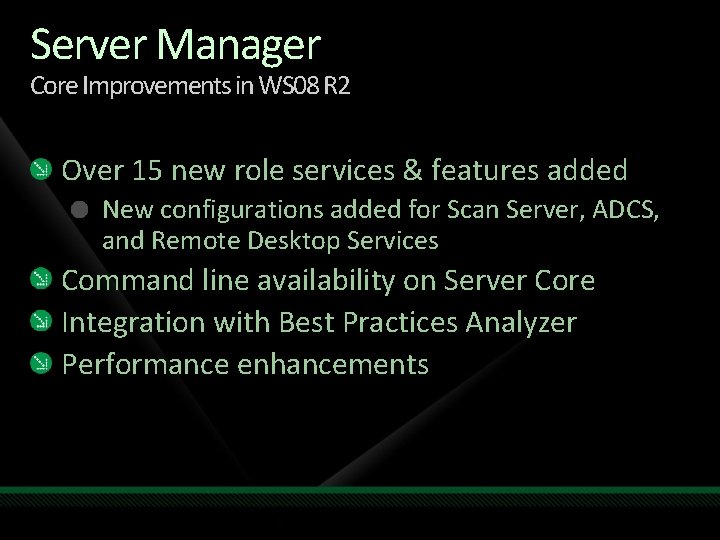
Server Manager Core Improvements in WS 08 R 2 Over 15 new role services & features added New configurations added for Scan Server, ADCS, and Remote Desktop Services Command line availability on Server Core Integration with Best Practices Analyzer Performance enhancements
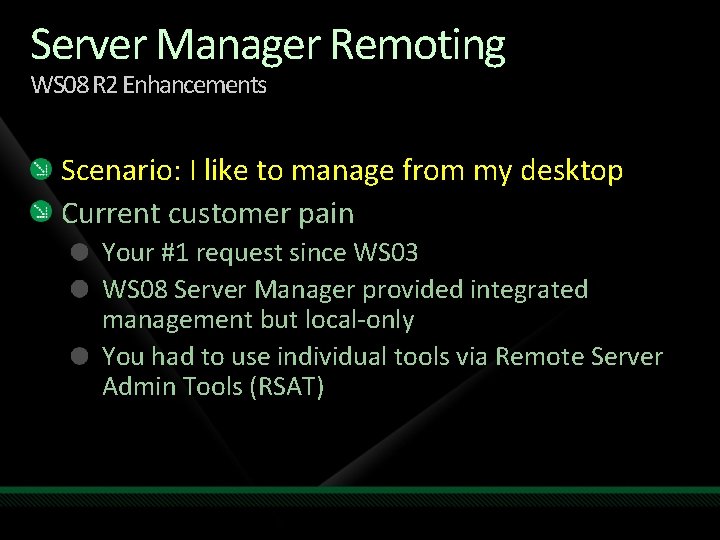
Server Manager Remoting WS 08 R 2 Enhancements Scenario: I like to manage from my desktop Current customer pain Your #1 request since WS 03 WS 08 Server Manager provided integrated management but local-only You had to use individual tools via Remote Server Admin Tools (RSAT)
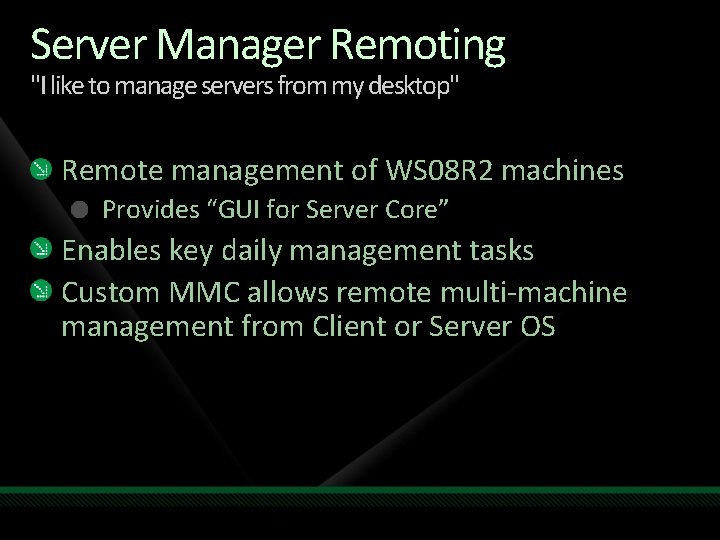
Server Manager Remoting "I like to manage servers from my desktop" Remote management of WS 08 R 2 machines Provides “GUI for Server Core” Enables key daily management tasks Custom MMC allows remote multi-machine management from Client or Server OS
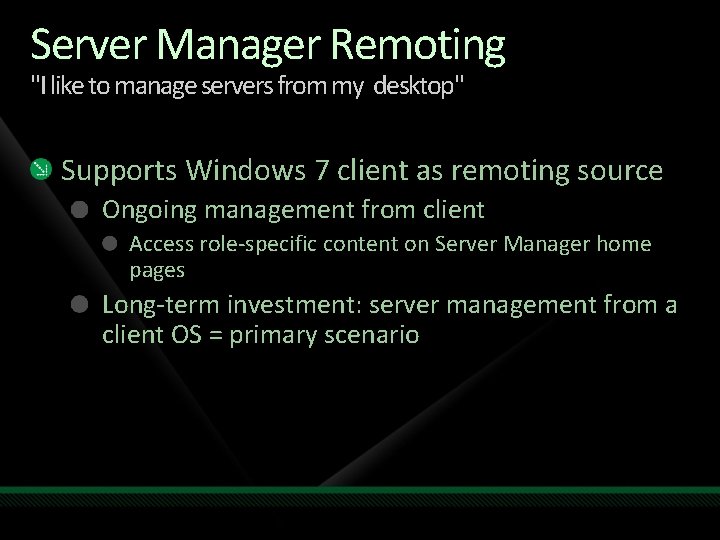
Server Manager Remoting "I like to manage servers from my desktop" Supports Windows 7 client as remoting source Ongoing management from client Access role-specific content on Server Manager home pages Long-term investment: server management from a client OS = primary scenario
demo Remote Server Administration Morne Blake Enterprise Architect i. Solve Business Solutions
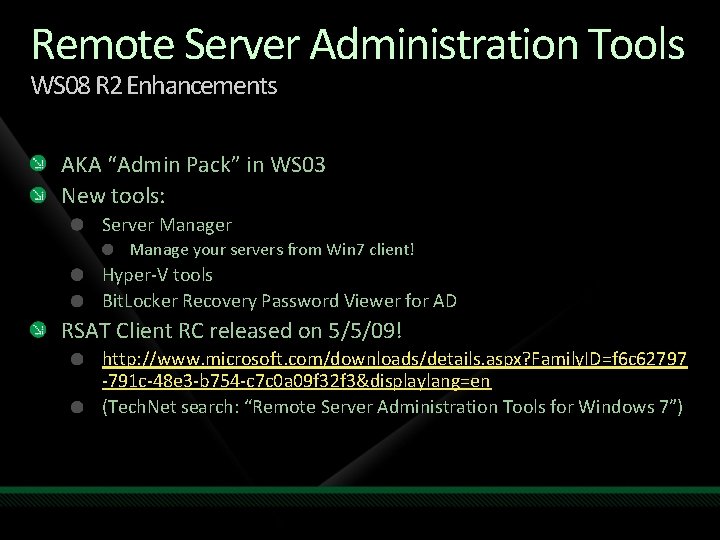
Remote Server Administration Tools WS 08 R 2 Enhancements AKA “Admin Pack” in WS 03 New tools: Server Manage your servers from Win 7 client! Hyper-V tools Bit. Locker Recovery Password Viewer for AD RSAT Client RC released on 5/5/09! http: //www. microsoft. com/downloads/details. aspx? Family. ID=f 6 c 62797 -791 c-48 e 3 -b 754 -c 7 c 0 a 09 f 32 f 3&displaylang=en (Tech. Net search: “Remote Server Administration Tools for Windows 7”)
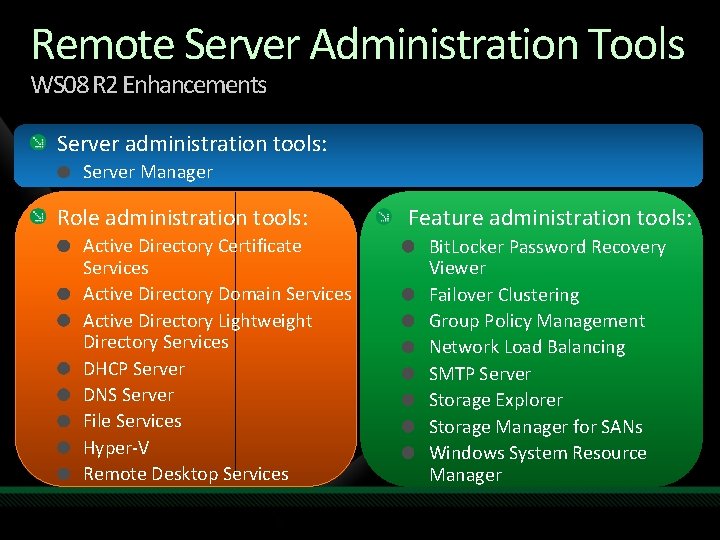
Remote Server Administration Tools WS 08 R 2 Enhancements Server administration tools: Server Manager Role administration tools: Active Directory Certificate Services Active Directory Domain Services Active Directory Lightweight Directory Services DHCP Server DNS Server File Services Hyper-V Remote Desktop Services Feature administration tools: Bit. Locker Password Recovery Viewer Failover Clustering Group Policy Management Network Load Balancing SMTP Server Storage Explorer Storage Manager for SANs Windows System Resource Manager
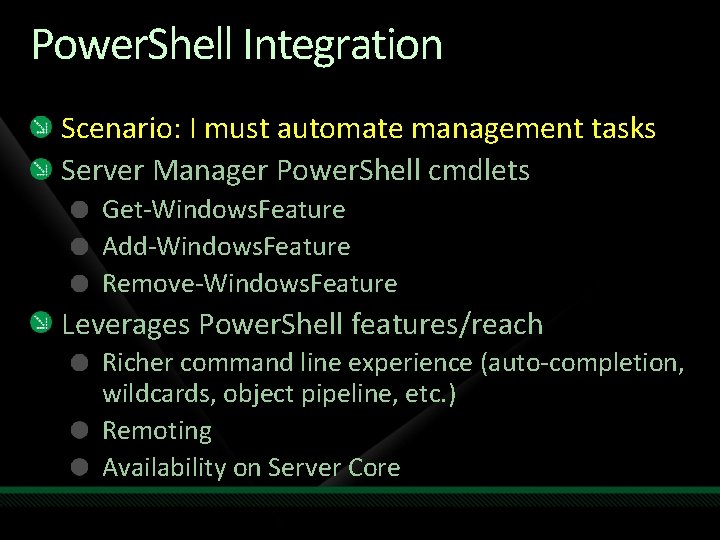
Power. Shell Integration Scenario: I must automate management tasks Server Manager Power. Shell cmdlets Get-Windows. Feature Add-Windows. Feature Remove-Windows. Feature Leverages Power. Shell features/reach Richer command line experience (auto-completion, wildcards, object pipeline, etc. ) Remoting Availability on Server Core
demo Server Manager Power. Shell cmdlets Morne Blake Enterprise Architect i. Solve Business Solutions
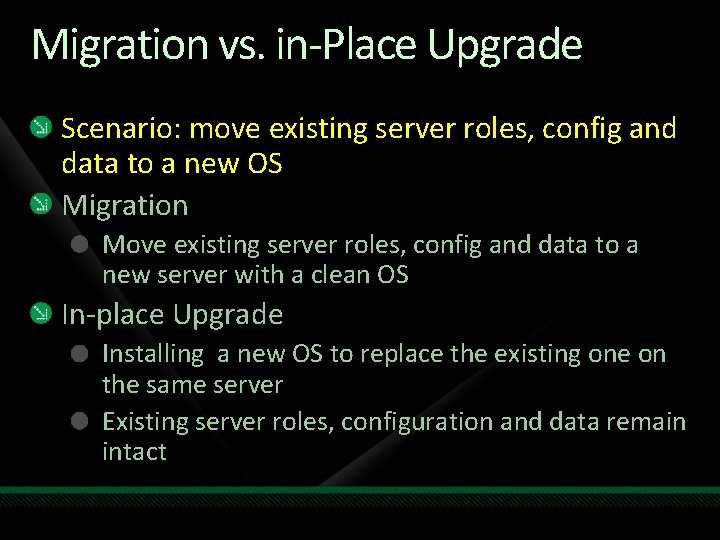
Migration vs. in-Place Upgrade Scenario: move existing server roles, config and data to a new OS Migration Move existing server roles, config and data to a new server with a clean OS In-place Upgrade Installing a new OS to replace the existing one on the same server Existing server roles, configuration and data remain intact
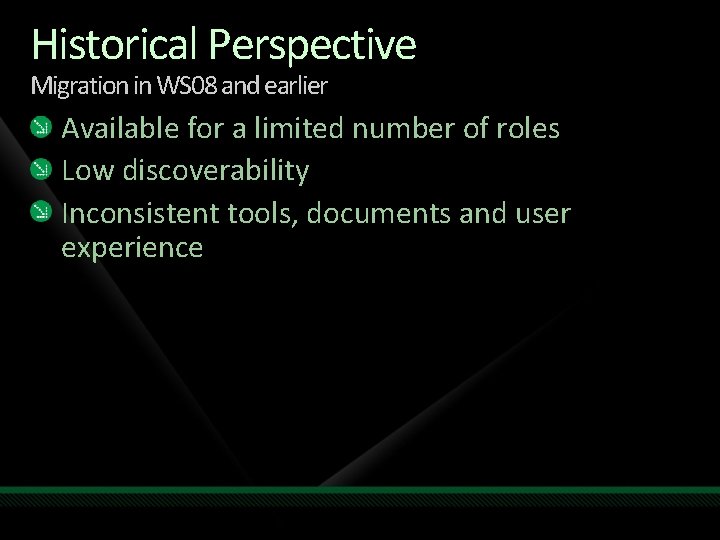
Historical Perspective Migration in WS 08 and earlier Available for a limited number of roles Low discoverability Inconsistent tools, documents and user experience
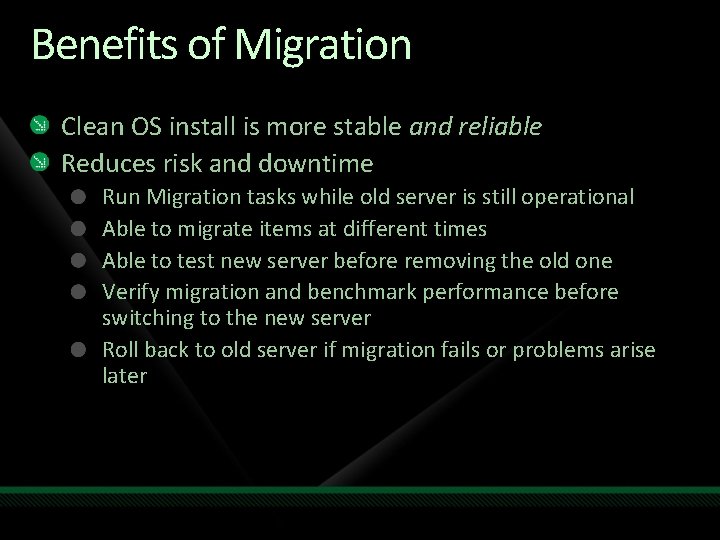
Benefits of Migration Clean OS install is more stable and reliable Reduces risk and downtime Run Migration tasks while old server is still operational Able to migrate items at different times Able to test new server before removing the old one Verify migration and benchmark performance before switching to the new server Roll back to old server if migration fails or problems arise later
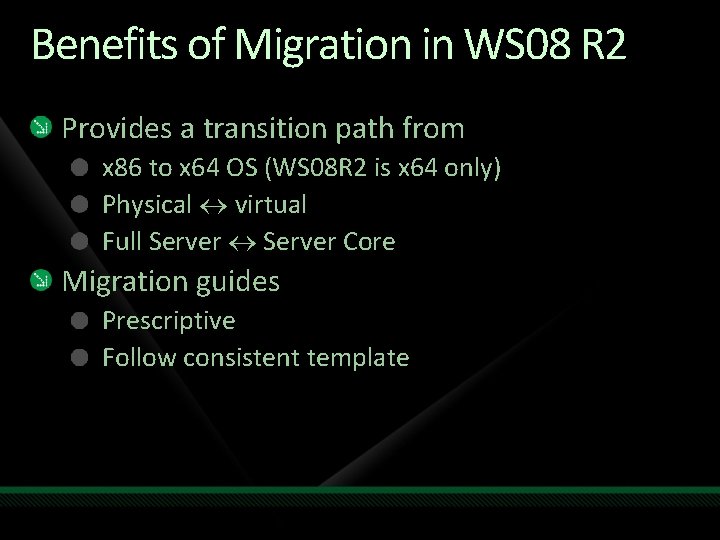
Benefits of Migration in WS 08 R 2 Provides a transition path from x 86 to x 64 OS (WS 08 R 2 is x 64 only) Physical virtual Full Server Core Migration guides Prescriptive Follow consistent template
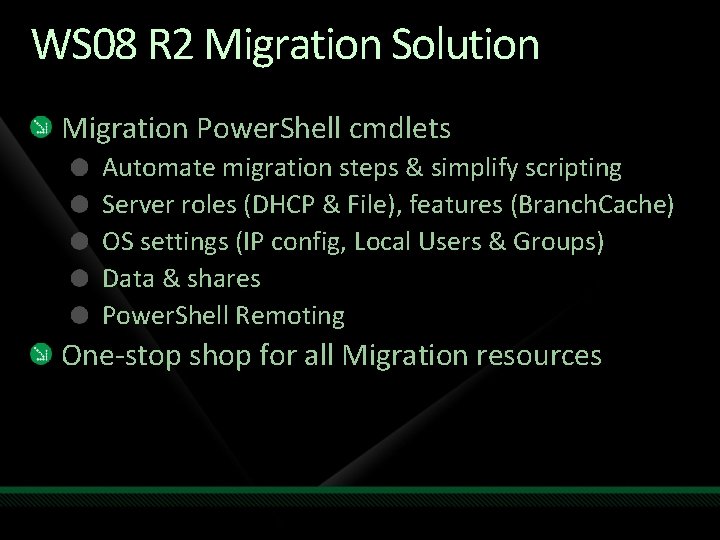
WS 08 R 2 Migration Solution Migration Power. Shell cmdlets Automate migration steps & simplify scripting Server roles (DHCP & File), features (Branch. Cache) OS settings (IP config, Local Users & Groups) Data & shares Power. Shell Remoting One-stop shop for all Migration resources
announcing Server Migration Portal http: //www. microsoft. com/migration
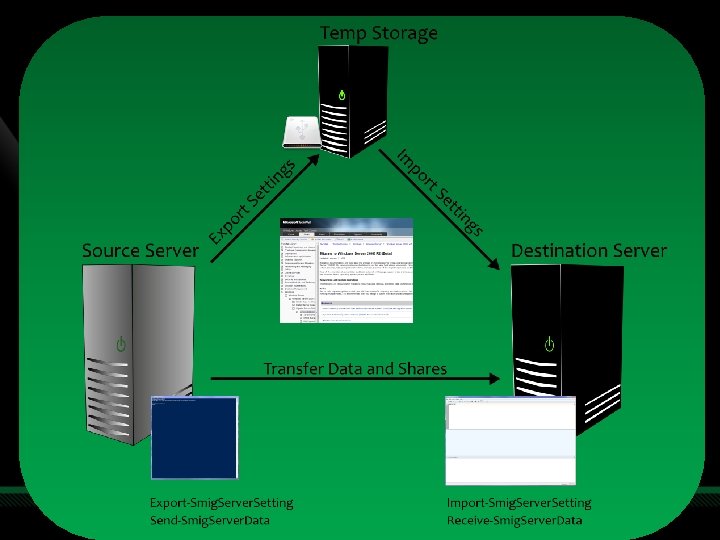
Tech. Net Migration Portal
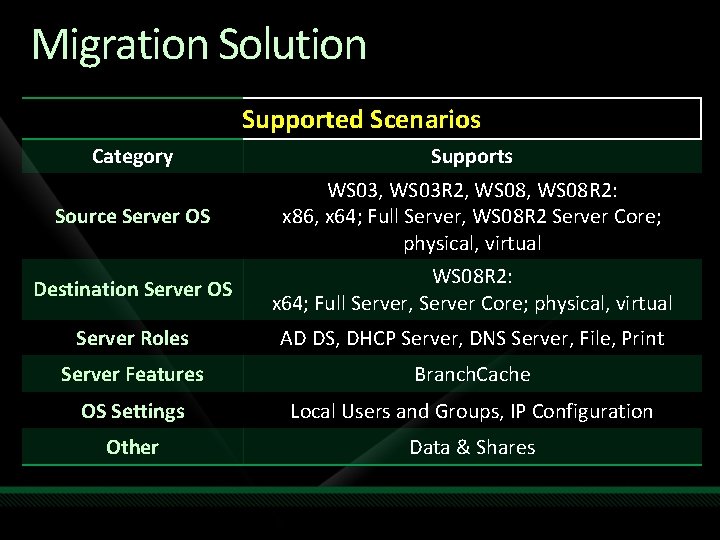
Migration Solution Supported Scenarios Category Source Server OS Supports WS 03, WS 03 R 2, WS 08 R 2: x 86, x 64; Full Server, WS 08 R 2 Server Core; physical, virtual Destination Server OS WS 08 R 2: x 64; Full Server, Server Core; physical, virtual Server Roles AD DS, DHCP Server, DNS Server, File, Print Server Features Branch. Cache OS Settings Local Users and Groups, IP Configuration Other Data & Shares
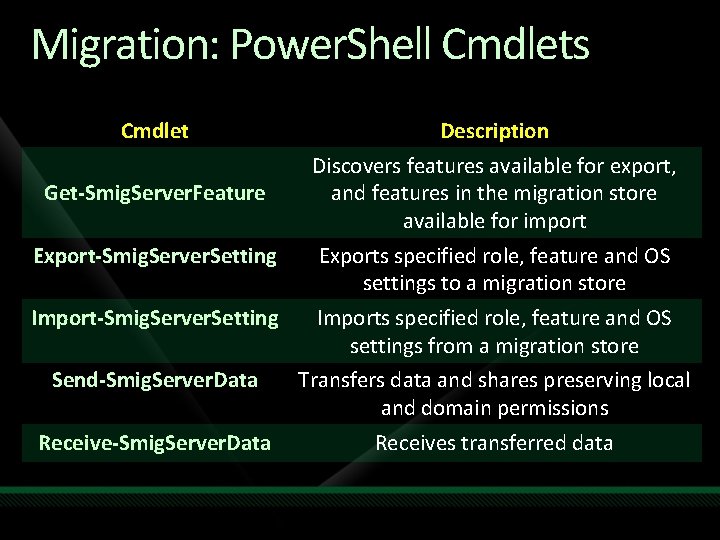
Migration: Power. Shell Cmdlets Cmdlet Get-Smig. Server. Feature Description Discovers features available for export, and features in the migration store available for import Export-Smig. Server. Setting Exports specified role, feature and OS settings to a migration store Import-Smig. Server. Setting Imports specified role, feature and OS settings from a migration store Send-Smig. Server. Data Transfers data and shares preserving local and domain permissions Receive-Smig. Server. Data Receives transferred data
demo Server Migration Morne Blake Enterprise Architect i. Solve Business Solutions
Compliance WS 08 R 2 Enhancements Scenario: My server roles must comply with best practices New! Best Practices Analyzer IT Pro value: Reduce troubleshooting overhead Efficiently manage servers to best practice configurations Provides on demand analysis & reporting of actual vs. best practice configurations for roles
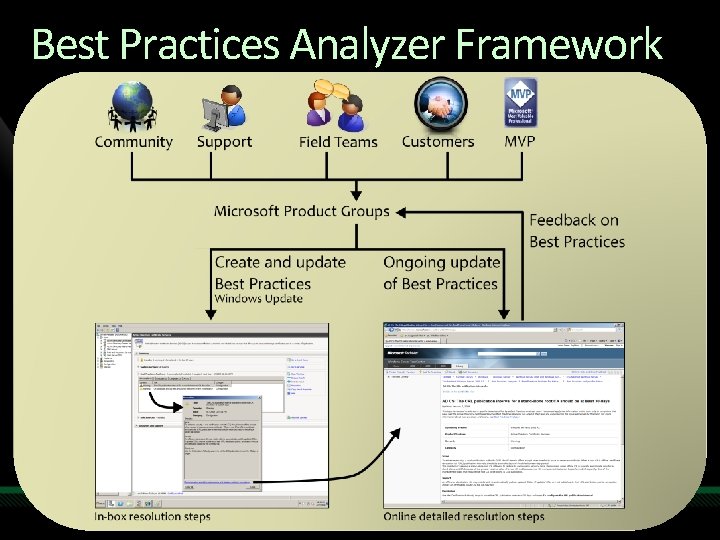
Best Practices Analyzer Framework
announcing Best Practices Portal http: //go. microsoft. com/fwlink/? Link. ID=122786
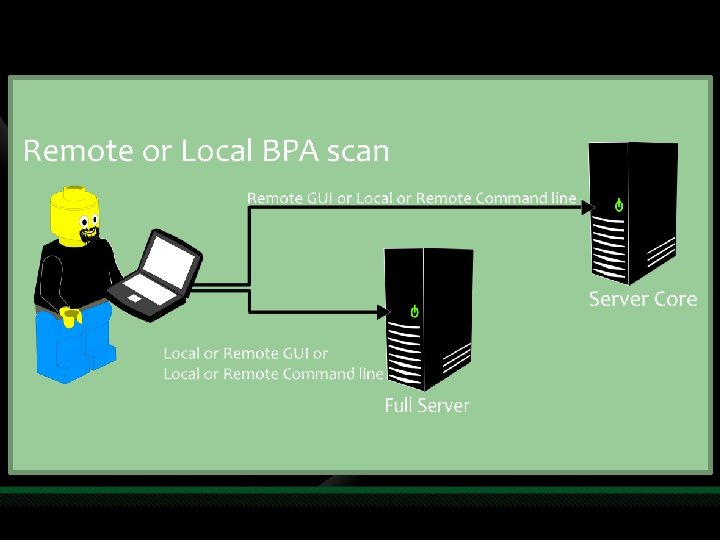
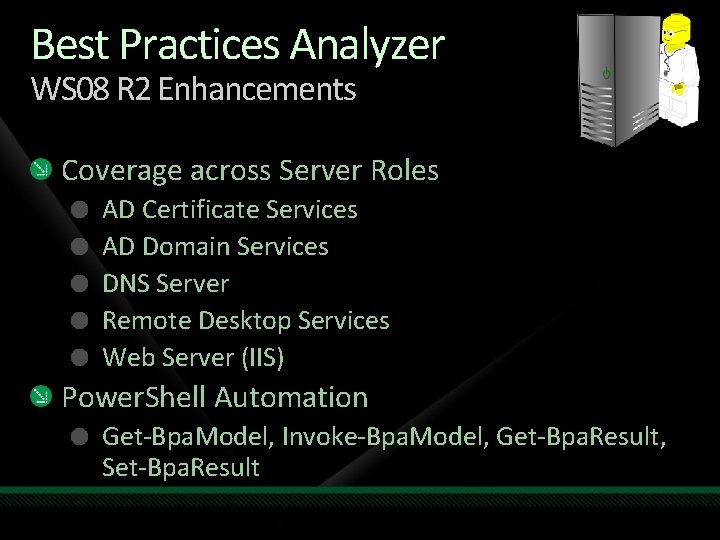
Best Practices Analyzer WS 08 R 2 Enhancements Coverage across Server Roles AD Certificate Services AD Domain Services DNS Server Remote Desktop Services Web Server (IIS) Power. Shell Automation Get-Bpa. Model, Invoke-Bpa. Model, Get-Bpa. Result, Set-Bpa. Result
demo Best Practices Analyzer Morne Blake Enterprise Architect i. Solve Business Solutions
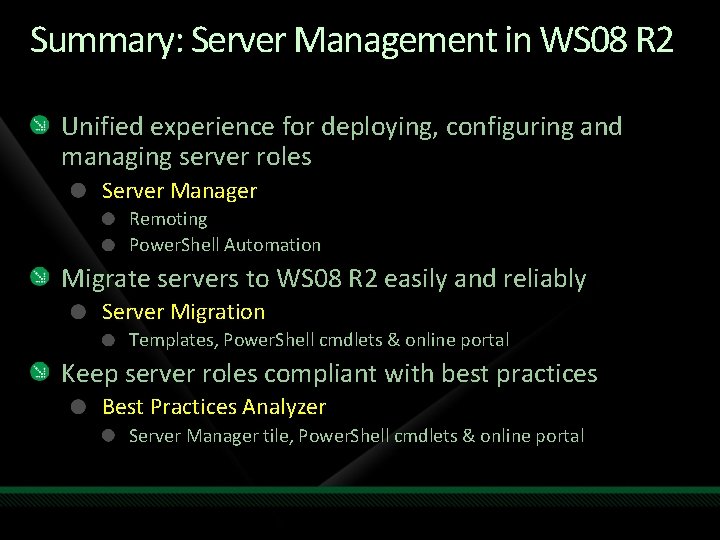
Summary: Server Management in WS 08 R 2 Unified experience for deploying, configuring and managing server roles Server Manager Remoting Power. Shell Automation Migrate servers to WS 08 R 2 easily and reliably Server Migration Templates, Power. Shell cmdlets & online portal Keep server roles compliant with best practices Best Practices Analyzer Server Manager tile, Power. Shell cmdlets & online portal
question & answer
Resources Tech·Ed Africa 2009 sessions will be made available for download the week after the event from: www. tech-ed. co. za www. microsoft. com/teched www. microsoft. com/learning International Content & Community Microsoft Certification & Training Resources http: //microsoft. com/technet http: //microsoft. com/msdn Resources for IT Professionals Resources for Developers
Related Content Breakout Sessions Best Practices Analyzer in Windows Server 2008 R 2 (WSV 201) Advanced Windows Power. Shell Scripting (WSV 03 H) From Zero to Live Migration. How to Set Up a Live Migration (VIR 306 ) Windows 7 and Windows Server 2008 R 2 Kernel Changes (WSV 402)
Track Resources We want to hear your feedback! rmtfback@microsoft. com Server Migration Portal http: //www. microsoft. com/migration Best Practices Analyzer Portal http: //go. microsoft. com/fwlink/? Link. ID=122786 Remote Server Administration Tools http: //www. microsoft. com/downloads/details. aspx? Family. ID=82516 c 35 -c 7 dc 4652 -b 2 ea-2 df 99 ea 83 dbb&displaylang=en
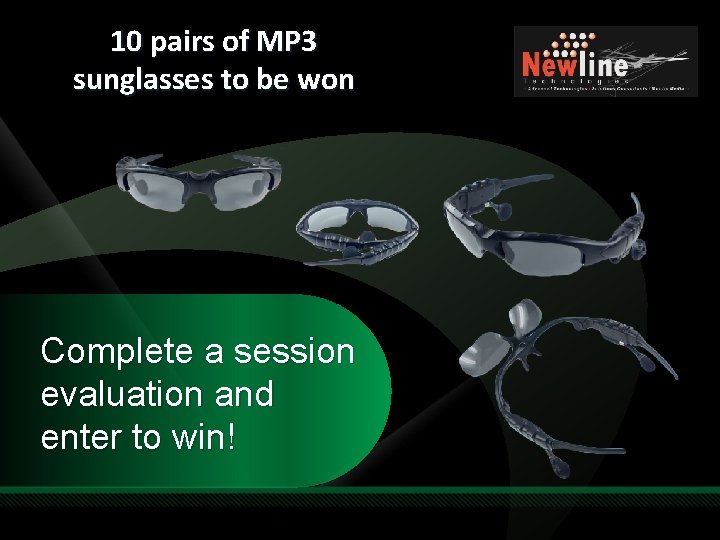
10 pairs of MP 3 sunglasses to be won Complete a session evaluation and enter to win!

© 2009 Microsoft Corporation. All rights reserved. Microsoft, Windows Vista and other product names are or may be registered trademarks and/or trademarks in the U. S. and/or other countries. The information herein is for informational purposes only and represents the current view of Microsoft Corporation as of the date of this presentation. Because Microsoft must respond to changing market conditions, it should not be interpreted to be a commitment on the part of Microsoft, and Microsoft cannot guarantee the accuracy of any information provided after the date of this presentation. MICROSOFT MAKES NO WARRANTIES, EXPRESS, IMPLIED OR STATUTORY, AS TO THE INFORMATION IN THIS PRESENTATION.
- Slides: 42