
Selection structures logical expressions and if statements HK

- Slides: 21
Selection structures – logical expressions and if statements H&K Chapter 4 Instructor – Gokcen Cilingir Cpt S 121 (June 28, 2011) Washington State University
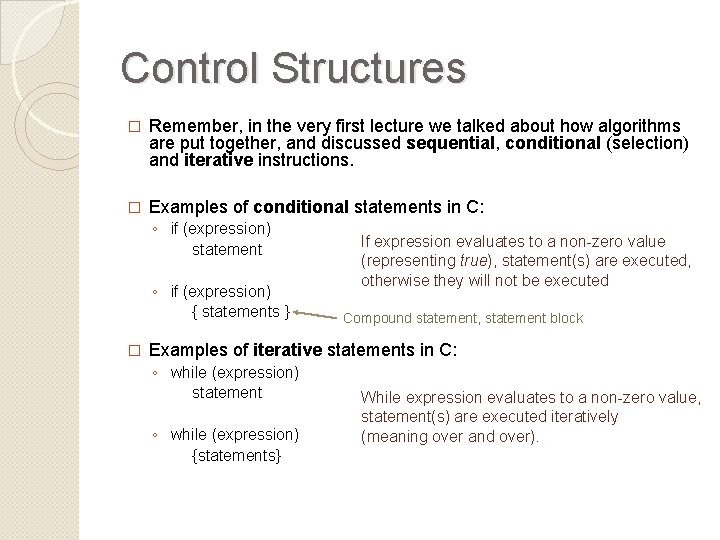
Control Structures � Remember, in the very first lecture we talked about how algorithms are put together, and discussed sequential, conditional (selection) and iterative instructions. � Examples of conditional statements in C: ◦ if (expression) statement ◦ if (expression) { statements } � If expression evaluates to a non-zero value (representing true), statement(s) are executed, otherwise they will not be executed Compound statement, statement block Examples of iterative statements in C: ◦ while (expression) statement ◦ while (expression) {statements} While expression evaluates to a non-zero value, statement(s) are executed iteratively (meaning over and over).
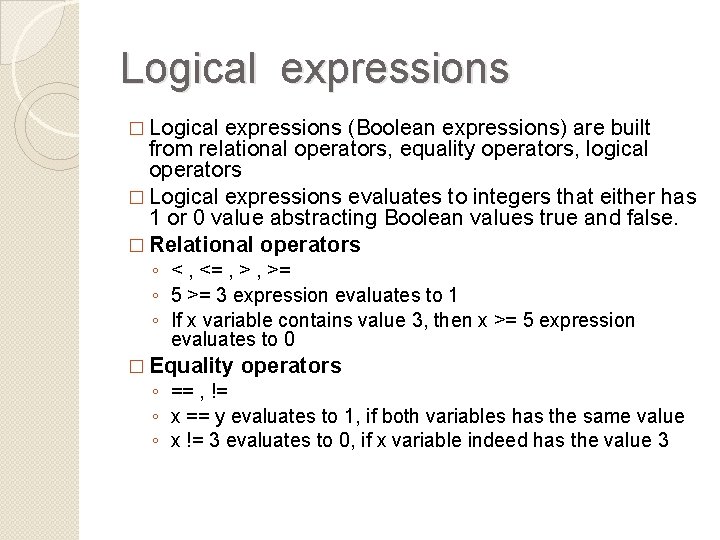
Logical expressions � Logical expressions (Boolean expressions) are built from relational operators, equality operators, logical operators � Logical expressions evaluates to integers that either has 1 or 0 value abstracting Boolean values true and false. � Relational operators ◦ < , <= , >= ◦ 5 >= 3 expression evaluates to 1 ◦ If x variable contains value 3, then x >= 5 expression evaluates to 0 � Equality operators ◦ == , != ◦ x == y evaluates to 1, if both variables has the same value ◦ x != 3 evaluates to 0, if x variable indeed has the value 3
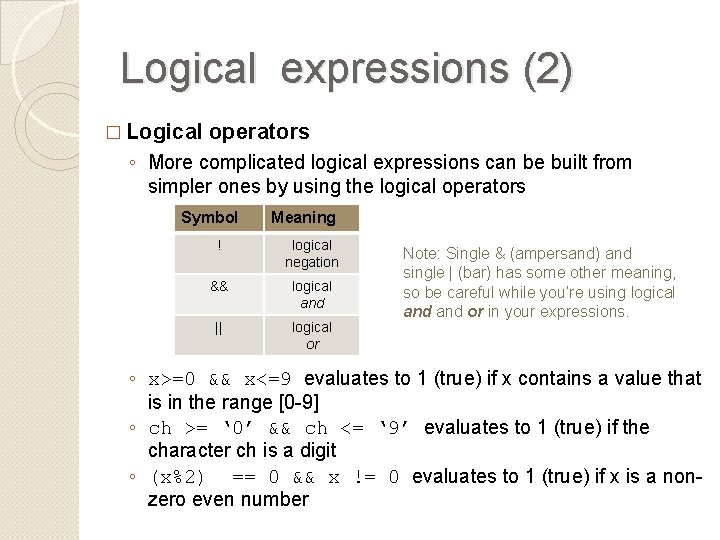
Logical expressions (2) � Logical operators ◦ More complicated logical expressions can be built from simpler ones by using the logical operators Symbol Meaning ! logical negation && logical and || logical or Note: Single & (ampersand) and single | (bar) has some other meaning, so be careful while you’re using logical and or in your expressions. ◦ x>=0 && x<=9 evaluates to 1 (true) if x contains a value that is in the range [0 -9] ◦ ch >= ‘ 0’ && ch <= ‘ 9’ evaluates to 1 (true) if the character ch is a digit ◦ (x%2) == 0 && x != 0 evaluates to 1 (true) if x is a nonzero even number
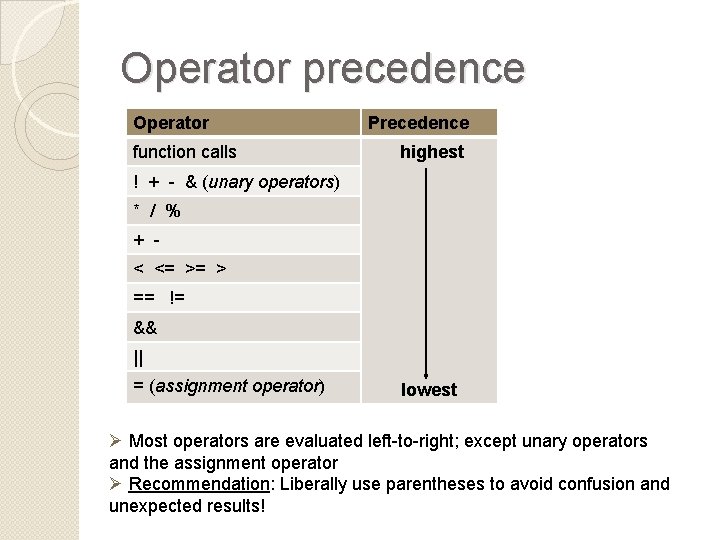
Operator precedence Operator function calls Precedence highest ! + - & (unary operators) * / % + < <= >= > == != && || = (assignment operator) lowest Ø Most operators are evaluated left-to-right; except unary operators and the assignment operator Ø Recommendation: Liberally use parentheses to avoid confusion and unexpected results!
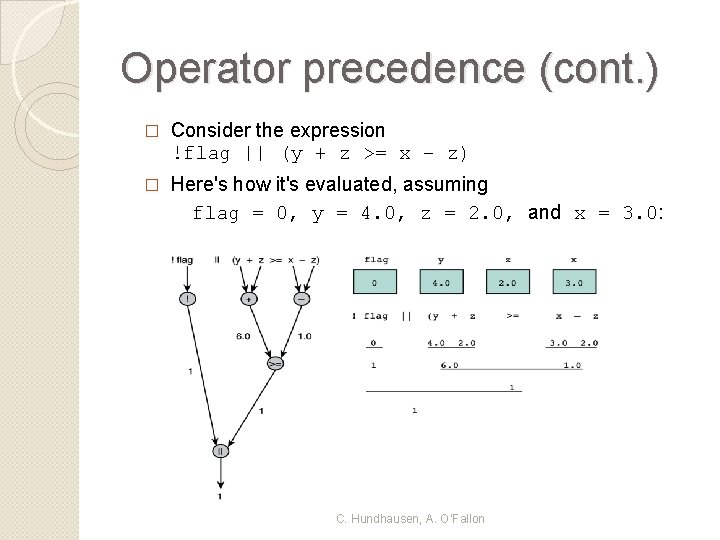
Operator precedence (cont. ) � Consider the expression !flag || (y + z >= x – z) � Here's how it's evaluated, assuming flag = 0, y = 4. 0, z = 2. 0, and x = 3. 0: C. Hundhausen, A. O’Fallon
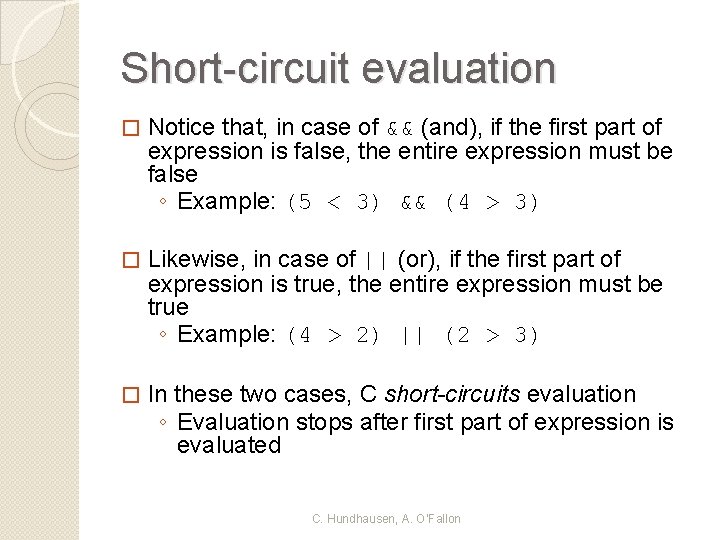
Short-circuit evaluation � Notice that, in case of && (and), if the first part of expression is false, the entire expression must be false ◦ Example: (5 < 3) && (4 > 3) � Likewise, in case of || (or), if the first part of expression is true, the entire expression must be true ◦ Example: (4 > 2) || (2 > 3) � In these two cases, C short-circuits evaluation ◦ Evaluation stops after first part of expression is evaluated C. Hundhausen, A. O’Fallon
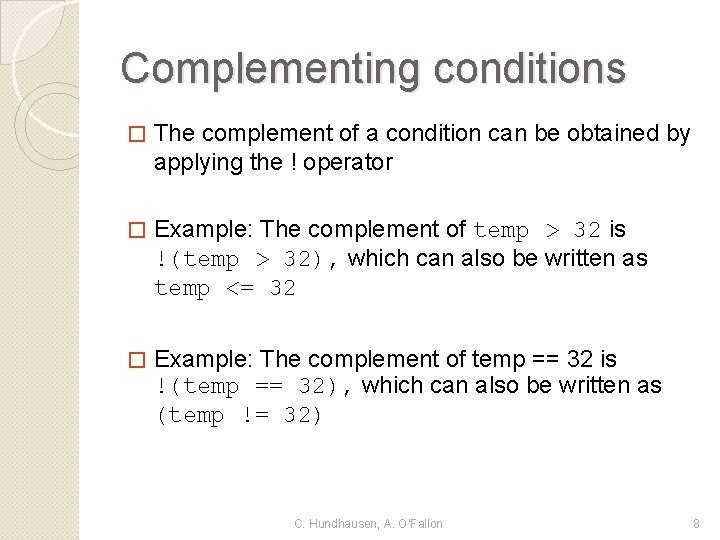
Complementing conditions � The complement of a condition can be obtained by applying the ! operator � Example: The complement of temp > 32 is !(temp > 32), which can also be written as temp <= 32 � Example: The complement of temp == 32 is !(temp == 32), which can also be written as (temp != 32) C. Hundhausen, A. O’Fallon 8
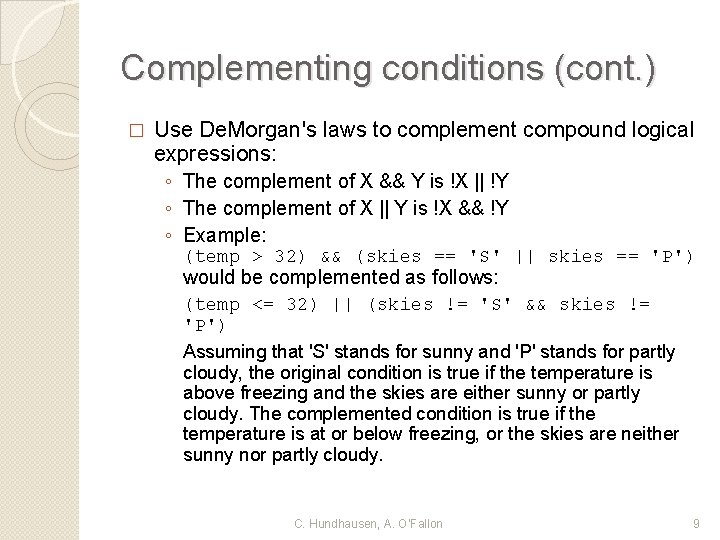
Complementing conditions (cont. ) � Use De. Morgan's laws to complement compound logical expressions: ◦ The complement of X && Y is !X || !Y ◦ The complement of X || Y is !X && !Y ◦ Example: (temp > 32) && (skies == 'S' || skies == 'P') would be complemented as follows: (temp <= 32) || (skies != 'S' && skies != 'P') Assuming that 'S' stands for sunny and 'P' stands for partly cloudy, the original condition is true if the temperature is above freezing and the skies are either sunny or partly cloudy. The complemented condition is true if the temperature is at or below freezing, or the skies are neither sunny nor partly cloudy. C. Hundhausen, A. O’Fallon 9
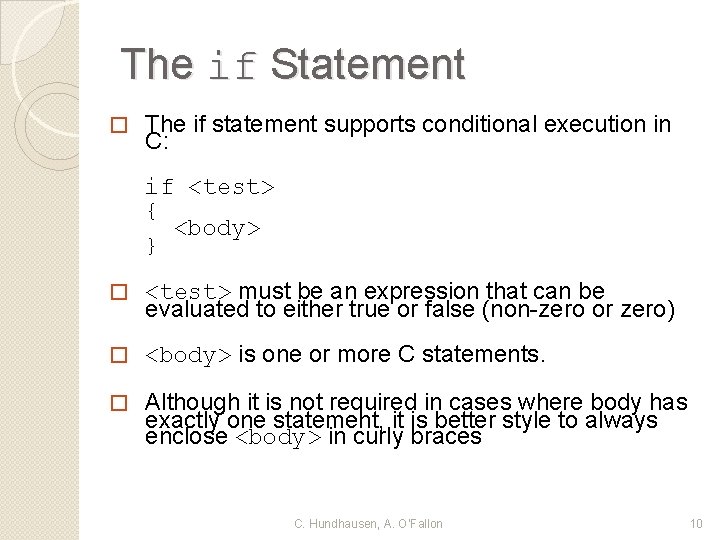
The if Statement � The if statement supports conditional execution in C: if <test> { <body> } � <test> must be an expression that can be evaluated to either true or false (non-zero or zero) � <body> is one or more C statements. � Although it is not required in cases where body has exactly one statement, it is better style to always enclose <body> in curly braces C. Hundhausen, A. O’Fallon 10
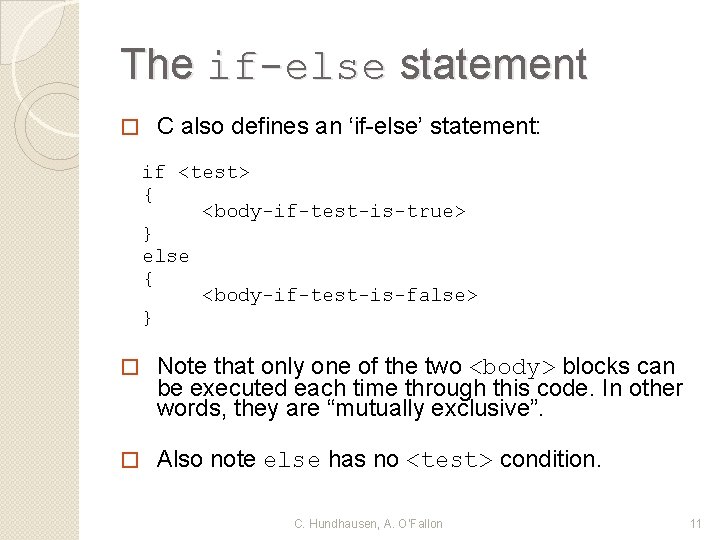
The if-else statement � C also defines an ‘if-else’ statement: if <test> { <body-if-test-is-true> } else { <body-if-test-is-false> } � Note that only one of the two <body> blocks can be executed each time through this code. In other words, they are “mutually exclusive”. � Also note else has no <test> condition. C. Hundhausen, A. O’Fallon 11
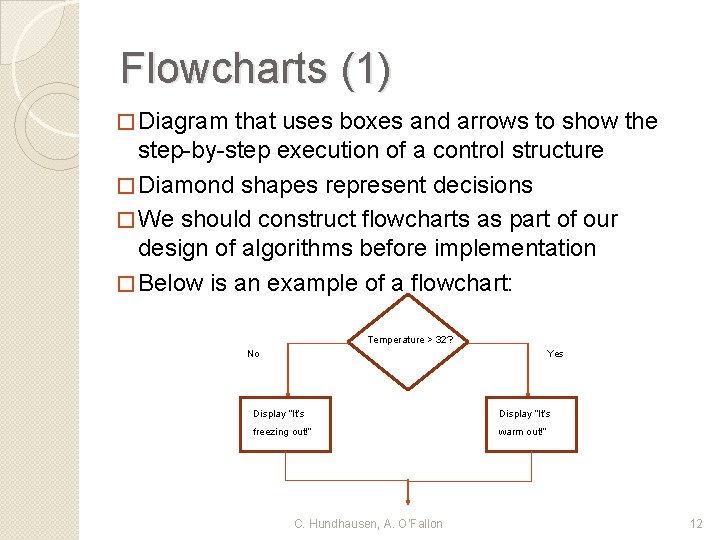
Flowcharts (1) � Diagram that uses boxes and arrows to show the step-by-step execution of a control structure � Diamond shapes represent decisions � We should construct flowcharts as part of our design of algorithms before implementation � Below is an example of a flowchart: Temperature > 32? No Yes Display “It’s freezing out!” warm out!” C. Hundhausen, A. O’Fallon 12
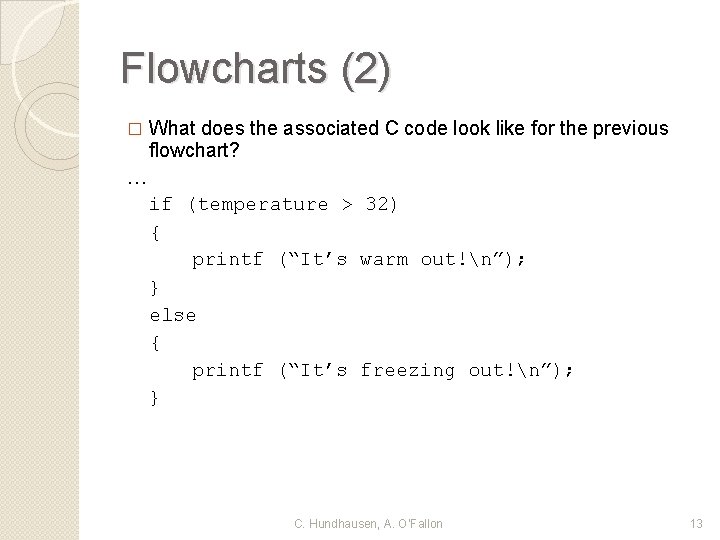
Flowcharts (2) � What does the associated C code look like for the previous flowchart? … if (temperature > 32) { printf (“It’s warm out!n”); } else { printf (“It’s freezing out!n”); } C. Hundhausen, A. O’Fallon 13
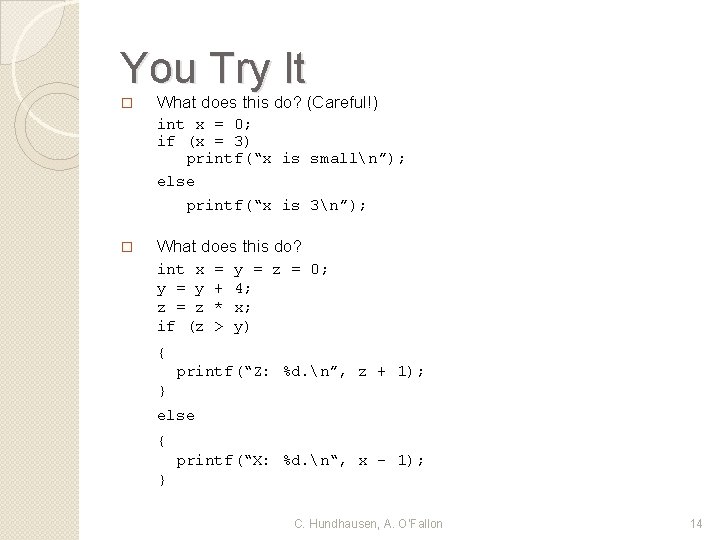
You Try It � What does this do? (Careful!) int x = 0; if (x = 3) printf(“x is smalln”); else printf(“x is 3n”); � What does this do? int x y = y z = z if (z = + * > y = z = 0; 4; x; y) { printf(“Z: %d. n”, z + 1); } else { printf(“X: %d. n“, x - 1); } C. Hundhausen, A. O’Fallon 14
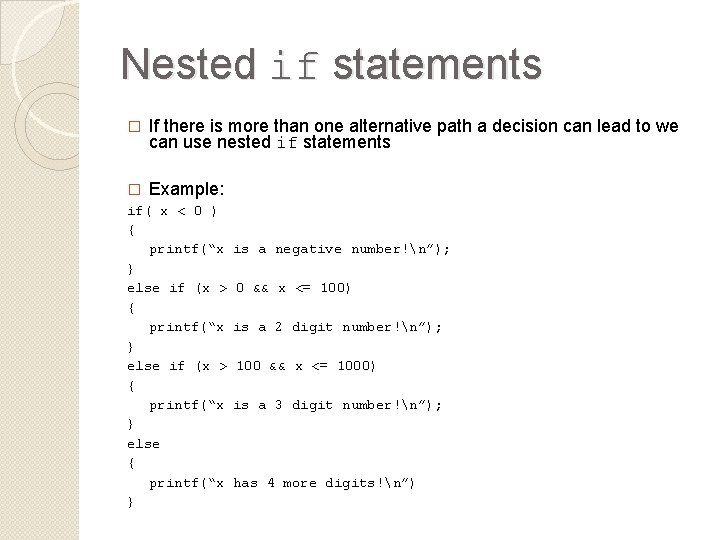
Nested if statements � If there is more than one alternative path a decision can lead to we can use nested if statements � Example: if( x < 0 ) { printf(“x } else if (x > { printf(“x } else { printf(“x } is a negative number!n”); 0 && x <= 100) is a 2 digit number!n”); 100 && x <= 1000) is a 3 digit number!n”); has 4 more digits!n”)
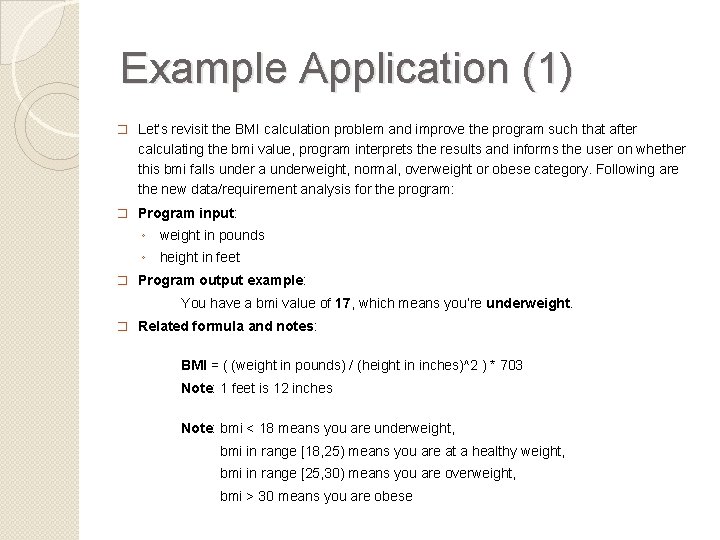
Example Application (1) � Let’s revisit the BMI calculation problem and improve the program such that after calculating the bmi value, program interprets the results and informs the user on whether this bmi falls under a underweight, normal, overweight or obese category. Following are the new data/requirement analysis for the program: � Program input: ◦ weight in pounds ◦ height in feet � Program output example: You have a bmi value of 17, which means you’re underweight. � Related formula and notes: BMI = ( (weight in pounds) / (height in inches)^2 ) * 703 Note: 1 feet is 12 inches Note: bmi < 18 means you are underweight, bmi in range [18, 25) means you are at a healthy weight, bmi in range [25, 30) means you are overweight, bmi > 30 means you are obese
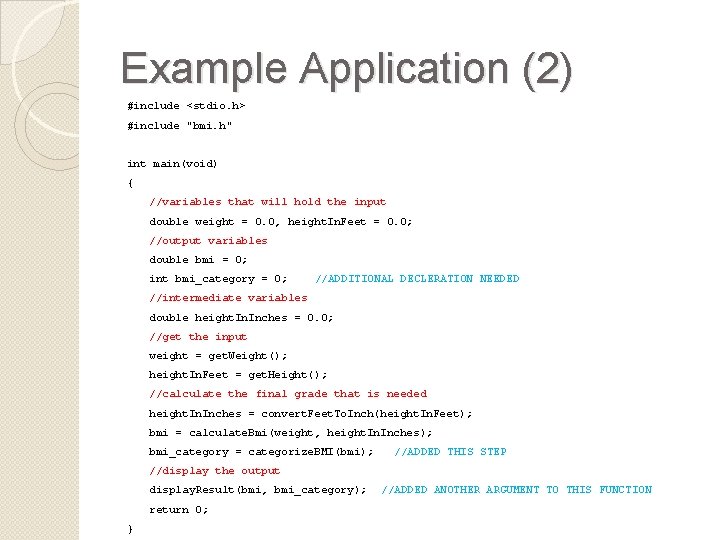
Example Application (2) #include <stdio. h> #include "bmi. h" int main(void) { //variables that will hold the input double weight = 0. 0, height. In. Feet = 0. 0; //output variables double bmi = 0; int bmi_category = 0; //ADDITIONAL DECLERATION NEEDED //intermediate variables double height. Inches = 0. 0; //get the input weight = get. Weight(); height. In. Feet = get. Height(); //calculate the final grade that is needed height. Inches = convert. Feet. To. Inch(height. In. Feet); bmi = calculate. Bmi(weight, height. Inches); bmi_category = categorize. BMI(bmi); //ADDED THIS STEP //display the output display. Result(bmi, bmi_category); return 0; } //ADDED ANOTHER ARGUMENT TO THIS FUNCTION
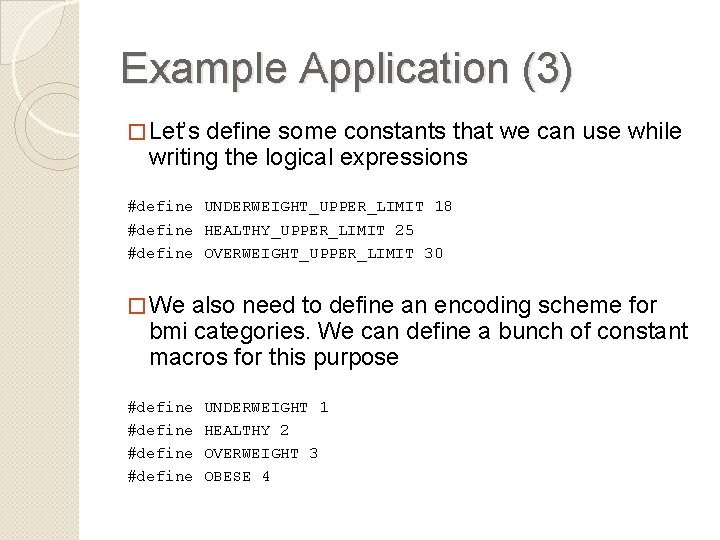
Example Application (3) � Let’s define some constants that we can use while writing the logical expressions #define UNDERWEIGHT_UPPER_LIMIT 18 #define HEALTHY_UPPER_LIMIT 25 #define OVERWEIGHT_UPPER_LIMIT 30 � We also need to define an encoding scheme for bmi categories. We can define a bunch of constant macros for this purpose #define UNDERWEIGHT 1 HEALTHY 2 OVERWEIGHT 3 OBESE 4
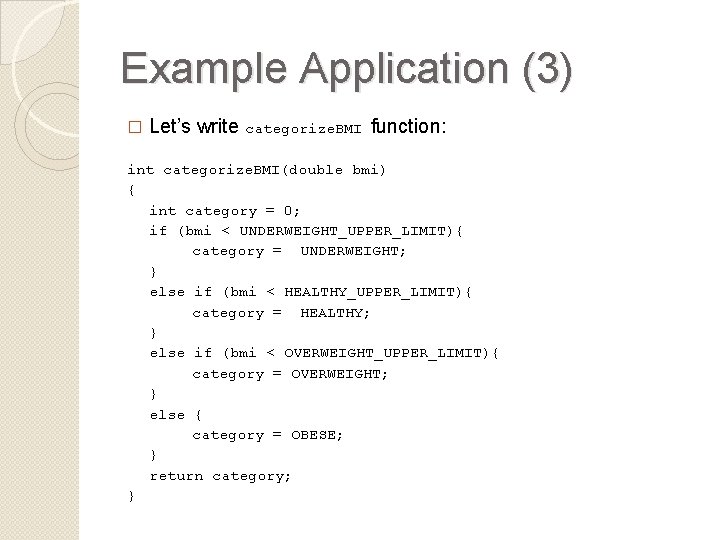
Example Application (3) � Let’s write categorize. BMI function: int categorize. BMI(double bmi) { int category = 0; if (bmi < UNDERWEIGHT_UPPER_LIMIT){ category = UNDERWEIGHT; } else if (bmi < HEALTHY_UPPER_LIMIT){ category = HEALTHY; } else if (bmi < OVERWEIGHT_UPPER_LIMIT){ category = OVERWEIGHT; } else { category = OBESE; } return category; }
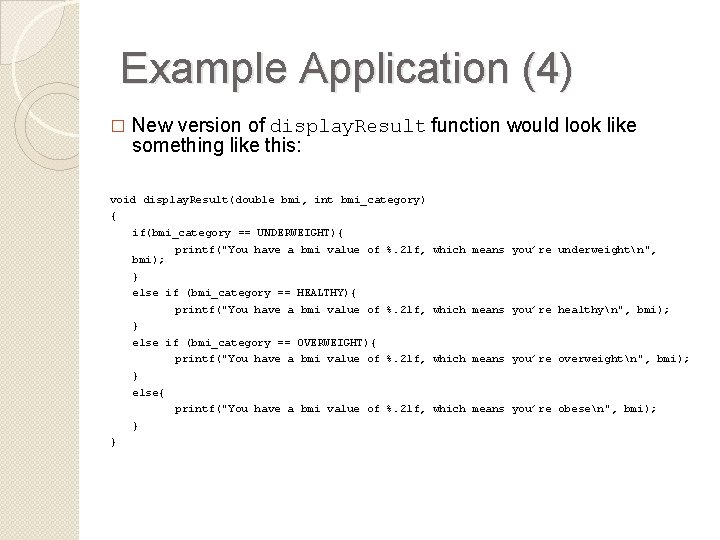
Example Application (4) � New version of display. Result function would look like something like this: void display. Result(double bmi, int bmi_category) { if(bmi_category == UNDERWEIGHT){ bmi); printf("You have a bmi value of %. 2 lf, which means you’re underweightn", } else if (bmi_category == HEALTHY){ printf("You have a bmi value of %. 2 lf, which means you’re healthyn", bmi); } else if (bmi_category == OVERWEIGHT){ printf("You have a bmi value of %. 2 lf, which means you’re overweightn", bmi); } else{ printf("You have a bmi value of %. 2 lf, which means you’re obesen", bmi); } }
References �J. R. Hanly & E. B. Koffman, Problem Solving and Program Design in C (6 th Ed. ), Addison-Wesley, 2010 �P. J. Deitel & H. M. Deitel, C How to Program (5 th Ed. ), Pearson Education , Inc. , 2007. 21