
SEG 4910 Projet gnie logiciel en fin dtudes
- Slides: 30
SEG 4910 – Projet génie logiciel en fin d’études / Software Engineering Capstone Project Syllabus, Rules, Process and Deliverables https: //bit. ly/2 x 9 dy 3 z Timothy C. Lethbridge Derived from notes by Liam Peyton
Tim Lethbridge, Ph. D. , P. Eng. • Professor at UOttawa since 1994 ¨ Software n • • • Engineering Usability, software tools, knowledge engineering, code generation Software developer at Nortel and the Government Researcher with GM, IBM, Boeing, Ericsson and smaller companies Current research focus: • Enterprise Arhitecture and Umple 2
Cours Bilingue …. n n n Vous pouvez travailler en français Vous pouvez faire des présentations et les documents pour le projet en français Vous pouvez poser ou répondre aux questions en classe en français ¨ En général, je parlerai en anglais car il y a des étudiants unilingues ¨ Mais si vous me posez une question en français, je répondrai en français 3
Everything’s online • See Course Website ¨ http: //www. site. uottawa. ca/~tcl/seg 4910 -11/ ¨ Rules (Il existe une version française) ¨ Class schedule ¨ These notes (just updated Jan 2020) 4
One Project – 2 Courses • 1 Project ¨ customer (meet regularly, once n With problem / or open market every week or two) ¨ Group: 2 -5 students ¨ Typically a group leader (can take turns) ¨ Workload: 3 -4 weeks person per semester n • (12 -15 h/wk) Start in 4910, finish in 4911 ¨ Must have same project, same customer, same group for both courses, otherwise you have to retake the entire sequence 4910 / 4911 5
SEG 4910 attend class in the same time slot as SEG 4911 • • SE 4911 is finishing their project SEG 4910 will learn from their presentations You will not come to class every slot See the schedule to know when to come 6
Project • Teams of 2 -5 students who may take lead“roles” ¨ Project Manager ¨ Business Analyst ¨ QA manager ¨ Architect ¨ Build Manager ¨ Lead Developers ¨ But everybody does some design and coding 7
Project • “Real Customer” ¨ From concept to deployment over 2 semesters ¨ An Agile approach with the customer seeing your work every week or so and being ‘on site’ virtually 8
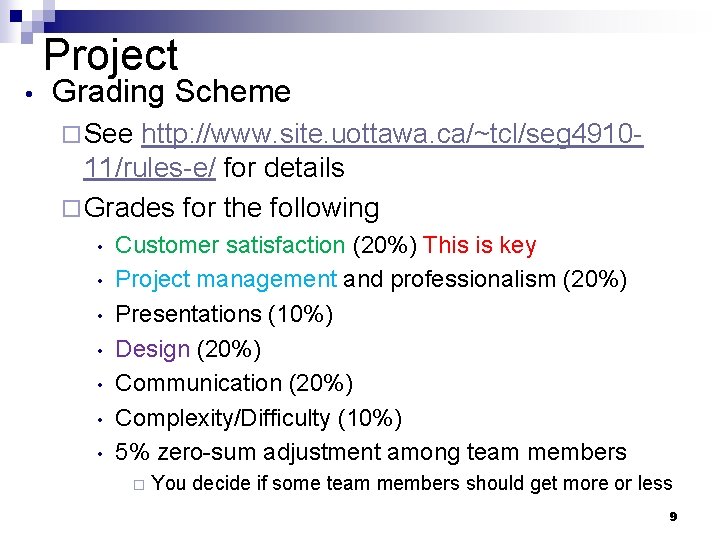
Project • Grading Scheme ¨ See http: //www. site. uottawa. ca/~tcl/seg 491011/rules-e/ for details ¨ Grades for the following • • Customer satisfaction (20%) This is key Project management and professionalism (20%) Presentations (10%) Design (20%) Communication (20%) Complexity/Difficulty (10%) 5% zero-sum adjustment among team members ¨ You decide if some team members should get more or less 9
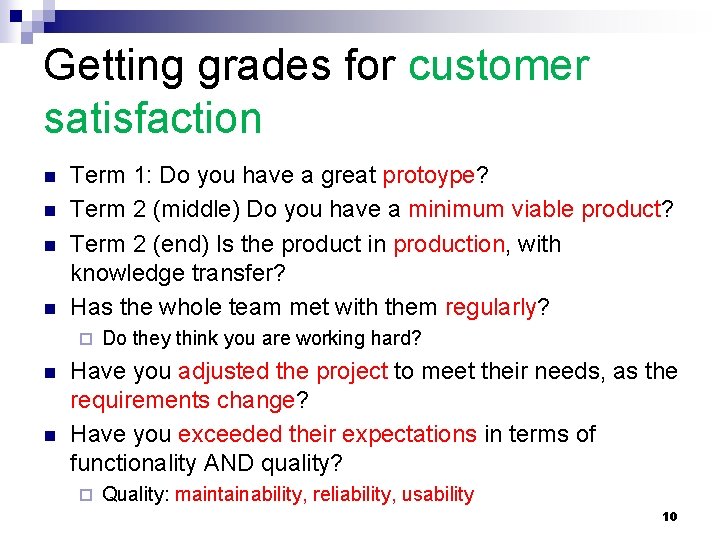
Getting grades for customer satisfaction n n Term 1: Do you have a great protoype? Term 2 (middle) Do you have a minimum viable product? Term 2 (end) Is the product in production, with knowledge transfer? Has the whole team met with them regularly? ¨ n n Do they think you are working hard? Have you adjusted the project to meet their needs, as the requirements change? Have you exceeded their expectations in terms of functionality AND quality? ¨ Quality: maintainability, reliability, usability 10
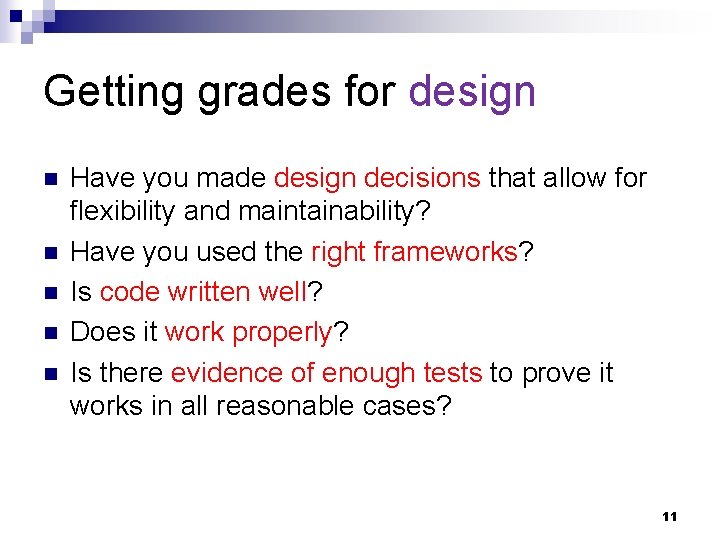
Getting grades for design n n Have you made design decisions that allow for flexibility and maintainability? Have you used the right frameworks? Is code written well? Does it work properly? Is there evidence of enough tests to prove it works in all reasonable cases? 11
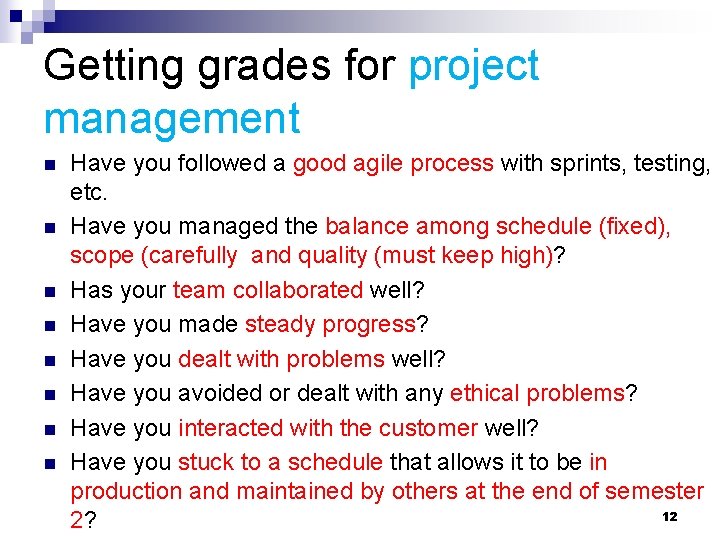
Getting grades for project management n n n n Have you followed a good agile process with sprints, testing, etc. Have you managed the balance among schedule (fixed), scope (carefully and quality (must keep high)? Has your team collaborated well? Have you made steady progress? Have you dealt with problems well? Have you avoided or dealt with any ethical problems? Have you interacted with the customer well? Have you stuck to a schedule that allows it to be in production and maintained by others at the end of semester 12 2?
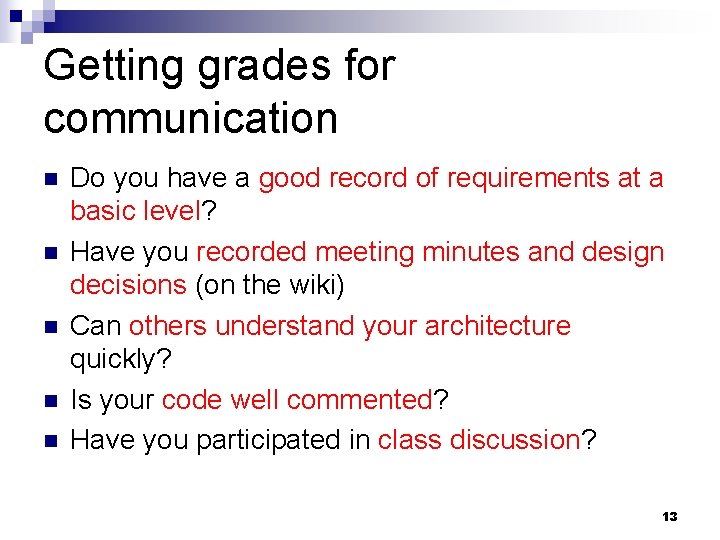
Getting grades for communication n n Do you have a good record of requirements at a basic level? Have you recorded meeting minutes and design decisions (on the wiki) Can others understand your architecture quickly? Is your code well commented? Have you participated in class discussion? 13
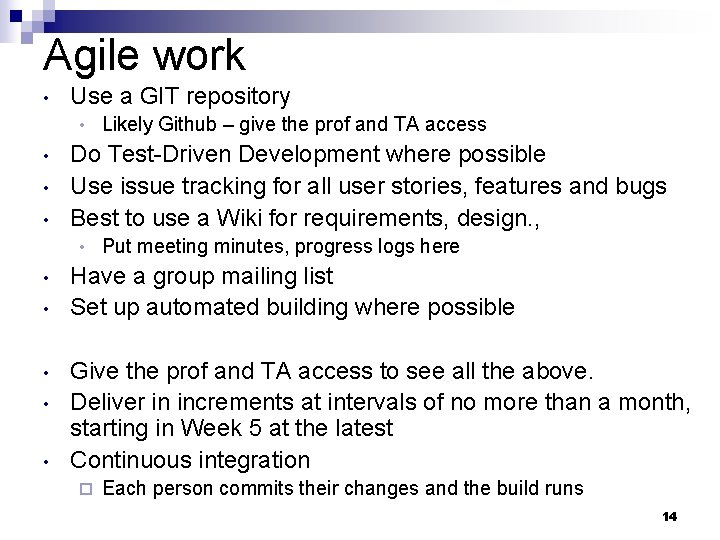
Agile work • Use a GIT repository • • Do Test-Driven Development where possible Use issue tracking for all user stories, features and bugs Best to use a Wiki for requirements, design. , • • • Likely Github – give the prof and TA access Put meeting minutes, progress logs here Have a group mailing list Set up automated building where possible Give the prof and TA access to see all the above. Deliver in increments at intervals of no more than a month, starting in Week 5 at the latest Continuous integration ¨ Each person commits their changes and the build runs 14
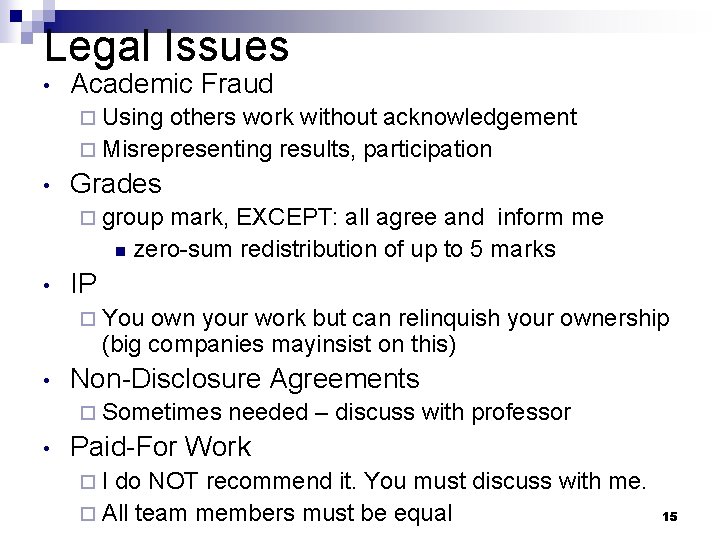
Legal Issues • Academic Fraud ¨ Using others work without acknowledgement ¨ Misrepresenting results, participation • Grades ¨ group mark, EXCEPT: all agree and inform me n zero-sum redistribution of up to 5 marks • IP ¨ You own your work but can relinquish your ownership (big companies mayinsist on this) • Non-Disclosure Agreements ¨ Sometimes • needed – discuss with professor Paid-For Work ¨I do NOT recommend it. You must discuss with me. ¨ All team members must be equal 15
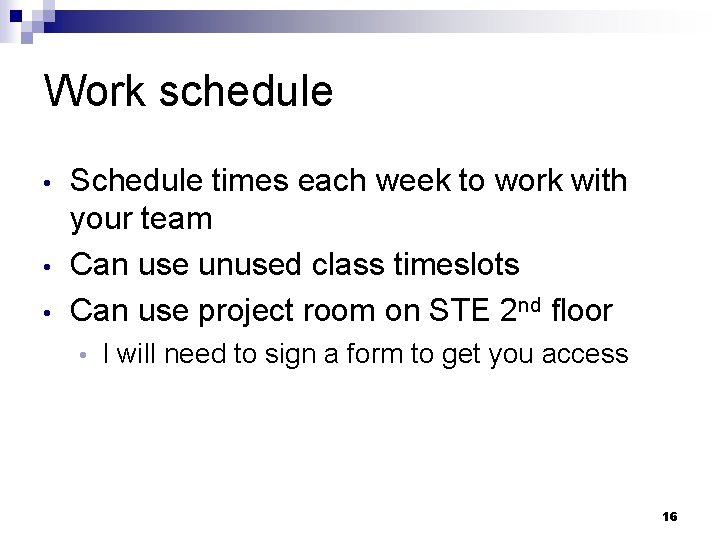
Work schedule • • • Schedule times each week to work with your team Can use unused class timeslots Can use project room on STE 2 nd floor • I will need to sign a form to get you access 16
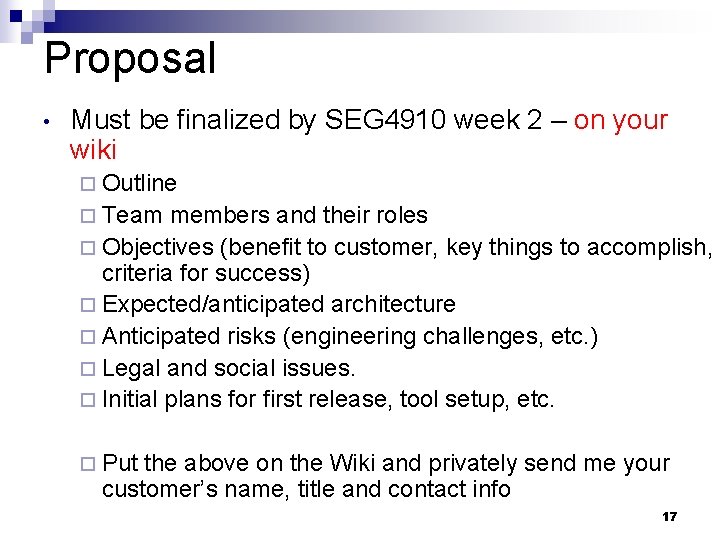
Proposal • Must be finalized by SEG 4910 week 2 – on your wiki ¨ Outline ¨ Team members and their roles ¨ Objectives (benefit to customer, key things to accomplish, criteria for success) ¨ Expected/anticipated architecture ¨ Anticipated risks (engineering challenges, etc. ) ¨ Legal and social issues. ¨ Initial plans for first release, tool setup, etc. ¨ Put the above on the Wiki and privately send me your customer’s name, title and contact info 17
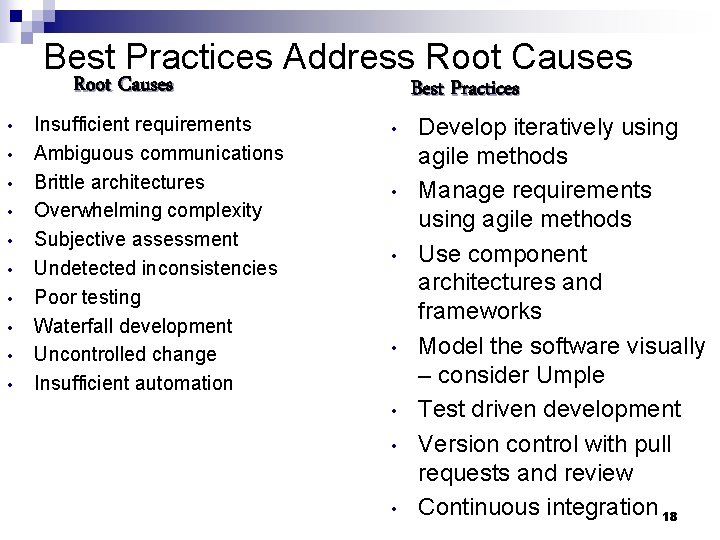
Best Practices Address Root Causes • • • Insufficient requirements Ambiguous communications Brittle architectures Overwhelming complexity Subjective assessment Undetected inconsistencies Poor testing Waterfall development Uncontrolled change Insufficient automation Best Practices • • Develop iteratively using agile methods Manage requirements using agile methods Use component architectures and frameworks Model the software visually – consider Umple Test driven development Version control with pull requests and review Continuous integration 18
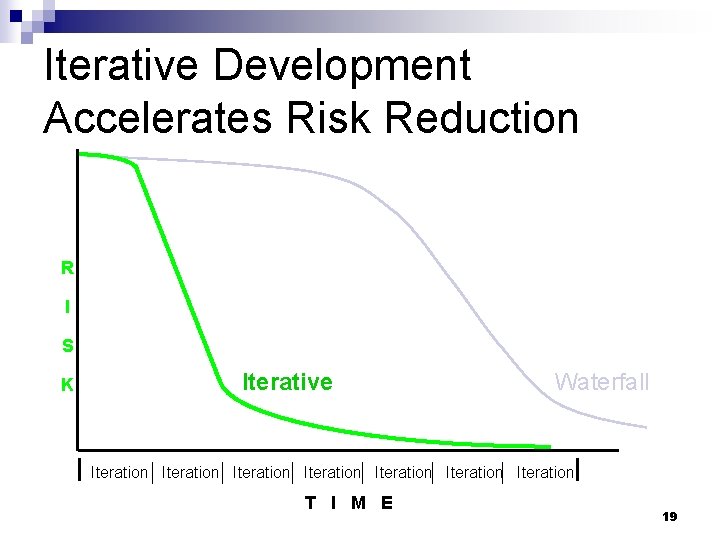
Iterative Development Accelerates Risk Reduction R I S K Iterative Waterfall Iteration Iteration T I M E 19
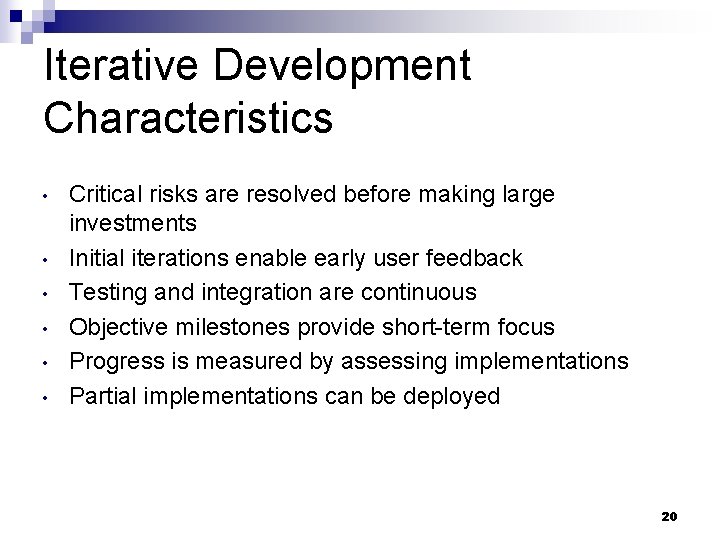
Iterative Development Characteristics • • • Critical risks are resolved before making large investments Initial iterations enable early user feedback Testing and integration are continuous Objective milestones provide short-term focus Progress is measured by assessing implementations Partial implementations can be deployed 20
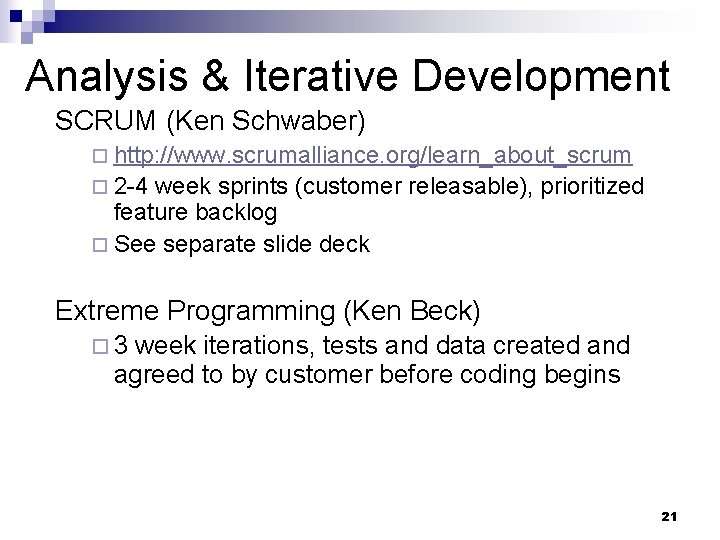
Analysis & Iterative Development SCRUM (Ken Schwaber) ¨ http: //www. scrumalliance. org/learn_about_scrum ¨ 2 -4 week sprints (customer releasable), prioritized feature backlog ¨ See separate slide deck Extreme Programming (Ken Beck) ¨ 3 week iterations, tests and data created and agreed to by customer before coding begins 21
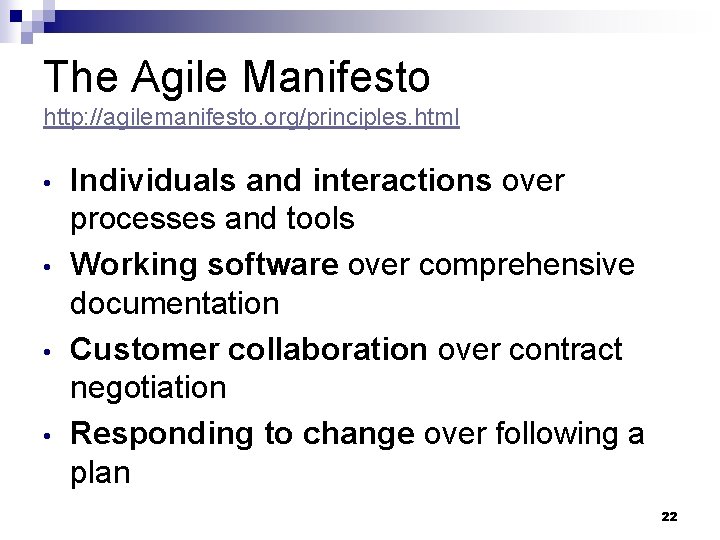
The Agile Manifesto http: //agilemanifesto. org/principles. html • • Individuals and interactions over processes and tools Working software over comprehensive documentation Customer collaboration over contract negotiation Responding to change over following a plan 22
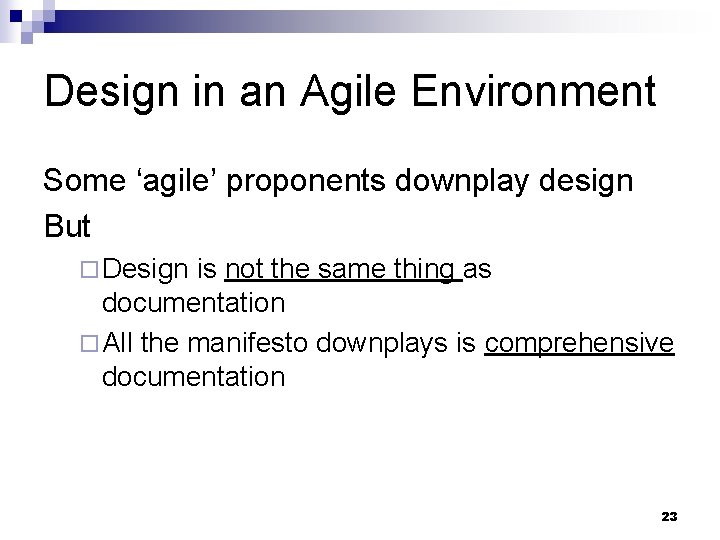
Design in an Agile Environment Some ‘agile’ proponents downplay design But ¨ Design is not the same thing as documentation ¨ All the manifesto downplays is comprehensive documentation 23
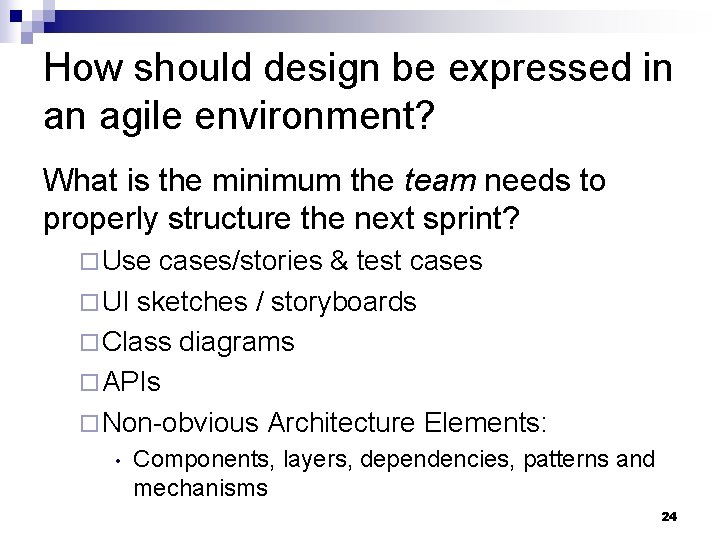
How should design be expressed in an agile environment? What is the minimum the team needs to properly structure the next sprint? ¨ Use cases/stories & test cases ¨ UI sketches / storyboards ¨ Class diagrams ¨ APIs ¨ Non-obvious Architecture Elements: • Components, layers, dependencies, patterns and mechanisms 24
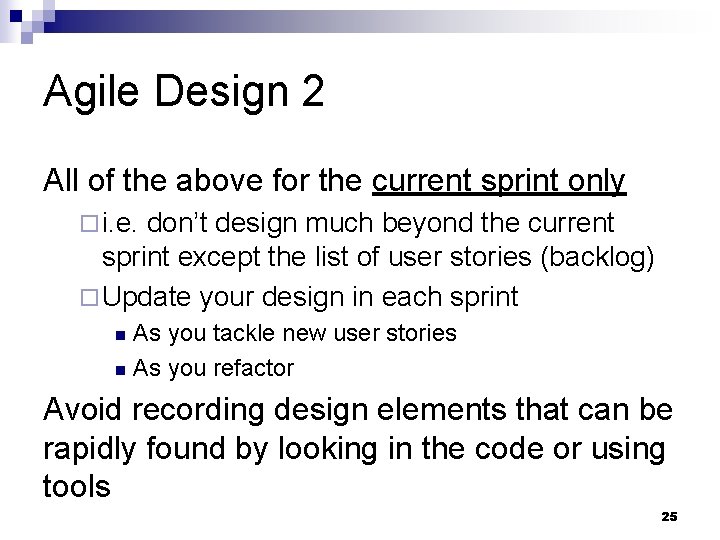
Agile Design 2 All of the above for the current sprint only ¨ i. e. don’t design much beyond the current sprint except the list of user stories (backlog) ¨ Update your design in each sprint As you tackle new user stories n As you refactor n Avoid recording design elements that can be rapidly found by looking in the code or using tools 25
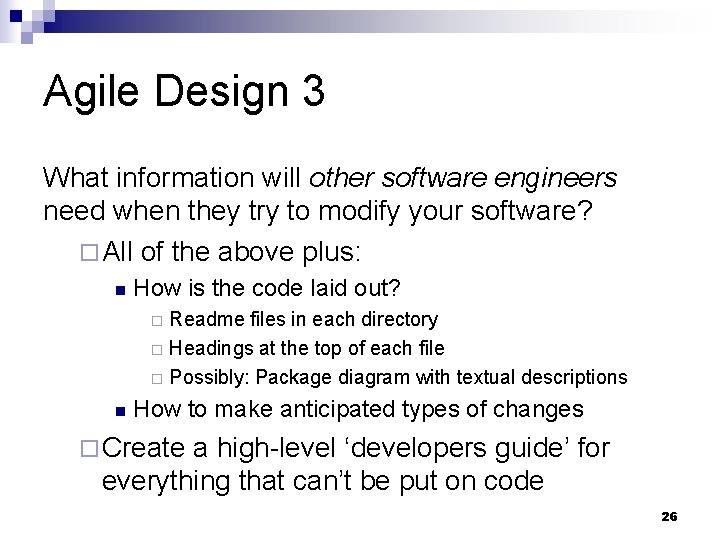
Agile Design 3 What information will other software engineers need when they try to modify your software? ¨ All of the above plus: n How is the code laid out? Readme files in each directory ¨ Headings at the top of each file ¨ Possibly: Package diagram with textual descriptions ¨ n How to make anticipated types of changes ¨ Create a high-level ‘developers guide’ for everything that can’t be put on code 26
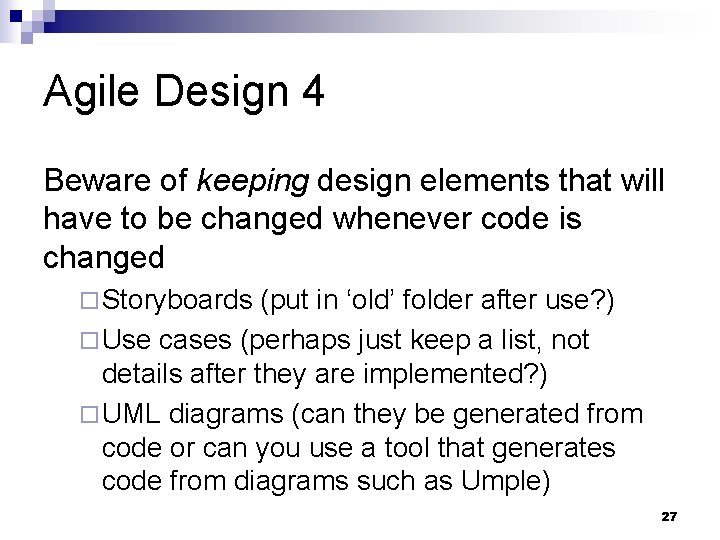
Agile Design 4 Beware of keeping design elements that will have to be changed whenever code is changed ¨ Storyboards (put in ‘old’ folder after use? ) ¨ Use cases (perhaps just keep a list, not details after they are implemented? ) ¨ UML diagrams (can they be generated from code or can you use a tool that generates code from diagrams such as Umple) 27
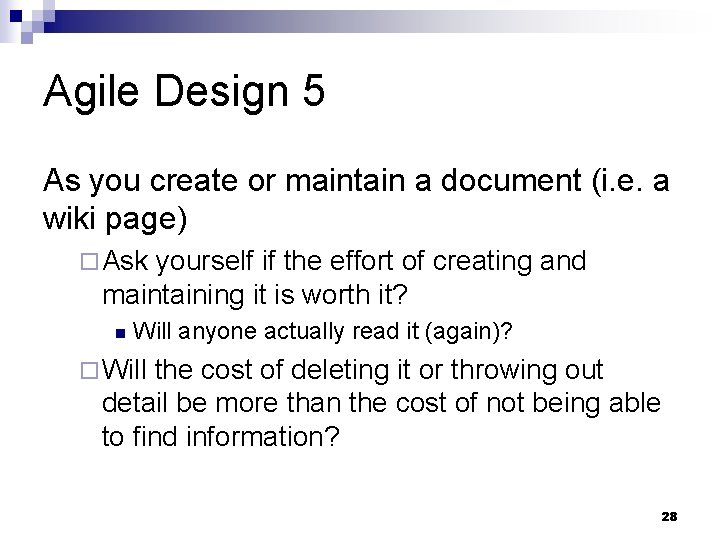
Agile Design 5 As you create or maintain a document (i. e. a wiki page) ¨ Ask yourself if the effort of creating and maintaining it is worth it? n Will anyone actually read it (again)? ¨ Will the cost of deleting it or throwing out detail be more than the cost of not being able to find information? 28
Agile Release Management Key: Releasing something functional to the user by the end of every sprint Methods ¨ Test-driven development ¨ Managing quality vs. scope vs. time n Drop features from the release to ensure quality requirements and deadline are met 29
Agile Release Management 2 Methods continued ¨ Continuous • integration Every submit to the repository triggers a build ¨ Issuetracking • With measurement of how well you are doing at reducing the backlog of bugs 30