
SEEM 3460 Tutorial The Make Utility Basic Structure

SEEM 3460 Tutorial The Make Utility
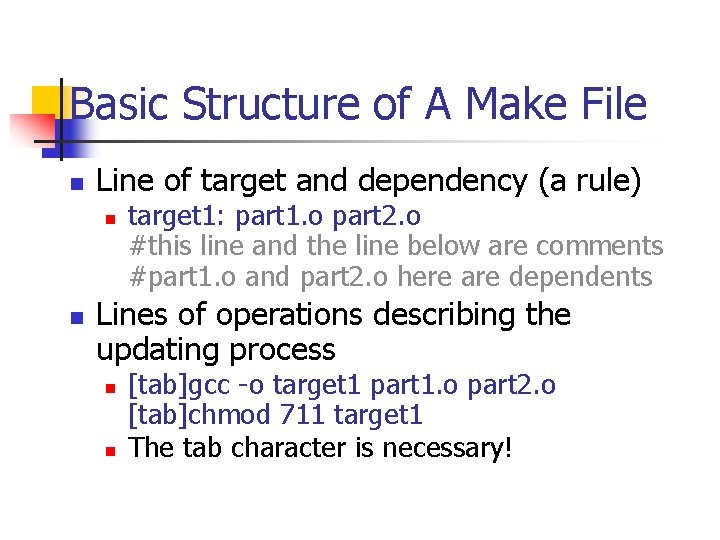
Basic Structure of A Make File n Line of target and dependency (a rule) n n target 1: part 1. o part 2. o #this line and the line below are comments #part 1. o and part 2. o here are dependents Lines of operations describing the updating process n n [tab]gcc -o target 1 part 1. o part 2. o [tab]chmod 711 target 1 The tab character is necessary!
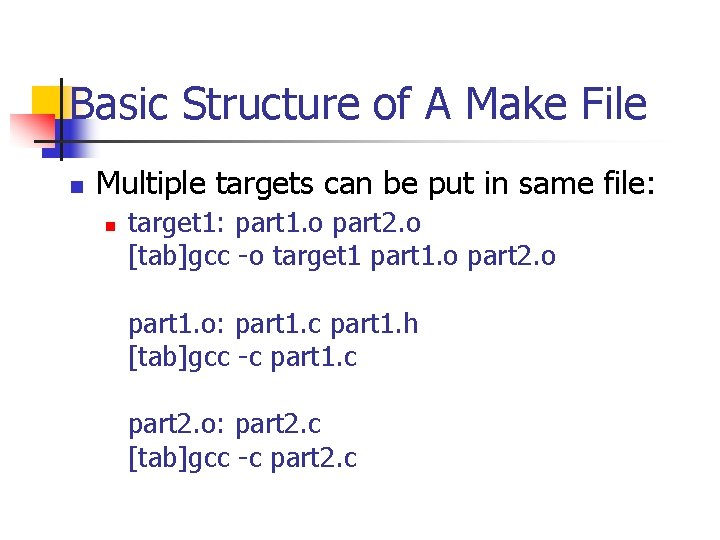
Basic Structure of A Make File n Multiple targets can be put in same file: n target 1: part 1. o part 2. o [tab]gcc -o target 1 part 1. o part 2. o part 1. o: part 1. c part 1. h [tab]gcc -c part 1. c part 2. o: part 2. c [tab]gcc -c part 2. c
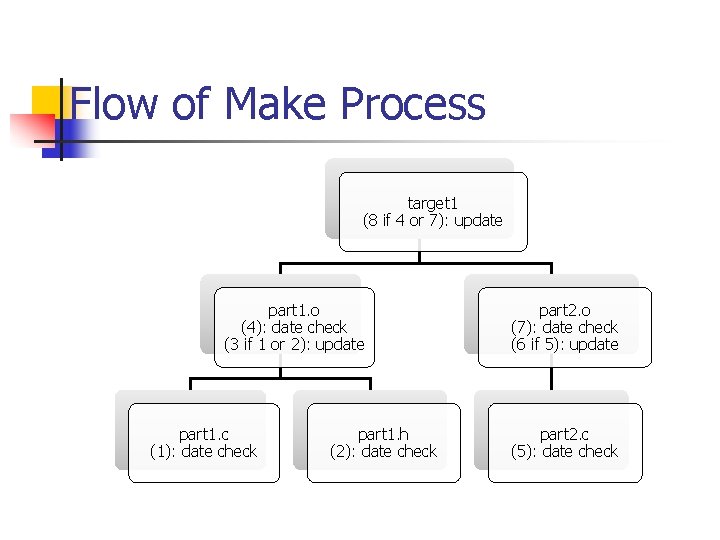
Flow of Make Process target 1 (8 if 4 or 7): update part 1. o (4): date check (3 if 1 or 2): update part 1. c (1): date check part 1. h (2): date check part 2. o (7): date check (6 if 5): update part 2. c (5): date check

The Make Utility n Update according to Makefile: n n Update according to makefile 1: n n make -f makefile 1 Update part 1. o according to makefile 1: n n make -f makefile 1 part 1. o Other switches: n n n -k (continue other targets when a target errs) -n (do not execute but print the commands) -s (execute but do not print the commands)
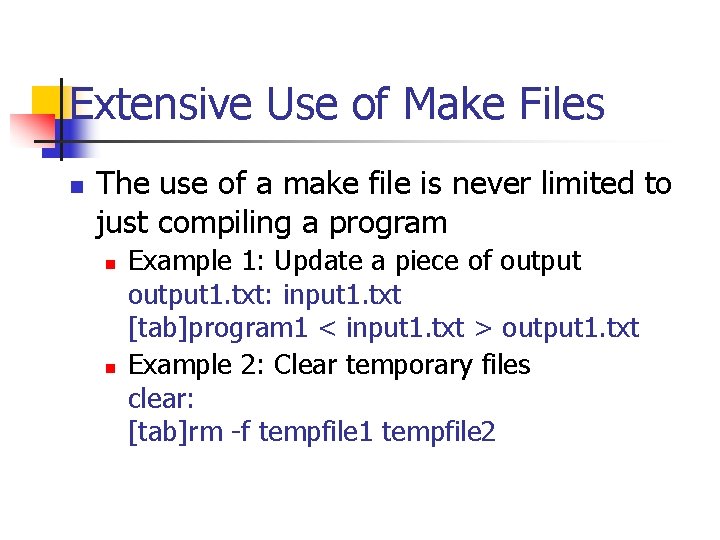
Extensive Use of Make Files n The use of a make file is never limited to just compiling a program n n Example 1: Update a piece of output 1. txt: input 1. txt [tab]program 1 < input 1. txt > output 1. txt Example 2: Clear temporary files clear: [tab]rm -f tempfile 1 tempfile 2
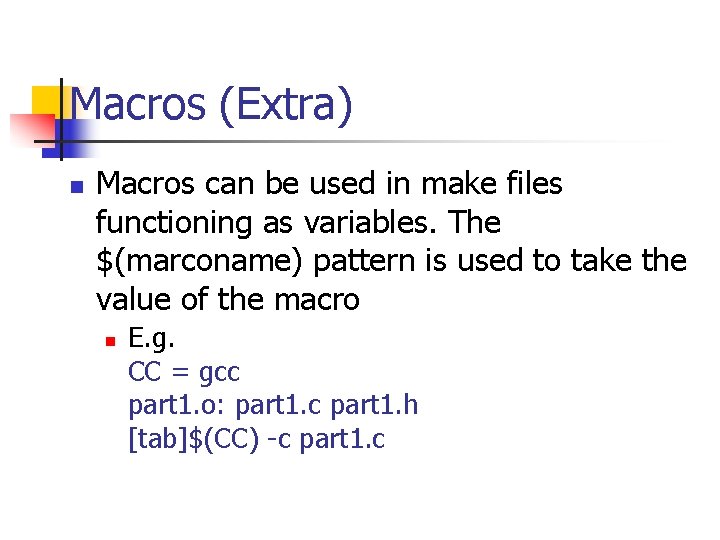
Macros (Extra) n Macros can be used in make files functioning as variables. The $(marconame) pattern is used to take the value of the macro n E. g. CC = gcc part 1. o: part 1. c part 1. h [tab]$(CC) -c part 1. c
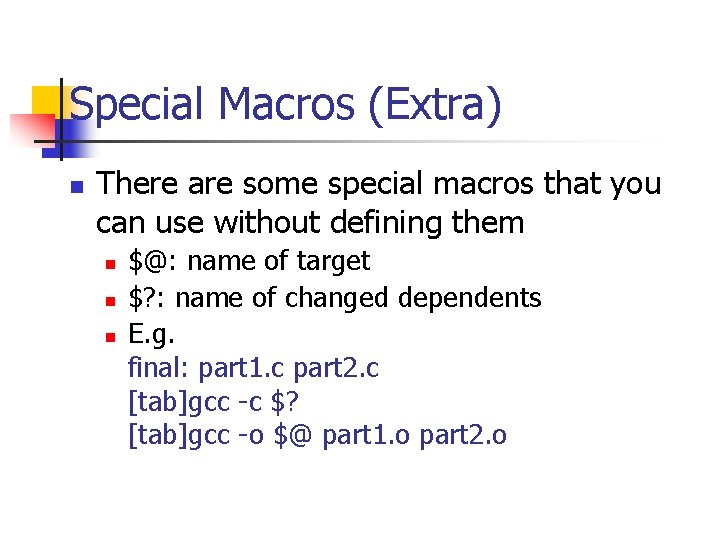
Special Macros (Extra) n There are some special macros that you can use without defining them n n n $@: name of target $? : name of changed dependents E. g. final: part 1. c part 2. c [tab]gcc -c $? [tab]gcc -o $@ part 1. o part 2. o
- Slides: 8