
Security measures Network zoning Defenseindepth Encryption Software control
- Slides: 53
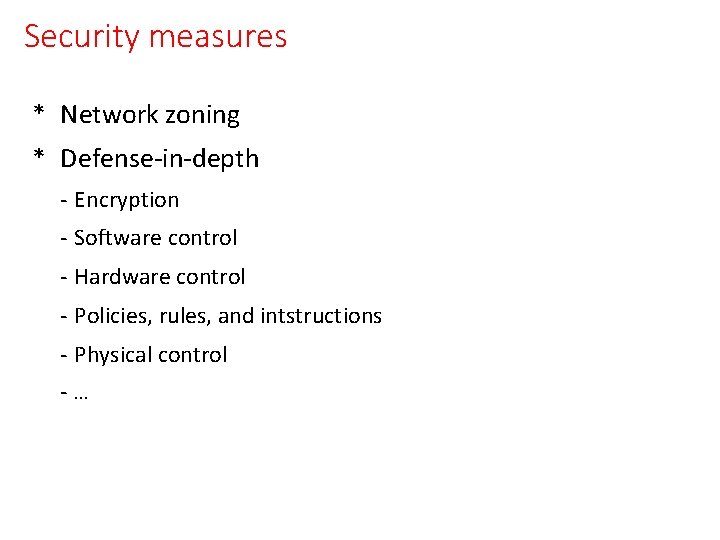
Security measures * Network zoning * Defense-in-depth - Encryption - Software control - Hardware control - Policies, rules, and intstructions - Physical control -…
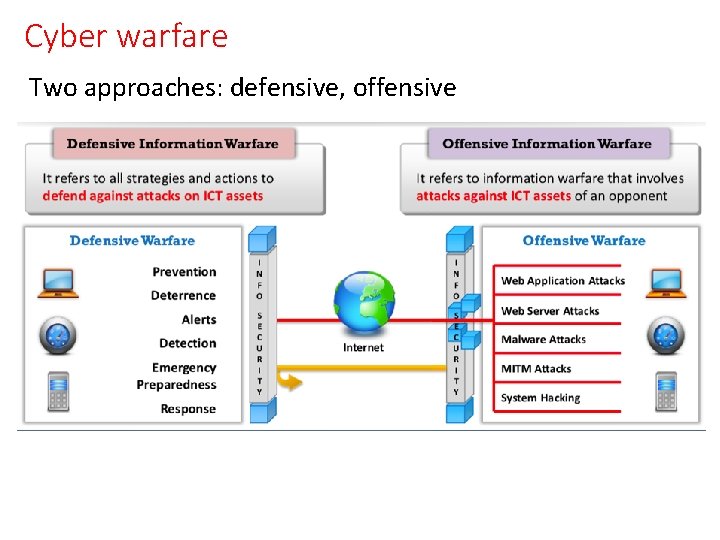
Cyber warfare Two approaches: defensive, offensive
Offensive security: Hacking phases
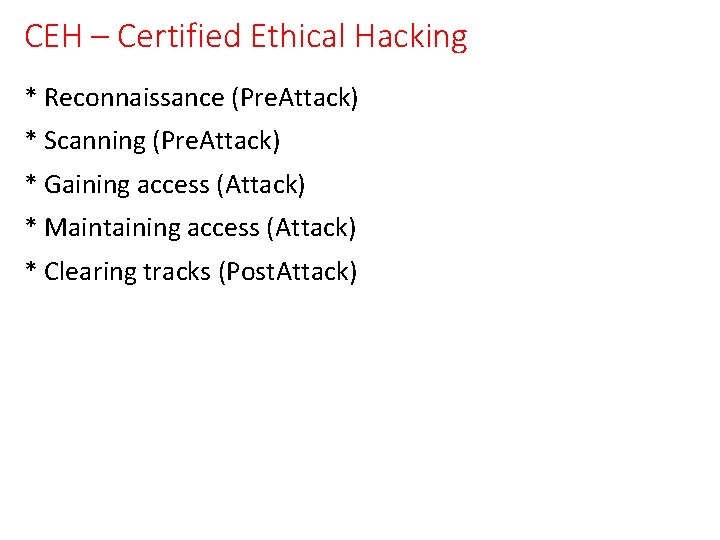
CEH – Certified Ethical Hacking * Reconnaissance (Pre. Attack) * Scanning (Pre. Attack) * Gaining access (Attack) * Maintaining access (Attack) * Clearing tracks (Post. Attack)
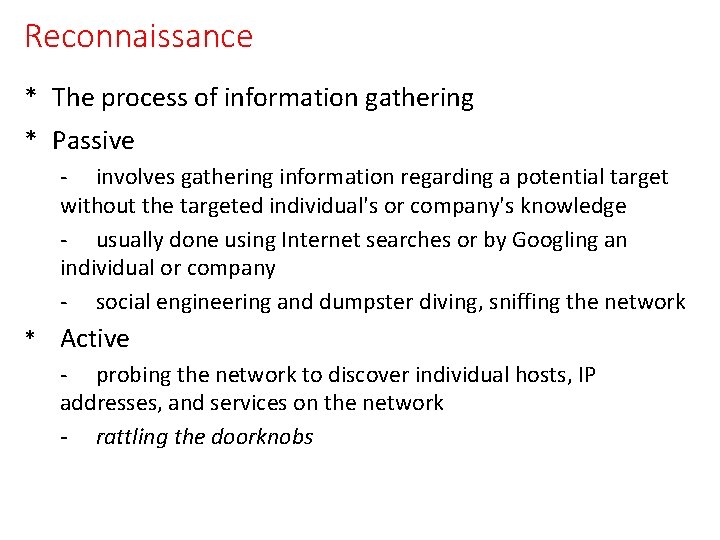
Reconnaissance * The process of information gathering * Passive - involves gathering information regarding a potential target without the targeted individual's or company's knowledge - usually done using Internet searches or by Googling an individual or company - social engineering and dumpster diving, sniffing the network * Active - probing the network to discover individual hosts, IP addresses, and services on the network - rattling the doorknobs
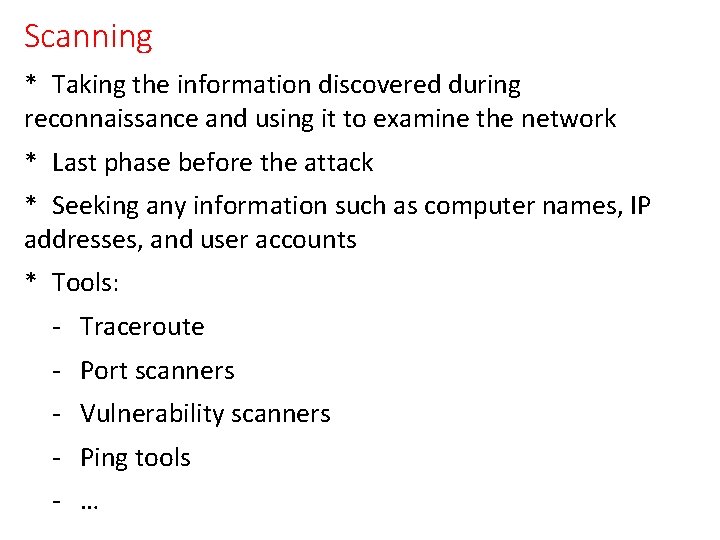
Scanning * Taking the information discovered during reconnaissance and using it to examine the network * Last phase before the attack * Seeking any information such as computer names, IP addresses, and user accounts * Tools: - Traceroute - Port scanners - Vulnerability scanners - Ping tools - …
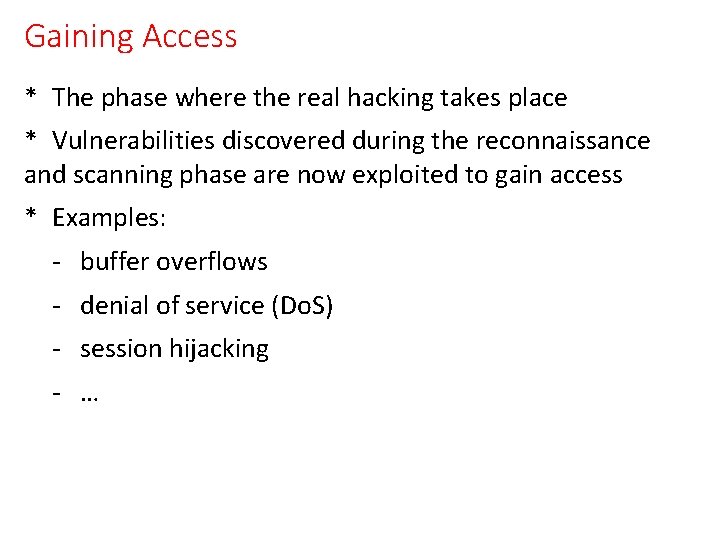
Gaining Access * The phase where the real hacking takes place * Vulnerabilities discovered during the reconnaissance and scanning phase are now exploited to gain access * Examples: - buffer overflows - denial of service (Do. S) - session hijacking - …
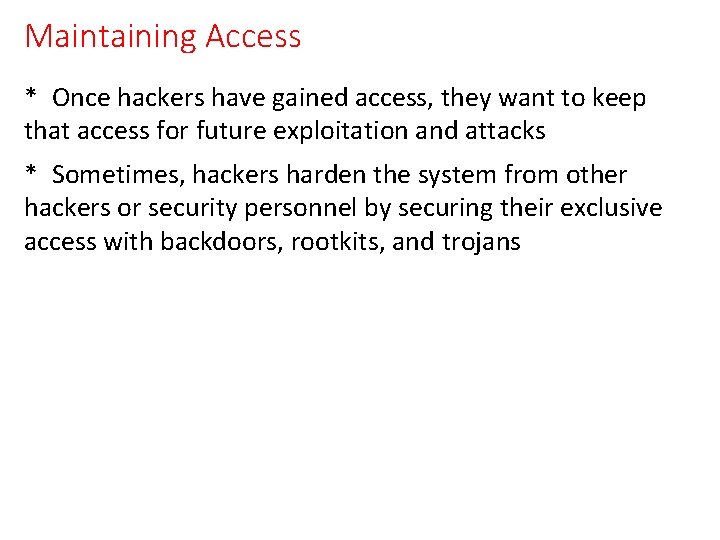
Maintaining Access * Once hackers have gained access, they want to keep that access for future exploitation and attacks * Sometimes, hackers harden the system from other hackers or security personnel by securing their exclusive access with backdoors, rootkits, and trojans
Clearing (Covering) Tracks * Once hackers have been able to gain and maintain access, they cover their tracks to avoid detection by security personnel * Hackers try to remove all traces of the attack, such as log files or intrusion detection system (IDS) alarms * Examples of activities: - Steganography - Tunneling - Altering log files - …
Penetration Test (Pen. Test) * Designed to assess your security before an attacker does * Penetration testing tools simulate real-world attack scenarios to discover and exploit security gaps that could lead to: - stolen records, - compromised credentials, intellectual property, personally identifiable information (PII), cardholder data, personal, protected health information, - data ransom or other harmful business outcomes
Pen. Test Team * Blue team - Defend side - Defends against both real attackers and red teams - System admins, other IT personnel * Red team (aggressor team) - White hat (ethical hacker) team - Red team engagements are designed to achieve specific goals, such as gaining access to a sensitive server or business-critical application
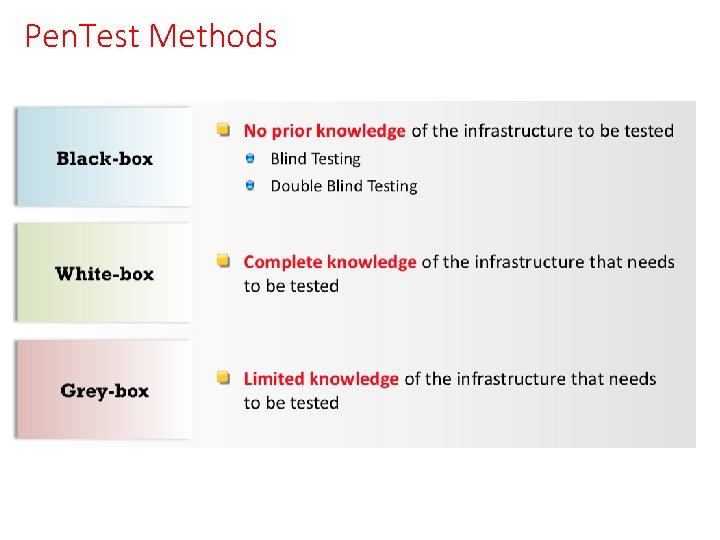
Pen. Test Methods
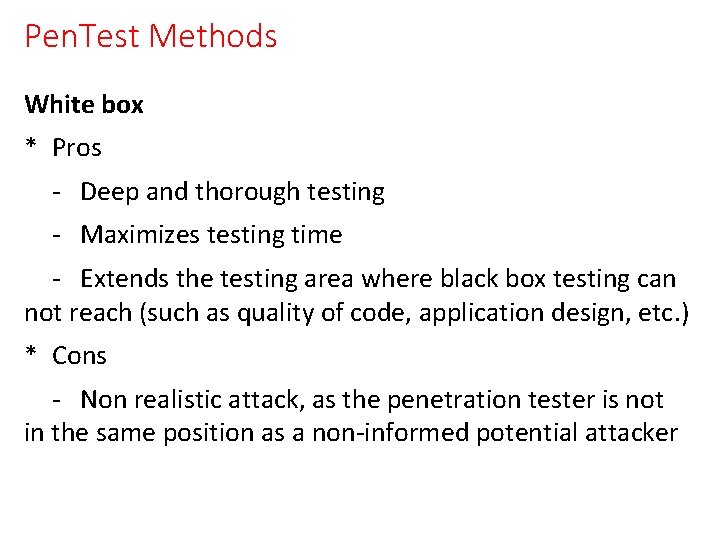
Pen. Test Methods White box * Pros - Deep and thorough testing - Maximizes testing time - Extends the testing area where black box testing can not reach (such as quality of code, application design, etc. ) * Cons - Non realistic attack, as the penetration tester is not in the same position as a non-informed potential attacker
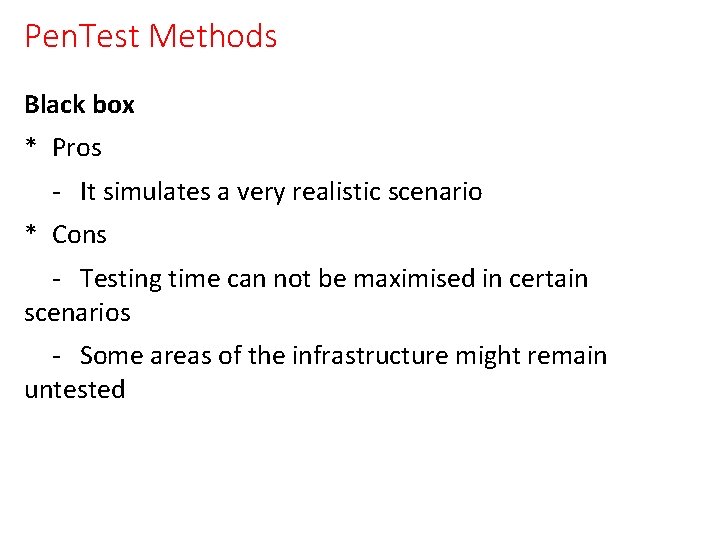
Pen. Test Methods Black box * Pros - It simulates a very realistic scenario * Cons - Testing time can not be maximised in certain scenarios - Some areas of the infrastructure might remain untested
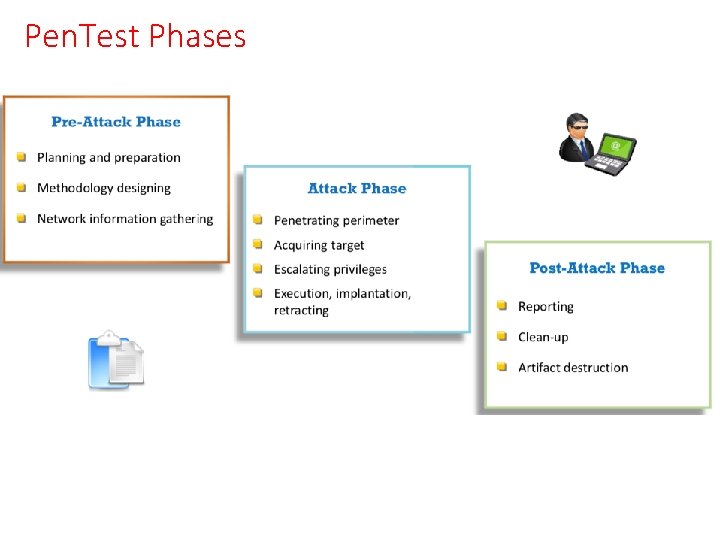
Pen. Test Phases
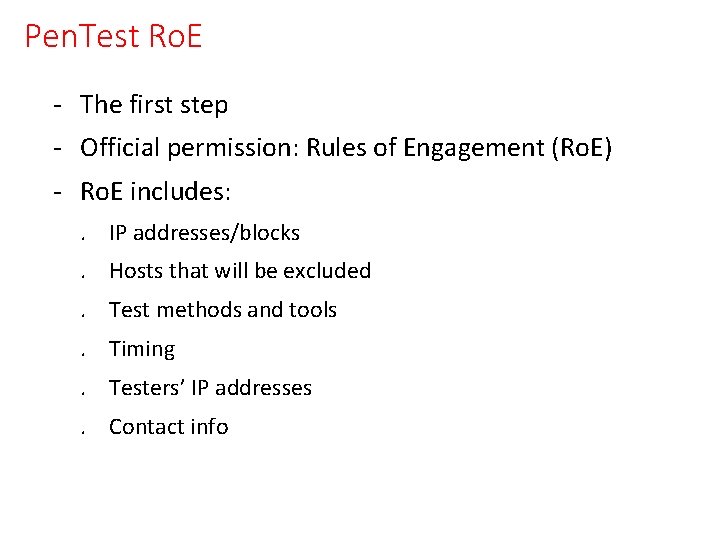
Pen. Test Ro. E - The first step - Official permission: Rules of Engagement (Ro. E) - Ro. E includes: . IP addresses/blocks. Hosts that will be excluded. Test methods and tools. Timing. Testers’ IP addresses. Contact info
Footprinting & Reconnaissance
Footprinting • Goal: info gathering • • • Employees (telephone numbers, locations, …) Web technologies of the organization Domains and sub domains IP addresses and blocks Whois and DNS records OS’s Web servers User credentials …
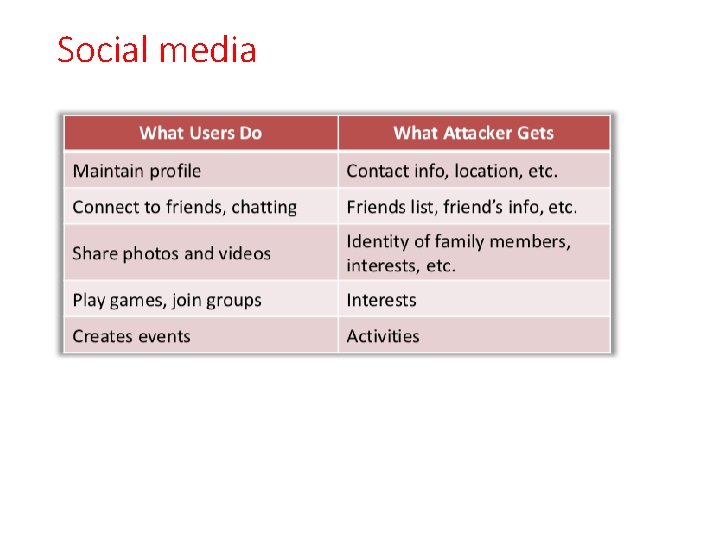
Footprinting • Passive methods • • • Search engines Social media Job postings Forums ve blogs …
Footprinting • Active methods • • • DNS queries Examining metadata of accessible files Traceroute analysis Web spidering …
Search engines • Advanced scan techs • Some parameters • www. googleguide. com
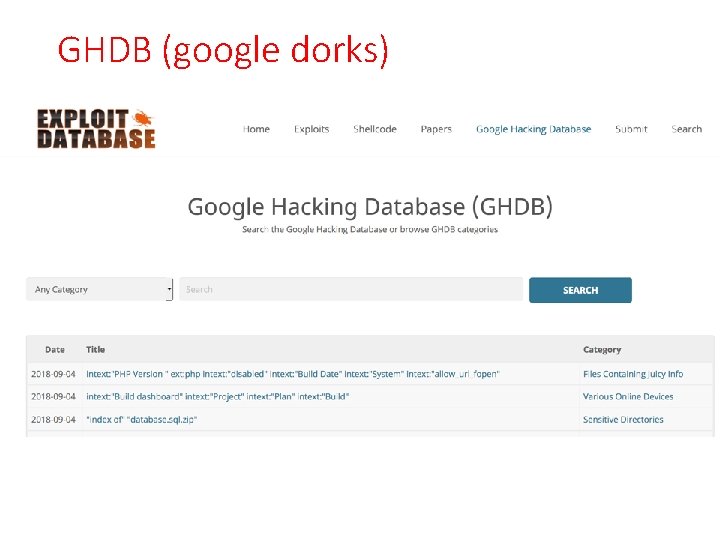
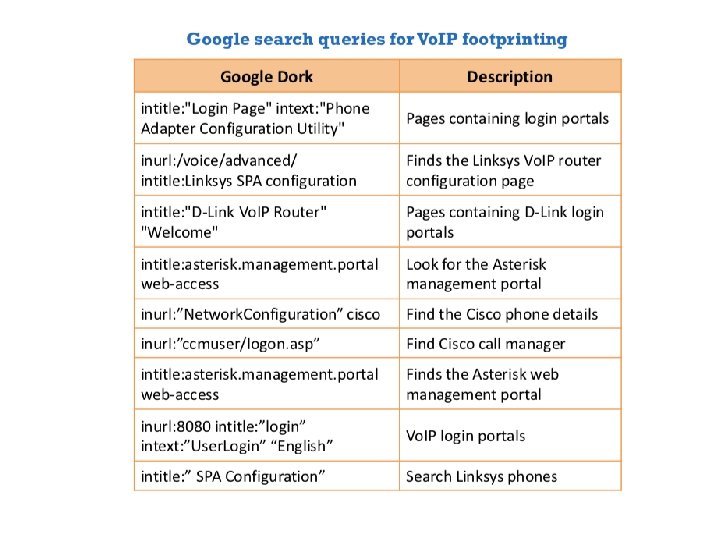
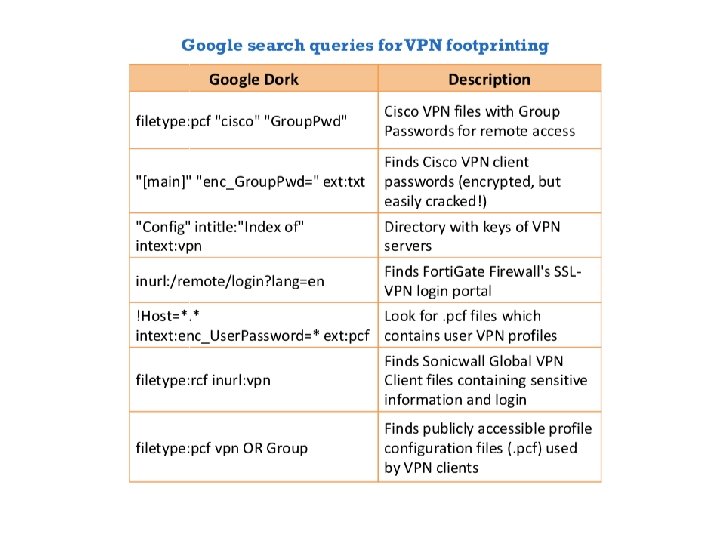
GHDB (google dorks)
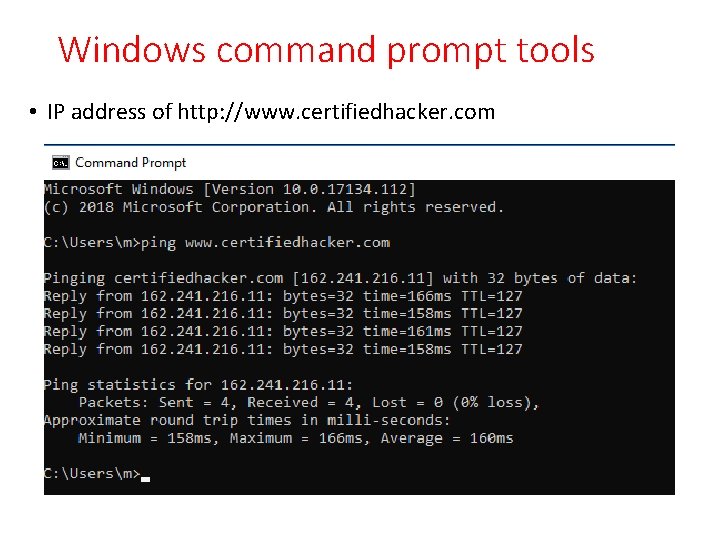
Windows command prompt tools • IP address of http: //www. certifiedhacker. com
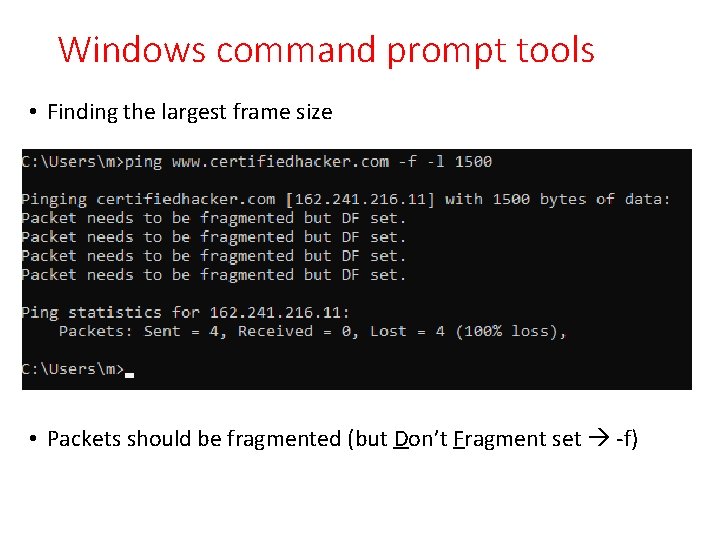
Windows command prompt tools • Finding the largest frame size • Packets should be fragmented (but Don’t Fragment set -f)
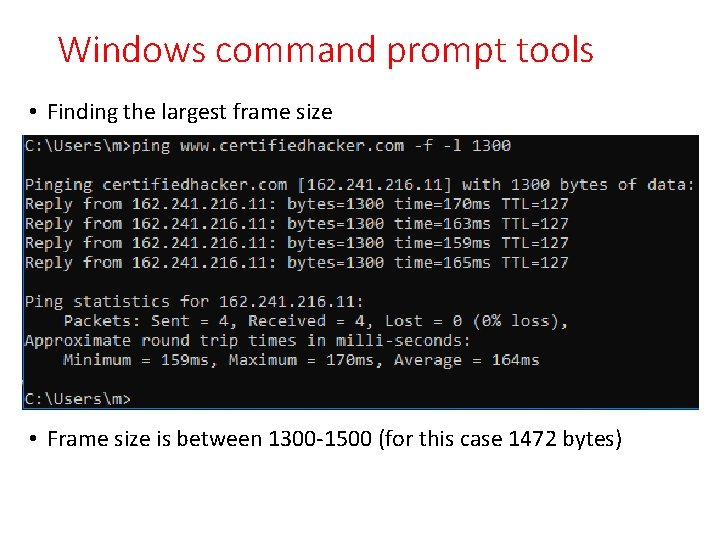
Windows command prompt tools • Finding the largest frame size • Frame size is between 1300 -1500 (for this case 1472 bytes)
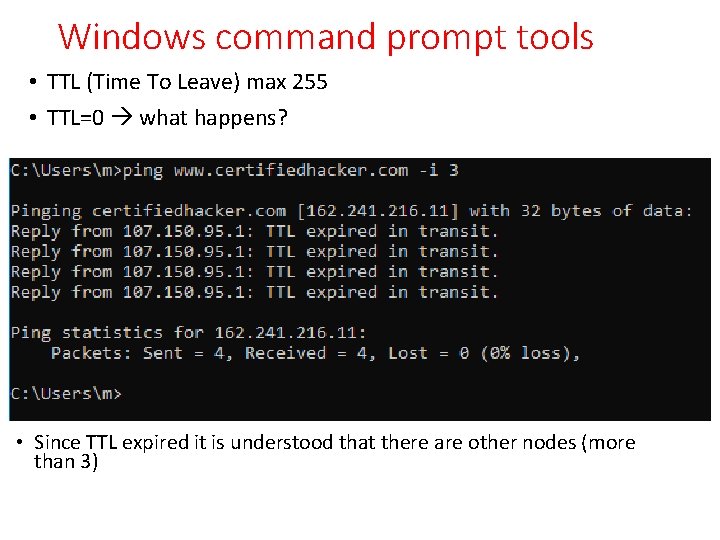
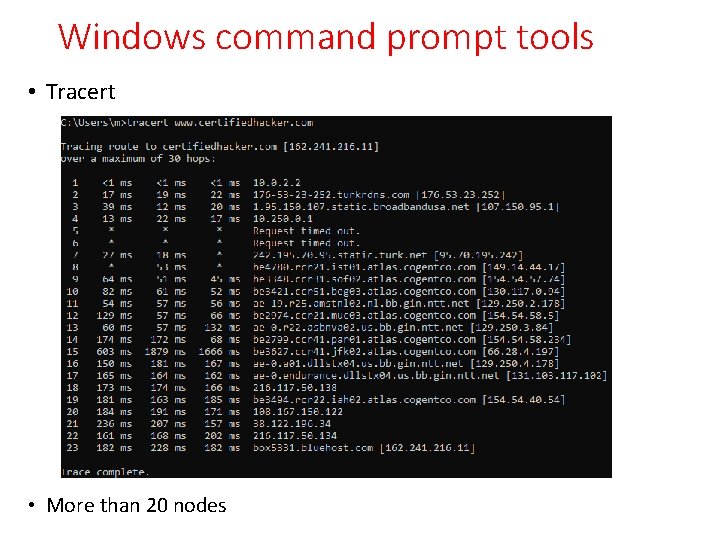
Windows command prompt tools • TTL (Time To Leave) max 255 • TTL=0 what happens? • Since TTL expired it is understood that there are other nodes (more than 3)
Windows command prompt tools • Tracert • More than 20 nodes
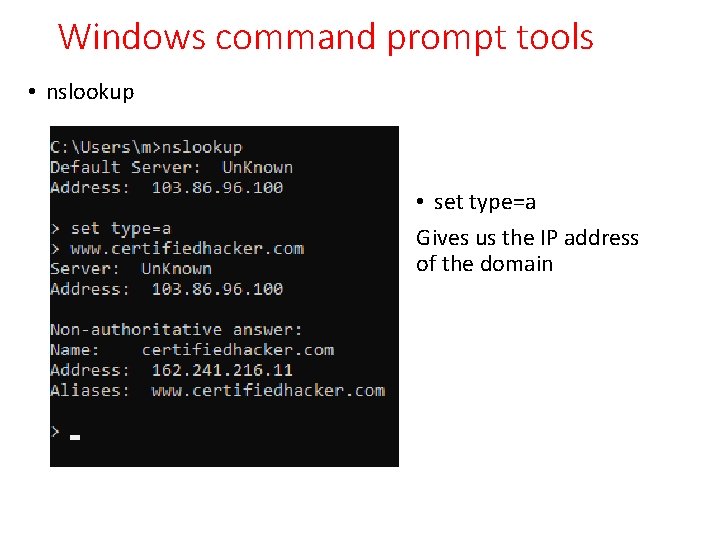
Windows command prompt tools • nslookup • set type=a Gives us the IP address of the domain
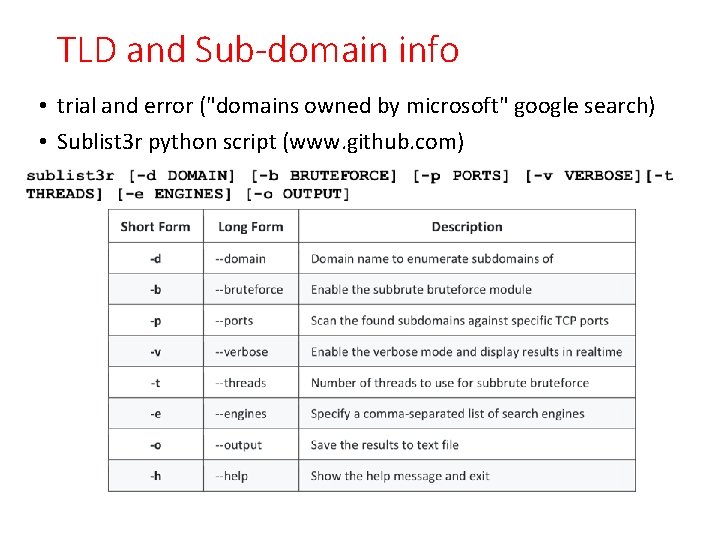
TLD and Sub-domain info • trial and error ("domains owned by microsoft" google search) • Sublist 3 r python script (www. github. com)
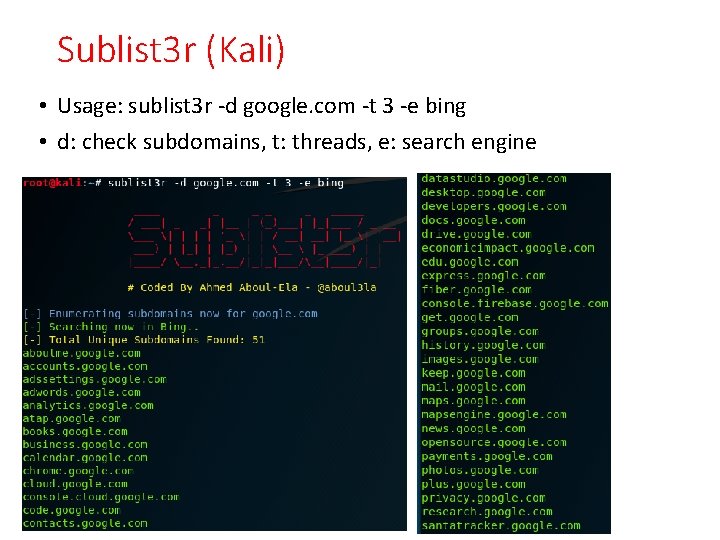
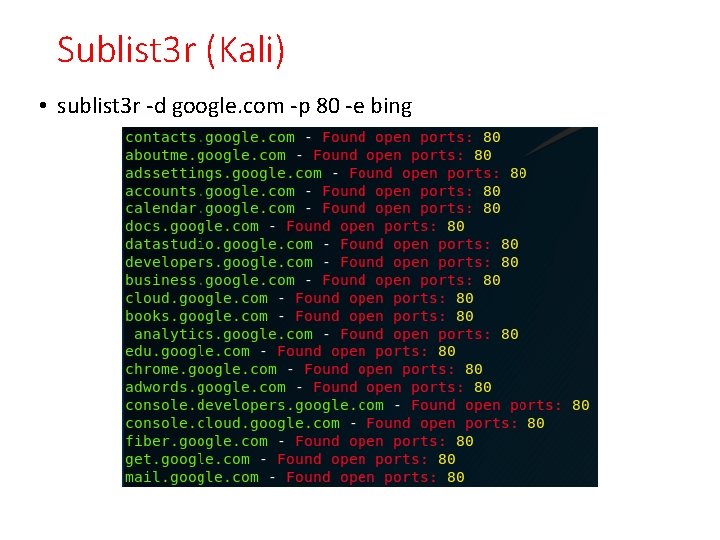
Sublist 3 r (Kali) • Usage: sublist 3 r -d google. com -t 3 -e bing • d: check subdomains, t: threads, e: search engine
Sublist 3 r (Kali) • sublist 3 r -d google. com -p 80 -e bing
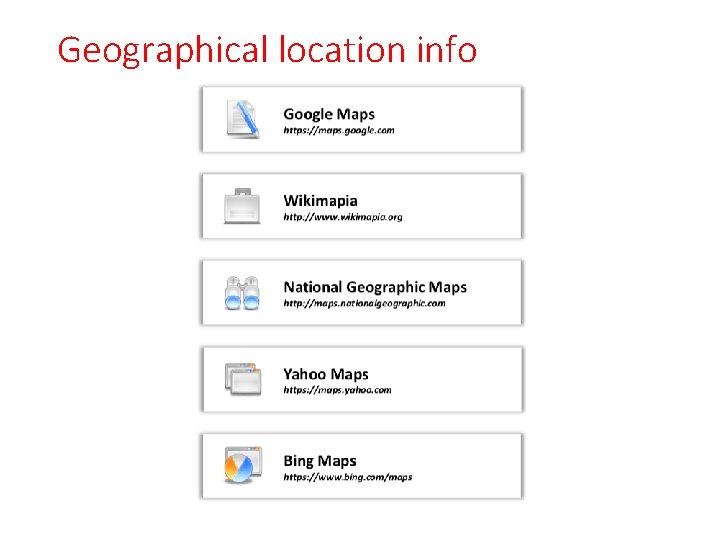
Geographical location info
People info • Social media
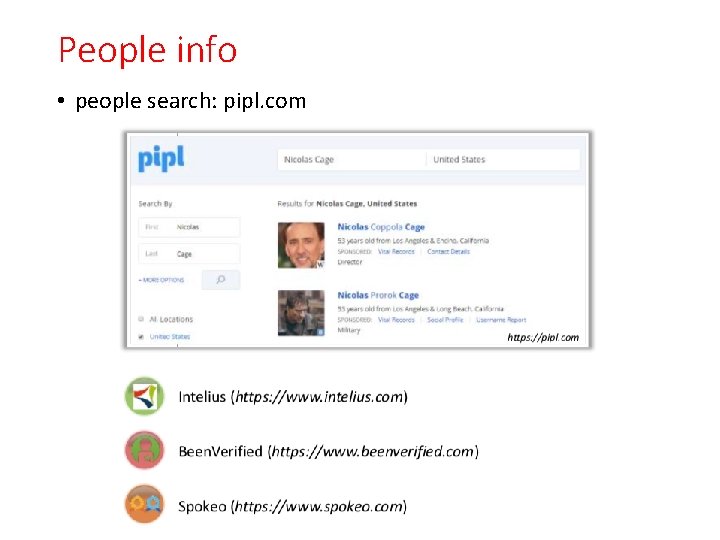
People info • people search: pipl. com
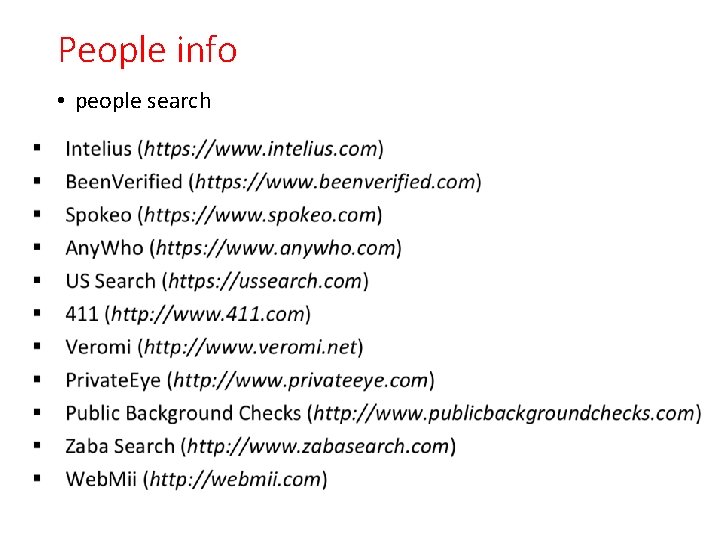
People info • people search
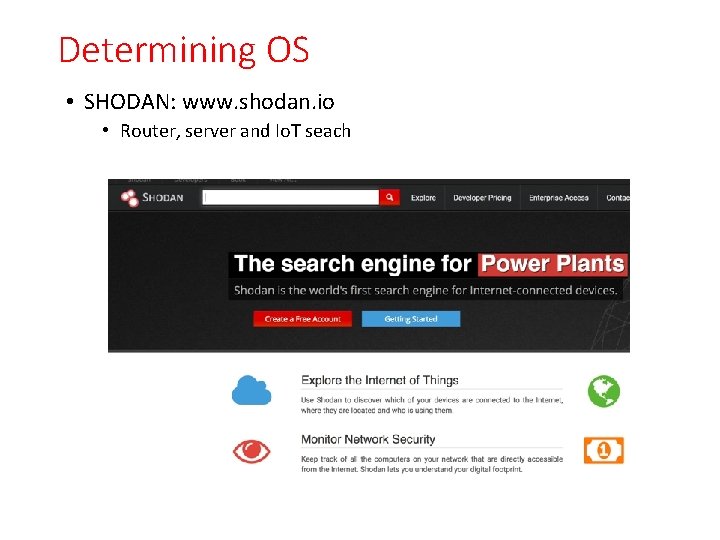
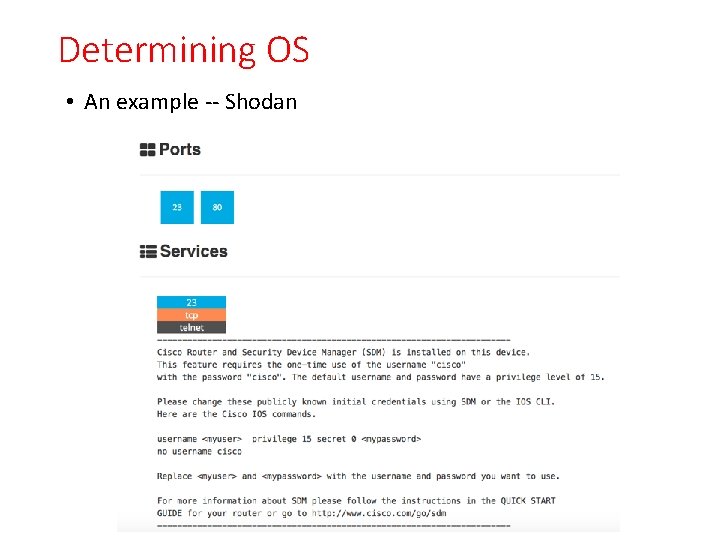
Determining OS • SHODAN: www. shodan. io • Router, server and Io. T seach
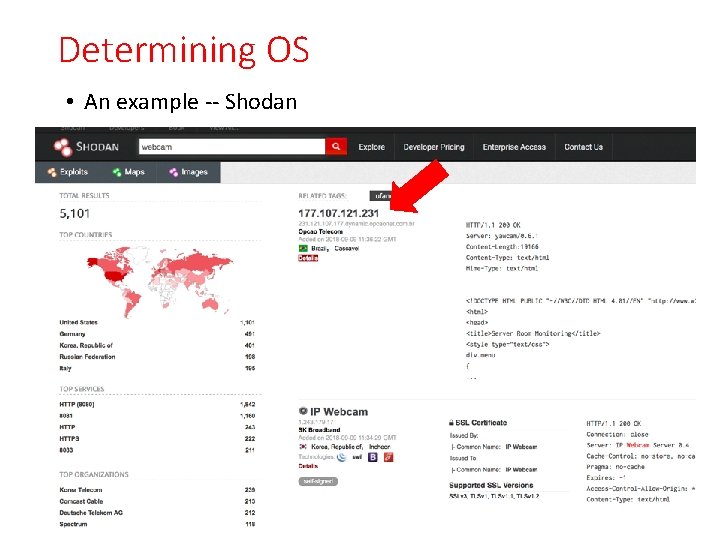
Determining OS • An example -- Shodan
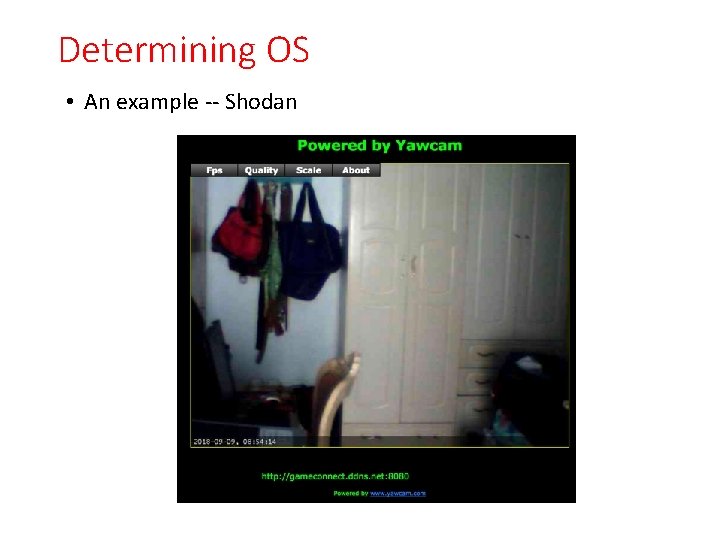
Determining OS • An example -- Shodan
Determining OS • An example -- Shodan
Social media
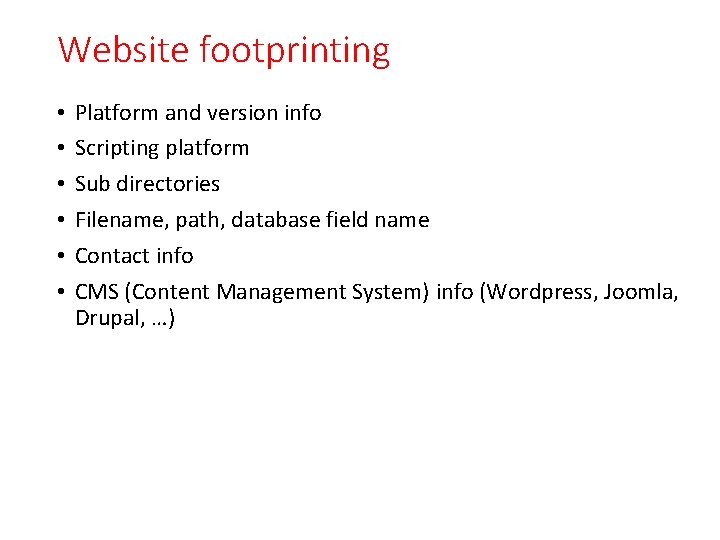
Website footprinting • • • Platform and version info Scripting platform Sub directories Filename, path, database field name Contact info CMS (Content Management System) info (Wordpress, Joomla, Drupal, …)
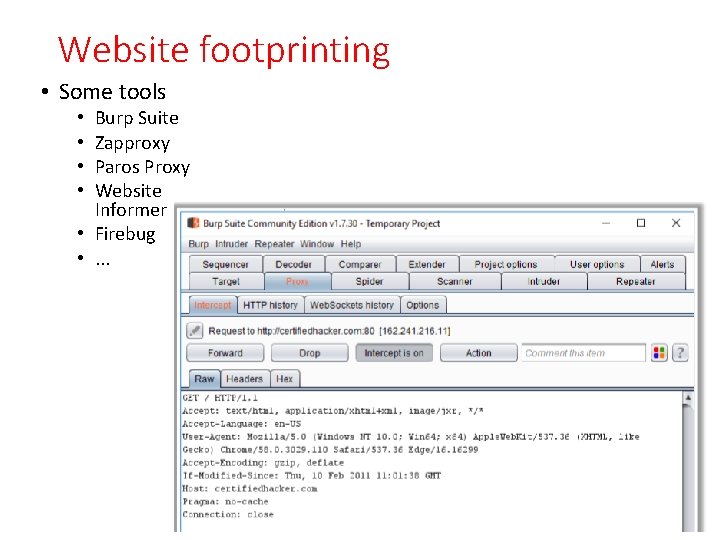
Website footprinting • Some tools Burp Suite Zapproxy Paros Proxy Website Informer • Firebug • . . . • •
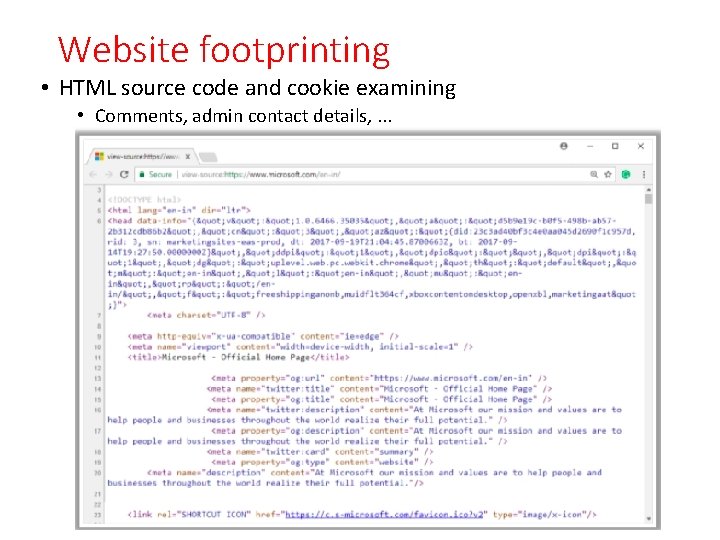
Website footprinting • HTML source code and cookie examining • Comments, admin contact details, . . .
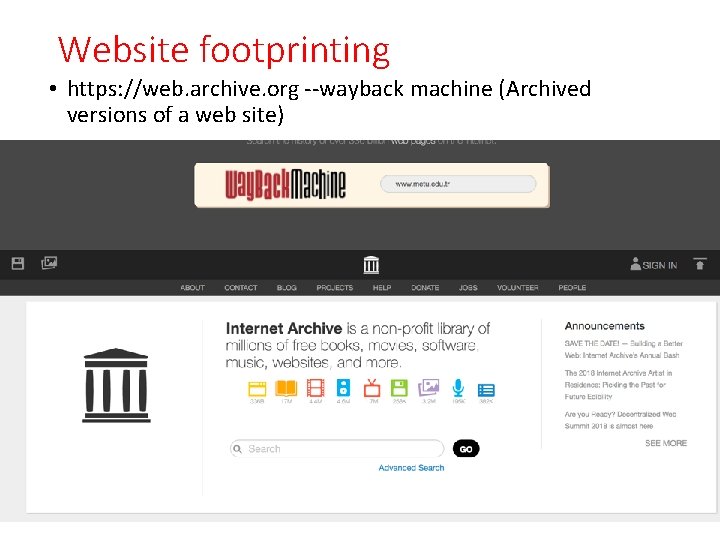
Website footprinting • https: //web. archive. org --wayback machine (Archived versions of a web site)
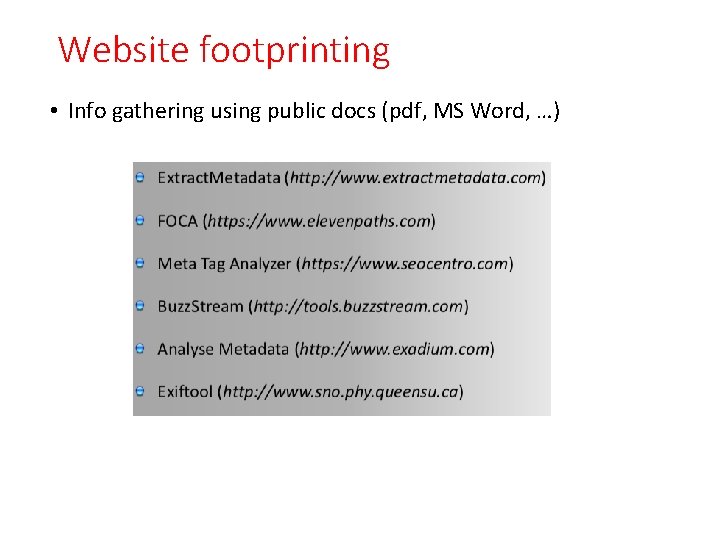
Website footprinting • Info gathering using public docs (pdf, MS Word, …)
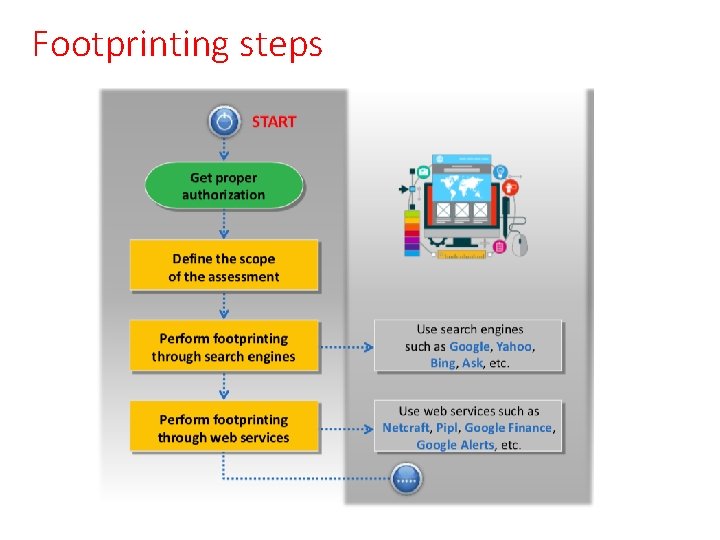
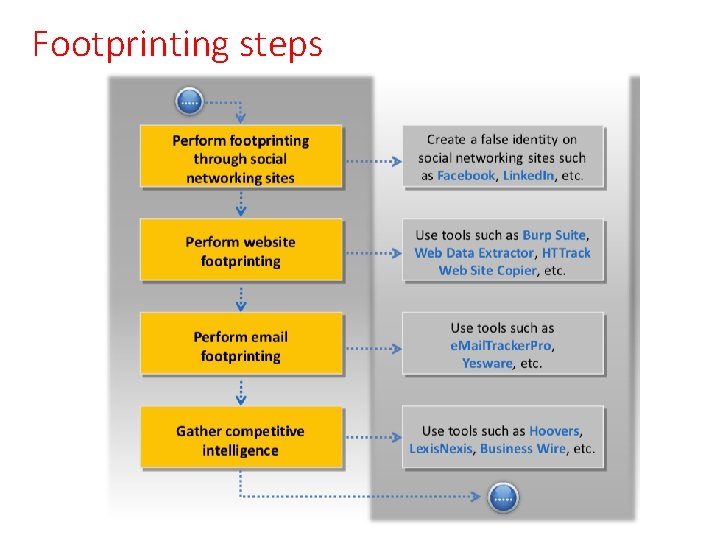
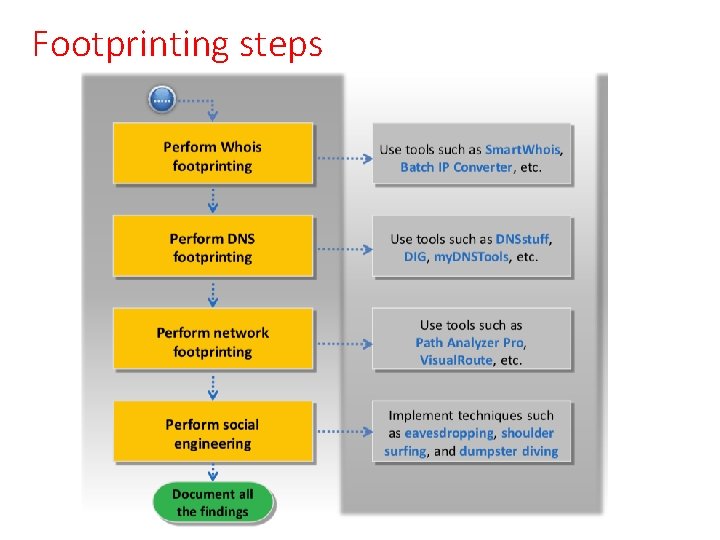
Footprinting steps
Footprinting steps
Footprinting steps
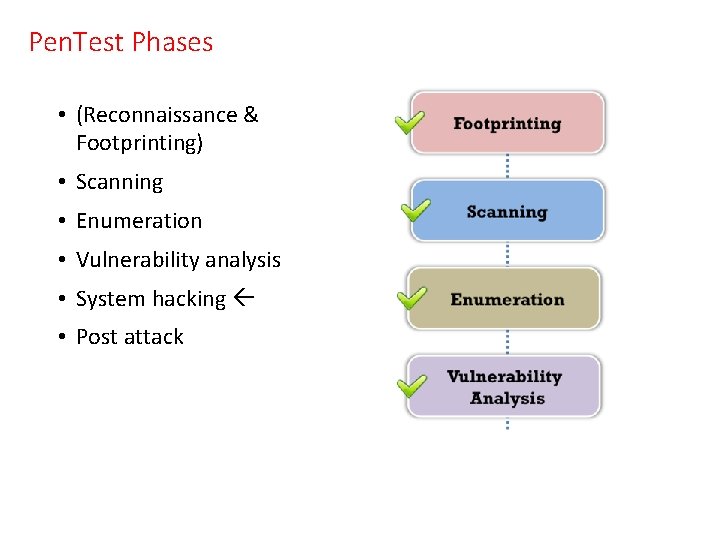
Pen. Test Phases • (Reconnaissance & Footprinting) • Scanning • Enumeration • Vulnerability analysis • System hacking • Post attack
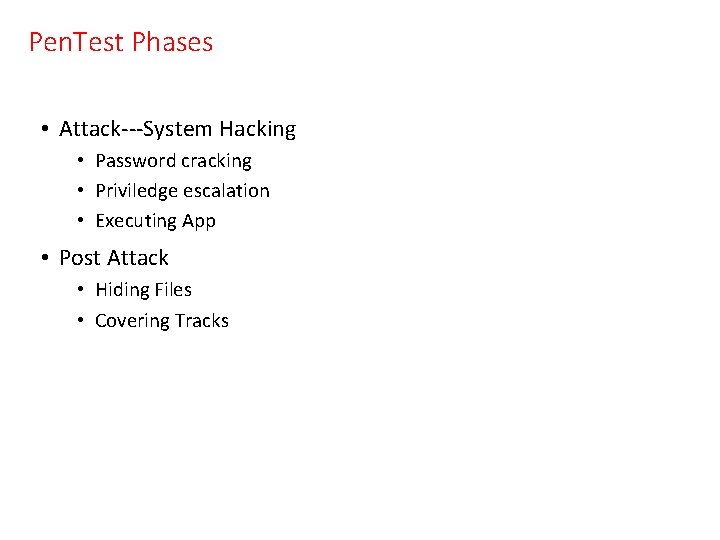
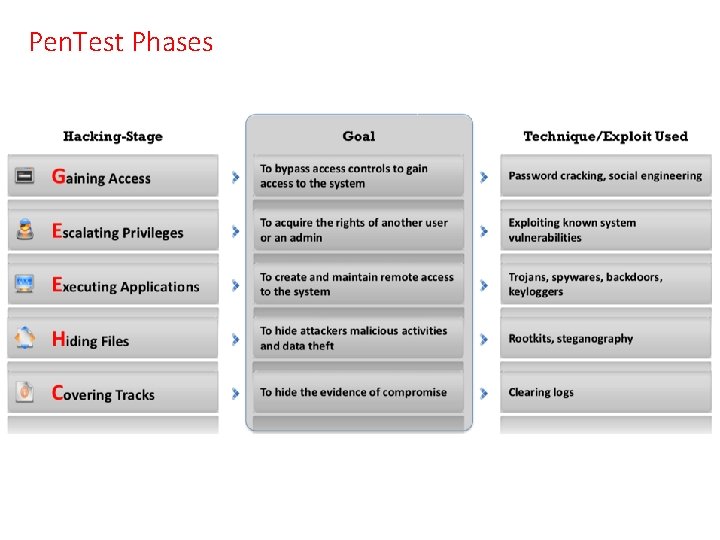
Pen. Test Phases • Attack---System Hacking • Password cracking • Priviledge escalation • Executing App • Post Attack • Hiding Files • Covering Tracks
Pen. Test Phases