
Security l l l Most Java EE applications
- Slides: 32
Security l l l Most Java EE applications need to provide identity to users who access them and security for that access. Applications may want to prevent hostile users from logging into their systems. They might also want to restrict the actions of the individuals using their systems. The Java EE and EJB specifications provide a core set of security services that application developers can integrate declaratively and programmatically. These include: l l l Authentication Authorization Confidentiality and integrity protection 1
Security l l l Although a small programmatic API is available for interacting with Java EE security services, users rarely have to write any code to secure their applications because setting up security is usually a static declarative process. Only session beans can be secured in EJB land. Java Persistence does not yet have a mechanism to secure access, but it is possible - depending on the RDBMS system you are using - to assign privileges at the database level. This lesson focuses on how to set up authentication and authorization for your session beans. 2
Authentication and Identity l l l In a secure EJB application, authentication involves verifying that a user is who she says she is. When a remote client logs on to the EJB system, it is associated with a security identity for the duration of that session. Once a remote client application has been associated with a security identity, it is ready to use beans to accomplish some task. When a client invokes a method on a bean, the EJB server implicitly passes the client's identity with the method invocation. When the EJB object receives the method invocation, it checks the identity to ensure that the client is valid and is 3 allowed to invoke that method.
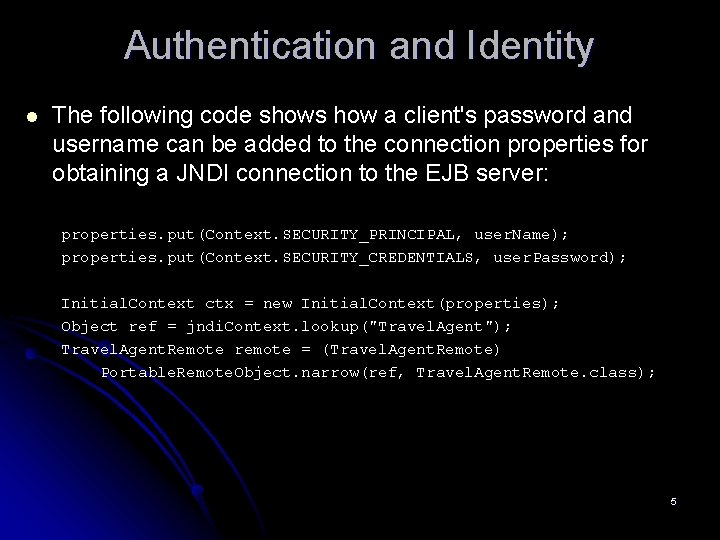
Authentication and Identity l l l Unfortunately the EJB specification does not specify how authentication happens. It also does not define how the application server stores and retrieves authentication information. The vendor must decide how to package and provide these services on the client and server. When invoking on a remote EJB, many application servers accomplish authentication by using the JNDI API. For example, a client using JNDI can provide authenticating information using the JNDI API to access a server or resource in the server. This information is frequently passed when the client attempts to initiate a JNDI connection on the EJB server. 4
Authentication and Identity l The following code shows how a client's password and username can be added to the connection properties for obtaining a JNDI connection to the EJB server: properties. put(Context. SECURITY_PRINCIPAL, user. Name); properties. put(Context. SECURITY_CREDENTIALS, user. Password); Initial. Context ctx = new Initial. Context(properties); Object ref = jndi. Context. lookup("Travel. Agent"); Travel. Agent. Remote remote = (Travel. Agent. Remote) Portable. Remote. Object. narrow(ref, Travel. Agent. Remote. class); 5
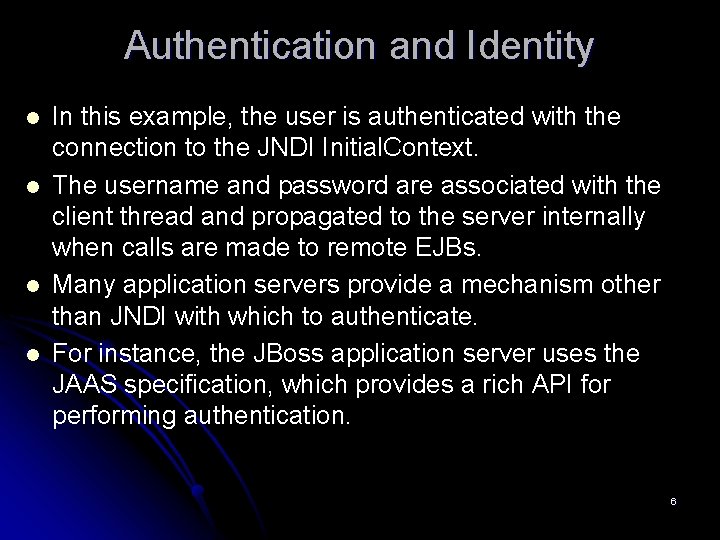
Authentication and Identity l l In this example, the user is authenticated with the connection to the JNDI Initial. Context. The username and password are associated with the client thread and propagated to the server internally when calls are made to remote EJBs. Many application servers provide a mechanism other than JNDI with which to authenticate. For instance, the JBoss application server uses the JAAS specification, which provides a rich API for performing authentication. 6
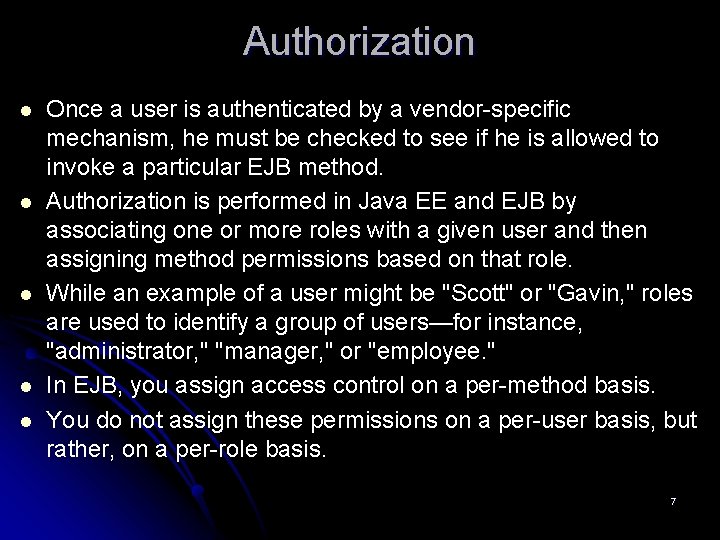
Authorization l l l Once a user is authenticated by a vendor-specific mechanism, he must be checked to see if he is allowed to invoke a particular EJB method. Authorization is performed in Java EE and EJB by associating one or more roles with a given user and then assigning method permissions based on that role. While an example of a user might be "Scott" or "Gavin, " roles are used to identify a group of users—for instance, "administrator, " "manager, " or "employee. " In EJB, you assign access control on a per-method basis. You do not assign these permissions on a per-user basis, but rather, on a per-role basis. 7
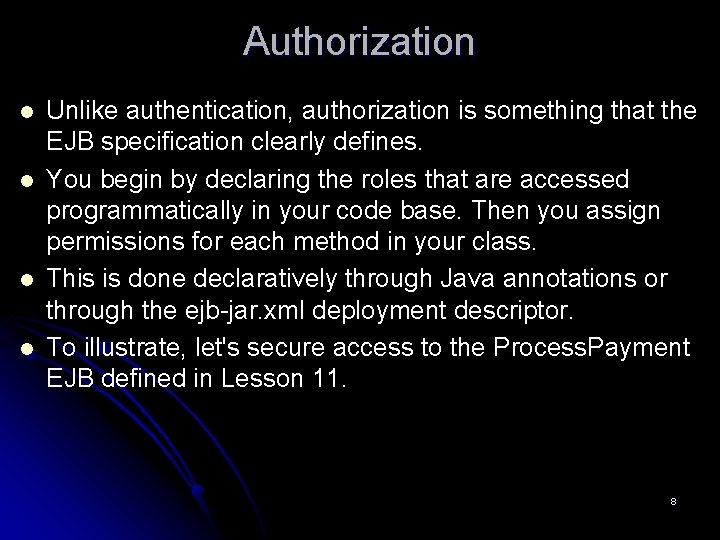
Authorization l l Unlike authentication, authorization is something that the EJB specification clearly defines. You begin by declaring the roles that are accessed programmatically in your code base. Then you assign permissions for each method in your class. This is done declaratively through Java annotations or through the ejb-jar. xml deployment descriptor. To illustrate, let's secure access to the Process. Payment EJB defined in Lesson 11. 8
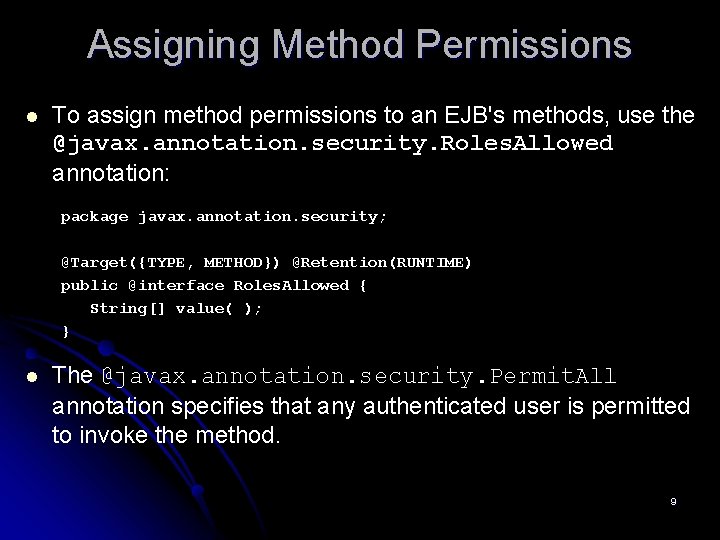
Assigning Method Permissions l To assign method permissions to an EJB's methods, use the @javax. annotation. security. Roles. Allowed annotation: package javax. annotation. security; @Target({TYPE, METHOD}) @Retention(RUNTIME) public @interface Roles. Allowed { String[] value( ); } l The @javax. annotation. security. Permit. All annotation specifies that any authenticated user is permitted to invoke the method. 9
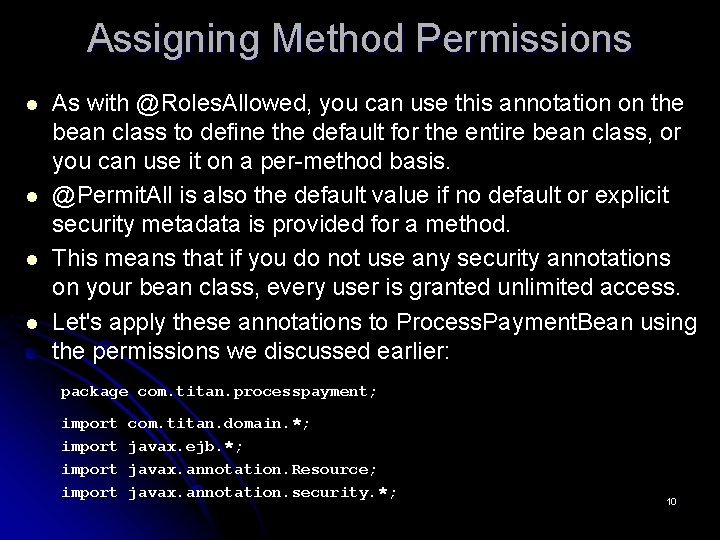
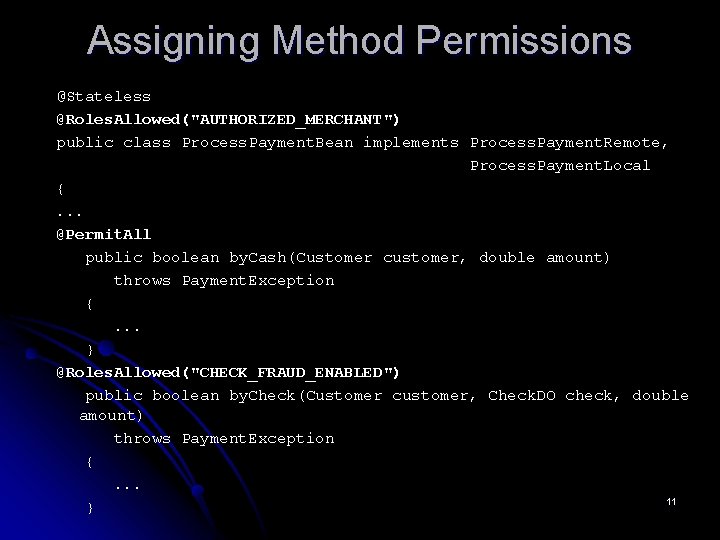
Assigning Method Permissions l l As with @Roles. Allowed, you can use this annotation on the bean class to define the default for the entire bean class, or you can use it on a per-method basis. @Permit. All is also the default value if no default or explicit security metadata is provided for a method. This means that if you do not use any security annotations on your bean class, every user is granted unlimited access. Let's apply these annotations to Process. Payment. Bean using the permissions we discussed earlier: package com. titan. processpayment; import com. titan. domain. *; javax. ejb. *; javax. annotation. Resource; javax. annotation. security. *; 10
Assigning Method Permissions @Stateless @Roles. Allowed("AUTHORIZED_MERCHANT") public class Process. Payment. Bean implements Process. Payment. Remote, Process. Payment. Local {. . . @Permit. All public boolean by. Cash(Customer customer, double amount) throws Payment. Exception {. . . } @Roles. Allowed("CHECK_FRAUD_ENABLED") public boolean by. Check(Customer customer, Check. DO check, double amount) throws Payment. Exception {. . . 11 }
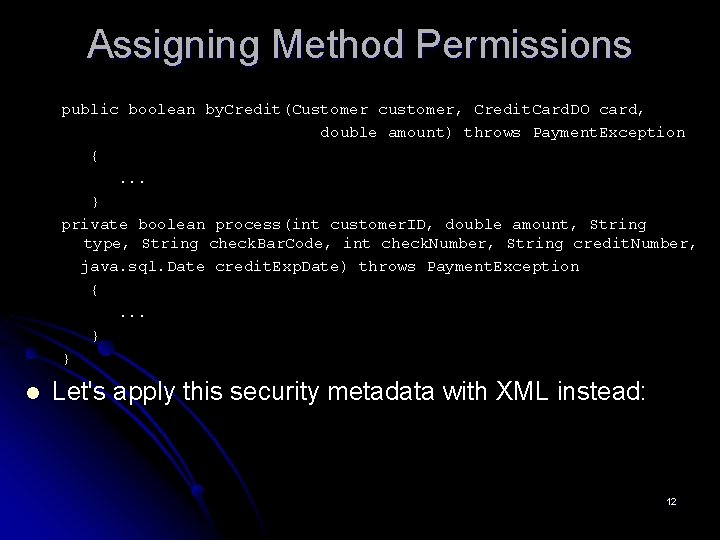
Assigning Method Permissions public boolean by. Credit(Customer customer, Credit. Card. DO card, double amount) throws Payment. Exception {. . . } private boolean process(int customer. ID, double amount, String type, String check. Bar. Code, int check. Number, String credit. Number, java. sql. Date credit. Exp. Date) throws Payment. Exception {. . . } } l Let's apply this security metadata with XML instead: 12
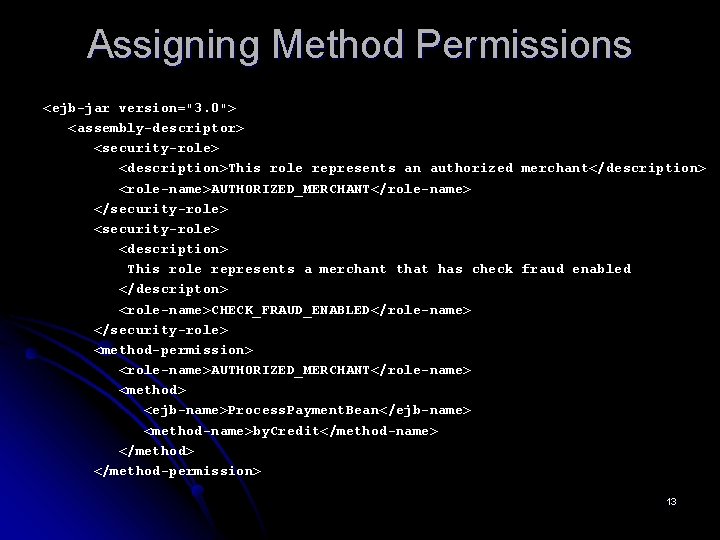
Assigning Method Permissions <ejb-jar version="3. 0"> <assembly-descriptor> <security-role> <description>This role represents an authorized merchant</description> <role-name>AUTHORIZED_MERCHANT</role-name> </security-role> <description> This role represents a merchant that has check fraud enabled </descripton> <role-name>CHECK_FRAUD_ENABLED</role-name> </security-role> <method-permission> <role-name>AUTHORIZED_MERCHANT</role-name> <method> <ejb-name>Process. Payment. Bean</ejb-name> <method-name>by. Credit</method-name> </method-permission> 13
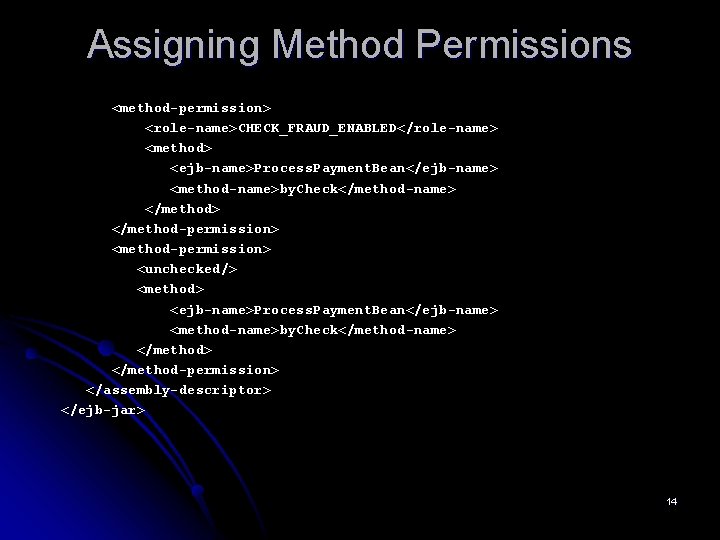
Assigning Method Permissions <method-permission> <role-name>CHECK_FRAUD_ENABLED</role-name> <method> <ejb-name>Process. Payment. Bean</ejb-name> <method-name>by. Check</method-name> </method-permission> <method-permission> <unchecked/> <method> <ejb-name>Process. Payment. Bean</ejb-name> <method-name>by. Check</method-name> </method-permission> </assembly-descriptor> </ejb-jar> 14
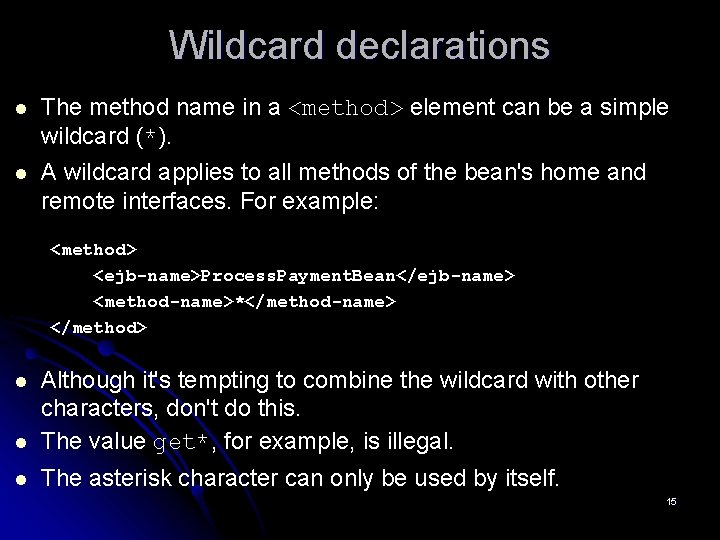
Wildcard declarations l The method name in a <method> element can be a simple wildcard (*). l A wildcard applies to all methods of the bean's home and remote interfaces. For example: <method> <ejb-name>Process. Payment. Bean</ejb-name> <method-name>*</method-name> </method> l Although it's tempting to combine the wildcard with other characters, don't do this. The value get*, for example, is illegal. l The asterisk character can only be used by itself. l 15
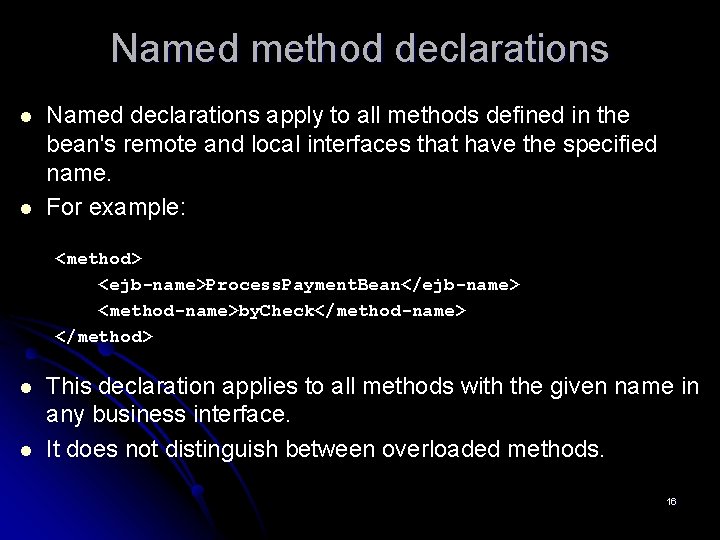
Named method declarations l l Named declarations apply to all methods defined in the bean's remote and local interfaces that have the specified name. For example: <method> <ejb-name>Process. Payment. Bean</ejb-name> <method-name>by. Check</method-name> </method> l l This declaration applies to all methods with the given name in any business interface. It does not distinguish between overloaded methods. 16
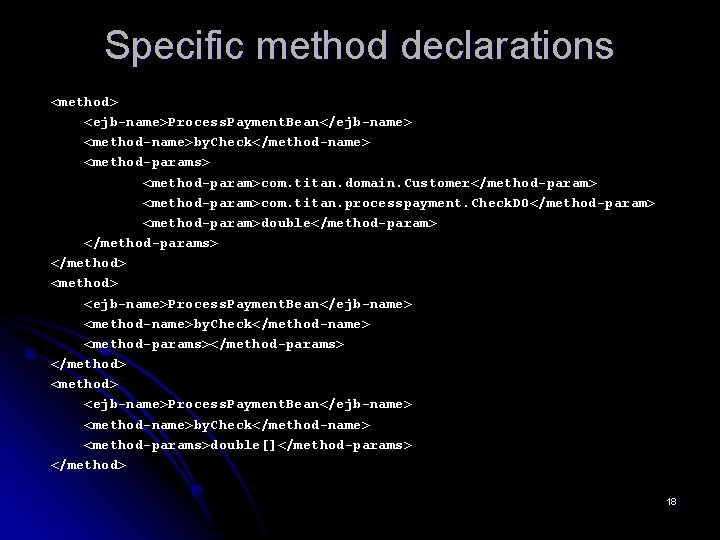
Specific method declarations l l Specific method declarations use the <method-params> element to pinpoint a method by listing its parameters, which allows you to differentiate between overloaded methods. The <method-params> element contains zero or more <method-param> elements that correspond, in order, to each parameter type (including multidimensional arrays) declared in the method. For example, let's look again at our Process. Payment EJB, to which we have added some overloaded by. Check( ) methods. Here are three <method> elements, each of which unambiguously specifies one of the methods by listing its parameters: 17
Specific method declarations <method> <ejb-name>Process. Payment. Bean</ejb-name> <method-name>by. Check</method-name> <method-params> <method-param>com. titan. domain. Customer</method-param> <method-param>com. titan. processpayment. Check. DO</method-param> <method-param>double</method-param> </method-params> </method> <method> <ejb-name>Process. Payment. Bean</ejb-name> <method-name>by. Check</method-name> <method-params>double[]</method-params> </method> 18
Remote/home/local differentiation l l l There's one problem left. The same method name can be used in the remote interface and the local interface. To resolve this ambiguity, add the <method-intf> element to a method declaration as a modifier. Five values are allowed for a <method-intf> element: Remote, Home, Local, and Service. Endpoint. All of these styles of method declarations can be used in any combination and within any element that uses the <method> element. The <method-permission> elements are combined to form a union of role-to-method permissions. 19
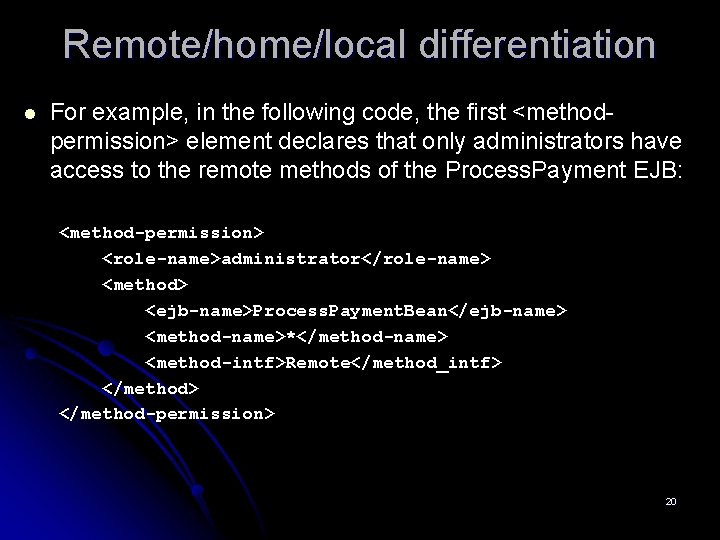
Remote/home/local differentiation l For example, in the following code, the first <methodpermission> element declares that only administrators have access to the remote methods of the Process. Payment EJB: <method-permission> <role-name>administrator</role-name> <method> <ejb-name>Process. Payment. Bean</ejb-name> <method-name>*</method-name> <method-intf>Remote</method_intf> </method-permission> 20
Excluded Methods l l l EJB security metadata has a rarely used feature that allows you to forbid access to one or more methods. Excluded methods are identified with the @javax. annotation. security. Deny. All annotation or with the <exclude-list> element. Denying access to a particular method with an annotation isn't a very useful proposition. Why would you write a bean class method, add it to the business interface, and then annotate it so that it couldn't be used? Using this feature in XML, though, does have some uses. What if the Process. Payment EJB was part of a third-party vendor library? 21
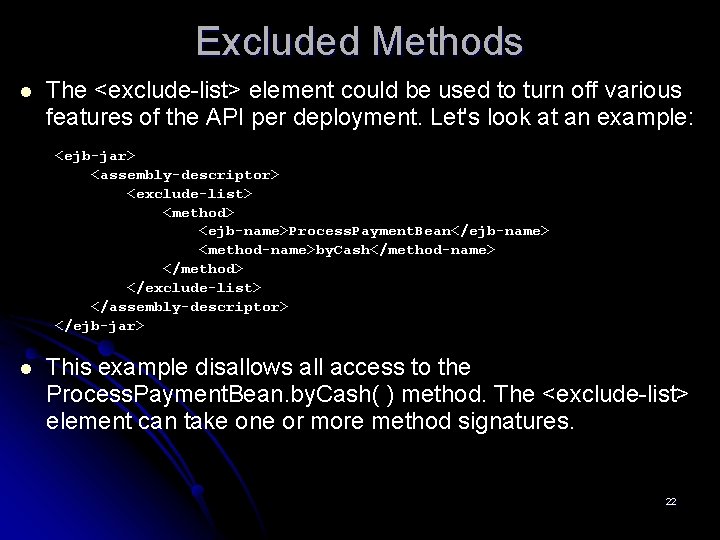
Excluded Methods l The <exclude-list> element could be used to turn off various features of the API per deployment. Let's look at an example: <ejb-jar> <assembly-descriptor> <exclude-list> <method> <ejb-name>Process. Payment. Bean</ejb-name> <method-name>by. Cash</method-name> </method> </exclude-list> </assembly-descriptor> </ejb-jar> l This example disallows all access to the Process. Payment. Bean. by. Cash( ) method. The <exclude-list> element can take one or more method signatures. 22
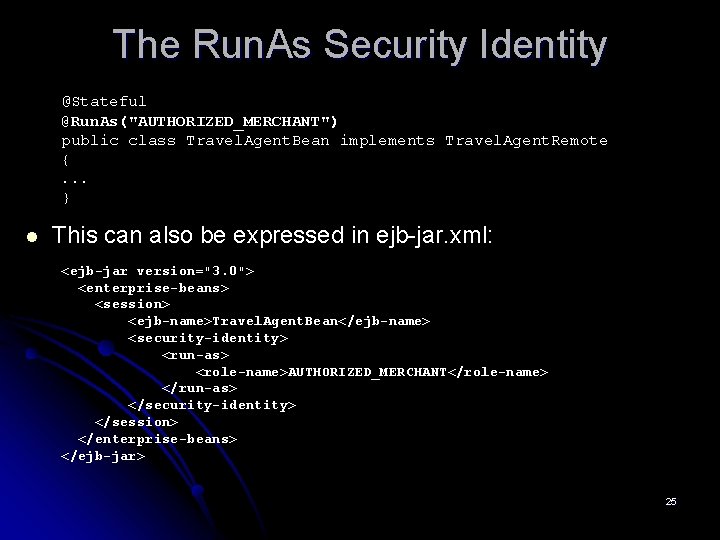
The Run. As Security Identity l l In addition to specifying the roles that have access to an enterprise bean's methods, the deployer can also specify the run. As role for the entire enterprise bean. While the @Roles. Allowed annotation and <methodpermission> elements specify which roles have access to the bean's methods, run. As specifies the role under which the method will run. The @javax. annotation. security. Run. As annotation is used to specify this special role. Although they are not allowed to use method permissions, message-driven beans can use the @Runs. As feature: 23
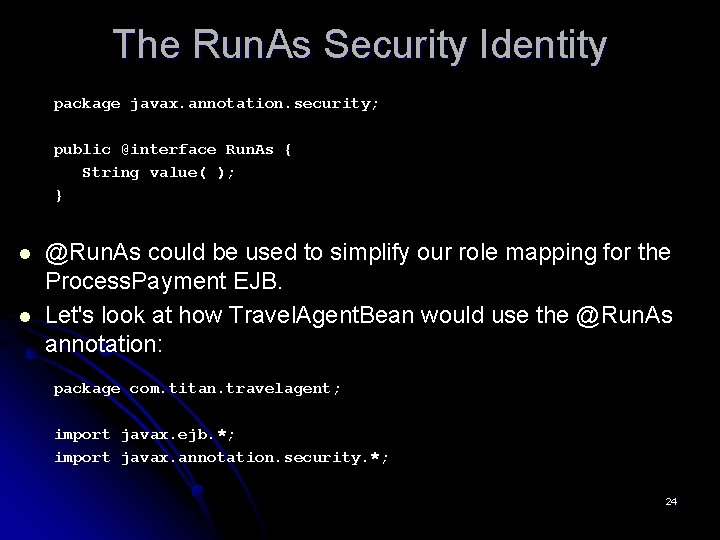
The Run. As Security Identity package javax. annotation. security; public @interface Run. As { String value( ); } l l @Run. As could be used to simplify our role mapping for the Process. Payment EJB. Let's look at how Travel. Agent. Bean would use the @Run. As annotation: package com. titan. travelagent; import javax. ejb. *; import javax. annotation. security. *; 24
The Run. As Security Identity @Stateful @Run. As("AUTHORIZED_MERCHANT") public class Travel. Agent. Bean implements Travel. Agent. Remote {. . . } l This can also be expressed in ejb-jar. xml: <ejb-jar version="3. 0"> <enterprise-beans> <session> <ejb-name>Travel. Agent. Bean</ejb-name> <security-identity> <run-as> <role-name>AUTHORIZED_MERCHANT</role-name> </run-as> </security-identity> </session> </enterprise-beans> </ejb-jar> 25
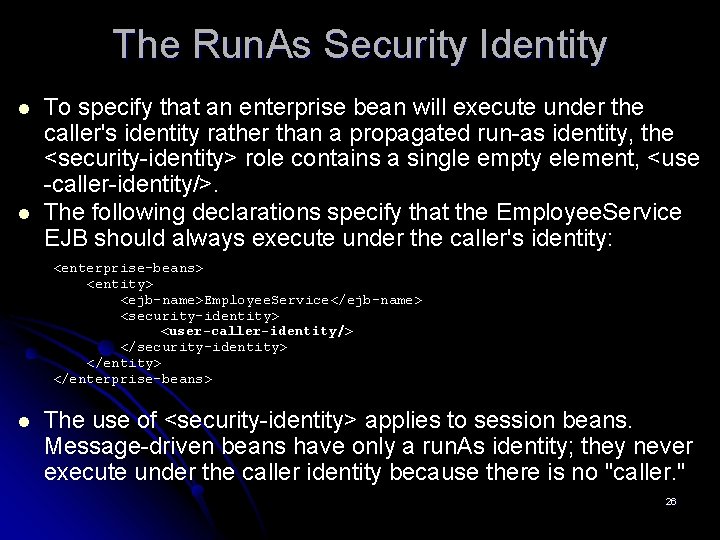
The Run. As Security Identity l l To specify that an enterprise bean will execute under the caller's identity rather than a propagated run-as identity, the <security-identity> role contains a single empty element, <use -caller-identity/>. The following declarations specify that the Employee. Service EJB should always execute under the caller's identity: <enterprise-beans> <entity> <ejb-name>Employee. Service</ejb-name> <security-identity> <user-caller-identity/> </security-identity> </enterprise-beans> l The use of <security-identity> applies to session beans. Message-driven beans have only a run. As identity; they never execute under the caller identity because there is no "caller. " 26
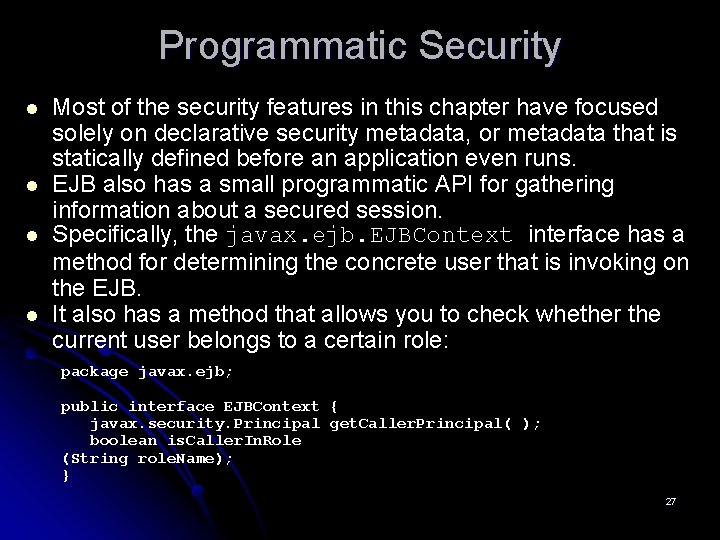
Programmatic Security l l Most of the security features in this chapter have focused solely on declarative security metadata, or metadata that is statically defined before an application even runs. EJB also has a small programmatic API for gathering information about a secured session. Specifically, the javax. ejb. EJBContext interface has a method for determining the concrete user that is invoking on the EJB. It also has a method that allows you to check whether the current user belongs to a certain role: package javax. ejb; public interface EJBContext { javax. security. Principal get. Caller. Principal( ); boolean is. Caller. In. Role (String role. Name); } 27
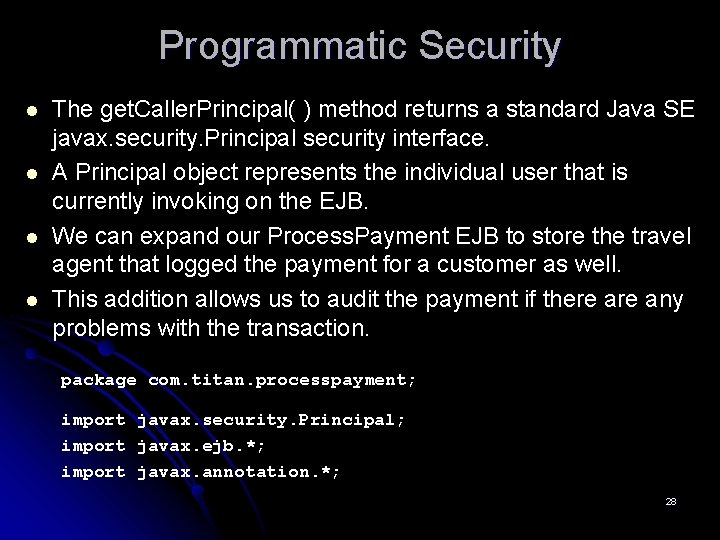
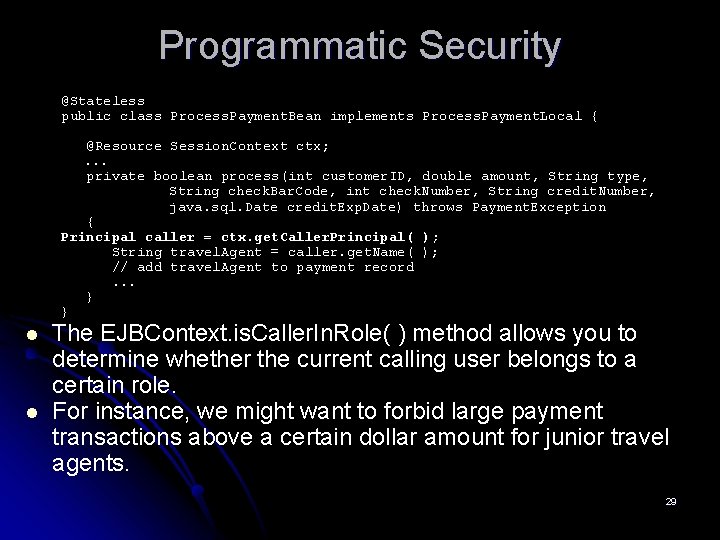
Programmatic Security l l The get. Caller. Principal( ) method returns a standard Java SE javax. security. Principal security interface. A Principal object represents the individual user that is currently invoking on the EJB. We can expand our Process. Payment EJB to store the travel agent that logged the payment for a customer as well. This addition allows us to audit the payment if there any problems with the transaction. package com. titan. processpayment; import javax. security. Principal; import javax. ejb. *; import javax. annotation. *; 28
Programmatic Security @Stateless public class Process. Payment. Bean implements Process. Payment. Local { @Resource Session. Context ctx; . . . private boolean process(int customer. ID, double amount, String type, String check. Bar. Code, int check. Number, String credit. Number, java. sql. Date credit. Exp. Date) throws Payment. Exception { Principal caller = ctx. get. Caller. Principal( ); String travel. Agent = caller. get. Name( ); // add travel. Agent to payment record. . . } } l l The EJBContext. is. Caller. In. Role( ) method allows you to determine whether the current calling user belongs to a certain role. For instance, we might want to forbid large payment transactions above a certain dollar amount for junior travel agents. 29
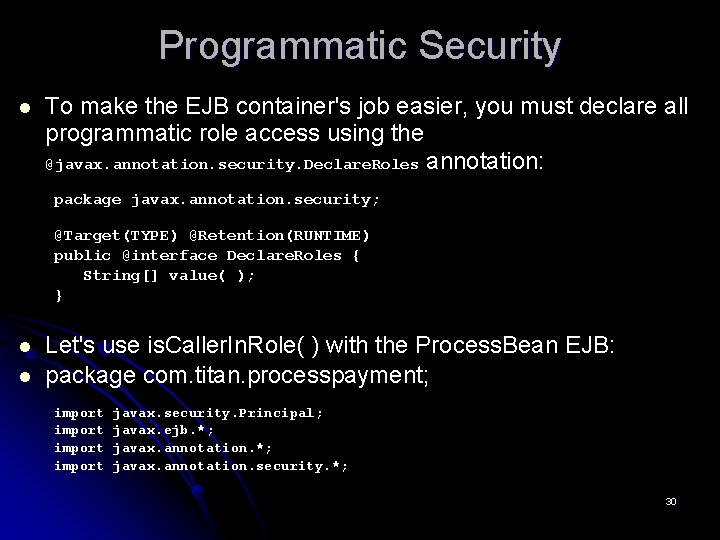
Programmatic Security l To make the EJB container's job easier, you must declare all programmatic role access using the @javax. annotation. security. Declare. Roles annotation: package javax. annotation. security; @Target(TYPE) @Retention(RUNTIME) public @interface Declare. Roles { String[] value( ); } l l Let's use is. Caller. In. Role( ) with the Process. Bean EJB: package com. titan. processpayment; import javax. security. Principal; javax. ejb. *; javax. annotation. security. *; 30
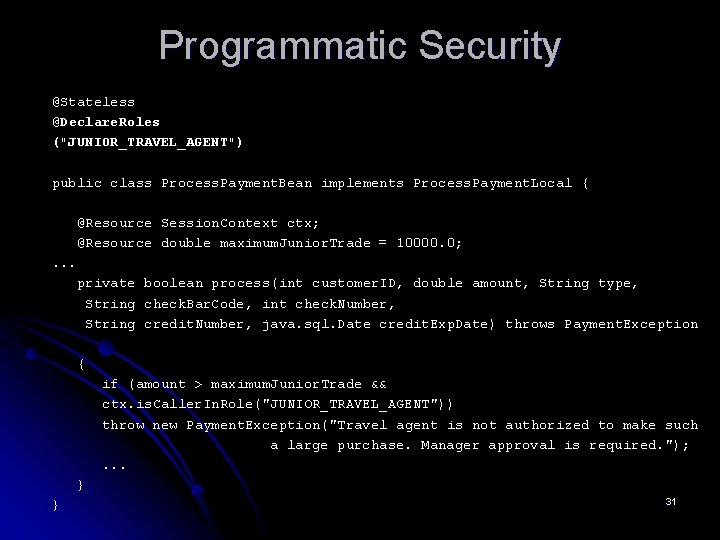
Programmatic Security @Stateless @Declare. Roles ("JUNIOR_TRAVEL_AGENT") public class Process. Payment. Bean implements Process. Payment. Local { @Resource Session. Context ctx; @Resource double maximum. Junior. Trade = 10000. 0; . . . private boolean process(int customer. ID, double amount, String type, String check. Bar. Code, int check. Number, String credit. Number, java. sql. Date credit. Exp. Date) throws Payment. Exception { if (amount > maximum. Junior. Trade && ctx. is. Caller. In. Role("JUNIOR_TRAVEL_AGENT")) throw new Payment. Exception("Travel agent is not authorized to make such a large purchase. Manager approval is required. "); . . . } } 31
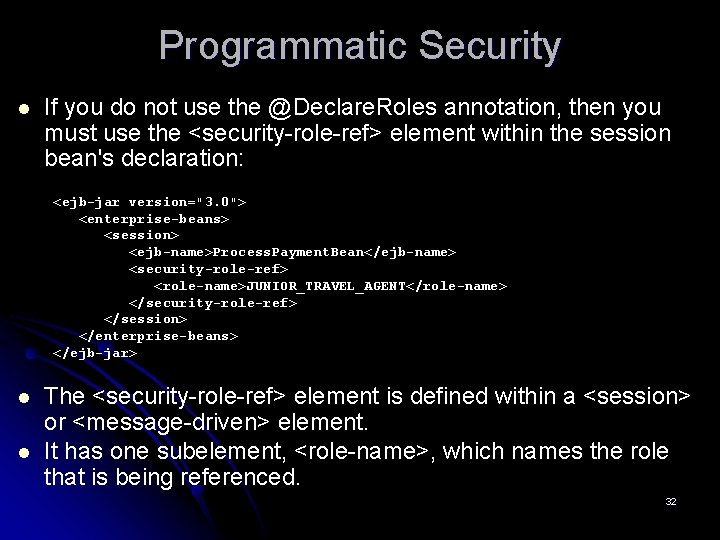
Programmatic Security l If you do not use the @Declare. Roles annotation, then you must use the <security-role-ref> element within the session bean's declaration: <ejb-jar version="3. 0"> <enterprise-beans> <session> <ejb-name>Process. Payment. Bean</ejb-name> <security-role-ref> <role-name>JUNIOR_TRAVEL_AGENT</role-name> </security-role-ref> </session> </enterprise-beans> </ejb-jar> l l The <security-role-ref> element is defined within a <session> or <message-driven> element. It has one subelement, <role-name>, which names the role that is being referenced. 32