
Security Incident Database By L Michael Johnson CISSP
Security Incident Database By L. Michael Johnson, CISSP mjohnson@ou. edu "Copyright L. Michael Johnson 2006. This work is the intellectual property of the author. Permission is granted for this material to be shared for non-commercial, educational purposes, provided that this copyright statement appears on the reproduced materials and notice is given that the copying is by permission of the author. To disseminate otherwise or to republish requires written permission from the author. "
SID: Overview • Purpose • Personnel/Tools • History – Evolution – Phases • Mechanics – – Tools Components (Dependencies) The Incident Defined Procedures • Future
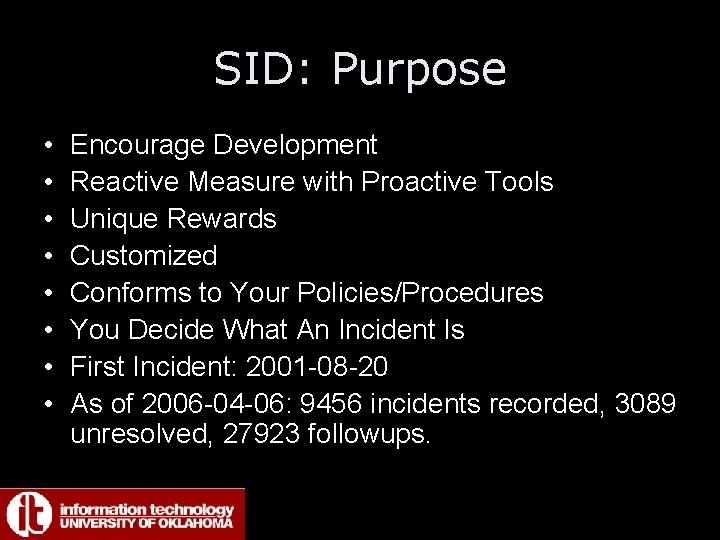
SID: Purpose • • Encourage Development Reactive Measure with Proactive Tools Unique Rewards Customized Conforms to Your Policies/Procedures You Decide What An Incident Is First Incident: 2001 -08 -20 As of 2006 -04 -06: 9456 incidents recorded, 3089 unresolved, 27923 followups.
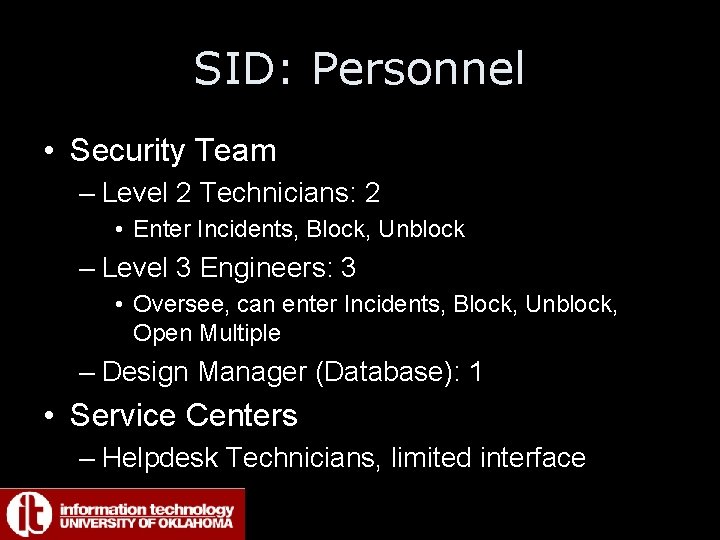
SID: Personnel • Security Team – Level 2 Technicians: 2 • Enter Incidents, Block, Unblock – Level 3 Engineers: 3 • Oversee, can enter Incidents, Block, Unblock, Open Multiple – Design Manager (Database): 1 • Service Centers – Helpdesk Technicians, limited interface
SID: Tools • None Generate Incident – Simply sources of information • QRadar • Snort • Symantec Network Security (SNS Appliance), Managed Services • Logs • Some Helpdesk Ticketing System
SID: History • • Phase 1: Notes Phase 2: Database Phase 3: Web Interface Phase 4: Addition of Tools - Alerting
SID: History: Phase 1 • • • Sticky Note Phase Flat Text File Accessed by Web site CGI Tracking Changes Difficult Blocking by Edge Switch Port Disable
SID: History: Phase 2 • • • Database CGI Interface Perl DBI Linux based bash scripting Began incorporating blocking Transaction Table for Tracking Changes Simple Web Interface for Helpdesk
SID: History: Phase 3 • Established CART Protocols (External Communication) • Incorporating Modem. Pool/VPN Violations • Redesigned the Web Interface for Multiple Users, Tracking Options, Changes • Began Alerting (later SLA) • Reporting Capabilities
SID: History: Phase 4 • • Tied In Forensic Tools NBTSTAT Scanning NMAP HPOpenview’s locate Open Multiple Incidents Expanded Reporting Up to 260 Mbytes, 16 tables, 2. 8 million records
SID: Mechanics • Tools • Components Depends On (Other Databases) • The Incident Dissected • Procedures (Copyright / Others)
SID: Mechanics: Tools • • My. SQL (mysql. org) Perl (perl. org) Apache+MODSSL (apache. org) PHP (php. net) Linux (Redhat) (7. 2 -> AS 4) Expect (expect. nist. gov) CRON (? )
SID: Mechanics: Components • Arpcache Database – SID depends • Null. Route Database - Related • NETREG – Related
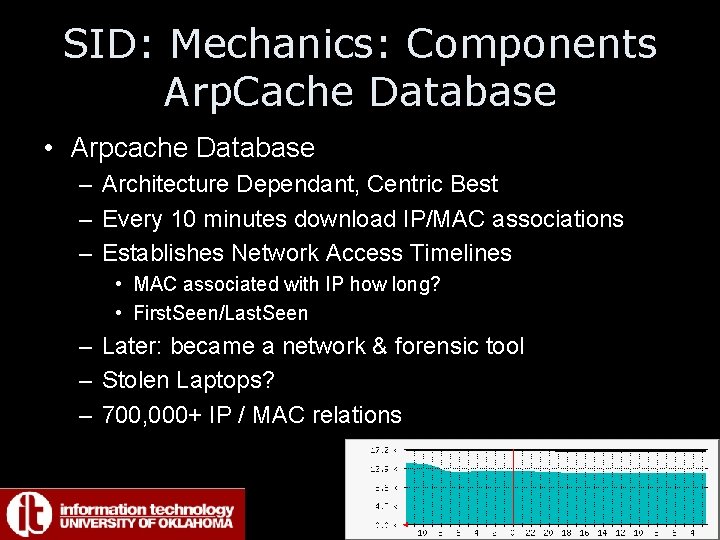
SID: Mechanics: Components Arp. Cache Database • Arpcache Database – Architecture Dependant, Centric Best – Every 10 minutes download IP/MAC associations – Establishes Network Access Timelines • MAC associated with IP how long? • First. Seen/Last. Seen – Later: became a network & forensic tool – Stolen Laptops? – 700, 000+ IP / MAC relations
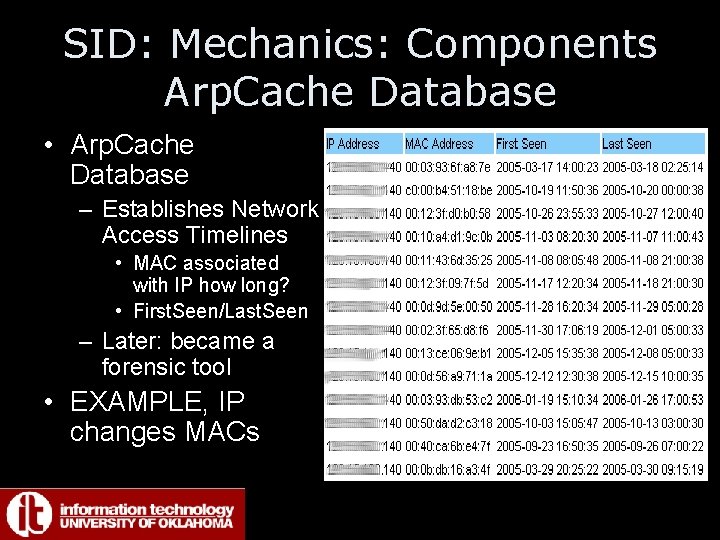
SID: Mechanics: Components Arp. Cache Database • Arp. Cache Database – Establishes Network Access Timelines • MAC associated with IP how long? • First. Seen/Last. Seen – Later: became a forensic tool • EXAMPLE, IP changes MACs
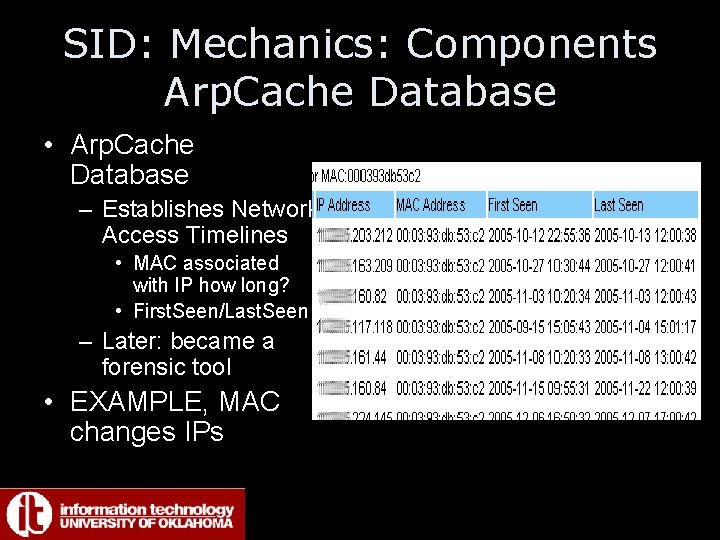
SID: Mechanics: Components Arp. Cache Database • Arp. Cache Database – Establishes Network Access Timelines • MAC associated with IP how long? • First. Seen/Last. Seen – Later: became a forensic tool • EXAMPLE, MAC changes IPs
SID: Mechanics: Components Arp. Cache Database • Imagine uses – Network Troubleshooting – Track Usage of IP Space – Forensic – DHCP Usage – Find Non-Compliant Devices – Vendor Prefix: HP, Dell, Gateway? – SUPPORT SECURITY INCIDENT DATABASE
SID: Mechanics: Components Null. Route Database • Security Incident Database for Non. Campus IPs • Enter Complaints • Track Incidents, expire 1 week (varies) • No MAC addresses • Blocking via NULLROUTE – Routers handle routes naturally (as opposed to ACLs)
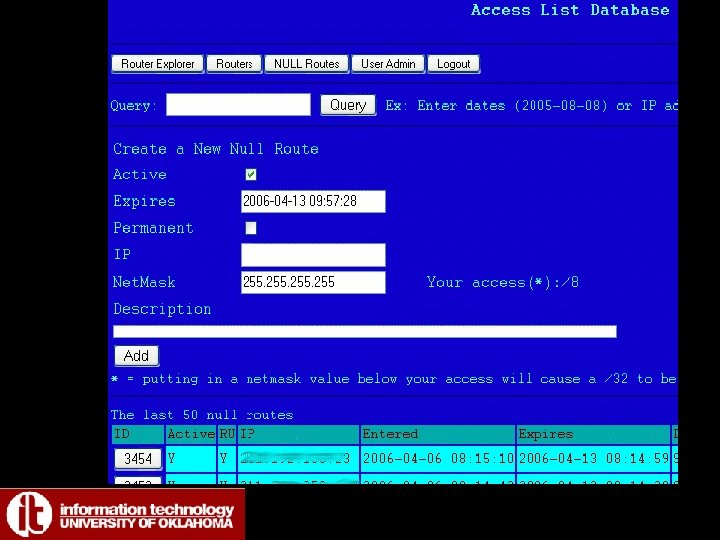
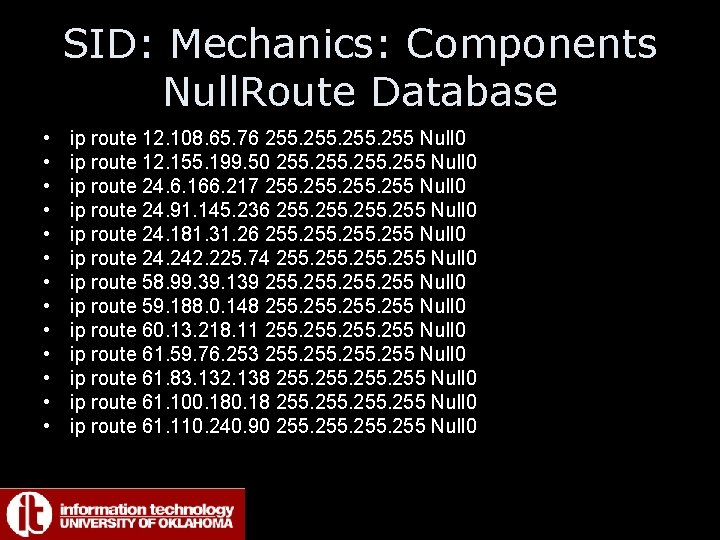
SID: Mechanics: Components Null. Route Database • • • • ip route 12. 108. 65. 76 255 Null 0 ip route 12. 155. 199. 50 255 Null 0 ip route 24. 6. 166. 217 255 Null 0 ip route 24. 91. 145. 236 255 Null 0 ip route 24. 181. 31. 26 255 Null 0 ip route 24. 242. 225. 74 255 Null 0 ip route 58. 99. 39. 139 255 Null 0 ip route 59. 188. 0. 148 255 Null 0 ip route 60. 13. 218. 11 255 Null 0 ip route 61. 59. 76. 253 255 Null 0 ip route 61. 83. 132. 138 255 Null 0 ip route 61. 100. 18 255 Null 0 ip route 61. 110. 240. 90 255 Null 0
SID: Mechanics: Components NETREG • Network Registration built on similar tools • Students redirected to web page via DHCP/BOGUS DNS • Requires Login • Fill Out Form (including contact information), Click Register • 1 Minute Later, DHCP restarted • Incidents can import this information
SID: Mechanics The Incident • Overall Design: – Static Information • Helpdesk can see, Alerts – Followups • Initial Emails, Complaints • Notes, Resolutions, Emails Exchanged
SID: Mechanics The Incident • Static Information – IP, MAC – Dates/Times Incident Opened, Resolved – Categorical Information • • • Department Network Type of Violation Blocked? Resolved? Escalation (Information Only, Action Requested, Action Performed) • Source (email complaint, automated scan, vendor product, Snort, QRadar) • Student/Employee ID
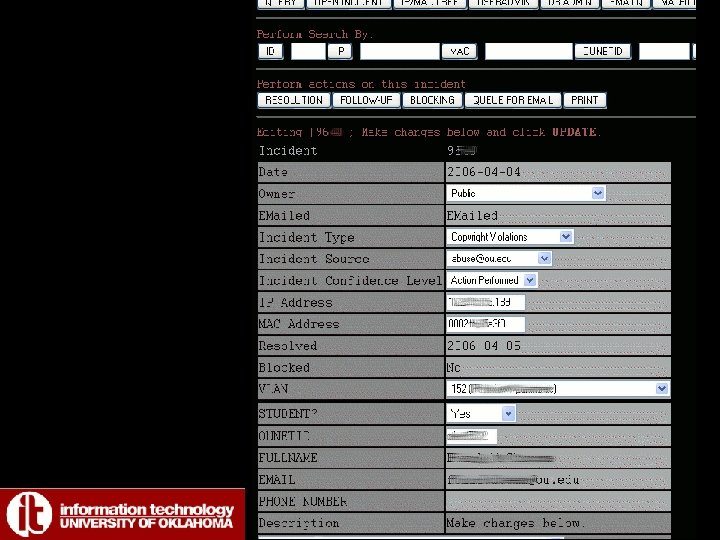
SID: Mechanics The Incident • Everything Else Is A Followup (Transaction Table) – Date/Time – Private? Y/N – Description Text Field (Email/Notes/Scan Results)
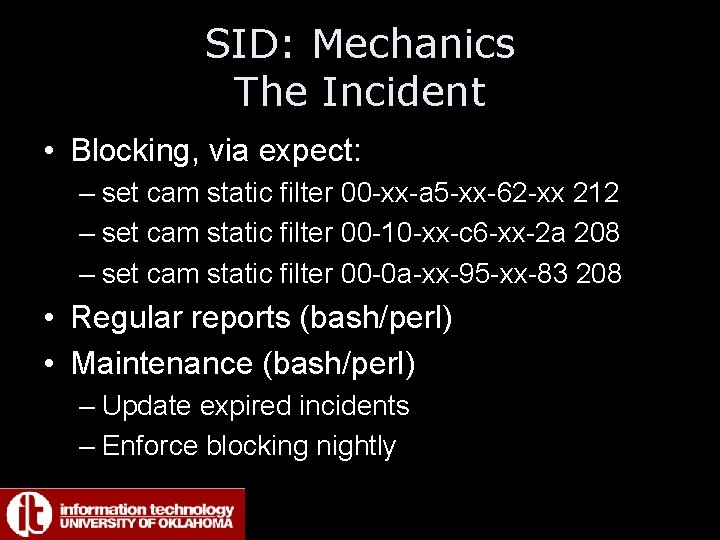
SID: Mechanics The Incident • Blocking, via expect: – set cam static filter 00 -xx-a 5 -xx-62 -xx 212 – set cam static filter 00 -10 -xx-c 6 -xx-2 a 208 – set cam static filter 00 -0 a-xx-95 -xx-83 208 • Regular reports (bash/perl) • Maintenance (bash/perl) – Update expired incidents – Enforce blocking nightly
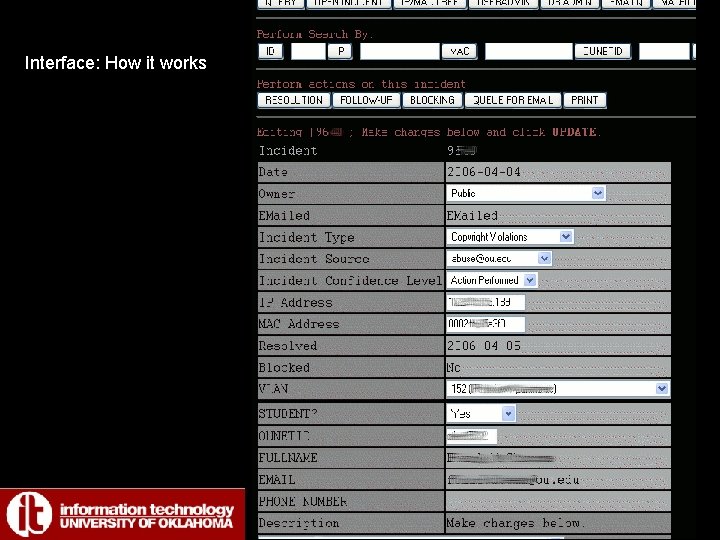
Interface: How it works
SID: Mechanics Procedures • Overall Design: – Copyright Violations – Campus Wide Incidents – All Others
SID: Mechanics Procedures • Copyright Violations – Notice is entered into system (via email complaint to security@, abuse@, etc) – Notice is forwarded to Designated Person who will draft a response (example) – 2 nd, 3 rd, nth violation? – Reasonable attempt to notify if a contact is known – Blocked (on first complaint) – User Calls Helpdesk
SID: Mechanics Procedures (cont) • Copyright Violations – Service Center Looks Up informs Incident Number • User Actions – Visit Legal Counsel, Sign Affirmation of Compliance (example) – 2 nd or more violations: Visit Student Affairs Office – Designated Legal Counsel Representative notifies Security Group of Signed Affirmation of Compliance – Machine is unblocked, Resolved – Signed Affirmation of Compliance forms are sent to Director of IT-Security
SID: Mechanics Procedures • Campus Wide Incidents – Open Multiple Incidents – Lists of IP addresses – No need for followups – Once certified clean by Service Centers, unblocked
SID: Mechanics Procedures • All Other Incidents – Entered Into Database – Complaints are entered as followups – Verification of Source Required to Block • Spam usually results in 2 or more complaints • Some sources we trust more than others (dshield. org? )
SID: Mechanics Procedures • Planning Cost/Use – Regular Reports Useful for Planning • State of the Network/ Security Posture (weekly) • Reports at request (Perl) – Auditing • Yearly reports – By Network – By Location
SID: Lessons Learned • Valuable assets – – – – Reporting Forensics Costing Designing Policy Statistics/Forecasting Outbreaks SLA (selling point) Security Audits for Departments (includes report) • Examples of use – Dec ’ 05 2 Boxes, admin changed mac addresses – State of the network “Security Posture” weekly report
SID: Lessons Learned • Requires Maintenance – VLANS IP Address Space – Depends on centric network, blocked at core – Handful blocked manually (cable cut, switch port disable – rogue dhcp)
SID: Future • Integration with other tools, snort, etc. • Integration with the Null. Route Database – On/off campus handled the same • • Complete Redesign of the Web Interface Reports as needed Automatic Expiration of Incidents State-wide Honeynet (input into SID)
- Slides: 36