
Security Control Agenda Introduction Security Control Types of

- Slides: 7
Security Control
Agenda § Introduction § Security Control § Types of security levels ü Creating New Security Level ü Assigning Security Level § Users and passwords § Business scenarios § Voucher Type Security § Q&A session. 2
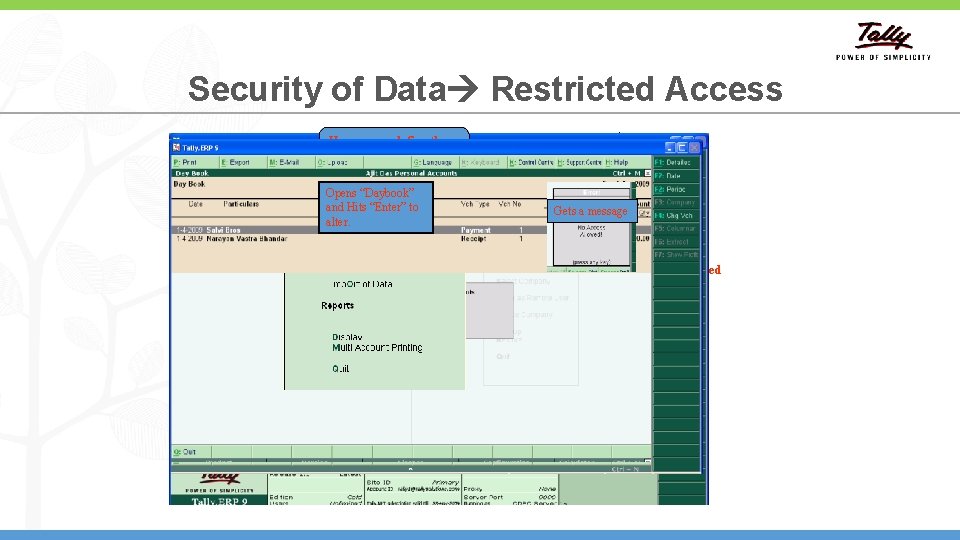
Security of Data Restricted Access Here we can define the Security Level of name. gets control only few options That’s easy with Tally. ERP 9 Opensfor “Daybook” 9 controls After. Tally. ERP defining the each level we can start defining and Hits “Enter” to allows you usernames and to passwords. define usernamesalter. and passwords. Data entry operator logs in with his for your staff user name and password Request your attention on this Their usernames Also, it allows you to define the access rights for them. control Here Enabled security & we can define the access we want to specified username and their Here you can define Disallow/ Allow password Passwords the level of access for each user Gets a message I want to ensure the staff gets restricted access to the data, How do I do that? We will be taken in to the “Security Levels” screen on hitting enter on “Types of Security” Menu 3
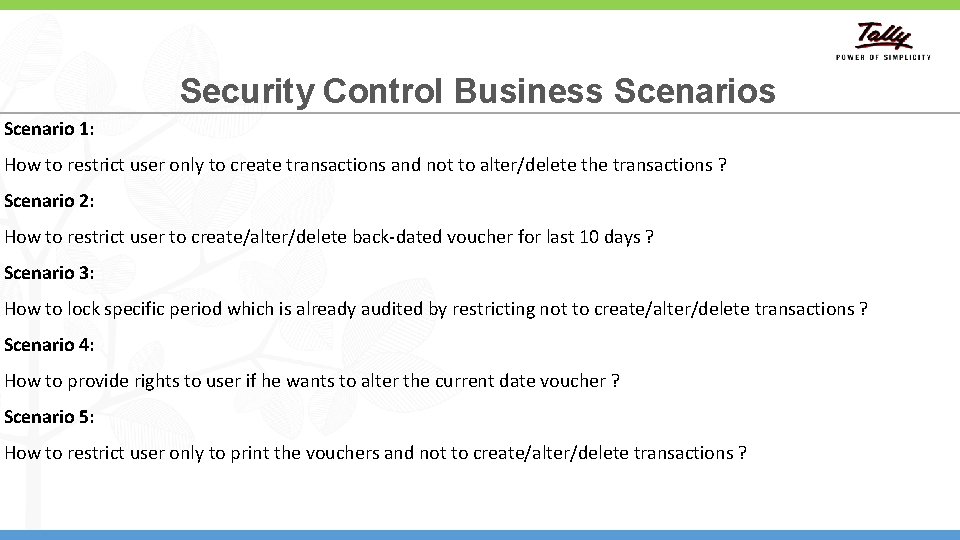
Security Control Business Scenario 1: How to restrict user only to create transactions and not to alter/delete the transactions ? Scenario 2: How to restrict user to create/alter/delete back-dated voucher for last 10 days ? Scenario 3: How to lock specific period which is already audited by restricting not to create/alter/delete transactions ? Scenario 4: How to provide rights to user if he wants to alter the current date voucher ? Scenario 5: How to restrict user only to print the vouchers and not to create/alter/delete transactions ? 4
Voucher Type Security § Tally. ERP 9 Release 4. 5 provides the enhanced capability to set a much deeper level security on individual Voucher Types for different users. § Voucher Type Security will help the business owner specify both individual Voucher Type (Contra, Payment, etc. ) restriction and activity level (Sales Department, Procurement Department etc) restriction for different users. § The types of functions or activities for which the control can be set include being able to Create, Alter, Print, or have Full Access to any particular type of Voucher in Tally. ERP 9. § Product Demo 5
Questions? 6
Thank You 7