
Securing Corporate Email Documents Richard Elphick Titus Labs
Securing Corporate Email & Documents Richard Elphick Titus Labs
Titus Labs Overview East Midlands WARP
Titus Labs Overview Headquartered in Ottawa, Canada Established in the UK since 2005 Microsoft platform Solution Provider • • • Email Classification Document Classification Sharepoint Solutions Data Classification Market Leader - Local Authorities, Criminal Justice, Central Government, Defence, Commercial 1. 5 million+ seats world wide 150, 000+ seats in UK 3
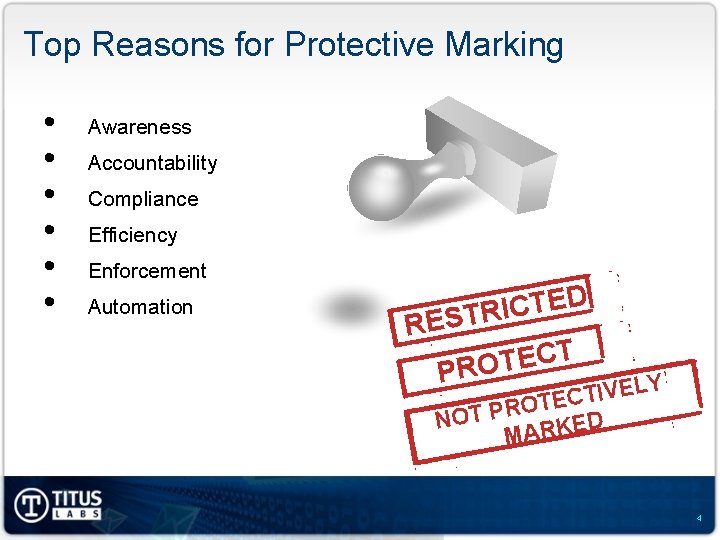
Top Reasons for Protective Marking • • • Awareness Accountability Compliance Efficiency Enforcement Automation D E T C I R T S E R T C E T O PR LY E V I T TEC O R P NOT ED K R A M 4

UK Government Compliance HMG Security Policy Framework Security Policy No. 2: Protective Marking and Asset Control MANDATORY REQUIREMENT 11 Departments and Agencies must apply the Protective Marking System and the necessary controls and technical measures as outlined in this framework. GCSX Code of Connection (Co. Co) v 4. 1 GCSX NETWORK CONTROL NUMBER 23 (MUST) The mail client or user adds security labels to each email that carries a protective marking of PROTECT or higher Government Protective Marking Scheme (GPMS) WWW. TITUS-LABS. COM | © TITUS LABS. ALL RIGHTS RESERVED | 5

GPMS Classification Levels Protective Marking Impact level Top Secret 6 Secret 5 Confidential 4 Restricted 3 Protect 2, 1 Not Protectively Marked 0 6
Sensitive Data Breach: • • • Fines Lawsuits Embarrassing headlines Loss of IP Possible risk to public safety
Communication and Security Challenges Inadvertent Data Loss v Unstructured information assets v Sensitive emails forwarded to inappropriate recipients v Confidential document leaks Policy Enforcement v Compliance with government classification schemes e. g. GPMS v Inconsistent enforcement of classification policies v Lack of information handling awareness and accountability Information Security v High storage and e. Discovery costs with “archive everything” v Low adoption of security technologies e. g. Encryption v Leveraging Data Loss Prevention and perimeter security solutions 8
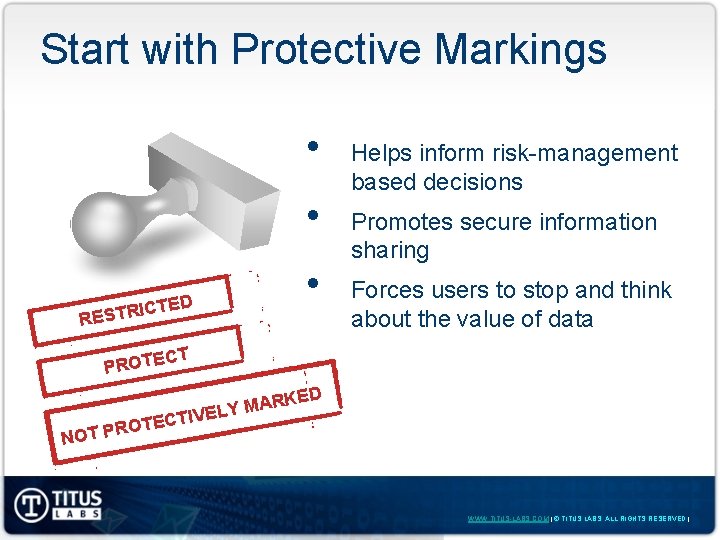
Start with Protective Markings • • • ICTED R T S E R Helps inform risk-management based decisions Promotes secure information sharing Forces users to stop and think about the value of data T C PROTE KED MAR Y L E V TECTI RO NOT P WWW. TITUS-LABS. COM | © TITUS LABS. ALL RIGHTS RESERVED |
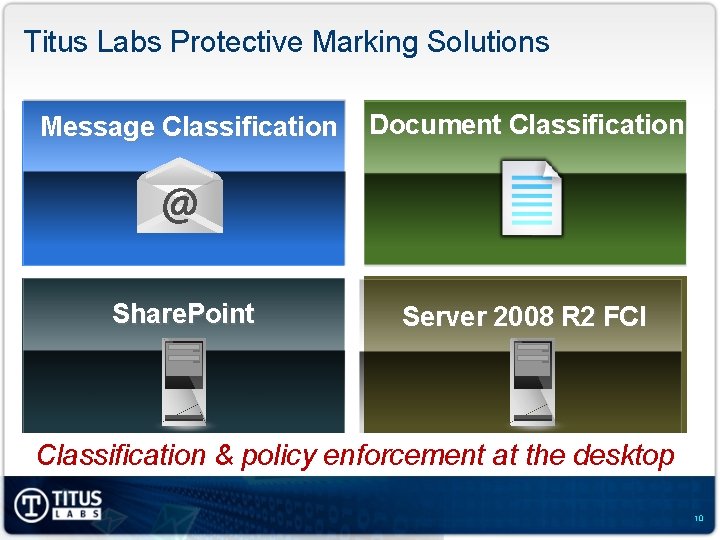
Titus Labs Protective Marking Solutions Message Classification Document Classification Share. Point Server 2008 R 2 FCI Classification & policy enforcement at the desktop 10
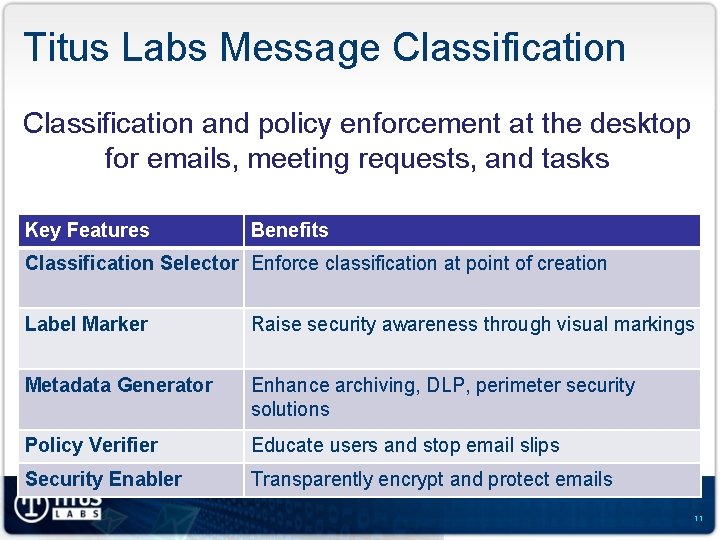
Titus Labs Message Classification and policy enforcement at the desktop for emails, meeting requests, and tasks Key Features Benefits Classification Selector Enforce classification at point of creation Label Marker Raise security awareness through visual markings Metadata Generator Enhance archiving, DLP, perimeter security solutions Policy Verifier Educate users and stop email slips Security Enabler Transparently encrypt and protect emails 11
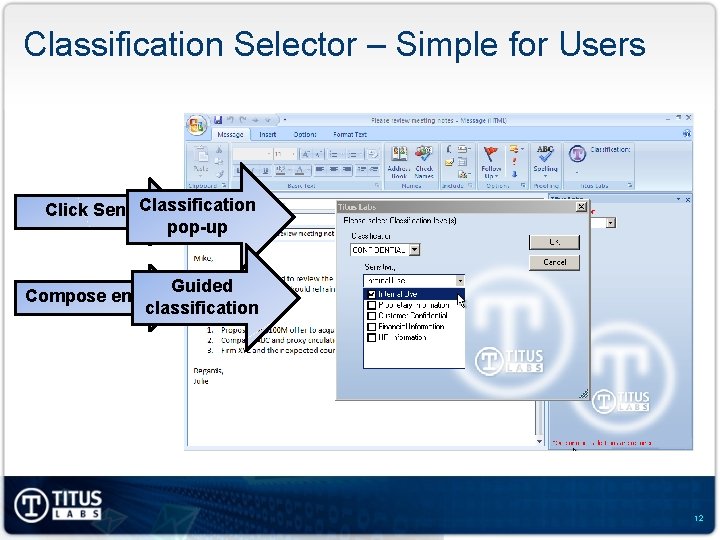
Classification Selector – Simple for Users Click Send Classification pop-up Guided Compose email classification 12
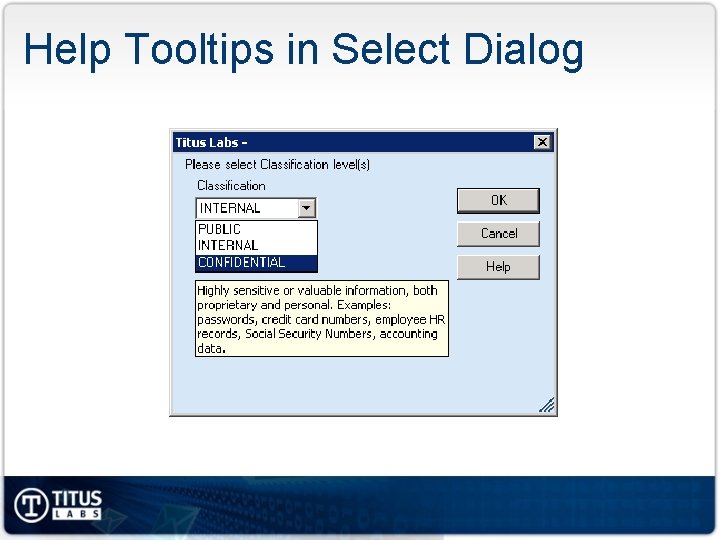
Help Tooltips in Select Dialog
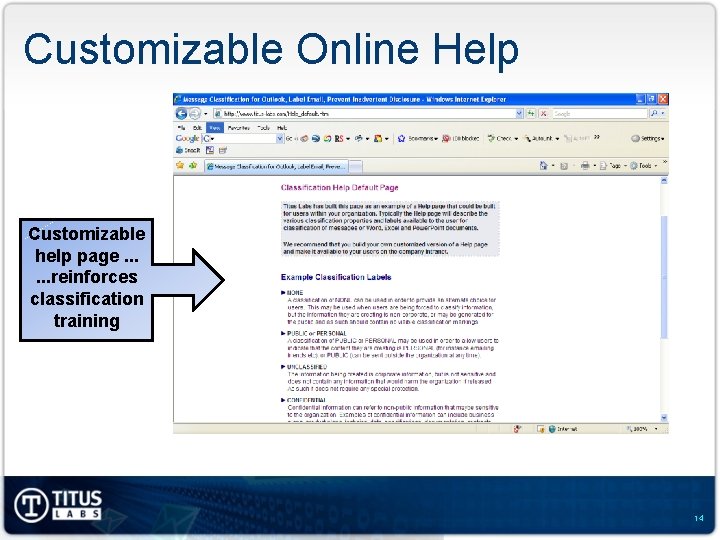
Customizable Online Help Customizable help page. . . reinforces classification training 14
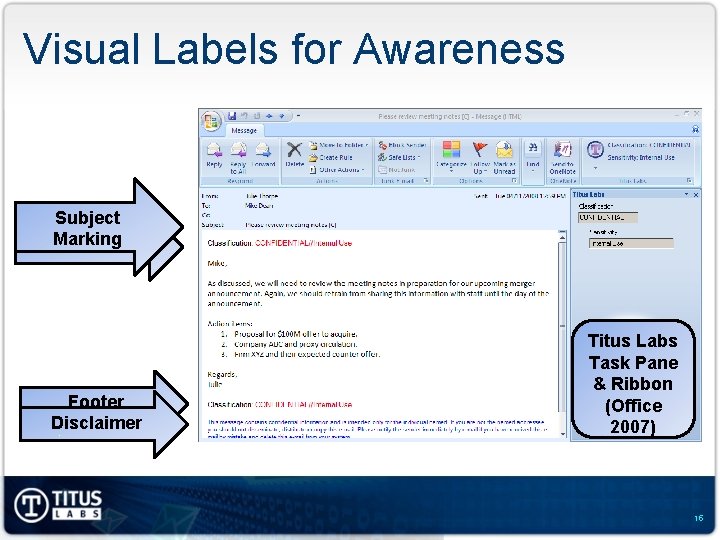
Visual Labels for Awareness Subject Marking Header Footer Disclaimer Titus Labs Task Pane & Ribbon (Office 2007) 15
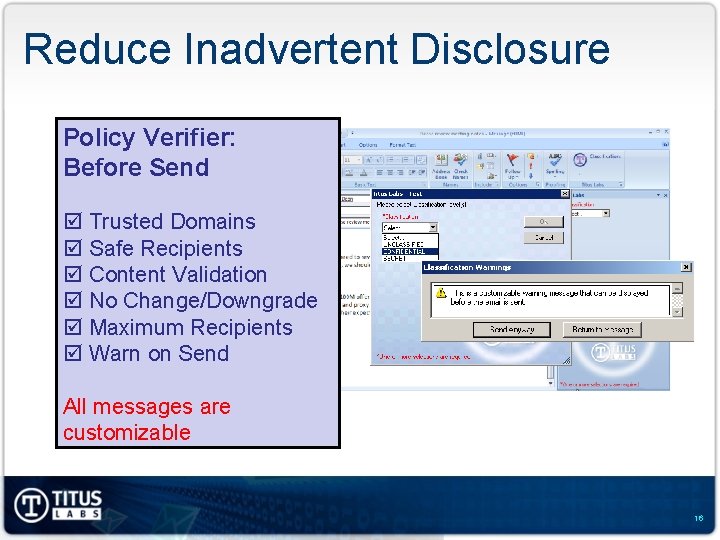
Reduce Inadvertent Disclosure Policy Verifier: Before Send þ Trusted Domains þ Safe Recipients þ Content Validation þ No Change/Downgrade þ Maximum Recipients þ Warn on Send All messages are customizable 16
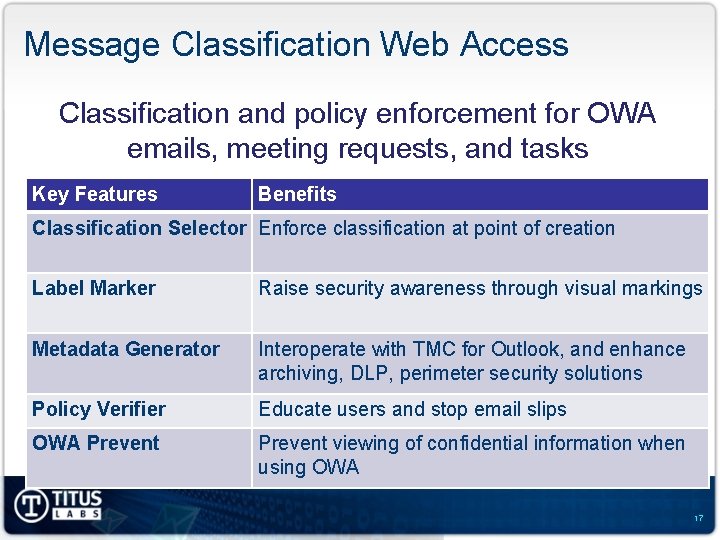
Message Classification Web Access Classification and policy enforcement for OWA emails, meeting requests, and tasks Key Features Benefits Classification Selector Enforce classification at point of creation Label Marker Raise security awareness through visual markings Metadata Generator Interoperate with TMC for Outlook, and enhance archiving, DLP, perimeter security solutions Policy Verifier Educate users and stop email slips OWA Prevent viewing of confidential information when using OWA 17
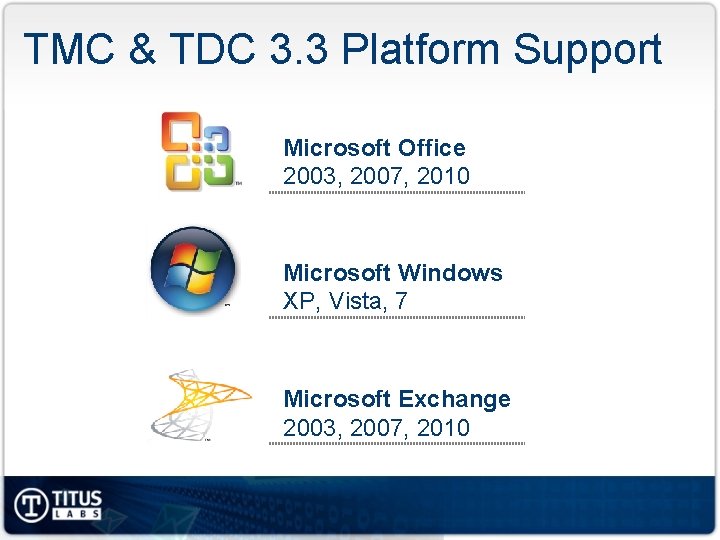
TMC & TDC 3. 3 Platform Support Microsoft Office 2003, 2007, 2010 Microsoft Windows XP, Vista, 7 Microsoft Exchange 2003, 2007, 2010
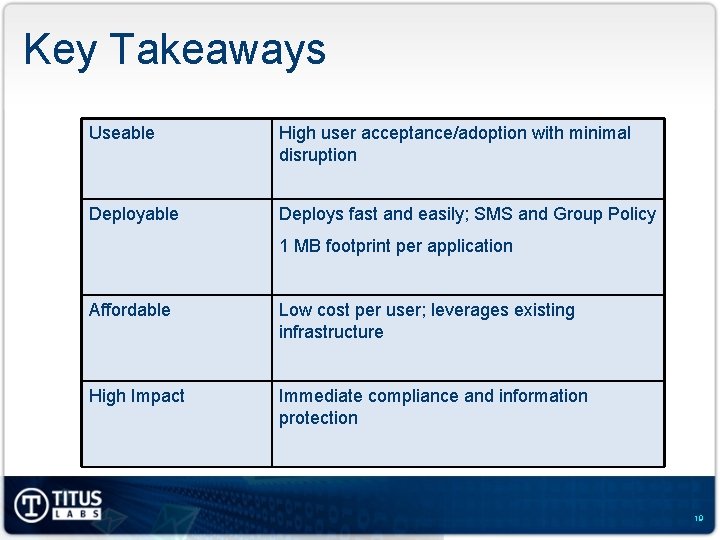
Key Takeaways Useable High user acceptance/adoption with minimal disruption Deployable Deploys fast and easily; SMS and Group Policy 1 MB footprint per application Affordable Low cost per user; leverages existing infrastructure High Impact Immediate compliance and information protection 19
Conference Round-up John Doyle Leicester City Council, EMGWARP Vice Chair
EMGWARP Conference Thank you
- Slides: 21