
Secure Windows App Development Authentication Secure data in
- Slides: 32
Secure Windows App Development
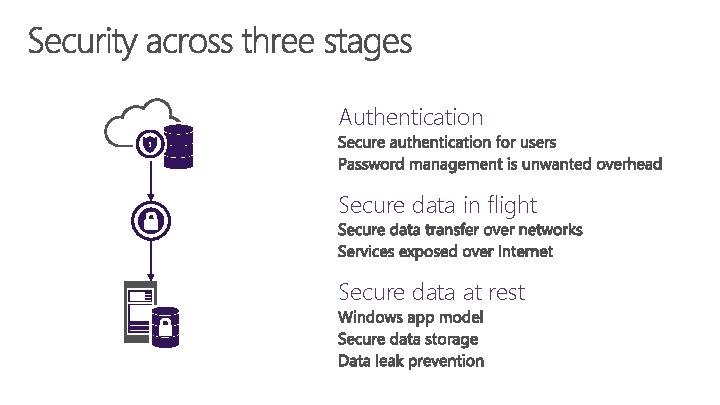
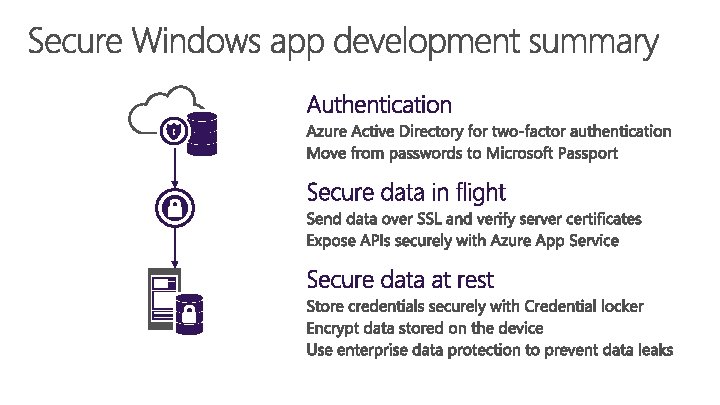
Authentication Secure data in flight Secure data at rest
Authentication
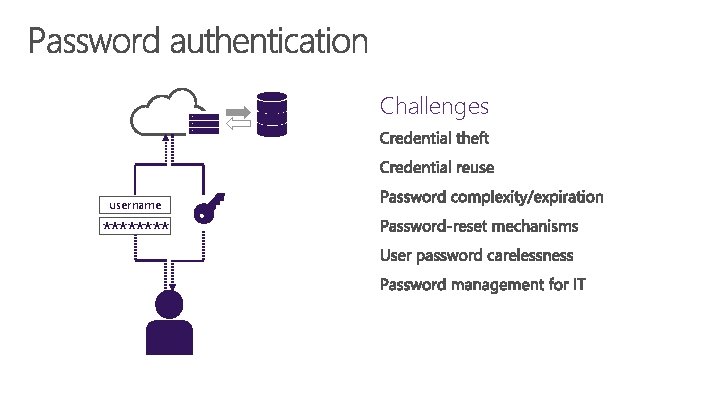
Challenges username ****
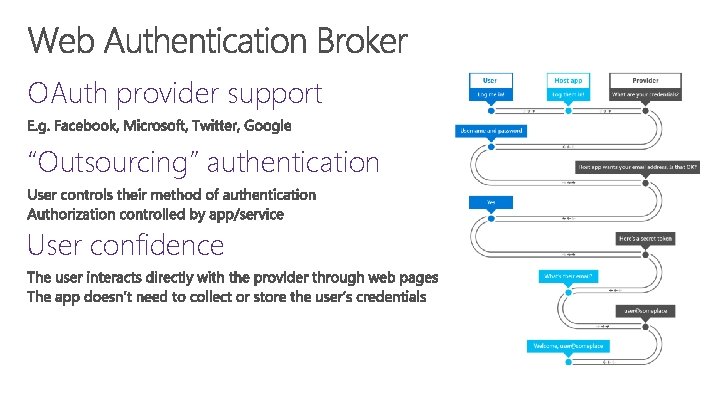
OAuth provider support “Outsourcing” authentication User confidence
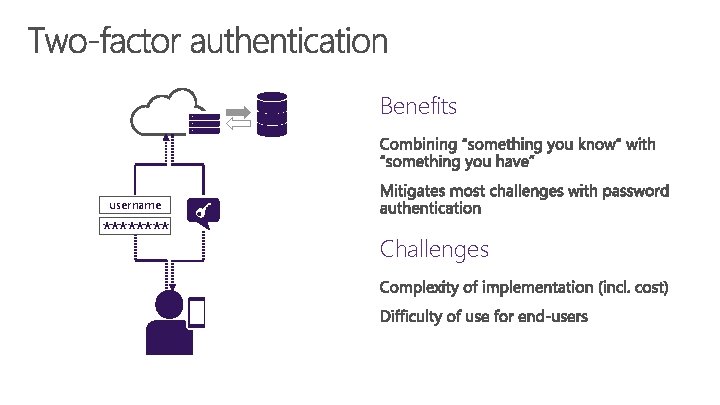
Benefits username **** Challenges
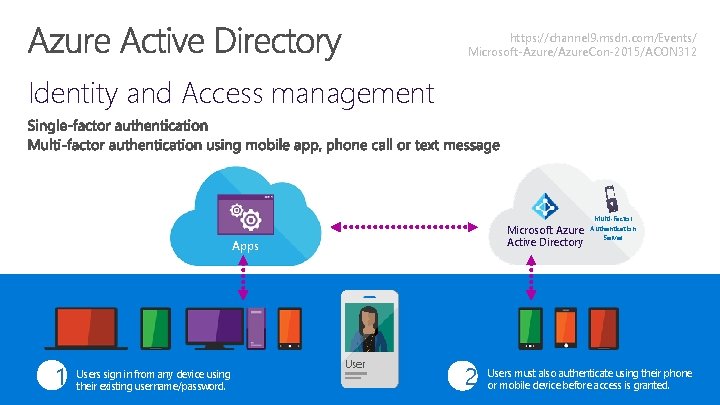
https: //channel 9. msdn. com/Events/ Microsoft-Azure/Azure. Con-2015/ACON 312 Identity and Access management Microsoft Azure Active Directory Apps 1 Users sign in from any device using their existing username/password. User 2 Multi-Factor Authentication Server Users must also authenticate using their phone or mobile device before access is granted.
Introducing Microsoft Passport and Windows Hello
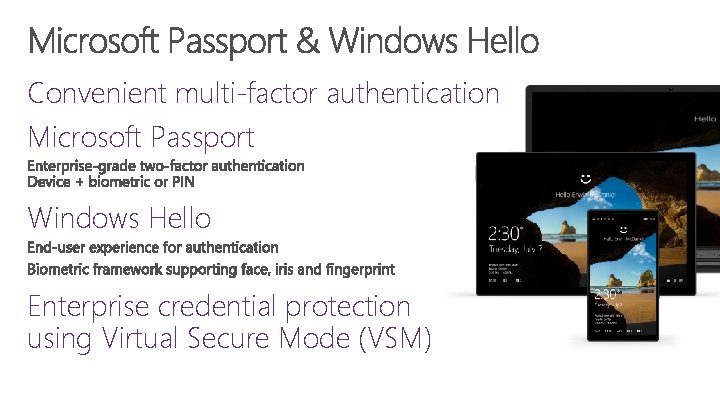
Convenient multi-factor authentication Microsoft Passport Windows Hello Enterprise credential protection using Virtual Secure Mode (VSM)
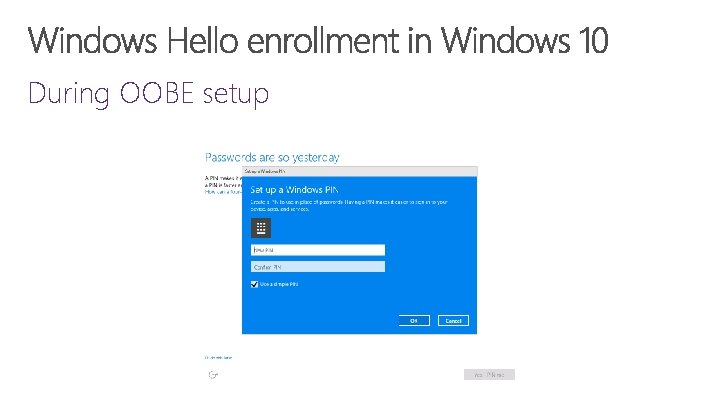
During OOBE setup
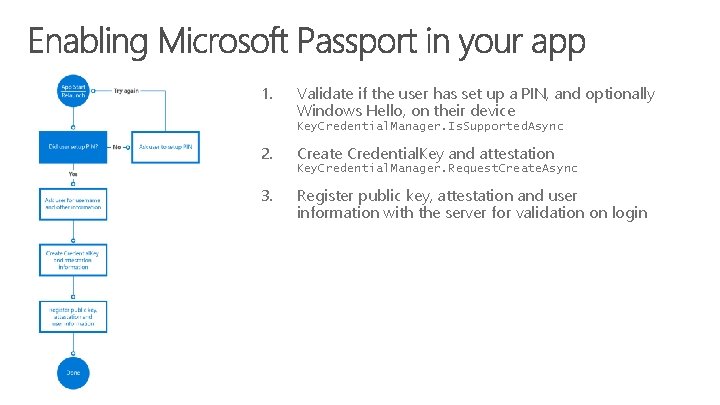
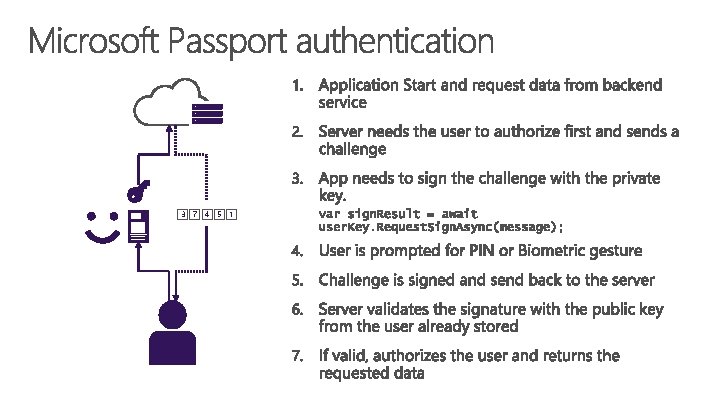
1. Validate if the user has set up a PIN, and optionally Windows Hello, on their device Key. Credential. Manager. Is. Supported. Async 2. Create Credential. Key and attestation Key. Credential. Manager. Request. Create. Async 3. Register public key, attestation and user information with the server for validation on login
3 7 4 5 1
Microsoft Passport and Windows Hello
Securing data in flight
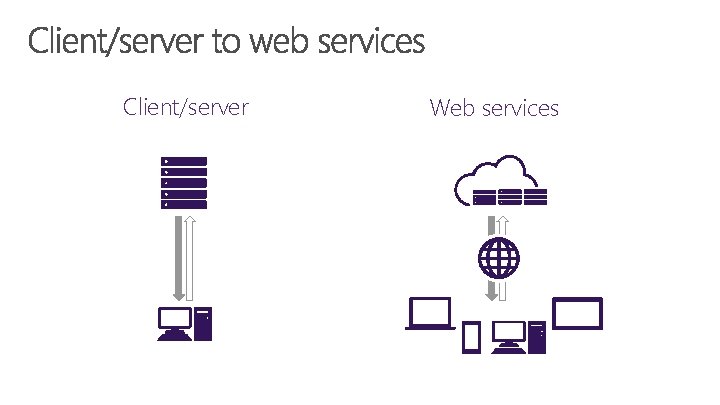
Client/server Web services
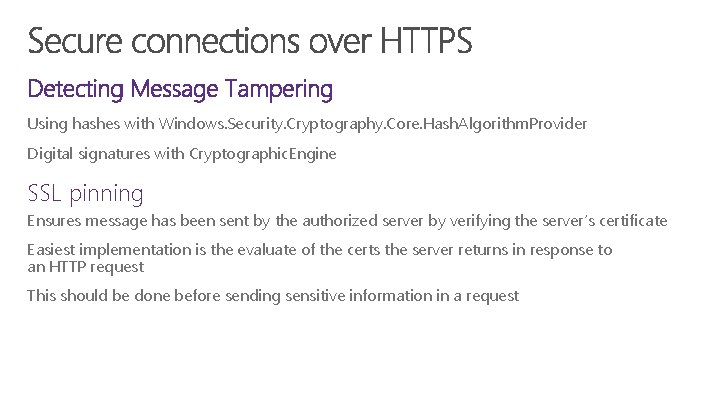
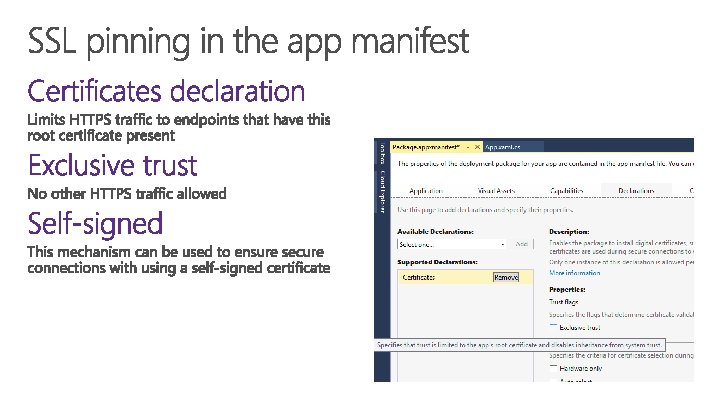
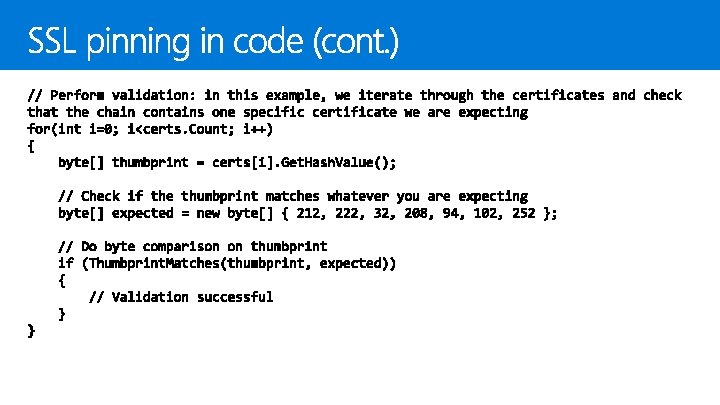
Using hashes with Windows. Security. Cryptography. Core. Hash. Algorithm. Provider Digital signatures with Cryptographic. Engine SSL pinning Ensures message has been sent by the authorized server by verifying the server’s certificate Easiest implementation is the evaluate of the certs the server returns in response to an HTTP request This should be done before sending sensitive information in a request
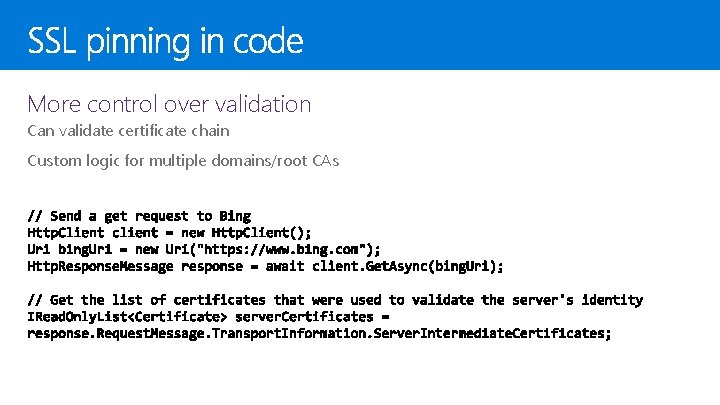
More control over validation Can validate certificate chain Custom logic for multiple domains/root CAs
SSL Pinning
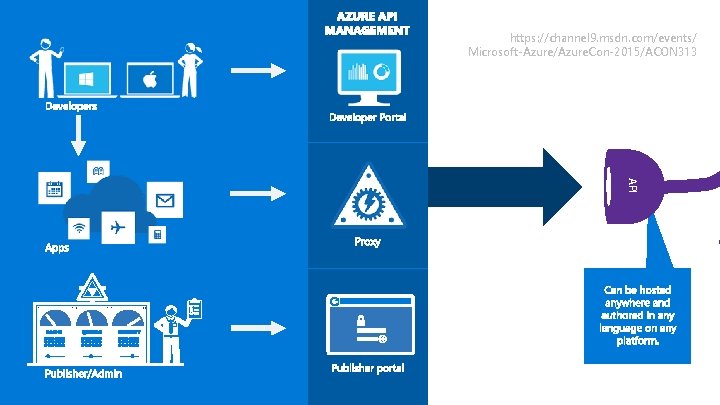
https: //channel 9. msdn. com/events/ Microsoft-Azure/Azure. Con-2015/ACON 313 API
Securing data at rest
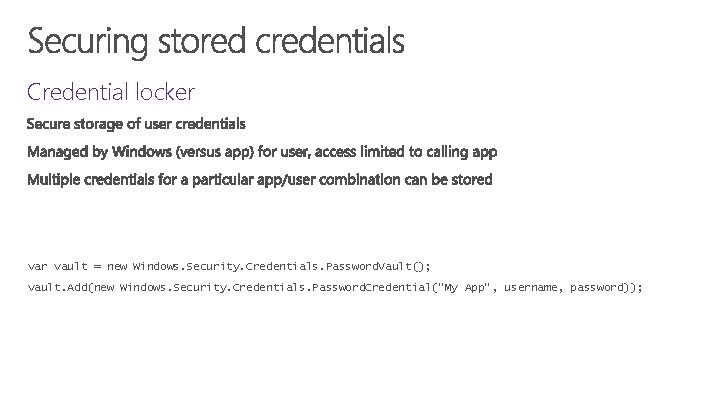
Credential locker vault = new Windows. Security. Credentials. Password. Vault(); vault. Add(new Windows. Security. Credentials. Password. Credential("My App", username, password));
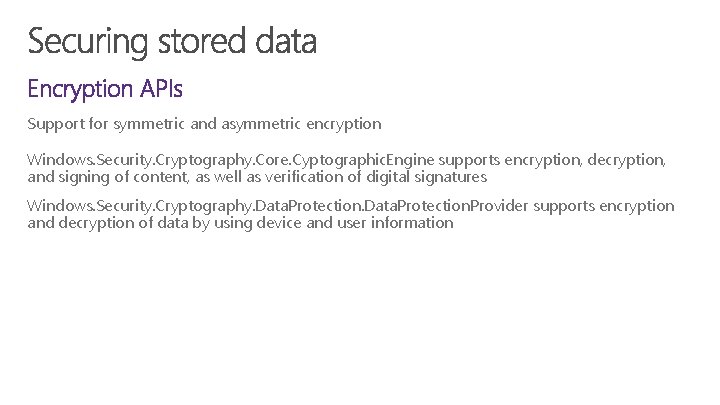
Support for symmetric and asymmetric encryption Windows. Security. Cryptography. Core. Cyptographic. Engine supports encryption, decryption, and signing of content, as well as verification of digital signatures Windows. Security. Cryptography. Data. Protection. Provider supports encryption and decryption of data by using device and user information
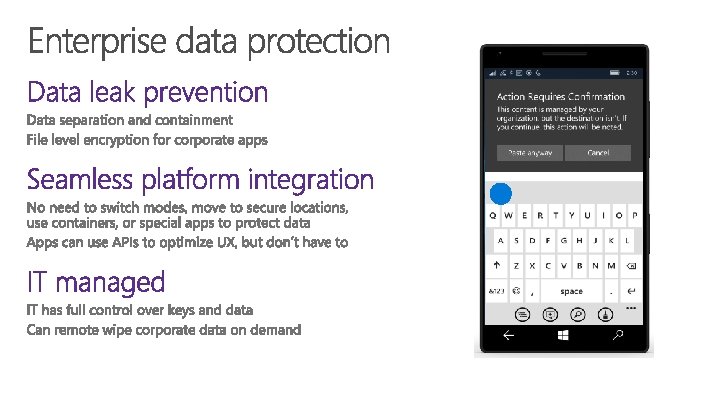
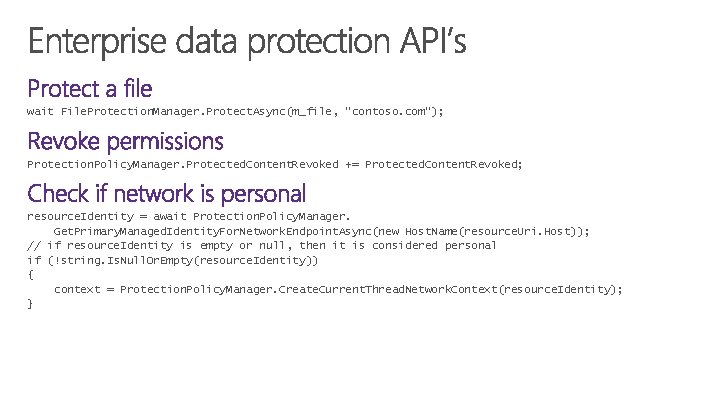
wait File. Protection. Manager. Protect. Async(m_file, “contoso. com”); Protection. Policy. Manager. Protected. Content. Revoked += Protected. Content. Revoked; resource. Identity = await Protection. Policy. Manager. Get. Primary. Managed. Identity. For. Network. Endpoint. Async(new Host. Name(resource. Uri. Host)); // if resource. Identity is empty or null, then it is considered personal if (!string. Is. Null. Or. Empty(resource. Identity)) { context = Protection. Policy. Manager. Create. Current. Thread. Network. Context(resource. Identity); }
</ > Additional Resources http: //dev. windows. com/ rajenki@microsoft. com
© 2015 Microsoft Corporation. All rights reserved. Microsoft, Windows and other product names are or may be registered trademarks and/or trademarks in the U. S. and/or other countries. The information herein is for informational purposes only and represents the current view of Microsoft Corporation as of the date of this presentation. Because Microsoft must respond to changing market conditions, it should not be interpreted to be a commitment on the part of Microsoft, and Microsoft cannot guarantee the accuracy of any information provided after the date of this presentation. MICROSOFT MAKES NO WARRANTIES, EXPRESS, IMPLIED OR STATUTORY, AS TO THE INFORMATION IN THIS PRESENTATION.