
Secure and Private Web Browsing Part 1 Browsers
Secure and Private Web Browsing Part 1 – Browsers & Add-ons © 2018 Ambassador Enterprises, LLC. All rights reserved.
Browsers & Add-ons • • Browser types Using add-ons to dramatically improve security, privacy, and speed Using a privacy focused search engine Browser settings
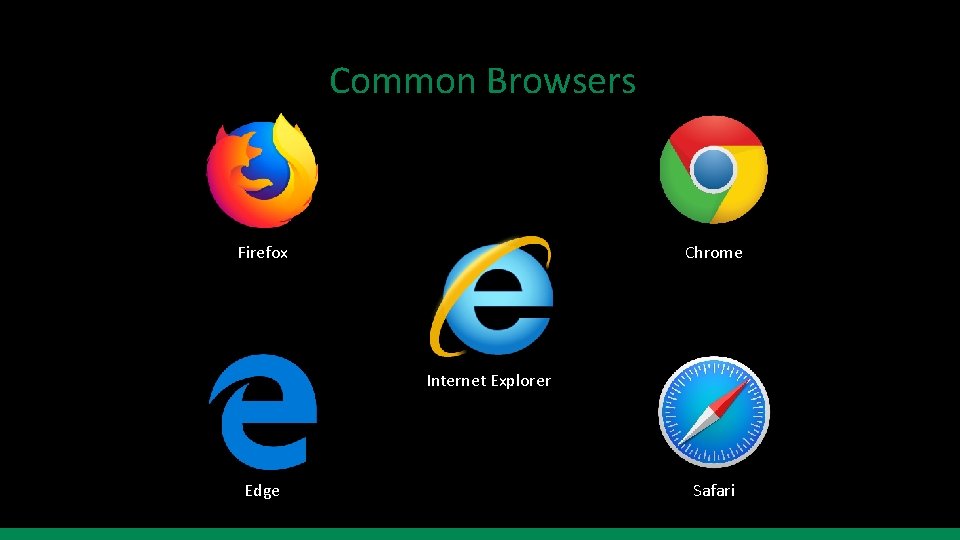
Common Browsers Firefox Chrome Internet Explorer Edge Safari
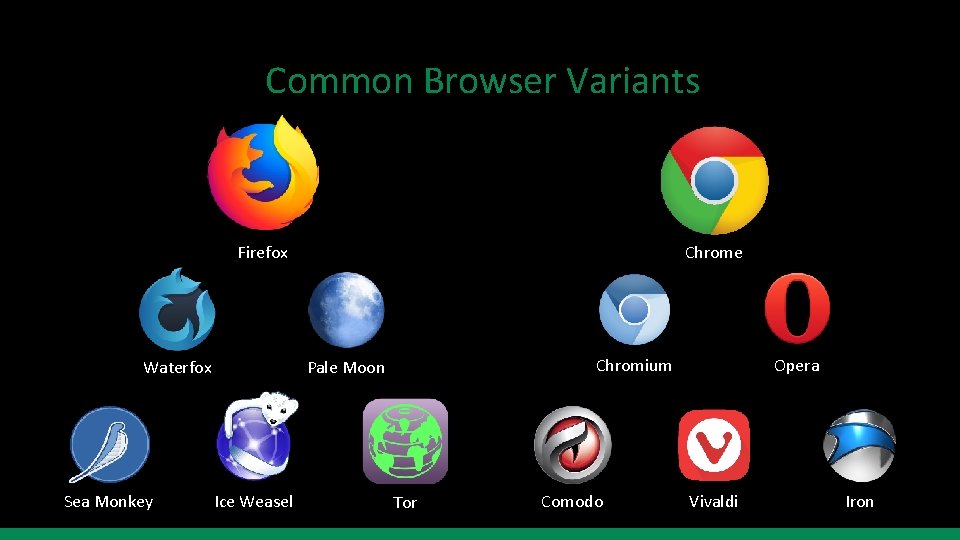
Common Browser Variants Firefox Waterfox Sea Monkey Chrome Chromium Pale Moon Ice Weasel Tor Comodo Opera Vivaldi Iron
Add-ons (Add-ins, Extensions) • Add-ons are small pieces of software that add new features or functionality to your browser • Caution! There are dangerous and malicious add-ons o Cryptominers o Not everything in the add-on store can be trusted o If you are ever prompted to install an add-on that you didn’t ask for don’t do it!!! • If you’re not sure about an add-on please ask!!!
How Websites Work • When you browse to a website, you are typically receiving content from multiple sites o Examples using No. Script o Incidentally visiting these other sites requires resources § Bandwidth § Page loading speed • Websites run scripts on your computer o Scripts are code
How Websites Track You • Information that you give voluntarily o Social Media o Google searches • Browser Fingerprinting - Panopticlick. eff. org • Cookies - Lightbeam add-on for Firefox • Scripts • IP address • http Referers • Super Cookie / Flash Cookie • User agent
Recommended Add-ons • No. Script – blocks untrusted sites from running scripts • u. Block Origin – ad blocker Just using these two add-ons will improve your privacy and security dramatically
More Recommended Add-ons • Cookie Auto. Delete • Disconnect – blocks 3 rd party trackers • Referer Modifier – control the HTTP referer • Requestblock – control cross-site requests • Privacy Badger – blocks trackers • HTTPS Everywhere – defaults sites to https
Recommended Search Engines • Duck. Go • Startpage • Searx
Recommended Browser Settings • Forget History • Do Not Track – this setting is often ignored by websites • Location
Conclusion – TL; DR • Some browsers allow the use of add-ons to customize your experience • Beware of websites asking you to download add-ons you didn’t ask for • Use No. Script and u. Block Origin to dramatically improve security and speed • Use a privacy focused search engine like Duck. Go • Turn off browser history, turn on Do Not Track, and turn off Location
- Slides: 12