
Section 3 Selection and Repetition Constructs Control Structures

- Slides: 56
Section 3 - Selection and Repetition Constructs
Control Structures 1. Sequence 2. Selection 3. Repetition
Selection – choosing between alternatives
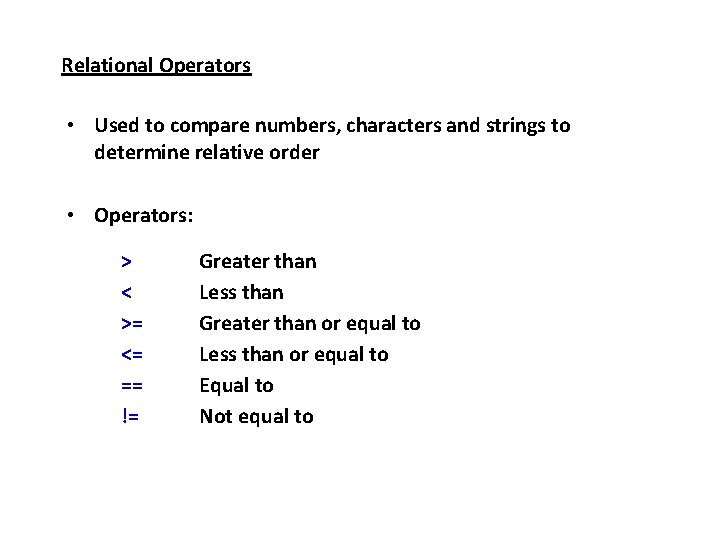
Relational Operators • Used to compare numbers, characters and strings to determine relative order • Operators: > < >= <= == != Greater than Less than Greater than or equal to Less than or equal to Equal to Not equal to
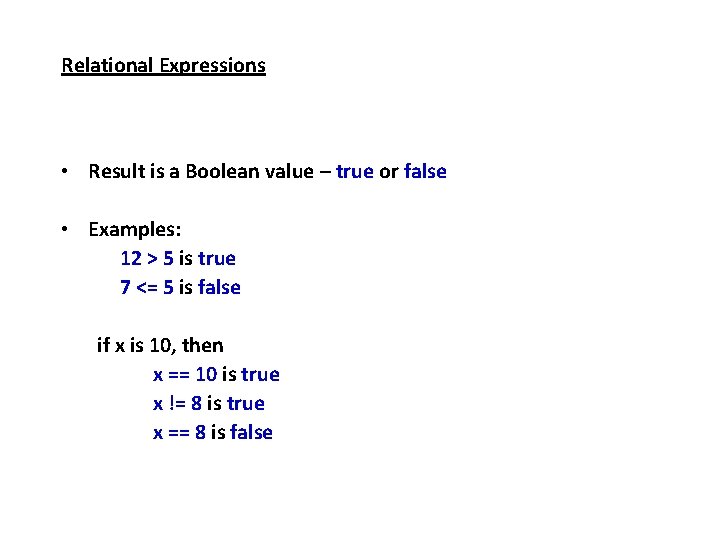
Relational Expressions • Result is a Boolean value – true or false • Examples: 12 > 5 is true 7 <= 5 is false if x is 10, then x == 10 is true x != 8 is true x == 8 is false
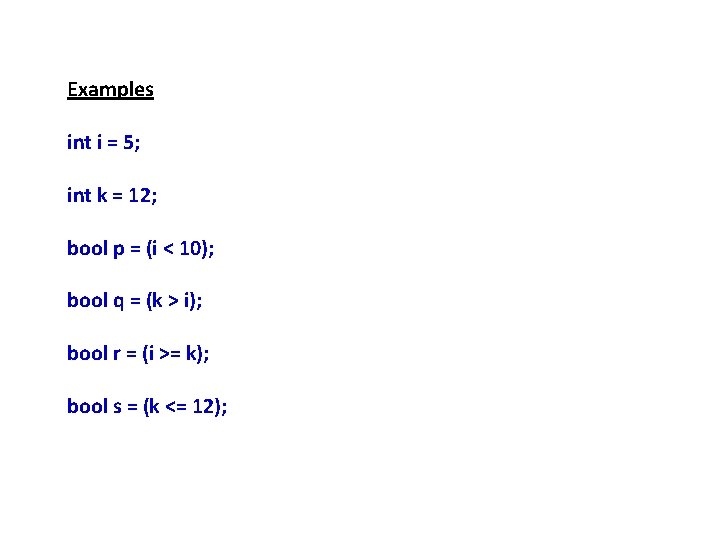
Examples int i = 5; int k = 12; bool p = (i < 10); bool q = (k > i); bool r = (i >= k); bool s = (k <= 12);
Comparison Operators
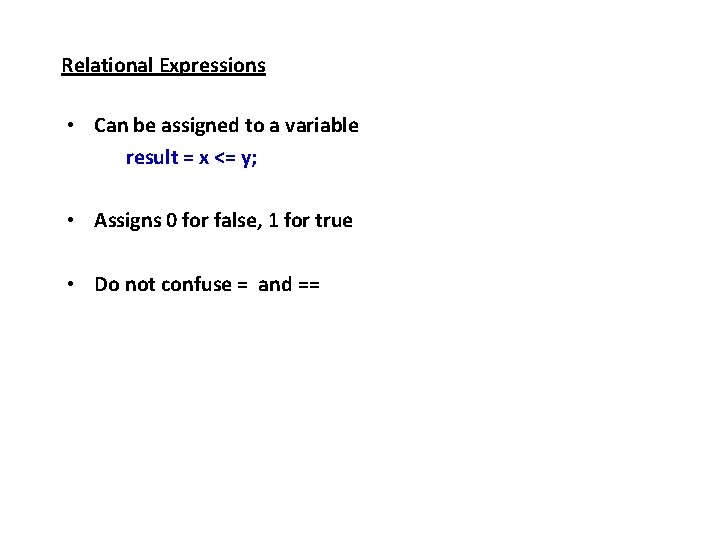
Relational Expressions • Can be assigned to a variable result = x <= y; • Assigns 0 for false, 1 for true • Do not confuse = and ==
The if Statement • Allows statements to be conditionally executed or skipped over • Models the way we mentally evaluate situations – “If it is raining, take an umbrella. ” • Syntax if (expression) statement;
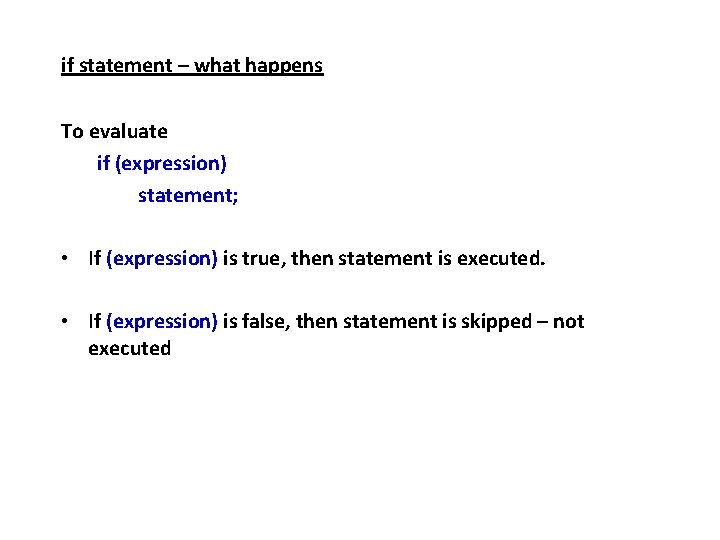
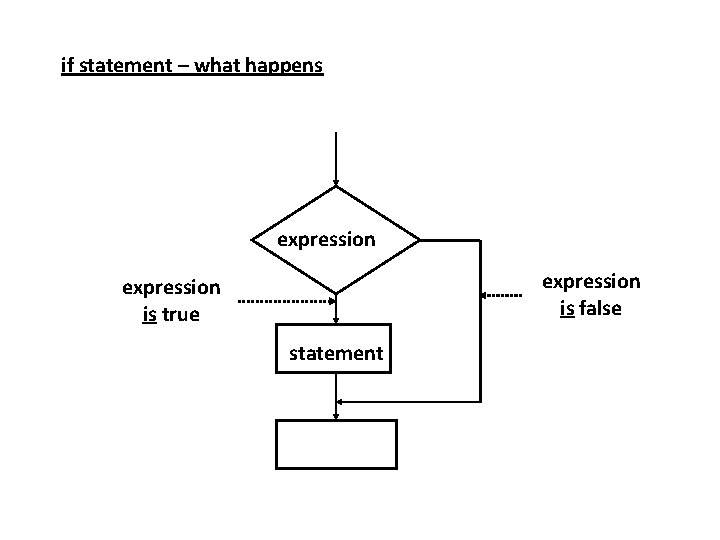
if statement – what happens To evaluate if (expression) statement; • If (expression) is true, then statement is executed. • If (expression) is false, then statement is skipped – not executed
if statement – what happens expression is false expression is true statement
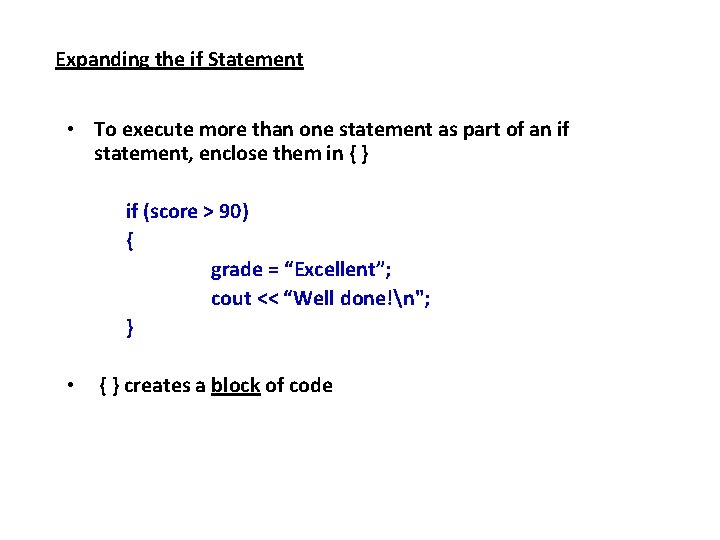
Expanding the if Statement • To execute more than one statement as part of an if statement, enclose them in { } if (score > 90) { grade = “Excellent”; cout << “Well done!n"; } • { } creates a block of code
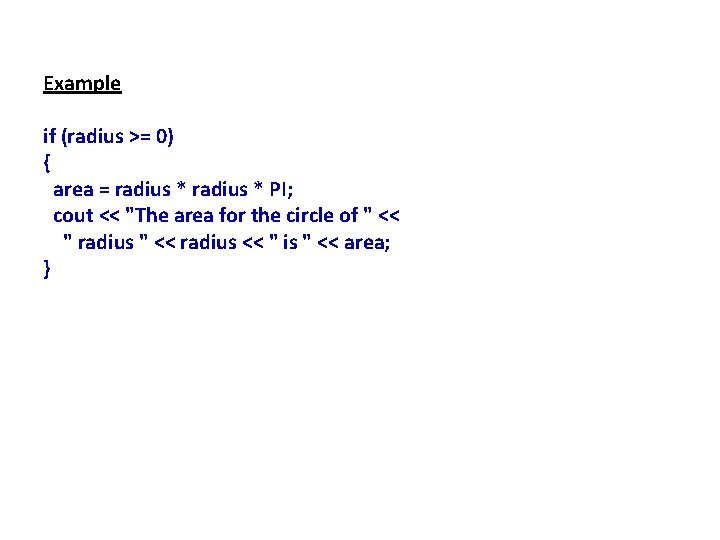
Example if (radius >= 0) { area = radius * PI; cout << "The area for the circle of " << " radius " << radius << " is " << area; }
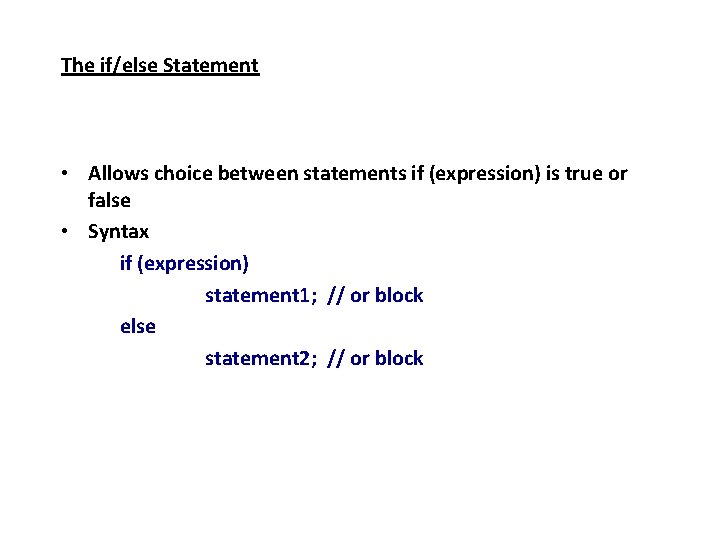
The if/else Statement • Allows choice between statements if (expression) is true or false • Syntax if (expression) statement 1; // or block else statement 2; // or block
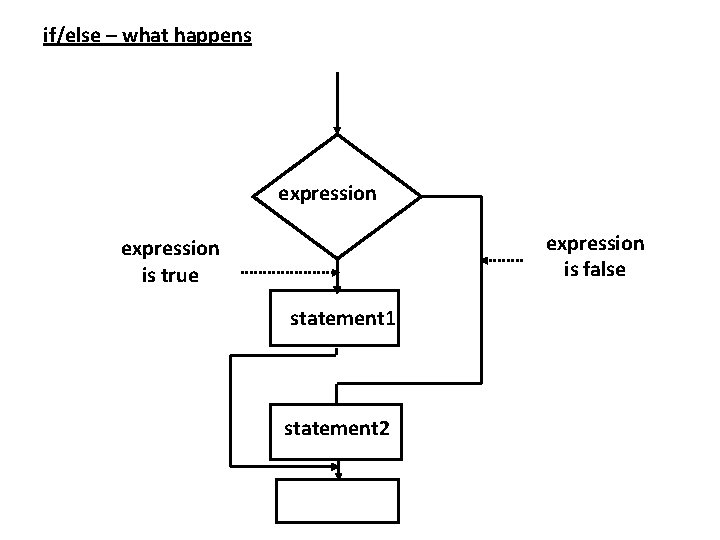
if/else – what happens expression is false expression is true statement 1 statement 2
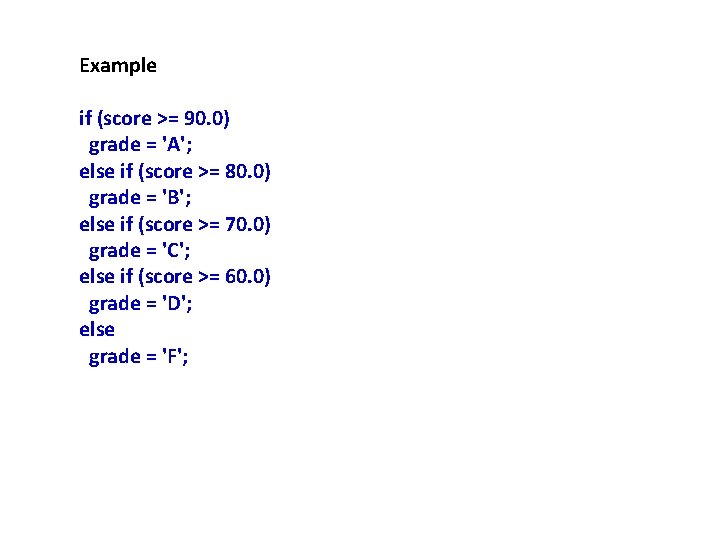
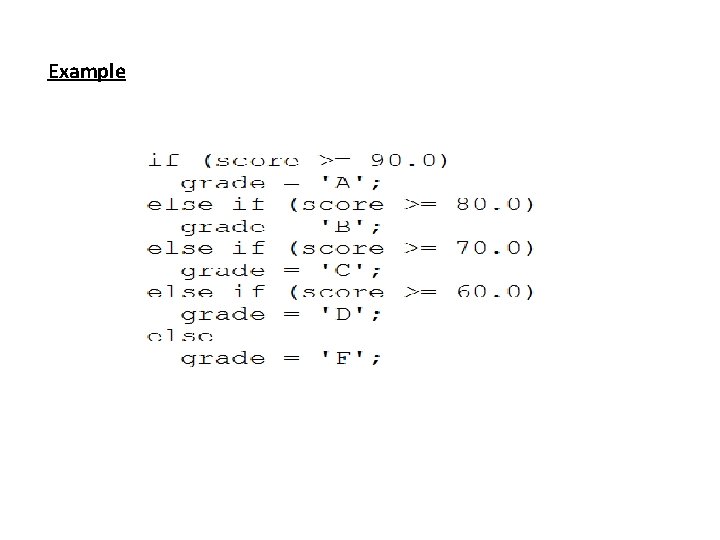
Example if (score >= 90. 0) grade = 'A'; else if (score >= 80. 0) grade = 'B'; else if (score >= 70. 0) grade = 'C'; else if (score >= 60. 0) grade = 'D'; else grade = 'F';
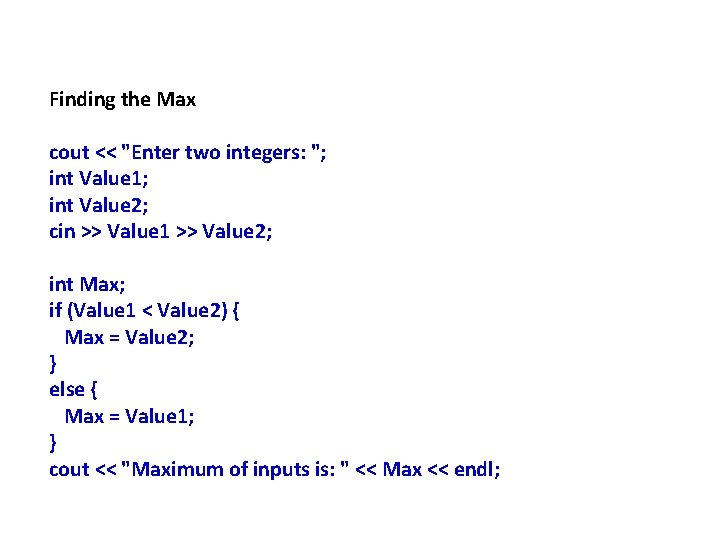
Finding the Max cout << "Enter two integers: "; int Value 1; int Value 2; cin >> Value 1 >> Value 2; int Max; if (Value 1 < Value 2) { Max = Value 2; } else { Max = Value 1; } cout << "Maximum of inputs is: " << Max << endl;
The if/else/if Statement • Chain of if statements that test in order until one is found to be true • Also models thought processes: – “If it is raining, take an umbrella, else, if it is windy, take a hat, else, take sunglasses”
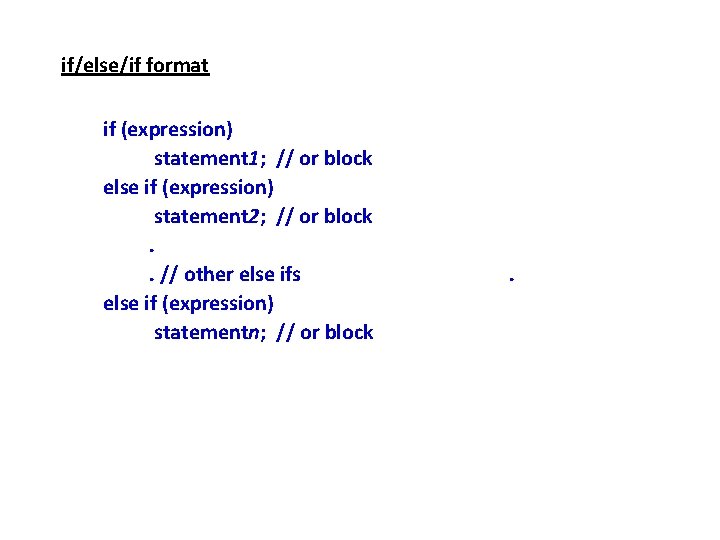
if/else/if format if (expression) statement 1; // or block else if (expression) statement 2; // or block. . // other else ifs else if (expression) statementn; // or block .
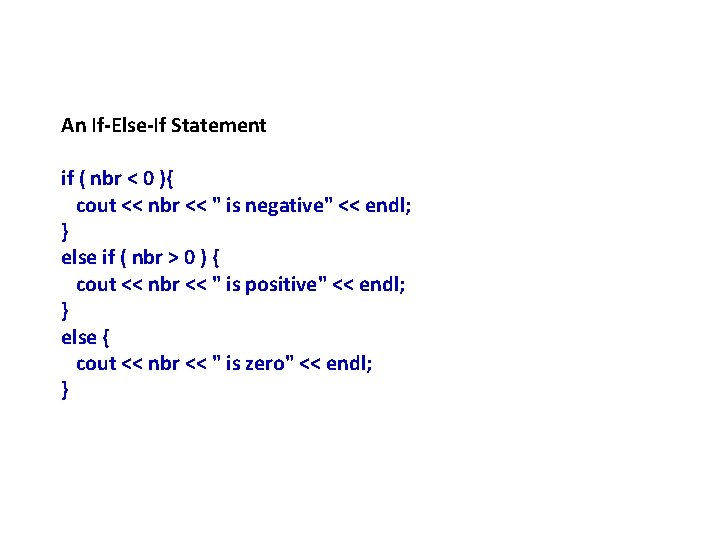
An If-Else-If Statement if ( nbr < 0 ){ cout << nbr << " is negative" << endl; } else if ( nbr > 0 ) { cout << nbr << " is positive" << endl; } else { cout << nbr << " is zero" << endl; }
Example
The switch Statement • Used to select among statements from several alternatives • May be used instead of if/else if statements
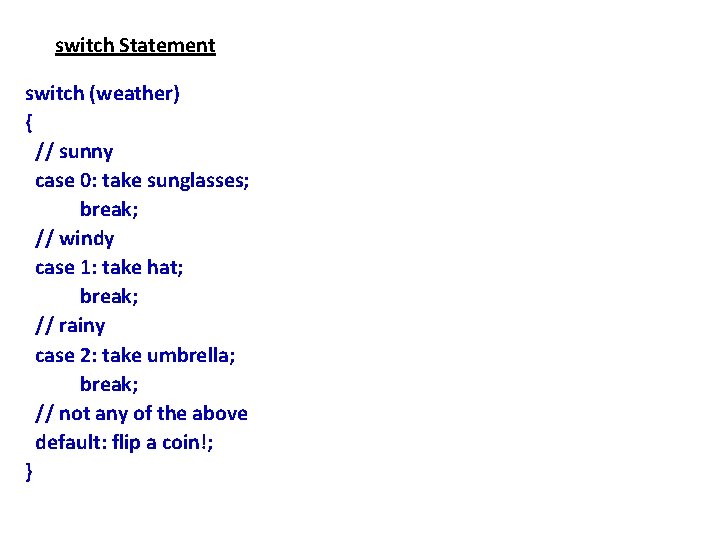
switch Statement switch (weather) { // sunny case 0: take sunglasses; break; // windy case 1: take hat; break; // rainy case 2: take umbrella; break; // not any of the above default: flip a coin!; }
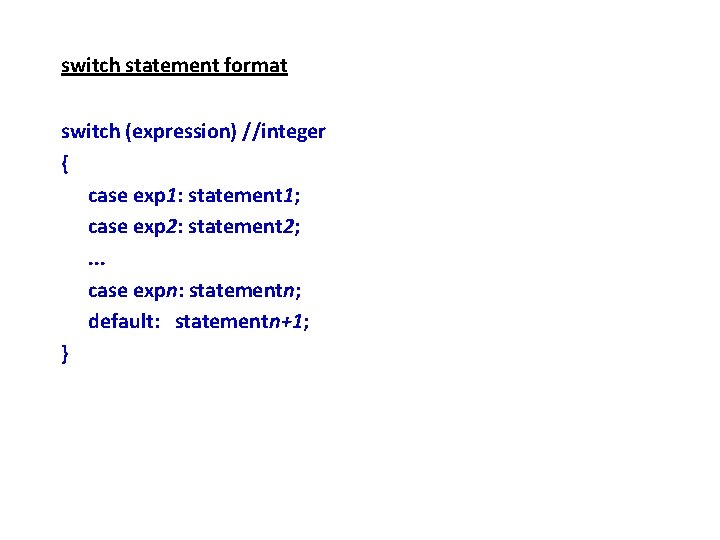
switch statement format switch (expression) //integer { case exp 1: statement 1; case exp 2: statement 2; . . . case expn: statementn; default: statementn+1; }
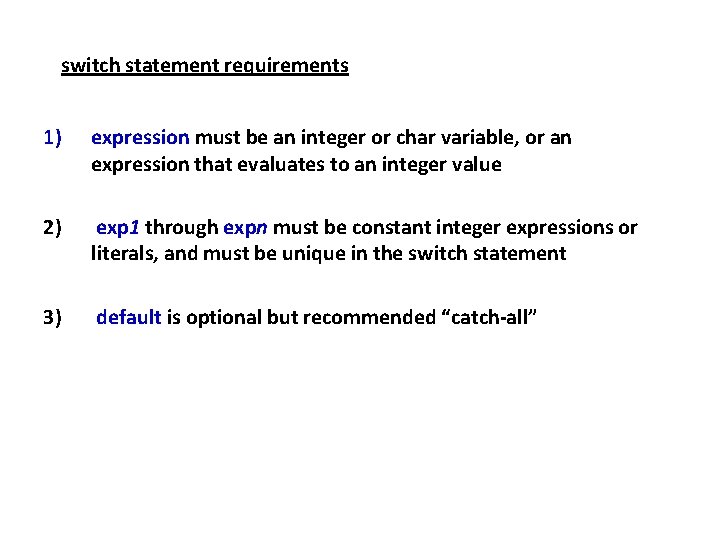
switch statement requirements 1) expression must be an integer or char variable, or an expression that evaluates to an integer value 2) exp 1 through expn must be constant integer expressions or literals, and must be unique in the switch statement 3) default is optional but recommended “catch-all”
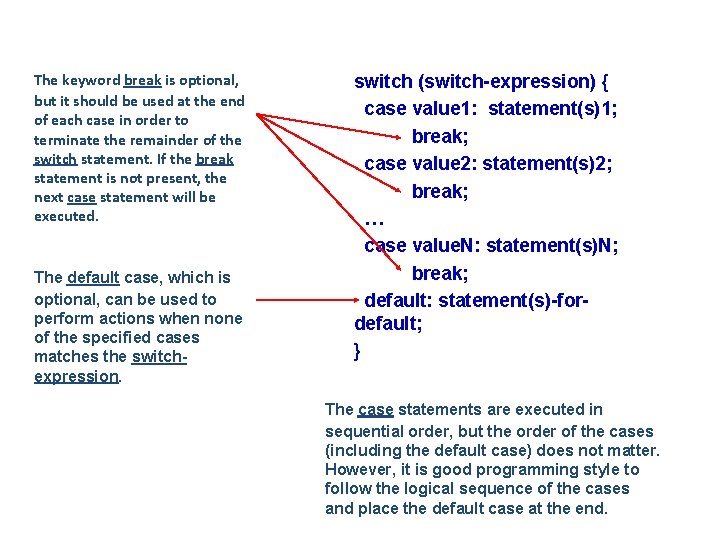
The keyword break is optional, but it should be used at the end of each case in order to terminate the remainder of the switch statement. If the break statement is not present, the next case statement will be executed. The default case, which is optional, can be used to perform actions when none of the specified cases matches the switchexpression. switch (switch-expression) { case value 1: statement(s)1; break; case value 2: statement(s)2; break; … case value. N: statement(s)N; break; default: statement(s)-fordefault; } The case statements are executed in sequential order, but the order of the cases (including the default case) does not matter. However, it is good programming style to follow the logical sequence of the cases and place the default case at the end.
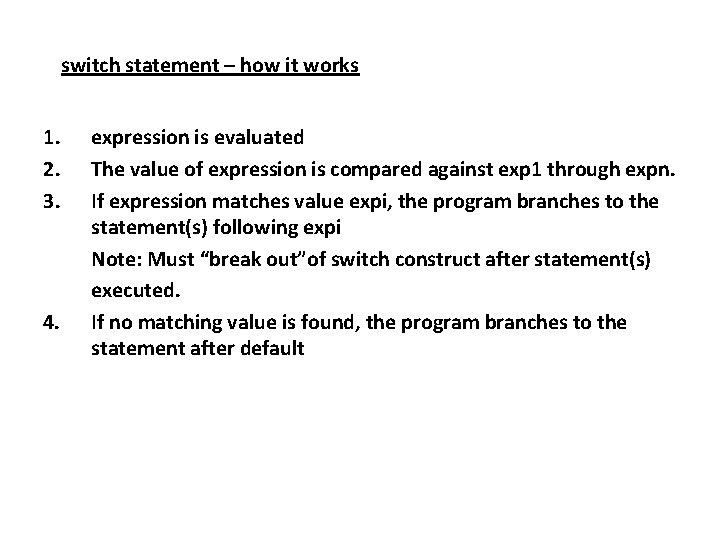
switch statement – how it works 1. 2. 3. 4. expression is evaluated The value of expression is compared against exp 1 through expn. If expression matches value expi, the program branches to the statement(s) following expi Note: Must “break out”of switch construct after statement(s) executed. If no matching value is found, the program branches to the statement after default
break statement • Used to stop execution in the current block • Also used to exit a switch statement • Useful to execute a single case statement without “falling through” and executing the statements following it
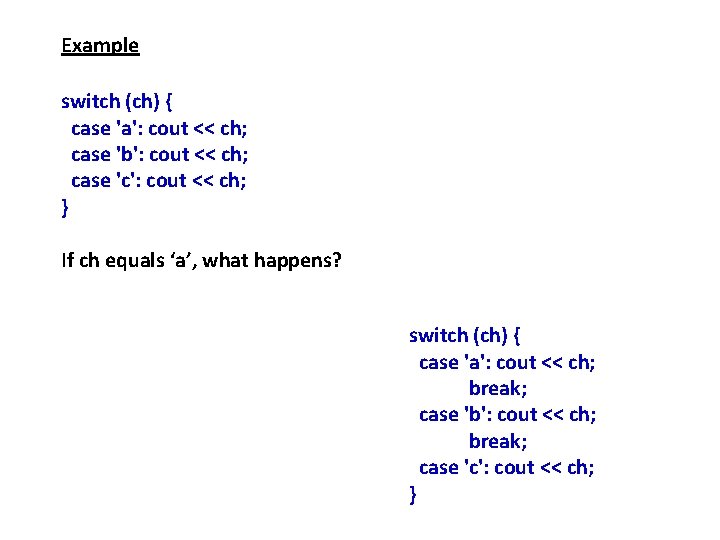
Example switch (ch) { case 'a': cout << ch; case 'b': cout << ch; case 'c': cout << ch; } If ch equals ‘a’, what happens? switch (ch) { case 'a': cout << ch; break; case 'b': cout << ch; break; case 'c': cout << ch; }
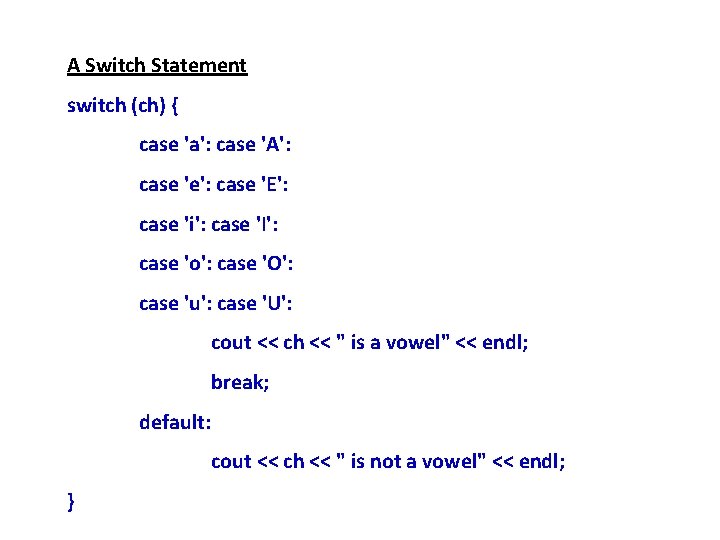
A Switch Statement switch (ch) { case 'a': case 'A': case 'e': case 'E': case 'i': case 'I': case 'o': case 'O': case 'u': case 'U': cout << ch << " is a vowel" << endl; break; default: cout << ch << " is not a vowel" << endl; }
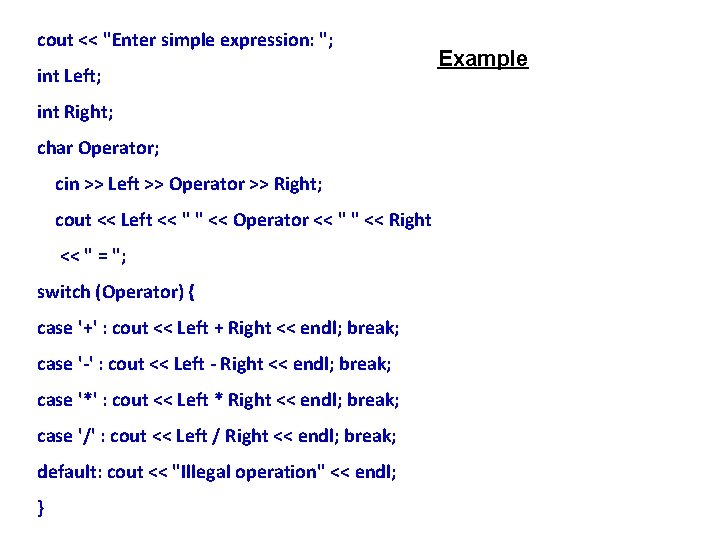
cout << "Enter simple expression: "; int Left; int Right; char Operator; cin >> Left >> Operator >> Right; cout << Left << " " << Operator << " " << Right << " = "; switch (Operator) { case '+' : cout << Left + Right << endl; break; case '-' : cout << Left - Right << endl; break; case '*' : cout << Left * Right << endl; break; case '/' : cout << Left / Right << endl; break; default: cout << "Illegal operation" << endl; } Example
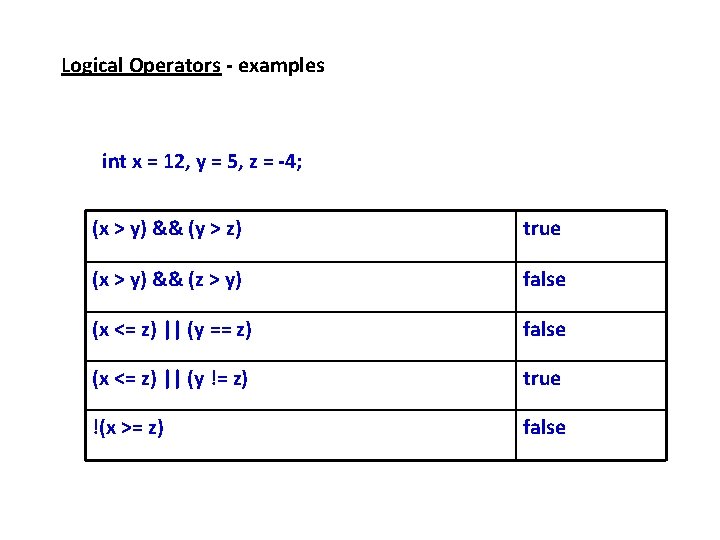
Logical Operators - examples int x = 12, y = 5, z = -4; (x > y) && (y > z) true (x > y) && (z > y) false (x <= z) || (y == z) false (x <= z) || (y != z) true !(x >= z) false
Common Error 1: Forgetting Necessary Braces
Common Error 2: Wrong Semicolon at the if Line
Common Error 4: Redundant Testing of Boolean Values
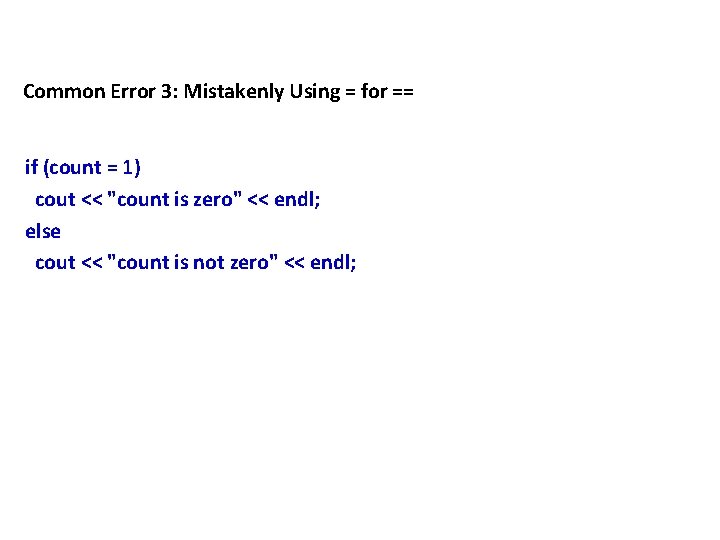
Common Error 3: Mistakenly Using = for == if (count = 1) cout << "count is zero" << endl; else cout << "count is not zero" << endl;
Repetition - looping
Suppose that you need to print a string (e. g. "Welcome to C++!") a hundred times. - It would be tedious to have to write the following statement a hundred times: cout << "Welcome to C++!" << endl; So, how do you solve this problem? Answer: Use one of the three looping constructs available
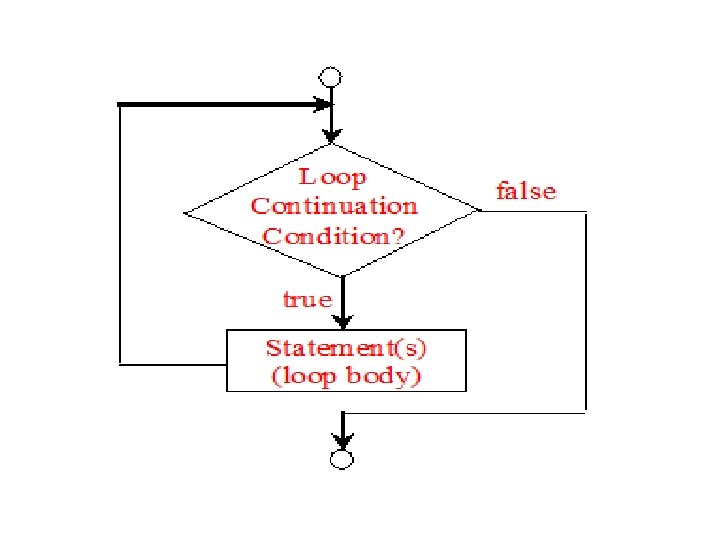
The while Loop • Loop: a statement or set of statements that may execute more than one time (repeats) Syntax while (expression) statement; Will execute statement repeatedly while expression evaluates to true • statement can also be a block of statements enclosed in { }
while Loop • no ; after (expression) • while is a pre-test loop – expression is evaluated before the loop executes • Loop may not be executed at all! – pre-test • loop must contain code to make expression become false • Infinite loop: loop that does not stop
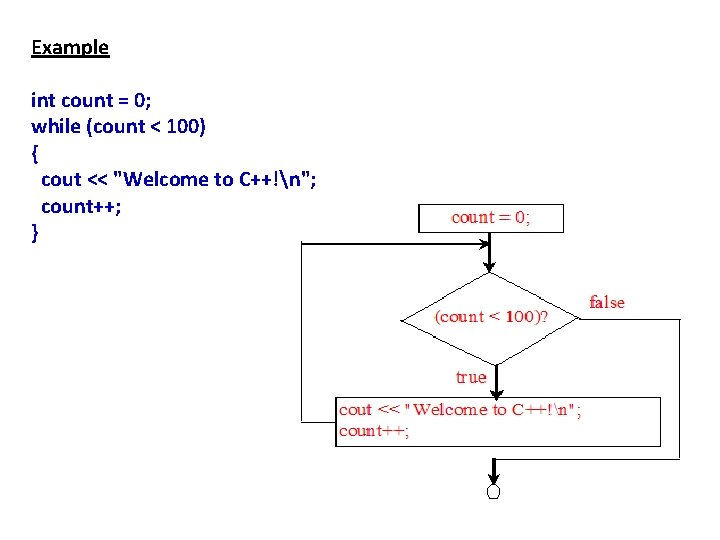
Example int count = 0; while (count < 100) { cout << "Welcome to C++!n"; count++; }
while Loop Example int val = 5; while (val <= 8) cout << val++ << endl; produces output: 5 6 7 8
Counters • Counter: variable that is incremented or decremented each time a loop repeats • Can be used to control execution of the loop (called a loop control variable) • Must be initialized before entering loop • May be incremented/decremented either inside the loop or in the loop test
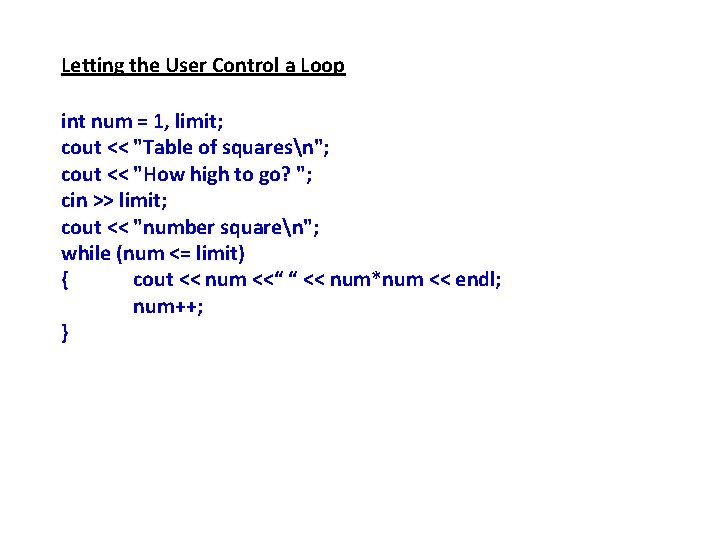
Letting the User Control a Loop int num = 1, limit; cout << "Table of squaresn"; cout << "How high to go? "; cin >> limit; cout << "number squaren"; while (num <= limit) { cout << num <<“ “ << num*num << endl; num++; }
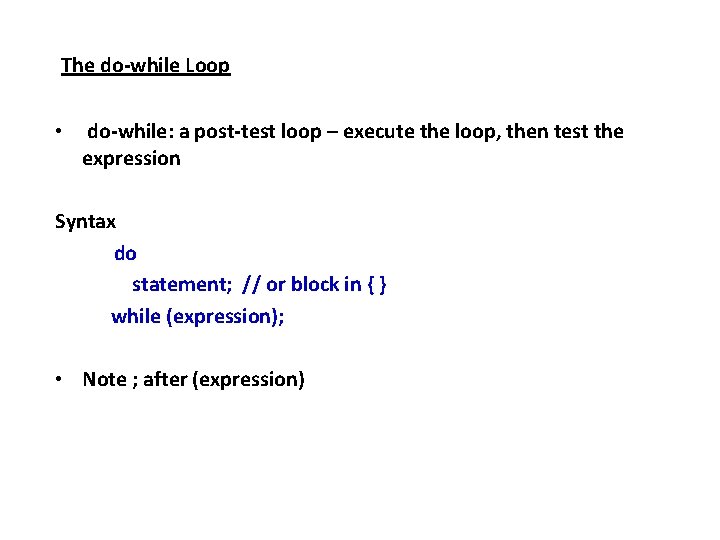
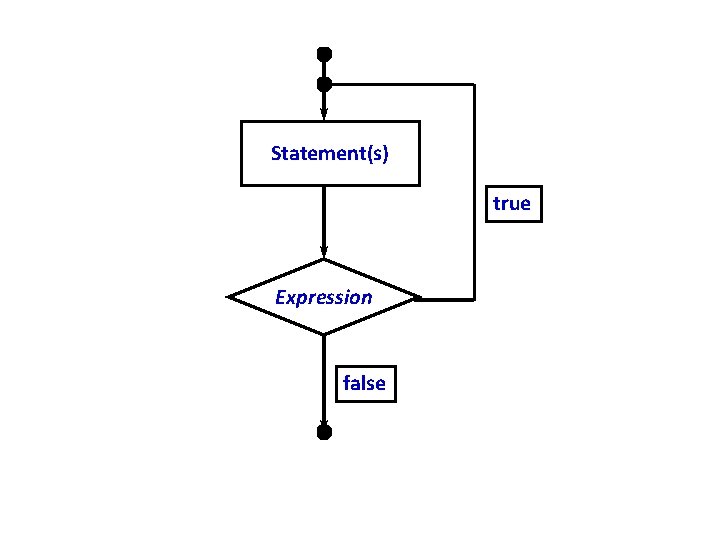
The do-while Loop • do-while: a post-test loop – execute the loop, then test the expression Syntax do statement; // or block in { } while (expression); • Note ; after (expression)
do-while Loop • Loop always executes at least once – post-test • Execution continues as long as expression is true, stops repetition when expression becomes false • Useful in menu-driven programs to bring user back to menu to make another choice
Statement(s) true Expression false
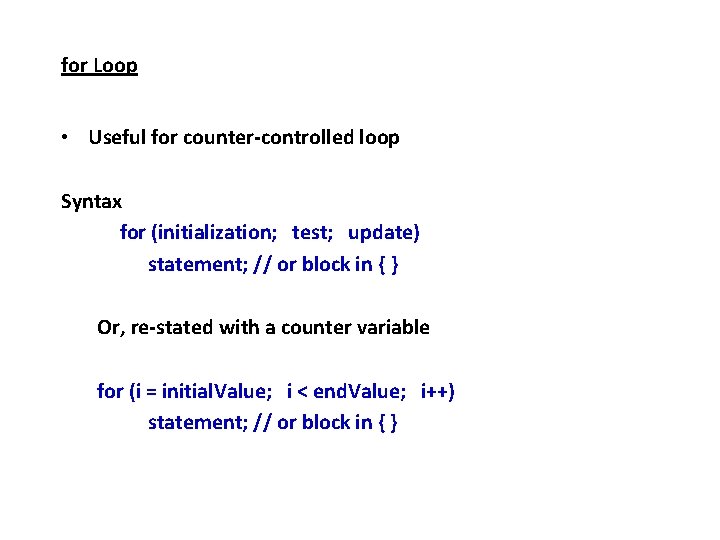
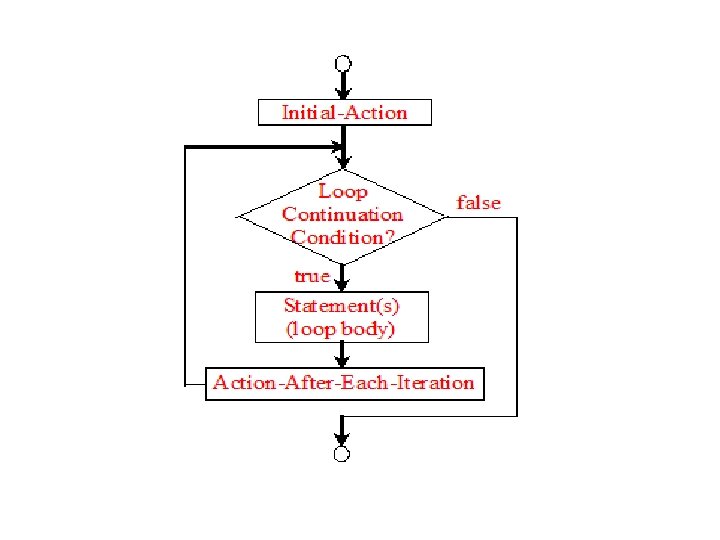
for Loop • Useful for counter-controlled loop Syntax for (initialization; test; update) statement; // or block in { } Or, re-stated with a counter variable for (i = initial. Value; i < end. Value; i++) statement; // or block in { }
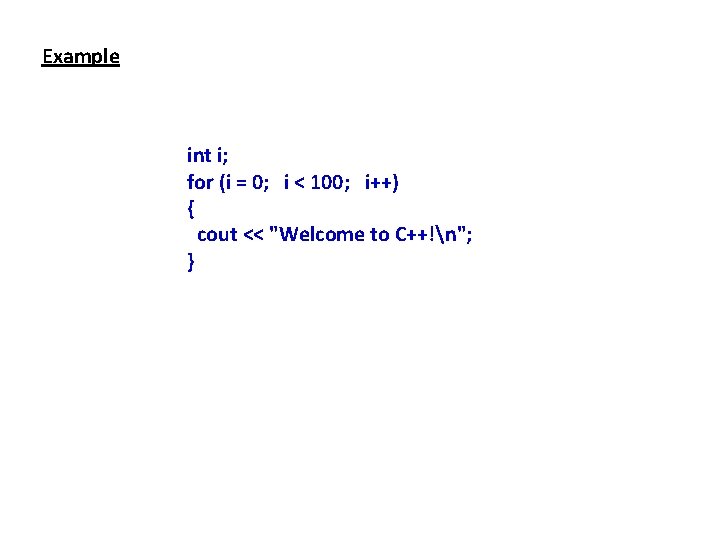
Example int i; for (i = 0; i < 100; i++) { cout << "Welcome to C++!n"; }
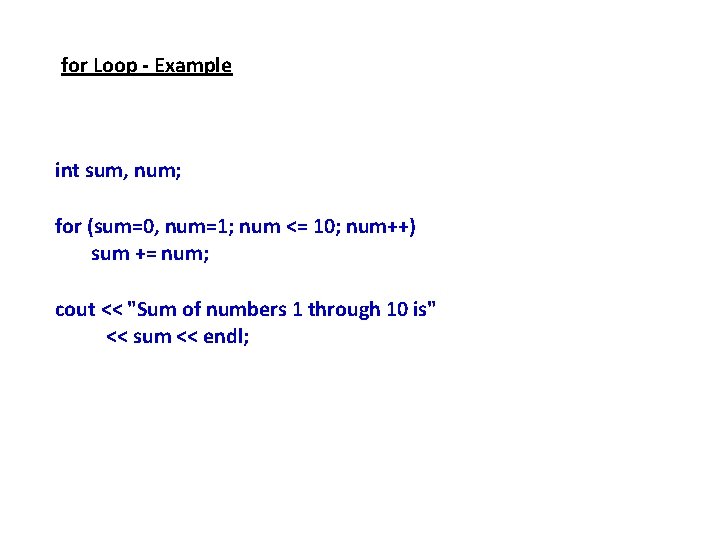
for Loop - Example int sum, num; for (sum=0, num=1; num <= 10; num++) sum += num; cout << "Sum of numbers 1 through 10 is" << sum << endl;
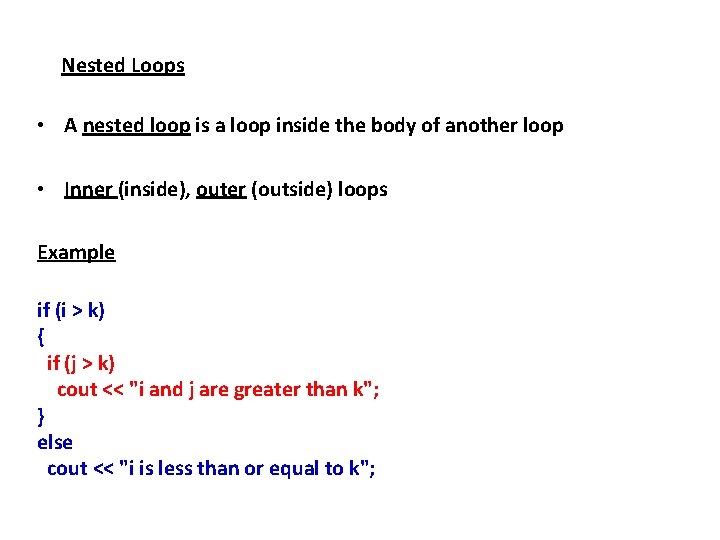
Nested Loops • A nested loop is a loop inside the body of another loop • Inner (inside), outer (outside) loops Example if (i > k) { if (j > k) cout << "i and j are greater than k"; } else cout << "i is less than or equal to k";
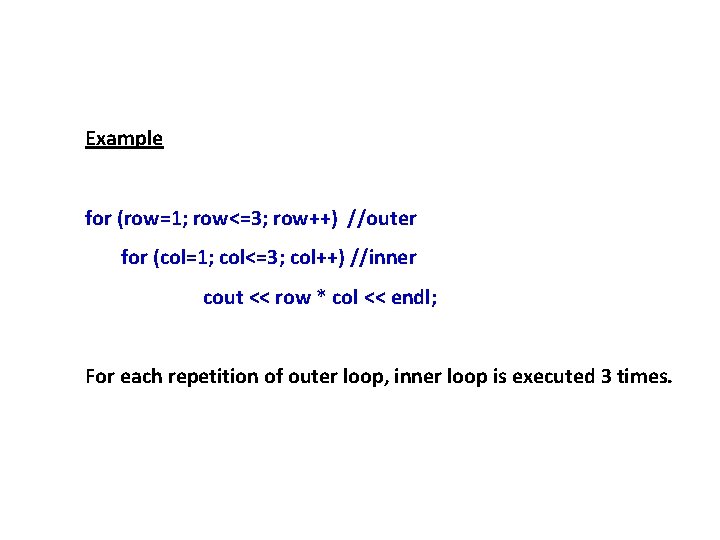
Example for (row=1; row<=3; row++) //outer for (col=1; col<=3; col++) //inner cout << row * col << endl; For each repetition of outer loop, inner loop is executed 3 times.
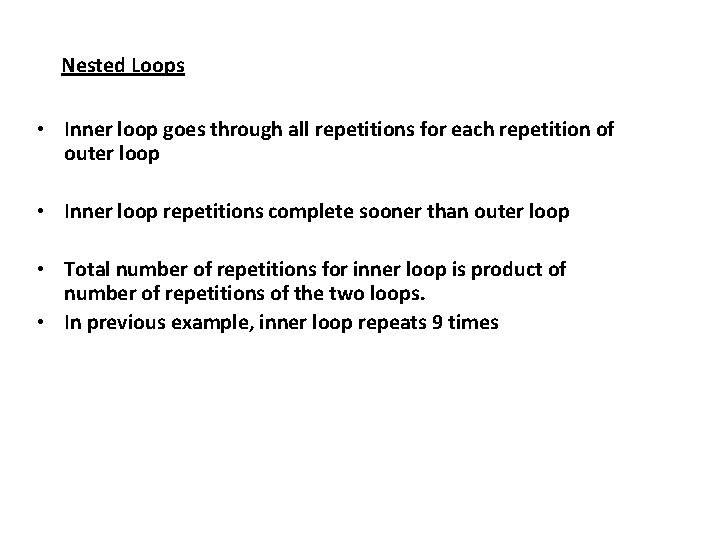
Nested Loops • Inner loop goes through all repetitions for each repetition of outer loop • Inner loop repetitions complete sooner than outer loop • Total number of repetitions for inner loop is product of number of repetitions of the two loops. • In previous example, inner loop repeats 9 times