
Section 3 Business Registry and Reporting System SPEARS

Section 3 Business Registry and Reporting System (SPEARS)
Added benefits • Reduce Administrative burdens for those recipients that had own procedures for locating businesses. • Provide uniform self-certification procedures. • Increase pool of Section 3 businesses that may submit bids for HUD funded contracts. • Assist in meeting goals by increasing HUD funded contracts awarded to Section 3 Businesses.
Section 3 National Registry How Does it Work?

Section 3 Business Registry www. hud. gov/sec 3 biz
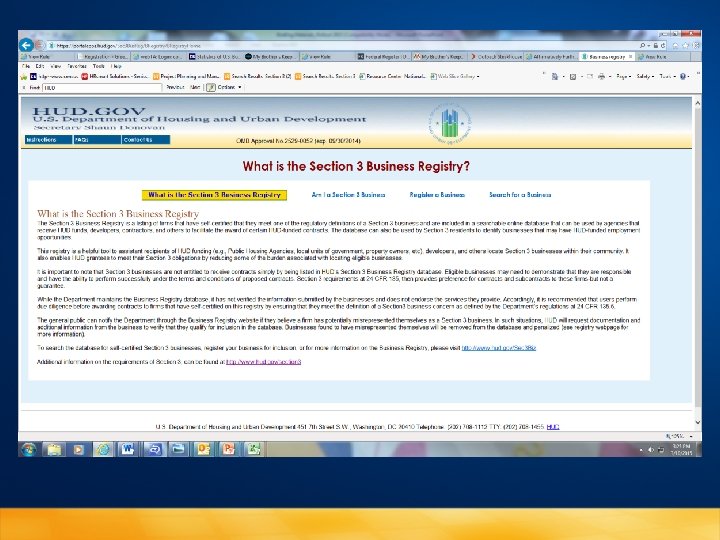

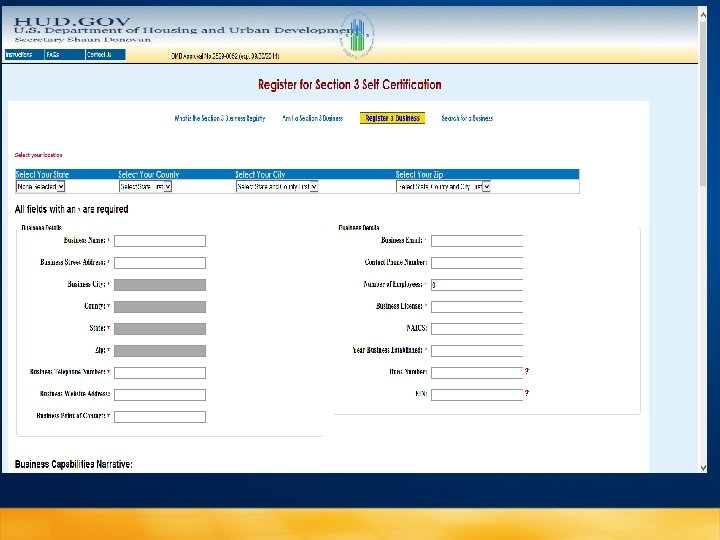

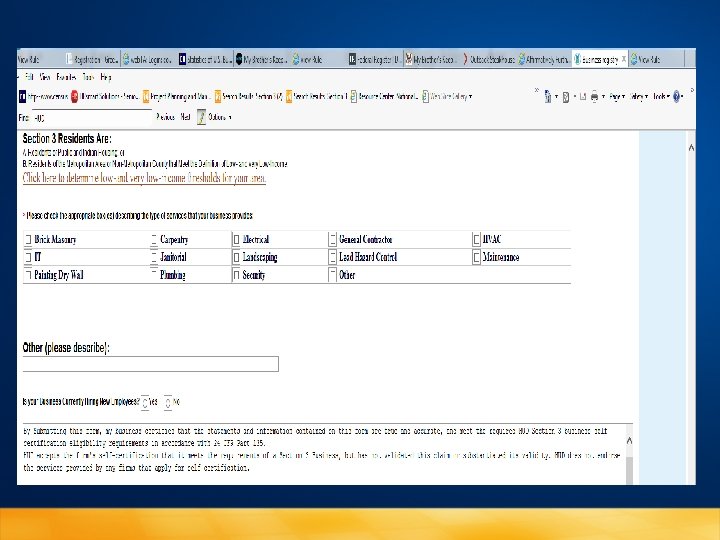
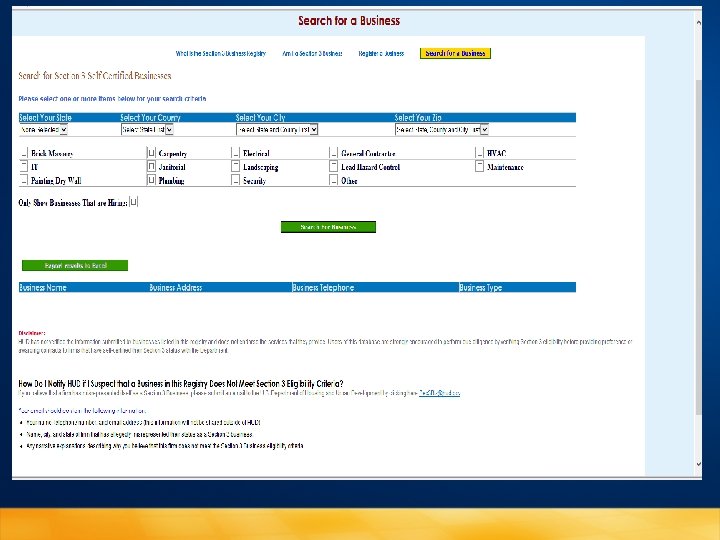

Section 3 Performance Evaluation and Registry System (SPEARS) HUD 60002 Form
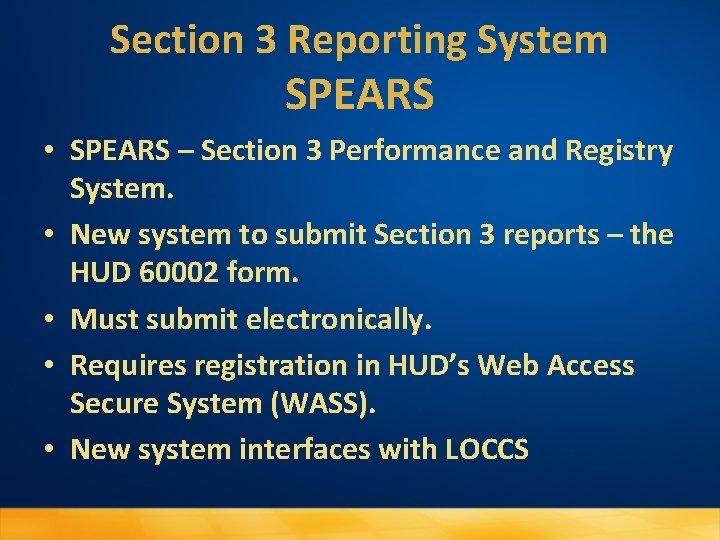
Section 3 Reporting System SPEARS • SPEARS – Section 3 Performance and Registry System. • New system to submit Section 3 reports – the HUD 60002 form. • Must submit electronically. • Requires registration in HUD’s Web Access Secure System (WASS). • New system interfaces with LOCCS
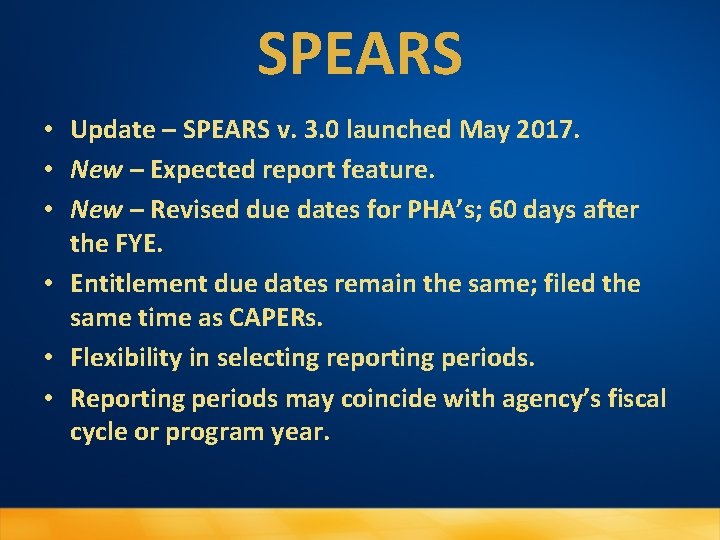
SPEARS • Update – SPEARS v. 3. 0 launched May 2017. • New – Expected report feature. • New – Revised due dates for PHA’s; 60 days after the FYE. • Entitlement due dates remain the same; filed the same time as CAPERs. • Flexibility in selecting reporting periods. • Reporting periods may coincide with agency’s fiscal cycle or program year.
SPEARS • Report similar to previous system. Section 1 –information on new hires. Section 2 – Contracting and Section 3 – Summary of efforts to comply. • Reports submitted for each program area, i. e. operation, modernization and development.
SPEARS • System no longer uses program codes but will list program areas. • Agencies that do not need to report on a particular program can answer no to two questions and scroll to bottom report and click submit. • Transaction button which will show all disbursements from LOCCS from each Program funded.
SPEARS • Grantees can now save and print reports. • New reports will show if met all the 3 goals, if don’t meet all 3 goals will not be able to submit report without providing information why didn’t meet the goals. • Reports locked from edits 72 hours after submitting. Can request reports to be unlocked from the system. Click on unlock icon. Follow instructions to email 60002 questions@hud. gov • Need assistance email: 60002 questions@hud. gov
Resources • HUD Section 3 website: https: //portal. hud. gov/hudportal/HUD? src=/program_offic es/fair_housing_equal_opp/section 3 • Section 3 FAQs: https: //portal. hud. gov/hudportal/documents/huddoc? id=1 1 secfaqs. pdf • Section 3 Business Registry (Self-Certification): https: //portalapps. hud. gov/Sec 3 Bus. Reg/BRegistry/Search. B usiness • Section 3 Business Registry (Search for a Business): https: //portalapps. hud. gov/Sec 3 Bus. Reg/BRegistry/Search. B usiness
Resources Cont. • Section 3 Report (SPEARS) User Instructions: https: //portal. hud. gov/hudportal/document s/huddoc? id=1560002 instructions. pdf • Section 3 Report – Quick Guide: https: //portal. hud. gov/hudportal/document s/huddoc? id=1560002 instructions. pdf • Section 3 Frequently Asked Questions: https: //portal. hud. gov/hudportal/document s/huddoc? id=v 2 faq. pdf

QUESTIONS For more information contact: Michele Hutchins, Equal Opportunity Specialist Office of Fair Housing & Equal Opportunity Utah State HUD Office 125 S. State Street, Room 3001 Salt Lake City, UT 84138 (801) 524 -6097 -Direct line (801) 524 -6909 -TDD line email: michele. hutchins@hud. gov
- Slides: 19