
Section 01 XSL Extensible Stylesheet Language XML XSL
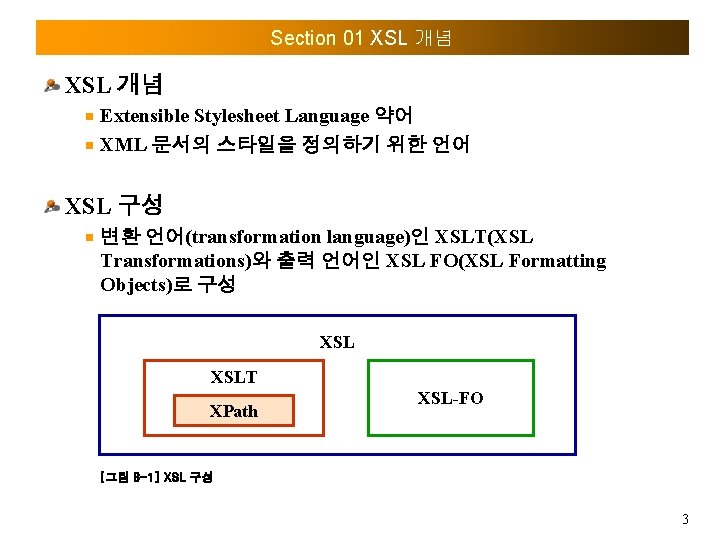
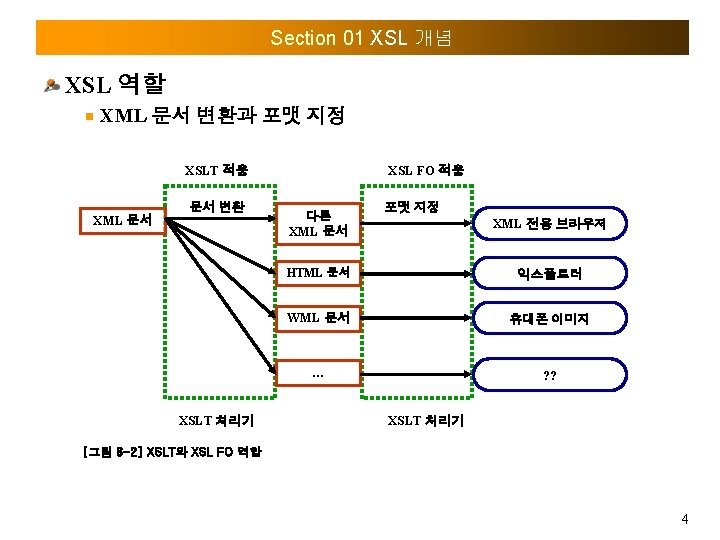
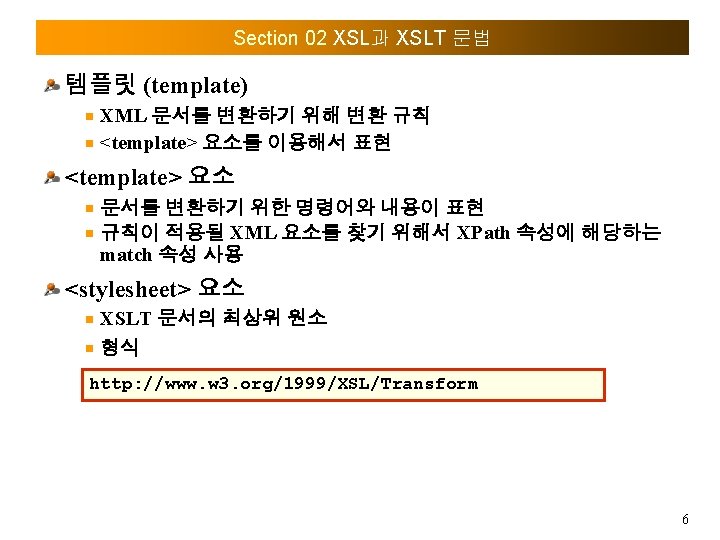
Section 01 XSL 개념 Extensible Stylesheet Language 약어 XML 문서의 스타일을 정의하기 위한 언어 XSL 구성 변환 언어(transformation language)인 XSLT(XSL Transformations)와 출력 언어인 XSL FO(XSL Formatting Objects)로 구성 XSLT XPath XSL-FO [그림 8 -1] XSL 구성 3
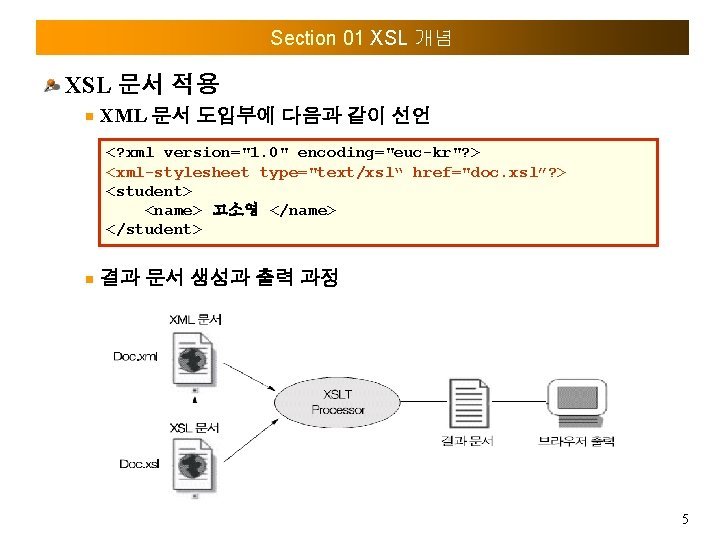
Section 01 XSL 개념 XSL 문서 적용 XML 문서 도입부에 다음과 같이 선언 <? xml version="1. 0" encoding="euc-kr"? > <xml-stylesheet type="text/xsl“ href="doc. xsl”? > <student> <name> 고소영 </name> </student> 결과 문서 생성과 출력 과정 5
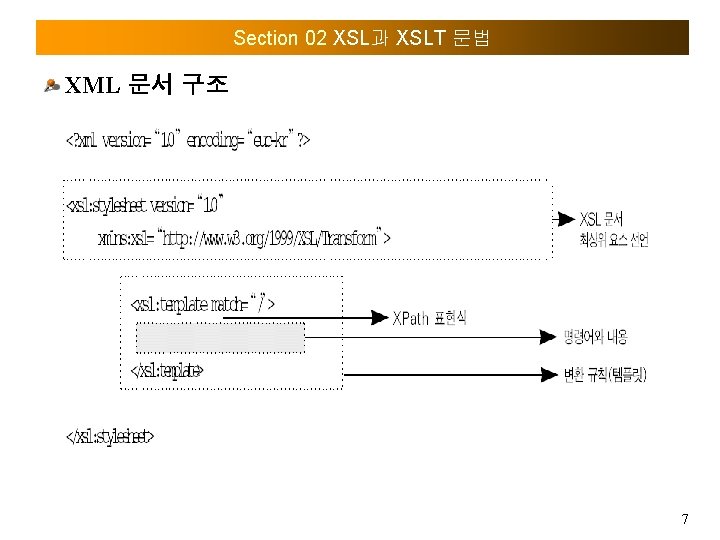
Section 02 XSL과 XSLT 문법 XML 문서 구조 7
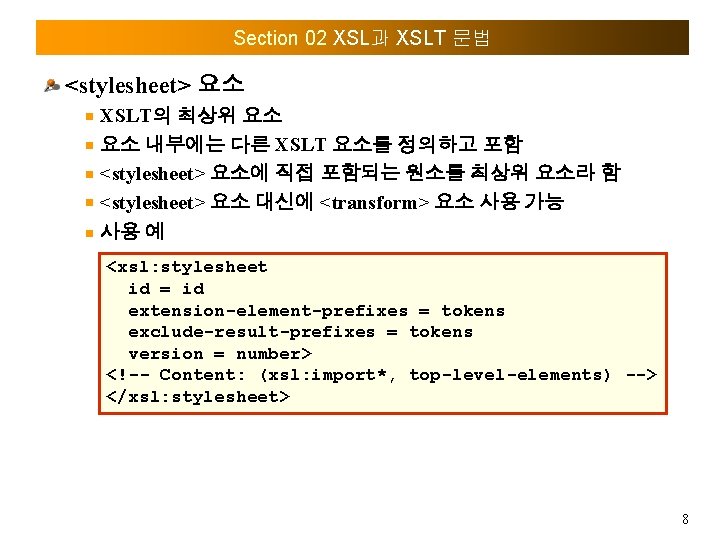
Section 02 XSL과 XSLT 문법 <stylesheet> 요소 XSLT의 최상위 요소 요소 내부에는 다른 XSLT 요소를 정의하고 포함 <stylesheet> 요소에 직접 포함되는 원소를 최상위 요소라 함 <stylesheet> 요소 대신에 <transform> 요소 사용 가능 사용 예 <xsl: stylesheet id = id extension-element-prefixes = tokens exclude-result-prefixes = tokens version = number> <!-- Content: (xsl: import*, top-level-elements) --> </xsl: stylesheet> 8
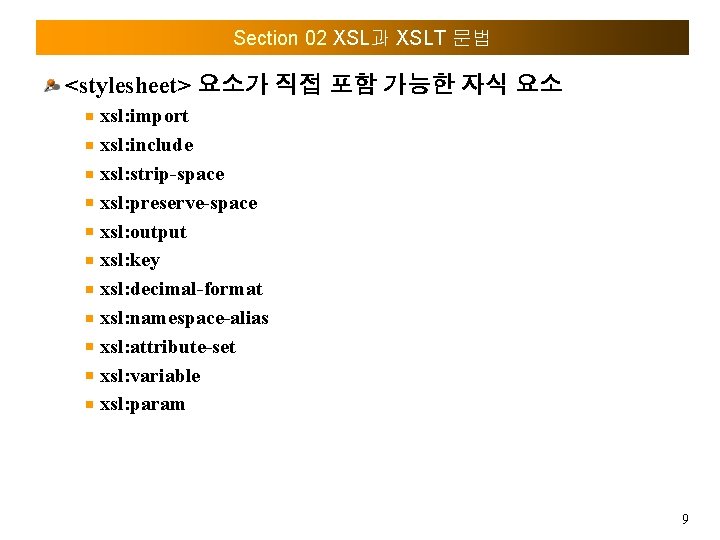
Section 02 XSL과 XSLT 문법 <stylesheet> 요소가 직접 포함 가능한 자식 요소 xsl: import xsl: include xsl: strip-space xsl: preserve-space xsl: output xsl: key xsl: decimal-format xsl: namespace-alias xsl: attribute-set xsl: variable xsl: param 9
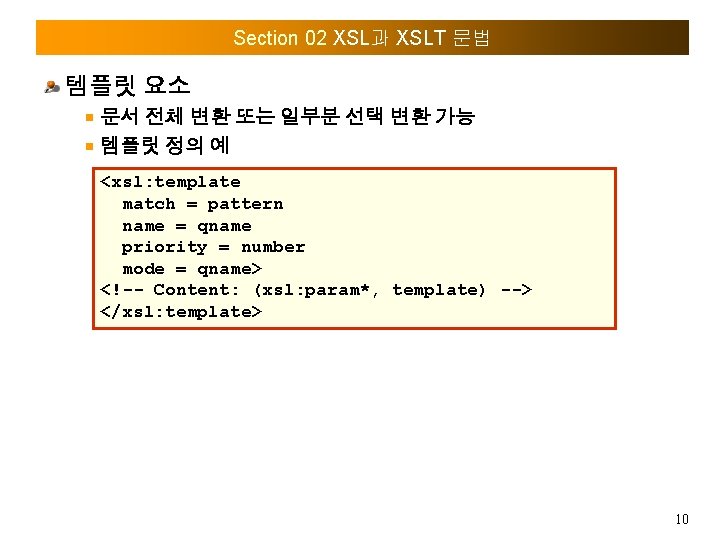
Section 02 XSL과 XSLT 문법 템플릿 요소 문서 전체 변환 또는 일부분 선택 변환 가능 템플릿 정의 예 <xsl: template match = pattern name = qname priority = number mode = qname> <!-- Content: (xsl: param*, template) --> </xsl: template> 10
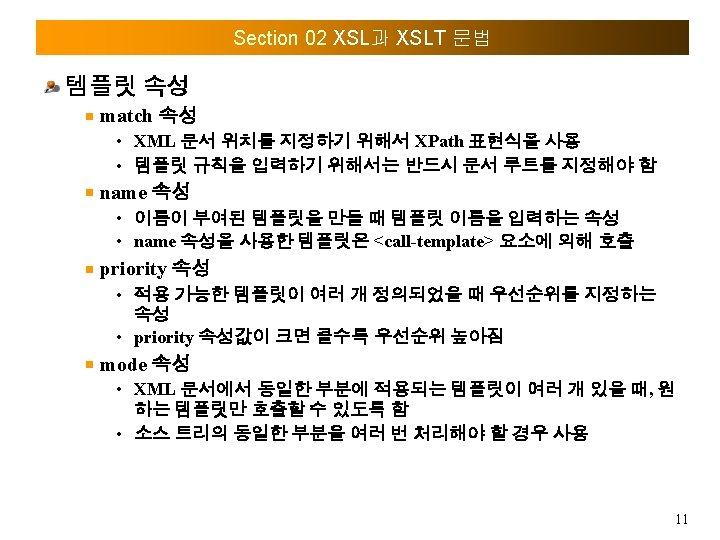
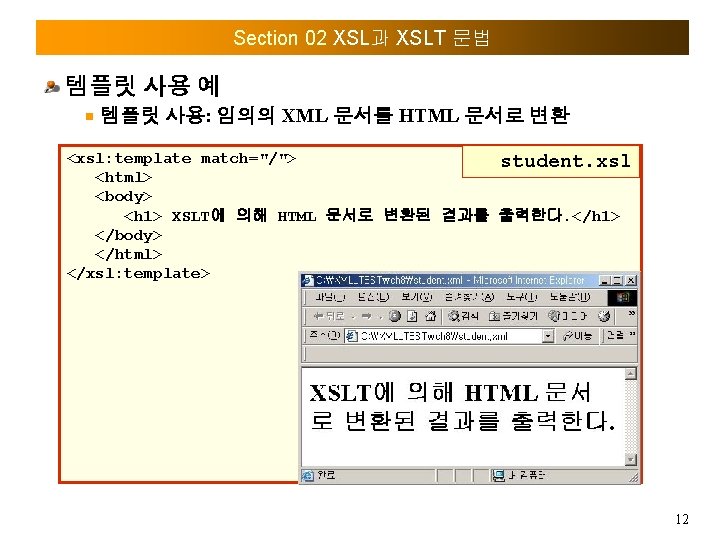
Section 02 XSL과 XSLT 문법 템플릿 사용 예 템플릿 사용: 임의의 XML 문서를 HTML 문서로 변환 <xsl: template match="/"> student. xsl <html> <body> <h 1> XSLT에 의해 HTML 문서로 변환된 결과를 출력한다. </h 1> </body> </html> </xsl: template> 12
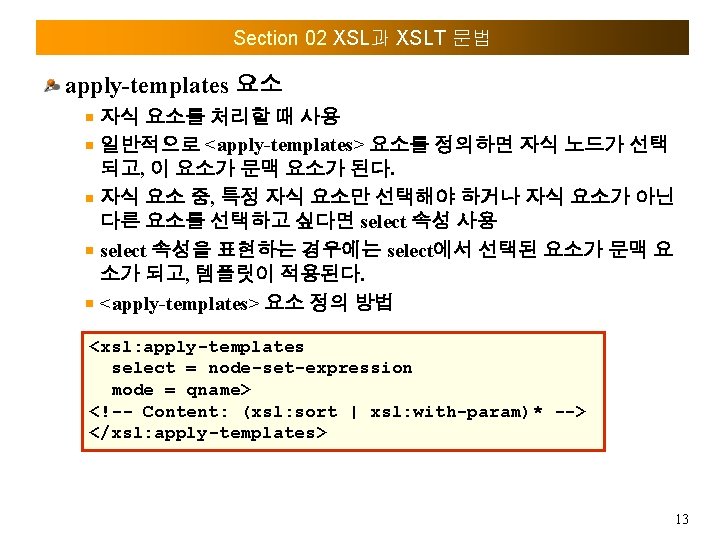
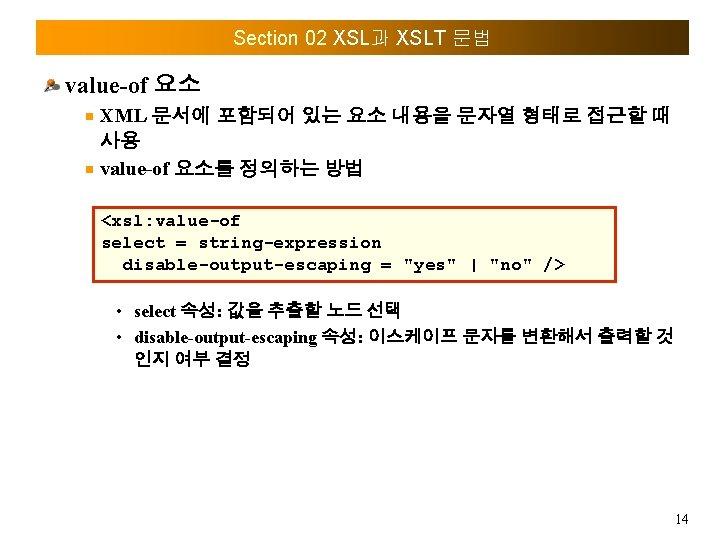
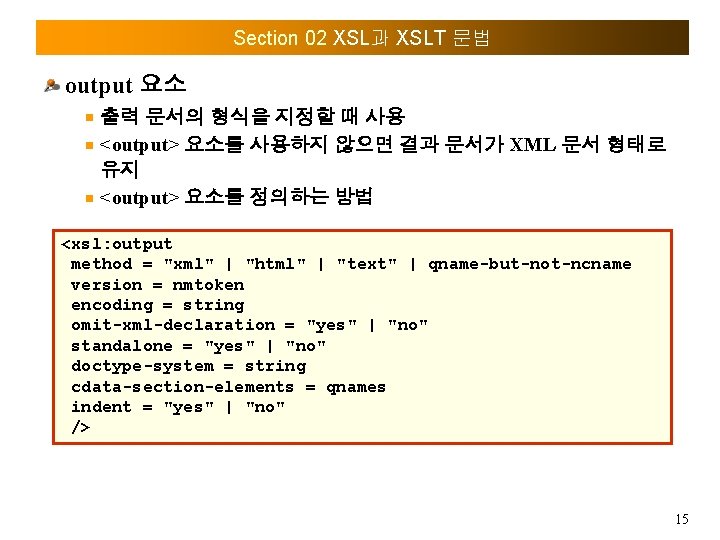
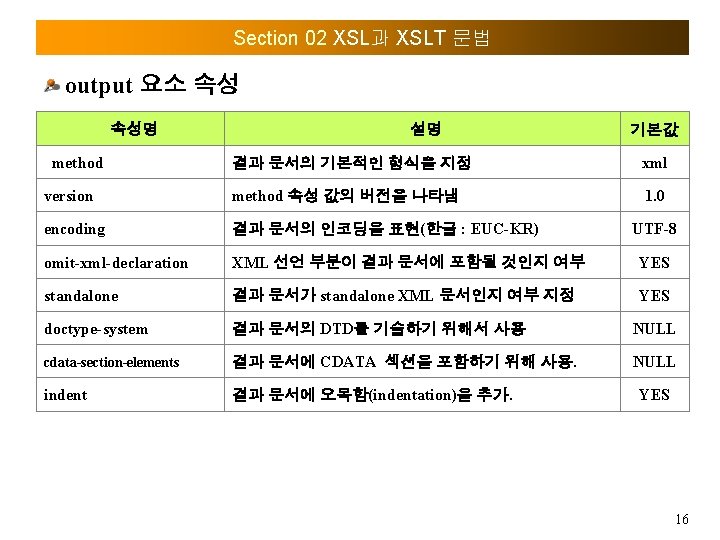
Section 02 XSL과 XSLT 문법 output 요소 출력 문서의 형식을 지정할 때 사용 <output> 요소를 사용하지 않으면 결과 문서가 XML 문서 형태로 유지 <output> 요소를 정의하는 방법 <xsl: output method = "xml" | "html" | "text" | qname-but-not-ncname version = nmtoken encoding = string omit-xml-declaration = "yes" | "no" standalone = "yes" | "no" doctype-system = string cdata-section-elements = qnames indent = "yes" | "no" /> 15
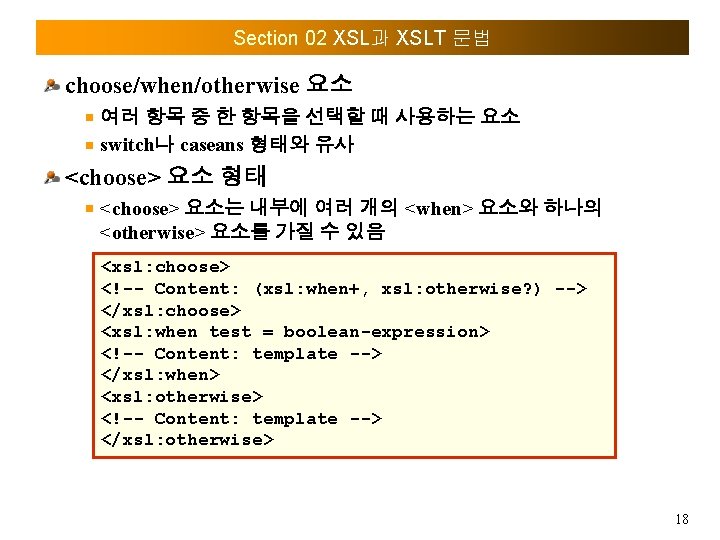
Section 02 XSL과 XSLT 문법 choose/when/otherwise 요소 여러 항목 중 한 항목을 선택할 때 사용하는 요소 switch나 caseans 형태와 유사 <choose> 요소 형태 <choose> 요소는 내부에 여러 개의 <when> 요소와 하나의 <otherwise> 요소를 가질 수 있음 <xsl: choose> <!-- Content: (xsl: when+, xsl: otherwise? ) --> </xsl: choose> <xsl: when test = boolean-expression> <!-- Content: template --> </xsl: when> <xsl: otherwise> <!-- Content: template --> </xsl: otherwise> 18
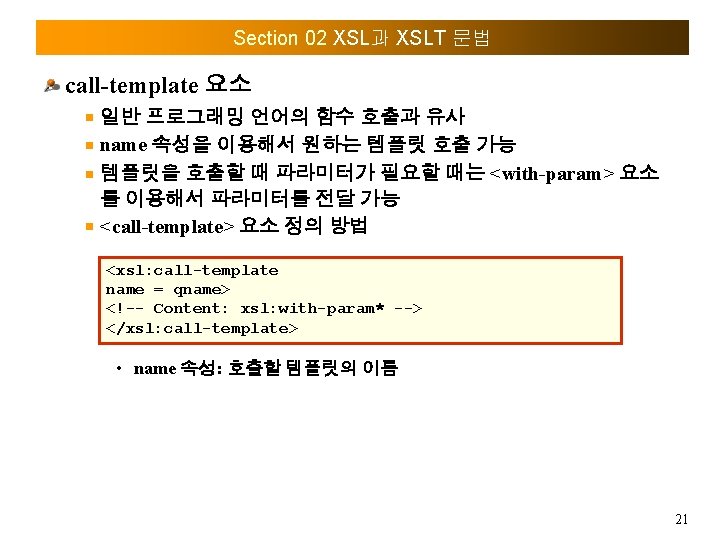
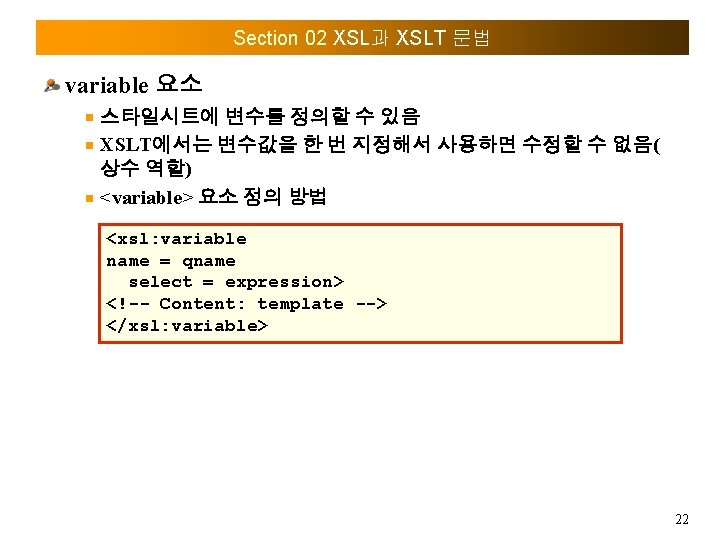
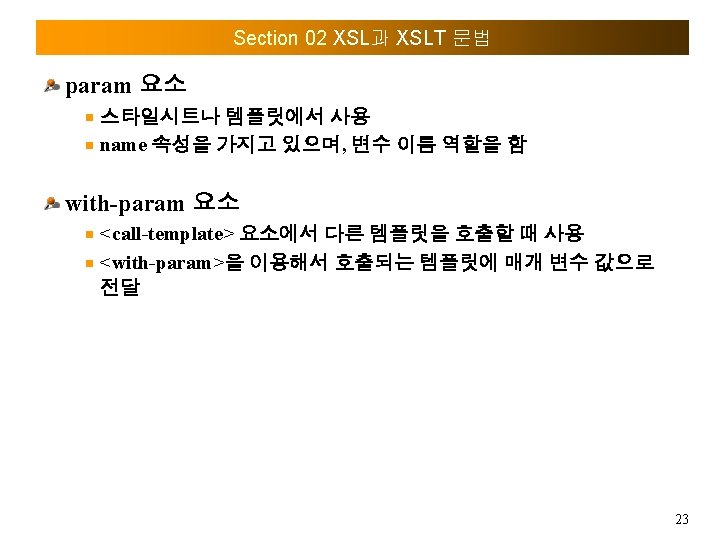
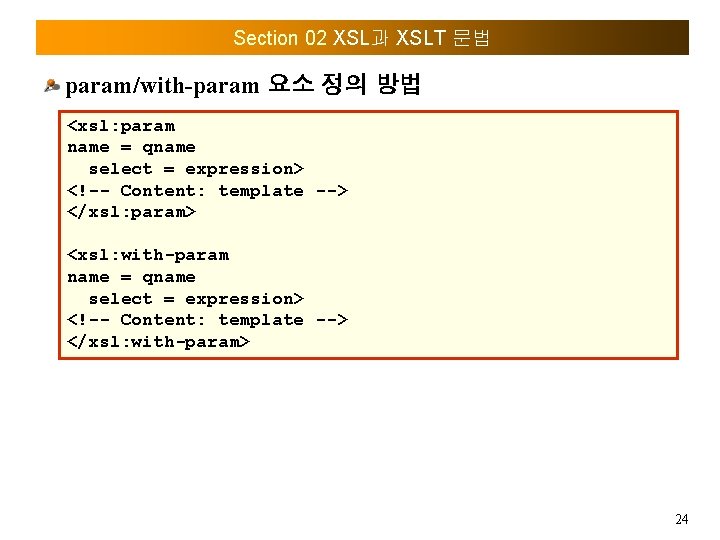
Section 02 XSL과 XSLT 문법 param/with-param 요소 정의 방법 <xsl: param name = qname select = expression> <!-- Content: template --> </xsl: param> <xsl: with-param name = qname select = expression> <!-- Content: template --> </xsl: with-param> 24
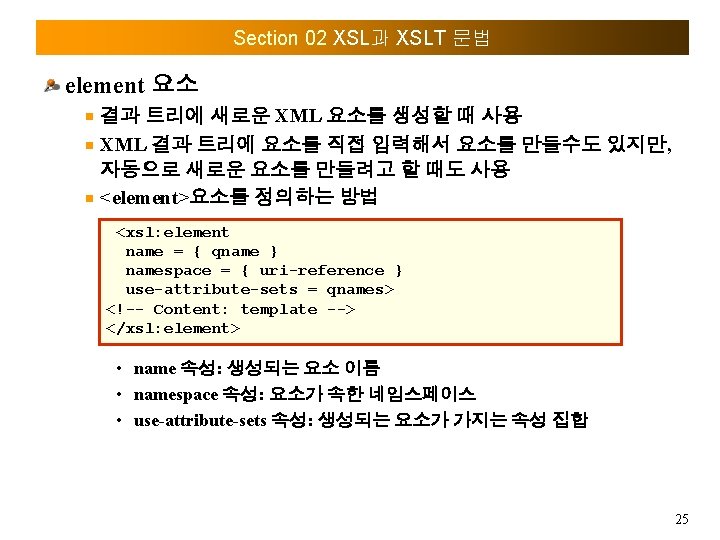
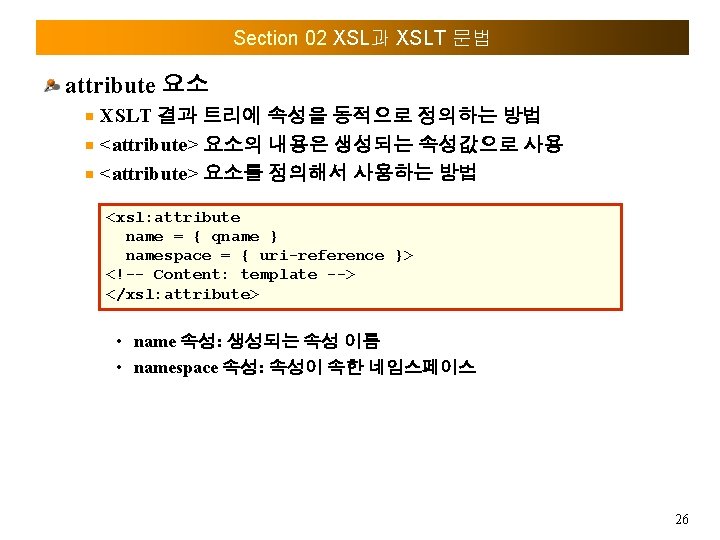
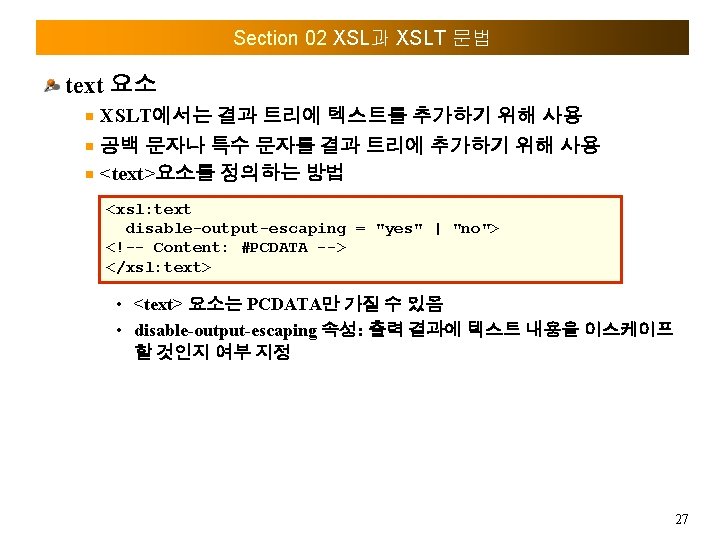
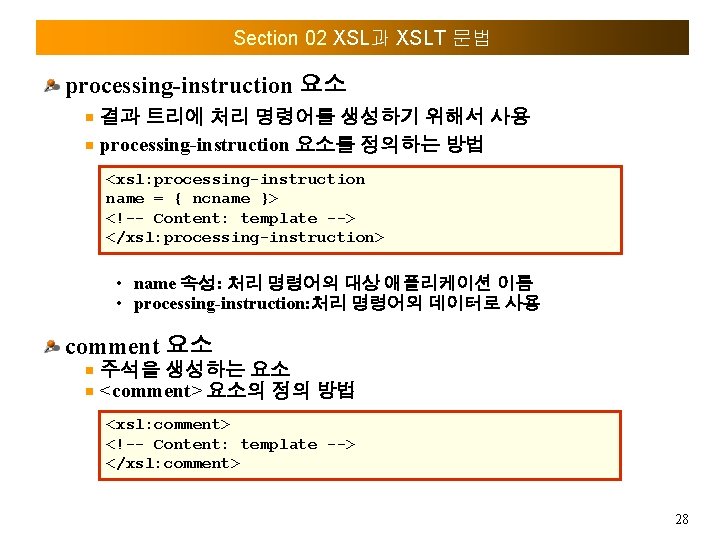
Section 02 XSL과 XSLT 문법 processing-instruction 요소 결과 트리에 처리 명령어를 생성하기 위해서 사용 processing-instruction 요소를 정의하는 방법 <xsl: processing-instruction name = { ncname }> <!-- Content: template --> </xsl: processing-instruction> • name 속성: 처리 명령어의 대상 애플리케이션 이름 • processing-instruction: 처리 명령어의 데이터로 사용 comment 요소 주석을 생성하는 요소 <comment> 요소의 정의 방법 <xsl: comment> <!-- Content: template --> </xsl: comment> 28

Thank you
- Slides: 34