
Secondary research on the internet Global internet connectivity
Secondary research on the internet

Global internet connectivity map
Useful reading on online and social media research • The Handbook of Online and Social Media Research: Tools and Techniques for Market Researchers by Ray Poynter
Pros and cons of the internet PROS • Fast, free and accessible • Everyone has an online presence • You can find out pretty much about anything CONS • Too much information to sift through • Can be difficult to verify the source and authenticity • Can get addictive : )
Search engines • • www. google. com www. dogpile. com/ www. bing. com/ www. altavista. com/ www. yahoo. com/ www. ask. com/ www. metacrawler. com/ en. wikipedia. org/wiki/W eb_search_engine
How search engines work • A search engine will attempt to link you to sites that are related to the words you have used in your query, which will often come into the millions. It then orders them in terms of the popularity and the relevance of the site. • Criteria include the proximity of terms you have cited in the site, and how near they are to the beginning of the text, and the links between each site and other relevant sites. • Most researchers are unlikely to go beyond the first ten pages of links
How to use search engines • Don’t use questions or sentences - the engine will ignore words like ‘the’, ‘why’, ‘and’… • Mix up subject words with function words such as interview + Scorsese • Identify phrases you want to find using apostrphes, eg. “National Viewer and Listeners Association” • Limit your searches to UK sites (if this is what you want) to keep it more focused. • Rather than always searching new sites identify particular sites that are reliable and give access to material through their own search mechanisms.
Useful sites • • • www. imdb. com www. bbc. co. uk www. guardian. co. uk www. timesonline. co. uk www. ofcom. org. uk www. bbfc. co. uk (British Board of film classification) www. pcc. org. uk (Press complaints commission) www. cjr. org/resources (Columbia Journalism Review) www. mediaknowall. com www. sirc. org (social issue research centre) University websites Other newspaper websites
Hints on using the internet for research • When you find a site that looks useful, skim through it and bookmark it for later (using delicious or digg) • Highlight and save key parts of text into your own research folder / research blog • Don’t just print out and hope that it might be useful in future • Keep a list of domain names or sites that you’ve found useful and save these in your bookmarks (don’t forget to add tags!) • Try to establish who is responsible for the content of the page and check their status • Establish the purpose of the site / organisation / who is producing it • Check how recently the site has been updated
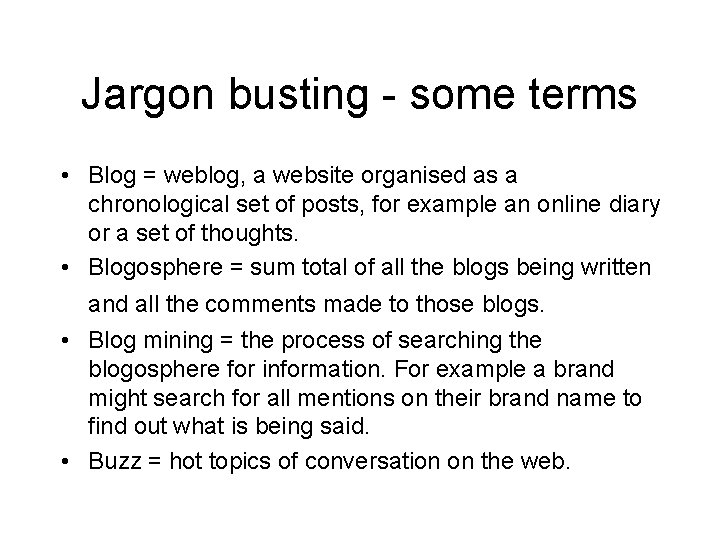
Jargon busting - some terms • Blog = weblog, a website organised as a chronological set of posts, for example an online diary or a set of thoughts. • Blogosphere = sum total of all the blogs being written and all the comments made to those blogs. • Blog mining = the process of searching the blogosphere for information. For example a brand might search for all mentions on their brand name to find out what is being said. • Buzz = hot topics of conversation on the web.
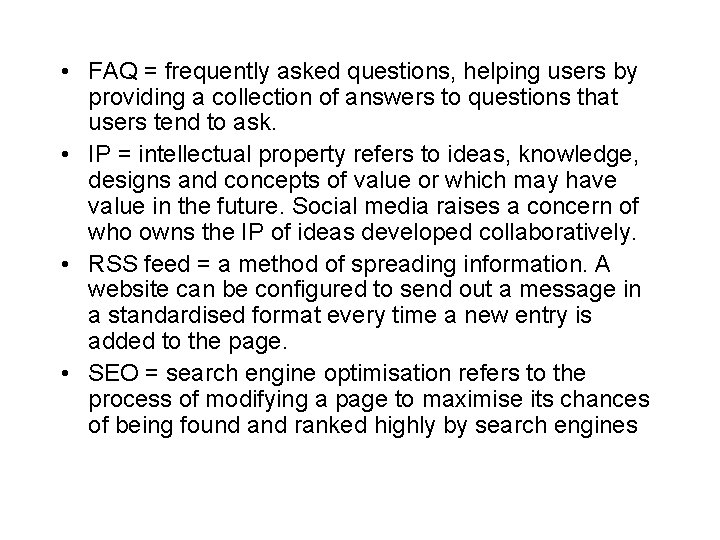
• FAQ = frequently asked questions, helping users by providing a collection of answers to questions that users tend to ask. • IP = intellectual property refers to ideas, knowledge, designs and concepts of value or which may have value in the future. Social media raises a concern of who owns the IP of ideas developed collaboratively. • RSS feed = a method of spreading information. A website can be configured to send out a message in a standardised format every time a new entry is added to the page. • SEO = search engine optimisation refers to the process of modifying a page to maximise its chances of being found and ranked highly by search engines
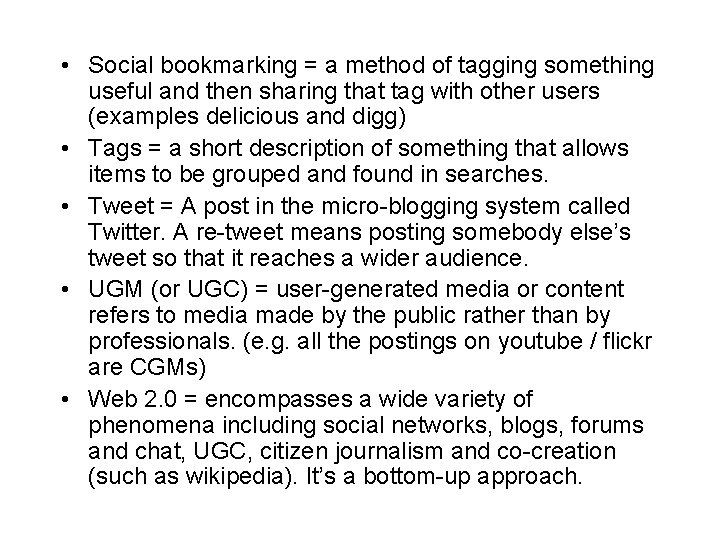
• Social bookmarking = a method of tagging something useful and then sharing that tag with other users (examples delicious and digg) • Tags = a short description of something that allows items to be grouped and found in searches. • Tweet = A post in the micro-blogging system called Twitter. A re-tweet means posting somebody else’s tweet so that it reaches a wider audience. • UGM (or UGC) = user-generated media or content refers to media made by the public rather than by professionals. (e. g. all the postings on youtube / flickr are CGMs) • Web 2. 0 = encompasses a wide variety of phenomena including social networks, blogs, forums and chat, UGC, citizen journalism and co-creation (such as wikipedia). It’s a bottom-up approach.
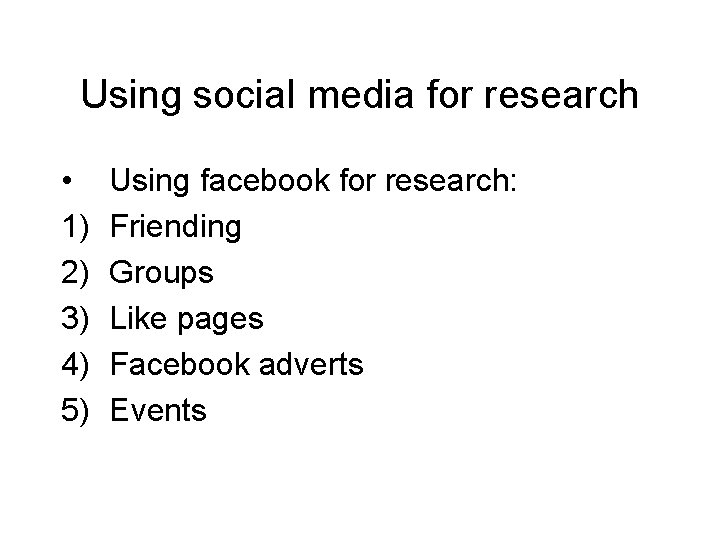
Using social media for research • 1) 2) 3) 4) 5) Using facebook for research: Friending Groups Like pages Facebook adverts Events
• Using Twitter for research 1) Following people / subscribing to groups of interest 2) Using the # tag 3) Re-tweeting and @ mentions 4) Book-marking tool 5) Sharing stories
• Using blogs for research 1) www. technorati. com for blogs - search the blogosphere for any topic www. omgili. com for discussions - search for any forum / chat room online using keywords If you find a useful blog you can set up regular updates to your email when the blogger publishes something new Remember that blogs and UGC classifies as primary research and has not been vetted. Blogs can be a useful tool for your own research if you want people to comment on what you are saying 2) 3) 4) 5)
Looking up other sources on the internet • Books: www. amazon. co. uk and www. pocketessentials. com are useful to start with • Magazines and journals: Usually have their own websites. • TV and radio programmes: www. radiotimes. com for TV and radio listings BBCiplayer and 4 OD for watching the previous week’s programmes
Using sources • Relevance: Is the material relevant to what you are trying to find out? Refer back to your original problematic to see if the issues are addressed in the source. If not, but you still find it interesting, you may wish to adapt your original problematic. • Authenticity and accuracy: Find out about the source, where does it originate from? Is it academic, official, reporting, marketing or a personal opinion? Crosscheck your sources where possible. This is a particular problem if you use popular journalism as your main source of information.
Tasks in class • Try out at least 4 different search engines (including google)with the same word(s) and write down what the hits that come up are. • Find the top 100 blogs and write a list of the first 10 that appear. • Find a piece of audio-visual user-generated content online • Find out which year the movie ‘Home Alone III’ was made and who directed it • Type in ‘Michael Jackson is alive’ into omgili and summarise what is being discussed
Research projects • Pick one of the assessment topics on the course and start a research folder. Choice 1) Representation of minority groups in British mainstream media (film, television, radio, newspapers, magazines and online). Pick a minority group of your choice and analyse the ways in which the behaviour and lifestyle of this group is reported on across the various mediums. Choice 2) You have been given a job as a researcher on the popular Channel 4 Television show ‘Embarrassing bodies’. Your task is to research for one episode of the series on TV, as well as providing multimedia content for its interactive website.
- Slides: 19