
Searching EBSCOhost Databases START Research Question Have you
Searching EBSCOhost Databases START
Research Question Have you decided what your research question is? You Are Here: Research Question YES NO
Research Question Have you decided what your research question is? No You Are Here: Research Question Think of a subject area that interests you, or think of what you are curious about and form a question. NEXT
Research Question Have you decided what your research question is? You Are Here: Research Question YES NO
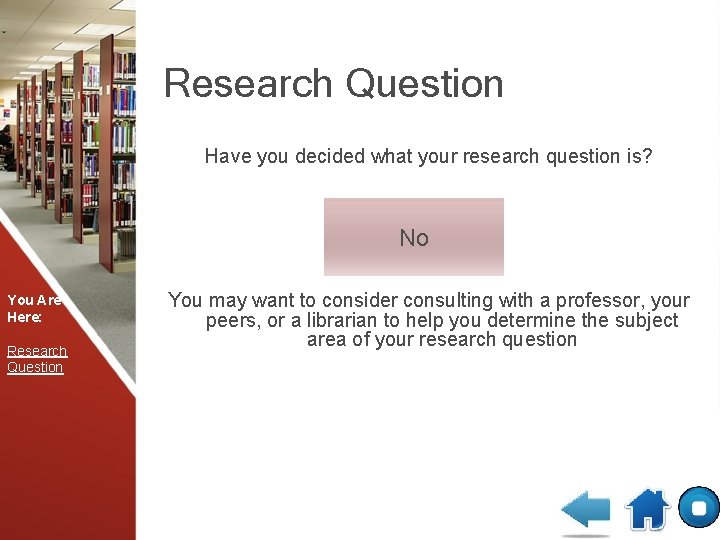
Research Question Have you decided what your research question is? No You Are Here: Research Question You may want to consider consulting with a professor, your peers, or a librarian to help you determine the subject area of your research question
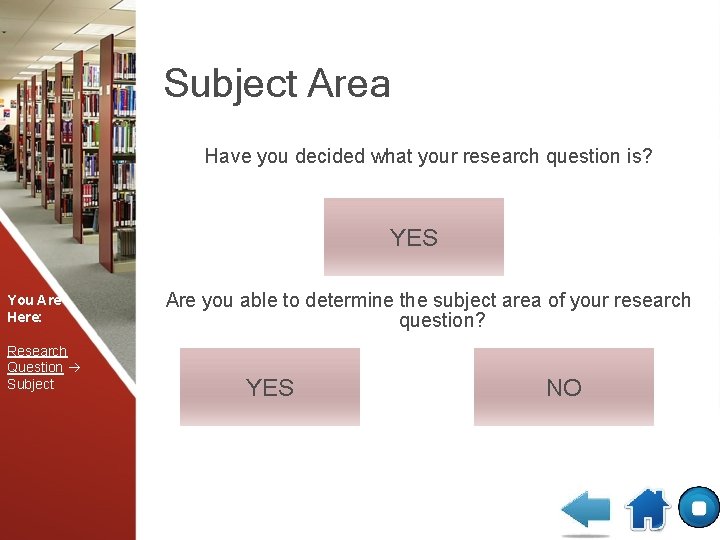
Subject Area Have you decided what your research question is? YES You Are Here: Research Question Subject Are you able to determine the subject area of your research question? YES NO
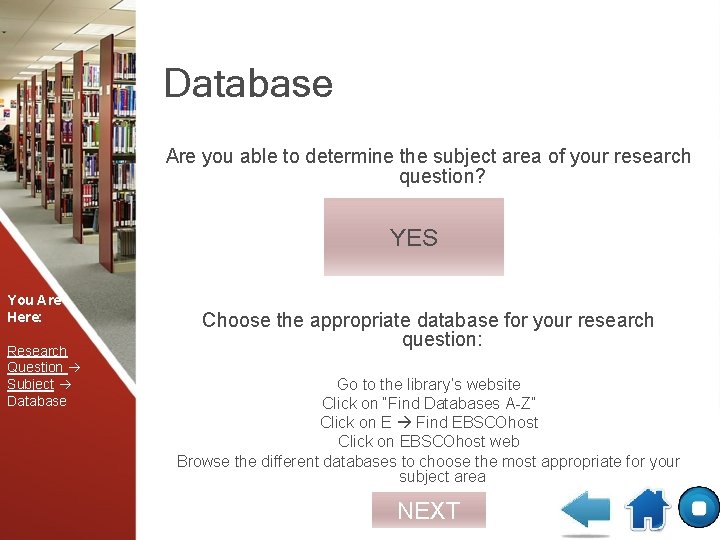
Database Are you able to determine the subject area of your research question? YES You Are Here: Research Question Subject Database Choose the appropriate database for your research question: Go to the library’s website Click on “Find Databases A-Z” Click on E Find EBSCOhost Click on EBSCOhost web Browse the different databases to choose the most appropriate for your subject area NEXT
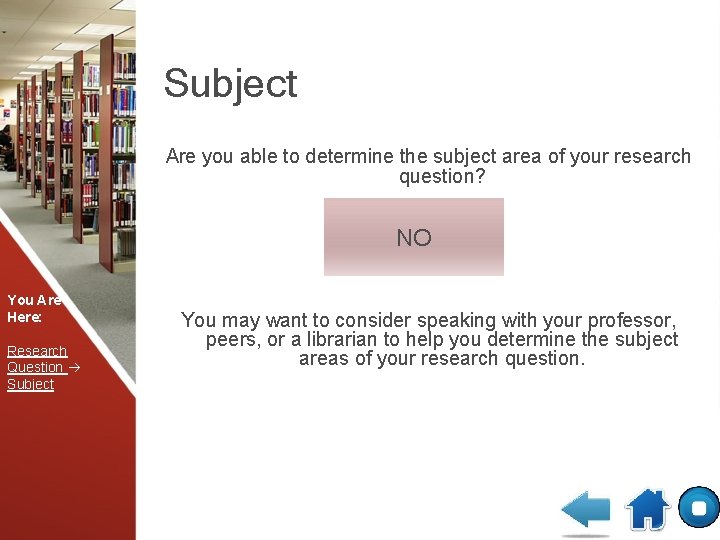
Subject Are you able to determine the subject area of your research question? NO You Are Here: Research Question Subject You may want to consider speaking with your professor, peers, or a librarian to help you determine the subject areas of your research question.
Searching Using the “Advanced Search” option conduct a quick search by inputting search terms in the search box Did your search return relevant results? You Are Here: Research Question Subject Database Keywords Searching YES NO
Searching Did your search return relevant results? You Are Here: Research Question Subject Database Keywords Searching YES NO
Searching Did your search return relevant results? You Are Here: Research Question Subject Database Keywords Searching YES NO
Searching Using the “Advanced Search” option conduct a quick search by inputting search terms in the search box Did your search return relevant results? You Are Here: Research Question Subject Database Keywords Searching YES NO
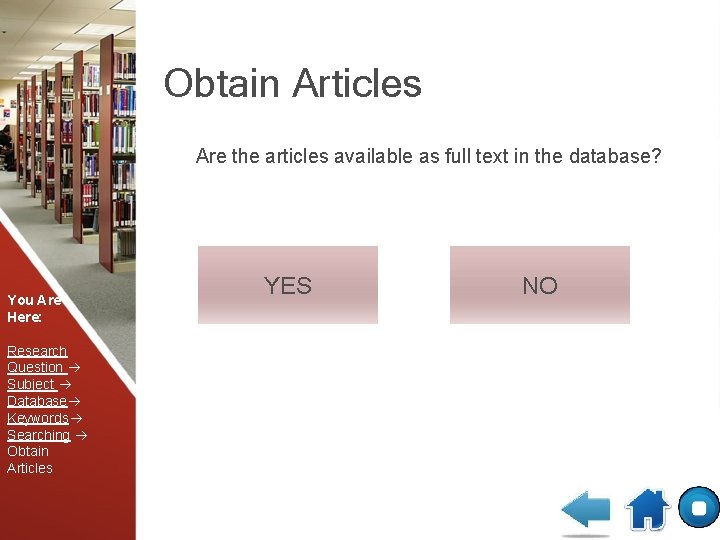
Obtain Articles Are the articles available as full text in the database? You Are Here: Research Question Subject Database Keywords Searching Obtain Articles YES NO
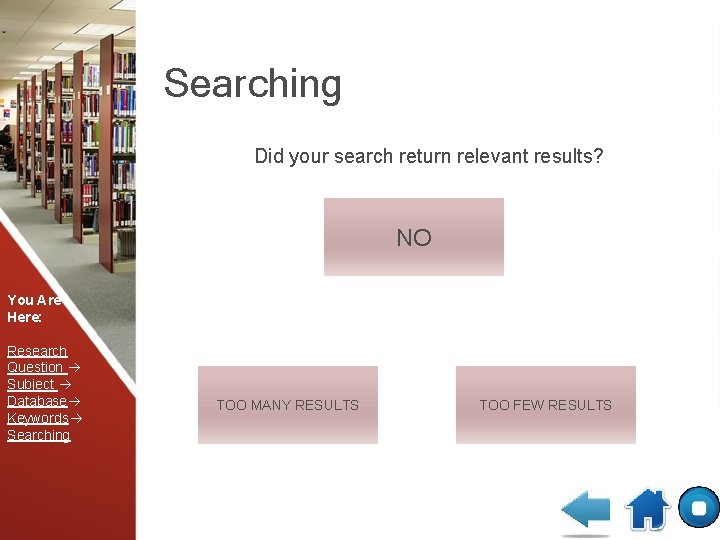
Searching Did your search return relevant results? NO You Are Here: Research Question Subject Database Keywords Searching TOO MANY RESULTS TOO FEW RESULTS
Searching Did your search return relevant results? NO You Are Here: Research Question Subject Database Keywords Searching Consult with your librarian to determine a better search strategy.
Searching Did your search return relevant results? NO You Are Here: Research Question Subject Database Keywords Searching Re-evaluate your search strategy. If you require additional help, consult your librarian to help.
Searching Did your search return relevant results? TOO MANY RESULTS You Are Here: Research Question Subject Database Keywords Searching Use the Boolean Search Operator “AND” to combine results. The will narrow the number of results. NEXT
Searching Did your search return relevant results? TOO FEW RESULTS You Are Here: Research Question Subject Database Keywords Searching Use * to truncation your keywords. For example, searching teach* will search teach, teacher, teaching, teachers. Use more synonyms. You may also use the Boolean Search Operator “OR” to expand your search. START
Obtain Articles Are the articles available as full text in the database? YES You Are Here: Research Question Subject Database Keywords Searching Obtain Articles Download articles. Read and evaluate the material and use the information to create something i. e. , paper, project, or presentation. NEXT
Obtain Articles Are the articles available as full text in the database? NO You Are Here: Research Question Subject Database Keywords Searching Obtain Articles Place an order with Interlibrary Loan. Once you receive the articles in your e-mail, download articles. Read and evaluate the material and use the information to create something i. e. , paper, project, or presentation. NEXT
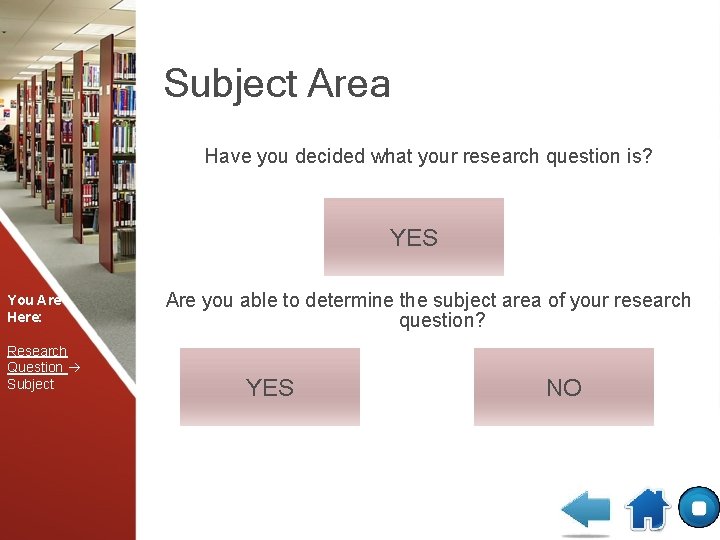
Subject Area Have you decided what your research question is? YES You Are Here: Research Question Subject Are you able to determine the subject area of your research question? YES NO
Subject Area Are you able to determine the subject area of your research question? No You Are Here: Research Question Subject Re-evaluate your research question.
Keywords Were you able to determine appropriate keywords associated with your research question? You Are Here: Research Question Subject Database Keywords YES NO
Keywords Were you able to determine appropriate keywords associated with your research question? YES You Are Here: Research Question Subject Database Keywords It’s time to begin searching NEXT
Keywords Were you able to determine appropriate keywords associated with your research question? NO You Are Here: Research Question Subject Database Keywords Think about the words that describe your research question. Also think about synonyms and specific words associated with the subject area. NEXT
Keywords Were you able to determine appropriate keywords associated with your research question? You Are Here: Research Question Subject Database Keywords YES NO
Keywords Were you able to determine appropriate keywords associated with your research question? NO You Are Here: Research Question Subject Database Keywords Consult with your professor, peers, or librarian to help you develop relevant key words to help you search.

CONGRATULATIONS You have successfully located relevant articles for your paper/project EXIT
- Slides: 28