
Search Seizure collection of digital evidence forensic imaging
![Forensic Analysis üOnline accounts [SBI, HDFC, ICICI etc. ] üOnline payment gateways [Mobikwik, freecharge,](https://slidetodoc.com/presentation_image_h/86bf175c027fc398c737bc8fec0cda85/image-25.jpg "Forensic Analysis üOnline accounts [SBI, HDFC, ICICI etc. ] üOnline payment gateways [Mobikwik, freecharge,")
![DVR [Digital Video Recorder] Machine](https://slidetodoc.com/presentation_image_h/86bf175c027fc398c737bc8fec0cda85/image-44.jpg "DVR [Digital Video Recorder] Machine")


- Slides: 67
Search, Seizure & collection of digital evidence, forensic imaging, packaging of digital evidence & preparation of questionnaire forensic examination of seized exhibits
Steps in crime scene investigation • Identifying and securing the crime scene -‘as is where is’ documentation of the scene of offence -Collection of evidence • Procedure for gathering evidences from Switched-off Systems • Procedure for gathering evidence from live systems
Steps in crime scene investigation • -Forensic duplication • -Conducting interviews • -Labeling and, documenting of the evidence • -Packaging, and transportation of the evidences
Procedure for gathering evidences from switched-off systems • Secure and take control of the area containing the equipment. • Allow any printers to finish printing. • Move people away from any computers and power supplies. • Don’t, in any circumstances, switch the computer on.
Procedure for gathering evidences from switched-off systems • Make sure that the computer is switched off – some screen savers may give the appearance that the computer is switched off, but hard drive and monitor activity lights may indicate that the machine is switched on. • Remove the battery from laptop computers.
Procedure for gathering evidences from switched-off systems Unplug the power and other devices from sockets: a computer that is apparently switched off may be in sleep mode and may be accessed remotely, allowing the alteration or deletion of files.
Procedure for gathering evidences from switched-off systems • Label and photograph (or video) all the components and if no camera is available, draw a sketch plan of the system. • Label the ports and cables so that the computer may be reconstructed at a later date.
Procedure for gathering evidences from switched-off systems • Carefully remove the equipment and record the unique identifiers – the main unit, screen, keyboard and other equipment will have separate identifiers. • Ensure that all items have signed and completed exhibit labels attached to them as failure to do so may create difficulties with continuity and cause the equipment to be rejected by the forensic examiners.
Procedure for gathering evidences from switched-off systems • Search area for diaries, notebooks or pieces of paper with passwords on which are often stuck to or close to the computer. • Consider asking the user if there any passwords and if these are given record them accurately.
Procedure for gathering evidences from live systems (Switched-on Systems) • Secure the area containing the equipment & move people away from computer and power supply. • Disconnect the modem if attached. • Do not take advice from the owner / user of the computer.
Procedure for gathering evidences from live systems (Switched-on Systems) • Label and photograph or video all the components. If no camera is available, draw a sketch plan of the system and label the ports and cables so that the computer may be reconstructed at a later date. • Remove all other connection cables leading from the computer to other wall or floor sockets or devices.
Procedure for gathering evidences from live systems (Switched-on Systems) • Carefully remove the equipment and record the unique identifiers – the main unit, screen, keyboards and other equipment will have different numbers. • Ensure that all items have signed exhibit labels attached to them as failure to do so may cause difficulty with continuity and cause the equipment to be rejected by the forensic examiners
Procedure for gathering evidences from live systems (Switched-on Systems) • Allow the equipment to cool down before removal • Search area for diaries, notebooks or pieces of paper with passwords on which are often stuck to or close to the computer. • Consider asking the user if there any passwords and if these are given record them accurately.
Procedure for gathering evidences from live systems (Switched-on Systems) • Record what is on the screen by photograph and by making a written note of the content of the screen. • Take the help of technical expert to use live forensics tool to extract the information that is present in the temporary storage memory like
Procedure for gathering evidences from live systems (Switched-on Systems) • If no specialist advice is available, remove the power supply from the back of the computer without closing down any programs. When removing the power supply cable, always remove the end attached to the computer and not that attached to the socket, this will avoid any data being written to the hard drive if an uninterruptible power protection device is fitted.
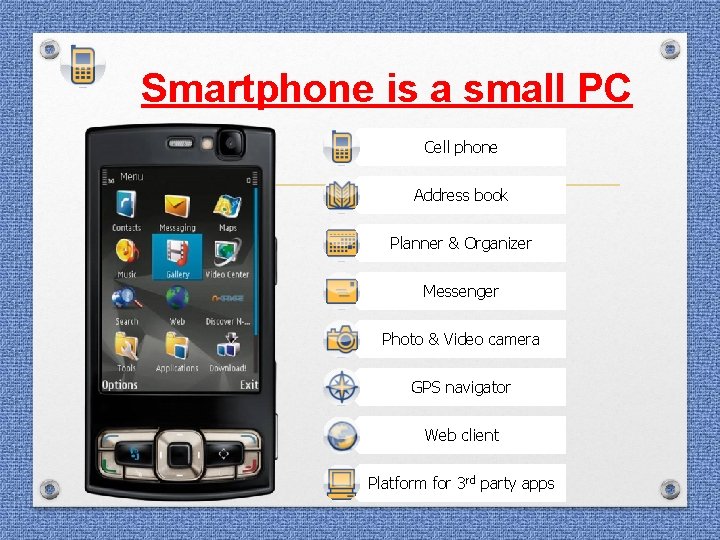
Smartphone is a small PC Cell phone Address book Planner & Organizer Messenger Photo & Video camera GPS navigator Web client Platform for 3 rd party apps
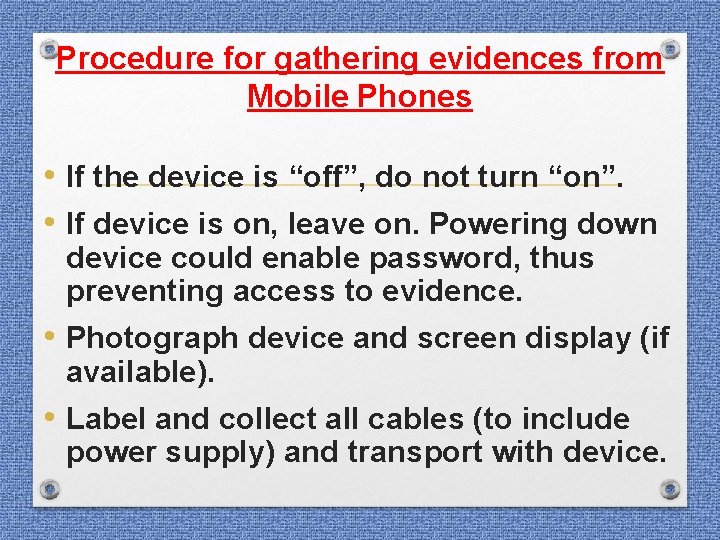
Procedure for gathering evidences from Mobile Phones • If the device is “off”, do not turn “on”. • If device is on, leave on. Powering down device could enable password, thus preventing access to evidence. • Photograph device and screen display (if available). • Label and collect all cables (to include power supply) and transport with device.
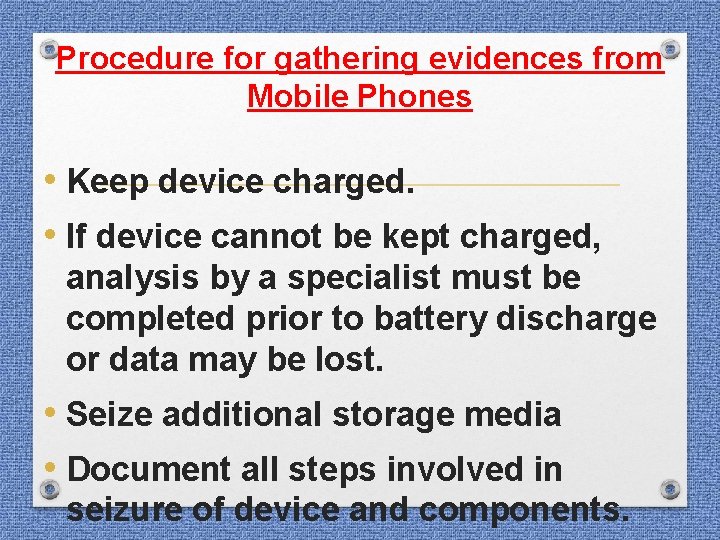
Procedure for gathering evidences from Mobile Phones • Keep device charged. • If device cannot be kept charged, analysis by a specialist must be completed prior to battery discharge or data may be lost. • Seize additional storage media • Document all steps involved in seizure of device and components.
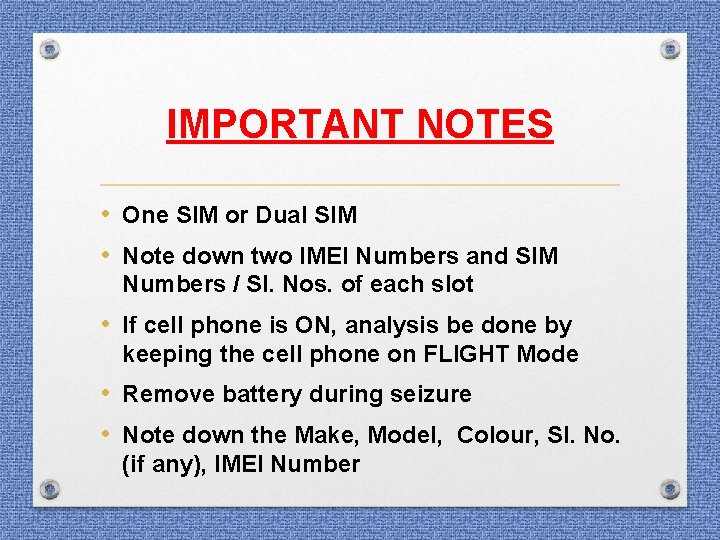
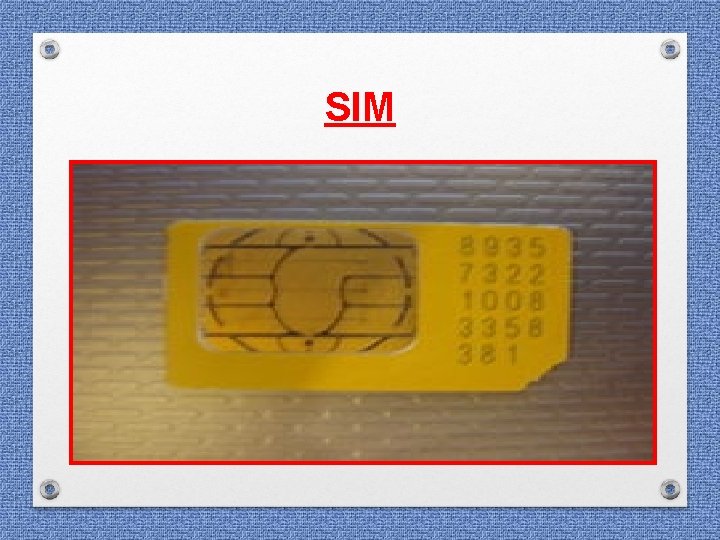
IMPORTANT NOTES • One SIM or Dual SIM • Note down two IMEI Numbers and SIM Numbers / Sl. Nos. of each slot • If cell phone is ON, analysis be done by keeping the cell phone on FLIGHT Mode • Remove battery during seizure • Note down the Make, Model, Colour, Sl. No. (if any), IMEI Number
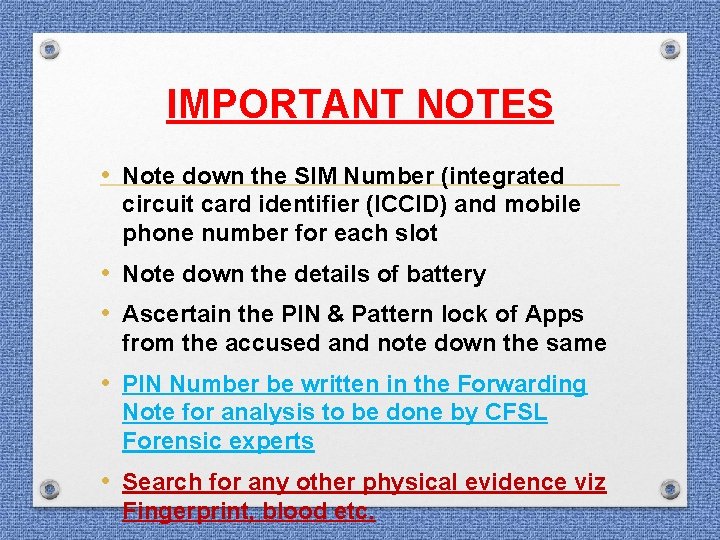
IMPORTANT NOTES • Note down the SIM Number (integrated circuit card identifier (ICCID) and mobile phone number for each slot • Note down the details of battery • Ascertain the PIN & Pattern lock of Apps from the accused and note down the same • PIN Number be written in the Forwarding Note for analysis to be done by CFSL Forensic experts • Search for any other physical evidence viz Fingerprint, blood etc.
SIM
IMPORTANT NOTES • Seizure of Memory Card / micro SD Card: Mention its make, model, sl. No. , capacity • Ascertain the password if memory card is locked • Seize power cables / connectors • Note down the MAC Address of the device • Seize additional storage media (memory sticks, compact flash etc. ) • Make effort to locate any instruction manuals
Analysis done by CFSL on the following aspects
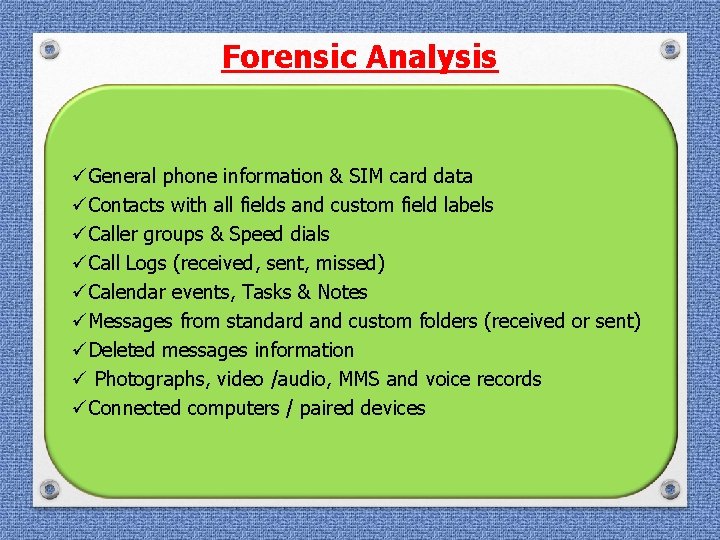
Forensic Analysis üGeneral phone information & SIM card data üContacts with all fields and custom field labels üCaller groups & Speed dials üCall Logs (received, sent, missed) üCalendar events, Tasks & Notes üMessages from standard and custom folders (received or sent) üDeleted messages information ü Photographs, video /audio, MMS and voice records üConnected computers / paired devices
Forensic Analysis üOnline accounts [SBI, HDFC, ICICI etc. ] üOnline payment gateways [Mobikwik, freecharge, paytm, payu, billdesk etc. , ] üGPS & Location tagged information üWeb browser cache & bookmarks üE-mail, Facebook, social networking information ü 3 rd party applications with their information üDeleted Whatsapp/Viber/Hike/Line/Chat/Telegram üDeleted internet history
Seizure • Mobile Phone along with its battery (if any) • SIM Card • Micro SD Card • Charging cable
MOBILE PHONE EXAMINATION BY FORENSIC EXPERT SIM INTERNAL MEMORY CARD
DATA IN SIM LOCATION ICCID(INTEGRATED CIRCUIT CARD IDENTIFIER) IMSI(INTERNATIONAL MOBILE SUBSCRIBER IDENTITY) CONTACT SMS LAST CALL DETAILS
INTERNAL MOBILE MEMORY IMEI CONTACTS SMS MOBILE SETTINGS TO DO LIST NOTES EMAIL/CHAT/SOCIAL NETWORK SITE DETAILS INTERNET HISTORY
MEMORY CARD IMAGE/ VIDEO/ AUDIO ARCHIVED DATA/ SMS BACK UP/ WHATSAPP INTERNET DATA HISTORY OF USE IN OTHER DEVICES DELETED DATA
CHALLENGES PASSWORD PROTECTION LOST SIM NOT SUPPORTED BY TOOLS PROBLEM IN SWITCHING ON THE MOBILE. (broken/ blast cases)
Seizure of Computer system • Desktop • Laptop
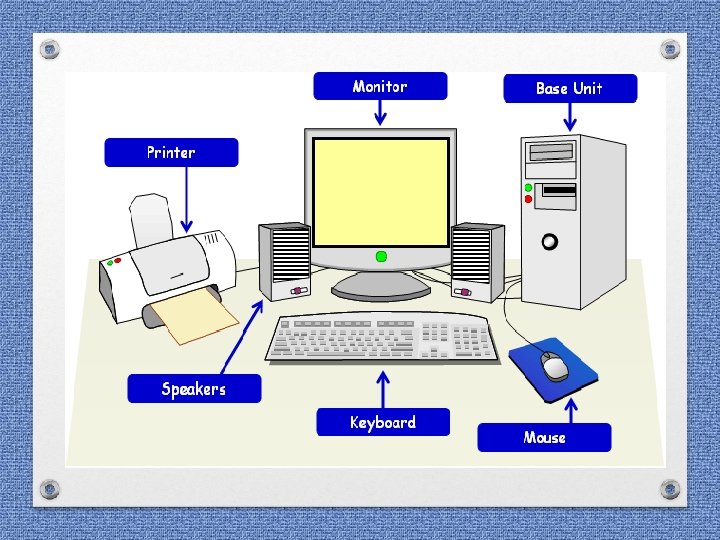
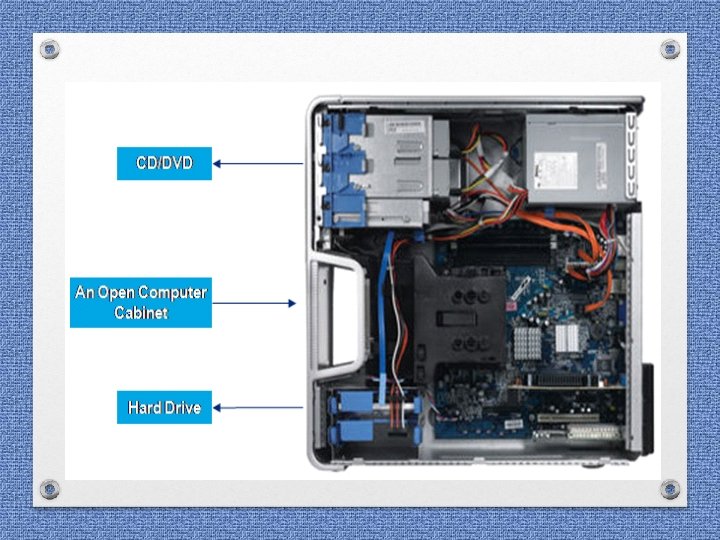
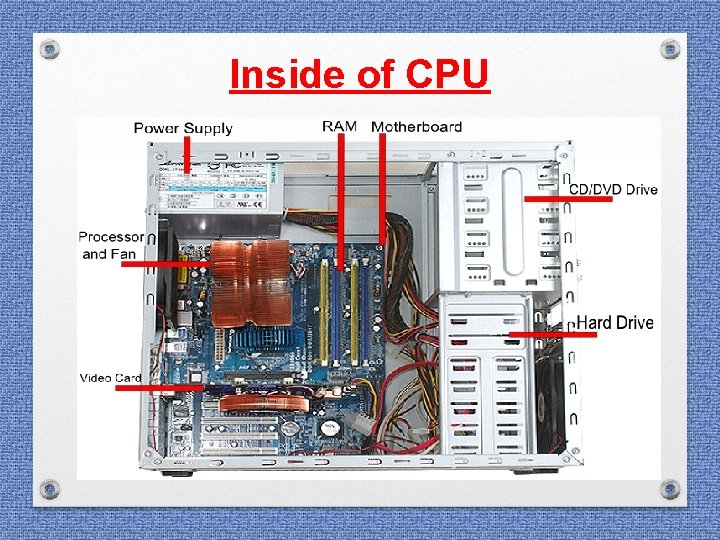
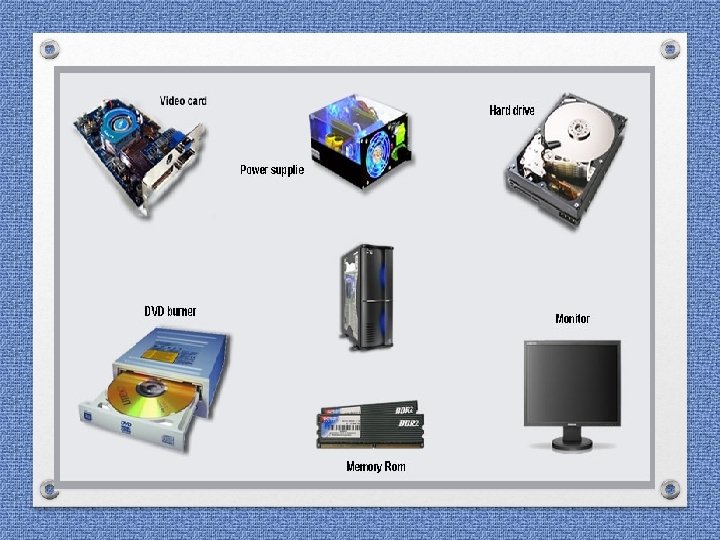
Seizure of Computer system • • • Monitor of Desktop CPU UPS Keyboard Mouse Printer
Seizure of Computer system • Hard Disk from CPU • USB Drive /Pen drive / Flash drive / CDs / DVDs • • External Hard Disk if any Power Cable / charging adaptors Modems Connecting cables
Seizure of Computer system In case of Laptop: - • Laptop • Power Cable / charging adaptors
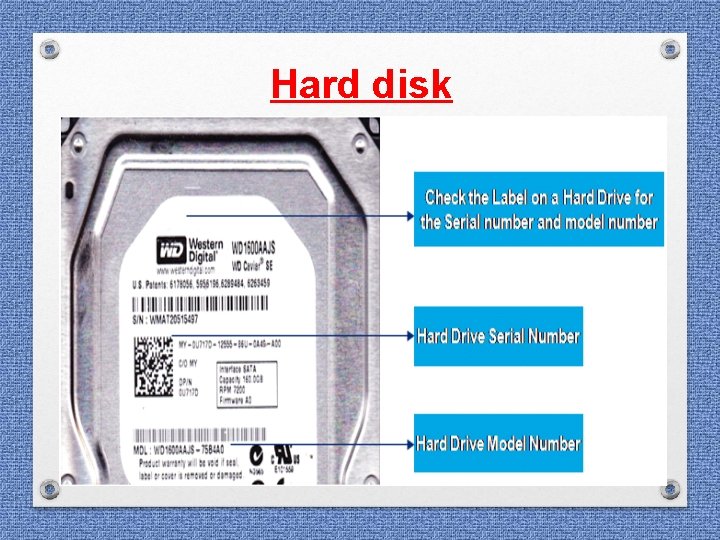
Seizure of Computer system • In the seizure list, clearly mention the ØMake ØModel ØSl. No. ØColour Of Computer system, CPU, UPS, Keyboard, Printer and Capacity during seizure of Hard Disk
Inside of CPU
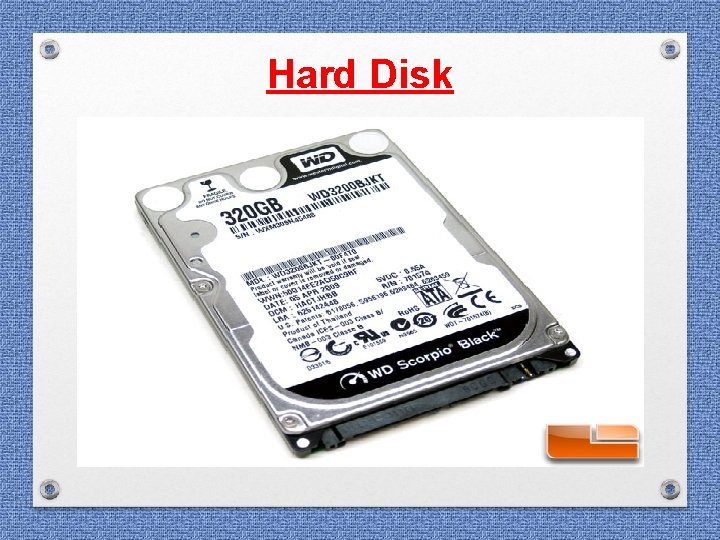
Hard disk
Hard Disk
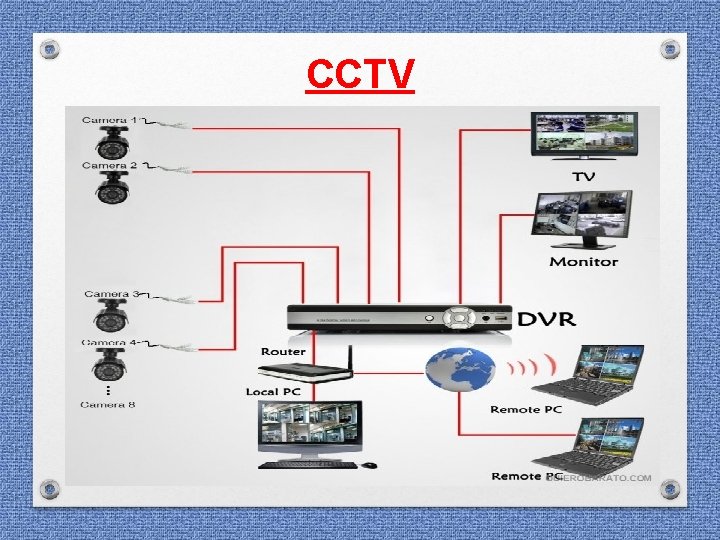
CCTV
DVR [Digital Video Recorder] Machine
Police as First Responder at the Scene ü Notes should be kept detailing methods used & steps taken ü Check up for a manual of the device ü Review the recording of the alleged period ü Determine the earliest recorded data to prevent from overwrite
Police as First Responder at the Scene ü ü Determine if retrieval can be performed by the venue owner / security system’s operator Determine if the CCTV Installer company or a trained operator is available to assist in the retrieval
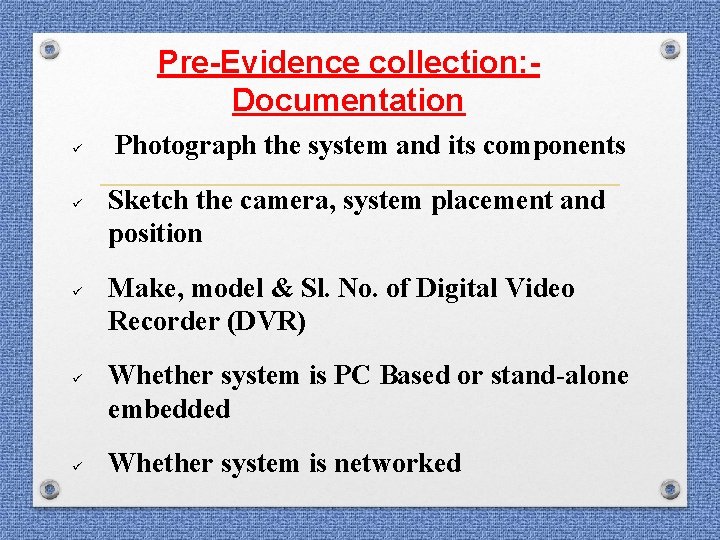
Pre-Evidence collection: Documentation ü ü ü Photograph the system and its components Sketch the camera, system placement and position Make, model & Sl. No. of Digital Video Recorder (DVR) Whether system is PC Based or stand-alone embedded Whether system is networked
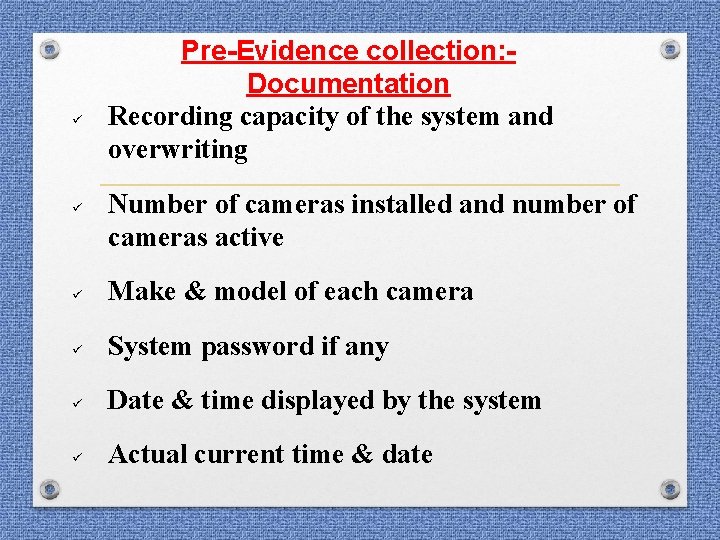
ü ü Pre-Evidence collection: Documentation Recording capacity of the system and overwriting Number of cameras installed and number of cameras active ü Make & model of each camera ü System password if any ü Date & time displayed by the system ü Actual current time & date
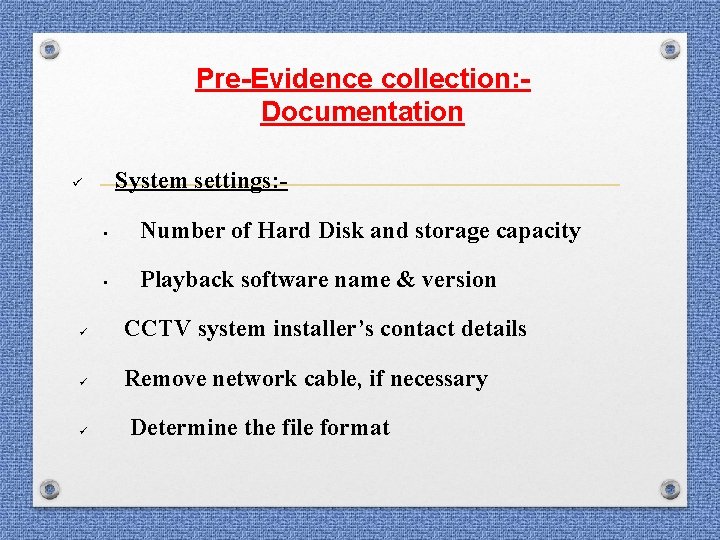
Pre-Evidence collection: Documentation System settings: - ü • Number of Hard Disk and storage capacity • Playback software name & version ü CCTV system installer’s contact details ü Remove network cable, if necessary ü Determine the file format
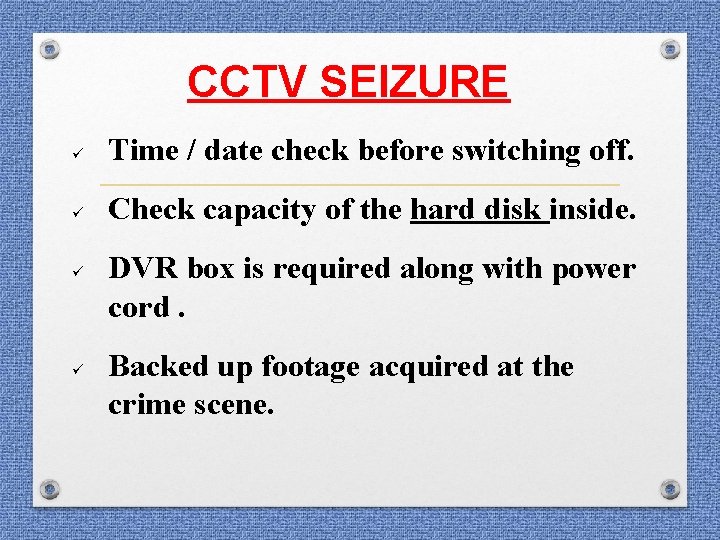
CCTV SEIZURE ü Time / date check before switching off. ü Check capacity of the hard disk inside. ü ü DVR box is required along with power cord. Backed up footage acquired at the crime scene.
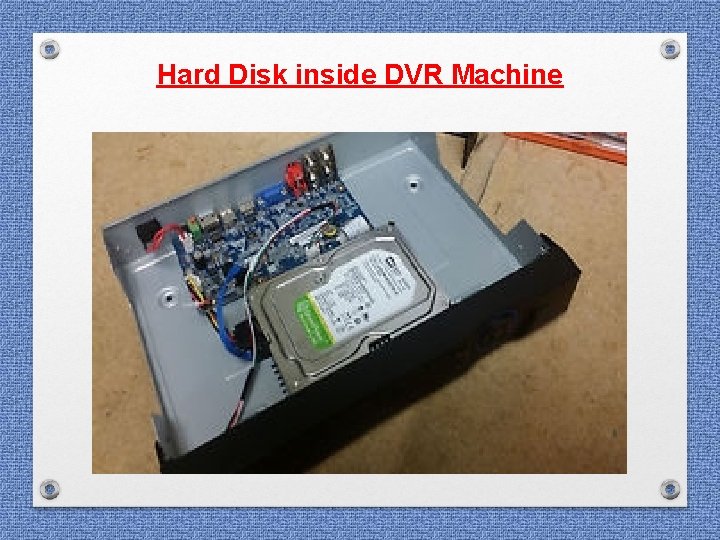
Hard Disk inside DVR Machine
REQUIREMENTS WHILE SUBMITTING CASE 1. 2. 3. 4. 5. Proper format Proper sealing and labelling of exhibits Signature and seal of authority Attested copy of FIR Requirement of Hard Disk
QUERY • FORMAT OF QUERY • SUPPORTING MATERIAL
E-mail Related Material to be furnished forensic examination: • • E-mail ID Print out of e-mail header Report of E-mail Service Provider IP Address of the computer system as reflected in the report of E-mail Service Provider • Mobile Phone Number of the accused as reflected in the report of E-mail Service Provider
E-mail Related Questionnaire: • Whether the said e-mail account was accessed / logged in from this computer system? • On which date & time the said e-mail account was accessed / logged in? • What was the IP Address of the computer system used by the accused for accessing of the said e-mail account?
E-mail Related Questionnaire: • Registration information in respect of the said e-mail account • Whether the said mobile phone number was furnished by the accused at the time of registration of the e-mail account? • Whether the accused had accessed the said email account through this IP Address?
Facebook Related Material to be furnished forensic examination: • • • Profile Name of alleged Facebook account URL of alleged Facebook account Related E-mail address Screenshot of the alleged page (image or video file) Report of Facebook Law Enforcement Response Team (Registration information along with IP Addresses & Mobile Phone Number if any)
Facebook Related Questionnaire: - • Whether the said Facebook account having Profile Name & URL was accessed / logged in from this computer system? • On which date & time the said Facebook account was accessed / logged in? • What was the IP Address of the computer system used by the accused for accessing of the said Facebook account?
Facebook Related Questionnaire: • Whether any image or video file was found to be present in the said computer system containing photograph of victim as per Annexure-A? • Whether any photo editing software or Movie Maker Software is present in the suspected hard disk? • Whether the suspected hard disk contains any pornographic photo or video relevant to this case, if yes what are the contents of the file along with the properties of the said files?
Facebook Related Questionnaire: • Whether the said mobile phone number was furnished by the accused at the time of registration of the Facebook account? • Whether the accused had accessed the Facebook account through this IP Address?
CCTV Related Material to be furnished forensic examination: • DVR Machine • Suspected Hard Disk removed from DVR machine • Connecting cables • Blank Hard Disk having same / more capacity than the suspected hard disk
CCTV Questionnaire: • Whether video recording is in continuity or otherwise? • Whether the photograph of the person in exhibit is seen present in the video footages in exhibit • To provide authorized judicial edited copy of relevant video recording • To provideo frame image at specified point of time • Whether device is networked, if networked, take note of the IP Address • To enhance the image of the specific target at relevant point of time
ATM Card Fraud / Vishing Fraud Material to be furnished forensic examination: • Name of online payment gateways • Report of online payment gateways • ATM Card / Credit Card number of the victim • E-mail ID of the accused for registration of the account in online payment gateway • Mobile Phone Number of the accused furnished at the time of registration of the account in online payment gateway • IP Address of the computer system used at the time of registration of the account in online payment gateway
ATM Card Fraud / Vishing Fraud Questionnaire: • Whether the accused had visited the alleged online payment gateway from this computer system? • On which date & time the accused had visited the said website? • What was the IP Address of the computer system used by the accused for accessing of the alleged online payment gateway?
ATM Card Fraud / Vishing Fraud Questionnaire: • What are the different online payment gateway applications installed in the said computer system? • Whether the accused had accessed & used ATM Card / Credit card details of the victim from this computer system? • Whether the said e-mail account was accessed / logged in from this computer system?
ATM Card Fraud / Vishing Fraud Questionnaire: • On which date & time the said e-mail account was accessed / logged in? • What was the IP Address of the computer system used by the accused for accessing of the said e-mail account? • Registration information in respect of the said e-mail account • Whether the said mobile phone number was furnished by the accused at the time of registration of the e-mail account? • Whether the accused had accessed the said online payment gateway through this IP Address?
Thank You