
Search Engines Technology Society and Business Prof Marti
Search Engines: Technology, Society, and Business Prof. Marti Hearst Sept 24, 2007
How Search Engines Work Three main parts: i. Gather the contents of all web pages (using a program called a crawler or spider) ii. Organize the contents of the pages in a way that allows efficient retrieval (indexing) iii. Take in a query, determine which pages match, and show the results (ranking and display of results) Slide adapted from Lew & Davis
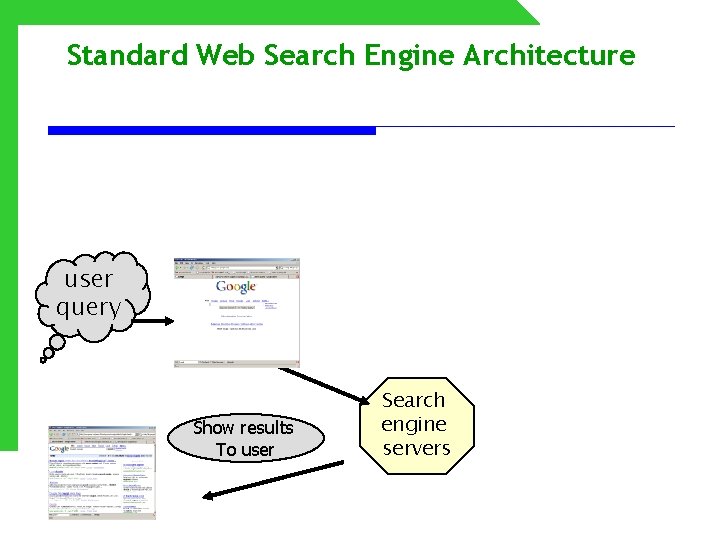
Standard Web Search Engine Architecture user query Show results To user Search engine servers
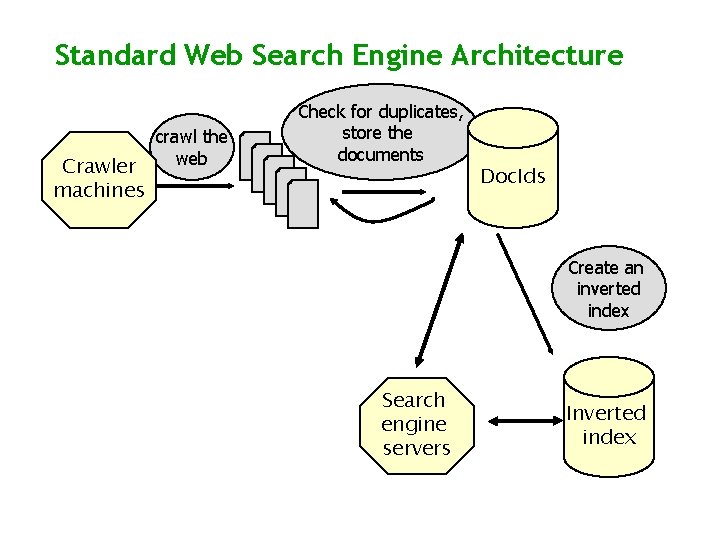
Standard Web Search Engine Architecture Crawler machines crawl the web Check for duplicates, store the documents Doc. Ids Create an inverted index Search engine servers Inverted index
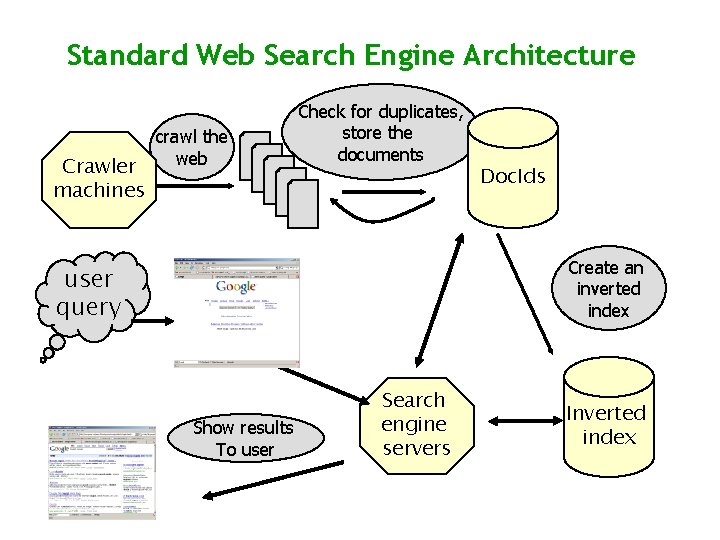
Standard Web Search Engine Architecture Crawler machines crawl the web Check for duplicates, store the documents Doc. Ids Create an inverted index user query Show results To user Search engine servers Inverted index
i. Spiders (crawlers) • How to find web pages to visit and copy? n n Can start with a list of domain names, visit the home pages there. Look at the hyperlink on the home page, and follow those links to more pages. o Use HTTP commands to GET the pages Keep a list of urls visited, and those still to be visited. Each time the program loads in a new HTML page, add the links in that page to the list to be crawled. Slide adapted from Lew & Davis
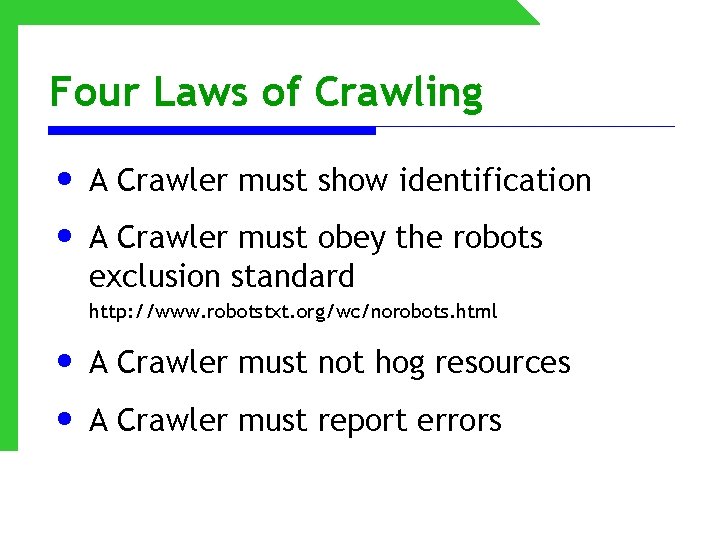
Four Laws of Crawling • A Crawler must show identification • A Crawler must obey the robots exclusion standard http: //www. robotstxt. org/wc/norobots. html • A Crawler must not hog resources • A Crawler must report errors
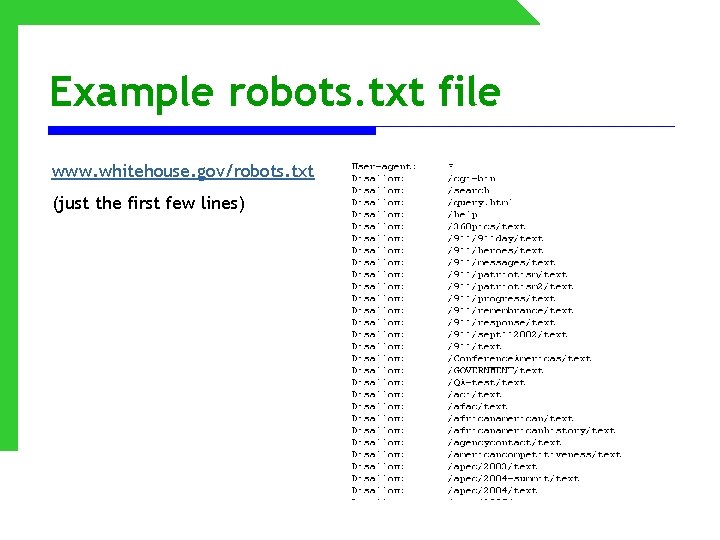
Example robots. txt file www. whitehouse. gov/robots. txt (just the first few lines)
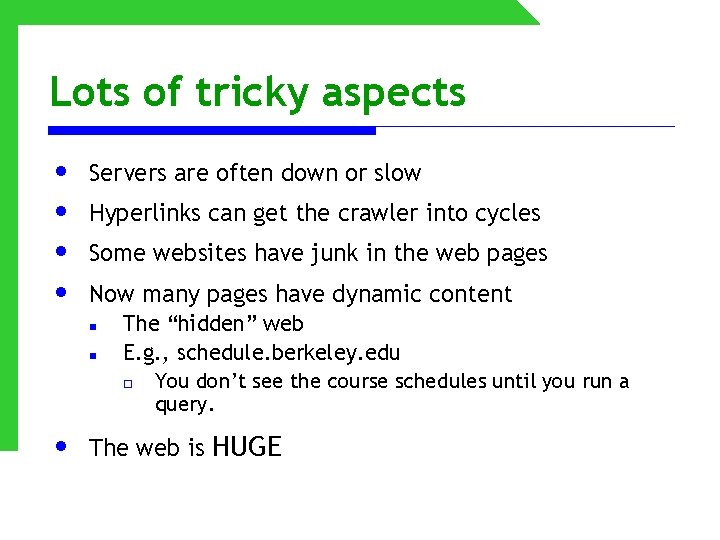
Lots of tricky aspects • • Servers are often down or slow Hyperlinks can get the crawler into cycles Some websites have junk in the web pages Now many pages have dynamic content n n • The “hidden” web E. g. , schedule. berkeley. edu o You don’t see the course schedules until you run a query. The web is HUGE
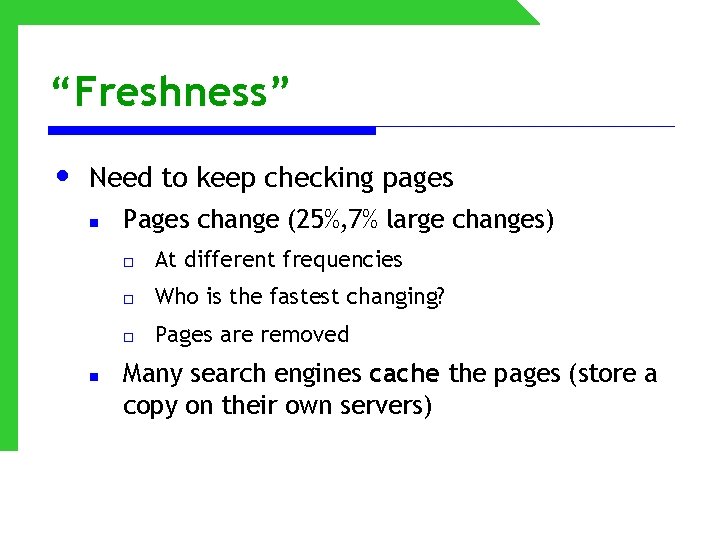
“Freshness” • Need to keep checking pages n n Pages change (25%, 7% large changes) o At different frequencies o Who is the fastest changing? o Pages are removed Many search engines cache the pages (store a copy on their own servers)
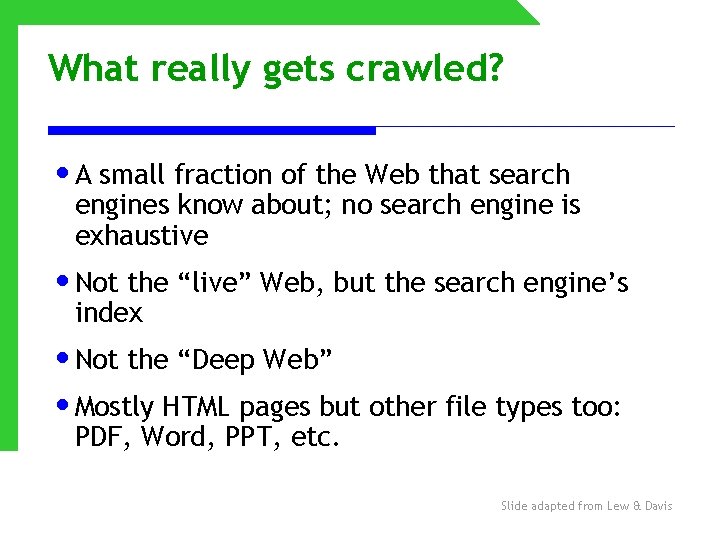
What really gets crawled? • A small fraction of the Web that search engines know about; no search engine is exhaustive • Not the “live” Web, but the search engine’s index • Not the “Deep Web” • Mostly HTML pages but other file types too: PDF, Word, PPT, etc. Slide adapted from Lew & Davis
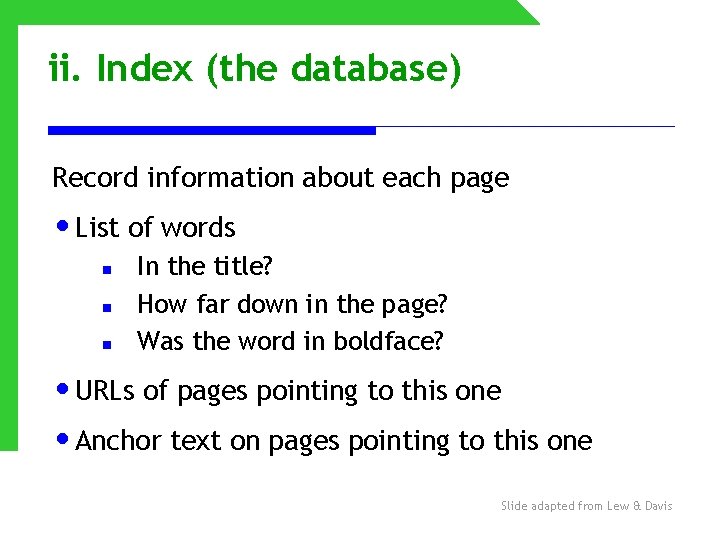
ii. Index (the database) Record information about each page • List of words n n n In the title? How far down in the page? Was the word in boldface? • URLs of pages pointing to this one • Anchor text on pages pointing to this one Slide adapted from Lew & Davis
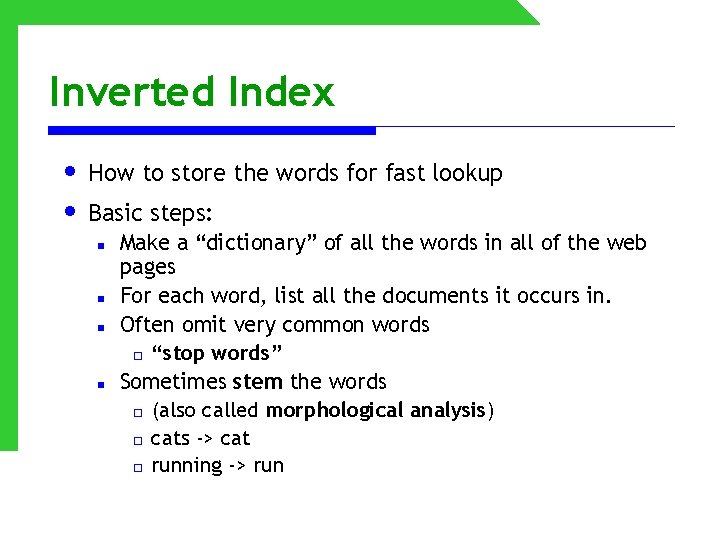
Inverted Index • How to store the words for fast lookup • Basic steps: n n Make a “dictionary” of all the words in all of the web pages For each word, list all the documents it occurs in. Often omit very common words o “stop words” Sometimes stem the words o (also called morphological analysis) o cats -> cat o running -> run
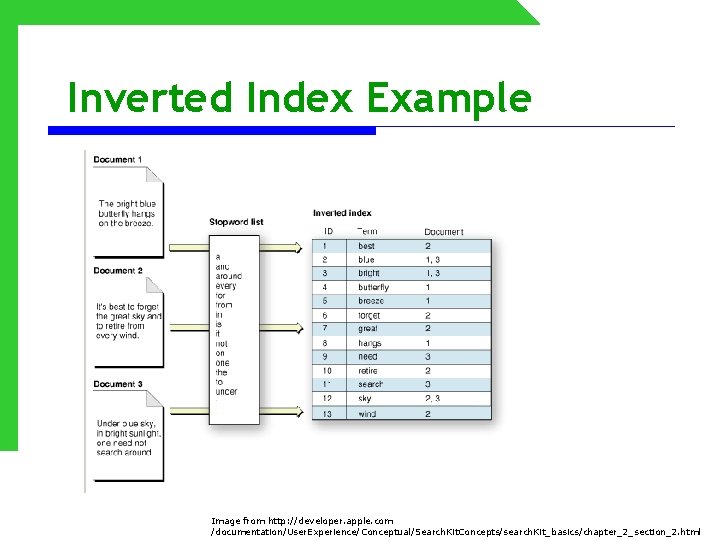
Inverted Index Example Image from http: //developer. apple. com /documentation/User. Experience/Conceptual/Search. Kit. Concepts/search. Kit_basics/chapter_2_section_2. html
Inverted Index • • In reality, this index is HUGE • Need to do optimization tricks to make lookup fast. Need to store the contents across many machines
iii. Results ranking • Search engine receives a query, then • Looks up the words in the index, retrieves many documents, then • Rank orders the pages and extracts “snippets” or summaries containing query words. n Most web search engines assume the user wants all of the words (Boolean AND, not OR). • These are complex and highly guarded algorithms unique to each search engine. Slide adapted from Lew & Davis
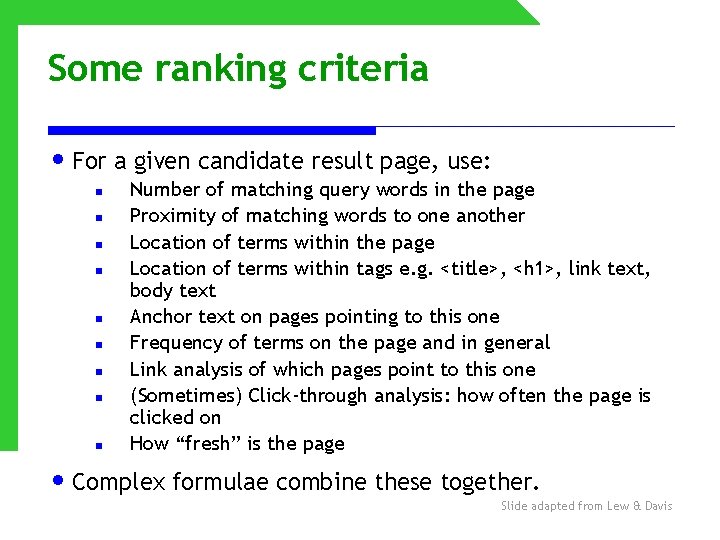
Some ranking criteria • For a given candidate result page, use: n n n n n Number of matching query words in the page Proximity of matching words to one another Location of terms within the page Location of terms within tags e. g. <title>, <h 1>, link text, body text Anchor text on pages pointing to this one Frequency of terms on the page and in general Link analysis of which pages point to this one (Sometimes) Click-through analysis: how often the page is clicked on How “fresh” is the page • Complex formulae combine these together. Slide adapted from Lew & Davis
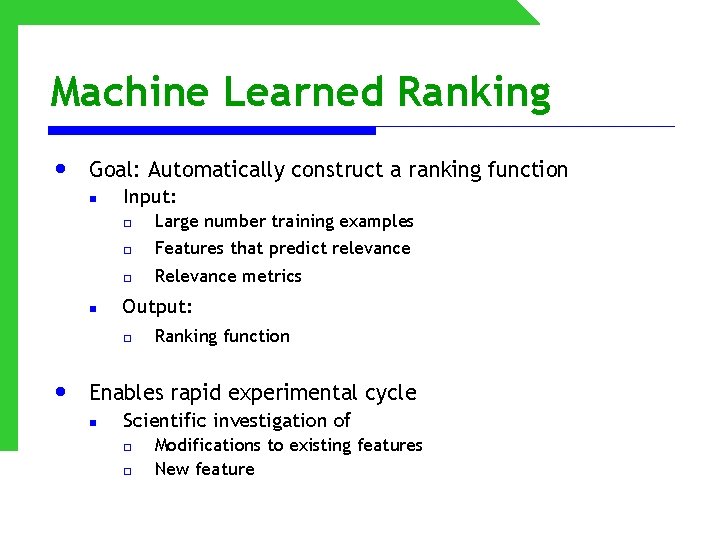
Machine Learned Ranking • Goal: Automatically construct a ranking function n n Input: o Large number training examples o Features that predict relevance o Relevance metrics Output: o • Ranking function Enables rapid experimental cycle n Scientific investigation of o o Modifications to existing features New feature
What is Machine Learning? • We don’t know how to program computers to learn the way people do • Instead, we devise algorithms that find patterns in data.
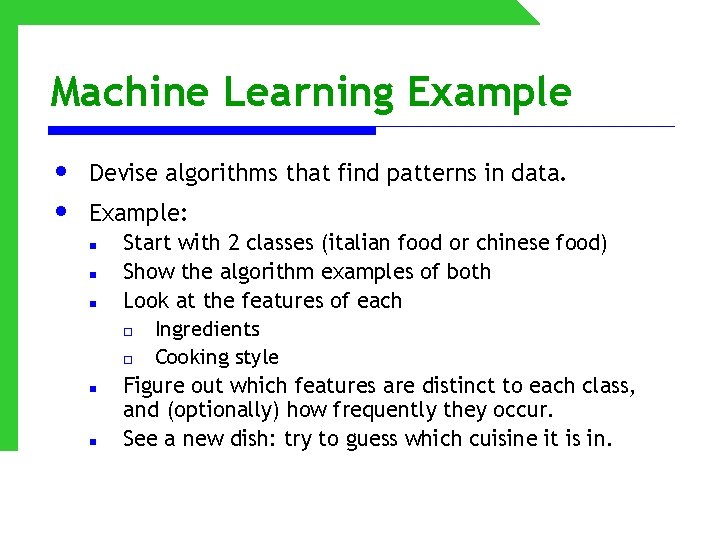
Machine Learning Example • • Devise algorithms that find patterns in data. Example: n n n Start with 2 classes (italian food or chinese food) Show the algorithm examples of both Look at the features of each o Ingredients o Cooking style Figure out which features are distinct to each class, and (optionally) how frequently they occur. See a new dish: try to guess which cuisine it is in.
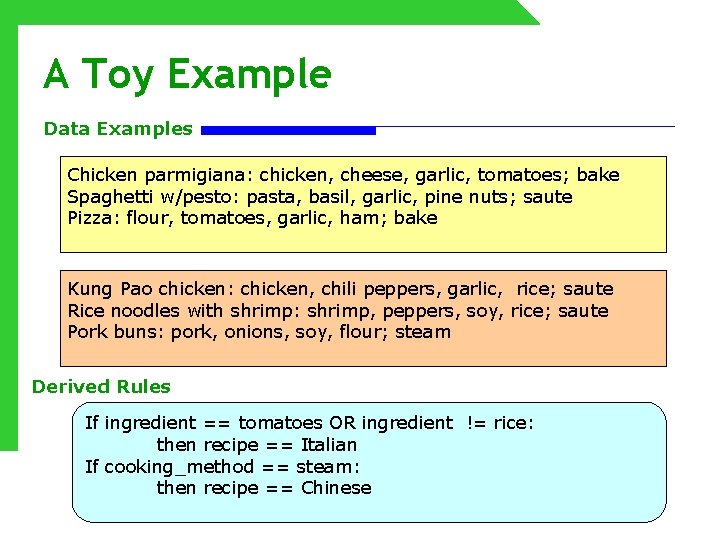
A Toy Example Data Examples Chicken parmigiana: chicken, cheese, garlic, tomatoes; bake Spaghetti w/pesto: pasta, basil, garlic, pine nuts; saute Pizza: flour, tomatoes, garlic, ham; bake Kung Pao chicken: chicken, chili peppers, garlic, rice; saute Rice noodles with shrimp: shrimp, peppers, soy, rice; saute Pork buns: pork, onions, soy, flour; steam Derived Rules If ingredient == tomatoes OR ingredient != rice: then recipe == Italian If cooking_method == steam: then recipe == Chinese
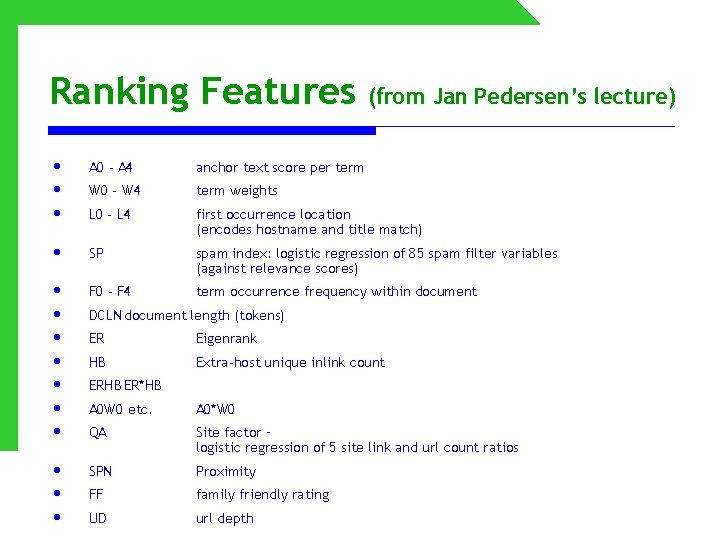
Ranking Features (from Jan Pedersen’s lecture) • • • A 0 - A 4 anchor text score per term W 0 - W 4 term weights L 0 - L 4 first occurrence location (encodes hostname and title match) • SP spam index: logistic regression of 85 spam filter variables (against relevance scores) • • F 0 - F 4 term occurrence frequency within document • • • DCLN document length (tokens) ER Eigenrank HB Extra-host unique inlink count ERHB ER*HB A 0 W 0 etc. A 0*W 0 QA Site factor – logistic regression of 5 site link and url count ratios SPN Proximity FF family friendly rating UD url depth
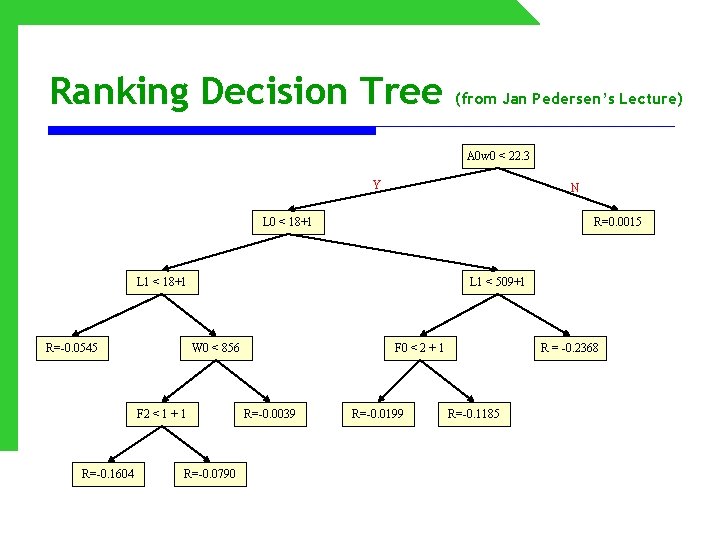
Ranking Decision Tree (from Jan Pedersen’s Lecture) A 0 w 0 < 22. 3 Y N L 0 < 18+1 R=0. 0015 L 1 < 18+1 R=-0. 0545 L 1 < 509+1 W 0 < 856 F 2 < 1 + 1 R=-0. 1604 R=-0. 0790 F 0 < 2 + 1 R=-0. 0039 R=-0. 0199 R = -0. 2368 R=-0. 1185
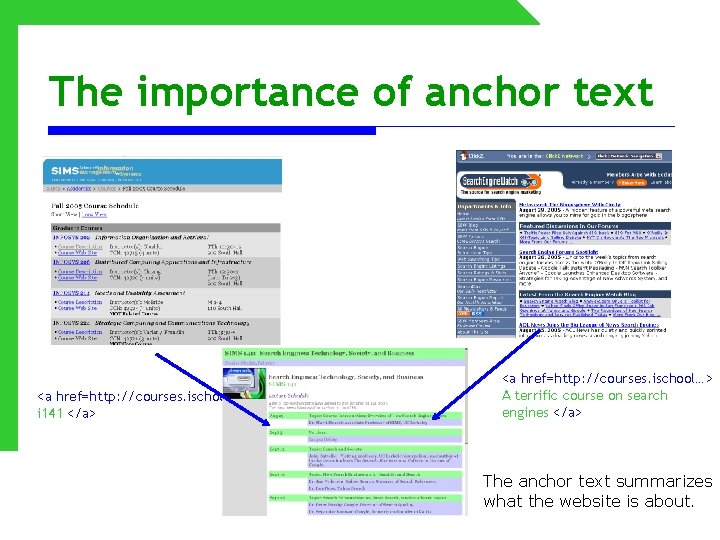
The importance of anchor text <a href=http: //courses. ischool…> i 141 </a> <a href=http: //courses. ischool…> A terrific course on search engines </a> The anchor text summarizes what the website is about.
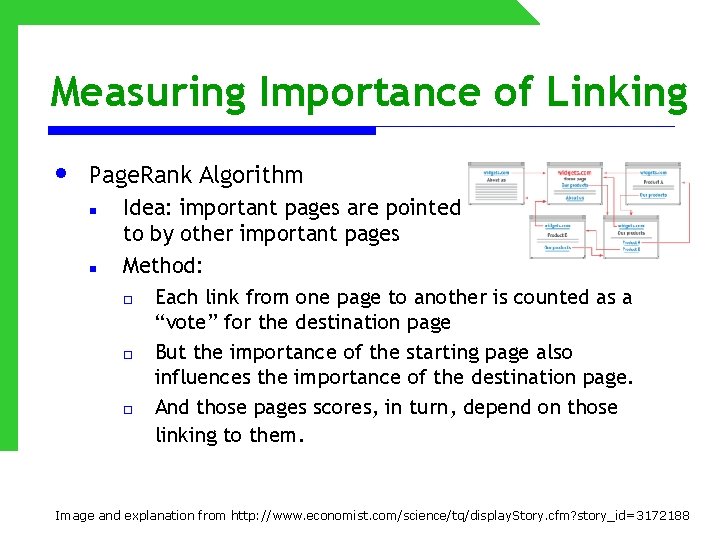
Measuring Importance of Linking • Page. Rank Algorithm n n Idea: important pages are pointed to by other important pages Method: o Each link from one page to another is counted as a “vote” for the destination page o But the importance of the starting page also influences the importance of the destination page. o And those pages scores, in turn, depend on those linking to them. Image and explanation from http: //www. economist. com/science/tq/display. Story. cfm? story_id=3172188
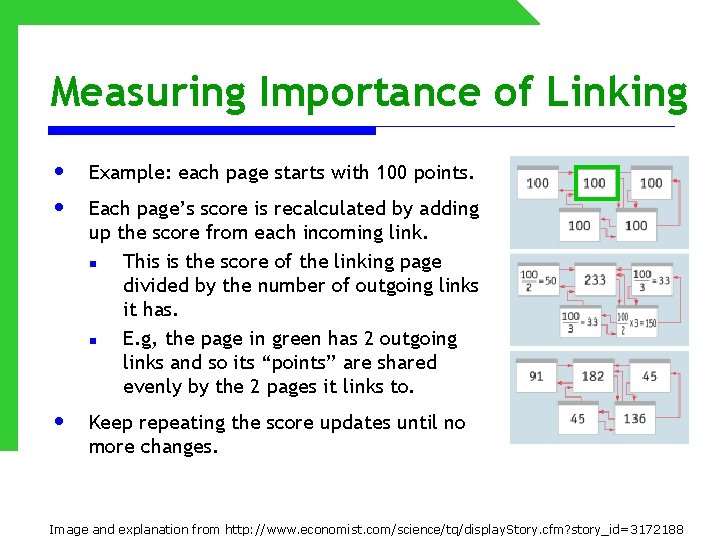
Measuring Importance of Linking • • Example: each page starts with 100 points. • Keep repeating the score updates until no more changes. Each page’s score is recalculated by adding up the score from each incoming link. n This is the score of the linking page divided by the number of outgoing links it has. n E. g, the page in green has 2 outgoing links and so its “points” are shared evenly by the 2 pages it links to. Image and explanation from http: //www. economist. com/science/tq/display. Story. cfm? story_id=3172188
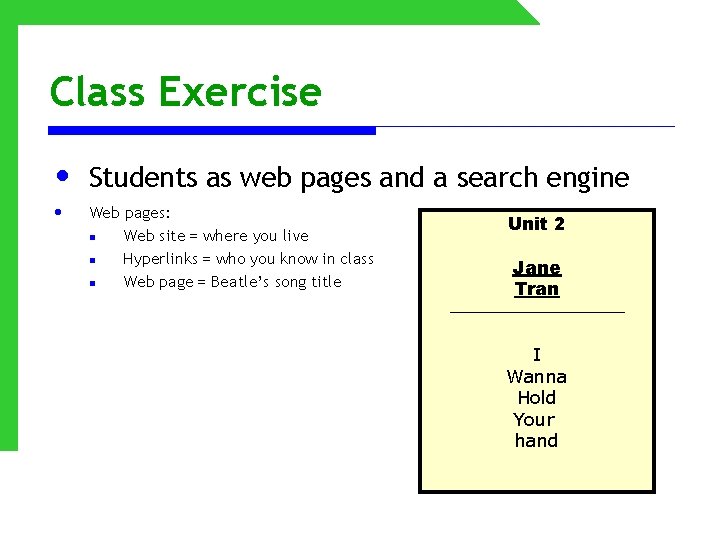
Class Exercise • • Students as web pages and a search engine Web pages: n Web site = where you live n Hyperlinks = who you know in class n Web page = Beatle’s song title Unit 2 Jane Tran I Wanna Hold Your hand
Class Exercise • • Crawlers: follow the links between web pages • Ranking algorithm: compute which documents to retrieve, and their order • Human: search the web! Indexers: record information about each document
Crawler • Get the first page (student) (from a predefined list). • Write down the other students that this student links to (the people hyperlinks) • Assign each document (student) a unique ID (number) • • Visit each of these in turn Be sure to eliminate duplicates!
Indexers • • Record the following information • Write down also the ID of that document (student) • If you’ve seen that word before, add this document to that word’s list of document IDs Write down each word that appears in the document
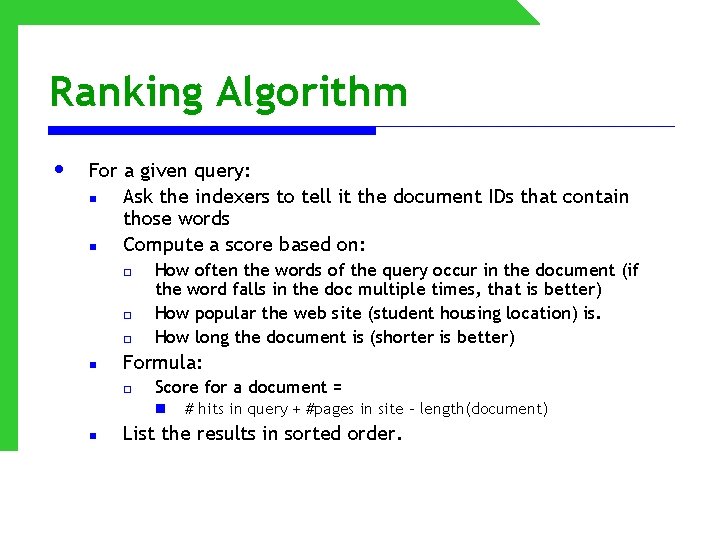
Ranking Algorithm • For a given query: n Ask the indexers to tell it the document IDs that contain those words n Compute a score based on: o o o n How often the words of the query occur in the document (if the word falls in the doc multiple times, that is better) How popular the web site (student housing location) is. How long the document is (shorter is better) Formula: o Score for a document = n n # hits in query + #pages in site – length(document) List the results in sorted order.
Test Your Understanding • What is the difference between the WWW and the Internet?
Internet vs. WWW • Internet and Web are not synonymous • Internet is a global communication network connecting millions of computers. • World Wide Web (WWW) is one component of the Internet, along with e-mail, chat, etc. • Now we’ll talk about both. Slide adapted from Lew & Davis
Test Your Understanding • How many queries are there per day to a major search engine? • How much data is in the index of a major search engine? • How many computers act as servers for a major search engine?
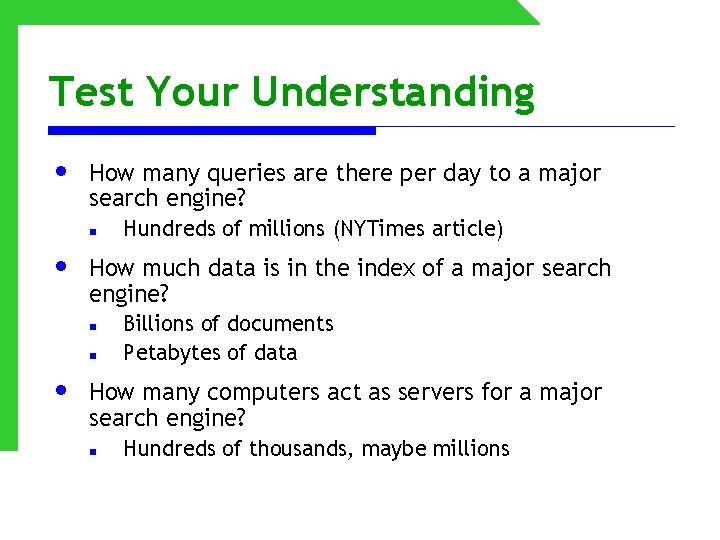
Test Your Understanding • How many queries are there per day to a major search engine? n • How much data is in the index of a major search engine? n n • Hundreds of millions (NYTimes article) Billions of documents Petabytes of data How many computers act as servers for a major search engine? n Hundreds of thousands, maybe millions
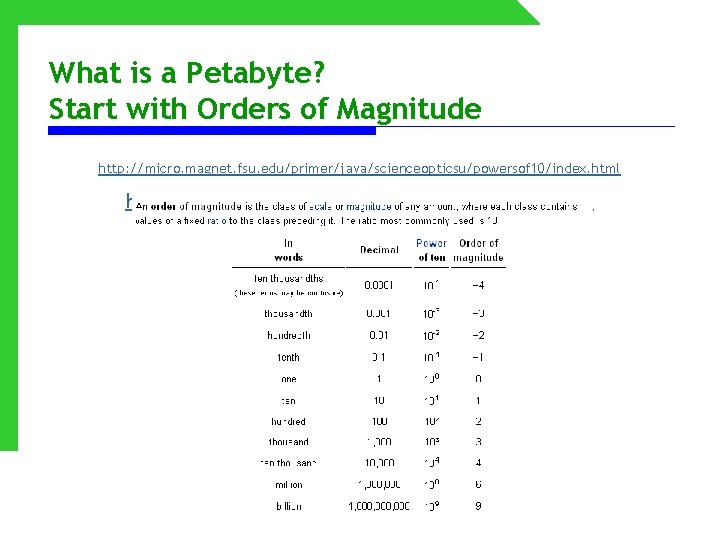
What is a Petabyte? Start with Orders of Magnitude http: //micro. magnet. fsu. edu/primer/java/scienceopticsu/powersof 10/index. html http: //en. wikipedia. org/wiki/Orders_of_magnitude
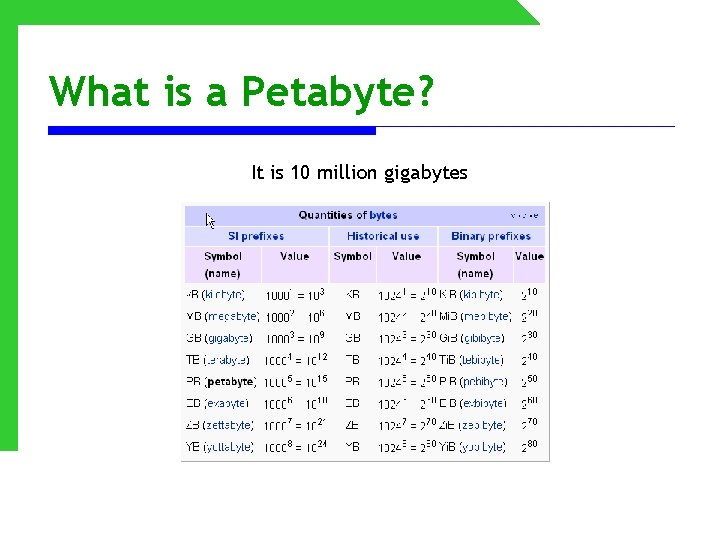
What is a Petabyte? It is 10 million gigabytes http: //en. wikipedia. org/wiki/Petabyte
Test Your Understanding • Why is the empty text box special, from a software application point of view?
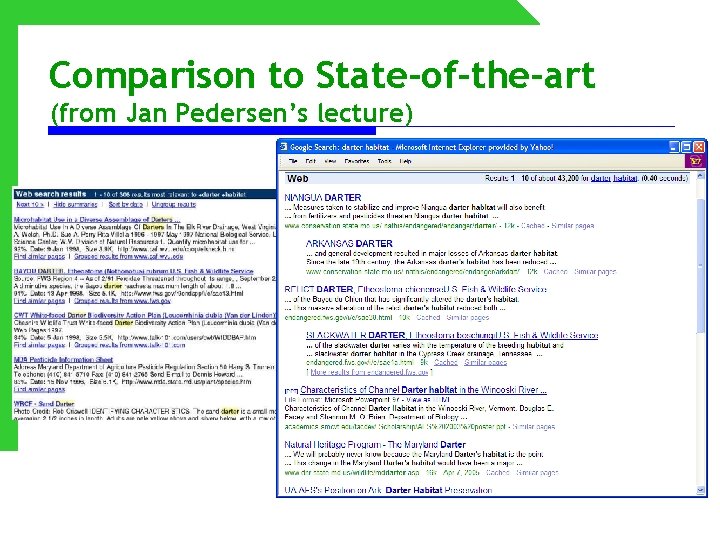
Comparison to State-of-the-art (from Jan Pedersen’s lecture)
Test Your Understanding • Why is the search results page unchanged from 10 years ago? Why is it so plain?
Test Your Understanding • What is needed for high-quality search results?
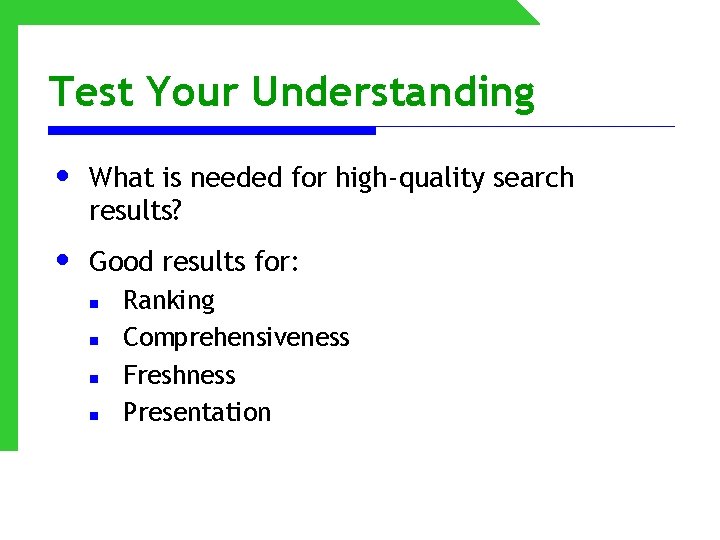
Test Your Understanding • What is needed for high-quality search results? • Good results for: n n Ranking Comprehensiveness Freshness Presentation
Test your Understanding • What are three levels of user evaluation?
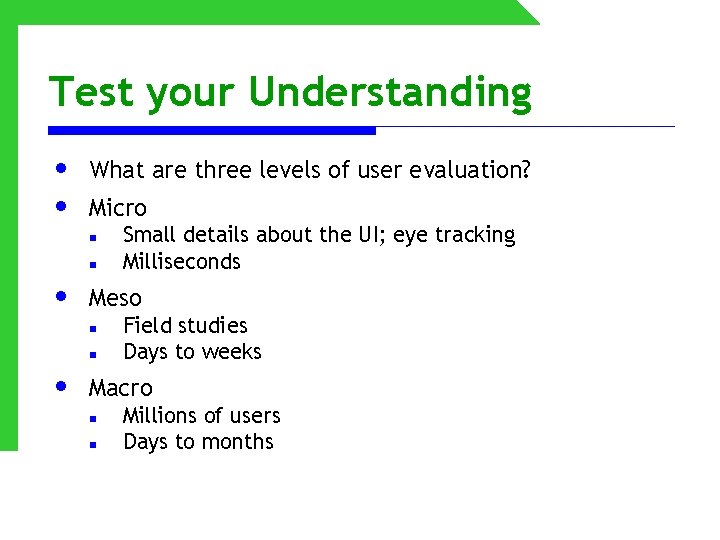
Test your Understanding • • What are three levels of user evaluation? Micro n n • Meso n n • Small details about the UI; eye tracking Milliseconds Field studies Days to weeks Macro n n Millions of users Days to months
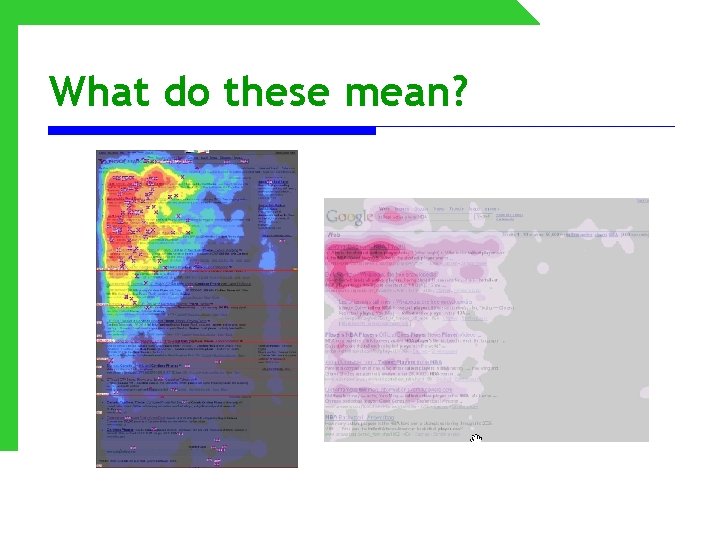
What do these mean?
Test your understanding • What is meant by ambiguous and disambiguate?
Test your understanding • What is meant by ambiguous and disambiguate? n Words with more than one meaning or more than one sense o o Jets: sports team or airplane? Bass: fish or musical instrument?
Test Your Understanding • What is morphological analysis, also known as stemming?
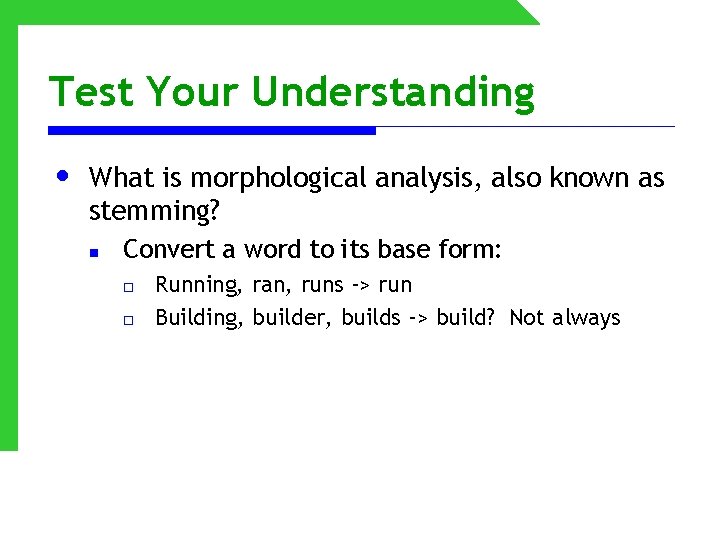
Test Your Understanding • What is morphological analysis, also known as stemming? n Convert a word to its base form: o o Running, ran, runs -> run Building, builder, builds -> build? Not always
Test Your Understanding • Why is it not always a good idea to stem query terms?
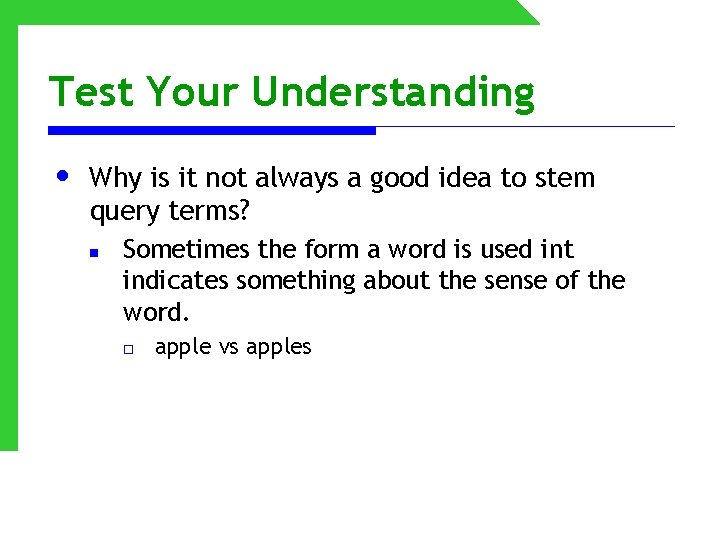
Test Your Understanding • Why is it not always a good idea to stem query terms? n Sometimes the form a word is used int indicates something about the sense of the word. o apple vs apples
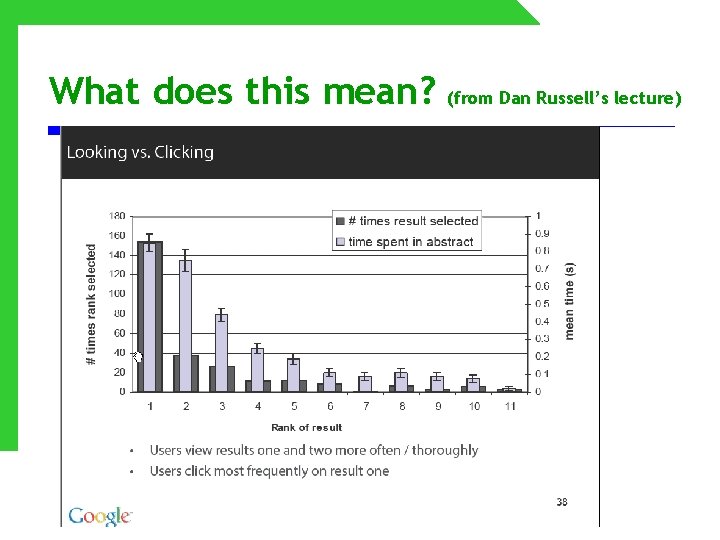
What does this mean? (from Dan Russell’s lecture)
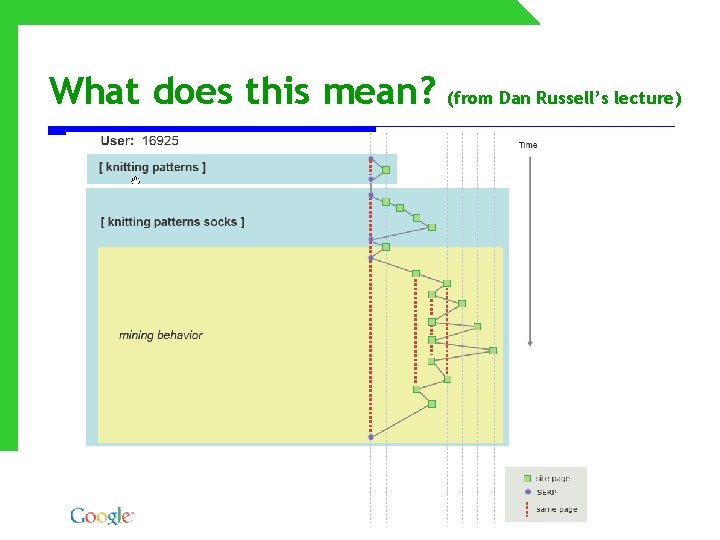
What does this mean? (from Dan Russell’s lecture)
Test Your Understanding • Are peoples’ search skills evolving? If so, how? • What is “teleporting? ” What is “orienteering? ”
Test Your Understanding • What are navigational queries? • What other kinds of queries are there? • What do these queries mean? n n n banana Sgt Peppers Lonely Hearts Club Band Why is my dog sick?
Search Operators • • • How do “double quotes” work? What does * mean? What is AND vs. OR?
Know your search engine • What is the default Boolean operator? Are other operators supported? • Does it index other file types like PDF? • Is it case sensitive? • Phrase searching? • Proximity searching? • Truncation? • Advanced search features? Slide adapted from Lew & Davis
Keyword search tips • There are many books and websites that give searching tips; here a few common ones: n n n Use unusual terms and proper names Put most important terms first Use phrases when possible Make use of slang, industry jargon, local vernacular, acronyms Be aware of country spellings and common misspellings Frame your search like an answer or question Slide adapted from Lew & Davis
- Slides: 58