
Search engine What Is a Search A search


- Slides: 20
Search engine
What Is a Search? �A search is the organized pursuit of information. Somewhere in a collection of documents, email messages, Web pages, and other sources, there is information that you want to find, but you have no idea where it is. � The Verity search engine gives you the means of finding that information. 2
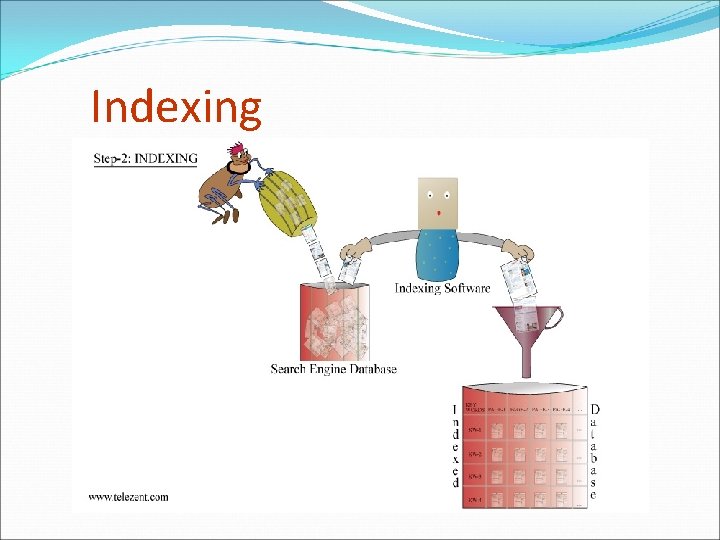
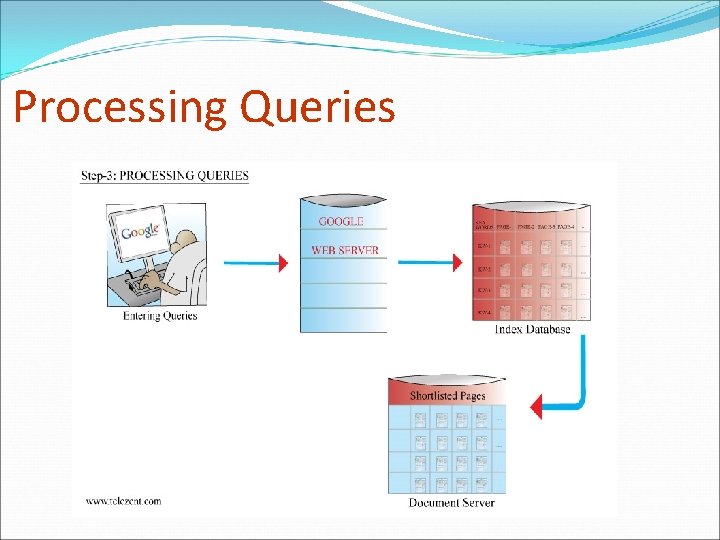
How search engines work �Three main parts: 1. Gather the contents of all web pages (using a program called a crawler or spider) 2. Organize the contents of the pages in a way that allows efficient retrieval (indexing) 3. Take in a query, determine which pages match, and show the results (ranking and display of result) 3
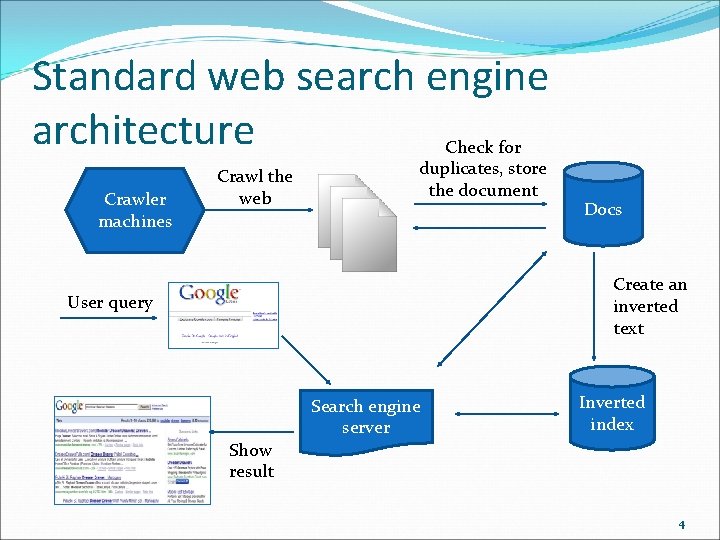
Standard web search engine architecture Crawler machines Crawl the web Check for duplicates, store the document Docs Create an inverted text User query Search engine server Inverted index Show result 4
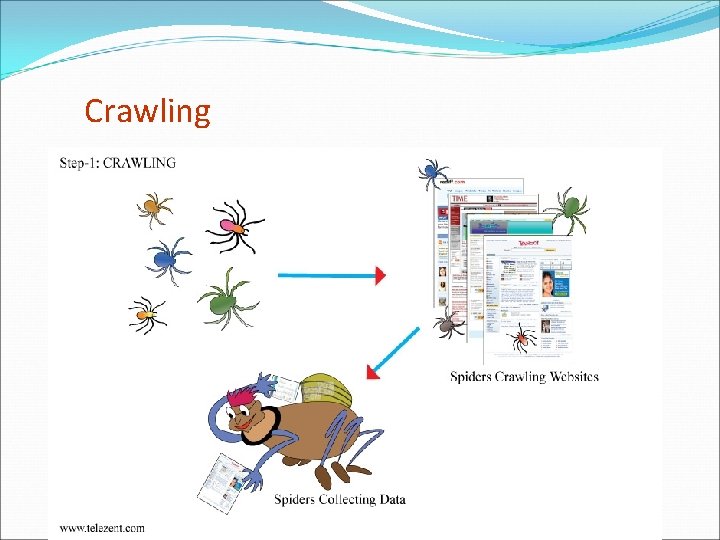
Crawling
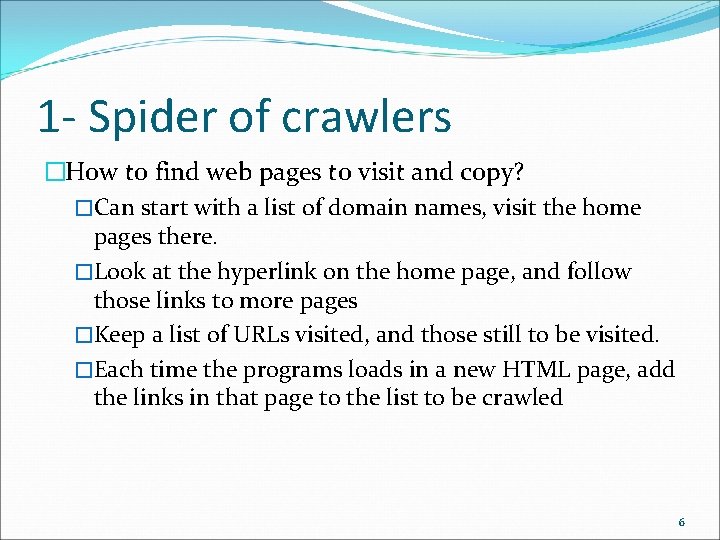
1 - Spider of crawlers �How to find web pages to visit and copy? �Can start with a list of domain names, visit the home pages there. �Look at the hyperlink on the home page, and follow those links to more pages �Keep a list of URLs visited, and those still to be visited. �Each time the programs loads in a new HTML page, add the links in that page to the list to be crawled 6
Spider behavior varies �Parts of a web page that are indexed �How deeply a site is indexed �Types of files indexed �How frequently the site is spidered 7
laws of crawling �A crawler must show identification �A crawler must obey the robots exclusion standard �A crawler must report errors 8
Freshness �Need to keep checking pages �Pages change � At different frequencies � Pages are removed �Many search engines cache the pages (store a copy on their own servers) 9
What really gets crawled �A small fraction of the web that search engines know about; no search engine is exhaustive �Not the “live” web, but the search engine’s index �Not the “deep web” �Mostly HTML pages but other file types too: PDF, word, PPT, etc. 10
2. Index (the database) �Record information about each page �List of words �In the title? �How far down in the page? �Was the word in boldface? �URLs of pages pointing to this one 11
Indexing
Processing Queries
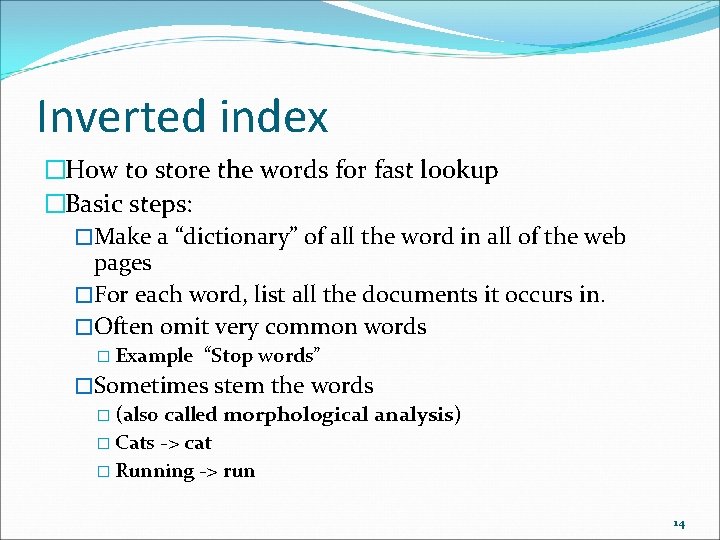
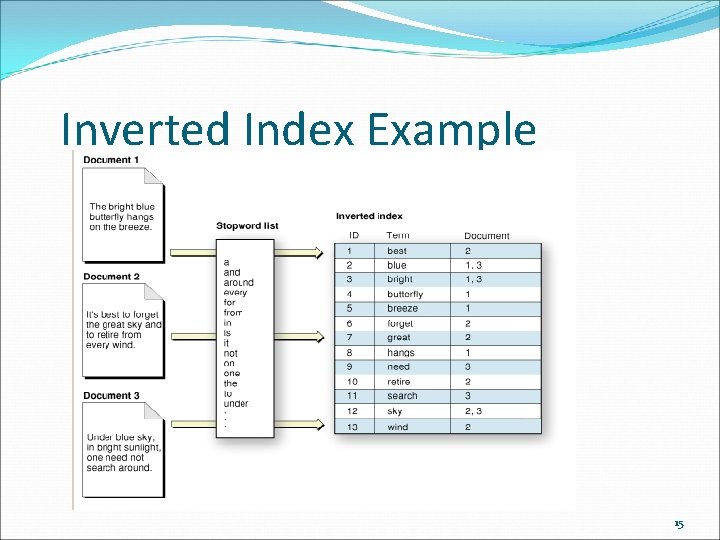
Inverted index �How to store the words for fast lookup �Basic steps: �Make a “dictionary” of all the word in all of the web pages �For each word, list all the documents it occurs in. �Often omit very common words � Example “Stop words” �Sometimes stem the words � (also called morphological analysis) � Cats -> cat � Running -> run 14
Inverted Index Example 15
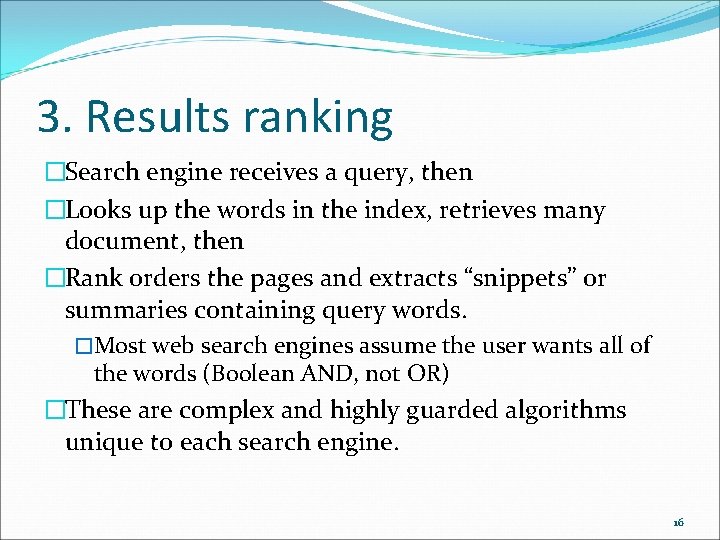
3. Results ranking �Search engine receives a query, then �Looks up the words in the index, retrieves many document, then �Rank orders the pages and extracts “snippets” or summaries containing query words. �Most web search engines assume the user wants all of the words (Boolean AND, not OR) �These are complex and highly guarded algorithms unique to each search engine. 16
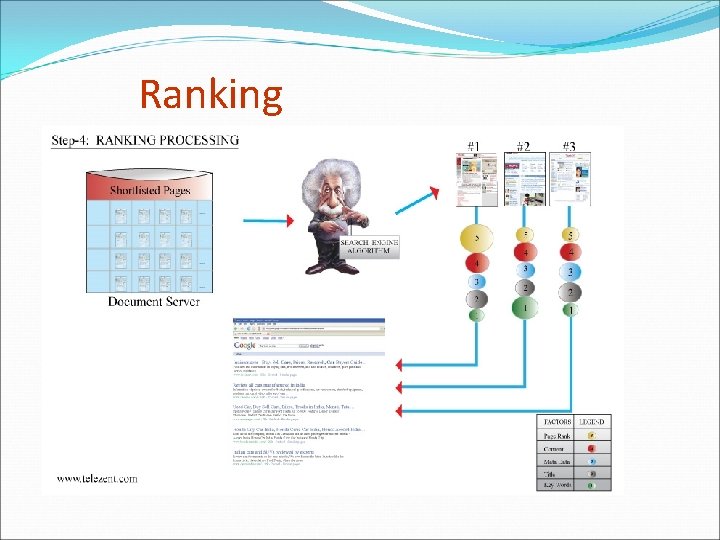
Ranking
Some ranking criteria �For a given candidate result page, use �Number of matching query word in the page �Proximity of matching word to one another �Location of terms within the page �Location of terms within tags. E. g. <title>, <h 1>, link text, body text �Frequency of terms on the page �How “fresh” is the page �Complex formulae combine these together 18
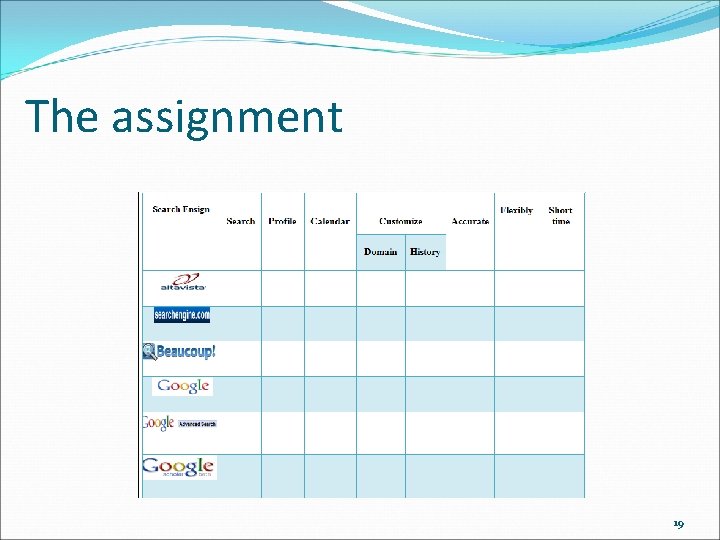
The assignment 19
The end 20