
Scripting Languages Dolores Zage What is a script
![Two Dimensional arrays n n n n n @matrix = ([3, 4, 5], [2,](https://slidetodoc.com/presentation_image/9168669eba8c9bd5a824dd47efeea956/image-21.jpg "Two Dimensional arrays n n n n n @matrix = ([3, 4, 5], [2,")
![Records n n n @record = (“Adam”, [3, 4, 5], “Mark”, [2, 5, 7],](https://slidetodoc.com/presentation_image/9168669eba8c9bd5a824dd47efeea956/image-22.jpg "Records n n n @record = (“Adam”, [3, 4, 5], “Mark”, [2, 5, 7],")
- Slides: 27
Scripting Languages Dolores Zage
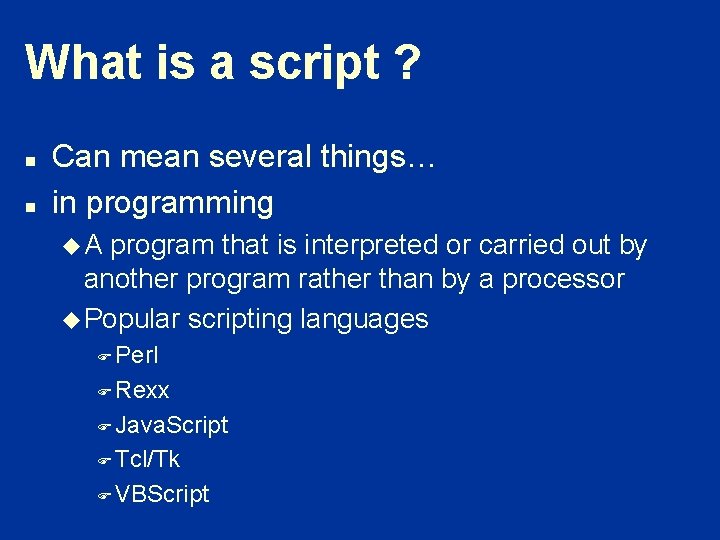
What is a script ? n n Can mean several things… in programming u. A program that is interpreted or carried out by another program rather than by a processor u Popular scripting languages F Perl F Rexx F Java. Script F Tcl/Tk F VBScript
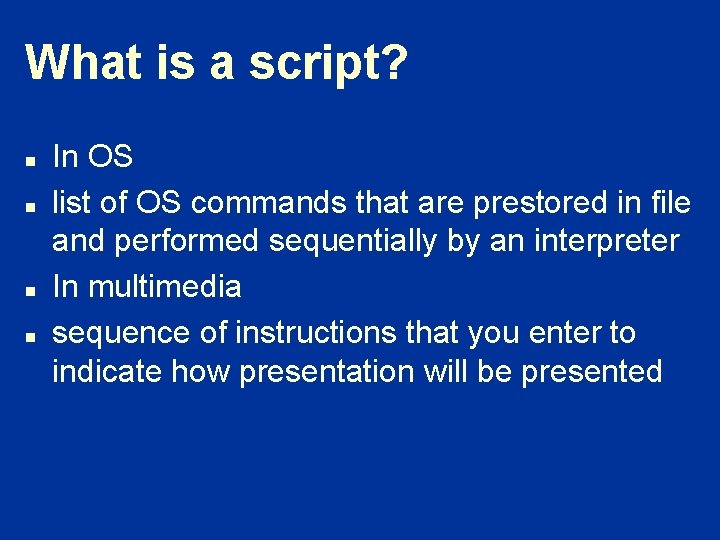
What is a script? n n In OS list of OS commands that are prestored in file and performed sequentially by an interpreter In multimedia sequence of instructions that you enter to indicate how presentation will be presented
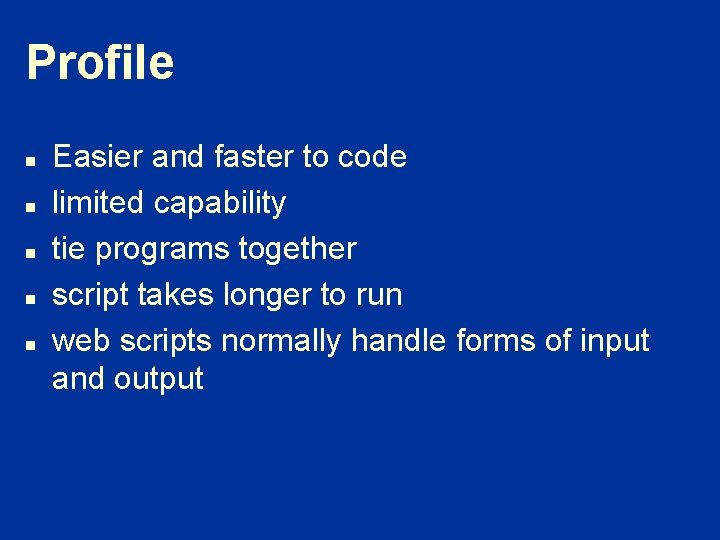
Profile n n n Easier and faster to code limited capability tie programs together script takes longer to run web scripts normally handle forms of input and output
Pro and Cons of Scripting Languages - Users views n n n n n While I have nothing against specialized scripting languages, it seems more parsimonious to define an appropriate C++ library and use the same language for scripting as for development. Then scripts can be invoked by other scripts in the same manner as servers. In fact, the difference between scripts and servers is all convention and not substance. (Whereas with a specialized scripting language scripts and servers are different species that cannot mix. ) This would seem to enable the kind of open growth that is being seen now with World Wide Web scripting languages. (Hot Java is a cleaned-up C++ that works with the Web. )
Another users view of scripts – I come at this problem from three related viewpoints: I am the author of a widely-used program, I use many different tasks in my own research, and I help out other researchers using a variety of tasks and packages. This has led me to two related observations about general users : – 1) they want to be able to accomplish their research with the minimum of interaction with the software. – 2) they (we) do some really stupid things sometimes.
n So, my plea is the following. By all means try to improve the interoperability of software and all those other good things. Just don't spend so much of the available resources on it that there is nothing left to put together high level scripts/tasks for specific astronomical uses. These scripts/tasks need to operate with the minimum of user input and they need to have enough encoded expertise that they catch cases when the user is probably being stupid. It will do the average user no good to be able to use a task from IRAF followed by one from AIPS++ followed by one from IDL if they don't know that these are the appropriate tasks to use or if they do know about the tasks but they end up using one of them in an invalid regime. n Keith Arnaud Lab. for High Energy Astrophysics n NASA/GSFC n
John Ousterhout View of Scripting: Higher Level Programming for the 21 st Century John Ousterhout Sun Microsystems Laboratories As we near the end of the 20 th century a fundamental change is occurring in the way people write computer programs. The change is a transition from system programming languages such as C or C++ to scripting languages such as Perl or Tcl. Although many people are participating in the change, few people realize that it is occurring and even fewer people know why it is happening. In this talk I will explain why scripting languages will handle many of the programming tasks of the next century better than system programming languages. Scripting languages represent a very different style of programming than system programming languages. They are designed for "gluing" applications, and use typeless approaches to achieve a higher level of programming and more rapid application development. Increases in computer speed and changes in the application mix are making scripting languages more and more important for applications of the future. After presenting the general issues associated with scripting I will discuss how scripting relates to agents, and where scripting does and doesn't make sense for intelligent and mobile agents.
January 2000, Good Source for Scripting n http: //www. ddj. com/articles/2000/0001 t oc. htm
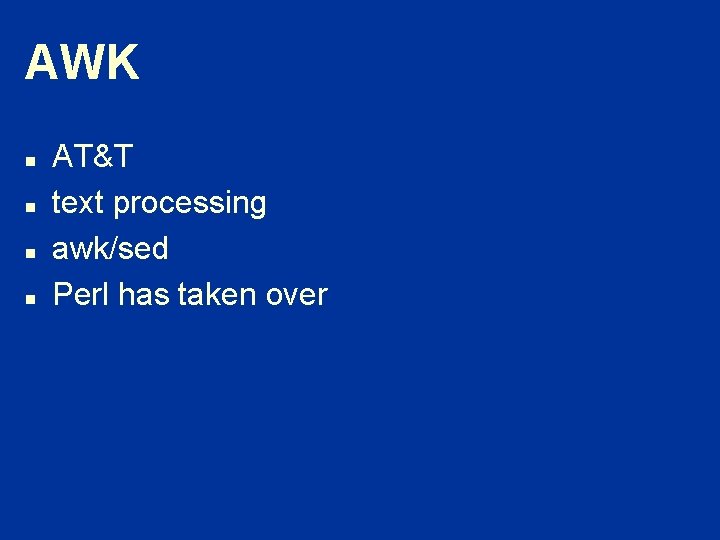
AWK n n AT&T text processing awk/sed Perl has taken over
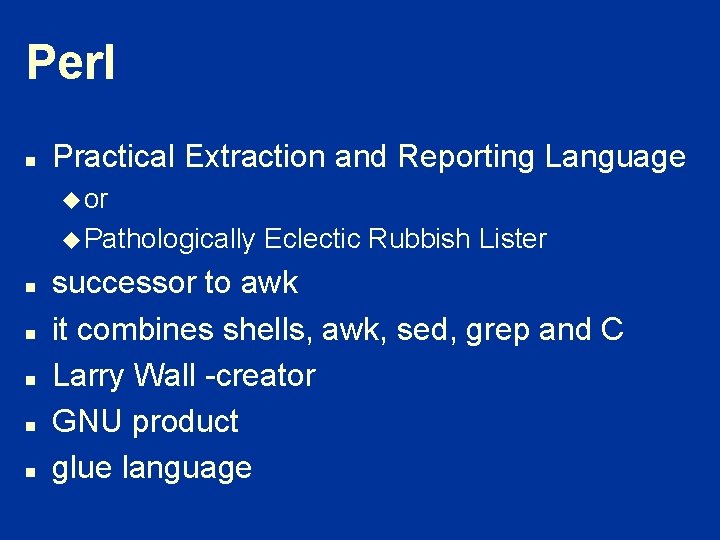
Perl n Practical Extraction and Reporting Language u or u Pathologically n n n Eclectic Rubbish Lister successor to awk it combines shells, awk, sed, grep and C Larry Wall -creator GNU product glue language
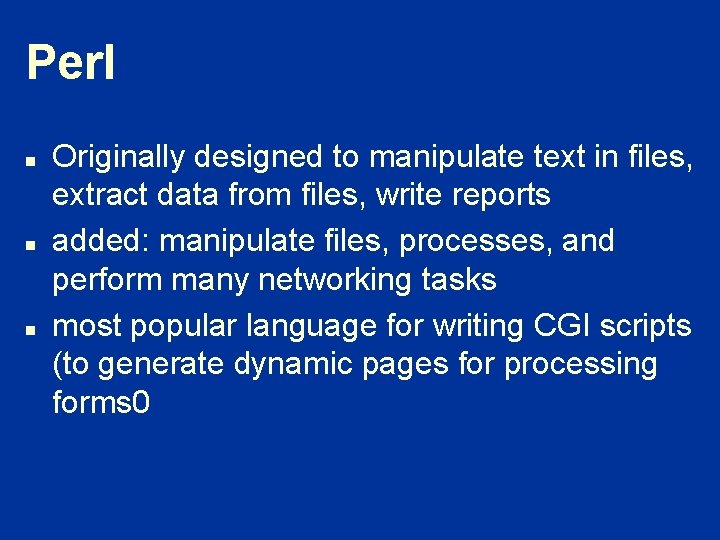
Perl n n n Originally designed to manipulate text in files, extract data from files, write reports added: manipulate files, processes, and perform many networking tasks most popular language for writing CGI scripts (to generate dynamic pages for processing forms 0
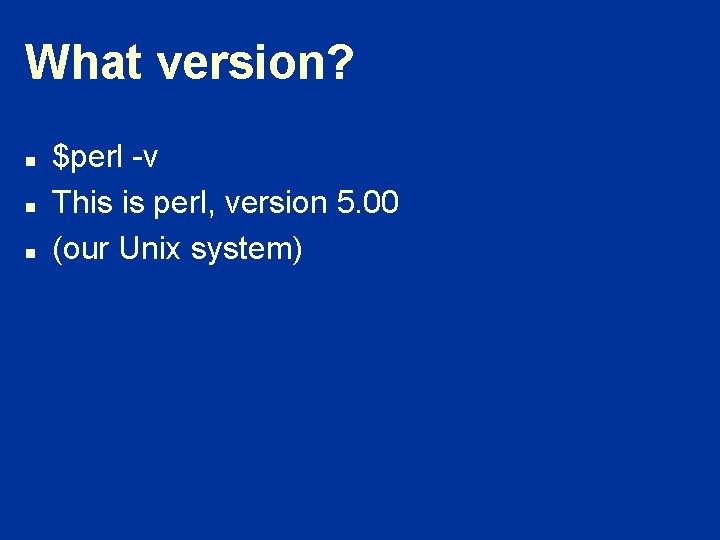
What version? n n n $perl -v This is perl, version 5. 00 (our Unix system)
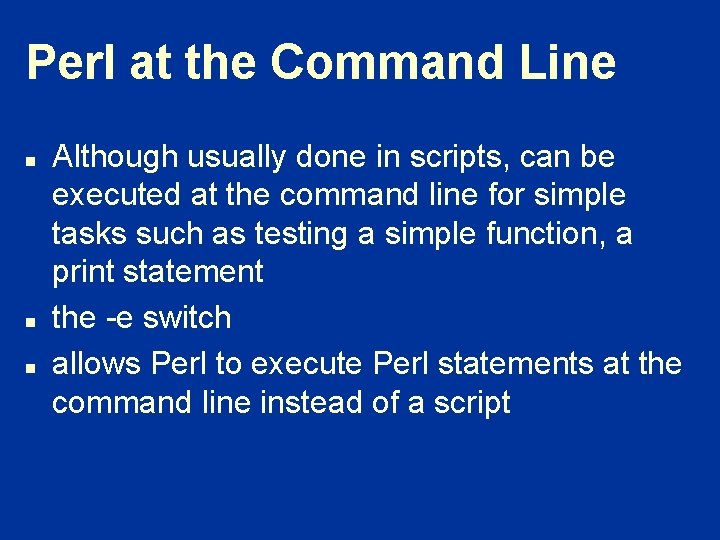
Perl at the Command Line n n n Although usually done in scripts, can be executed at the command line for simple tasks such as testing a simple function, a print statement the -e switch allows Perl to execute Perl statements at the command line instead of a script
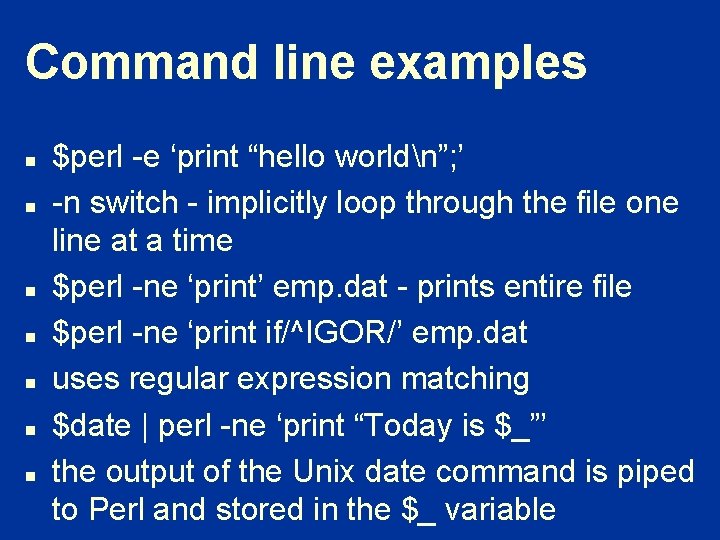
Command line examples n n n n $perl -e ‘print “hello worldn”; ’ -n switch - implicitly loop through the file one line at a time $perl -ne ‘print’ emp. dat - prints entire file $perl -ne ‘print if/^IGOR/’ emp. dat uses regular expression matching $date | perl -ne ‘print “Today is $_”’ the output of the Unix date command is piped to Perl and stored in the $_ variable
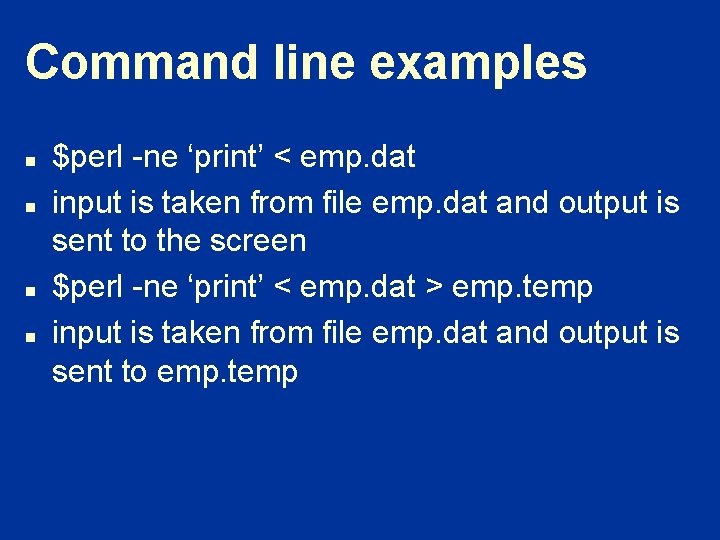
Command line examples n n $perl -ne ‘print’ < emp. dat input is taken from file emp. dat and output is sent to the screen $perl -ne ‘print’ < emp. dat > emp. temp input is taken from file emp. dat and output is sent to emp. temp
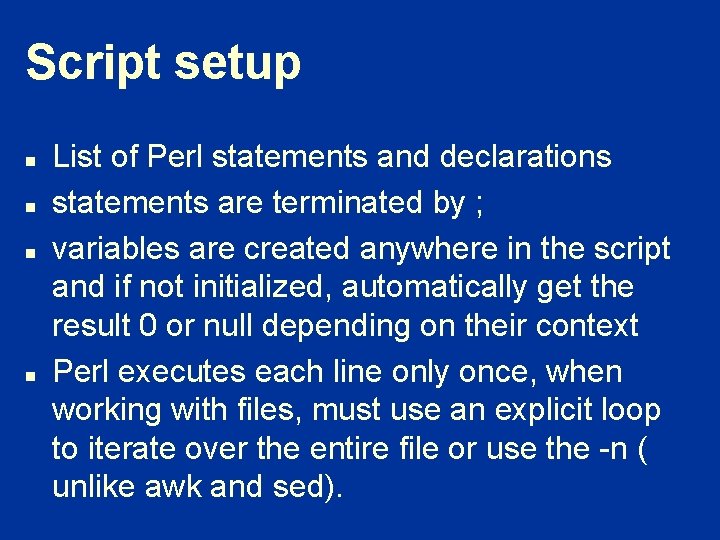
Script setup n n List of Perl statements and declarations statements are terminated by ; variables are created anywhere in the script and if not initialized, automatically get the result 0 or null depending on their context Perl executes each line only once, when working with files, must use an explicit loop to iterate over the entire file or use the -n ( unlike awk and sed).
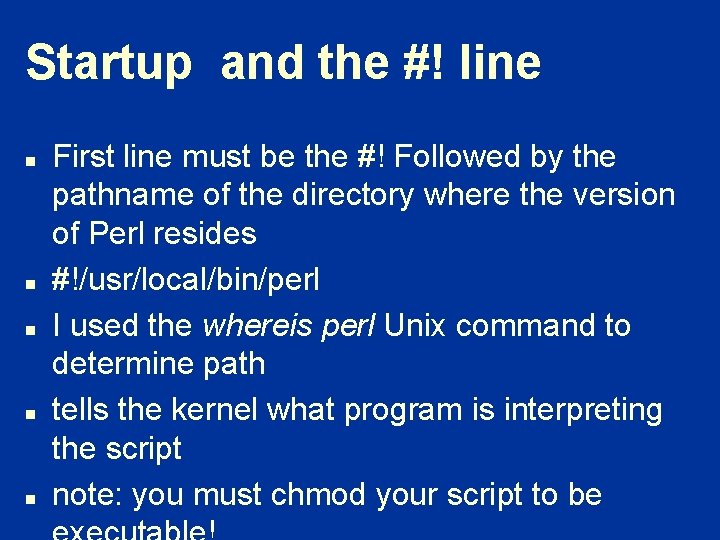
Startup and the #! line n n n First line must be the #! Followed by the pathname of the directory where the version of Perl resides #!/usr/local/bin/perl I used the whereis perl Unix command to determine path tells the kernel what program is interpreting the script note: you must chmod your script to be
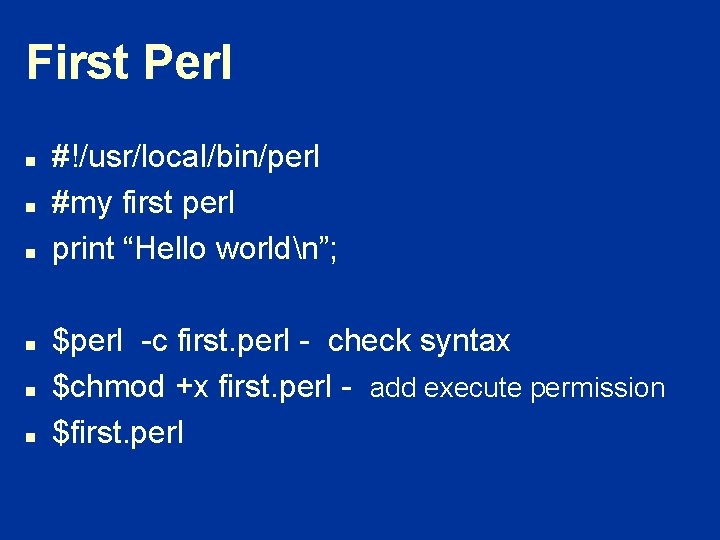
First Perl n n n #!/usr/local/bin/perl #my first perl print “Hello worldn”; $perl -c first. perl - check syntax $chmod +x first. perl - add execute permission $first. perl
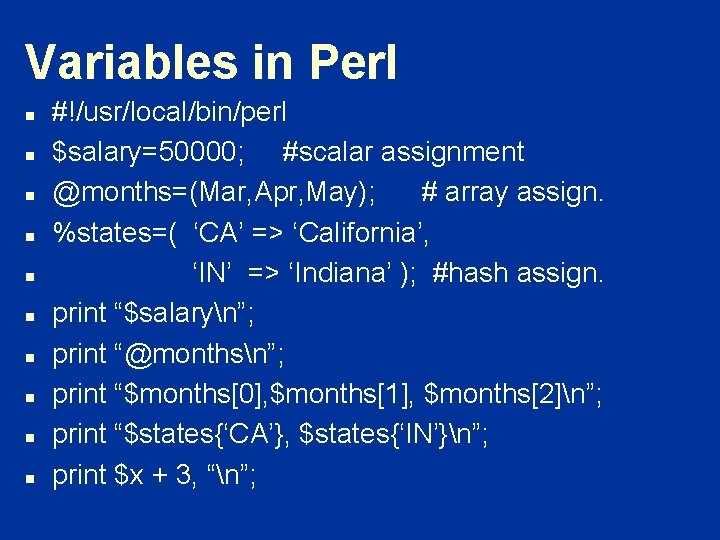
Variables in Perl n n n n n #!/usr/local/bin/perl $salary=50000; #scalar assignment @months=(Mar, Apr, May); # array assign. %states=( ‘CA’ => ‘California’, ‘IN’ => ‘Indiana’ ); #hash assign. print “$salaryn”; print “@monthsn”; print “$months[0], $months[1], $months[2]n”; print “$states{‘CA’}, $states{‘IN’}n”; print $x + 3, “n”;
Two Dimensional arrays n n n n n @matrix = ([3, 4, 5], [2, 5, 7], [3, 4, 5], ); need a nested loop to print out for ($i=0; $i<=2; $i++){ for ($x=0; $x<=2; $x++){ print “$matrix[$i][$x]”; } print “n”; }
Records n n n @record = (“Adam”, [3, 4, 5], “Mark”, [2, 5, 7], “John”, [3, 4, 5], ); print “$record[0], $record[1]->[0]”; print “$record[2], $record[3]->[0]”;
Other concepts n n Message queues, semaphores and shared memory (IPC objects) Networking features - protocol functions, socket function
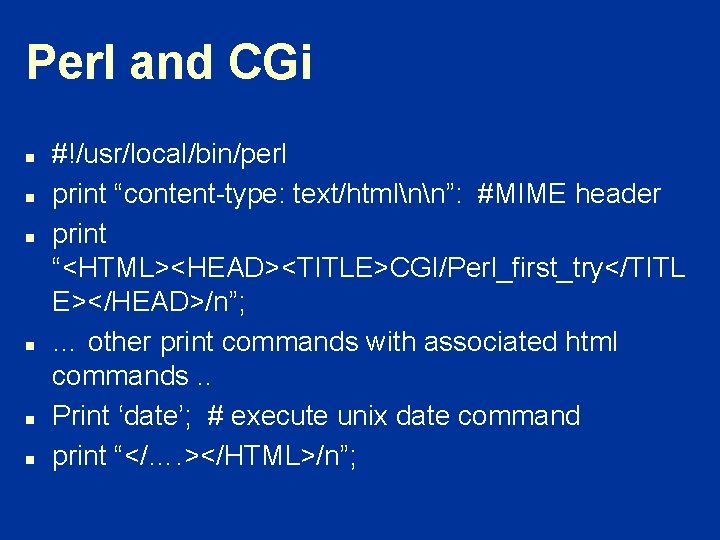
Perl and CGi n n n #!/usr/local/bin/perl print “content-type: text/htmlnn”: #MIME header print “<HTML><HEAD><TITLE>CGI/Perl_first_try</TITL E></HEAD>/n”; … other print commands with associated html commands. . Print ‘date’; # execute unix date command print “</…. ></HTML>/n”;
Tcl/Tk n n Big around late 80 s with Tk can do easier GUIs John Ousterhout does not excel in anything
Python n n Glue and general purpose stronger OO flavor
Web pages on general scripting n n Script_lang. htm script 2. htm