
screen is not final and subject to change
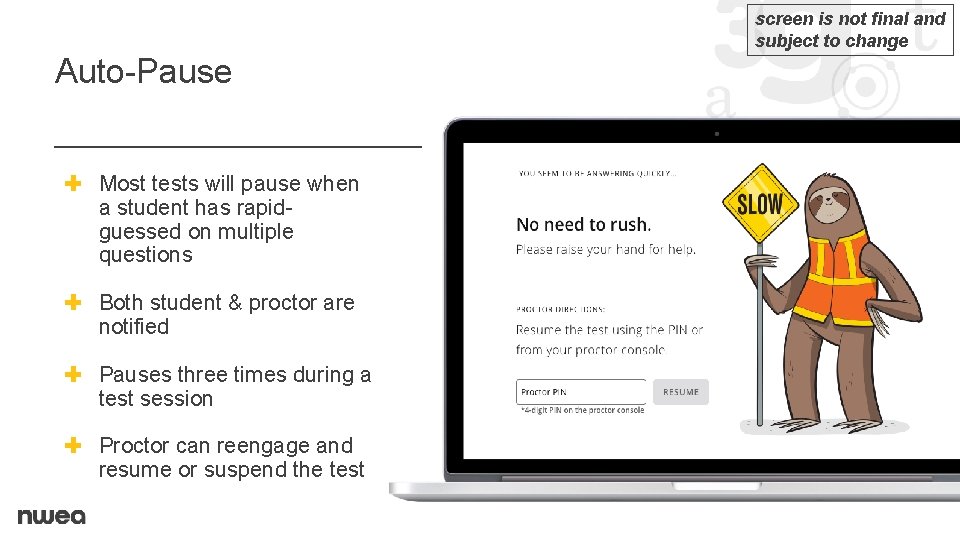
screen is not final and subject to change Auto-Pause ✚ Most tests will pause when a student has rapidguessed on multiple questions ✚ Both student & proctor are notified ✚ Pauses three times during a test session ✚ Proctor can reengage and resume or suspend the test
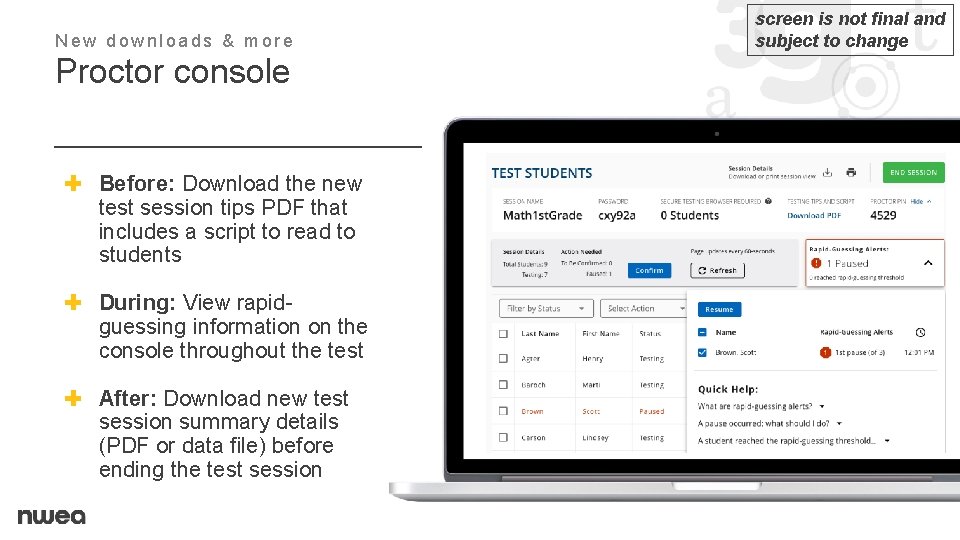
New downloads & more Proctor console ✚ Before: Download the new test session tips PDF that includes a script to read to students ✚ During: View rapidguessing information on the console throughout the test ✚ After: Download new test session summary details (PDF or data file) before ending the test session screen is not final and subject to change
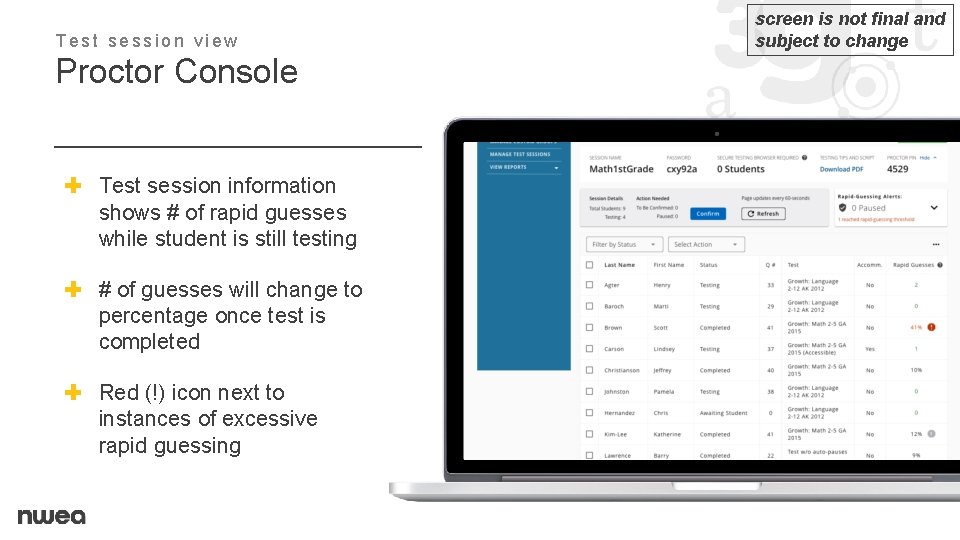
Test session view Proctor Console ✚ Test session information shows # of rapid guesses while student is still testing ✚ # of guesses will change to percentage once test is completed ✚ Red (!) icon next to instances of excessive rapid guessing screen is not final and subject to change
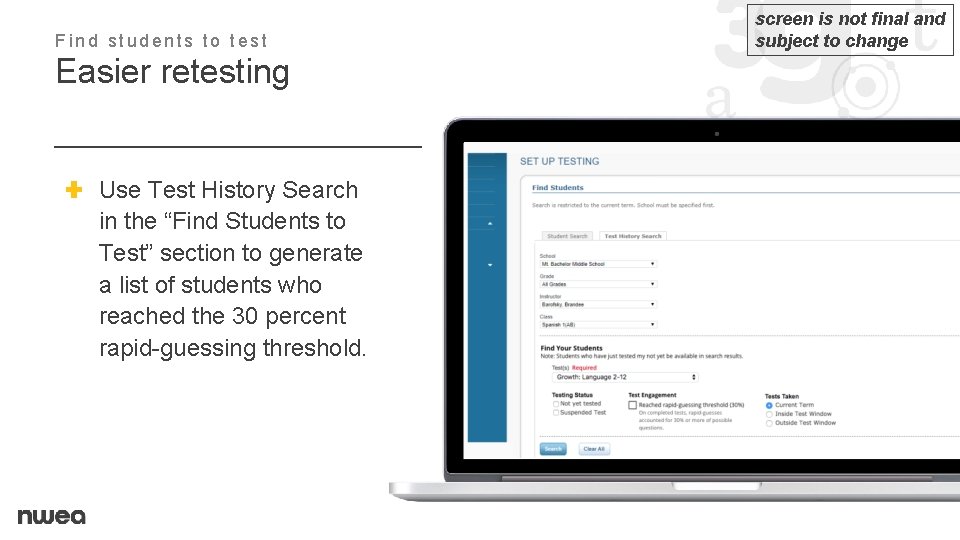
Find students to test Easier retesting ✚ Use Test History Search in the “Find Students to Test” section to generate a list of students who reached the 30 percent rapid-guessing threshold. screen is not final and subject to change
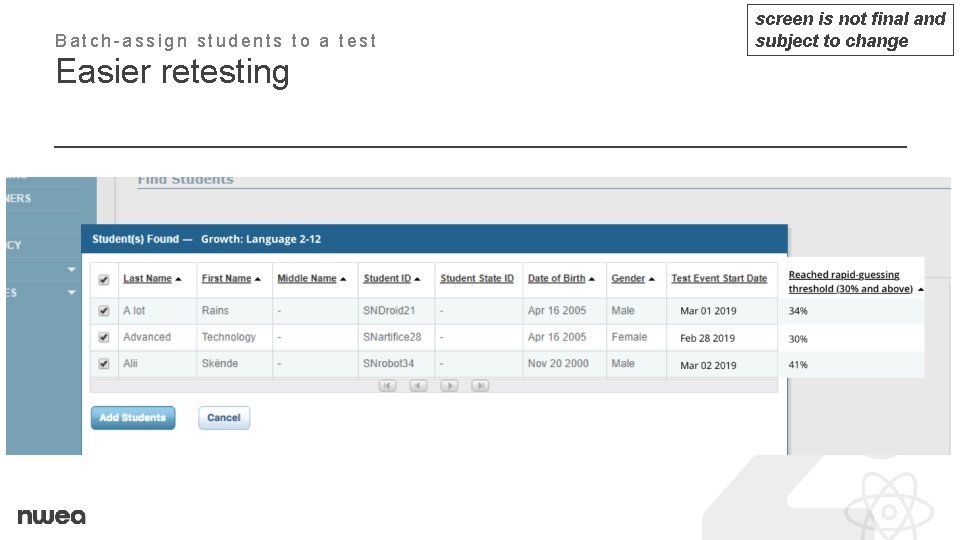
Batch-assign students to a test Easier retesting screen is not final and subject to change
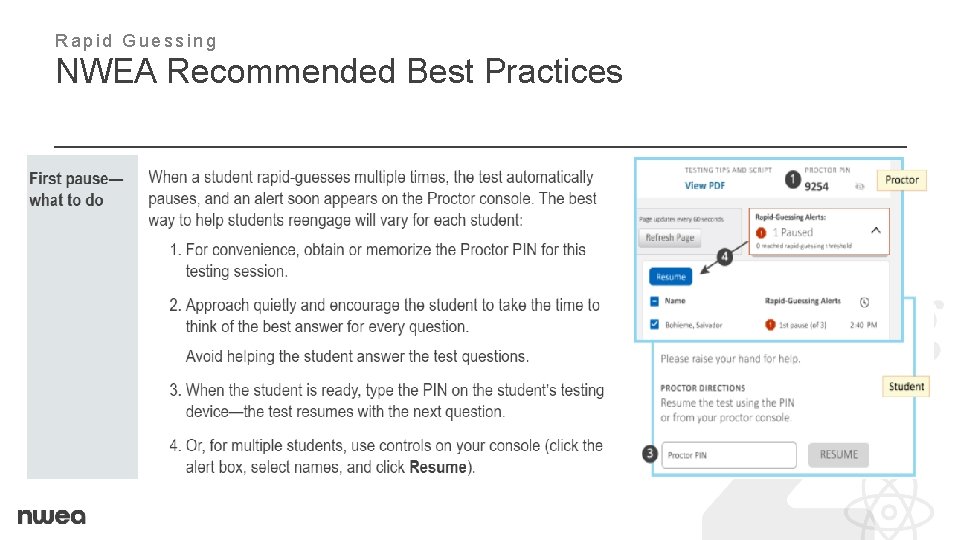
Rapid Guessing NWEA Recommended Best Practices
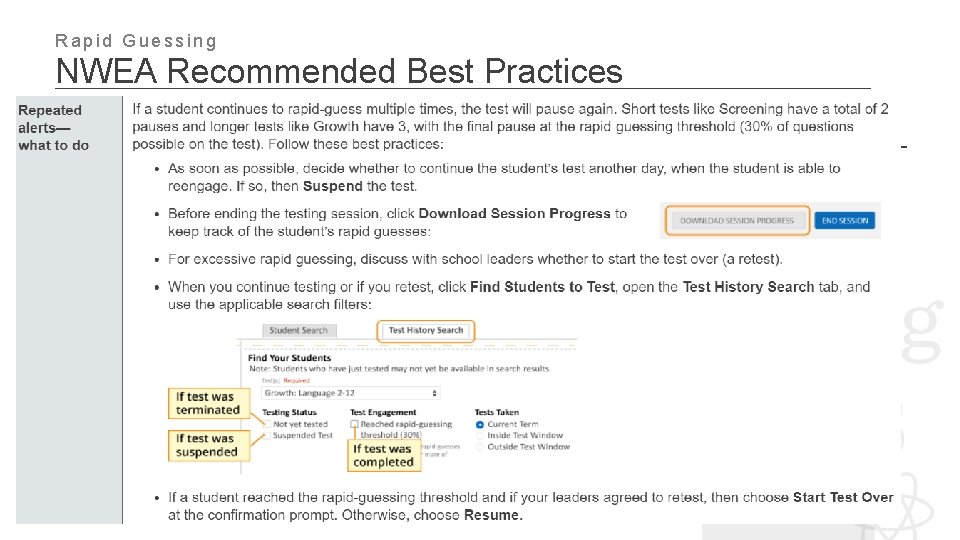
Rapid Guessing NWEA Recommended Best Practices
Rapid Guessing Assessment, Data, & Evaluation Guidance § Follow NWEA’s protocol for rapid guessing § When the student reaches the third pause you can choose to: 1. Resume the student’s test. 2. Suspend the student’s test and have them finish at a later time. 3. Suspend the student’s test and have them restart the test at a later time.
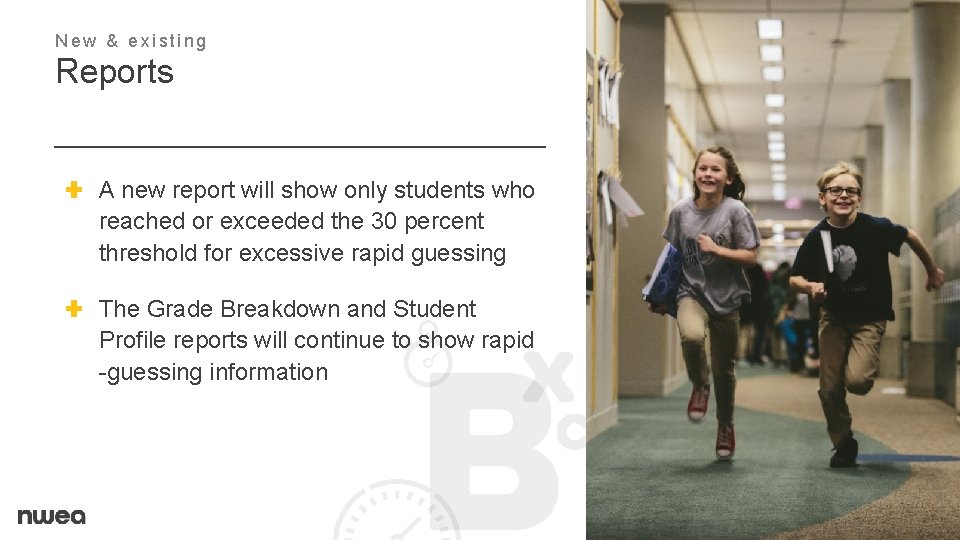
New & existing Reports ✚ A new report will show only students who reached or exceeded the 30 percent threshold for excessive rapid guessing ✚ The Grade Breakdown and Student Profile reports will continue to show rapid -guessing information
- Slides: 9