
Scratch Python https play google combooksreader id23 TAAw
Scratch & Python • https: //play. google. com/books/reader? id=23 TAAw. AAQBAJ&pg=GBS. PA 114 • Webdesign HTML (code. org videos & research pages into folder) • https: //www. khanacademy. org/computing/computerprogramming/html-css/intro-to-html/v/making-webpages-intro • Rasberry Pi


Principles • https: //www. youtube. com/watch? v=j. Qm 0 z 894 CG 0 •
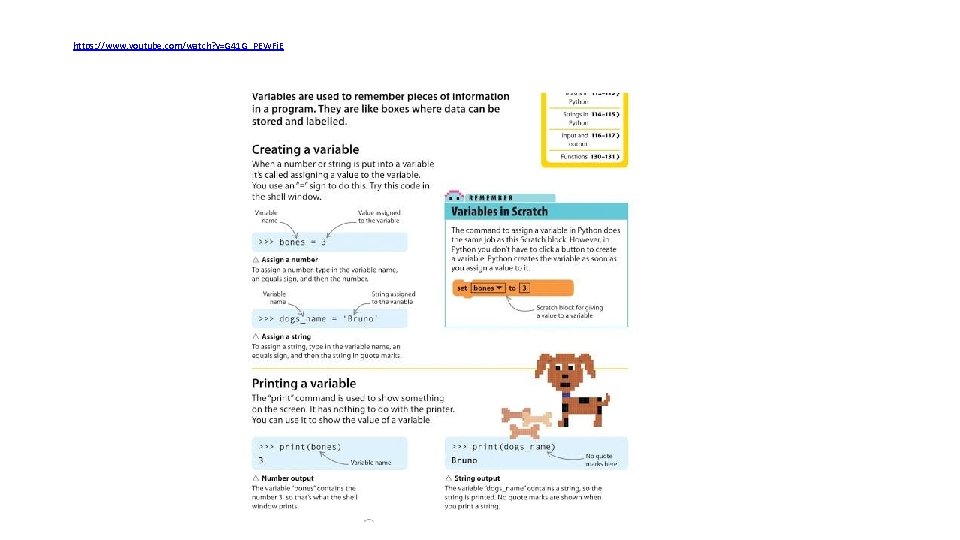
https: //www. youtube. com/watch? v=G 41 G_PEWFj. E
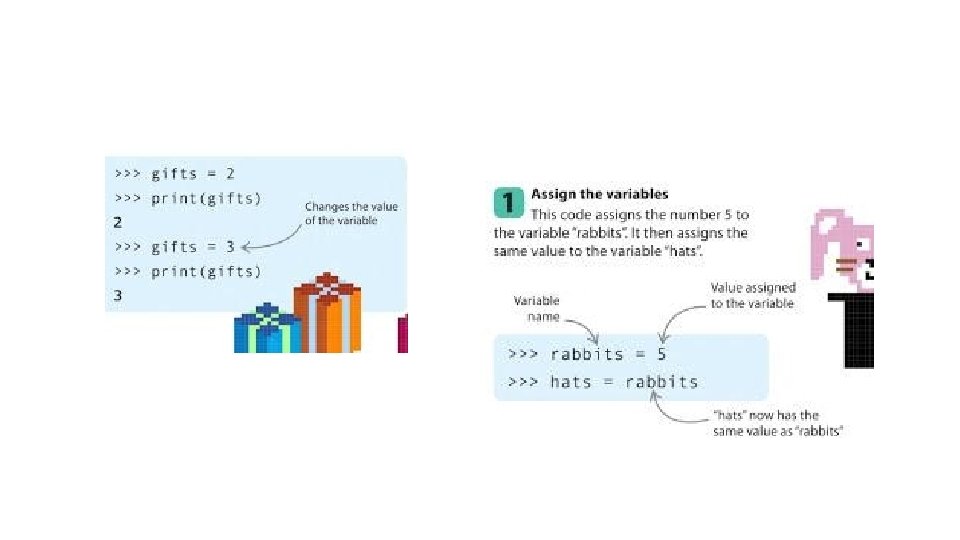
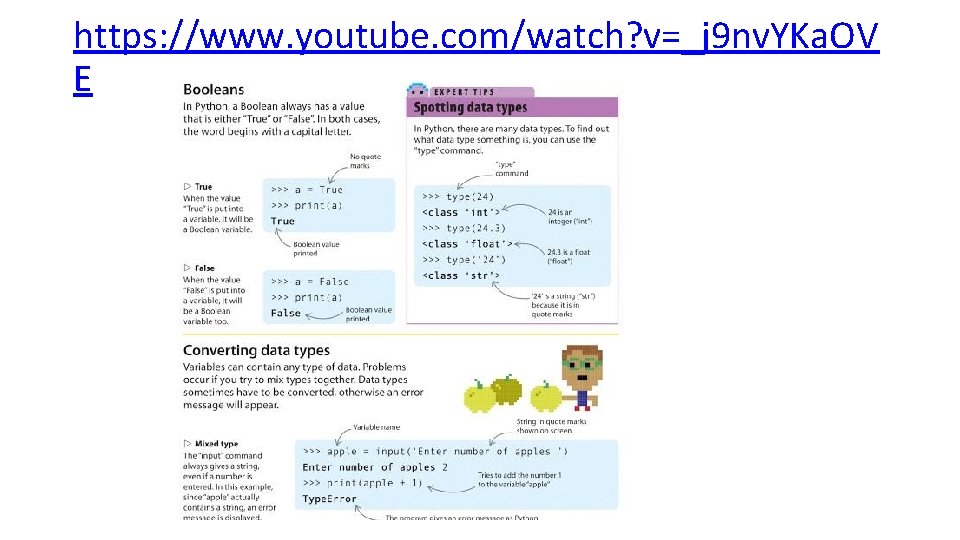
https: //www. youtube. com/watch? v=_j 9 nv. YKa. OV E
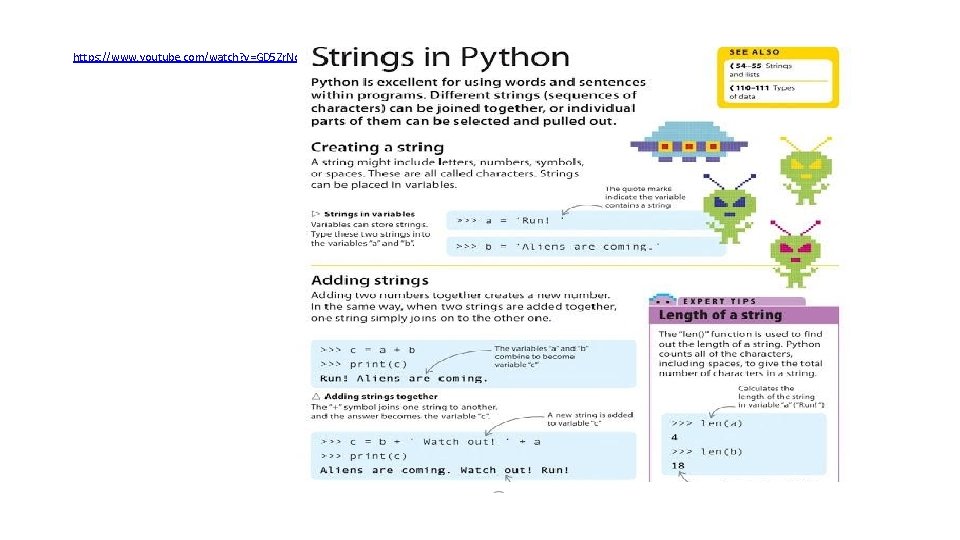
https: //www. youtube. com/watch? v=GD 5 Zr. Nc. Ge. D 0
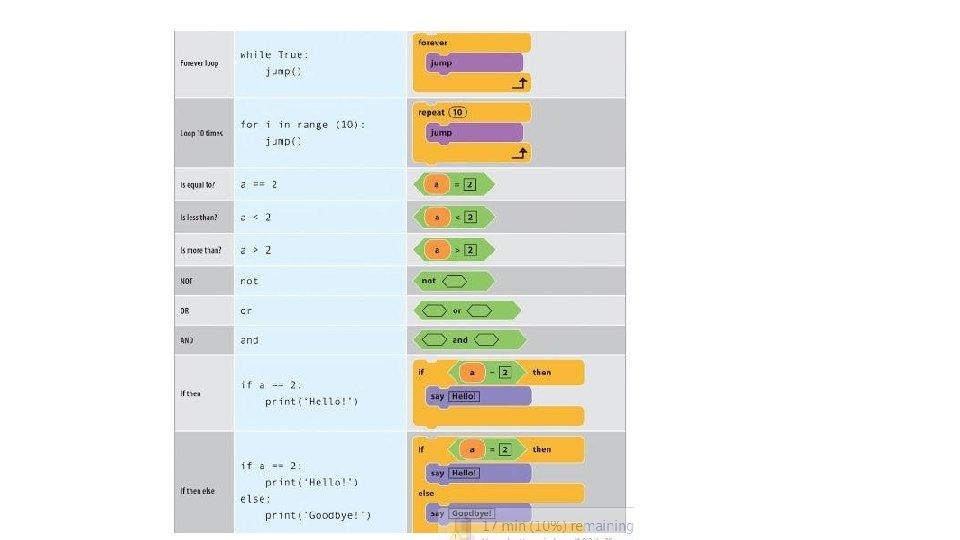
Decisions • Operators • https: //www. youtube. com/watch? v=ycgedp. Co. Ir 4 • • If , else if, else statements https: //www. youtube. com/watch? v=m 2 Ux 2 Pn. Je 6 E • https: //www. youtube. com/watch? v=WXIb. Ln. IX 5 Rw • https: //www. youtube. com/watch? v=UDi 7 xg. IIW 8 E •
For/ while Loops • https: //www. youtube. com/watch? v=G 8 hf. Ak 4 Pf. OM • https: //www. youtube. com/watch? v=F 8 H-41 bp. J 6 E • https: //www. youtube. com/watch? v=mgooqy. WMTxk • https: //www. youtube. com/watch? v=SRsua. Rlsdl 4 •
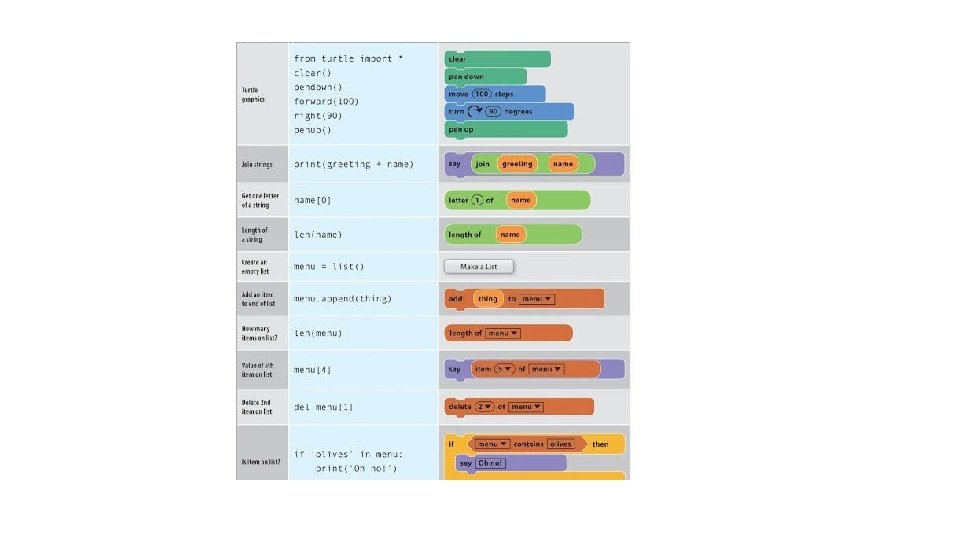
Lists • https: //www. youtube. com/watch? v=KFy 7 u 3 Rhozs • Arrays • https: //www. youtube. com/watch? v=se. BDTe. Zmb-k • Objects • https: //www. youtube. com/watch? v=Zun. UF_WGMb 4 •
Functions/procedures (container for block of code) • https: //www. youtube. com/watch? v=y. PWQfa 4 CHbw • Examples of Python!!! • Define the Function then call it () when ever needed • Definition and Call • (FIND A GAME coded with PYTHON)……Copy/paste CODE…then remix/save it to your trinket account • Run the code and change it • Find a game online • Rock, paper, scissors • Hangman • Dice • Guess game
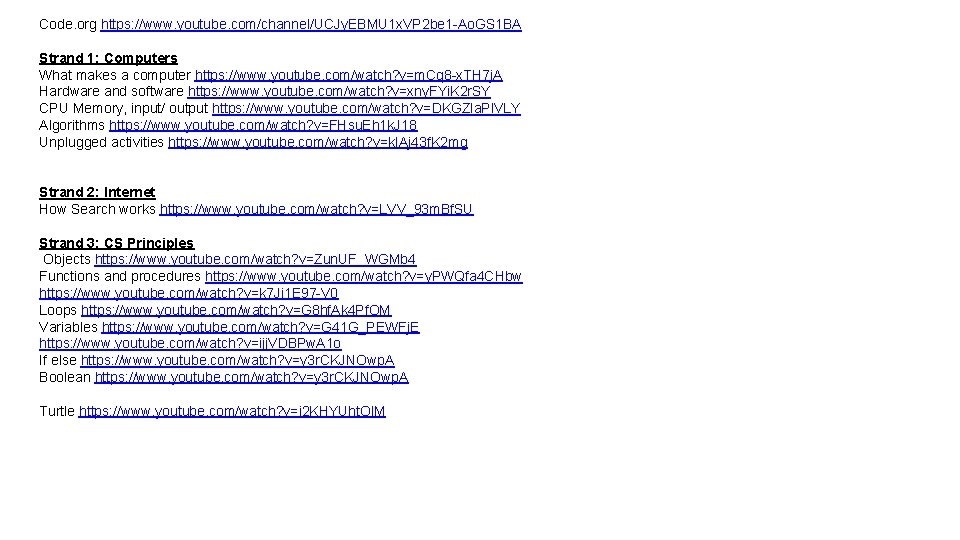
Code. org https: //www. youtube. com/channel/UCJy. EBMU 1 x. VP 2 be 1 -Ao. GS 1 BA Strand 1: Computers What makes a computer https: //www. youtube. com/watch? v=m. Cq 8 -x. TH 7 j. A Hardware and software https: //www. youtube. com/watch? v=xny. FYi. K 2 r. SY CPU Memory, input/ output https: //www. youtube. com/watch? v=DKGZla. Pl. VLY Algorithms https: //www. youtube. com/watch? v=FHsu. Eh 1 k. J 18 Unplugged activities https: //www. youtube. com/watch? v=k. IAj 43 f. K 2 mg Strand 2: Internet How Search works https: //www. youtube. com/watch? v=LVV_93 m. Bf. SU Strand 3: CS Principles Objects https: //www. youtube. com/watch? v=Zun. UF_WGMb 4 Functions and procedures https: //www. youtube. com/watch? v=y. PWQfa 4 CHbw https: //www. youtube. com/watch? v=k 7 Ji 1 E 97 -V 0 Loops https: //www. youtube. com/watch? v=G 8 hf. Ak 4 Pf. OM Variables https: //www. youtube. com/watch? v=G 41 G_PEWFj. E https: //www. youtube. com/watch? v=ijj. VDBPw. A 1 o If else https: //www. youtube. com/watch? v=y 3 r. CKJNOwp. A Boolean https: //www. youtube. com/watch? v=y 3 r. CKJNOwp. A Turtle https: //www. youtube. com/watch? v=i 2 KHYUht. Ol. M
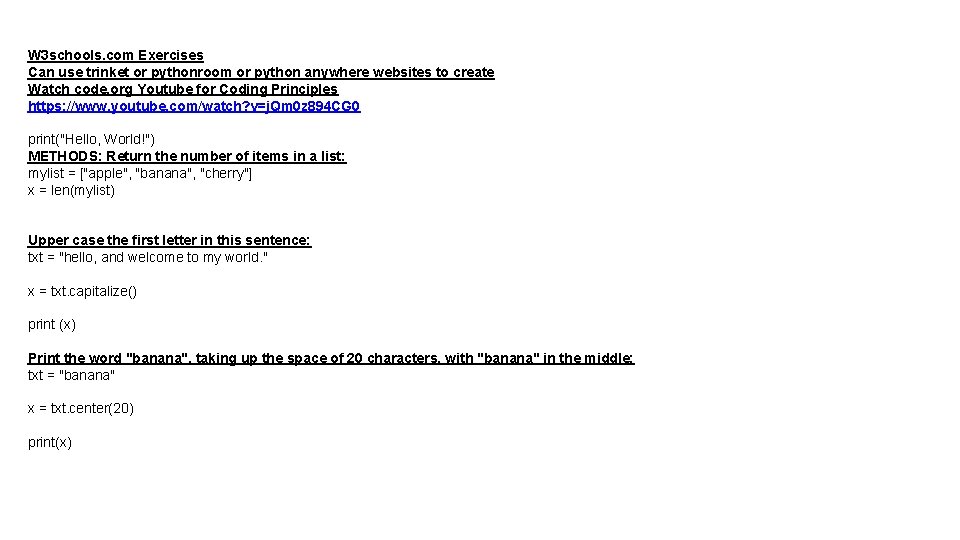
W 3 schools. com Exercises Can use trinket or pythonroom or python anywhere websites to create Watch code. org Youtube for Coding Principles https: //www. youtube. com/watch? v=j. Qm 0 z 894 CG 0 print("Hello, World!") METHODS: Return the number of items in a list: mylist = ["apple", "banana", "cherry"] x = len(mylist) Upper case the first letter in this sentence: txt = "hello, and welcome to my world. " x = txt. capitalize() print (x) Print the word "banana", taking up the space of 20 characters, with "banana" in the middle: txt = "banana" x = txt. center(20) print(x)
![Copy the fruits list: fruits = ['apple', 'banana', 'cherry', 'orange'] x = fruits. copy()](http://slidetodoc.com/presentation_image_h/efc4138439a4c870d922abd58d06e075/image-17.jpg "Copy the fruits list: fruits = ['apple', 'banana', 'cherry', 'orange'] x = fruits. copy()")
Copy the fruits list: fruits = ['apple', 'banana', 'cherry', 'orange'] x = fruits. copy() Sort the list alphabetically: cars = ['Ford', 'BMW', 'Volvo'] cars. sort() Return True if both statements are True: x = (5 > 3 and 5 < 10) print(x) Substring. Get the characters from position 2 to position 5 (not included): b = "Hello, World!" print(b[2: 5]) The split() method splits the string into substrings if it finds instances of the separator: a = "Hello, World!" print(a. split(", ")) # returns ['Hello', ' World!']
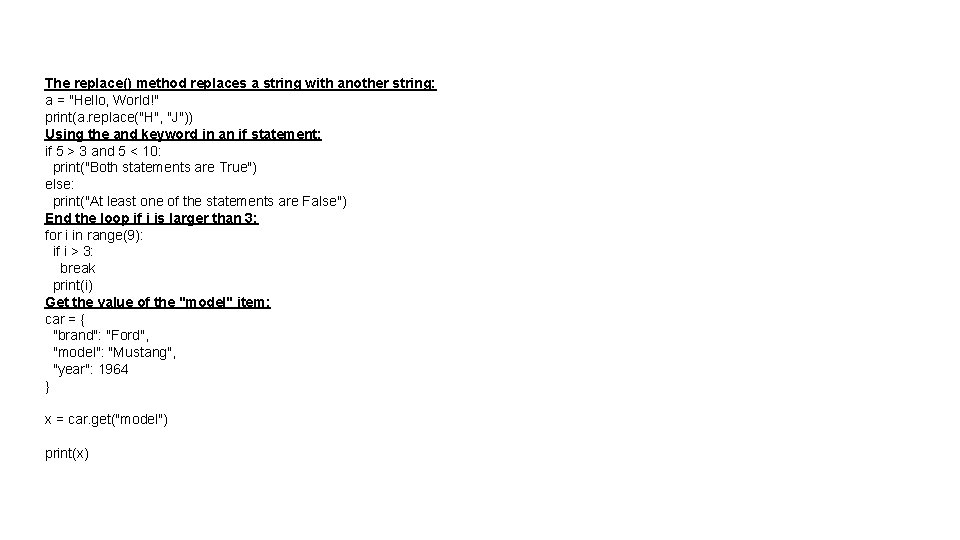
The replace() method replaces a string with another string: a = "Hello, World!" print(a. replace("H", "J")) Using the and keyword in an if statement: if 5 > 3 and 5 < 10: print("Both statements are True") else: print("At least one of the statements are False") End the loop if i is larger than 3: for i in range(9): if i > 3: break print(i) Get the value of the "model" item: car = { "brand": "Ford", "model": "Mustang", "year": 1964 } x = car. get("model") print(x)
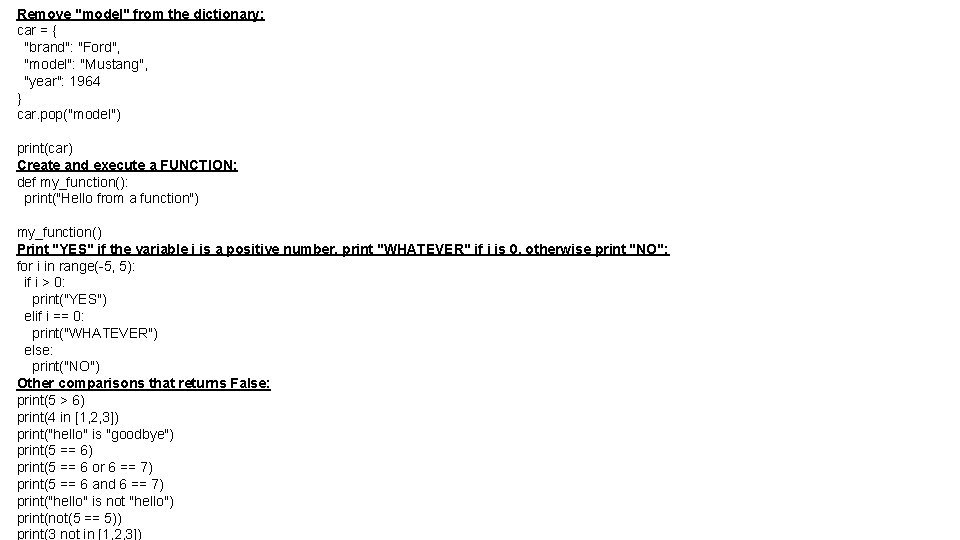
Remove "model" from the dictionary: car = { "brand": "Ford", "model": "Mustang", "year": 1964 } car. pop("model") print(car) Create and execute a FUNCTION: def my_function(): print("Hello from a function") my_function() Print "YES" if the variable i is a positive number, print "WHATEVER" if i is 0, otherwise print "NO": for i in range(-5, 5): if i > 0: print("YES") elif i == 0: print("WHATEVER") else: print("NO") Other comparisons that returns False: print(5 > 6) print(4 in [1, 2, 3]) print("hello" is "goodbye") print(5 == 6 or 6 == 7) print(5 == 6 and 6 == 7) print("hello" is not "hello") print(not(5 == 5)) print(3 not in [1, 2, 3])
![Loop through all items in a list: fruits = ["apple", "banana", "cherry"] for x](http://slidetodoc.com/presentation_image_h/efc4138439a4c870d922abd58d06e075/image-20.jpg "Loop through all items in a list: fruits = [\"apple\", \"banana\", \"cherry\"] for x")
Loop through all items in a list: fruits = ["apple", "banana", "cherry"] for x in fruits: print(x) Import only the time section from the datetime module, and print the time as if it was 15: 00: from datetime import time x = time(hour=15) print(x) Print x as long as x is less than 9: x = 0 while x < 9: print(x) x = x + 1 Create an iterator that returns numbers, starting with 1, and each sequence will increase by one (returning 1, 2, 3, 4, 5 etc. ): class My. Numbers: def __iter__(self): self. a = 1 return self def __next__(self): x = self. a += 1 return x myclass = My. Numbers() myiter = iter(myclass) print(next(myiter)) print(next(myiter))
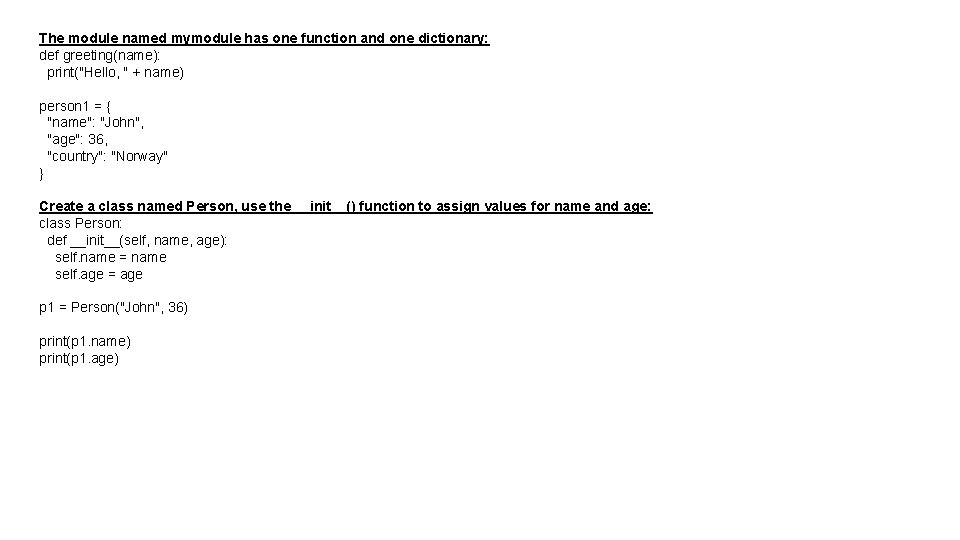
The module named mymodule has one function and one dictionary: def greeting(name): print("Hello, " + name) person 1 = { "name": "John", "age": 36, "country": "Norway" } Create a class named Person, use the __init__() function to assign values for name and age: class Person: def __init__(self, name, age): self. name = name self. age = age p 1 = Person("John", 36) print(p 1. name) print(p 1. age)
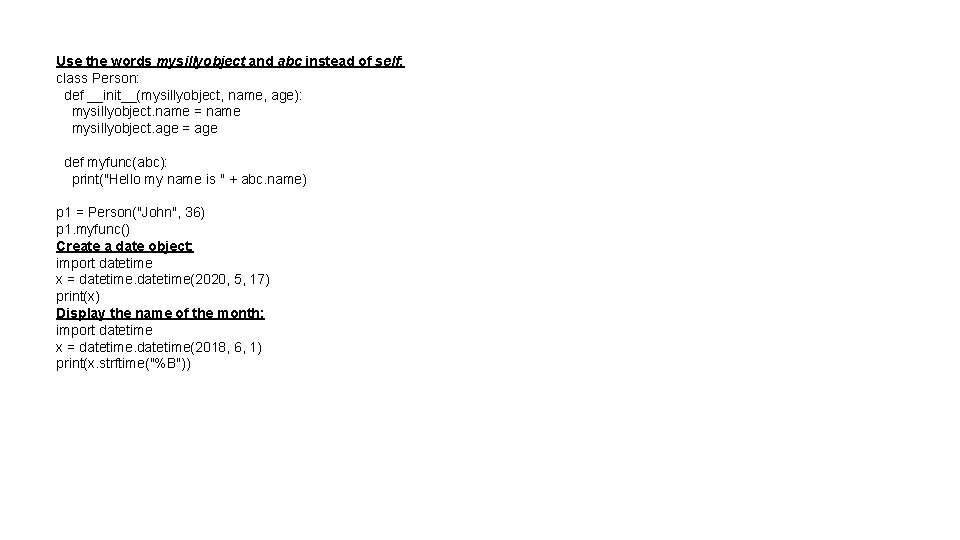
Use the words mysillyobject and abc instead of self: class Person: def __init__(mysillyobject, name, age): mysillyobject. name = name mysillyobject. age = age def myfunc(abc): print("Hello my name is " + abc. name) p 1 = Person("John", 36) p 1. myfunc() Create a date object: import datetime x = datetime(2020, 5, 17) print(x) Display the name of the month: import datetime x = datetime(2018, 6, 1) print(x. strftime("%B"))
![print (My. String[2: 5]) Displays characters 2 -5 from the string print (my. Variable.](http://slidetodoc.com/presentation_image_h/efc4138439a4c870d922abd58d06e075/image-23.jpg "print (My. String[2: 5]) Displays characters 2 -5 from the string print (my. Variable.")
print (My. String[2: 5]) Displays characters 2 -5 from the string print (my. Variable. upper()) Displays the string all in upper case print (my. Variable. lower()) Displays the string all in lower case + add print (my. Variable. replace(“a”, ”x”)) Replaces all instances of ‘a’ with ‘x’ in the string / divide print (my. Variable. title()) Displays the string with upper case for first letters + add print (my. Variable. swapcase()) Swaps the upper and lower case round * multiply ** exponential - subtract // integer division % modulus (remainder after the division) Helpsheet PRINT INPUT OUTPUT CALCULATIONS STRINGS (SLICING / FORMATTING) SELECTION
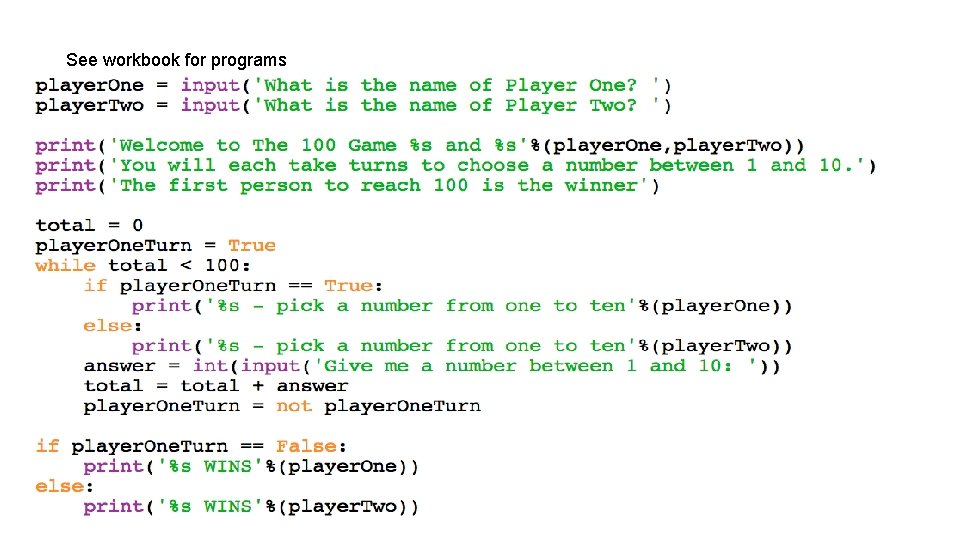
See workbook for programs
- Slides: 24