
Scratch Animation and game programming Task 2 A


- Slides: 14
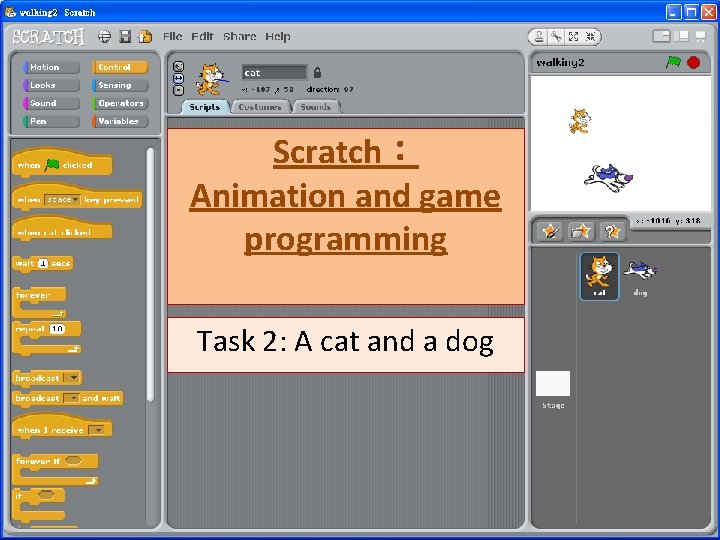
Scratch: Animation and game programming Task 2: A cat and a dog
Observation and discussion • What can we observe from the demo? • How to make it?
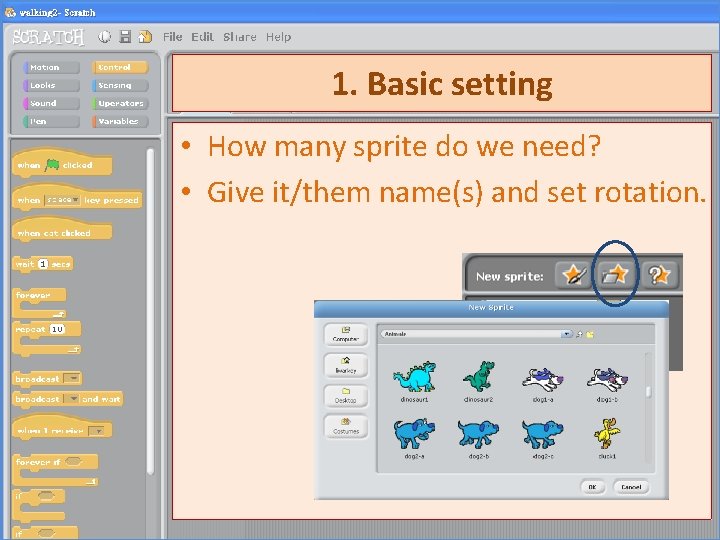
1. Basic setting • How many sprite do we need? • Give it/them name(s) and set rotation.
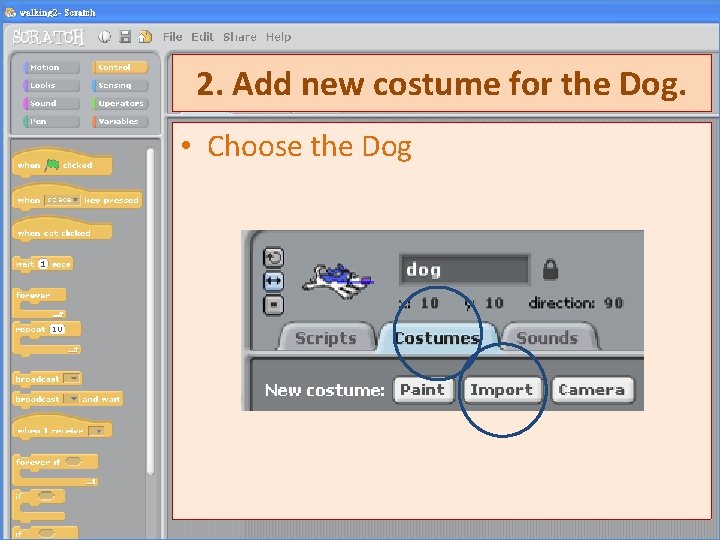
2. Add new costume for the Dog. • Choose the Dog
3. Edit costume of the Cat. • Choose the Cat
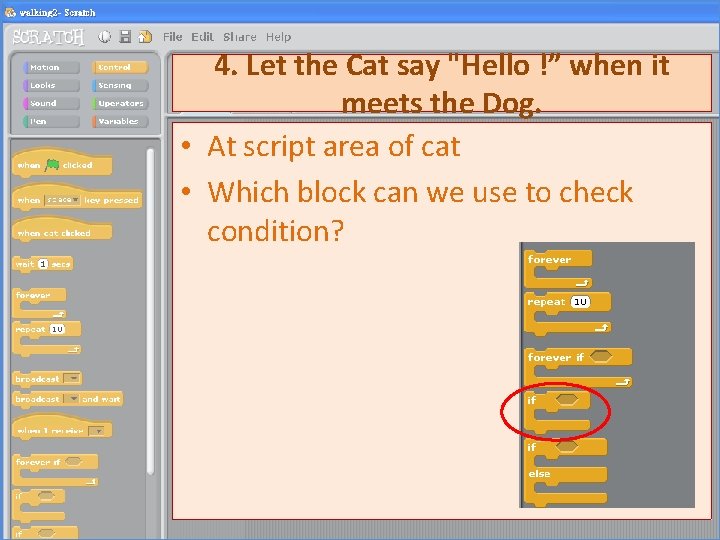
4. Let the Cat say "Hello !” when it meets the Dog. • At script area of cat • Which block can we use to check condition?
4. Let the Cat say "Hello !” when it meets the Dog. • In the condition , which block can we use?
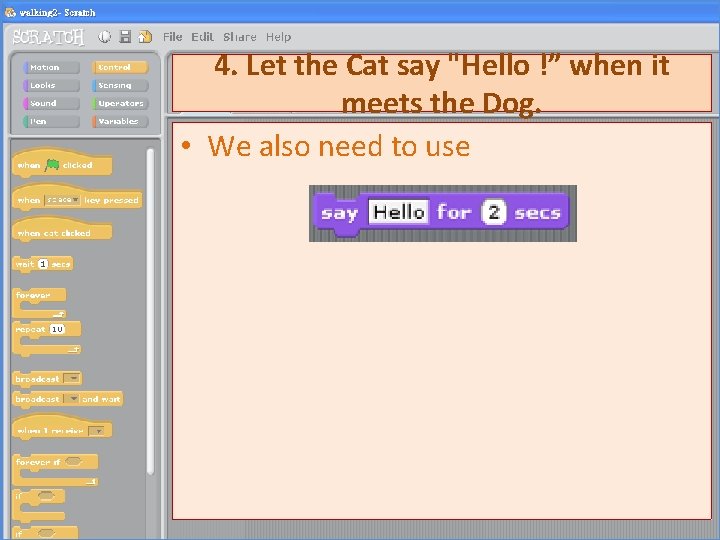
4. Let the Cat say "Hello !” when it meets the Dog. • We also need to use
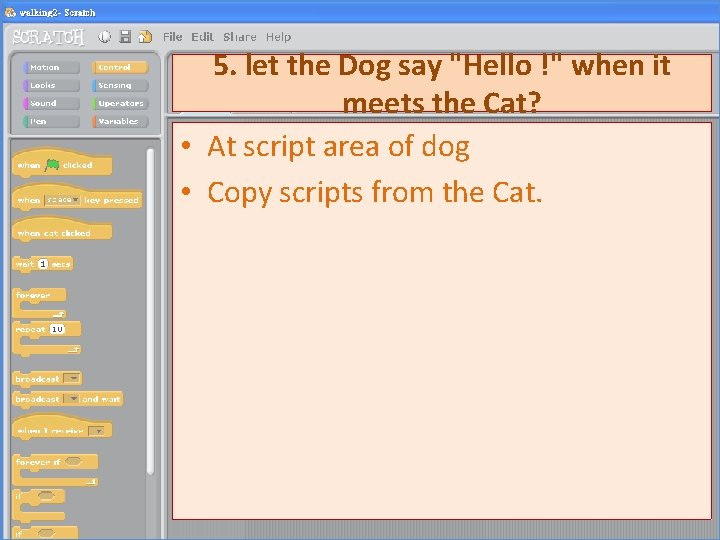
5. let the Dog say "Hello !" when it meets the Cat? • At script area of dog • Copy scripts from the Cat.
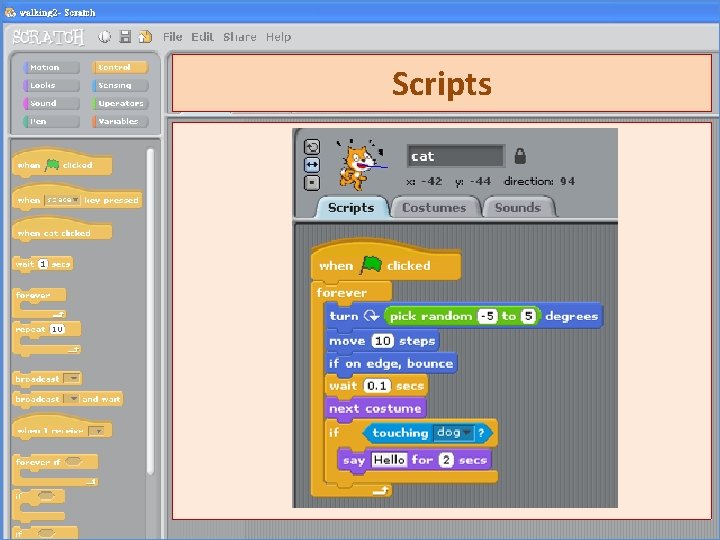
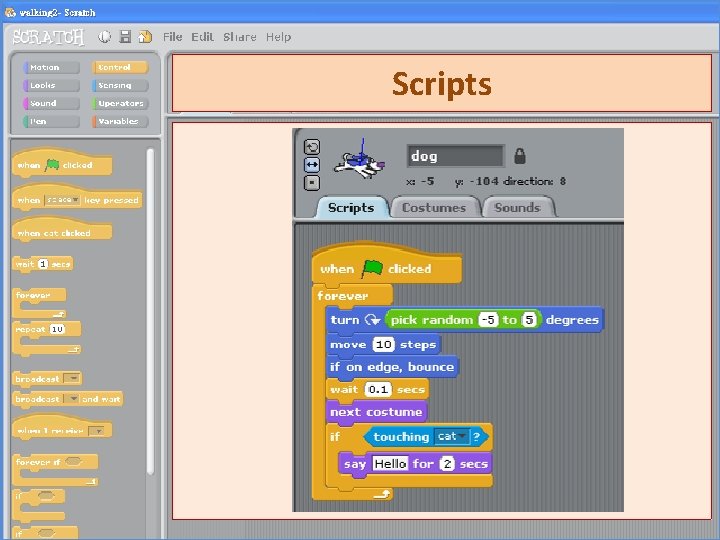
Scripts
Scripts
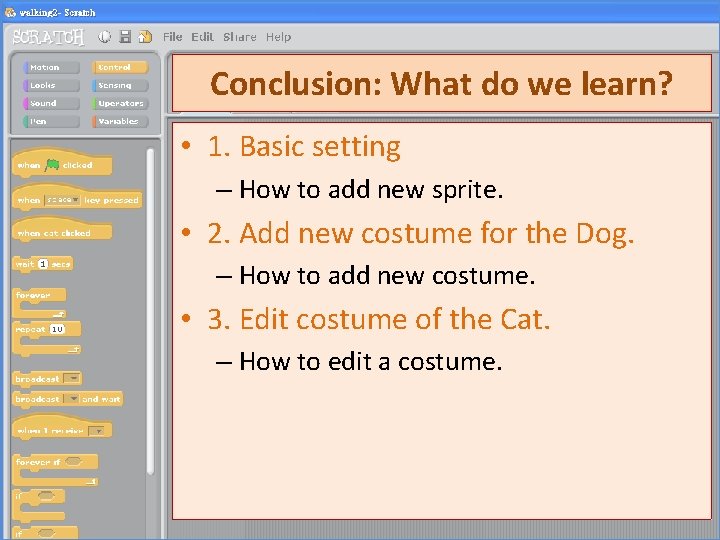
Conclusion: What do we learn? • 1. Basic setting – How to add new sprite. • 2. Add new costume for the Dog. – How to add new costume. • 3. Edit costume of the Cat. – How to edit a costume.
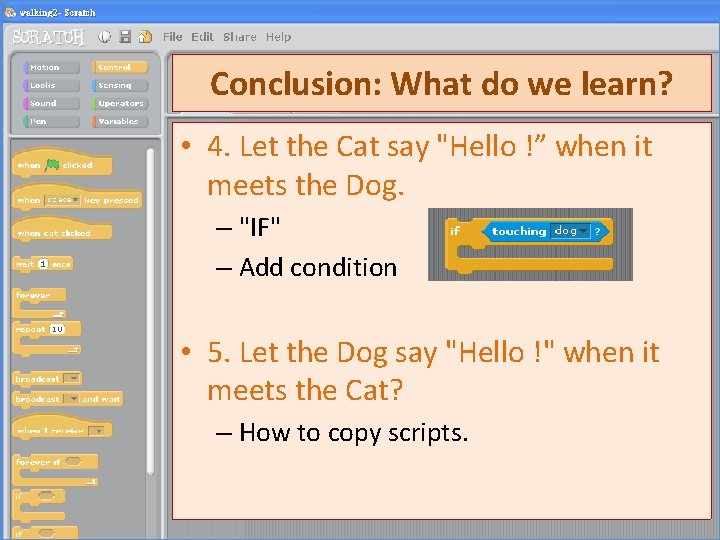
Conclusion: What do we learn? • 4. Let the Cat say "Hello !” when it meets the Dog. – "IF" – Add condition • 5. Let the Dog say "Hello !" when it meets the Cat? – How to copy scripts.
• P. S. 1:Scratch is developed by the Lifelong Kindergarten Group at the MIT Media Lab. See http: //scratch. mit. edu. • P. S. 2:Materials are provided by Mr. CHENG Che Hung of NLSI Lui Kwok Pat Fong College.