
Scopis Navigation Systems CT MRI protocol for ENT

- Slides: 10
Scopis Navigation Systems CT / MRI protocol for ENT surgery Mastertitelformat bearbeiten www. scopis. com
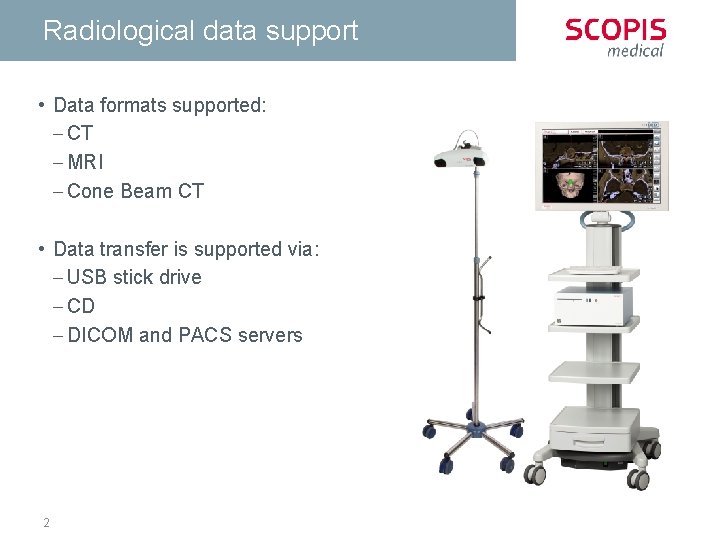
Radiological data support • Data formats supported: - CT - MRI - Cone Beam CT • Data transfer is supported via: - USB stick drive - CD - DICOM and PACS servers 2
CT Recommendations • • • 3 Set gantry tilt to 0° Limit „Field of View“ as much as possible Volume may not have any gaps between slices Area of interest on patient must be covered entirely Image capture must not include several partial volumes at once
CT and CBCT- Protocol • • 4 Patient orientation: Axial Matrix size: 512 x 512 Pixel Slice distance: < 1 mm, 0. 5 mm recommended Capture window: 150 mm to 180 mm Max voxel size: 1 mm x 0, 8 mm Recommended voxel size: 0, 5 mm x 0, 4 mm Use bone window Ensure correct orientation of patient and setting on device
MRT - Protocol • Patient orientation: Axial • Matrix size: at least 256 x 256 Pixel – 512 x 512 Pixel recommended • Slice distance: - For primary captures: < 1 mm, recommended 0. 5 mm - For fusion: 2 mm, recommended 0. 5 mm 5
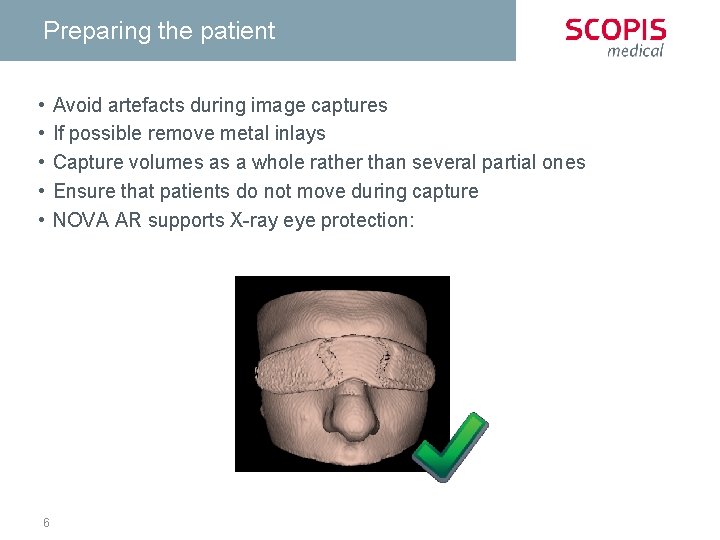
Preparing the patient • • • 6 Avoid artefacts during image captures If possible remove metal inlays Capture volumes as a whole rather than several partial ones Ensure that patients do not move during capture NOVA AR supports X-ray eye protection:
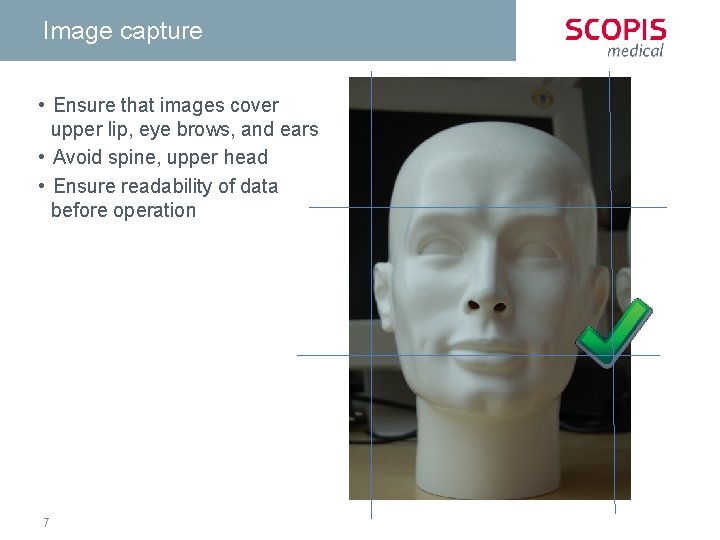
Image capture • Ensure that images cover upper lip, eye brows, and ears • Avoid spine, upper head • Ensure readability of data before operation 7
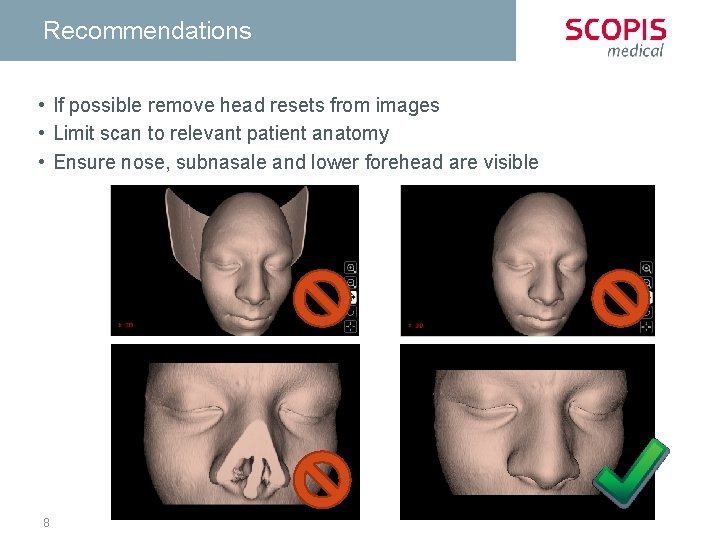
Recommendations • If possible remove head resets from images • Limit scan to relevant patient anatomy • Ensure nose, subnasale and lower forehead are visible 8
Saving data • Save uncompressed DICOM 3. 0 data • Do not use JPEG compression if possible • Save each slice into an individual file, but multi frame DICOM is also supported • Save primary reconstructions, avoid secondary • Ensure correct patient name and series ID • Several patient data sets should receive unique descriptions 9
Contact Scopis Gmb. H Phone: +49 30 201 69 38 0 E-Mail: service@scopis. com Internet: www. scopis. com