
Scientific Notation Scientific Notation is a number written
Scientific Notation • Scientific Notation is a number written as the product of 2 numbers: a coefficient and 10 raised to a power. • This is useful for writing very large or very small numbers.
RULES For Scientific Notation 1. Rewrite your number where there is just 1 non-zero digit with a decimal to the right. 2. Then count the number of spaces the decimal was moved and write that as an exponent.
RULES For Scientific Notation • 3. If the original number is greater than one, the exponent is positive. • 4. If the original number is less than one, the exponent is negative.
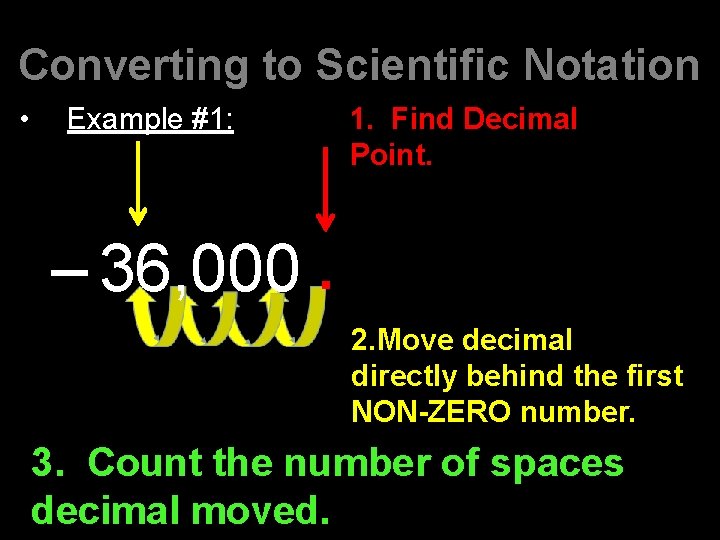
Converting to Scientific Notation • Example #1: 1. Find Decimal Point. – 36, 000. 2. Move decimal directly behind the first NON-ZERO number. 3. Count the number of spaces decimal moved.
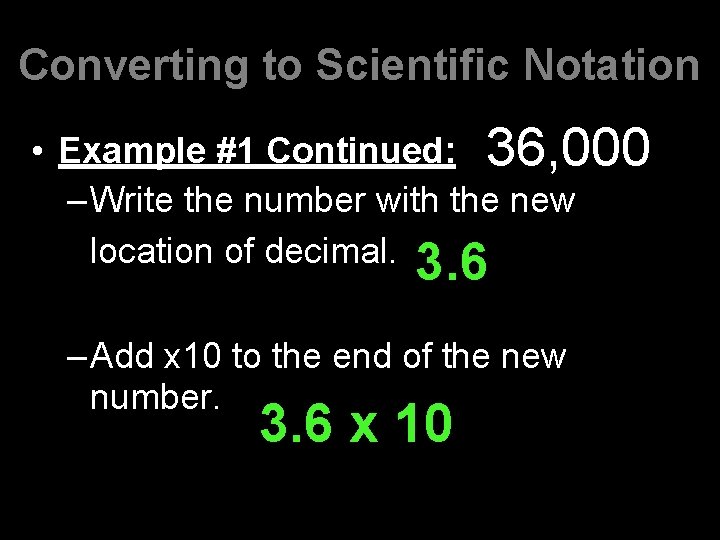
Converting to Scientific Notation • Example #1 Continued: 36, 000 –Write the number with the new location of decimal. 3. 6 –Add x 10 to the end of the new number. 3. 6 x 10
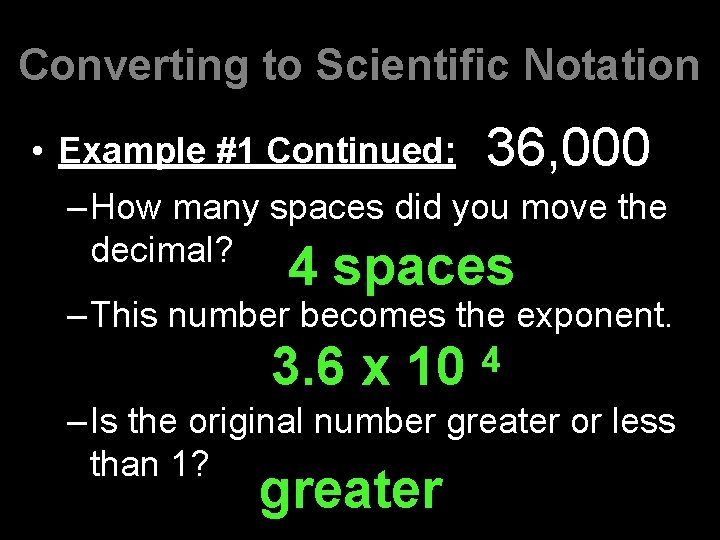
Converting to Scientific Notation • Example #1 Continued: 36, 000 –How many spaces did you move the decimal? 4 spaces –This number becomes the exponent. 3. 6 x 10 4 –Is the original number greater or less than 1? greater
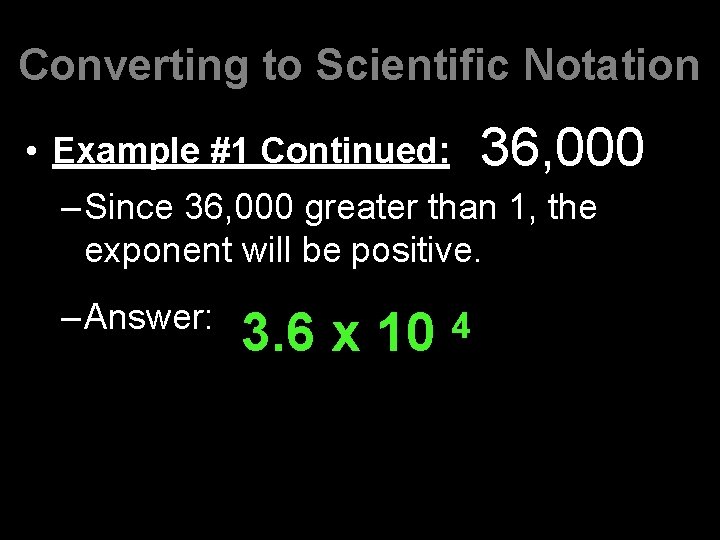
Converting to Scientific Notation • Example #1 Continued: 36, 000 –Since 36, 000 greater than 1, the exponent will be positive. –Answer: 3. 6 x 10 4
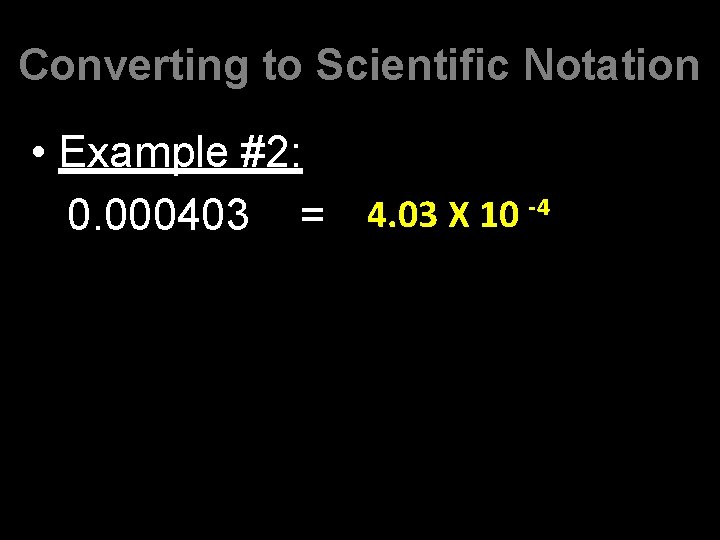
Converting to Scientific Notation • Example #2: -4 4. 03 X 10 0. 000403 =
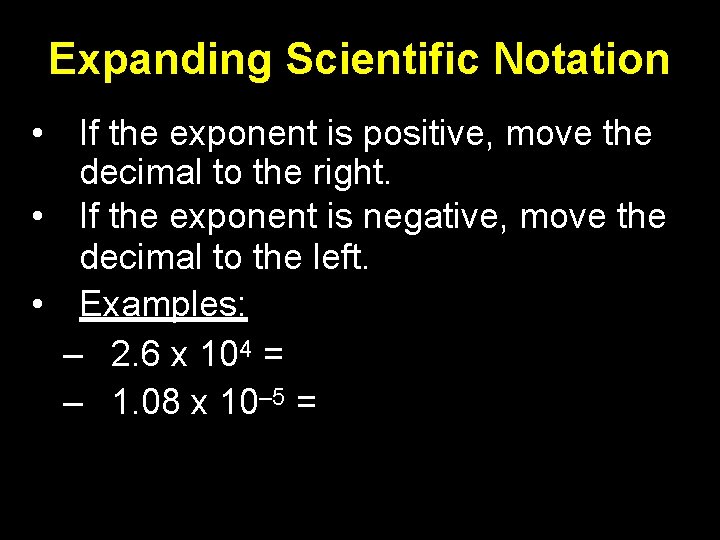
Expanding Scientific Notation • If the exponent is positive, move the decimal to the right. • If the exponent is negative, move the decimal to the left. • Examples: – 2. 6 x 104 = – 1. 08 x 10‒ 5 =
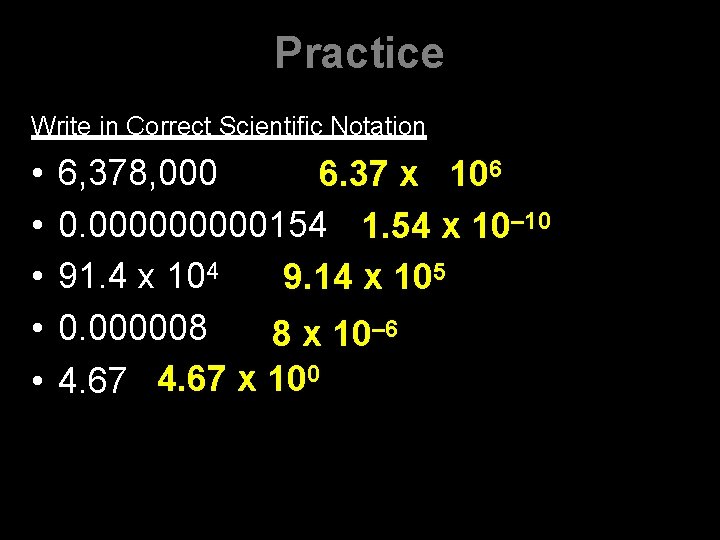
Practice Write in Correct Scientific Notation • • • 6, 378, 000 6. 37 x 106 0. 00000154 1. 54 x 10‒ 10 91. 4 x 10⁴ 9. 14 x 105 0. 000008 8 x 10‒ 6 4. 67 x 100
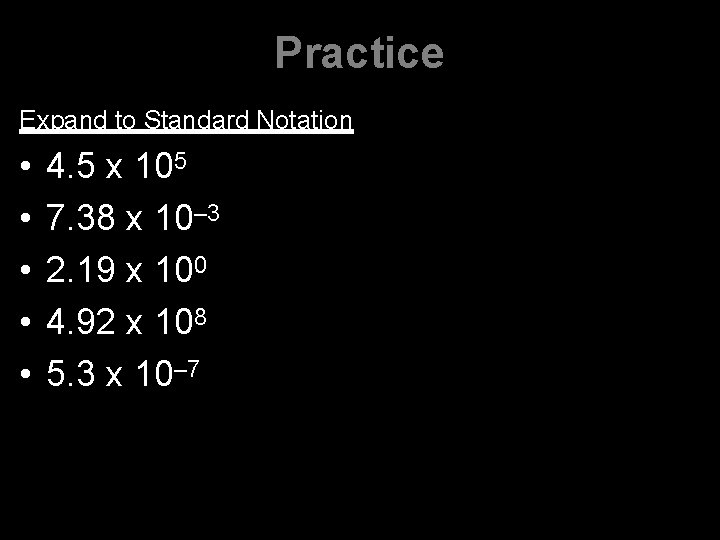
Practice Expand to Standard Notation • • • 4. 5 x 10⁵ 7. 38 x 10‒ 3 2. 19 x 100 4. 92 x 108 5. 3 x 10‒ 7
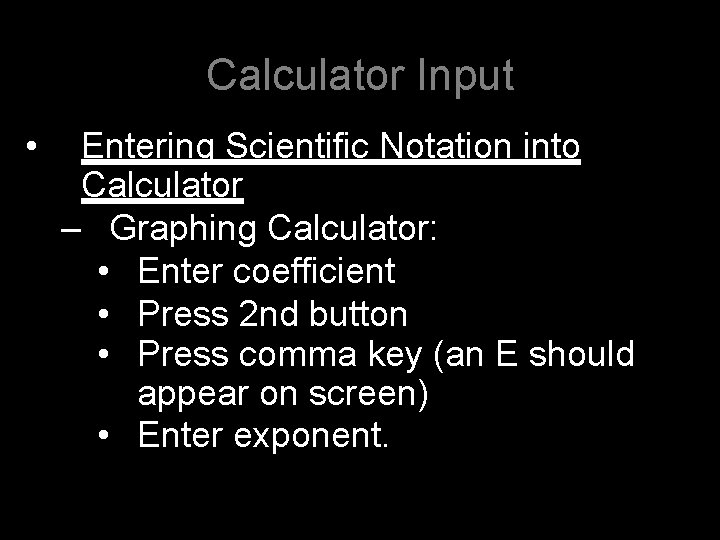
Calculator Input • Entering Scientific Notation into Calculator – Graphing Calculator: • Enter coefficient • Press 2 nd button • Press comma key (an E should appear on screen) • Enter exponent.
Calculator Input • Entering Scientific Notation into Calculator – Scientific Calculator: • Enter coefficient • Press 2 nd button • Press x– 1 (an E should appear on screen) • Enter exponent.
Calculator Input Continue –Guidelines: • NEVER type in ‘ x 10^ ' • Use the (-) sign by the decimal place for negative exponents. NOT the subtraction key. • Follow Addition/Subtraction and Multiplication/Division Significant Figures Rules to determine how to round answers.
Calculator Practice • First, make sure calculator is in SCI mode. –Graphing Calculator: • MODE, SCI, Enter, Clear –Scientific Calculator: • Push 2 nd, DRG, SCI, Enter
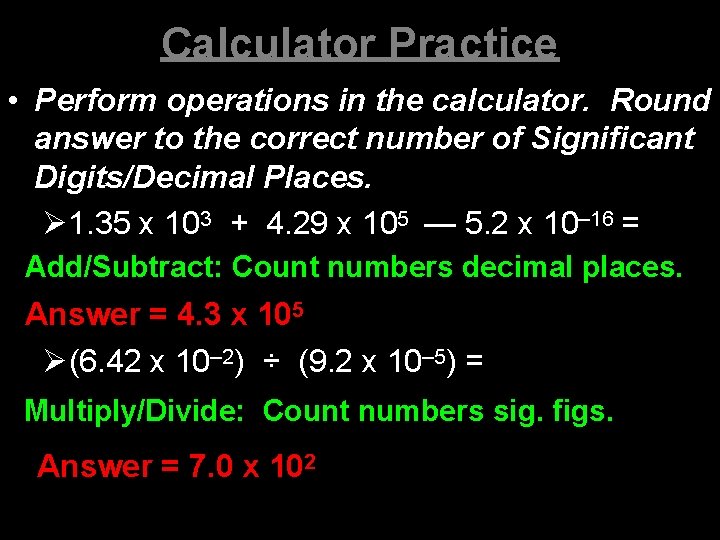
Calculator Practice • Perform operations in the calculator. Round answer to the correct number of Significant Digits/Decimal Places. 1. 35 x 103 + 4. 29 x 105 — 5. 2 x 10‒ 16 = Add/Subtract: Count numbers decimal places. Answer = 4. 3 x 10⁵ (6. 42 x 10‒ 2) ÷ (9. 2 x 10‒ 5) = Multiply/Divide: Count numbers sig. figs. Answer = 7. 0 x 102

Practice • http: //janus. astro. umd. edu/astro/scinote/
- Slides: 17