
Scientific Linux Sabah Salih The School of Physics
Scientific Linux? Sabah Salih The School of Physics & Astronomy The University of Manchester M 13 9 PL Sabah@hep. man. ac. uk
Experiments Software ATLAS: http: //linux. web. cern. ch/linux/scientific 3/certification/sub/env. ATLAS_offline. shtml Ba. Bar: Sabah@hep. man. ac. uk


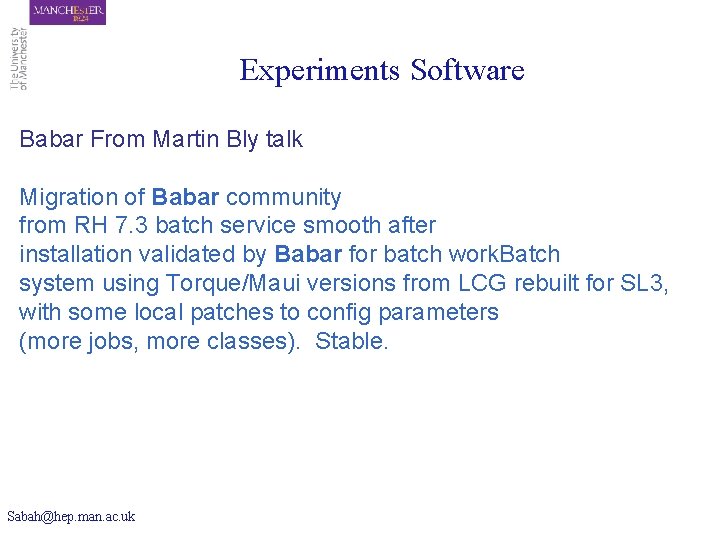
Experiments Software Babar From Martin Bly talk Migration of Babar community from RH 7. 3 batch service smooth after installation validated by Babar for batch work. Batch system using Torque/Maui versions from LCG rebuilt for SL 3, with some local patches to config parameters (more jobs, more classes). Stable. Sabah@hep. man. ac. uk
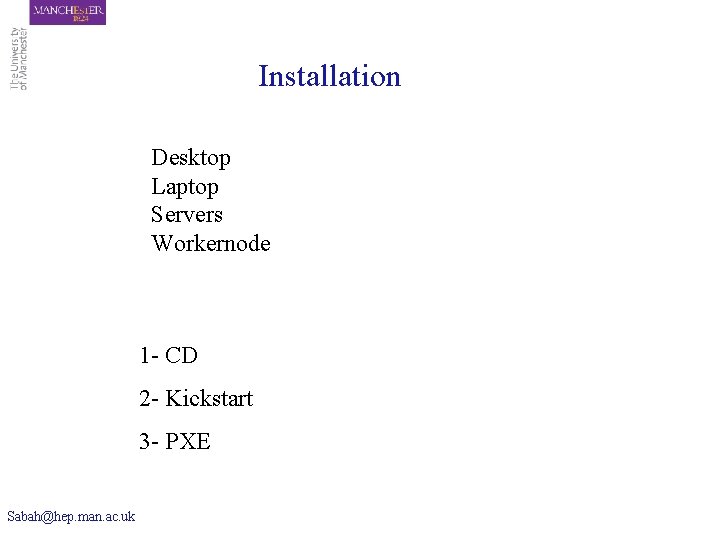
Installation Desktop Laptop Servers Workernode 1 - CD 2 - Kickstart 3 - PXE Sabah@hep. man. ac. uk
![CD [root@pc 94 tmp]# rpm -Uvh ftp: //ftp. scientificlinux. org/linux/scientific/303/i 386/SL/RPMS/yum-conf-303 -2. SL. noarch.](http://slidetodoc.com/presentation_image/952adf378a1207d4b17a3399f05441de/image-7.jpg "CD [root@pc 94 tmp]# rpm -Uvh ftp: //ftp. scientificlinux. org/linux/scientific/303/i 386/SL/RPMS/yum-conf-303 -2. SL. noarch.")
CD [root@pc 94 tmp]# rpm -Uvh ftp: //ftp. scientificlinux. org/linux/scientific/303/i 386/SL/RPMS/yum-conf-303 -2. SL. noarch. rpm Retrieving ftp: //ftp. scientificlinux. org/linux/scientific/303/i 386/SL/RPMS/yum-conf-303 -2. SL. noarch. rpm warning: /var/tmp/rpm-xfer. n. N 1 vgq: V 3 DSA signature: NOKEY, key ID 82 fd 17 b 2 Preparing. . . ###################### [100%] 1: yum-conf ###################### [100%] [root@pc 94 tmp]# yum update yum Resolving dependencies Dependencies resolved I will do the following: [update: yum 2. 0. 7 -7. SL. noarch] Is this ok [y/N]: y Downloading Packages Getting yum-2. 0. 7 -7. SL. noarch. rpm 100% |=============| 130 k. B Running test transaction: Test transaction complete, Success! yum 100 % done 1/2 Completing update for yum - 2/2 Updated: yum 2. 0. 7 -7. SL. noarch Transaction(s) Complete [root@pc 94 tmp]# yum upgrade Sabah@hep. man. ac. uk 00: 00
However: One need to install • k 3 b • Xmms • Multires • Xcdroast Sabah@hep. man. ac. uk
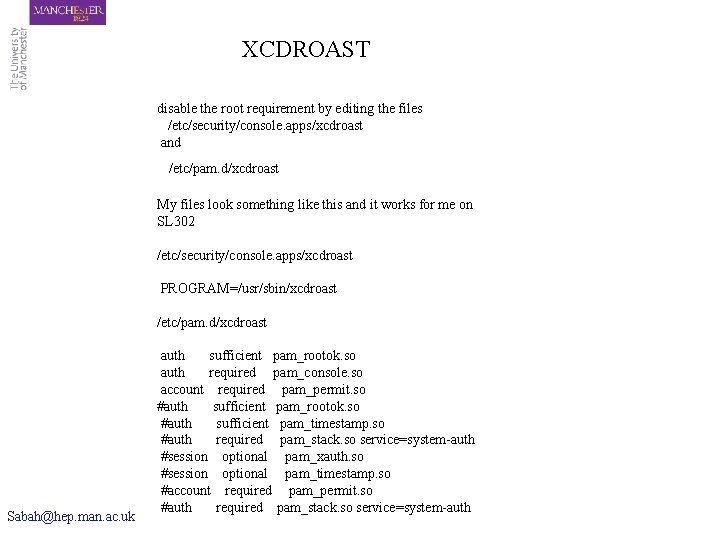
XCDROAST disable the root requirement by editing the files /etc/security/console. apps/xcdroast and /etc/pam. d/xcdroast My files look something like this and it works for me on SL 302 /etc/security/console. apps/xcdroast PROGRAM=/usr/sbin/xcdroast /etc/pam. d/xcdroast Sabah@hep. man. ac. uk auth sufficient pam_rootok. so auth required pam_console. so account required pam_permit. so #auth sufficient pam_rootok. so #auth sufficient pam_timestamp. so #auth required pam_stack. so service=system-auth #session optional pam_xauth. so #session optional pam_timestamp. so #account required pam_permit. so #auth required pam_stack. so service=system-auth
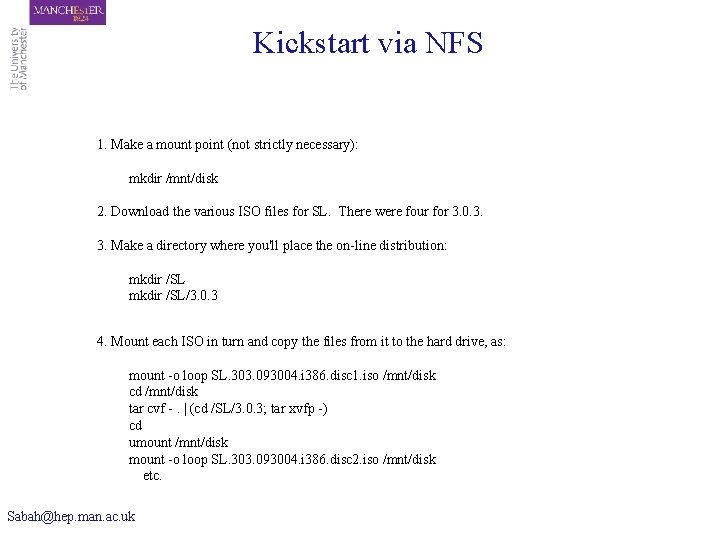
Kickstart via NFS 1. Make a mount point (not strictly necessary): mkdir /mnt/disk 2. Download the various ISO files for SL. There were four for 3. 0. 3. 3. Make a directory where you'll place the on-line distribution: mkdir /SL/3. 0. 3 4. Mount each ISO in turn and copy the files from it to the hard drive, as: mount -o loop SL. 303. 093004. i 386. disc 1. iso /mnt/disk cd /mnt/disk tar cvf -. | (cd /SL/3. 0. 3; tar xvfp -) cd umount /mnt/disk mount -o loop SL. 303. 093004. i 386. disc 2. iso /mnt/disk etc. Sabah@hep. man. ac. uk
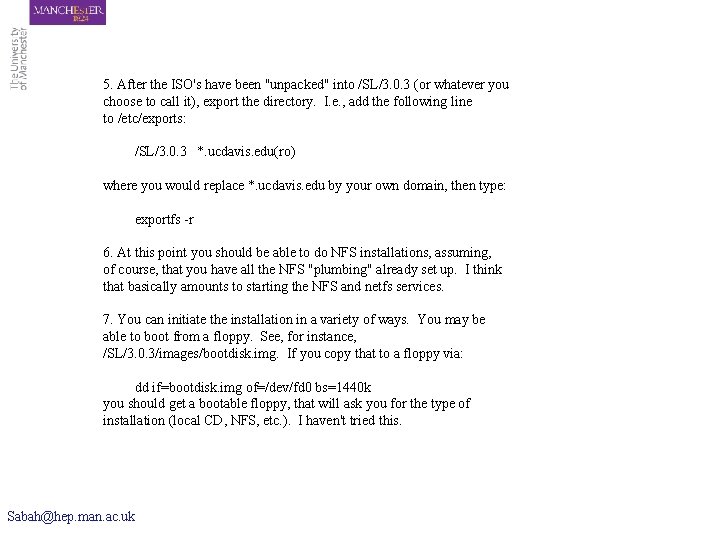
5. After the ISO's have been "unpacked" into /SL/3. 0. 3 (or whatever you choose to call it), export the directory. I. e. , add the following line to /etc/exports: /SL/3. 0. 3 *. ucdavis. edu(ro) where you would replace *. ucdavis. edu by your own domain, then type: exportfs -r 6. At this point you should be able to do NFS installations, assuming, of course, that you have all the NFS "plumbing" already set up. I think that basically amounts to starting the NFS and netfs services. 7. You can initiate the installation in a variety of ways. You may be able to boot from a floppy. See, for instance, /SL/3. 0. 3/images/bootdisk. img. If you copy that to a floppy via: dd if=bootdisk. img of=/dev/fd 0 bs=1440 k you should get a bootable floppy, that will ask you for the type of installation (local CD, NFS, etc. ). I haven't tried this. Sabah@hep. man. ac. uk
PXE We have not done any pxe installation, we hope to hear from RAL experience Sabah@hep. man. ac. uk
Summary Sabah@hep. man. ac. uk
- Slides: 13