
School of Business Eastern Illinois University Control Arrays
School of Business Eastern Illinois University Control Arrays (Week 11, Monday 3/31/2003) © Abdou Illia, Spring 2003
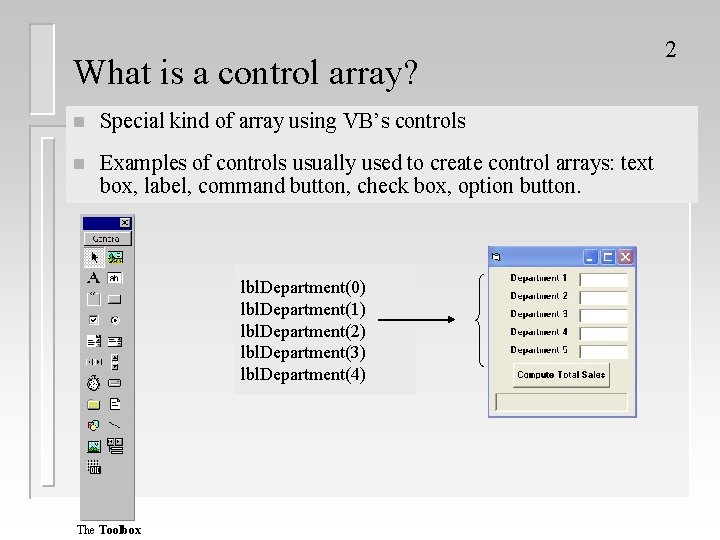
What is a control array? n Special kind of array using VB’s controls n Examples of controls usually used to create control arrays: text box, label, command button, check box, option button. lbl. Department(0) lbl. Department(1) lbl. Department(2) lbl. Department(3) lbl. Department(4) The Toolbox 2

Creating Control arrays 3 n Not created using Dim statements n Create one element during user-interface design (design mode) Properties Name = chk. Size Caption = Small Pizza Index = 0 n Create the other elements: – – During user-interface design (design mode) OR At run time

Creating Control arrays in design mode 4 1. Add one instance of the desired control to the form 2. Set the Index property to a number 3. Set any other properties that will be common to all other elements 4. Click on the control and then press Ctrl+C 5. Press Ctrl + V, to create the next element 6. Repeat Step 5 until all elements created
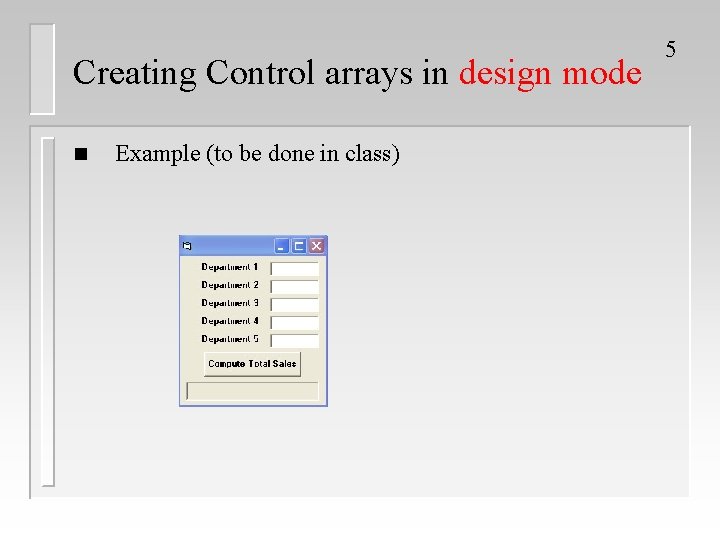
Creating Control arrays in design mode n Example (to be done in class) 5
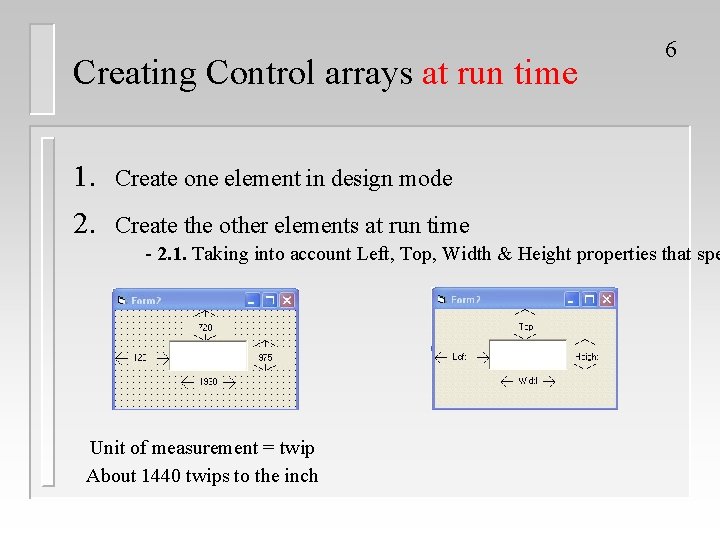
Creating Control arrays at run time 1. Create one element in design mode 2. Create the other elements at run time 6 - 2. 1. Taking into account Left, Top, Width & Height properties that spe Unit of measurement = twip About 1440 twips to the inch
Creating Control arrays at run time 2. Create the other elements at run time - 2. 2. Using Load_Form ( ) event procedure - 2. 3. Using Load Statements: Syntax: Load Control. Name (Index) 7

Example 1: Creating Control arrays at run time Object lbl. Month txt. Info Property Setting Index 0 Caption Jan Height 252 Index 0 Text [Blank] Height 288 Private Sub Form_Load() Dim i As Integer, month. Names As String month. Names = "Feb. Mar. Apr. May. Jun. Jul. Aug. Sep. Oct. Nov. Dec" For i = 1 To 11 Load lbl. Month(i) Load txt. Info(i) lbl. Month(i). Top = lbl. Month(i - 1). Top + txt. Info(0). Height txt. Info(i). Top = txt. Info(i - 1). Top + txt. Info(0). Height lbl. Month(i). Caption = Mid(month. Names, 3 * i - 2, 3) lbl. Month(i). Visible = True txt. Info(i). Visible = True Next i End Sub 8
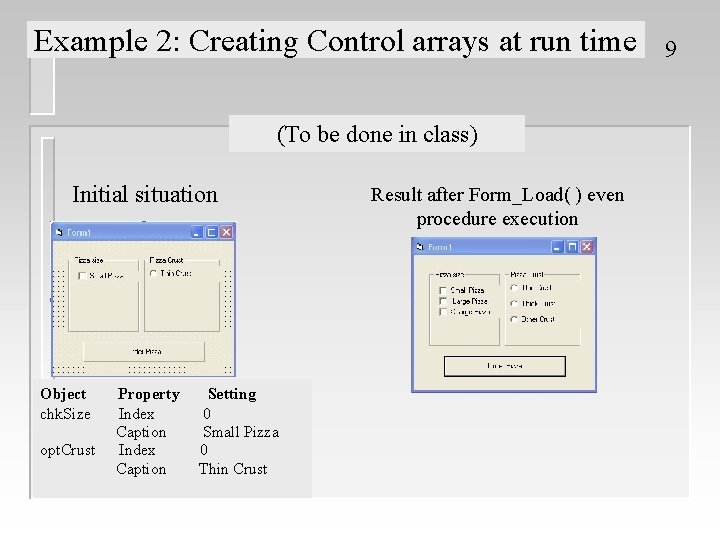
Example 2: Creating Control arrays at run time (To be done in class) Initial situation Object chk. Size opt. Crust Property Index Caption Setting 0 Small Pizza 0 Thin Crust Result after Form_Load( ) even procedure execution 9
- Slides: 9