
Scheduling The art and science of allocating the
- Slides: 43
Scheduling The art and science of allocating the CPU and other resources to processes (Slides include materials from Operating System Concepts, 7 th ed. , by Silbershatz, Galvin, & Gagne and from Modern Operating Systems, 2 nd ed. , by Tanenbaum) CS-502 Fall 2006 Scheduling 1
Why Scheduling? • We know how to switch the CPU among processes or threads, but … • How do we make the decision which to choose next? • This topic follows §§ 5. 1– 5. 3 & § 5. 5 of Silbershatz text CS-502 Fall 2006 Scheduling 2
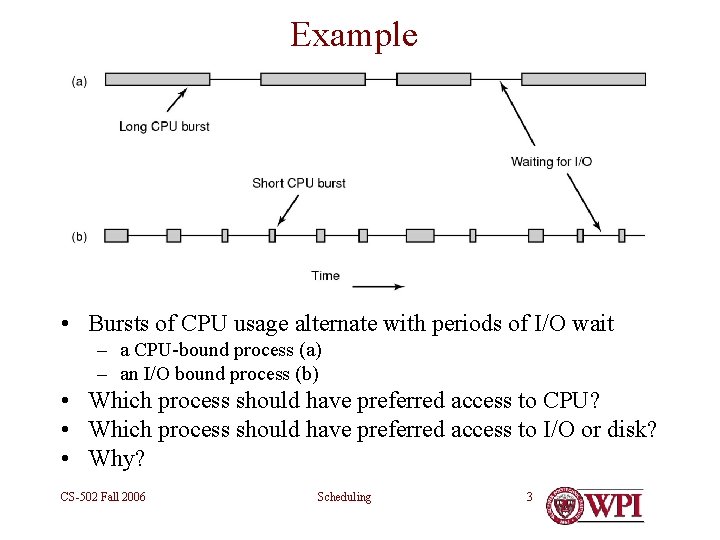
Example • Bursts of CPU usage alternate with periods of I/O wait – a CPU-bound process (a) – an I/O bound process (b) • Which process should have preferred access to CPU? • Which process should have preferred access to I/O or disk? • Why? CS-502 Fall 2006 Scheduling 3
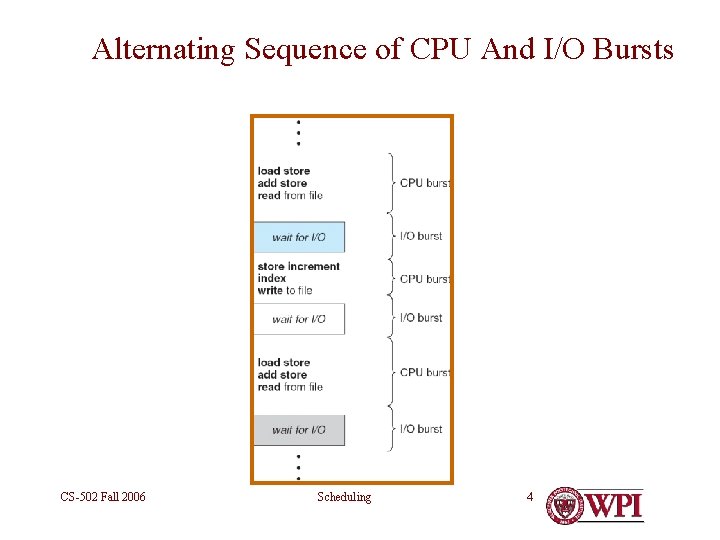
Alternating Sequence of CPU And I/O Bursts CS-502 Fall 2006 Scheduling 4
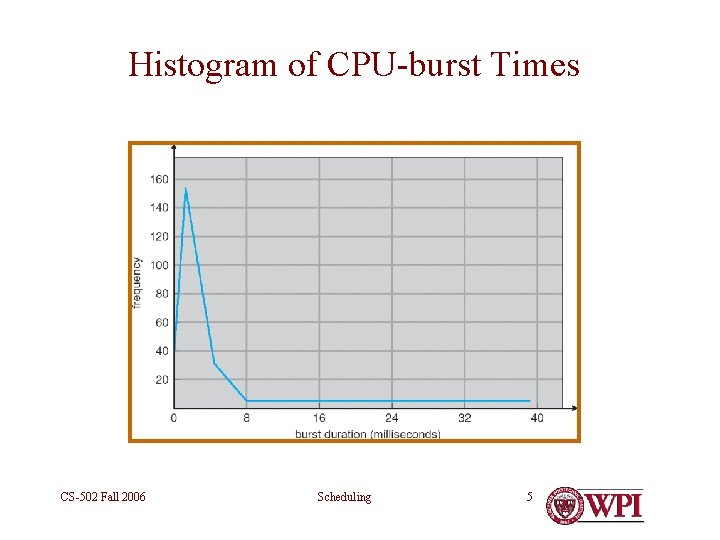
Histogram of CPU-burst Times CS-502 Fall 2006 Scheduling 5
CPU Scheduler • Selects from among the processes in memory that are ready to execute, and allocates the CPU to one of them • CPU scheduling decisions may take place when a process: 1. Switches from running to waiting state 2. Switches from running to ready state 3. Switches from waiting to ready 4. Terminates • Scheduling under 1 and 4 is non-preemptive • All other scheduling is preemptive CS-502 Fall 2006 Scheduling 6
Dispatcher • Dispatcher module gives control of CPU to the process selected by the scheduler: – • switching context (registers, etc. ) • Loading the PSW to switch to user mode and restart the selected program • Dispatch latency – time it takes for the dispatcher to stop one process and start another one running • Non-trivial in some systems CS-502 Fall 2006 Scheduling 7
Potential Scheduling Criteria • CPU utilization – keep the CPU as busy as possible • Throughput – # of processes that complete their execution per time unit • Turnaround time – amount of time to execute a particular process • Waiting time – amount of time process has been waiting in the ready queue • Response time – amount of time from request submission until first response is produced CS-502 Fall 2006 Scheduling 8
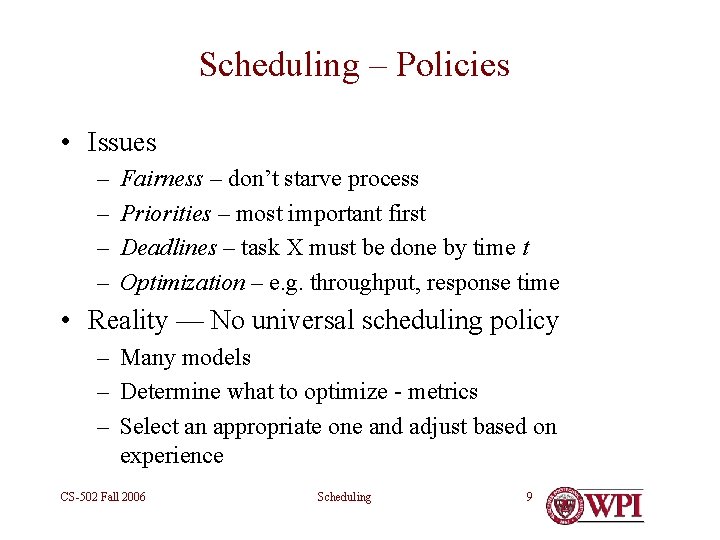
Scheduling – Policies • Issues – – Fairness – don’t starve process Priorities – most important first Deadlines – task X must be done by time t Optimization – e. g. throughput, response time • Reality — No universal scheduling policy – Many models – Determine what to optimize - metrics – Select an appropriate one and adjust based on experience CS-502 Fall 2006 Scheduling 9
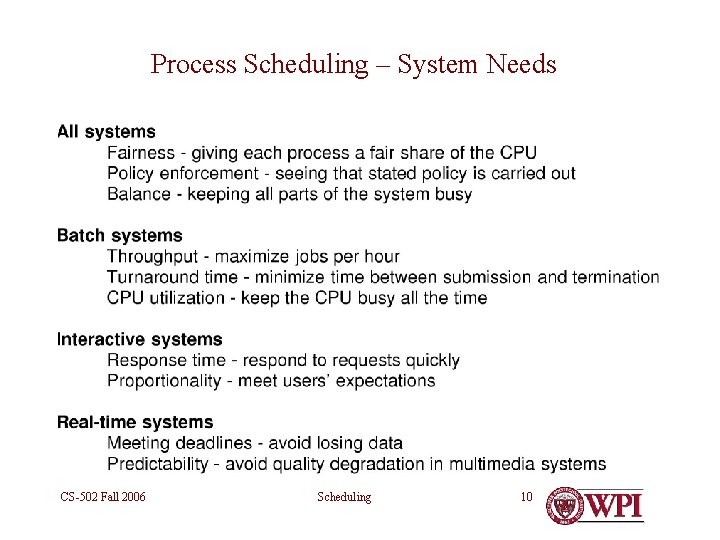
Process Scheduling – System Needs CS-502 Fall 2006 Scheduling 10
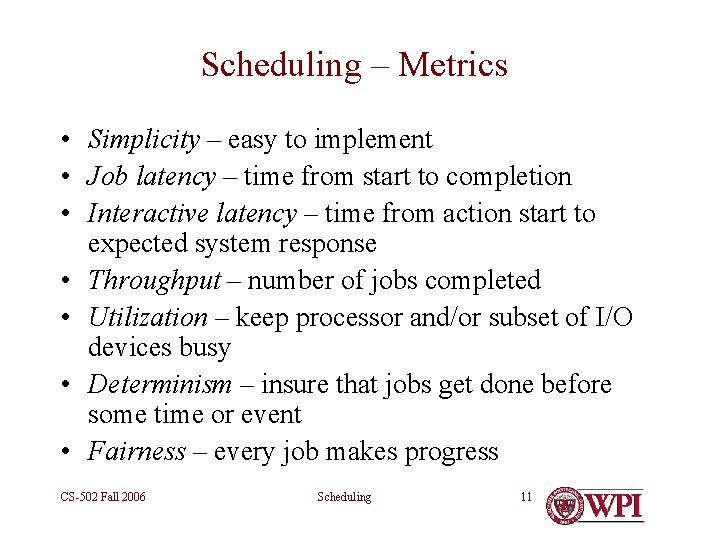
Scheduling – Metrics • Simplicity – easy to implement • Job latency – time from start to completion • Interactive latency – time from action start to expected system response • Throughput – number of jobs completed • Utilization – keep processor and/or subset of I/O devices busy • Determinism – insure that jobs get done before some time or event • Fairness – every job makes progress CS-502 Fall 2006 Scheduling 11
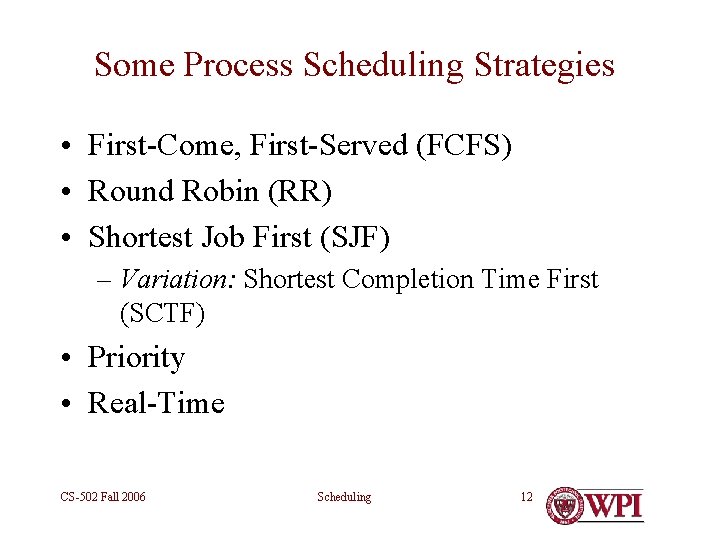
Some Process Scheduling Strategies • First-Come, First-Served (FCFS) • Round Robin (RR) • Shortest Job First (SJF) – Variation: Shortest Completion Time First (SCTF) • Priority • Real-Time CS-502 Fall 2006 Scheduling 12
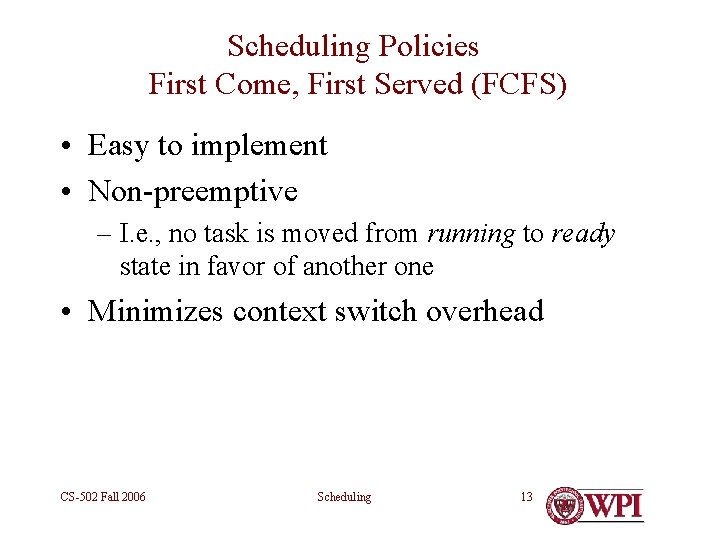
Scheduling Policies First Come, First Served (FCFS) • Easy to implement • Non-preemptive – I. e. , no task is moved from running to ready state in favor of another one • Minimizes context switch overhead CS-502 Fall 2006 Scheduling 13
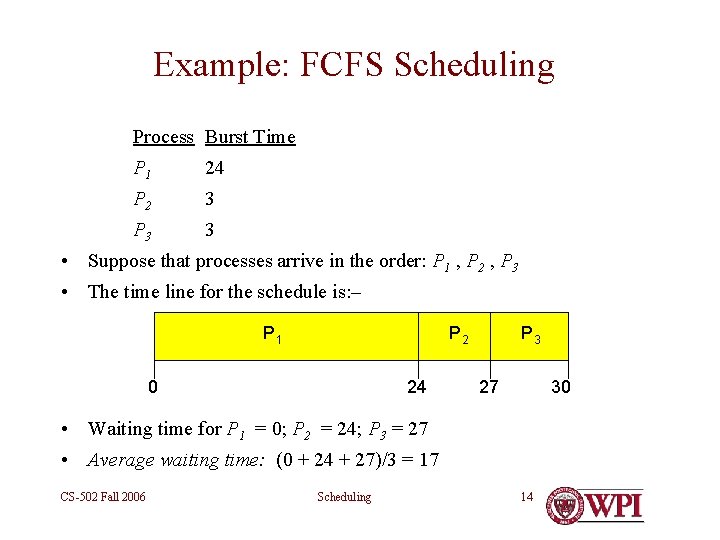
Example: FCFS Scheduling Process Burst Time P 1 24 P 2 3 P 3 3 • Suppose that processes arrive in the order: P 1 , P 2 , P 3 • The time line for the schedule is: – P 1 P 2 0 24 P 3 27 30 • Waiting time for P 1 = 0; P 2 = 24; P 3 = 27 • Average waiting time: (0 + 24 + 27)/3 = 17 CS-502 Fall 2006 Scheduling 14
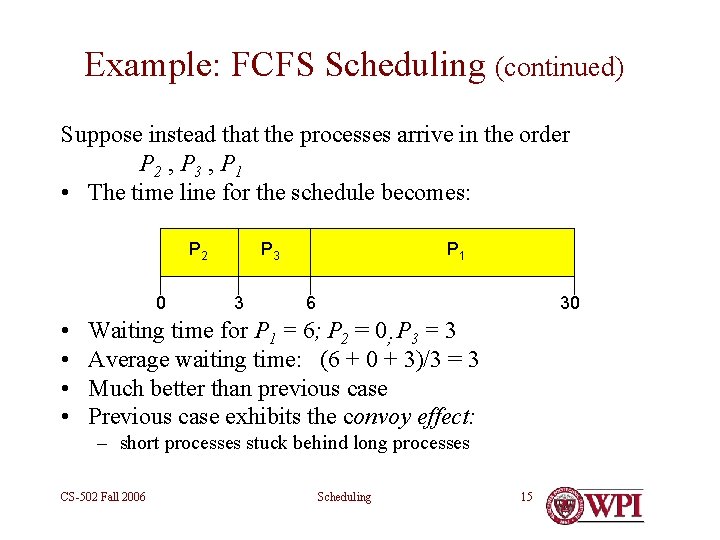
Example: FCFS Scheduling (continued) Suppose instead that the processes arrive in the order P 2 , P 3 , P 1 • The time line for the schedule becomes: P 2 0 • • P 3 3 P 1 6 30 Waiting time for P 1 = 6; P 2 = 0; P 3 = 3 Average waiting time: (6 + 0 + 3)/3 = 3 Much better than previous case Previous case exhibits the convoy effect: – short processes stuck behind long processes CS-502 Fall 2006 Scheduling 15
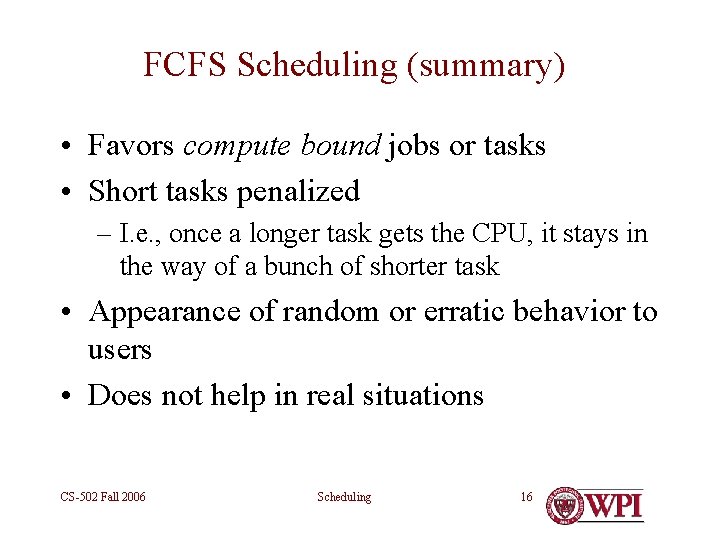
FCFS Scheduling (summary) • Favors compute bound jobs or tasks • Short tasks penalized – I. e. , once a longer task gets the CPU, it stays in the way of a bunch of shorter task • Appearance of random or erratic behavior to users • Does not help in real situations CS-502 Fall 2006 Scheduling 16
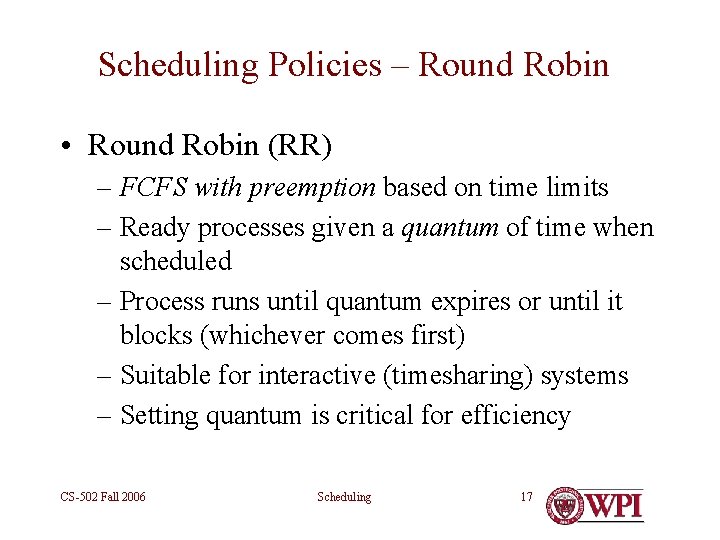
Scheduling Policies – Round Robin • Round Robin (RR) – FCFS with preemption based on time limits – Ready processes given a quantum of time when scheduled – Process runs until quantum expires or until it blocks (whichever comes first) – Suitable for interactive (timesharing) systems – Setting quantum is critical for efficiency CS-502 Fall 2006 Scheduling 17
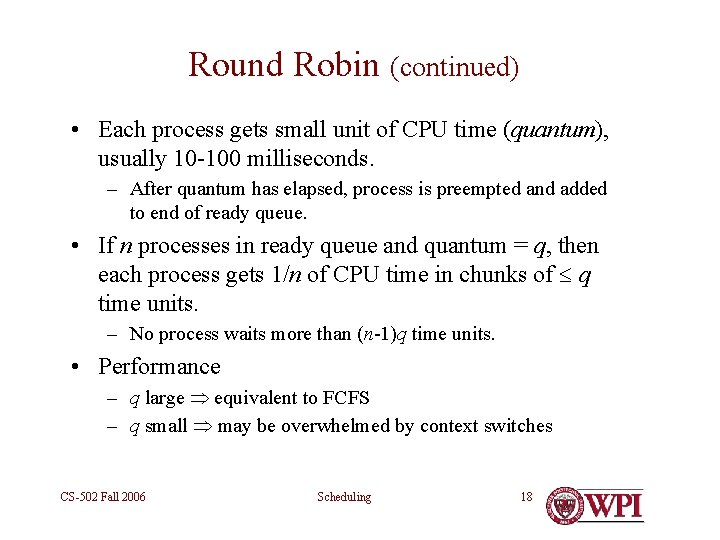
Round Robin (continued) • Each process gets small unit of CPU time (quantum), usually 10 -100 milliseconds. – After quantum has elapsed, process is preempted and added to end of ready queue. • If n processes in ready queue and quantum = q, then each process gets 1/n of CPU time in chunks of q time units. – No process waits more than (n-1)q time units. • Performance – q large equivalent to FCFS – q small may be overwhelmed by context switches CS-502 Fall 2006 Scheduling 18
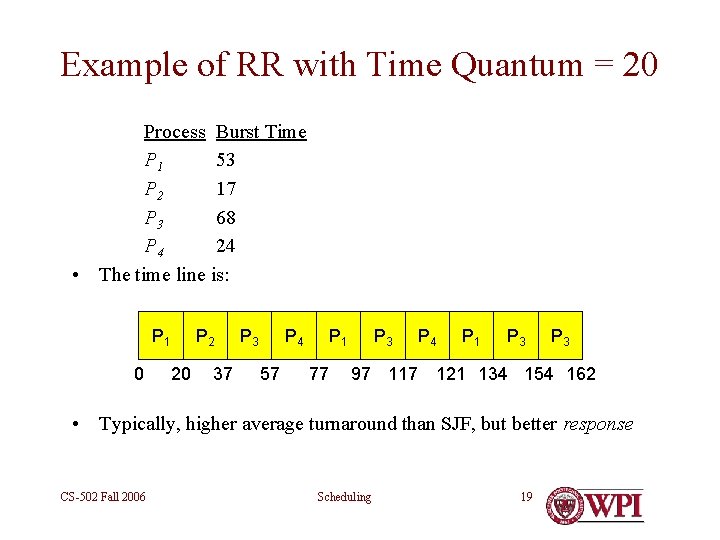
Example of RR with Time Quantum = 20 Process Burst Time P 1 53 P 2 17 P 3 68 P 4 24 • The time line is: P 1 0 P 2 20 37 P 3 P 4 57 P 1 77 P 3 P 4 P 1 P 3 97 117 121 134 154 162 • Typically, higher average turnaround than SJF, but better response CS-502 Fall 2006 Scheduling 19
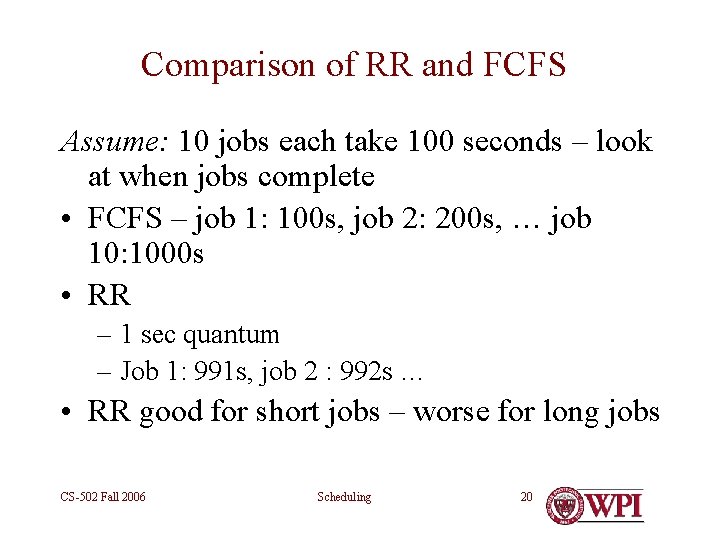
Comparison of RR and FCFS Assume: 10 jobs each take 100 seconds – look at when jobs complete • FCFS – job 1: 100 s, job 2: 200 s, … job 10: 1000 s • RR – 1 sec quantum – Job 1: 991 s, job 2 : 992 s … • RR good for short jobs – worse for long jobs CS-502 Fall 2006 Scheduling 20
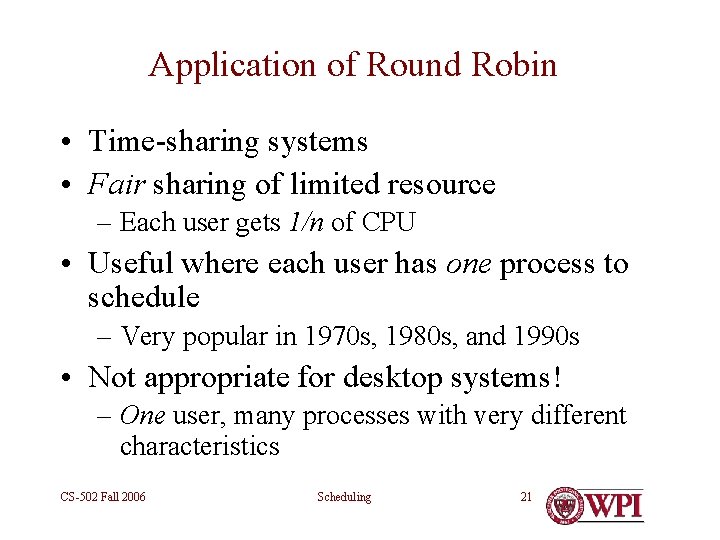
Application of Round Robin • Time-sharing systems • Fair sharing of limited resource – Each user gets 1/n of CPU • Useful where each user has one process to schedule – Very popular in 1970 s, 1980 s, and 1990 s • Not appropriate for desktop systems! – One user, many processes with very different characteristics CS-502 Fall 2006 Scheduling 21
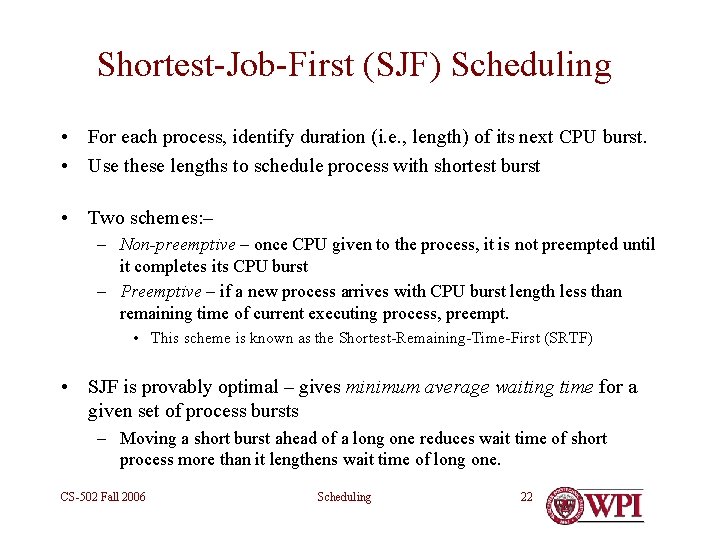
Shortest-Job-First (SJF) Scheduling • For each process, identify duration (i. e. , length) of its next CPU burst. • Use these lengths to schedule process with shortest burst • Two schemes: – – Non-preemptive – once CPU given to the process, it is not preempted until it completes its CPU burst – Preemptive – if a new process arrives with CPU burst length less than remaining time of current executing process, preempt. • This scheme is known as the Shortest-Remaining-Time-First (SRTF) • SJF is provably optimal – gives minimum average waiting time for a given set of process bursts – Moving a short burst ahead of a long one reduces wait time of short process more than it lengthens wait time of long one. CS-502 Fall 2006 Scheduling 22
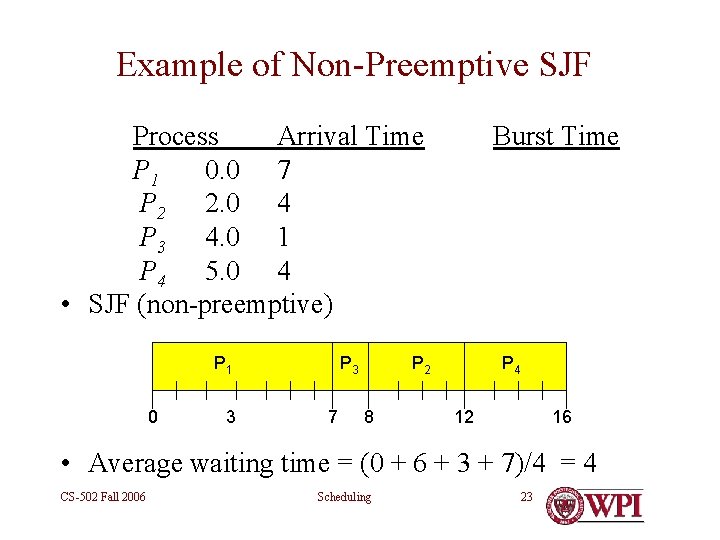
Example of Non-Preemptive SJF Process Arrival Time P 1 0. 0 7 P 2 2. 0 4 P 3 4. 0 1 P 4 5. 0 4 • SJF (non-preemptive) P 1 0 3 P 3 7 Burst Time P 2 8 P 4 12 16 • Average waiting time = (0 + 6 + 3 + 7)/4 = 4 CS-502 Fall 2006 Scheduling 23
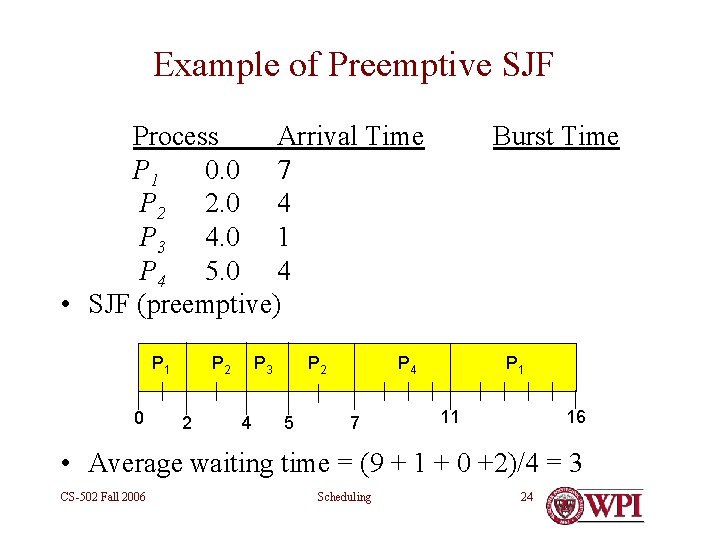
Example of Preemptive SJF Process Arrival Time P 1 0. 0 7 P 2 2. 0 4 P 3 4. 0 1 P 4 5. 0 4 • SJF (preemptive) P 1 0 P 2 2 P 3 4 P 2 5 Burst Time P 4 7 P 1 11 16 • Average waiting time = (9 + 1 + 0 +2)/4 = 3 CS-502 Fall 2006 Scheduling 24
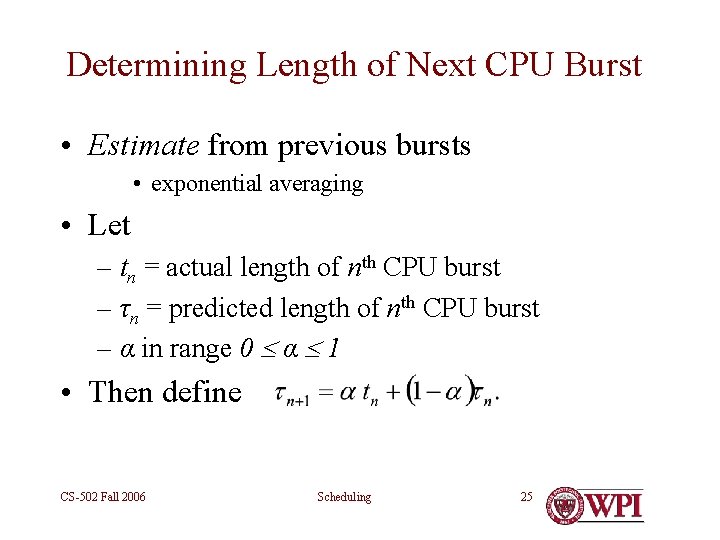
Determining Length of Next CPU Burst • Estimate from previous bursts • exponential averaging • Let – tn = actual length of nth CPU burst – τn = predicted length of nth CPU burst – α in range 0 α 1 • Then define CS-502 Fall 2006 Scheduling 25
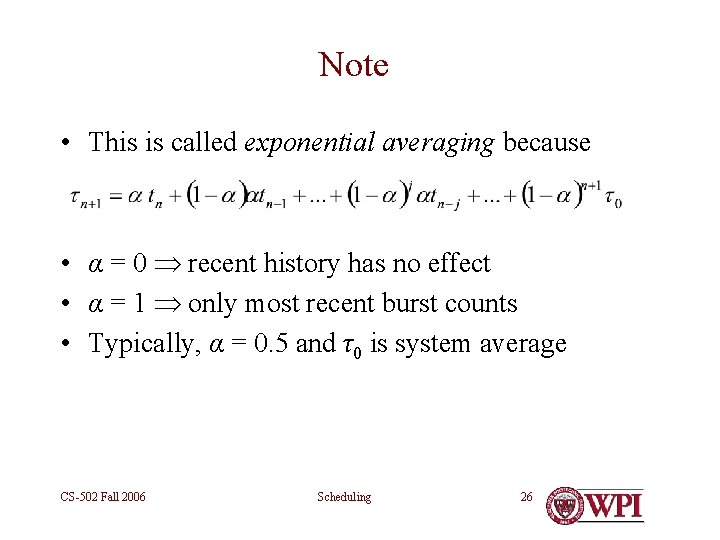
Note • This is called exponential averaging because • α = 0 recent history has no effect • α = 1 only most recent burst counts • Typically, α = 0. 5 and τ0 is system average CS-502 Fall 2006 Scheduling 26
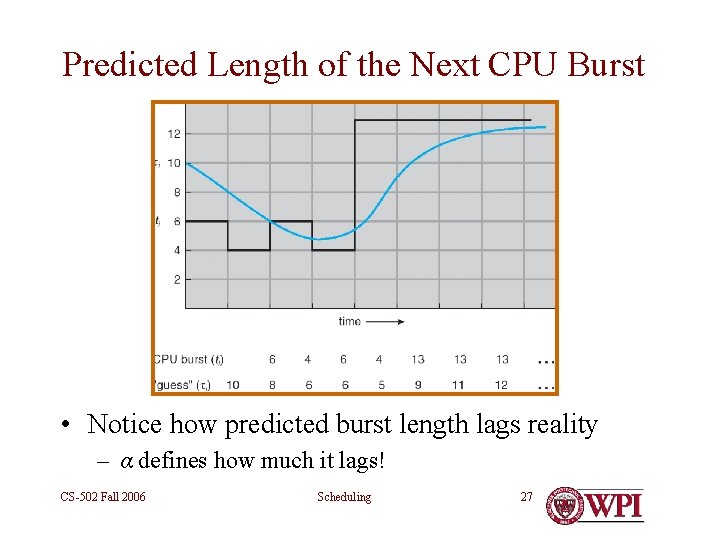
Predicted Length of the Next CPU Burst • Notice how predicted burst length lags reality – α defines how much it lags! CS-502 Fall 2006 Scheduling 27
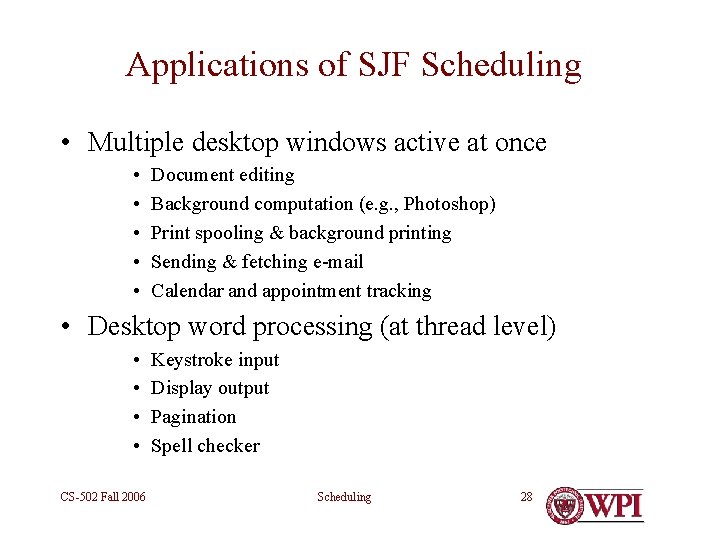
Applications of SJF Scheduling • Multiple desktop windows active at once • • • Document editing Background computation (e. g. , Photoshop) Print spooling & background printing Sending & fetching e-mail Calendar and appointment tracking • Desktop word processing (at thread level) • • CS-502 Fall 2006 Keystroke input Display output Pagination Spell checker Scheduling 28
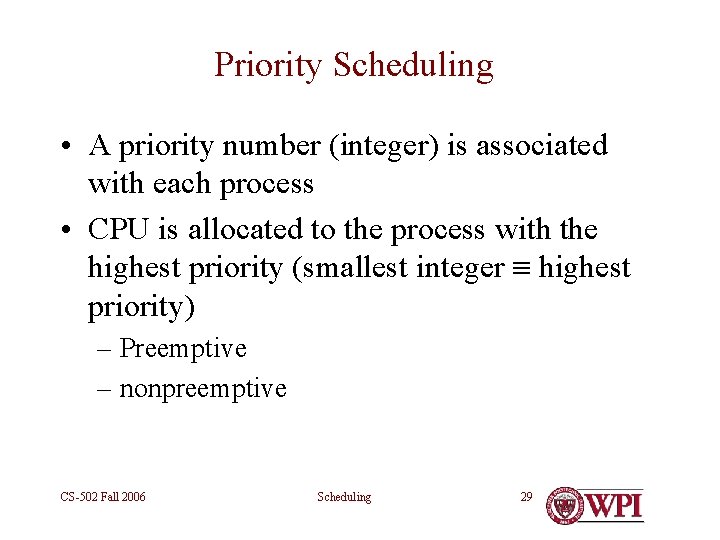
Priority Scheduling • A priority number (integer) is associated with each process • CPU is allocated to the process with the highest priority (smallest integer highest priority) – Preemptive – nonpreemptive CS-502 Fall 2006 Scheduling 29
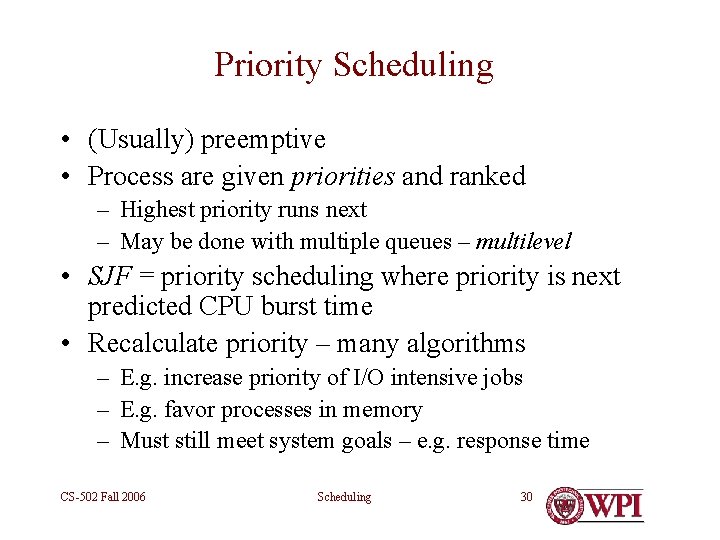
Priority Scheduling • (Usually) preemptive • Process are given priorities and ranked – Highest priority runs next – May be done with multiple queues – multilevel • SJF = priority scheduling where priority is next predicted CPU burst time • Recalculate priority – many algorithms – E. g. increase priority of I/O intensive jobs – E. g. favor processes in memory – Must still meet system goals – e. g. response time CS-502 Fall 2006 Scheduling 30
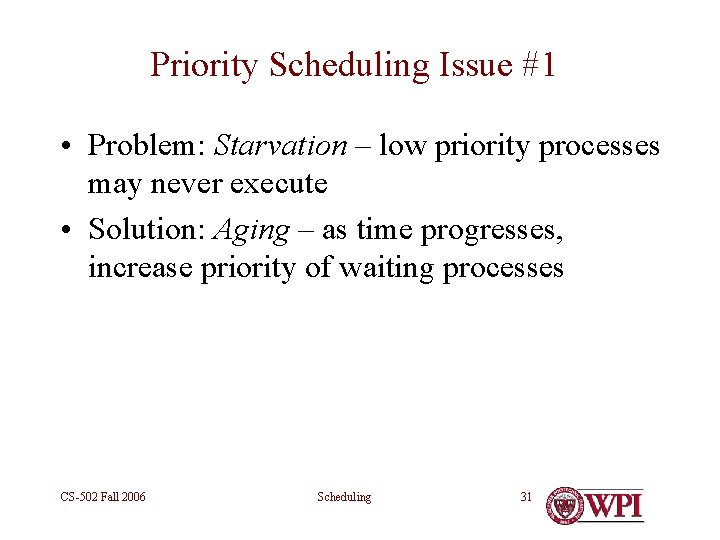
Priority Scheduling Issue #1 • Problem: Starvation – low priority processes may never execute • Solution: Aging – as time progresses, increase priority of waiting processes CS-502 Fall 2006 Scheduling 31
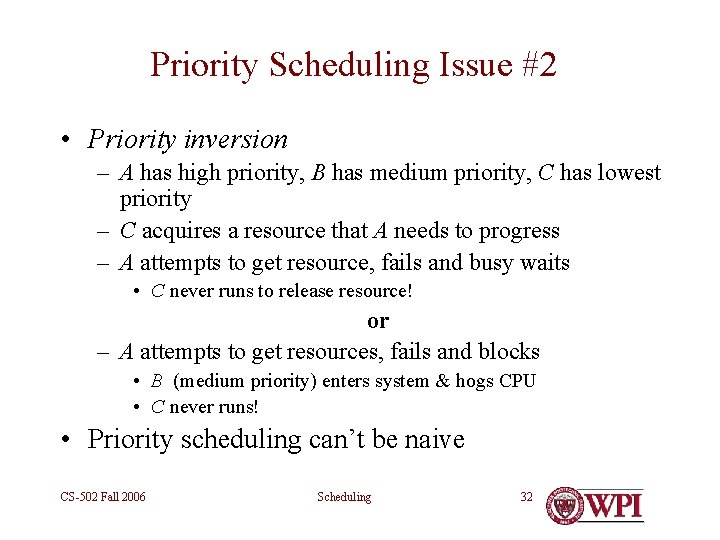
Priority Scheduling Issue #2 • Priority inversion – A has high priority, B has medium priority, C has lowest priority – C acquires a resource that A needs to progress – A attempts to get resource, fails and busy waits • C never runs to release resource! or – A attempts to get resources, fails and blocks • B (medium priority) enters system & hogs CPU • C never runs! • Priority scheduling can’t be naive CS-502 Fall 2006 Scheduling 32
Solution • Some systems increase the priority of a process/task/job to • Match level of resource or • Match level of waiting process • Some variation of this is implemented in almost all real-time operating sytems CS-502 Fall 2006 Scheduling 33
Priority Scheduling (conclusion) • Very useful if different kinds of tasks can be identified by level of importance – Real-time computing (later in this course) • Very irritating if used to create different classes of citizens CS-502 Fall 2006 Scheduling 34
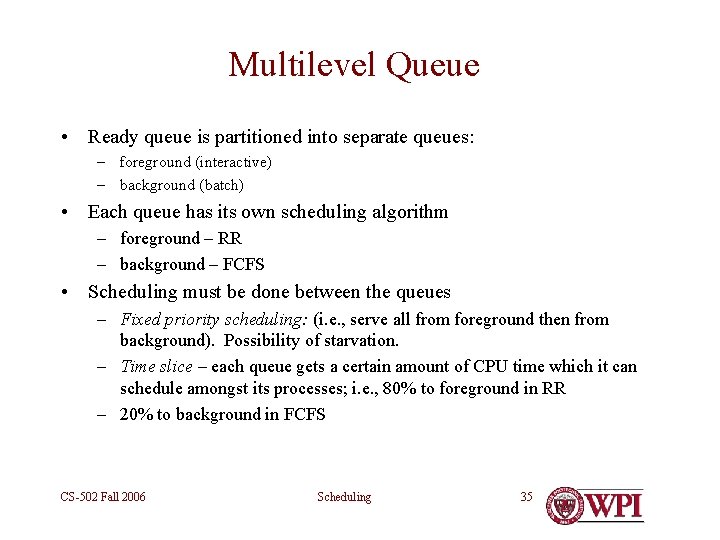
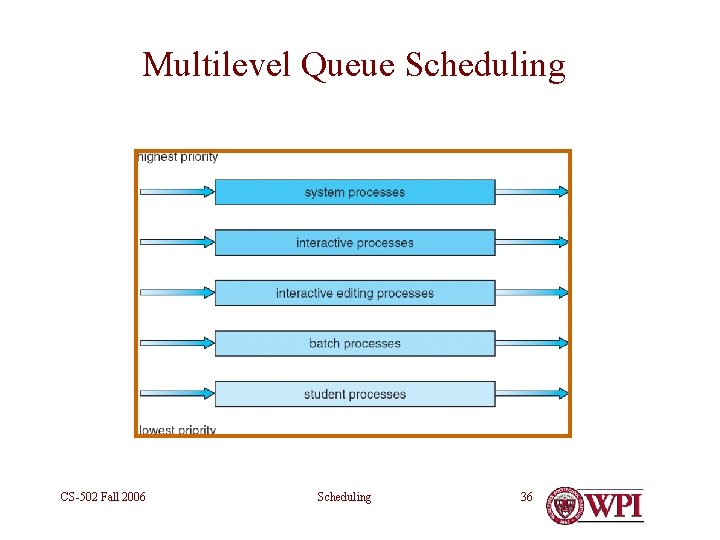
Multilevel Queue • Ready queue is partitioned into separate queues: – foreground (interactive) – background (batch) • Each queue has its own scheduling algorithm – foreground – RR – background – FCFS • Scheduling must be done between the queues – Fixed priority scheduling: (i. e. , serve all from foreground then from background). Possibility of starvation. – Time slice – each queue gets a certain amount of CPU time which it can schedule amongst its processes; i. e. , 80% to foreground in RR – 20% to background in FCFS CS-502 Fall 2006 Scheduling 35
Multilevel Queue Scheduling CS-502 Fall 2006 Scheduling 36
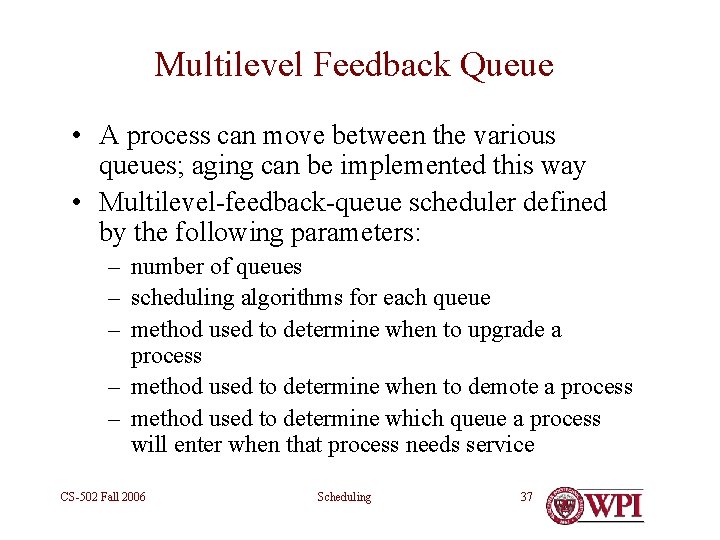
Multilevel Feedback Queue • A process can move between the various queues; aging can be implemented this way • Multilevel-feedback-queue scheduler defined by the following parameters: – number of queues – scheduling algorithms for each queue – method used to determine when to upgrade a process – method used to determine when to demote a process – method used to determine which queue a process will enter when that process needs service CS-502 Fall 2006 Scheduling 37
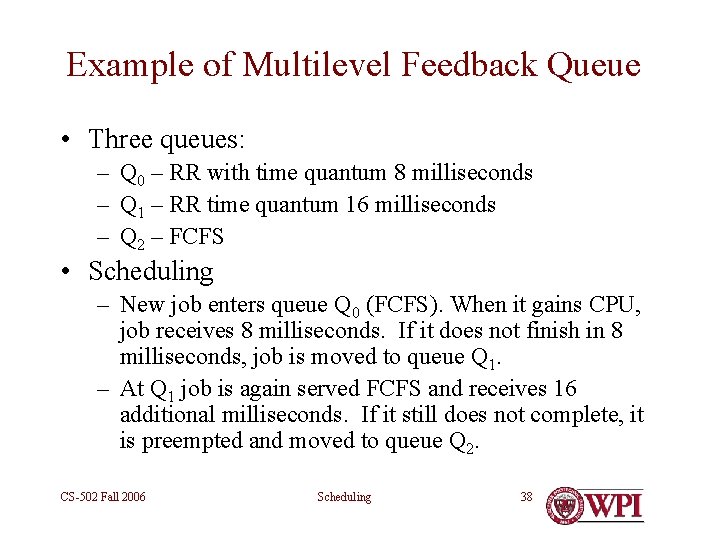
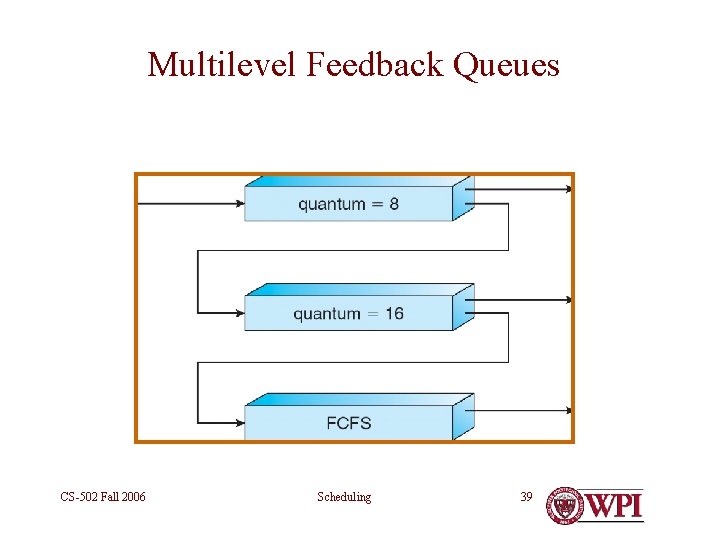
Example of Multilevel Feedback Queue • Three queues: – Q 0 – RR with time quantum 8 milliseconds – Q 1 – RR time quantum 16 milliseconds – Q 2 – FCFS • Scheduling – New job enters queue Q 0 (FCFS). When it gains CPU, job receives 8 milliseconds. If it does not finish in 8 milliseconds, job is moved to queue Q 1. – At Q 1 job is again served FCFS and receives 16 additional milliseconds. If it still does not complete, it is preempted and moved to queue Q 2. CS-502 Fall 2006 Scheduling 38
Multilevel Feedback Queues CS-502 Fall 2006 Scheduling 39
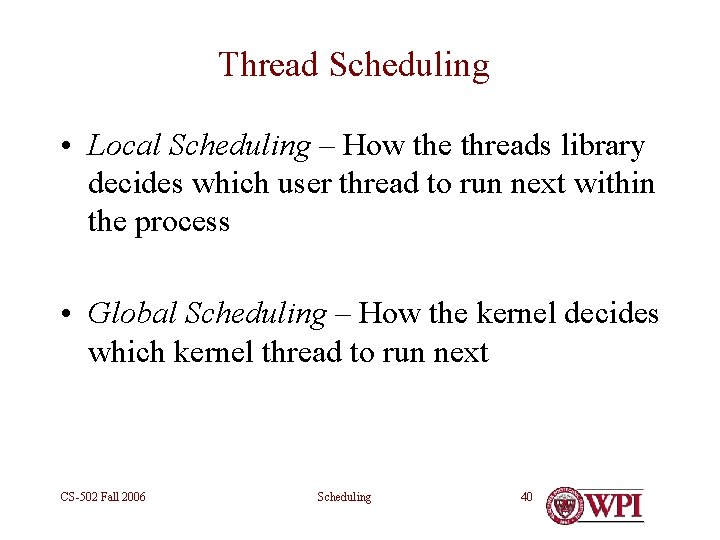
Thread Scheduling • Local Scheduling – How the threads library decides which user thread to run next within the process • Global Scheduling – How the kernel decides which kernel thread to run next CS-502 Fall 2006 Scheduling 40
Scheduling – Examples • Unix – multilevel - many policies and many policy changes over time • Linux – multilevel with 3 major levels – Realtime FIFO – Realtime round robin – Timesharing • Win/NT – multilevel – Threads scheduled – fibers not visible to scheduler – Jobs – groups of processes are given quotas that contribute to priorities CS-502 Fall 2006 Scheduling 41
Scheduling • General theme – what is the “best way” to run n processes on k resources? ( k < n) • Conflicting Objectives – no one “best way” – Latency vs. throughput – Speed vs. fairness • Incomplete knowledge – E. g. – does user know how long a job will take • Real world limitations – E. g. context switching takes CPU time – Job loads are unpredictable CS-502 Fall 2006 Scheduling 42
Scheduling (continued) • Bottom line – scheduling is hard! – Know the models – Adjust based upon experience CS-502 Fall 2006 Scheduling 43