
Scheduling Exams with SAC Testing Center AIM Software

- Slides: 9
Scheduling Exams with SAC Testing Center AIM Software
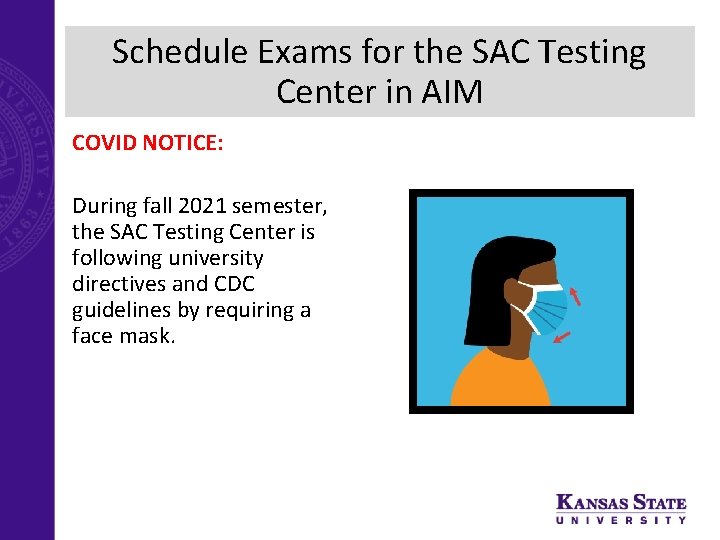
Schedule Exams for the SAC Testing Center in AIM COVID NOTICE: During fall 2021 semester, the SAC Testing Center is following university directives and CDC guidelines by requiring a face mask.
Schedule Exams in AIM Before you schedule an exam: 1. Be sure the letter of accommodation for that class has been approved and sent. 2. Plan ahead. SAC Testing Center needs 4 business days prior notice to approve scheduled exams/quizzes and 10 business days to approve finals. 3. Know if your instructor proctors the exam in the department, or the exam is unproctored. You do not schedule these exams in AIM. 4. Plan ahead and submit all exam dates including the final at the beginning of the semester.
Overview of Steps to Schedule an Exam 1. 2. 3. 4. 5. 6. Log into AIM: Click "Alternative Testing" on left sidebar Select course from drop down menu Click "Schedule Exam" Complete "Exam Details" Click "Add Exam Request“ Tips: • Letter of accommodation must be approved and sent before scheduling exams • Submit exam requests for the whole semester • Keep track of your exam requests: log into AIM; click Alternate Testing
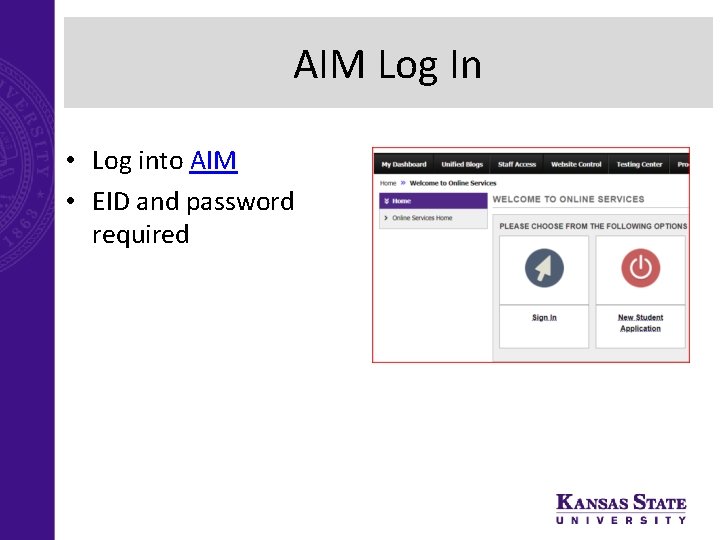
AIM Log In • Log into AIM • EID and password required
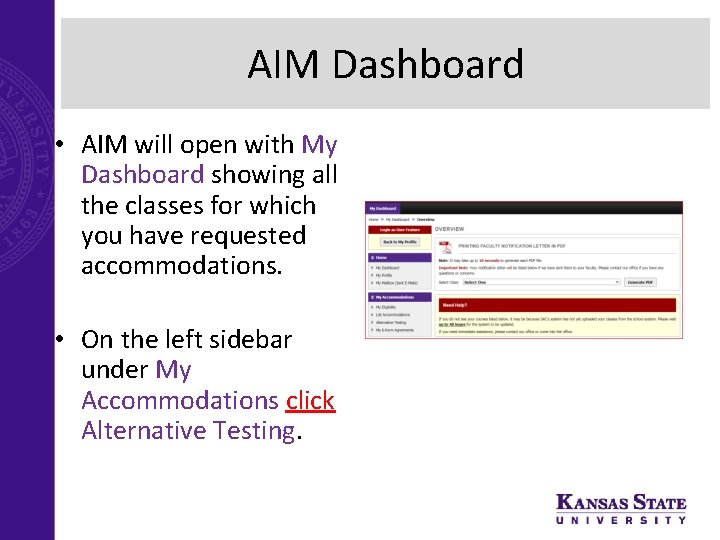
AIM Dashboard • AIM will open with My Dashboard showing all the classes for which you have requested accommodations. • On the left sidebar under My Accommodations click Alternative Testing.
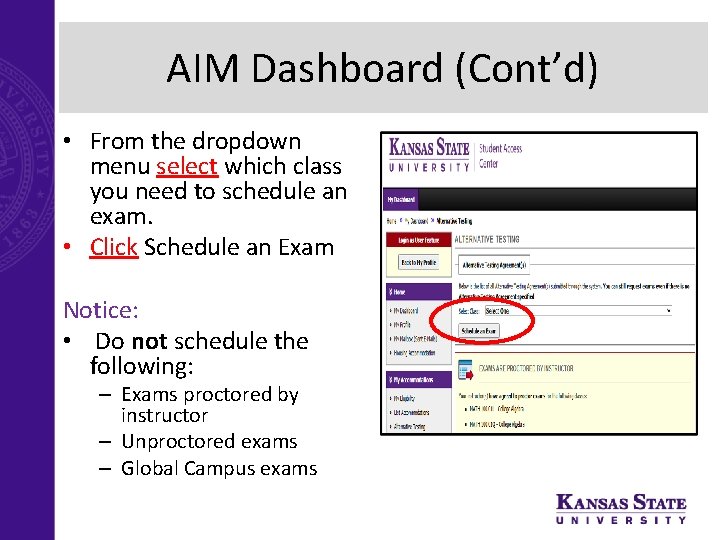
AIM Dashboard (Cont’d) • From the dropdown menu select which class you need to schedule an exam. • Click Schedule an Exam Notice: • Do not schedule the following: – Exams proctored by instructor – Unproctored exams – Global Campus exams
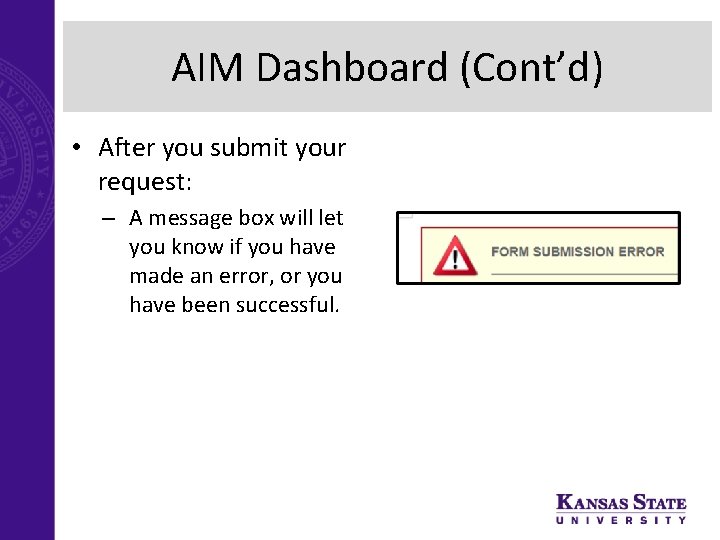
AIM Dashboard (Cont’d) • After you submit your request: – A message box will let you know if you have made an error, or you have been successful.
SAC Testing Center Contact Information • Email: tst@ksu. edu • Phone: 785 -532 -6441 • Hours: Monday – Friday 8: 00 – 5: 00 • If possible, please leave personal belongings at home.