
Scenario Planning with Envision Tomorrow www frego com
- Slides: 52
Scenario Planning with Envision Tomorrow www. frego. com
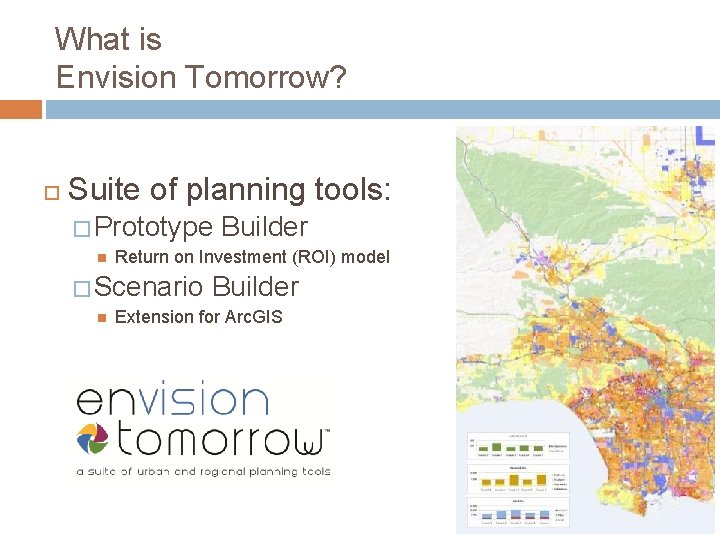
What is Envision Tomorrow? Suite of planning tools: � Prototype Return on Investment (ROI) model � Scenario Builder Extension for Arc. GIS
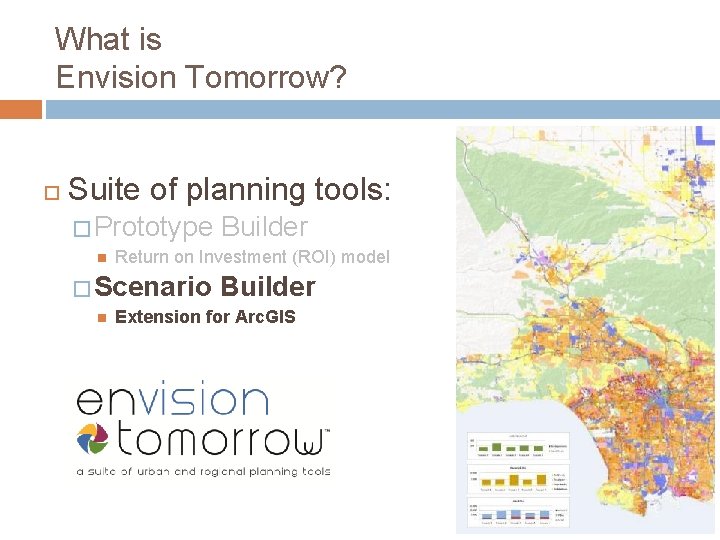
What is Envision Tomorrow? Suite of planning tools: � Prototype Return on Investment (ROI) model � Scenario Builder Extension for Arc. GIS
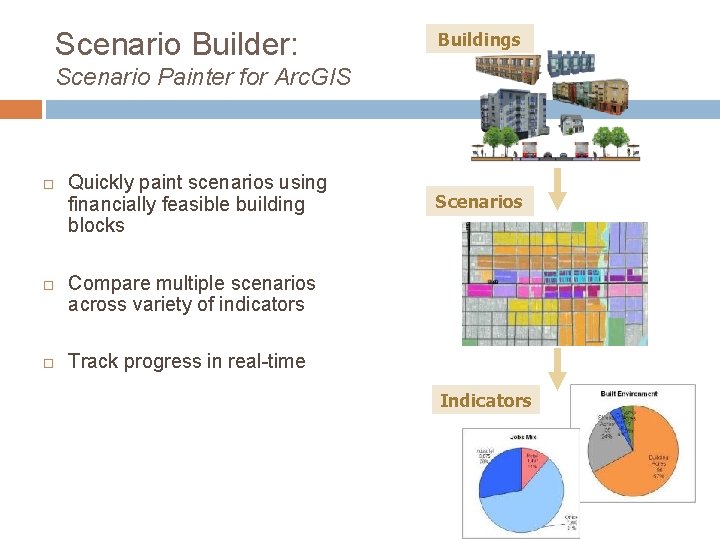
Scenario Builder: Buildings Scenario Painter for Arc. GIS Quickly paint scenarios using financially feasible building blocks Scenarios Compare multiple scenarios across variety of indicators Track progress in real-time Indicators
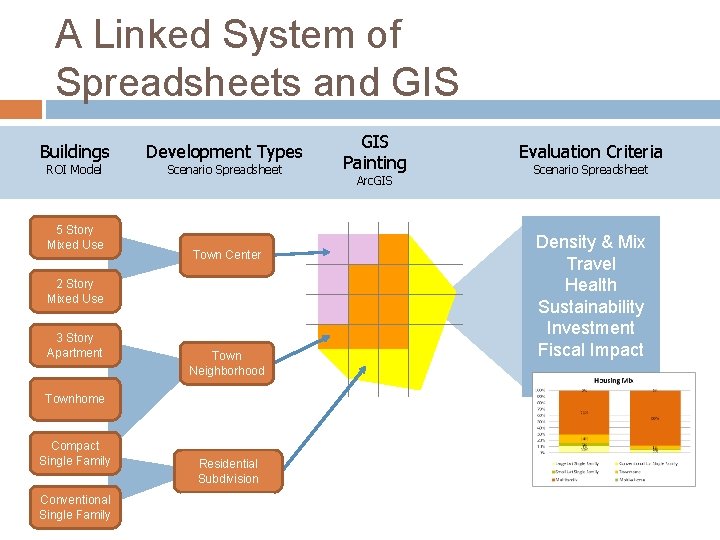
A Linked System of Spreadsheets and GIS Buildings ROI Model 5 Story Mixed Use Development Types Scenario Spreadsheet Town Center 2 Story Mixed Use 3 Story Apartment Town Neighborhood Townhome Compact Single Family Conventional Single Family Residential Subdivision GIS Painting Arc. GIS Evaluation Criteria Scenario Spreadsheet Density & Mix Travel Health Sustainability Investment Fiscal Impact
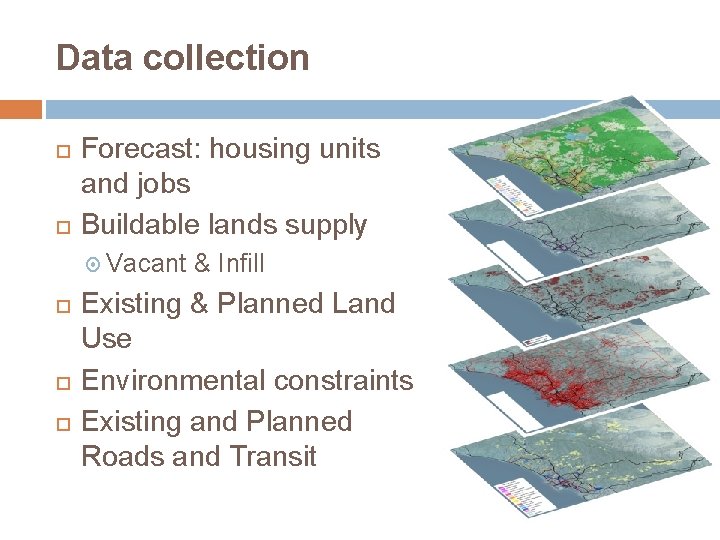
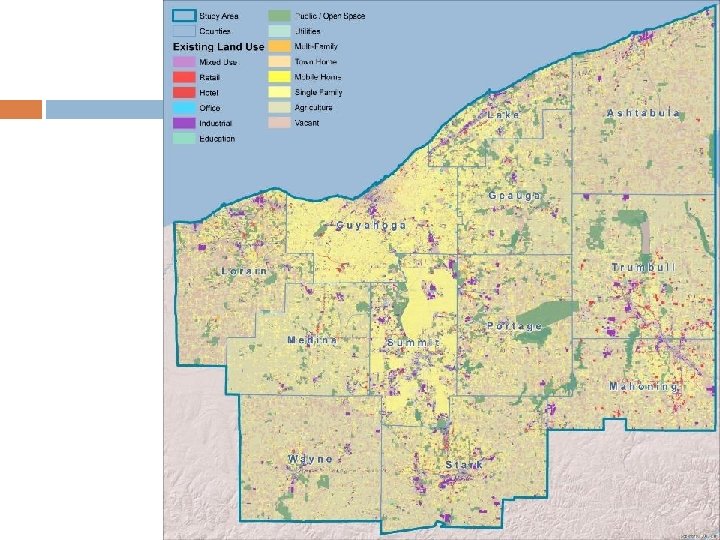
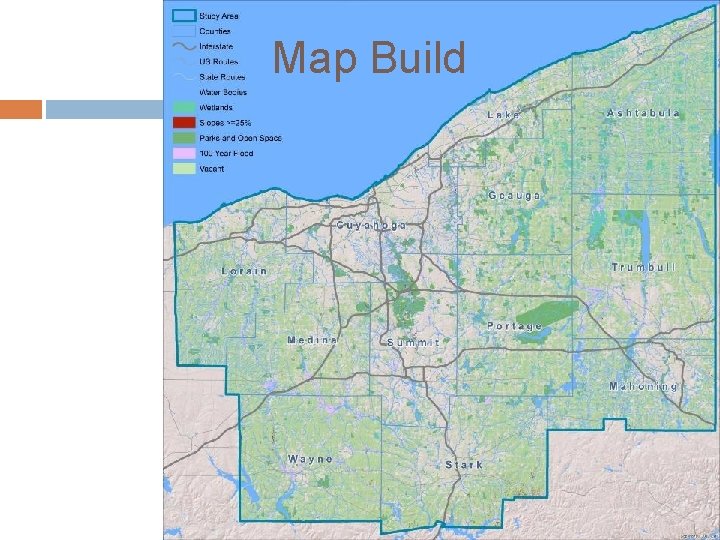
Data collection Forecast: housing units and jobs Buildable lands supply Vacant & Infill Existing & Planned Land Use Environmental constraints Existing and Planned Roads and Transit
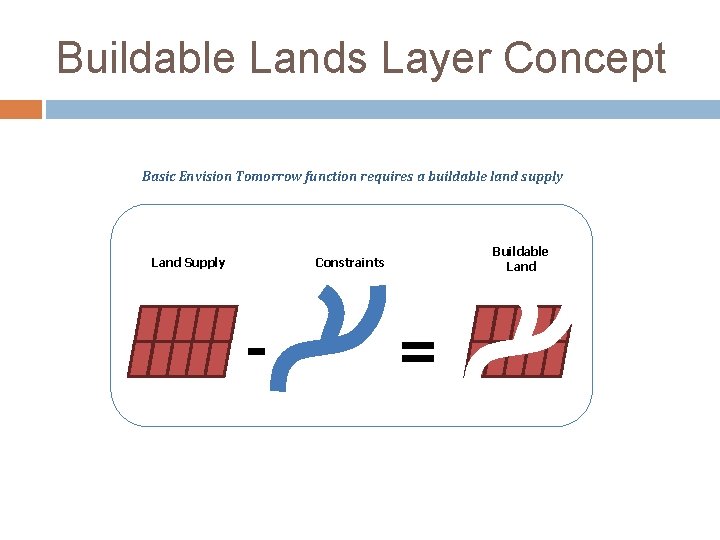
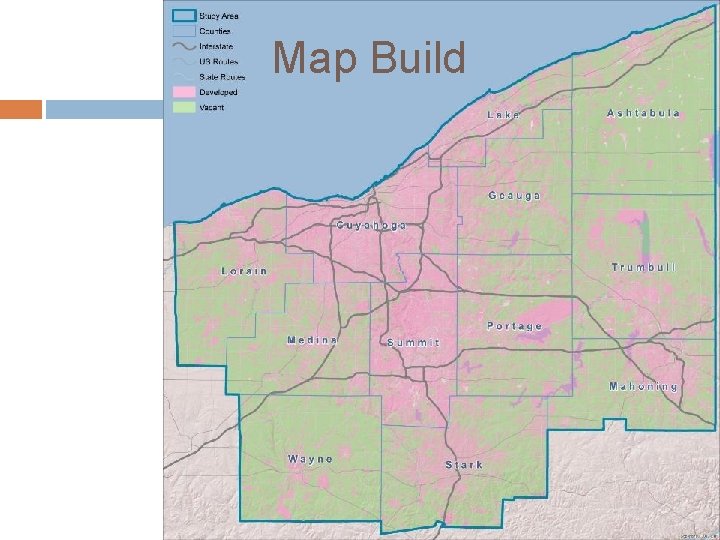
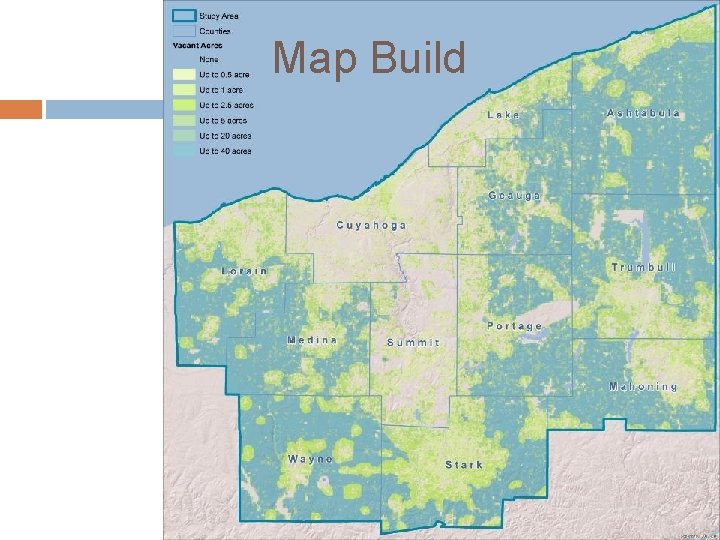
Buildable Lands Layer Concept Basic Envision Tomorrow function requires a buildable land supply Land Supply Buildable Land Constraints - =
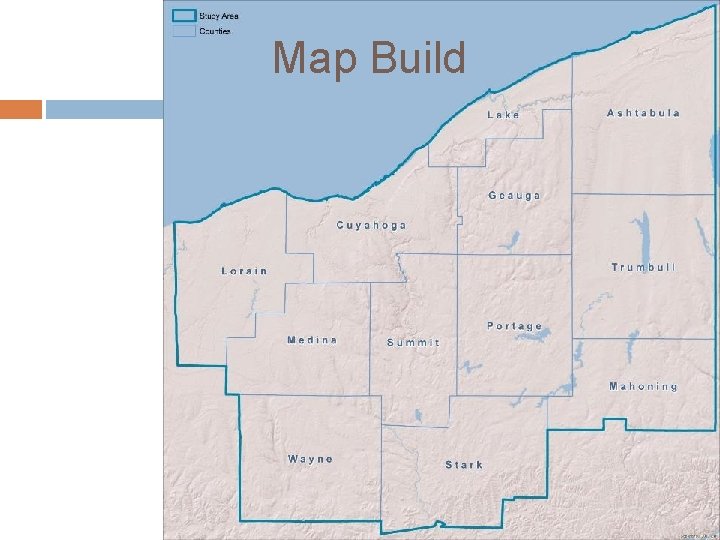
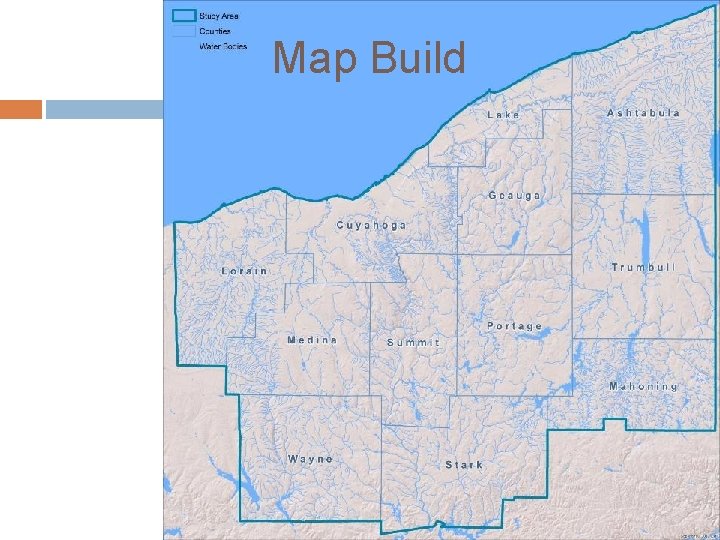
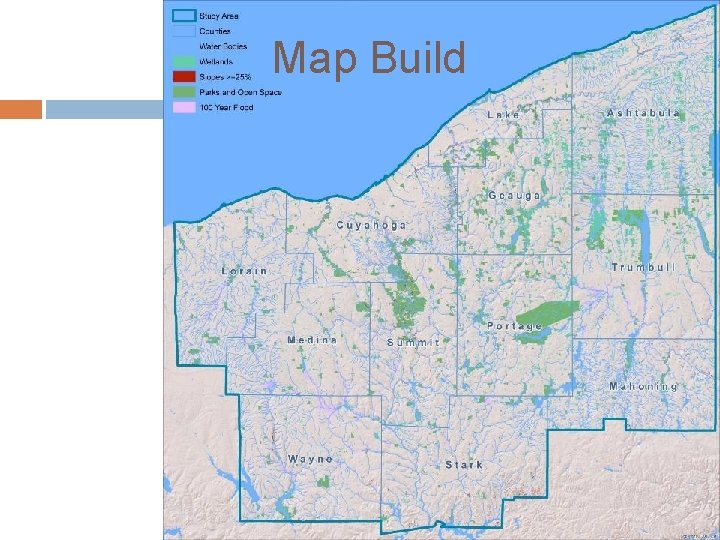
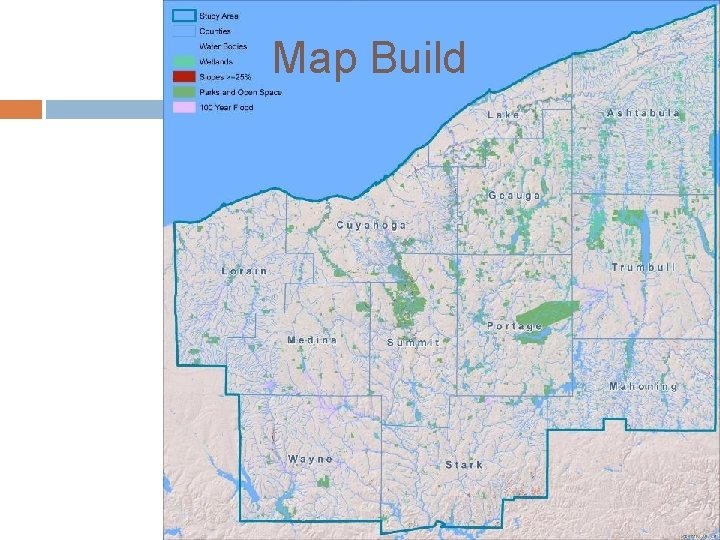
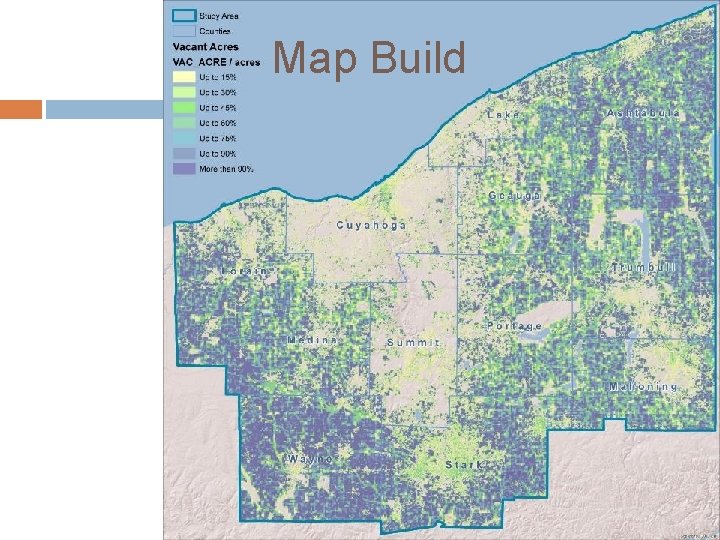
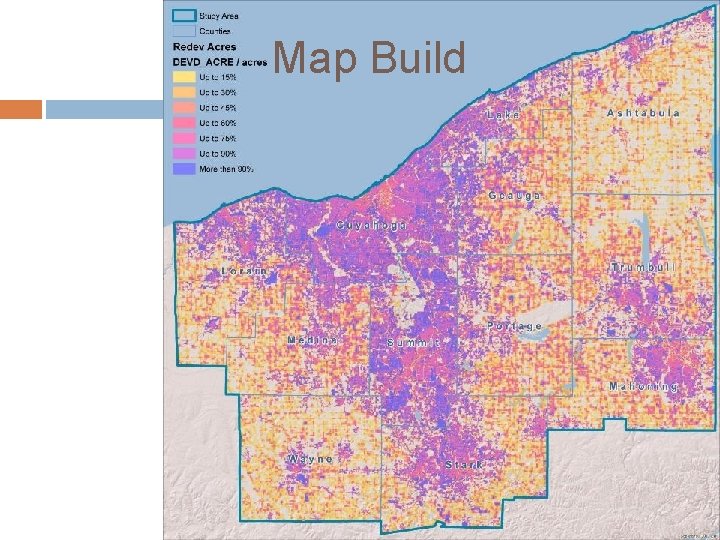
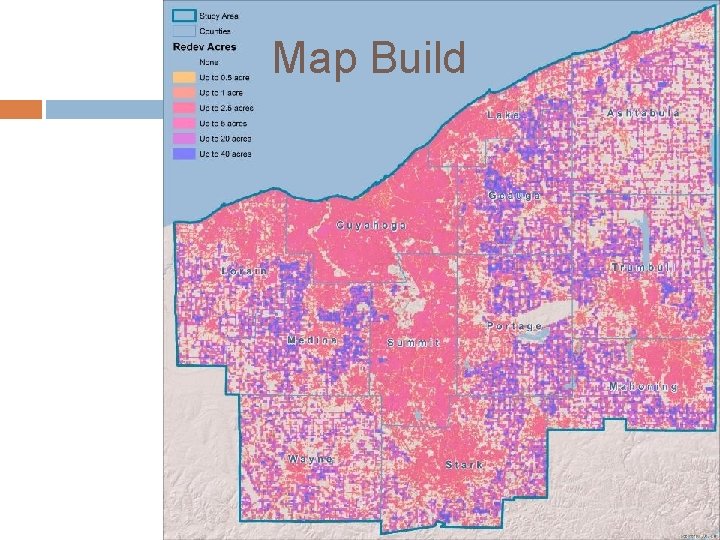
Map Build
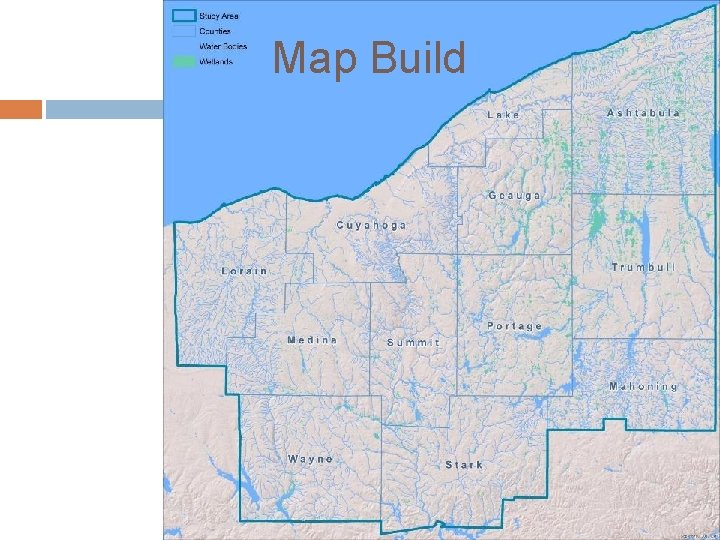
Map Build
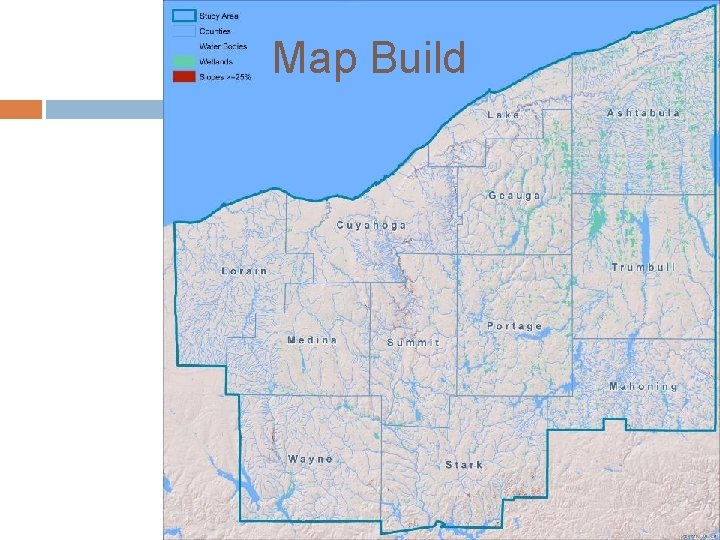
Map Build
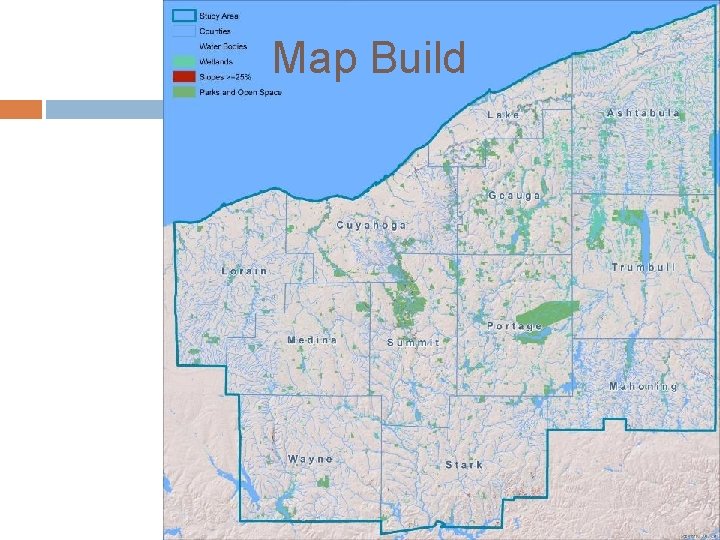
Map Build
Map Build
Map Build
Map Build
Map Build
Map Build
Map Build
Map Build
Map Build
Map Build
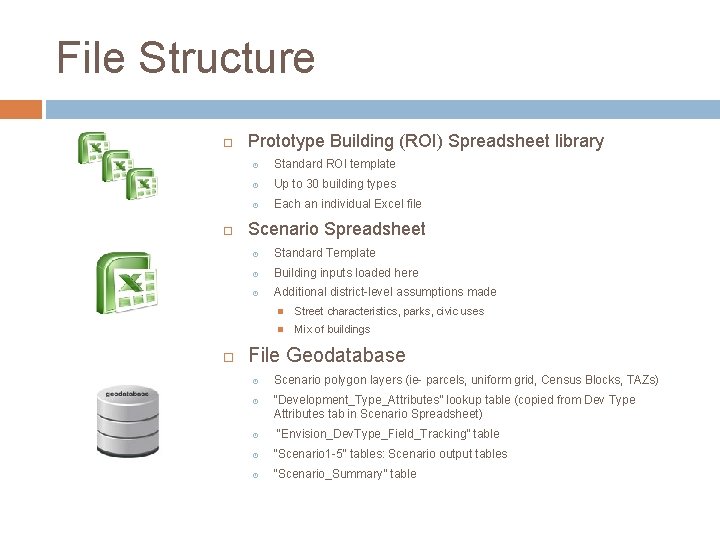
File Structure Prototype Building (ROI) Spreadsheet library Standard ROI template Up to 30 building types Each an individual Excel file Scenario Spreadsheet Standard Template Building inputs loaded here Additional district-level assumptions made Street characteristics, parks, civic uses Mix of buildings File Geodatabase Scenario polygon layers (ie- parcels, uniform grid, Census Blocks, TAZs) “Development_Type_Attributes” lookup table (copied from Dev Type Attributes tab in Scenario Spreadsheet) “Envision_Dev. Type_Field_Tracking” table “Scenario 1 -5” tables: Scenario output tables “Scenario_Summary” table
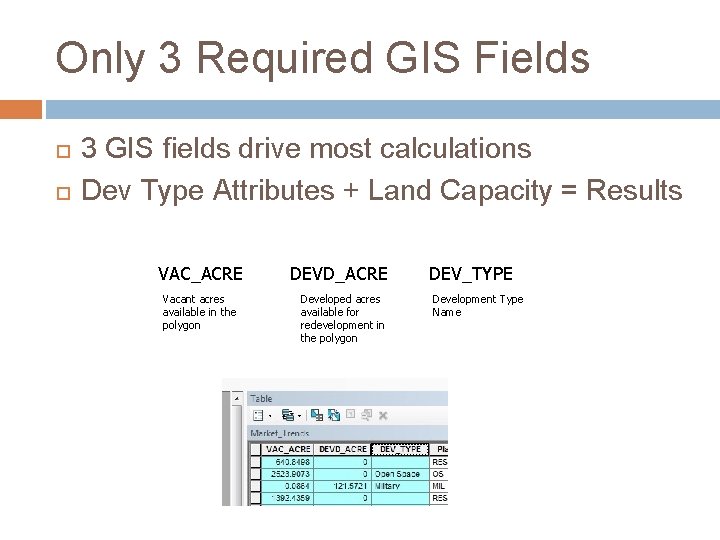
Only 3 Required GIS Fields 3 GIS fields drive most calculations Dev Type Attributes + Land Capacity = Results VAC_ACRE Vacant acres available in the polygon DEVD_ACRE Developed acres available for redevelopment in the polygon DEV_TYPE Development Type Name
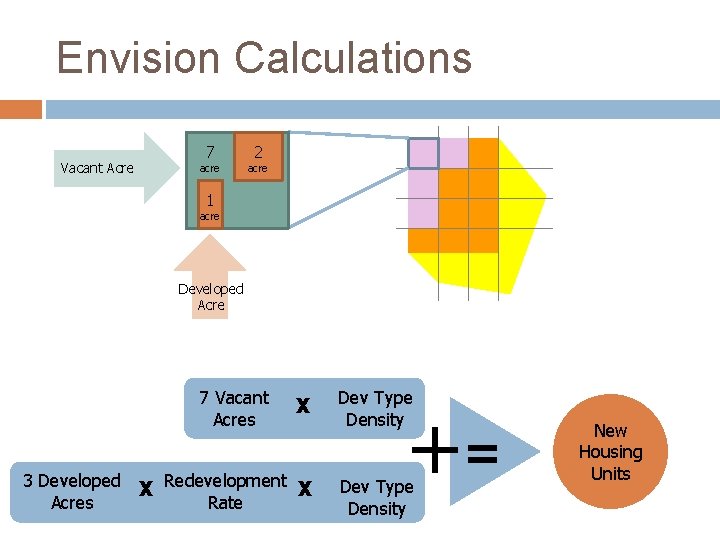
Envision Calculations Vacant Acre 7 acre 2 acre 1 acre Developed Acre 7 Vacant Acres X 3 Developed X Redevelopment X Acres Rate Dev Type Density += Dev Type Density New Housing Units
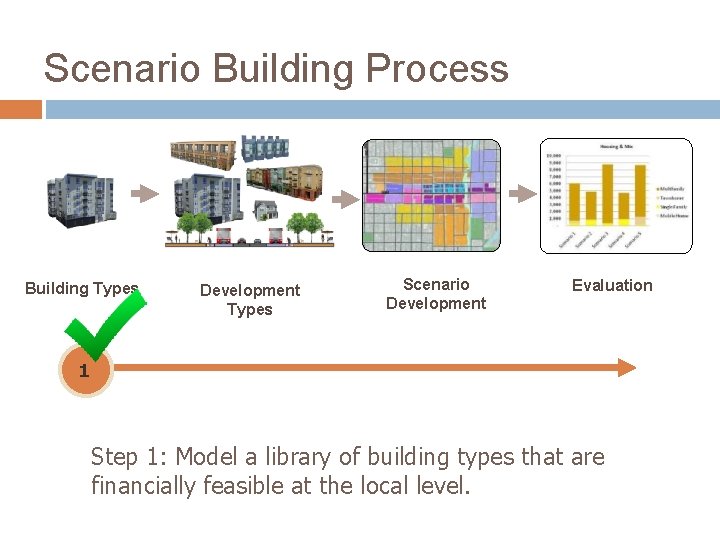
Scenario Building Process Building Types Development Types Scenario Development Evaluation 1 Step 1: Model a library of building types that are financially feasible at the local level.
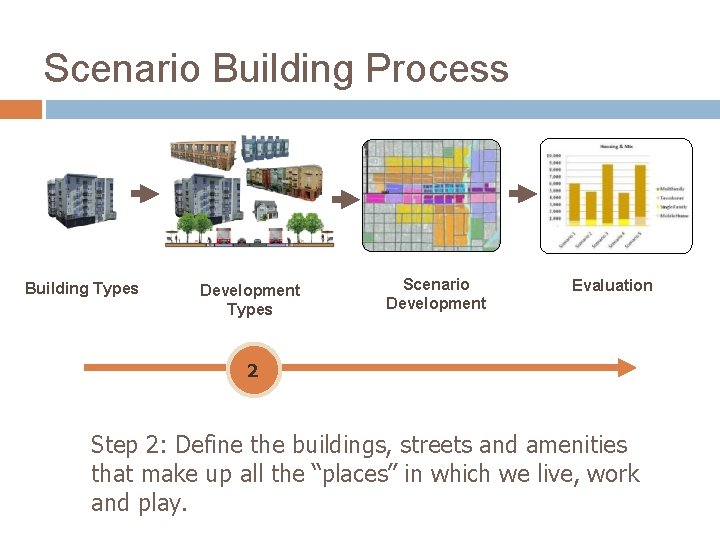
Scenario Building Process Building Types Development Types Scenario Development Evaluation 2 Step 2: Define the buildings, streets and amenities that make up all the “places” in which we live, work and play.
Scenario Builder Exercise Open any browser http: //tinyurl. com/envisiontomorrow
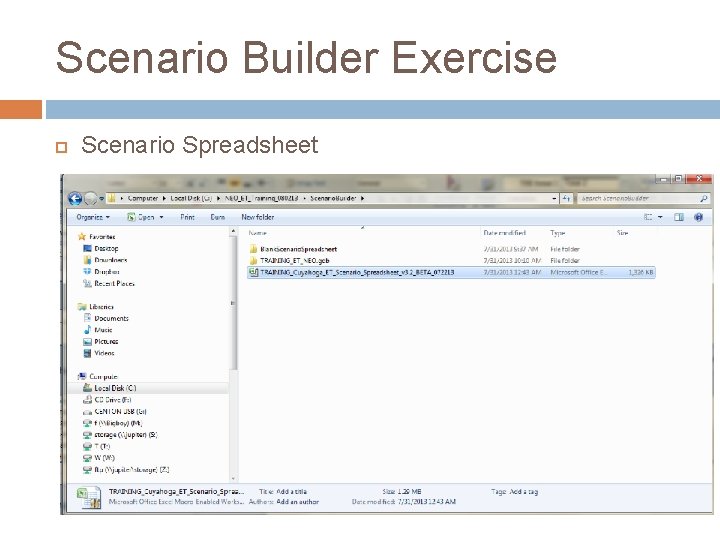
Scenario Builder Exercise Scenario Spreadsheet
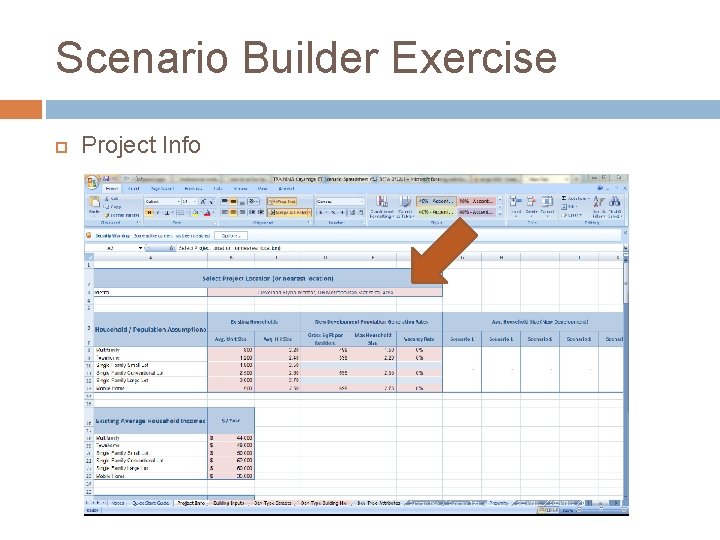
Scenario Builder Exercise Project Info
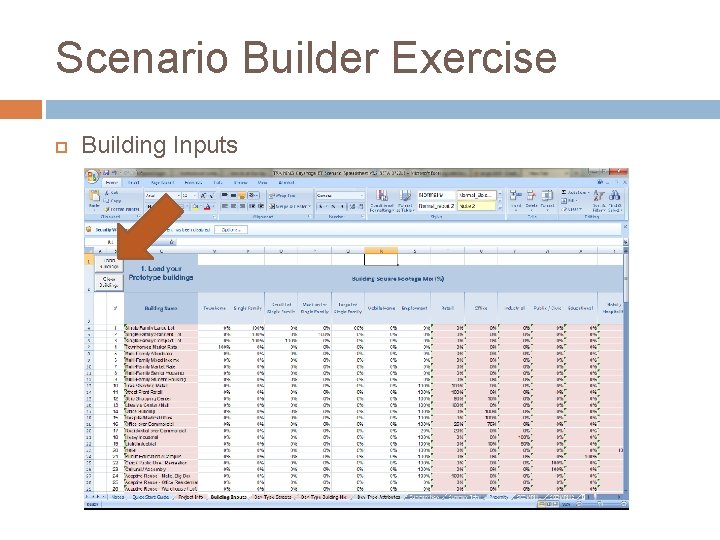
Scenario Builder Exercise Building Inputs
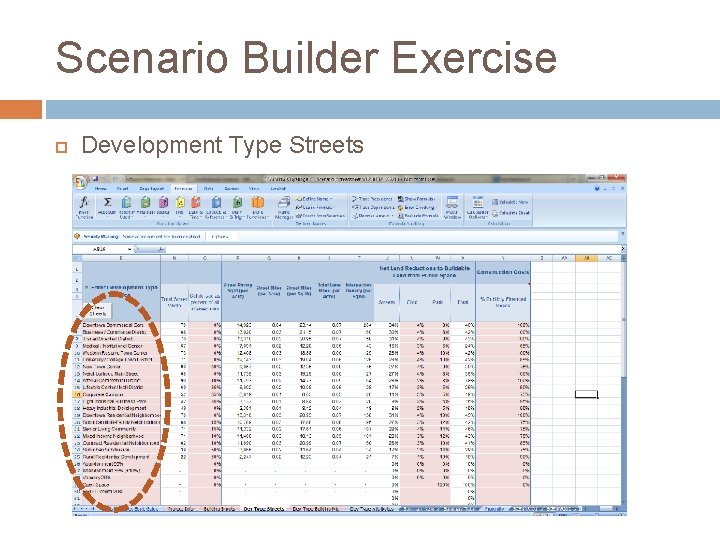
Scenario Builder Exercise Development Type Streets
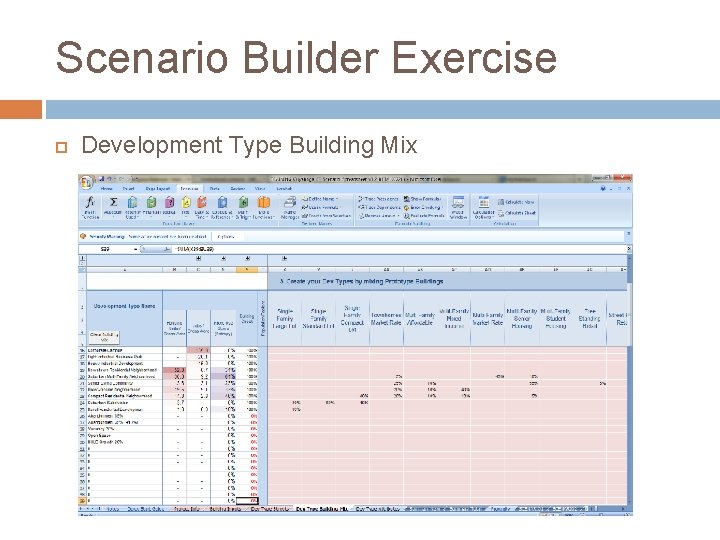
Scenario Builder Exercise Development Type Building Mix
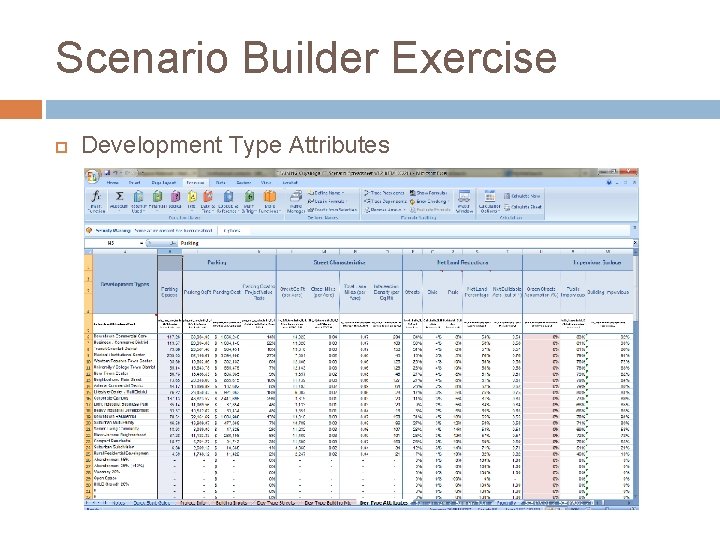
Scenario Builder Exercise Development Type Attributes
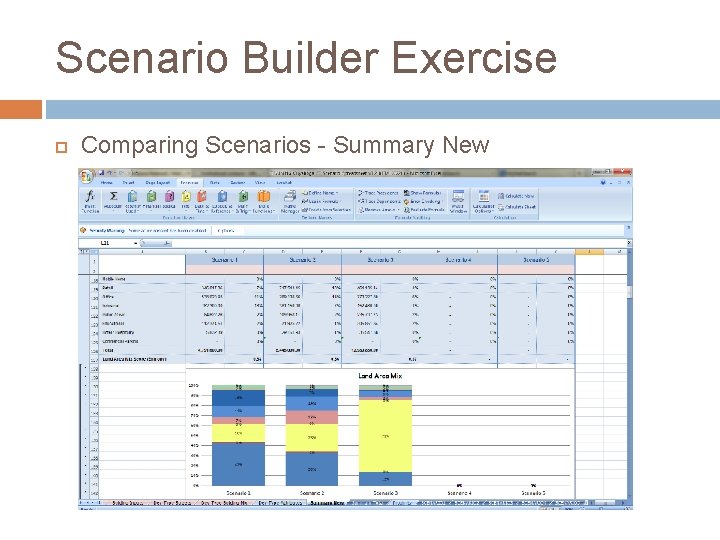
Scenario Builder Exercise Comparing Scenarios - Summary New
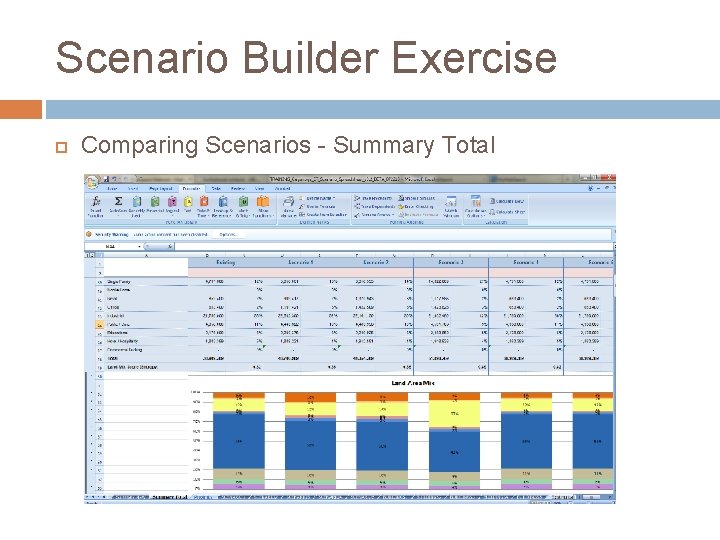
Scenario Builder Exercise Comparing Scenarios - Summary Total
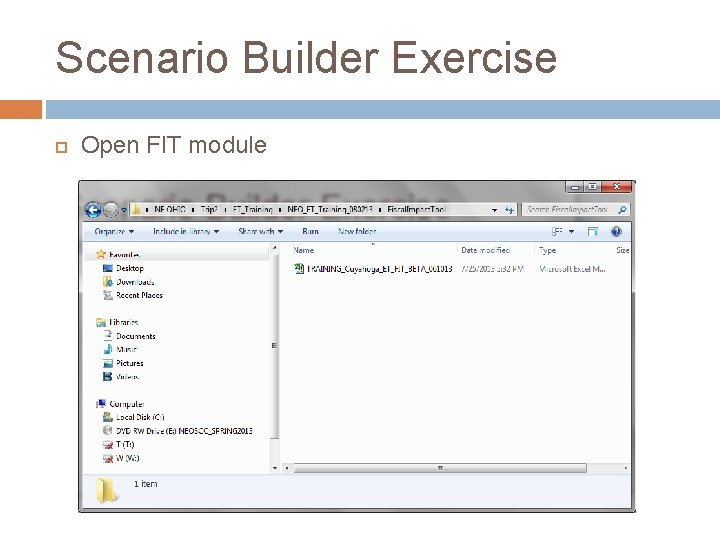
Scenario Builder Exercise Open FIT module
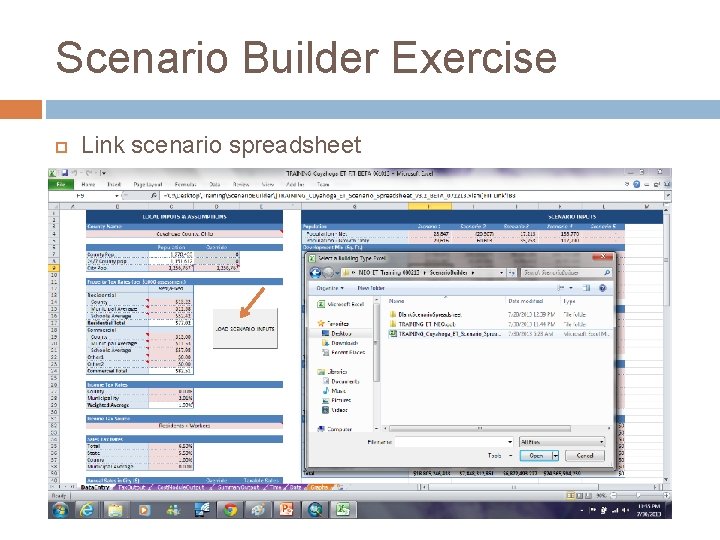
Scenario Builder Exercise Link scenario spreadsheet
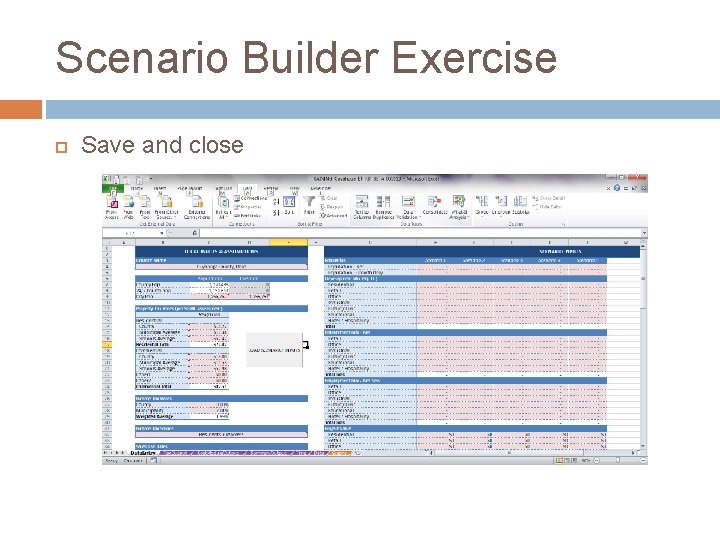
Scenario Builder Exercise Save and close
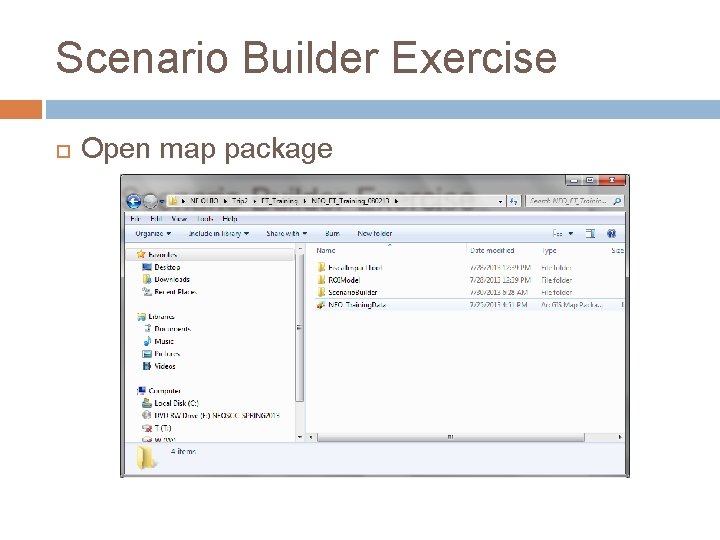
Scenario Builder Exercise Open map package
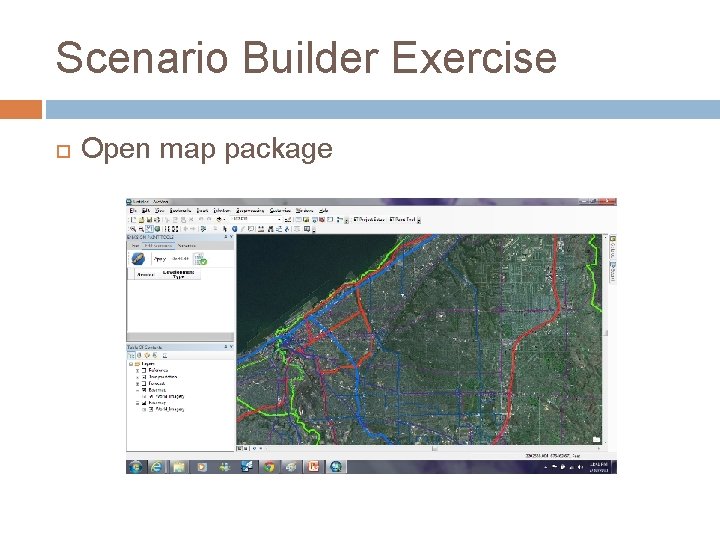
Scenario Builder Exercise Open map package
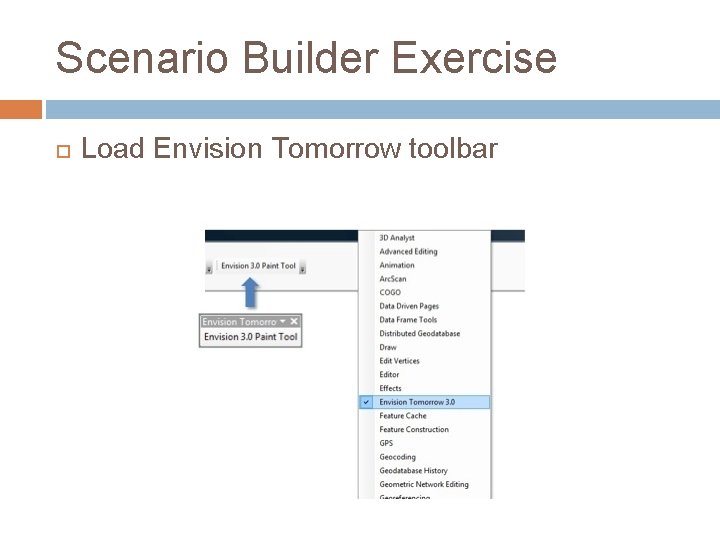
Scenario Builder Exercise Load Envision Tomorrow toolbar
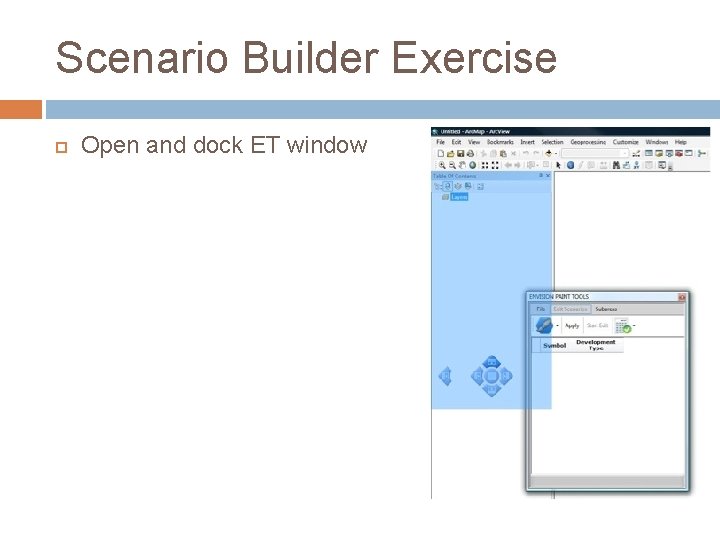
Scenario Builder Exercise Open and dock ET window
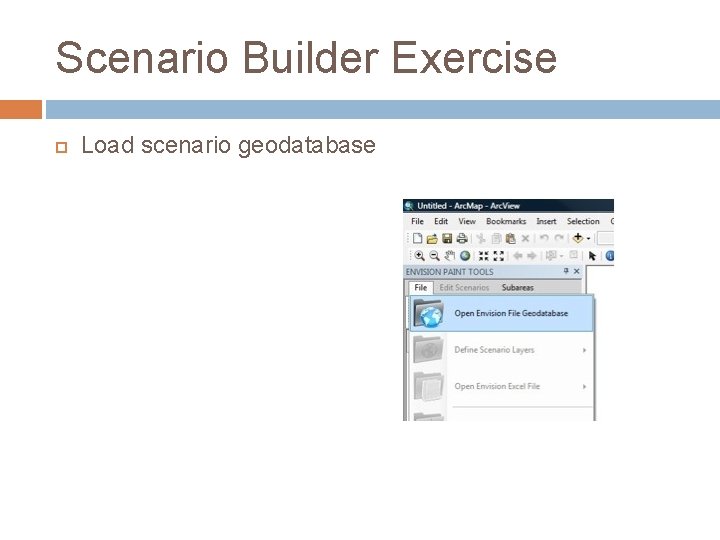
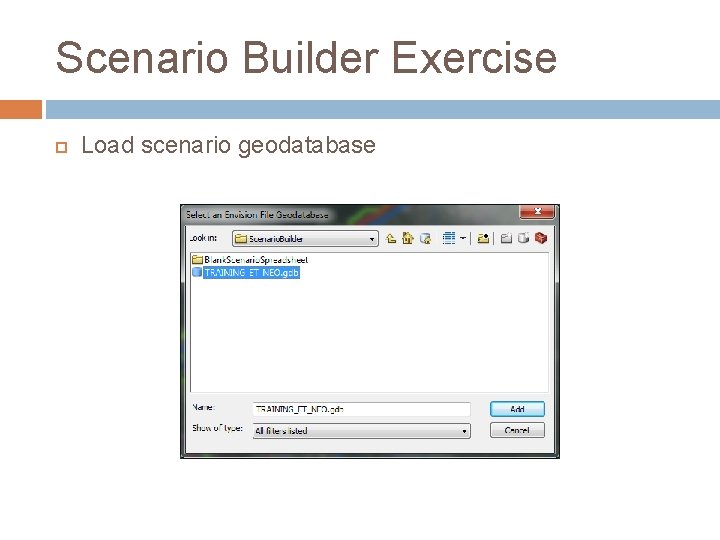
Scenario Builder Exercise Load scenario geodatabase
Scenario Builder Exercise Load scenario geodatabase
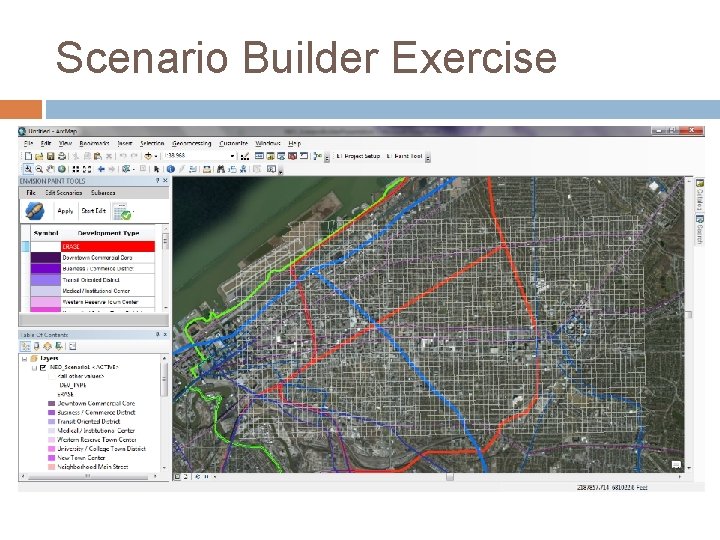
Scenario Builder Exercise
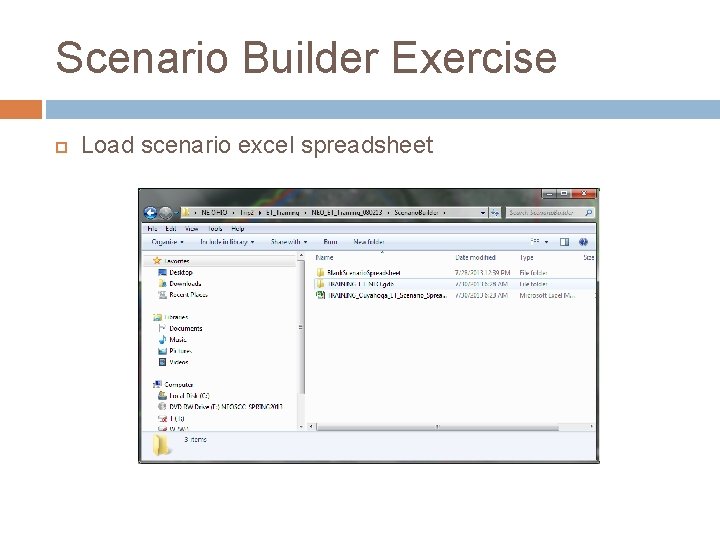
Scenario Builder Exercise Load scenario excel spreadsheet
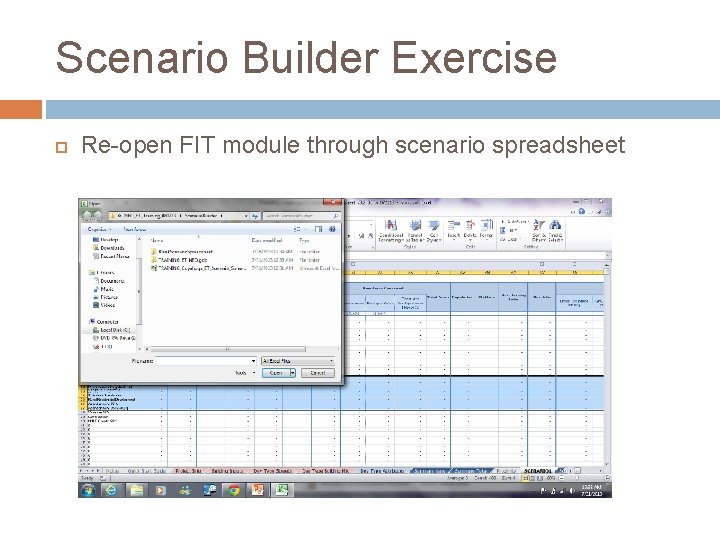
Scenario Builder Exercise Re-open FIT module through scenario spreadsheet
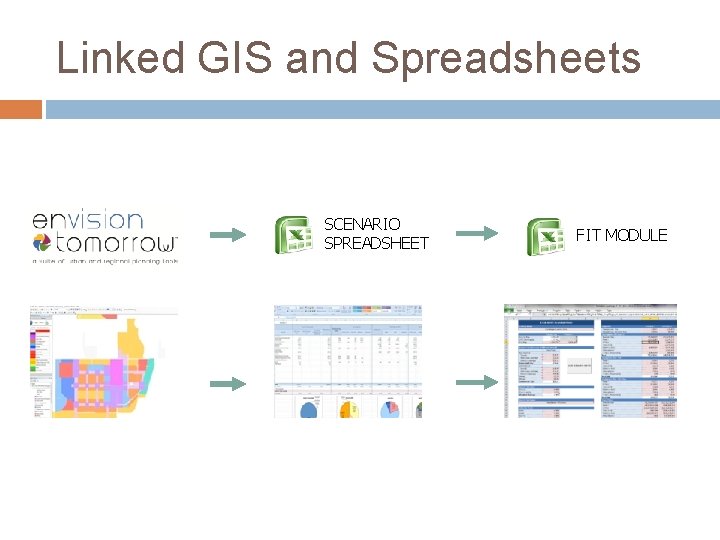
Linked GIS and Spreadsheets SCENARIO SPREADSHEET FIT MODULE
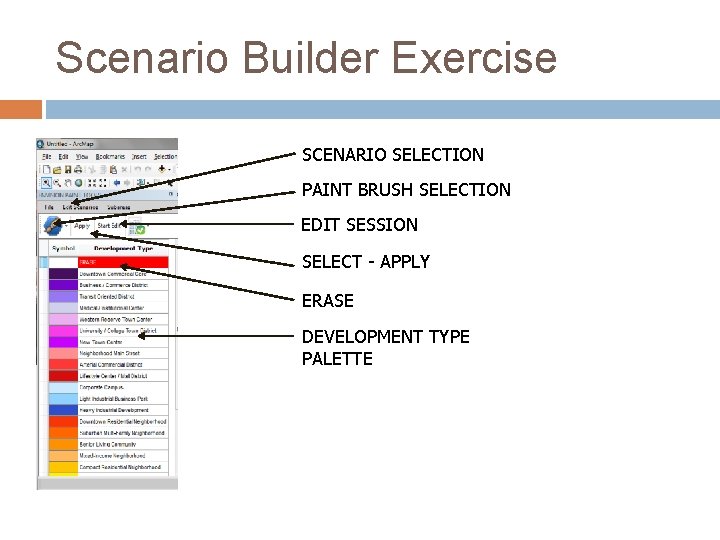
Scenario Builder Exercise SCENARIO SELECTION PAINT BRUSH SELECTION EDIT SESSION SELECT - APPLY ERASE DEVELOPMENT TYPE PALETTE
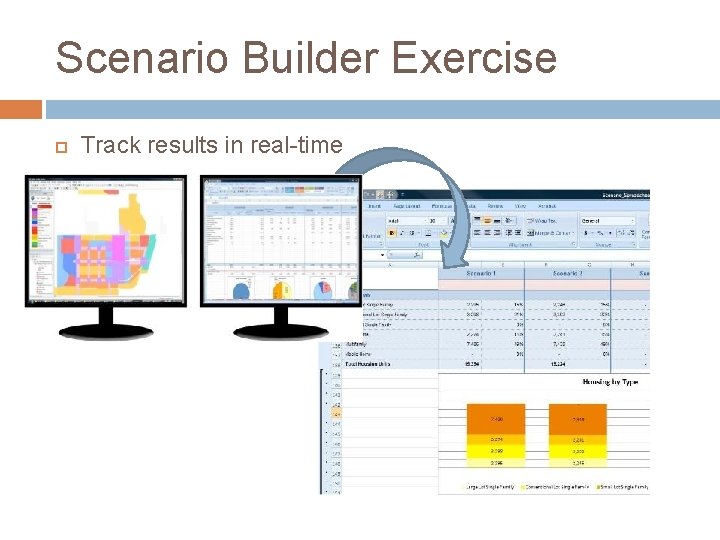
Scenario Builder Exercise Track results in real-time
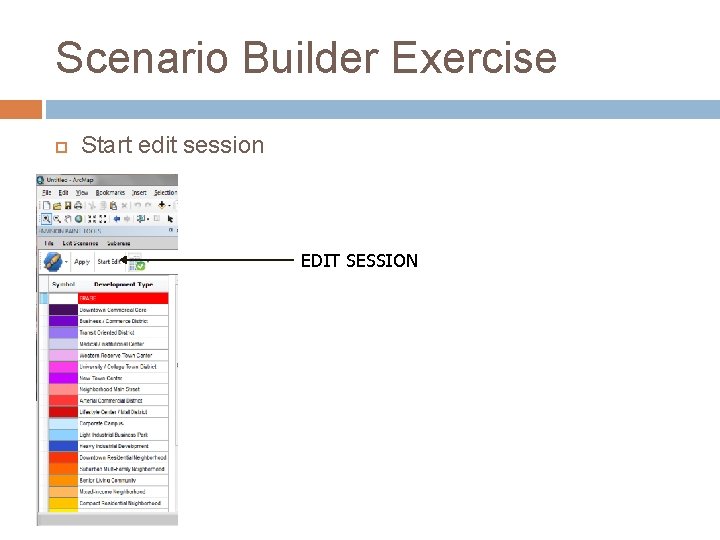
Scenario Builder Exercise Start edit session EDIT SESSION
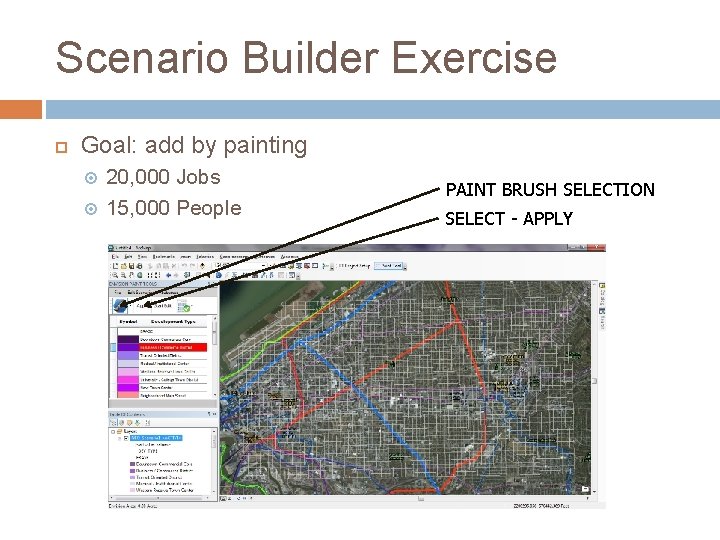
Scenario Builder Exercise Goal: add by painting 20, 000 Jobs 15, 000 People PAINT BRUSH SELECTION SELECT - APPLY