
Scanning Project Plan Digital Stewardship Curriculum Digitization not
- Slides: 13
Scanning Project Plan Digital Stewardship Curriculum
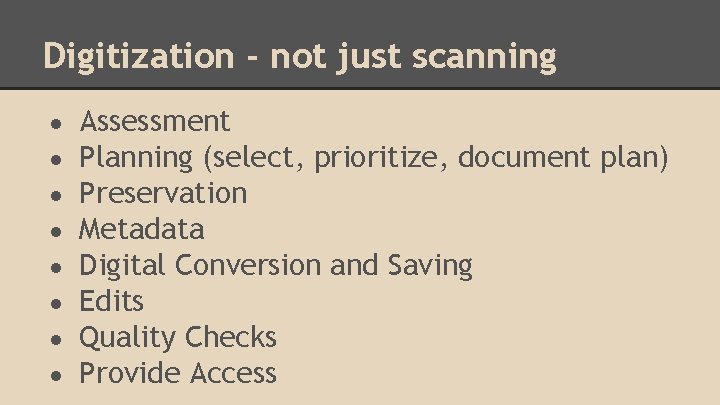
Digitization - not just scanning ● ● ● ● Assessment Planning (select, prioritize, document plan) Preservation Metadata Digital Conversion and Saving Edits Quality Checks Provide Access
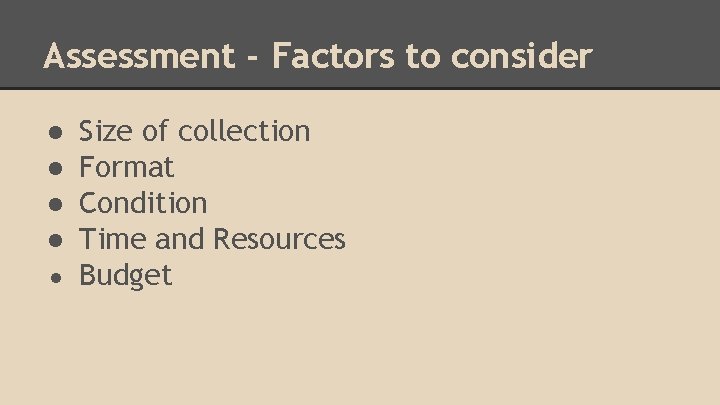
Assessment - Factors to consider ● ● Size of collection Format Condition Time and Resources ● Budget
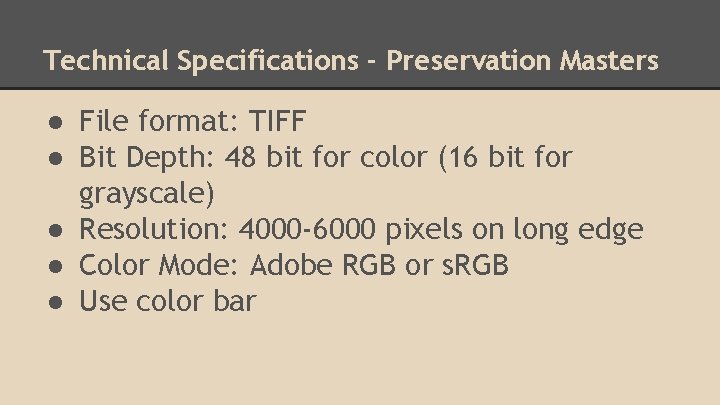
Technical Specifications - Preservation Masters ● File format: TIFF ● Bit Depth: 48 bit for color (16 bit for grayscale) ● Resolution: 4000 -6000 pixels on long edge ● Color Mode: Adobe RGB or s. RGB ● Use color bar
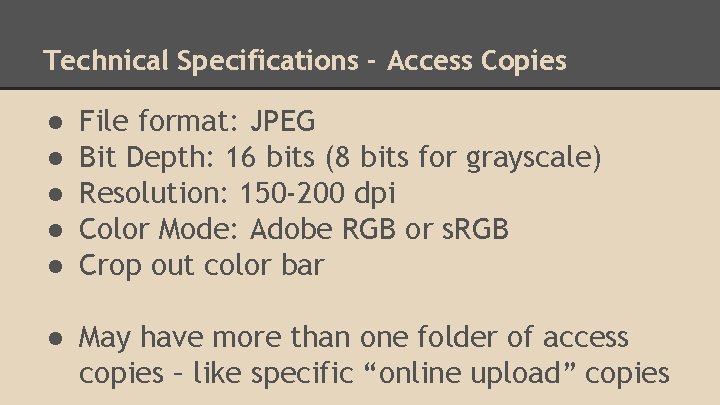
Technical Specifications - Access Copies ● ● ● File format: JPEG Bit Depth: 16 bits (8 bits for grayscale) Resolution: 150 -200 dpi Color Mode: Adobe RGB or s. RGB Crop out color bar ● May have more than one folder of access copies – like specific “online upload” copies
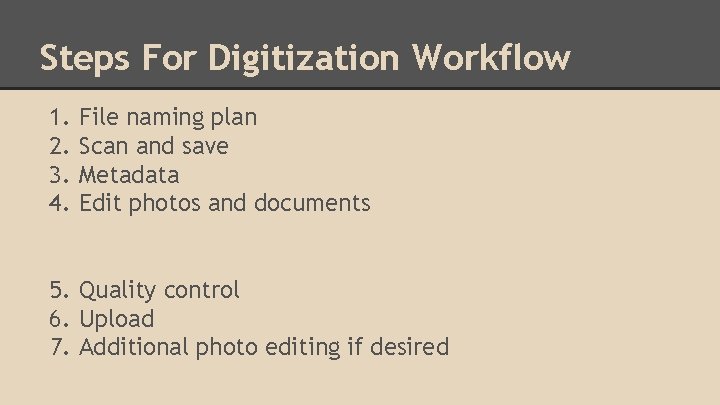
Steps For Digitization Workflow 1. 2. 3. 4. File naming plan Scan and save Metadata Edit photos and documents 5. Quality control 6. Upload 7. Additional photo editing if desired
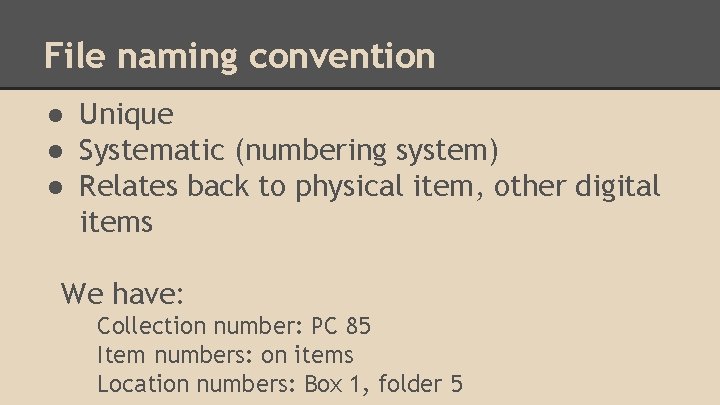
File naming convention ● Unique ● Systematic (numbering system) ● Relates back to physical item, other digital items We have: Collection number: PC 85 Item numbers: on items Location numbers: Box 1, folder 5
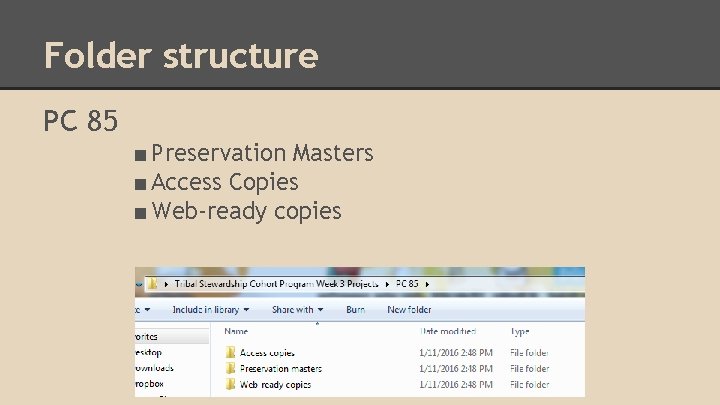
Folder structure PC 85 ■ Preservation Masters ■ Access Copies ■ Web-ready copies
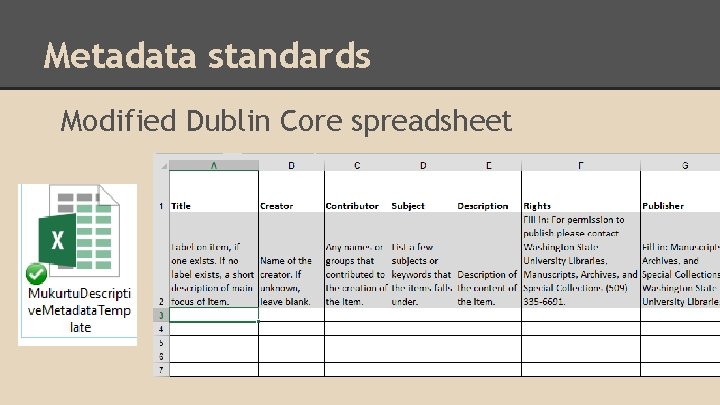
Metadata standards Modified Dublin Core spreadsheet
Entering Metadata ● Describe photo or document as best you can ● Note writing on backs of photos ● Follow instructions to fill out spreadsheet ○ Some fields have pre-filled content
Process ● Scan all items, save preservation masters ● Create descriptive metadata ● Create access copies and edit
Remember - Handling Fragile Materials ● Clean, dry hands! Use gloves ● Hold at edges ● If photos are in plastic, decide if you can or should remove for scanning ● Don’t let photos shift around
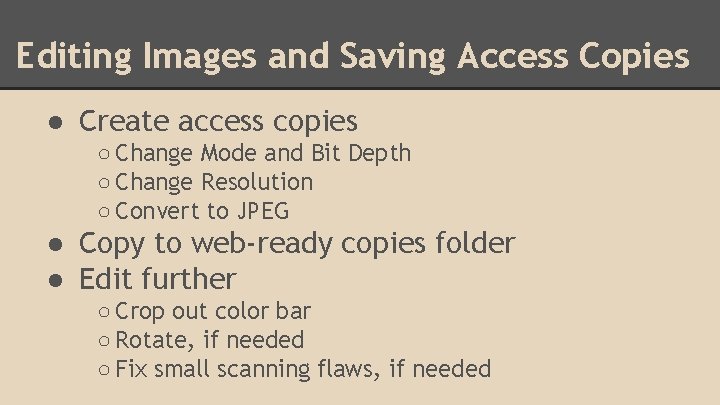
Editing Images and Saving Access Copies ● Create access copies ○ Change Mode and Bit Depth ○ Change Resolution ○ Convert to JPEG ● Copy to web-ready copies folder ● Edit further ○ Crop out color bar ○ Rotate, if needed ○ Fix small scanning flaws, if needed