
Scanning Determining If The System Is Alive Determining






![Nmap (2) Input: • • nmap [Scan Type] [Options] <target hosts> Default for port](https://slidetodoc.com/presentation_image_h2/7b4bed4a491e9990afcce1b1f4cef057/image-23.jpg "Nmap (2) Input: • • nmap [Scan Type] [Options] <target hosts> Default for port")





- Slides: 44
Scanning
Determining If The System Is Alive
Determining If The System Is Alive Network Ping Sweeps • Ping is traditionally used to send ICMP ECHO (Type 8) packets to a target system • Response is ICMP ECHO_REPLY (Type 0) indicating the target system is alive • Traffic can be ICMP, ARP, TCP, or UDP
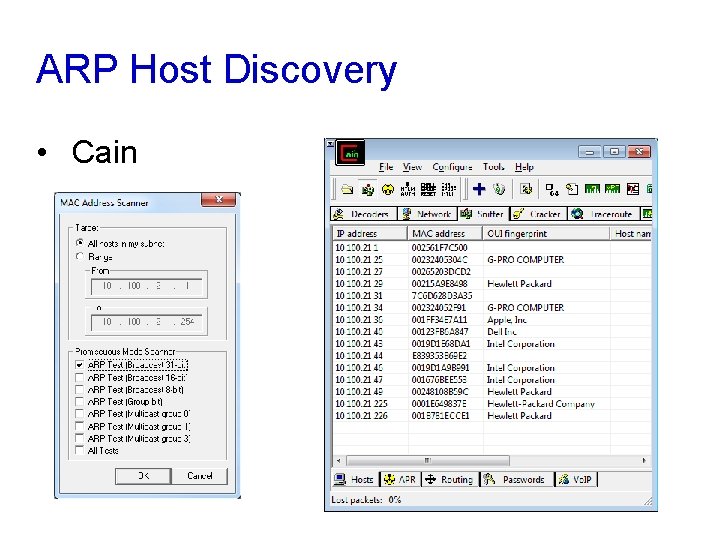
ARP Host Discovery • Cain
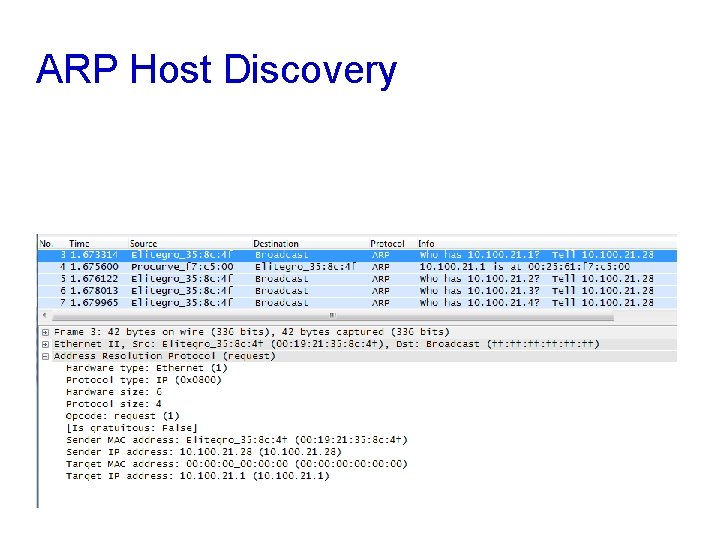
ARP Host Discovery
ARP Scan • Advantages • Operates at layer 2 • A firewall will not conceal a device from an ARP scan • Disadvantage • Must be on target’s network segment • Cannot scan through routers
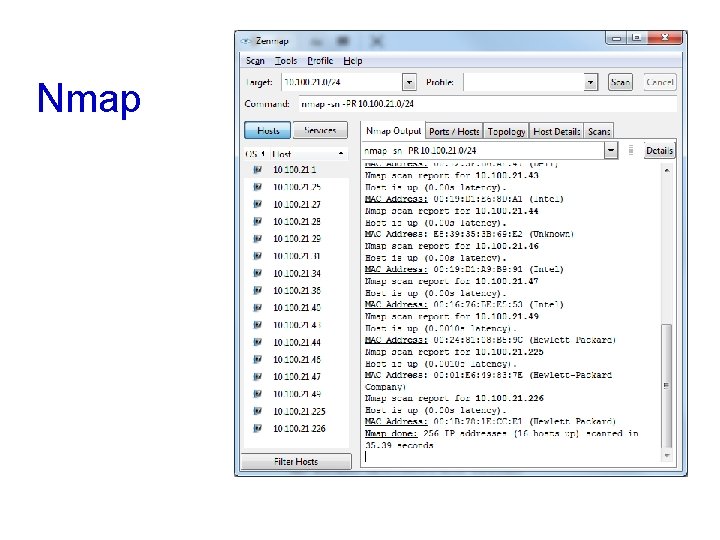
ARP Scanning Tools • arp-scan • Linux command-line tool • Nmap • -PR to do ARP scan • -sn to skip host discovery • Cain • Sniffer tab • Enable sniffer • Click +
Nmap
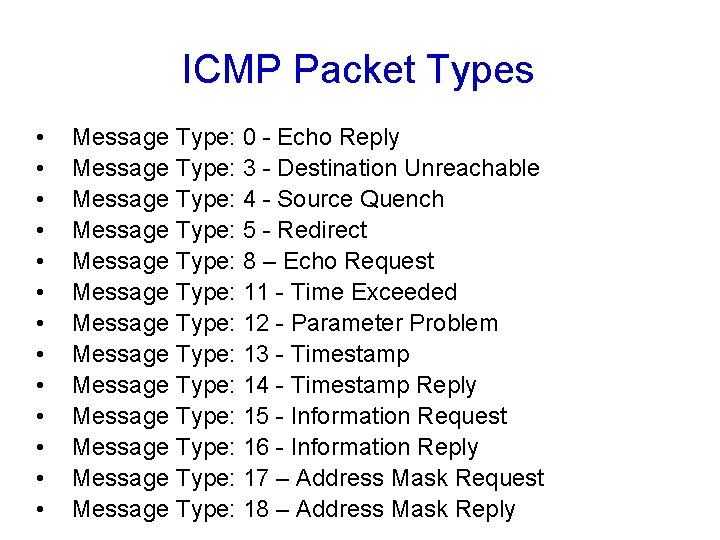
ICMP Packet Types • • • • Message Type: 0 - Echo Reply Message Type: 3 - Destination Unreachable Message Type: 4 - Source Quench Message Type: 5 - Redirect Message Type: 8 – Echo Request Message Type: 11 - Time Exceeded Message Type: 12 - Parameter Problem Message Type: 13 - Timestamp Message Type: 14 - Timestamp Reply Message Type: 15 - Information Request Message Type: 16 - Information Reply Message Type: 17 – Address Mask Request Message Type: 18 – Address Mask Reply
ICMP Queries • icmpquery uses ICMP type 13 (TIMESTAMP) to find the system time, which shows its timezone • ICMP type 17 (ADDRESS MASK REQUEST) shows the subnet mask
Network Discovery Tools
Nmap ICMP Options
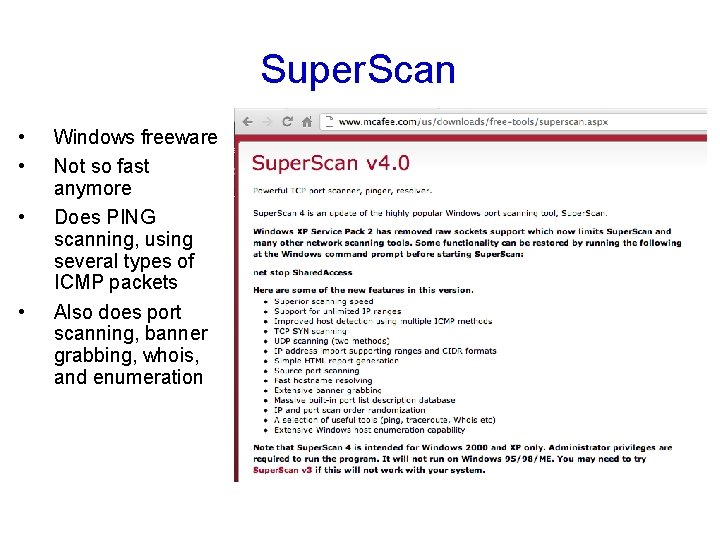
Super. Scan • • Windows freeware Not so fast anymore Does PING scanning, using several types of ICMP packets Also does port scanning, banner grabbing, whois, and enumeration
Unix Ping Detection Tools • Scanlogd • Courtney • Ippl • Protolog
ICMP Blocking • ICMP is often blocked these days • Blocked by default in Win XP SP 2, Win 2003 SP 1, and Vista • If ICMP is blocked, use port scanning • Slower than ping sweeping • Super. Scan for Windows • Nmap for Linux, Unix, or Windows • Hping 2 for Unix (can fragment packets)
Ping Sweeps Countermeasures • Detecting Ping Sweeps • Network-based Intrusion Detection Systems like Snort detect ping sweeps • Ping scans will be in the host logs • Firewalls can detect ping scans
Blocking ICMP • Routers may require some ICMP packets, but not all types • Safest procedure would be to allow ICMP only from your ISP, and only to public servers on your DMZ
Other ICMP Threats • ICMP can be used for a Denial of Service attack • ICMP can be used as a covert channel with Loki • Allowing unauthorized data transfer • Such as control signals for a back-door trojan
Determining Which Services are Running or Listening
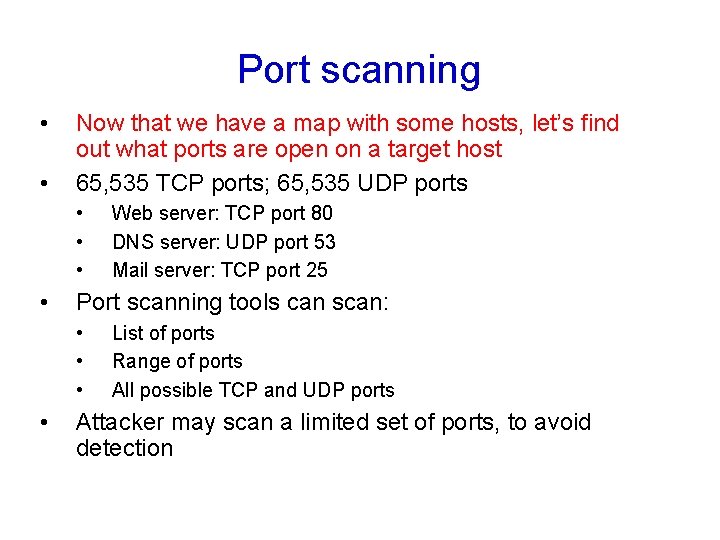
Port scanning • • Now that we have a map with some hosts, let’s find out what ports are open on a target host 65, 535 TCP ports; 65, 535 UDP ports • • Port scanning tools can scan: • • Web server: TCP port 80 DNS server: UDP port 53 Mail server: TCP port 25 List of ports Range of ports All possible TCP and UDP ports Attacker may scan a limited set of ports, to avoid detection
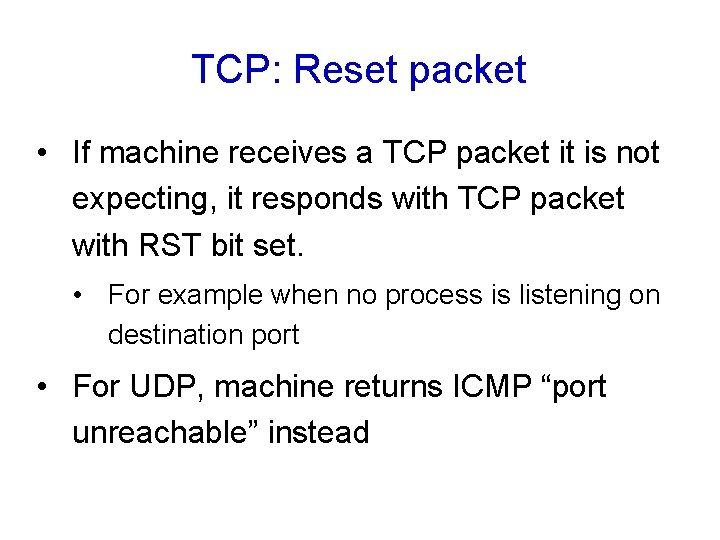
TCP: Reset packet • If machine receives a TCP packet it is not expecting, it responds with TCP packet with RST bit set. • For example when no process is listening on destination port • For UDP, machine returns ICMP “port unreachable” instead
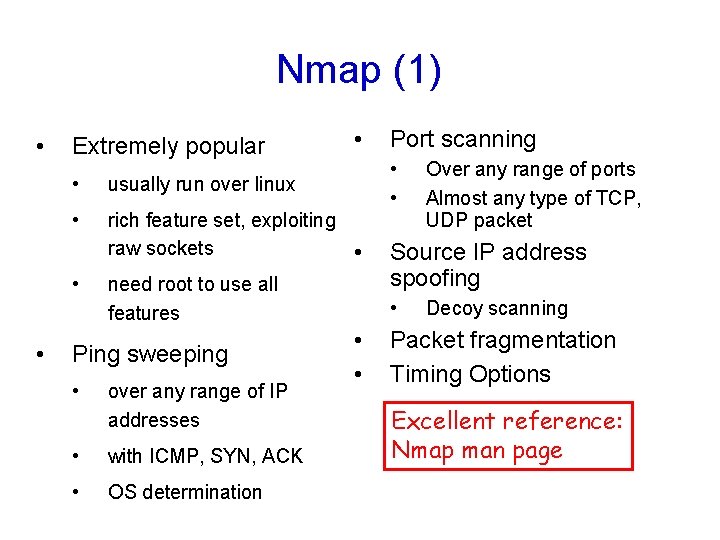
Nmap (1) • Extremely popular • usually run over linux • rich feature set, exploiting raw sockets • • • need root to use all features Ping sweeping • over any range of IP addresses • with ICMP, SYN, ACK • OS determination Port scanning Source IP address spoofing • • • Over any range of ports Almost any type of TCP, UDP packet Decoy scanning Packet fragmentation Timing Options Excellent reference: Nmap man page
Nmap (2) Input: • • nmap [Scan Type] [Options] <target hosts> Default for port scanning: ports 1 -1024 plus ports listed in nmap service file Output: • open ports: syn/ack returned; port is open • unfiltered ports: RST returned: port is closed but not blocked by firewall • filtered ports: nothing returned; port is blocked by firewall Attacks
Nmap (3): ping sweep Nmap –s. P –v 116. 27. 38/24 • • Sends ICMP echo request (ping) to 256 addresses Can change options so that pings with SYNs, ACKs… -s. P = ping -v = verbose
Nmap (4): polite port scan • nmap –s. T -v target. com • Attempts to complete 3 -way handshake with each target port • Sends SYN, waits for SYNACK, sends ACK, then sends FIN to close connection • If target port is closed, no SYNACK returned • • Instead RST packet is typically returned TCP connect scans are easy to detect • Target (e. g. Web server) may log completed connections • Gives away attacker’s IP address
Nmap (5) : TCP SYN port scan • nmap –s. S -v target. com • Stealthier than polite scan • Send SYN, receive SYNACK, send RST • Send RST segment to avoid an accidental Do. S attack • Stealthier: hosts do not record connection • But routers with logging enabled will record the SYN packet • Faster: don’t need to send FIN packet
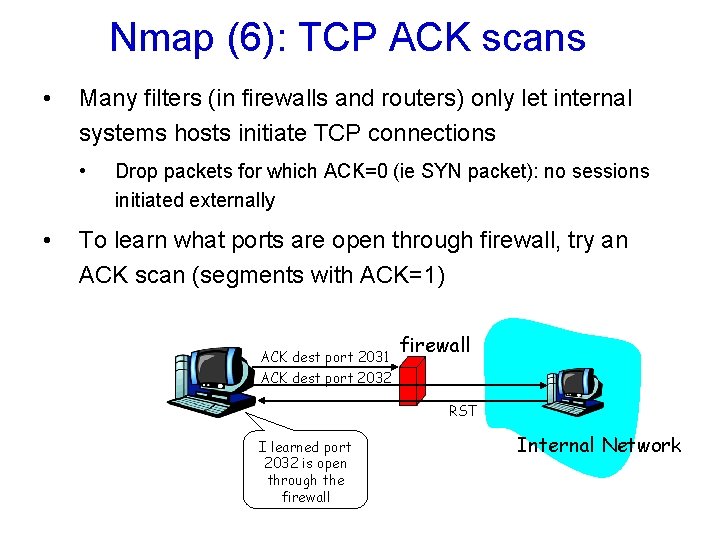
Nmap (6): TCP ACK scans • Many filters (in firewalls and routers) only let internal systems hosts initiate TCP connections • • Drop packets for which ACK=0 (ie SYN packet): no sessions initiated externally To learn what ports are open through firewall, try an ACK scan (segments with ACK=1) ACK dest port 2031 firewall ACK dest port 2032 RST I learned port 2032 is open through the firewall Internal Network
Nmap (7): UDP port scans • UDP doesn’t have SYN, ACK, RST packets • nmap simply sends UDP packet to target port • ICMP Port Unreachable: interpret port closed • Nothing comes back: interpret port open • False positives common
Nmap (8): Obscure source • Attacker can enter list of decoy source IP addresses into Nmap • For each packet it sends, Nmap also sends packets from decoy source IP addresses • For 4 decoy sources, send five packets • Attacker’s actual address must appear in at least one packet, to get a result • If there are 30 decoys, victim network will have to investigate 31 different sources!
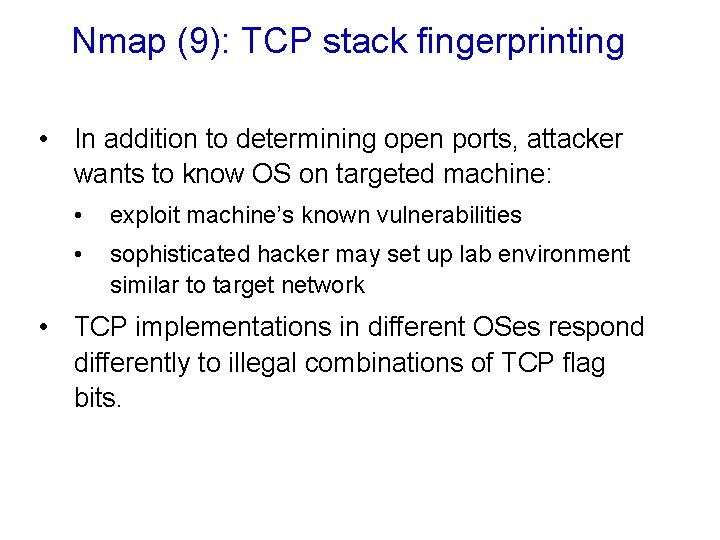
Nmap (9): TCP stack fingerprinting • In addition to determining open ports, attacker wants to know OS on targeted machine: • exploit machine’s known vulnerabilities • sophisticated hacker may set up lab environment similar to target network • TCP implementations in different OSes respond differently to illegal combinations of TCP flag bits.
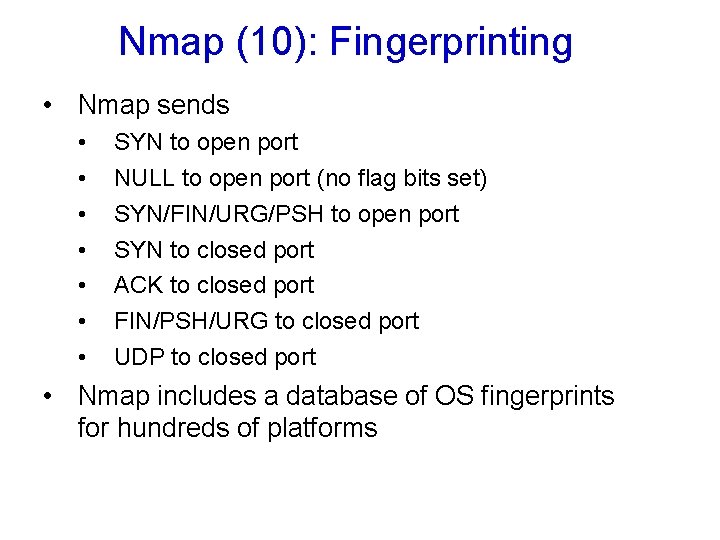
Nmap (10): Fingerprinting • Nmap sends • • SYN to open port NULL to open port (no flag bits set) SYN/FIN/URG/PSH to open port SYN to closed port ACK to closed port FIN/PSH/URG to closed port UDP to closed port • Nmap includes a database of OS fingerprints for hundreds of platforms
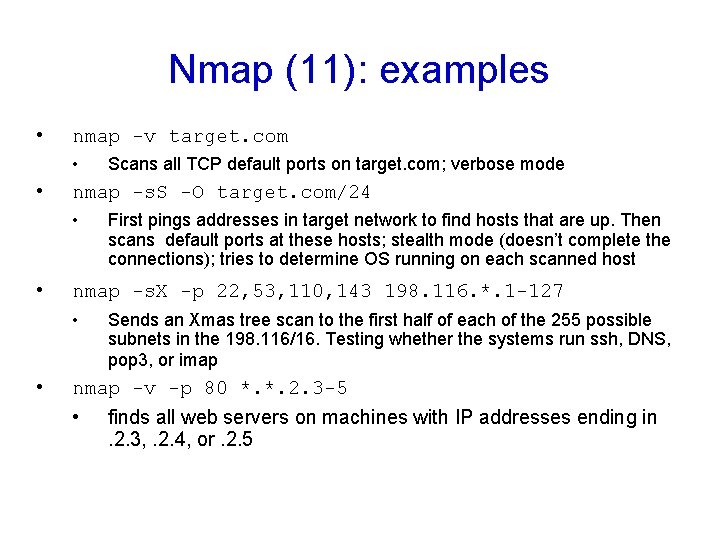
Nmap (11): examples • nmap -v target. com • • nmap -s. S -O target. com/24 • • First pings addresses in target network to find hosts that are up. Then scans default ports at these hosts; stealth mode (doesn’t complete the connections); tries to determine OS running on each scanned host nmap -s. X -p 22, 53, 110, 143 198. 116. *. 1 -127 • • Scans all TCP default ports on target. com; verbose mode Sends an Xmas tree scan to the first half of each of the 255 possible subnets in the 198. 116/16. Testing whether the systems run ssh, DNS, pop 3, or imap nmap -v -p 80 *. *. 2. 3 -5 • finds all web servers on machines with IP addresses ending in. 2. 3, . 2. 4, or. 2. 5
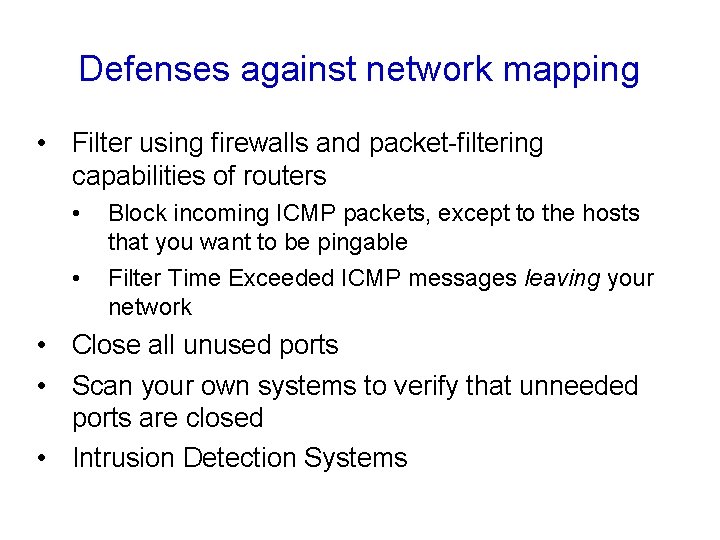
Defenses against network mapping • Filter using firewalls and packet-filtering capabilities of routers • • Block incoming ICMP packets, except to the hosts that you want to be pingable Filter Time Exceeded ICMP messages leaving your network • Close all unused ports • Scan your own systems to verify that unneeded ports are closed • Intrusion Detection Systems
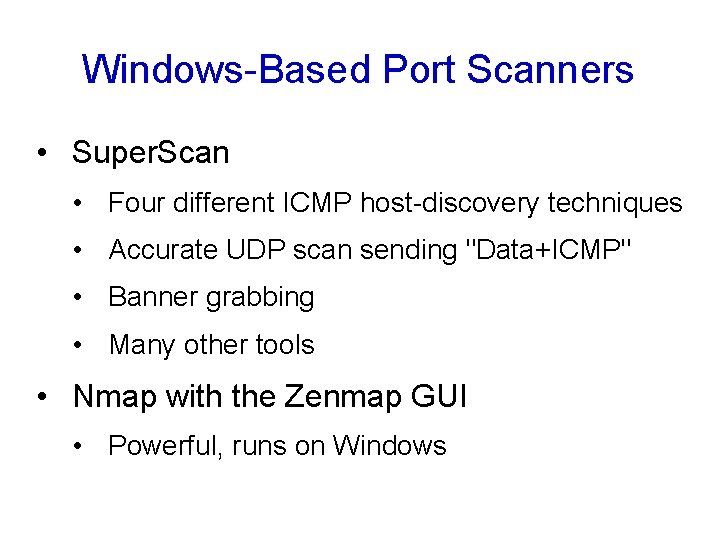
Windows-Based Port Scanners • Super. Scan • Four different ICMP host-discovery techniques • Accurate UDP scan sending "Data+ICMP" • Banner grabbing • Many other tools • Nmap with the Zenmap GUI • Powerful, runs on Windows
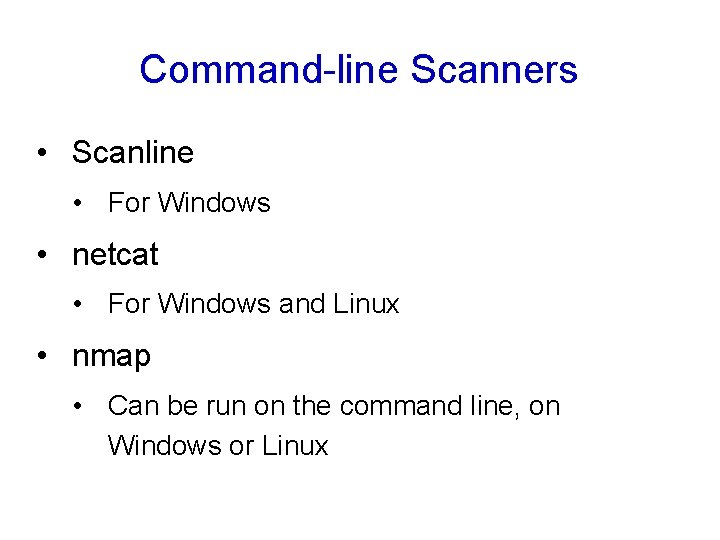
Command-line Scanners • Scanline • For Windows • netcat • For Windows and Linux • nmap • Can be run on the command line, on Windows or Linux
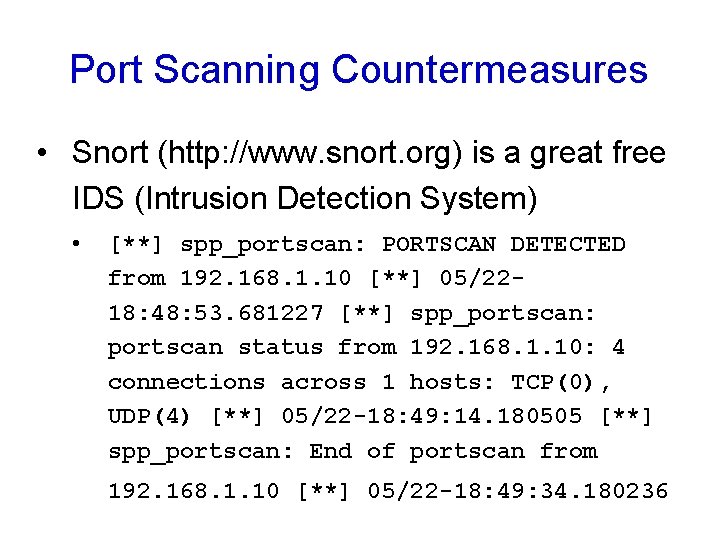
Port Scanning Countermeasures • Snort (http: //www. snort. org) is a great free IDS (Intrusion Detection System) • [**] spp_portscan: PORTSCAN DETECTED from 192. 168. 1. 10 [**] 05/2218: 48: 53. 681227 [**] spp_portscan: portscan status from 192. 168. 1. 10: 4 connections across 1 hosts: TCP(0), UDP(4) [**] 05/22 -18: 49: 14. 180505 [**] spp_portscan: End of portscan from 192. 168. 1. 10 [**] 05/22 -18: 49: 34. 180236
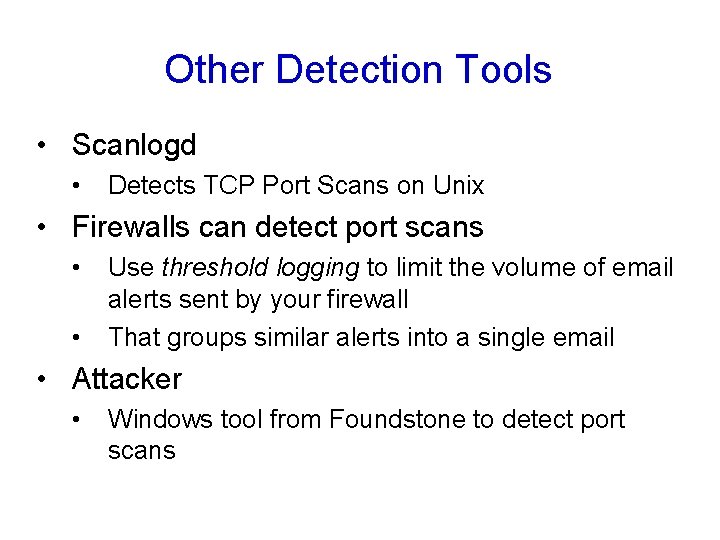
Other Detection Tools • Scanlogd • Detects TCP Port Scans on Unix • Firewalls can detect port scans • • Use threshold logging to limit the volume of email alerts sent by your firewall That groups similar alerts into a single email • Attacker • Windows tool from Foundstone to detect port scans
Preventing Port Scans • You can't stop the scans from coming in, but you can mimimize your attack surface • Disable unnecessary services
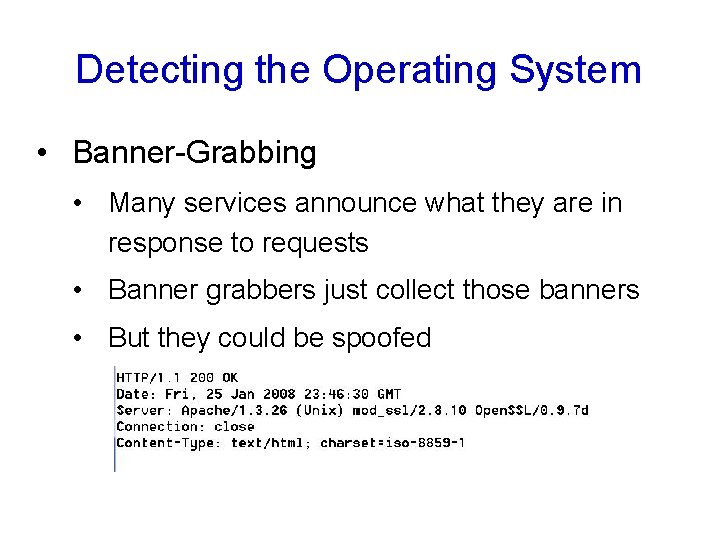
Detecting the Operating System • Banner-Grabbing • Many services announce what they are in response to requests • Banner grabbers just collect those banners • But they could be spoofed
Active Stack Fingerprinting • Details of the TCP Packets are used to identify the operating system • Nmap does this, using these probes: • FIN probe • Bogus Flag probe • Initial Sequence Number (ISN) sampling • "Don't fragment bit" monitoring • TCP initial window size • And many others
Operating System Detection Countermeasures • IDS can detect operating system detection scans • Hacking the OS to change its TCP stack is dangerous, and not recommended • Best policy: Accept that your firewalls and proxy servers will be scanned and fingerprinted, and harden them against attackers who know the OS
Passive Operating System Identification • Sniff traffic and guess the OS from that • Examine these features • TTL (time-to-live) • Window size • DF (Don't fragment bit) • siphon was the first tool to do this, it's out of date • p 0 f is a newer one
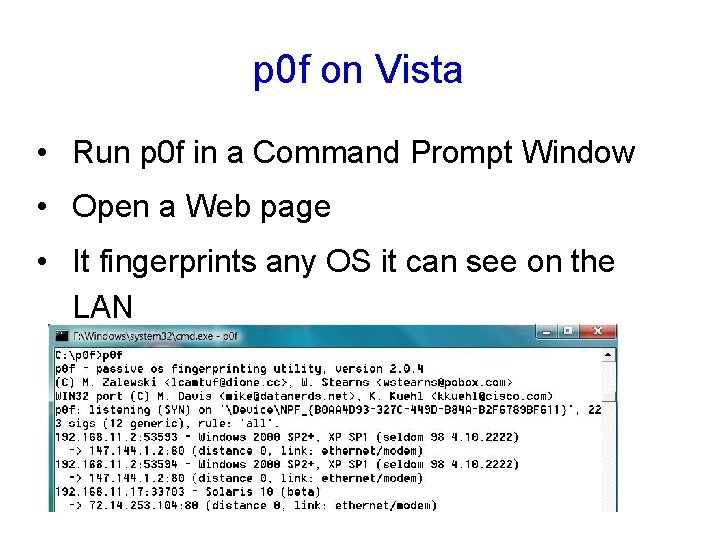
p 0 f on Vista • Run p 0 f in a Command Prompt Window • Open a Web page • It fingerprints any OS it can see on the LAN
Automated Discovery Tool: Cheopsng • Combines Ping, Traceroute, Port Scans, and OS Detection to draw a network map • Windows 7's "Network Map" is similar