
Saving Time Manpower When Working With Your Website
Saving Time & Manpower When Working With Your Website ADA Compliance and More!
OCR Guidelines & Tools to Ensure Compliance
Teddy Gabbart President & CEO OCR Guidelines & Tools to Ensure Compliance
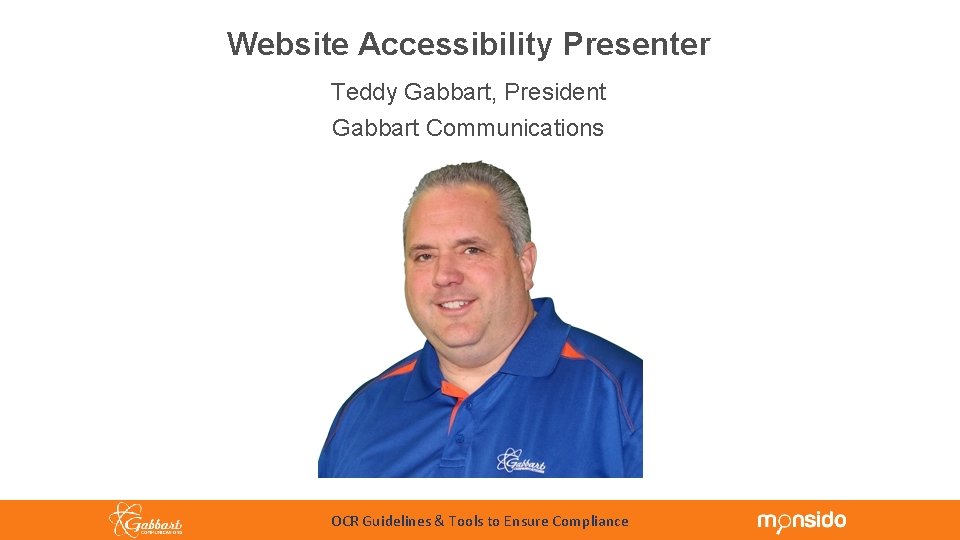
Website Accessibility Presenter Teddy Gabbart, President Gabbart Communications 10/24/18 OCR Guidelines & Tools to Ensure Compliance 4
Accessibility Overview • “Accessibility” describes the degree to which a product, device, service, or facility is usable by people with all abilities and disabilities. • “Web Accessibility” means that people with disabilities can perceive, understand, navigate, and interact with the Web. It also removes barriers that reduce the functionality of websites. When sites are correctly designed, developed and edited, all users have equal access to information and functionality. • People with disabilities and seniors are the two groups that benefit most from accessible technologies. Implementing accessibility correctly benefits everyone. • According to the U. S. Census Bureau statistics from 2010, 56. 7 million Americans have a disability • Incorporating Accessibility in your school district website also has additional benefits: • SEO best practices align with Accessibility best practices. This will increase traffic to your website. • Improves usability of the website. • Avoid possible litigation costs. 10/24/18 OCR Guidelines & Tools to Ensure Compliance 5
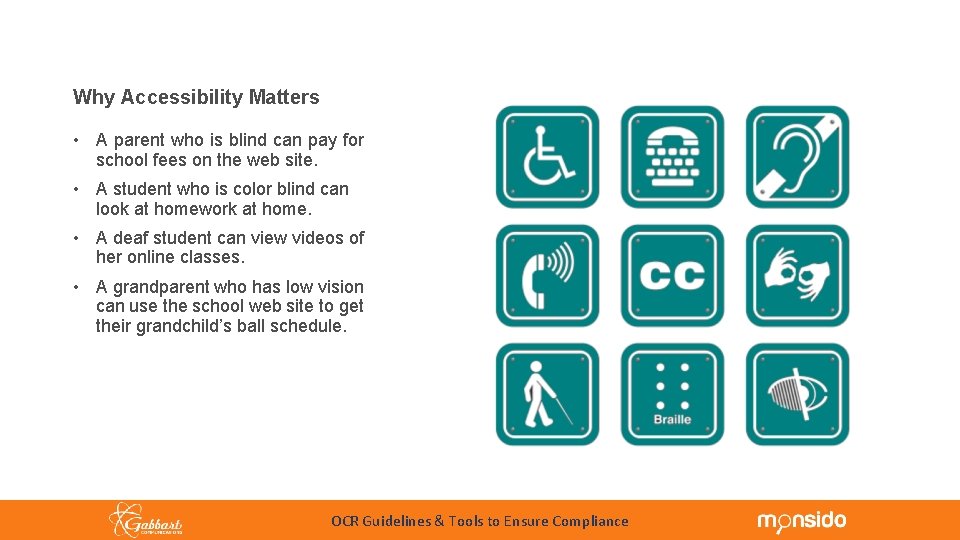
Accessibility Overview Why Accessibility Matters • A parent who is blind can pay for school fees on the web site. • A student who is color blind can look at homework at home. • A deaf student can view videos of her online classes. • A grandparent who has low vision can use the school web site to get their grandchild’s ball schedule. OCR Guidelines & Tools to Ensure Compliance
Accessibility Overview Types of Disabilities Visual Disabilities Cognitive and Neurological Disabilities • No vision • Limited cognitive, memory, language, & learning skills • Low vision • Susceptibility to seizures • Little or no color perception Physical Disabilities Auditory Disabilities • Limited reach and strength • No hearing • Use of a prosthetic device • Limited hearing • Users with assisted listening devices, such as hearing aids • Limited manual dexterity Combinations of Disabilities Speech Disabilities • No speech • Stuttering OCR Guidelines & Tools to Ensure Compliance
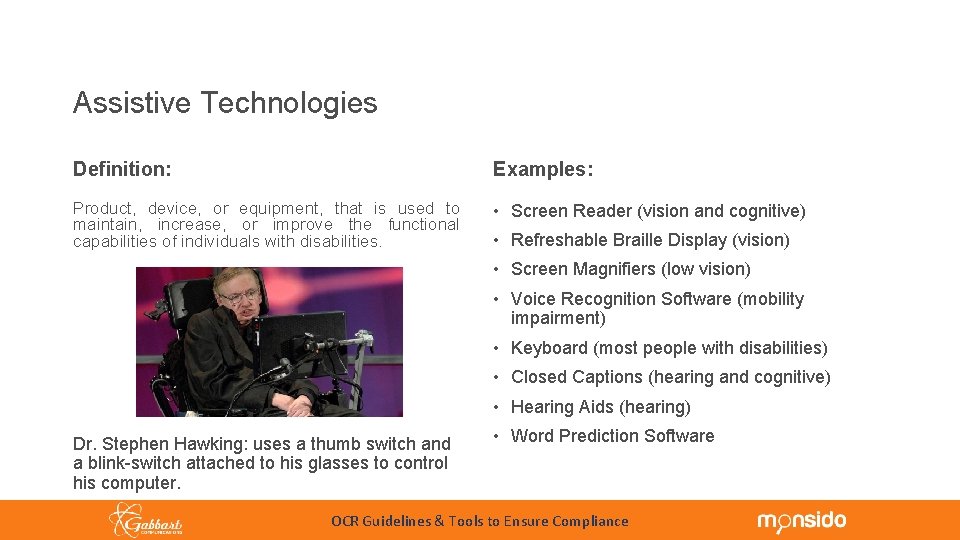
Accessibility Overview Assistive Technologies Definition: Examples: Product, device, or equipment, that is used to maintain, increase, or improve the functional capabilities of individuals with disabilities. • Screen Reader (vision and cognitive) • Refreshable Braille Display (vision) • Screen Magnifiers (low vision) • Voice Recognition Software (mobility impairment) • Keyboard (most people with disabilities) • Closed Captions (hearing and cognitive) • Hearing Aids (hearing) Dr. Stephen Hawking: uses a thumb switch and a blink-switch attached to his glasses to control his computer. • Word Prediction Software OCR Guidelines & Tools to Ensure Compliance
Statutes Prohibiting Discrimination on the Basis of Disability Apply to Public Schools and School Districts OCR Guidelines & Tools to Ensure Compliance
Statutes Prohibiting Discrimination on the Basis of Disability Apply to Public Schools and School Districts Section 504 of the Rehabilitation Act of 1973 Section 504 of the Rehabilitation Act protects the rights of individuals with disabilities in programs and activities that receive federal financial assistance. Specifically, it states that "no otherwise qualified individual with a disability in the United States. . . shall, solely by reason of her or his disability, be excluded from the participation in, be denied the benefits of, or be subjected to discrimination under any program or activity receiving Federal financial assistance. . . " OCR Guidelines & Tools to Ensure Compliance
Statutes Prohibiting Discrimination on the Basis of Disability Apply to Public Schools and School Districts Title II of the Americans with Disabilities Act of 1990 • The ADA is an "equal opportunity" law that gives civil rights protection for people with disabilities. • Prohibits discrimination and guarantees equal opportunity for people with disabilities in public accommodations, employment, transportation, state and local government services and telecommunications. OCR Guidelines & Tools to Ensure Compliance
June 2003: DOJ & DOE Guidance Regarding State and Local Government Websites This DOJ Guidance recognizes that State and local governments "are using the web to offer citizens a host of services including: corresponding with local officials; providing information about government services; . . . applying for jobs or benefits. " The Guidance states that the ADA and Section 504: "generally require that State and local governments provide qualified individual with disabilities equal access to their programs, services, or activities, unless doing so would fundamentally alter the nature of their programs, services, or activities or would impose an undue burden. OCR Guidelines & Tools to Ensure Compliance
DOJ and DOE/OCR Joint Dear Colleague Letter Regarding Electronic Book Readers and Other Emerging Technologies In June 2010, the DOJ and the U. S. Department of Education, Office for Civil Rights ("OCR") issued a Joint Dear Colleague Letter ("DCL") to College and University Presidents stating that "requiring the use of an emerging technology in a classroom environment when the technology is inaccessible to an entire population of individuals with disabilities. . . is discrimination prohibited by the ADA and Section 504. " OCR Guidelines & Tools to Ensure Compliance
May 2011 DOE/OCR Follow-Up FAQs to June 2010 Dear Colleague Letter Stating that June 2010 DCL Applies to Elementary and Secondary Schools "Just as a school system would not design a new school without addressing physical accessibility, the implementation of an emerging technology should always include planning for accessibility. . The planning should include identification of a means to provide immediate delivery of accessible devices or other technology necessary to ensure accessibility from the outset. " OCR Guidelines & Tools to Ensure Compliance
On April 29, 2016, the DOJ issued a Statement Regarding Rulemaking on Accessibility of Web Information and Services of State and Local Government Entities, which stated in part: "The increasingly interconnected and dynamic nature of Web sites allows for easy and convenient access to the programs, services, and activities of public entities covered by the Americans with Disabilities Act (ADA). Yet, individuals with disabilities are often denied equal access to the services, programs, and activities of State and local governments because many public entities' Web sites are inaccessible. Public entities have also expressed the need for accessibility standards to help them meet their responsibility to provide equal access. The Department believes that adopting technical standards clarifying how to make a Web site accessible is crucial to achieving the ADA's mandate. " OCR Guidelines & Tools to Ensure Compliance
In May, 2016, the DOJ issued a Supplemental Advance Notice of Proposed Rulemaking (SANPRM) which contemplates that WCAG 2. 0 Level AA standards will be the standard for web content and that entities will have two years after final adoption to comply. Complete report including case law at: www. gabbart. com/cosa OCR Guidelines & Tools to Ensure Compliance
WHO’S FILING ALL OF THESE COMPLAINTS WITH THE OCR? OCR Guidelines & Tools to Ensure Compliance
WHO’S FILING ALL OF THESE COMPLAINTS WITH THE OCR? Marcie Lipsitt, a Michigan civil rights advocate, recently told a reporter she’d filed over 3, 000 complaints since May 2016. She also runs the Face. Book page: “Special Education Wall of Shame” where she reports about the number of OCR complaints filed. She states, “My goal is to ensure people with disabilities can access information online through ADA complaint websites, ensuring nothing on the website has flashing that could cause a seizure, making sure everything can be accessed with only a keyboard and having images with text alternatives describing what’s pictured. ” OCR Guidelines & Tools to Ensure Compliance
UPDATED OCR CASE PROCESSING New Legislation was passed on March 5, 2018 to provide relieve to the OCR case load caused by Ms. Lipsitt and others who were systematically filing cases against school districts across the country without any students or personal connection to the district. Section 108, Item T OCR will dismiss an allegation, or, if appropriate, the complaint in its entirety, when: (t) A complaint is a continuation of a pattern of complaints previously filed with OCR by an individual or group against multiple recipients or a complaint is filed for the first time against multiple recipients that, viewed as a whole, places an unreasonable burden on OCR’s resources. OCR may consider conducting a compliance review or providing technical assistance concerning the issues raised by the complaint. (u) OCR determines that the allegation(s) is moot Entire Case Processing Manual: https: //www 2. ed. gov/about/offices/list/ocr/docs/ocrcpm. pdf OCR Guidelines & Tools to Ensure Compliance
WHAT DOES THIS MEAN FOR MY SCHOOL? 1. Your school website content still needs to be ADA Accessible for your stakeholders. 2. People outside your district will have more difficulty filing claim against your school. 3. Local people can still file an OCR claim if website is not accessible. 4. When claim is filed, OCR will be more focused on you and making sure all aspects of the process are being followed. OCR Guidelines & Tools to Ensure Compliance
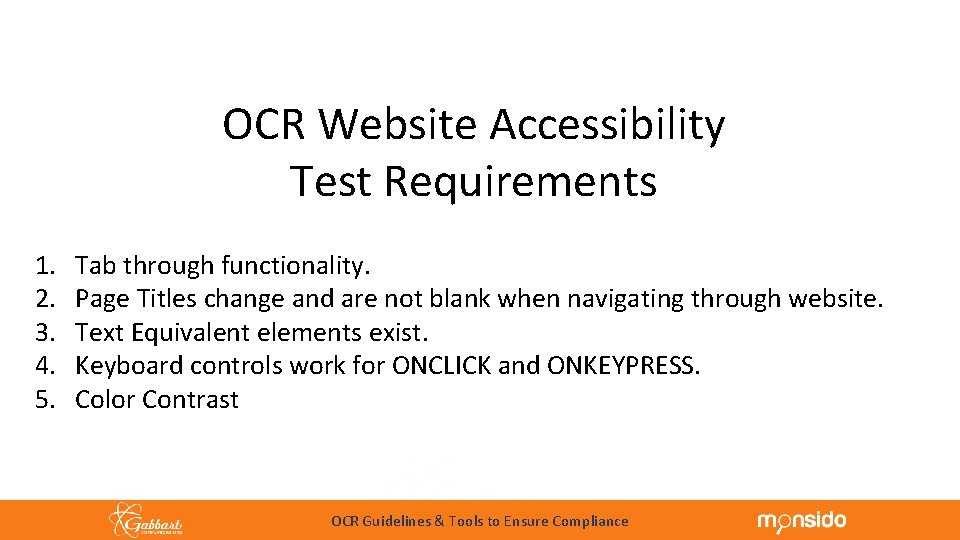
OCR Website Accessibility Test Requirements 1. 2. 3. 4. 5. Tab through functionality. Page Titles change and are not blank when navigating through website. Text Equivalent elements exist. Keyboard controls work for ONCLICK and ONKEYPRESS. Color Contrast OCR Guidelines & Tools to Ensure Compliance
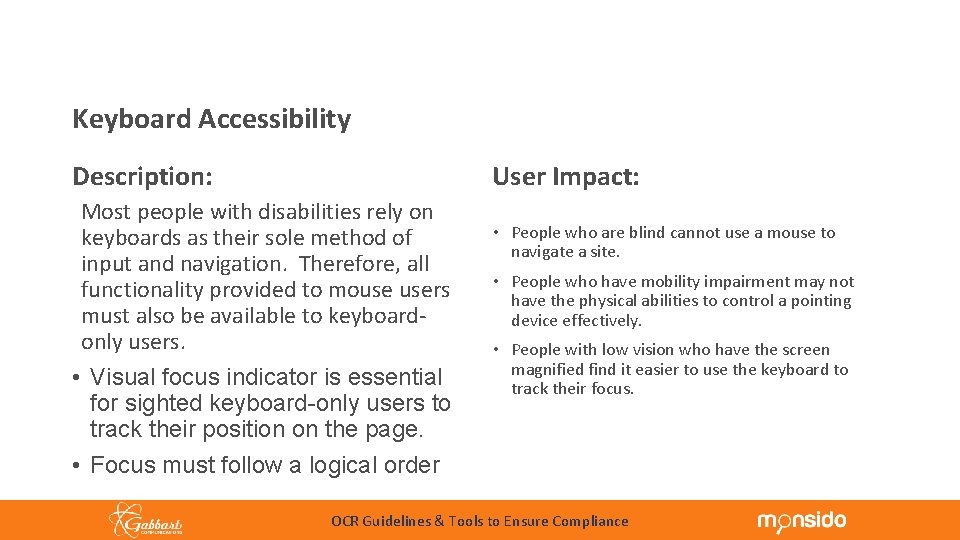
Common Accessibility Principles Keyboard Accessibility User Impact: Description: Most people with disabilities rely on keyboards as their sole method of input and navigation. Therefore, all functionality provided to mouse users must also be available to keyboardonly users. • Visual focus indicator is essential for sighted keyboard-only users to track their position on the page. • Focus must follow a logical order • People who are blind cannot use a mouse to navigate a site. • People who have mobility impairment may not have the physical abilities to control a pointing device effectively. • People with low vision who have the screen magnified find it easier to use the keyboard to track their focus. OCR Guidelines & Tools to Ensure Compliance
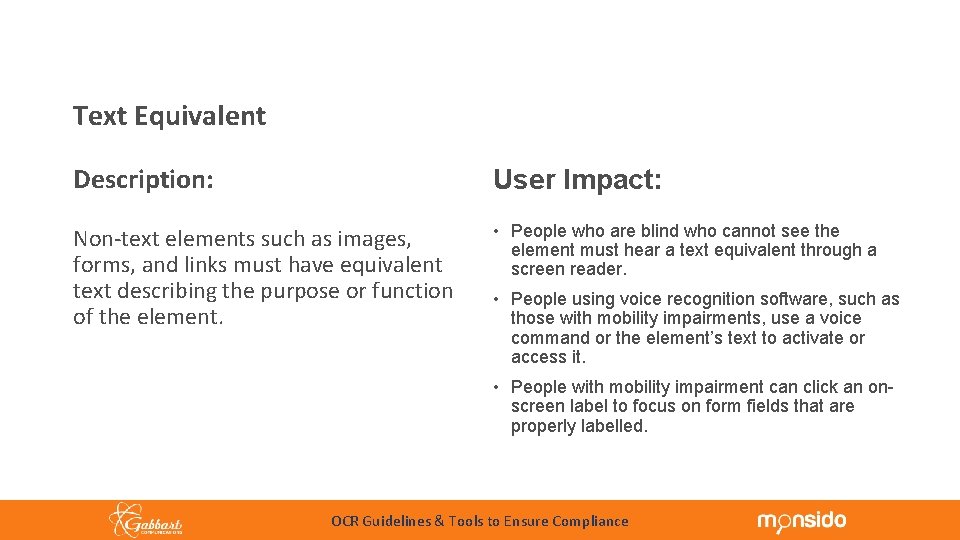
Common Accessibility Principles Text Equivalent Description: User Impact: Non-text elements such as images, forms, and links must have equivalent text describing the purpose or function of the element. • People who are blind who cannot see the element must hear a text equivalent through a screen reader. • People using voice recognition software, such as those with mobility impairments, use a voice command or the element’s text to activate or access it. • People with mobility impairment can click an onscreen label to focus on form fields that are properly labelled. OCR Guidelines & Tools to Ensure Compliance
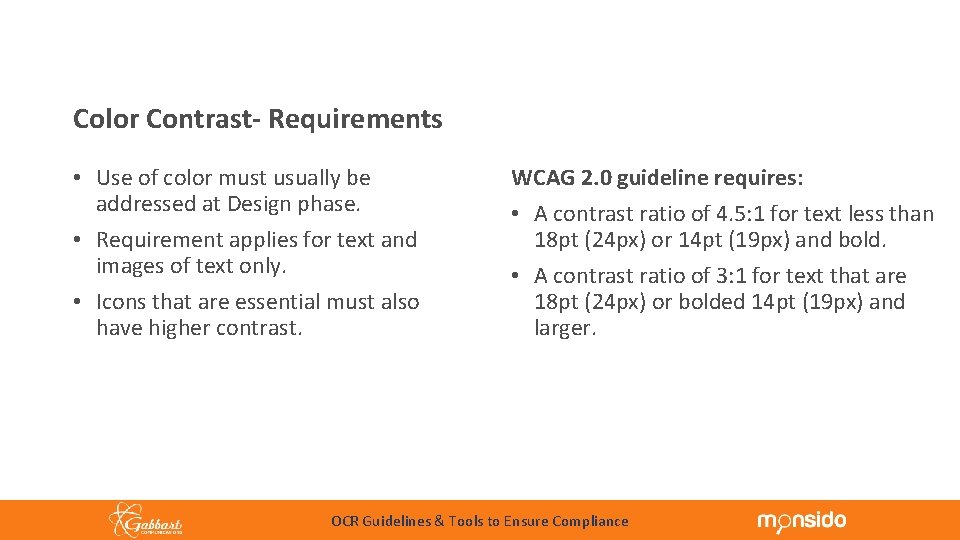
Common Accessibility Principles Color Contrast- Requirements • Use of color must usually be addressed at Design phase. • Requirement applies for text and images of text only. • Icons that are essential must also have higher contrast. WCAG 2. 0 guideline requires: • A contrast ratio of 4. 5: 1 for text less than 18 pt (24 px) or 14 pt (19 px) and bold. • A contrast ratio of 3: 1 for text that are 18 pt (24 px) or bolded 14 pt (19 px) and larger. OCR Guidelines & Tools to Ensure Compliance
OCR Website Accessibility Test Requirements 6. Screen Reader Tested 7. Linked PDF’s can be read by screen readers. 8. Public graphics have descriptive ALT Tags. 9. Public Videos have Closed Caption or Transcripts 10. Video Player Controls for pause, play, forward, & rewind using only keyboard. OCR Guidelines & Tools to Ensure Compliance
OCR Website Accessibility What Are Public Pictures & Videos? OCR Guidelines & Tools to Ensure Compliance
OCR Website Accessibility What Are Public Pictures & Videos? Public Pictures & Videos are forward facing on your website. These media files are used to convey information to everyone visiting your website. Examples: School Bond Information, School Board Meeting, Staff Directories, Team & Club Photos, etc. OCR Guidelines & Tools to Ensure Compliance
OCR Website Accessibility Can you have Non-Public Pictures & Videos on the school Website? OCR Guidelines & Tools to Ensure Compliance
OCR Website Accessibility Can you have Non-Public Pictures & Videos on the school Website? YES!!! According to an “undisclosed source”, when a webpage is meeting the needs of a “contained audience” where no participants need Accessibility access, Alt Tags on pictures and closed caption on videos are not required! Example: Teacher has 0 students enrolled with a disability & is sharing content specific to their class. OCR Guidelines & Tools to Ensure Compliance
Website Accessibility Tools 1. 2. 3. 4. 5. 6. Wave Web Accessibility Tool http: //wave. webaim. org/ Chrome & Firefox Extensions: Wave Evaluation Tool Monsido or Site. Improve Subscription MAC Accessibility Voice Over Chrome VOX – Chrome Extension Close Caption VTT File - www. subtitle-horse. com OCR Guidelines & Tools to Ensure Compliance
Website Accessibility Tools 7. You. Tube’s Automatic Close Caption 8. Web. AIM Fonts and Accessibility: http: //webaim. org/techniques/fonts/ 9. Using Word to create Accessible PDF’s www. gabbart. com/word 10. Creating Accessible PDF’s Video Training www. gabbart. com/pdf OCR Guidelines & Tools to Ensure Compliance
Monsido: Against the competition Scanning Support Pricing ● ● ● Over 160 checks with each scan Offer on-page view of errors Provide unlimited training and support Accessibility Help Center built into software Half the cost of competitors Tiered plans allow flexibility and growth OCR Guidelines & Tools to Ensure Compliance
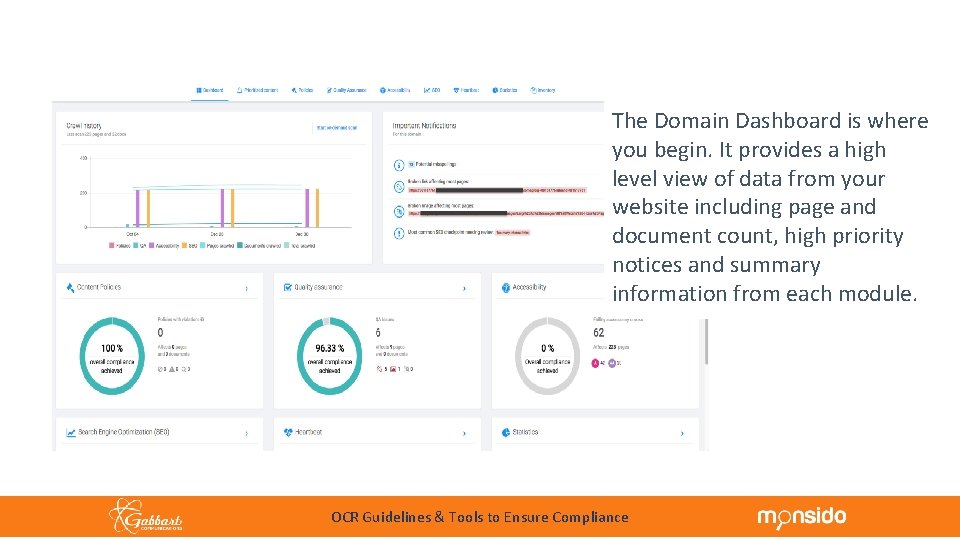
The Domain Dashboard is where you begin. It provides a high level view of data from your website including page and document count, high priority notices and summary information from each module. OCR Guidelines & Tools to Ensure Compliance
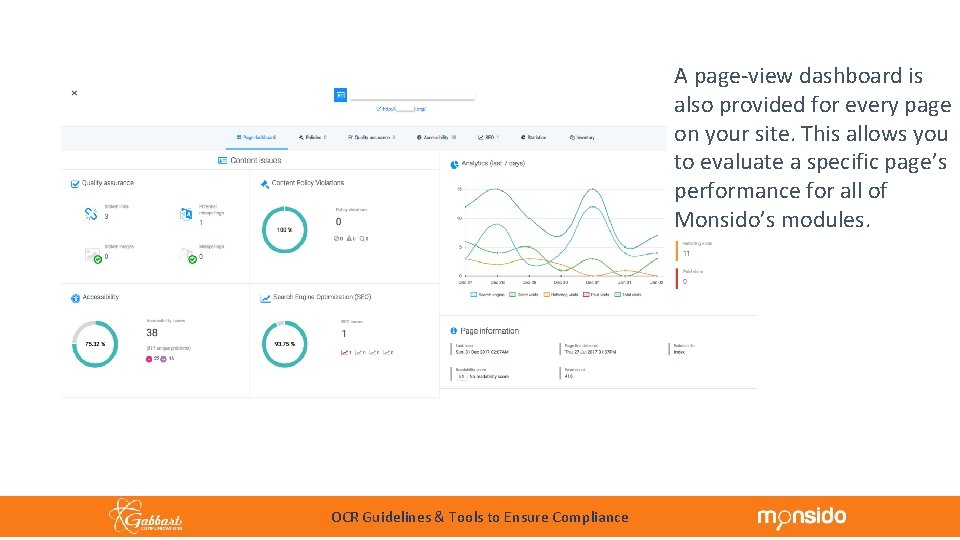
A page-view dashboard is also provided for every page on your site. This allows you to evaluate a specific page’s performance for all of Monsido’s modules. OCR Guidelines & Tools to Ensure Compliance
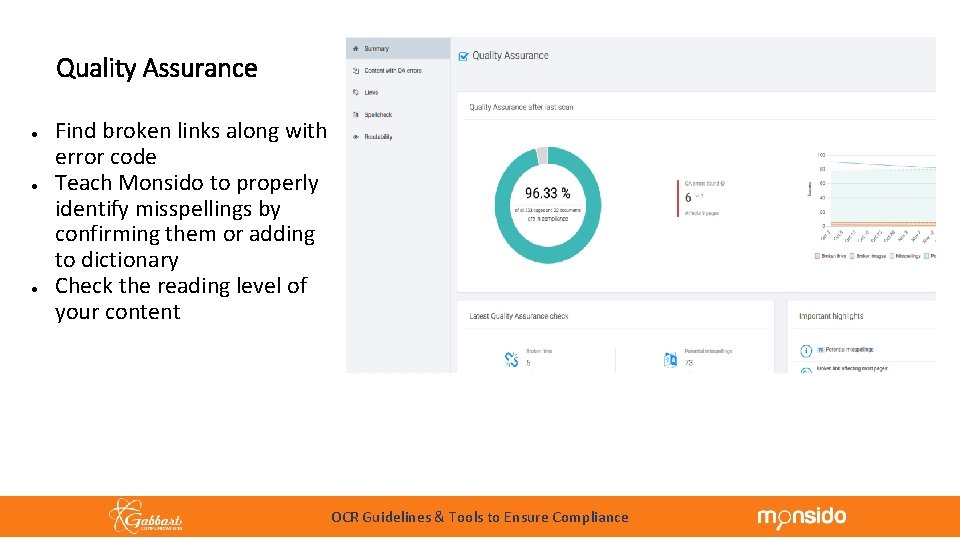
Quality Assurance ● ● ● Find broken links along with error code Teach Monsido to properly identify misspellings by confirming them or adding to dictionary Check the reading level of your content OCR Guidelines & Tools to Ensure Compliance
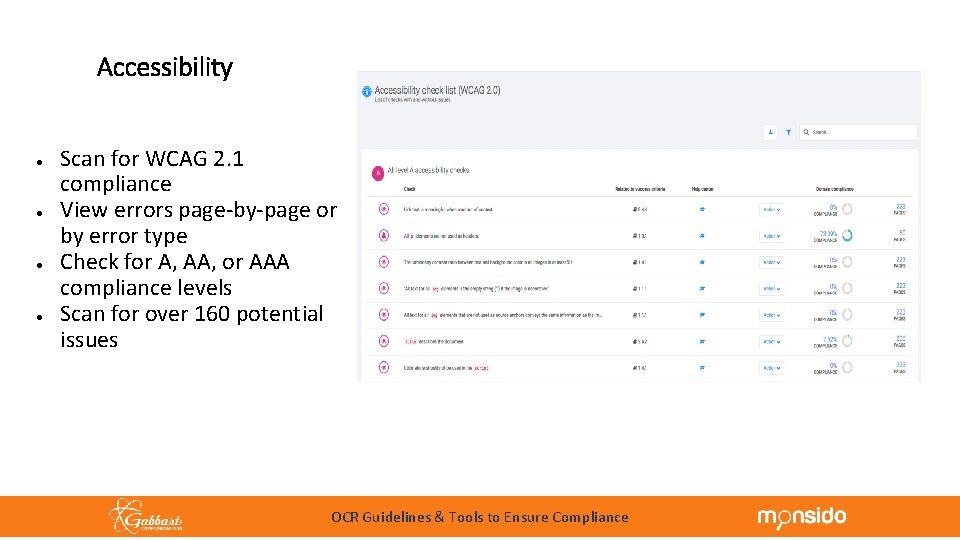
Accessibility ● ● Scan for WCAG 2. 1 compliance View errors page-by-page or by error type Check for A, AA, or AAA compliance levels Scan for over 160 potential issues OCR Guidelines & Tools to Ensure Compliance
Website Accessibility Tools ARE THERE ANY QUESTIONS? OCR Guidelines & Tools to Ensure Compliance
Website Accessibility Tools If you would like additional ADA information or pricing, please go to www. gabbart. com/adainfo OCR Guidelines & Tools to Ensure Compliance
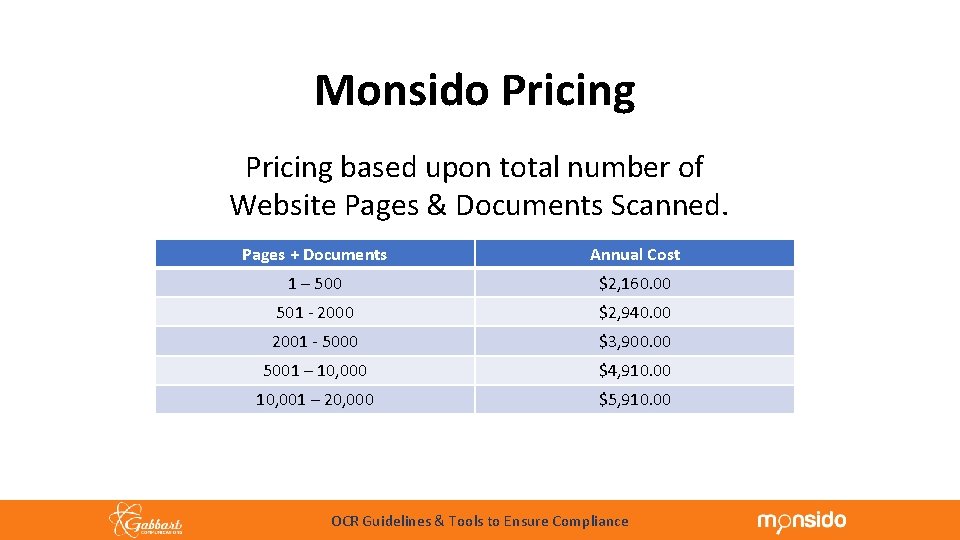
Monsido Pricing based upon total number of Website Pages & Documents Scanned. Pages + Documents Annual Cost 1 – 500 $2, 160. 00 501 - 2000 $2, 940. 00 2001 - 5000 $3, 900. 00 5001 – 10, 000 $4, 910. 00 10, 001 – 20, 000 $5, 910. 00 OCR Guidelines & Tools to Ensure Compliance
- Slides: 39