
SAS MACRO INTRODUCTION By Kelly Fan 1 Macro
SAS MACRO: INTRODUCTION By Kelly Fan 1
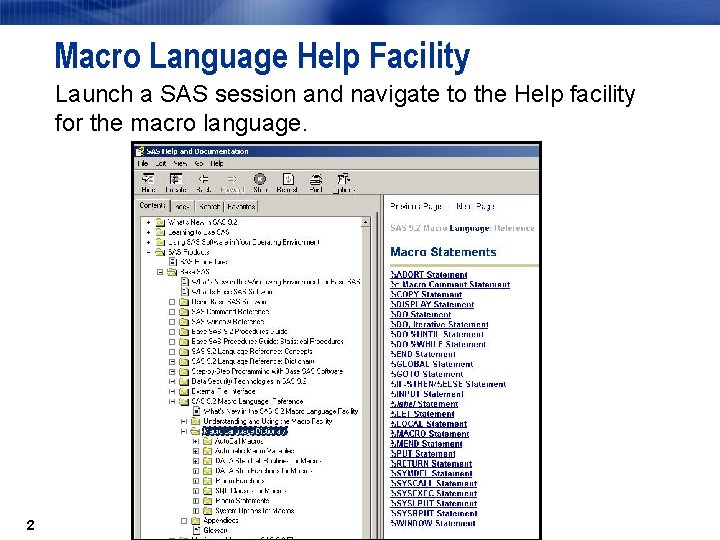
Macro Language Help Facility Launch a SAS session and navigate to the Help facility for the macro language. 2
Purpose of the Macro Facility The macro facility is a text processing facility for automating and customizing SAS code. The macro facility helps minimize the amount of SAS code you must type to perform common tasks. The macro facility supports the following: n symbolic substitution within SAS code n automated production of SAS code n dynamic generation of SAS code n conditional construction of SAS code 3
Purpose of the Macro Facility The macro facility enables you to do the following: n create and resolve macro variables anywhere within a SAS program n write and call macro programs (macro definitions or macros) that generate custom SAS code 4
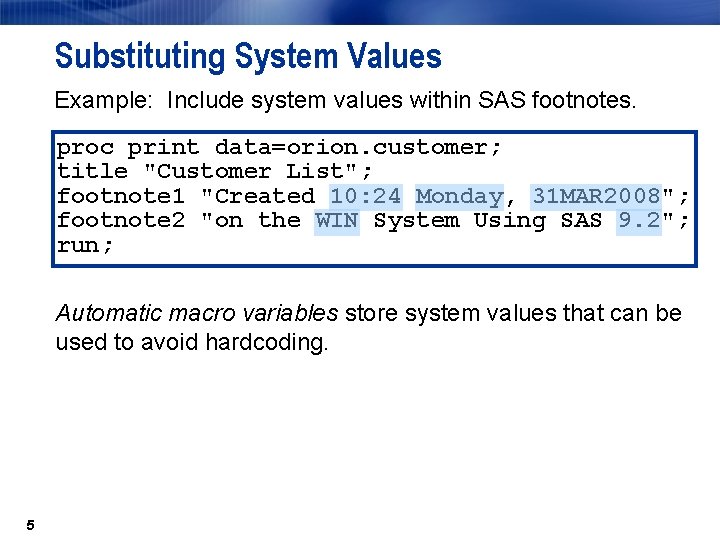
Substituting System Values Example: Include system values within SAS footnotes. proc print data=orion. customer; title "Customer List"; footnote 1 "Created 10: 24 Monday, 31 MAR 2008"; footnote 2 "on the WIN System Using SAS 9. 2"; run; Automatic macro variables store system values that can be used to avoid hardcoding. 5
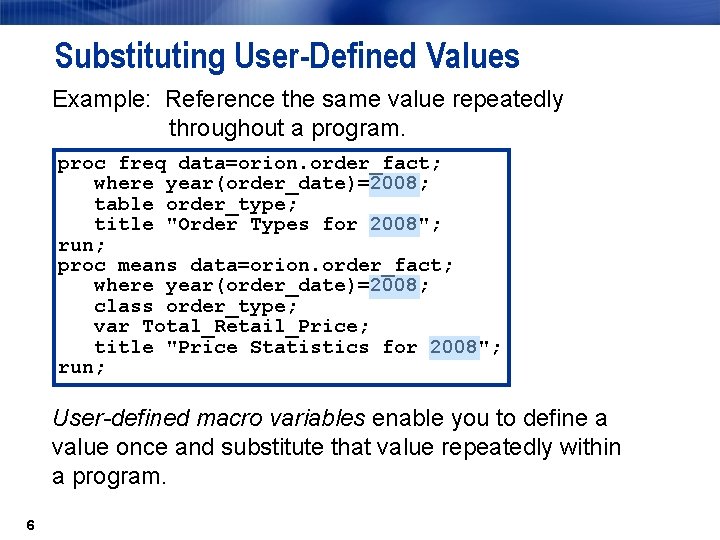
Substituting User-Defined Values Example: Reference the same value repeatedly throughout a program. proc freq data=orion. order_fact; where year(order_date)=2008; table order_type; title "Order Types for 2008"; run; proc means data=orion. order_fact; where year(order_date)=2008; class order_type; var Total_Retail_Price; title "Price Statistics for 2008"; run; User-defined macro variables enable you to define a value once and substitute that value repeatedly within a program. 6
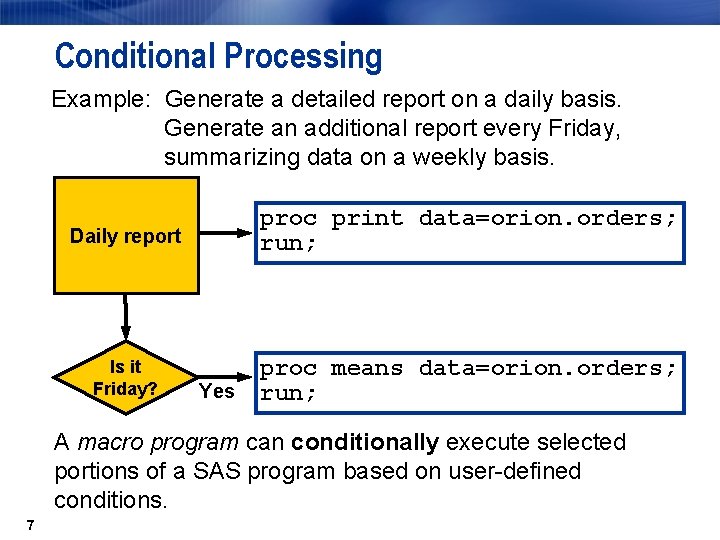
Conditional Processing Example: Generate a detailed report on a daily basis. Generate an additional report every Friday, summarizing data on a weekly basis. Daily report proc print data=orion. orders; run; Is it Friday? proc means data=orion. orders; run; Yes A macro program can conditionally execute selected portions of a SAS program based on user-defined conditions. 7
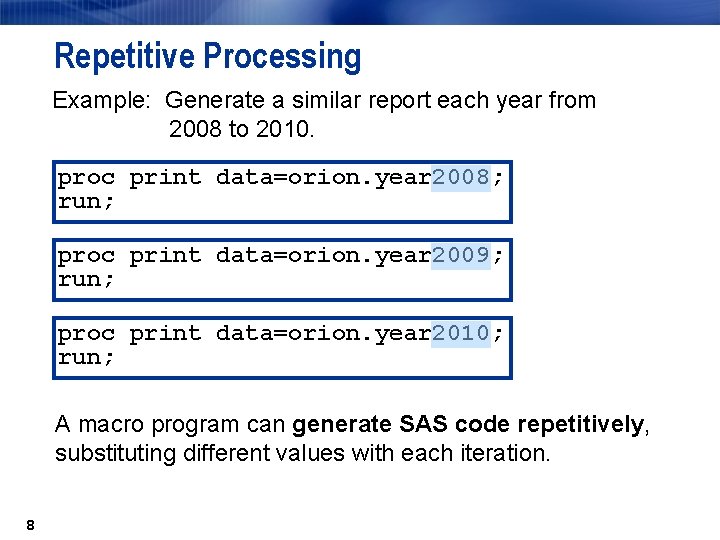
Repetitive Processing Example: Generate a similar report each year from 2008 to 2010. proc print data=orion. year 2008; run; proc print data=orion. year 2009; run; proc print data=orion. year 2010; run; A macro program can generate SAS code repetitively, substituting different values with each iteration. 8
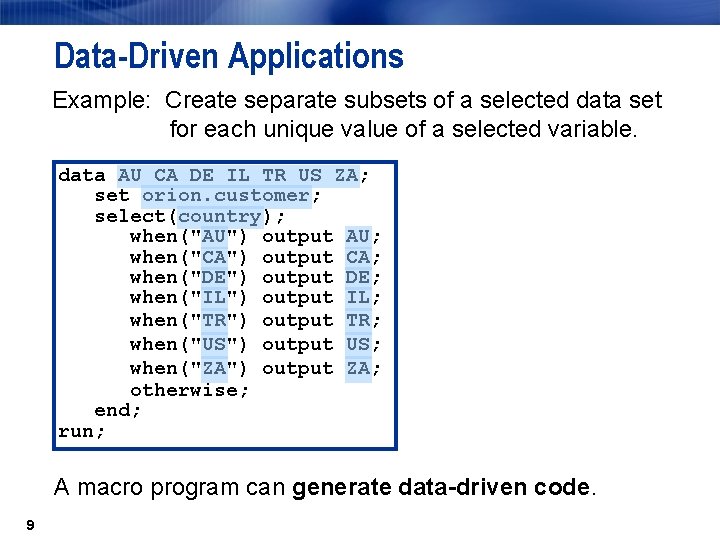
Data-Driven Applications Example: Create separate subsets of a selected data set for each unique value of a selected variable. data AU CA DE IL TR US ZA; set orion. customer; select(country); when("AU") output AU; when("CA") output CA; when("DE") output DE; when("IL") output IL; when("TR") output TR; when("US") output US; when("ZA") output ZA; otherwise; end; run; A macro program can generate data-driven code. 9
Efficiency of Macro-Based Applications The macro facility can reduce both the development time and the maintenance time for programs. SAS code generated by macro techniques n does not compile or execute faster than any other SAS code n depends on the efficiency of the underlying SAS code, regardless of how the SAS code was generated. 10
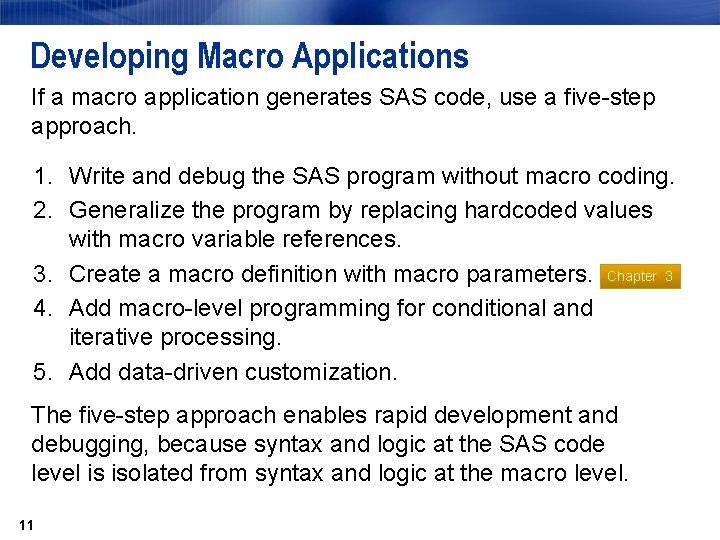
Developing Macro Applications If a macro application generates SAS code, use a five-step approach. 1. Write and debug the SAS program without macro coding. 2. Generalize the program by replacing hardcoded values with macro variable references. 3. Create a macro definition with macro parameters. Chapter 3 4. Add macro-level programming for conditional and iterative processing. 5. Add data-driven customization. The five-step approach enables rapid development and debugging, because syntax and logic at the SAS code level is isolated from syntax and logic at the macro level. 11
Program Flow A SAS program can be any combination of the following: n DATA steps and PROC steps n global statements n SAS Component Language (SCL) n Structured Query Language (SQL) n SAS macro language When you submit a program, it is copied to a memory location called the input stack. 12
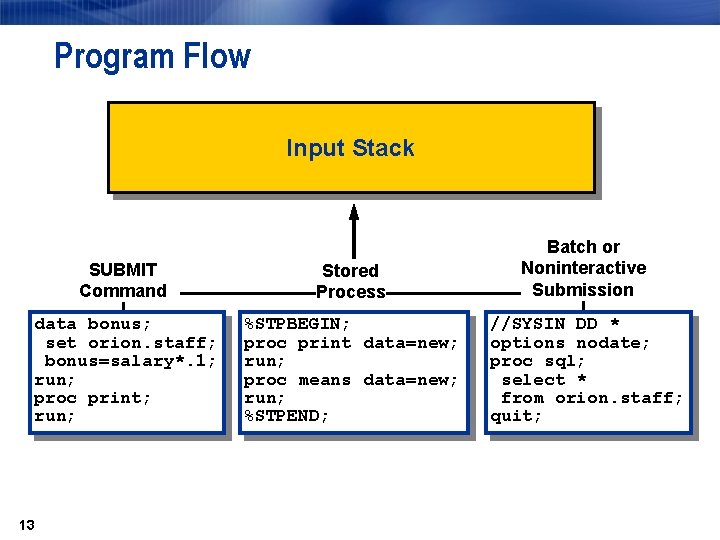
Program Flow Input Stack SUBMIT Command Stored Process Batch or Noninteractive Submission data bonus; set orion. staff; bonus=salary*. 1; run; proc print; run; %STPBEGIN; proc print data=new; run; proc means data=new; run; %STPEND; //SYSIN DD * options nodate; proc sql; select * from orion. staff; quit; 13
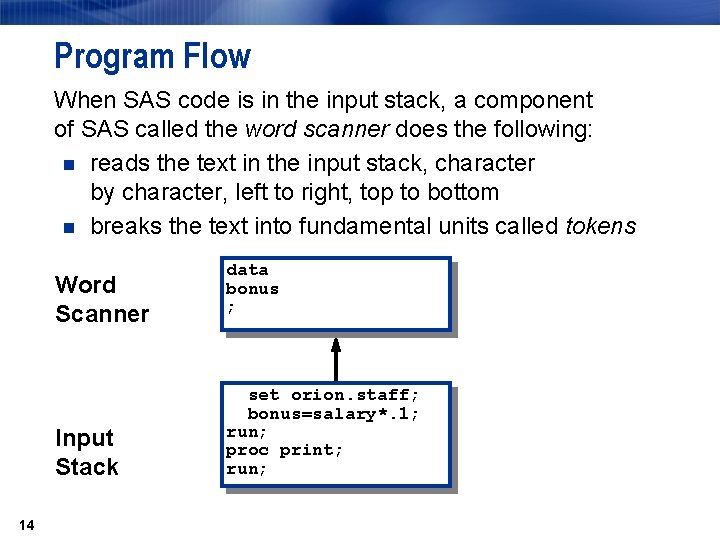
Program Flow When SAS code is in the input stack, a component of SAS called the word scanner does the following: n reads the text in the input stack, character by character, left to right, top to bottom n breaks the text into fundamental units called tokens Word Scanner Input Stack 14 data bonus ; set orion. staff; bonus=salary*. 1; run; proc print; run;
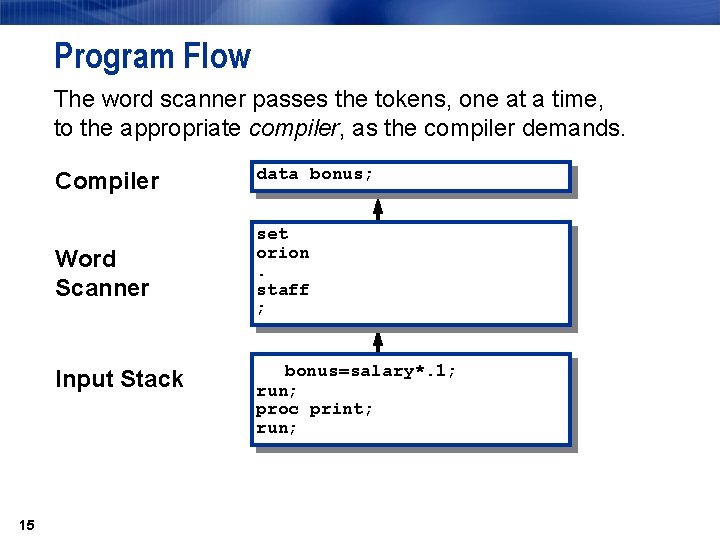
Program Flow The word scanner passes the tokens, one at a time, to the appropriate compiler, as the compiler demands. Compiler data bonus; Word Scanner set orion. staff ; Input Stack 15 bonus=salary*. 1; run; proc print; run;
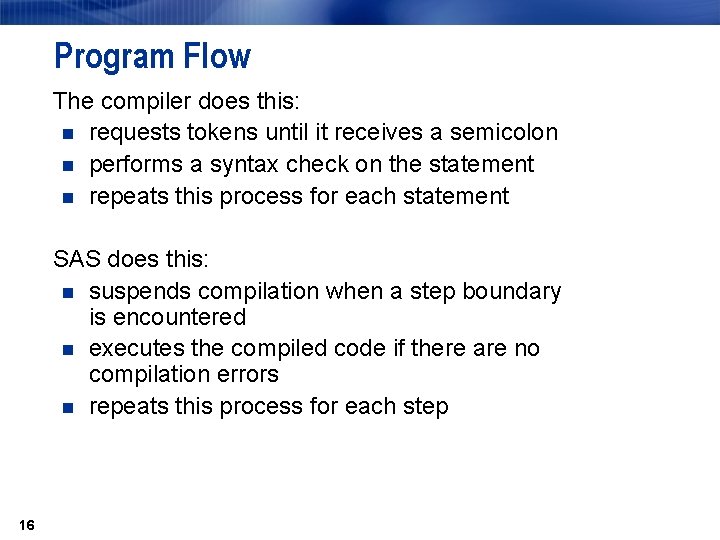
Program Flow The compiler does this: n requests tokens until it receives a semicolon n performs a syntax check on the statement n repeats this process for each statement SAS does this: n suspends compilation when a step boundary is encountered n executes the compiled code if there are no compilation errors n repeats this process for each step 16
Macro Triggers During word scanning, two token sequences are recognized as macro triggers: n %name-token a macro statement, function, or call n &name-token a macro variable reference The word scanner passes macro triggers to the macro processor. 17
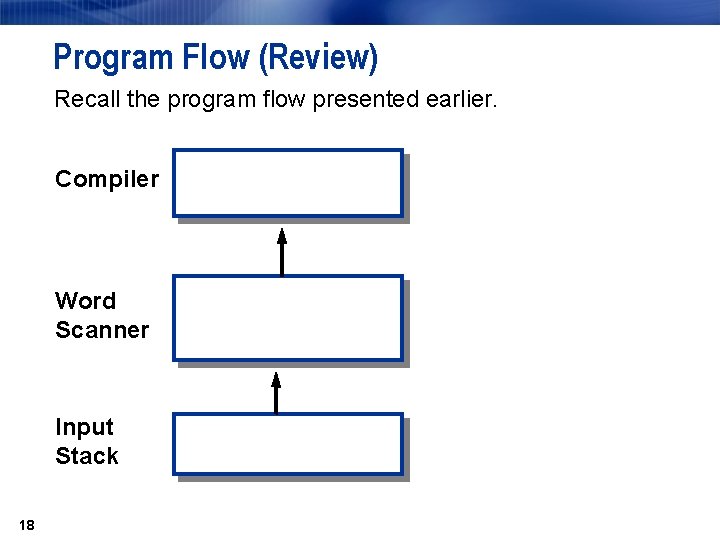
Program Flow (Review) Recall the program flow presented earlier. Compiler Word Scanner Input Stack 18
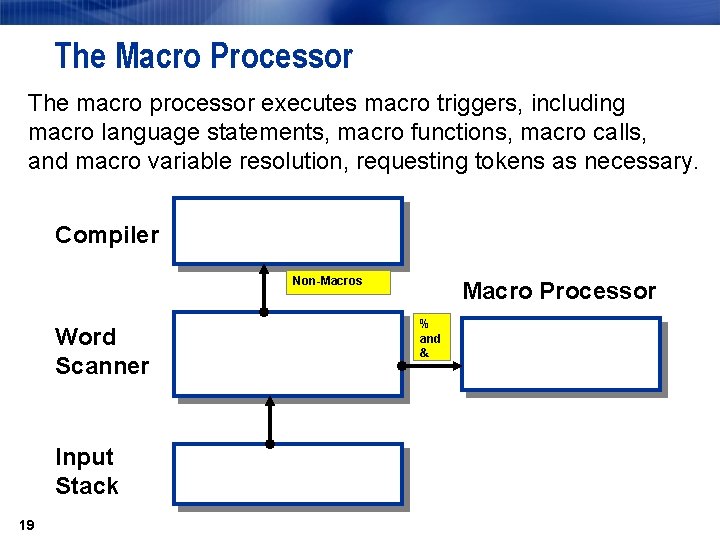
The Macro Processor The macro processor executes macro triggers, including macro language statements, macro functions, macro calls, and macro variable resolution, requesting tokens as necessary. Compiler Non-Macros Word Scanner Input Stack 19 Macro Processor % and &
Macro Statements The following are characteristics of macro statements: n begin with a percent sign (%) followed by a name token n end with a semicolon n represent macro triggers n are executed by the macro processor 20
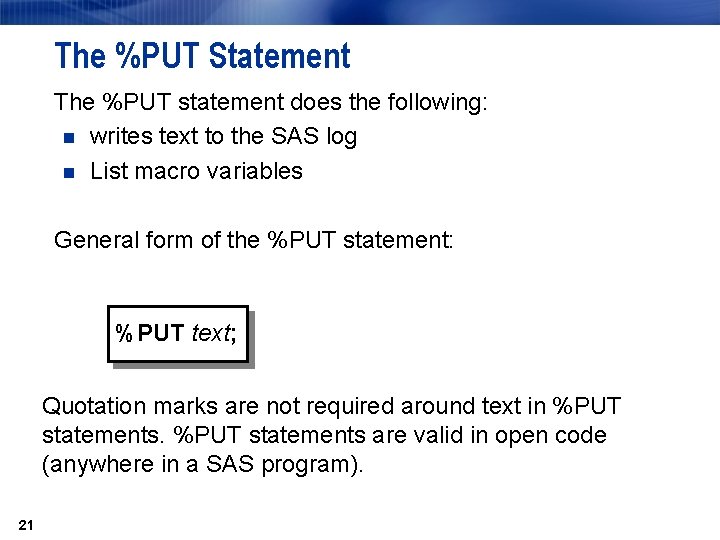
The %PUT Statement The %PUT statement does the following: n writes text to the SAS log n List macro variables General form of the %PUT statement: %PUT text; Quotation marks are not required around text in %PUT statements are valid in open code (anywhere in a SAS program). 21
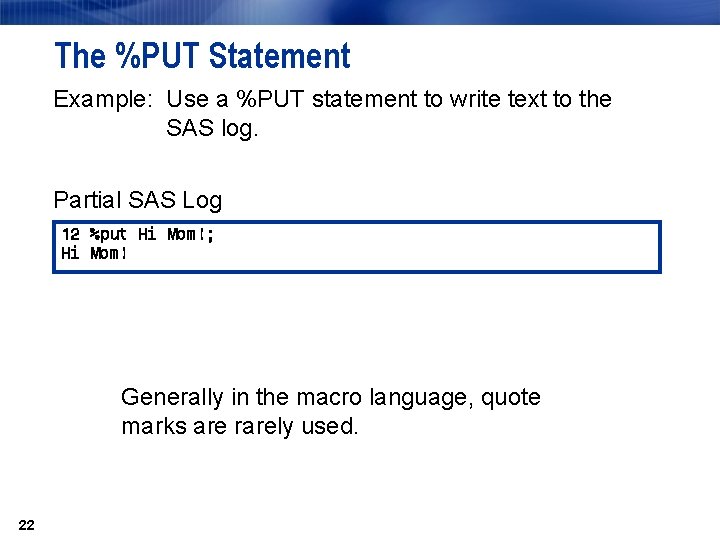
The %PUT Statement Example: Use a %PUT statement to write text to the SAS log. Partial SAS Log 12 %put Hi Mom!; Hi Mom! Generally in the macro language, quote marks are rarely used. 22
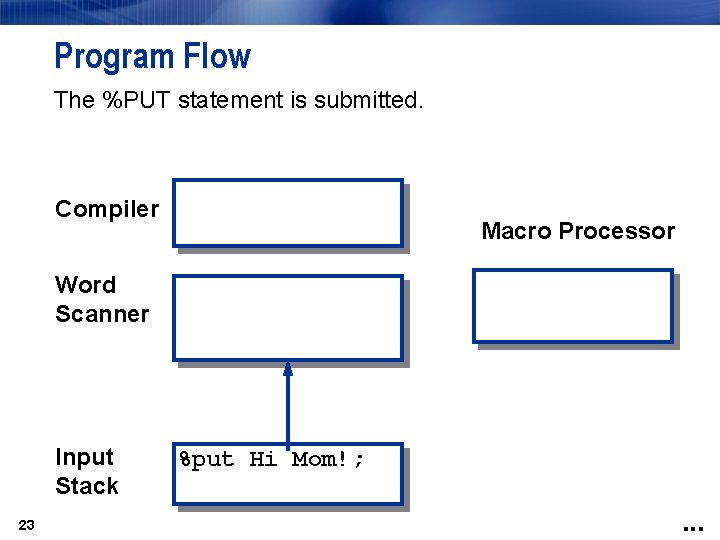
Program Flow The %PUT statement is submitted. Compiler Macro Processor Word Scanner Input Stack 23 %put Hi Mom!; . . .
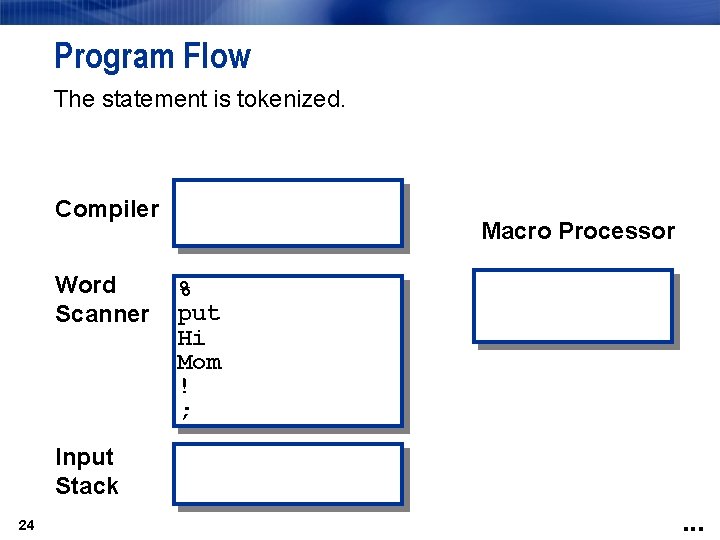
Program Flow The statement is tokenized. Compiler Word Scanner Macro Processor % put Hi Mom ! ; Input Stack 24 . . .
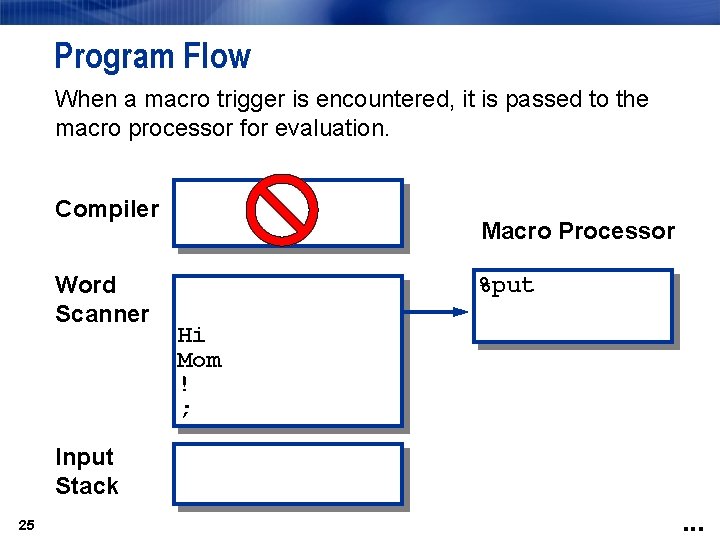
Program Flow When a macro trigger is encountered, it is passed to the macro processor for evaluation. Compiler Word Scanner Macro Processor %put Hi Mom ! ; Input Stack 25 . . .
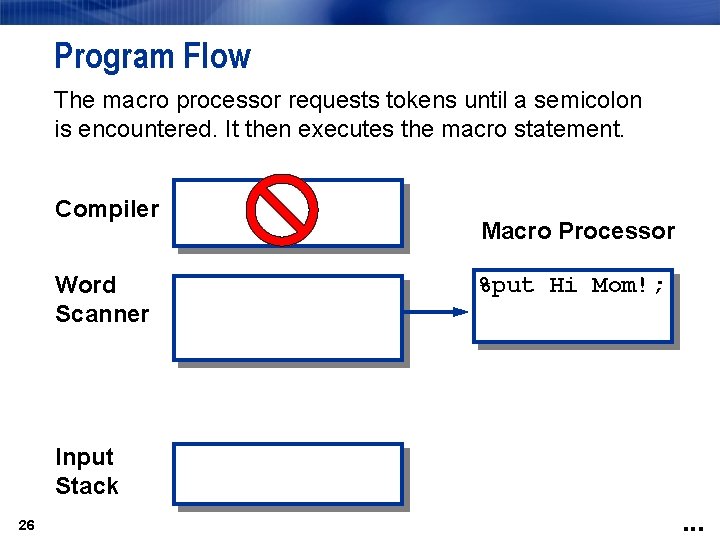
Program Flow The macro processor requests tokens until a semicolon is encountered. It then executes the macro statement. Compiler Word Scanner Macro Processor %put Hi Mom!; Input Stack 26 . . .
- Slides: 26